What should I redact on a receipt before sharing?
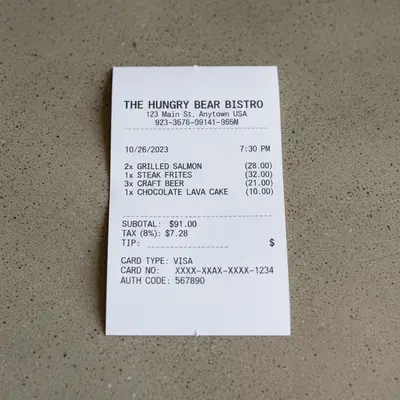
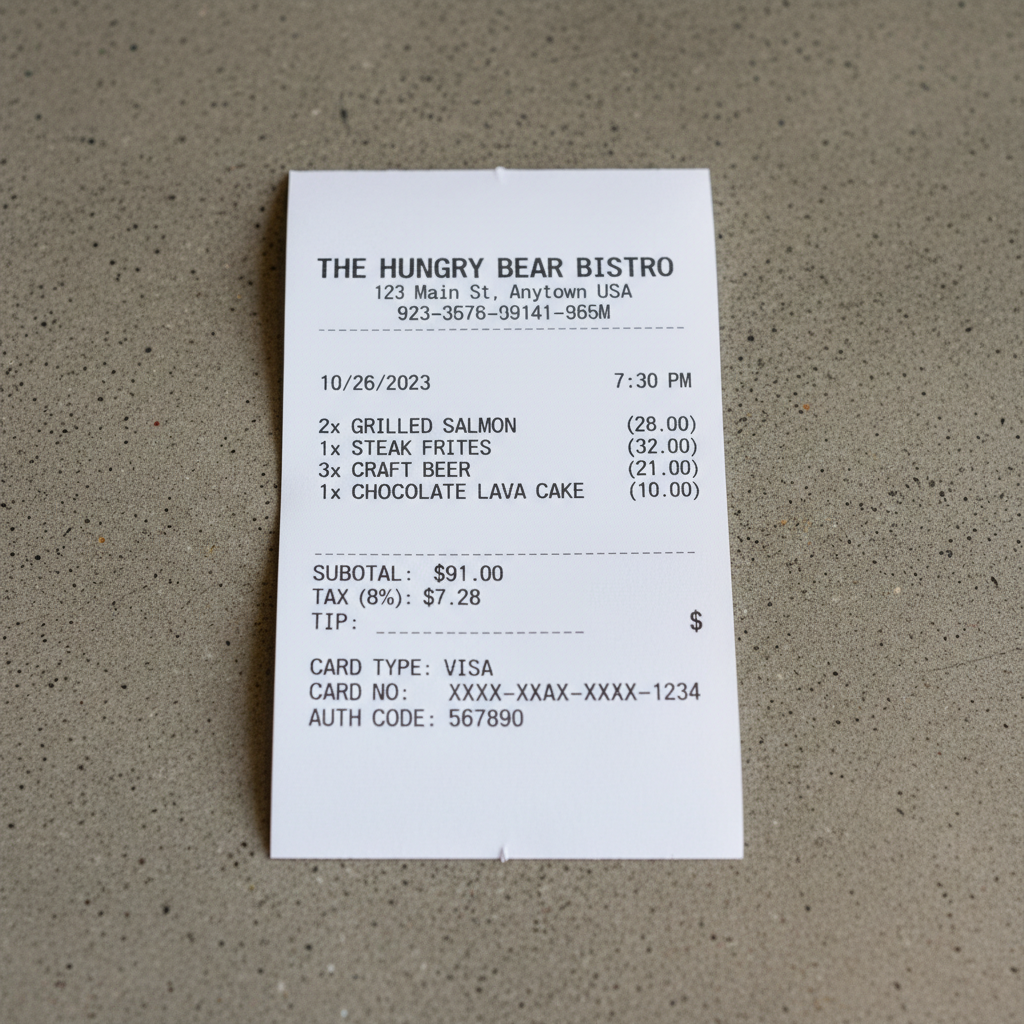
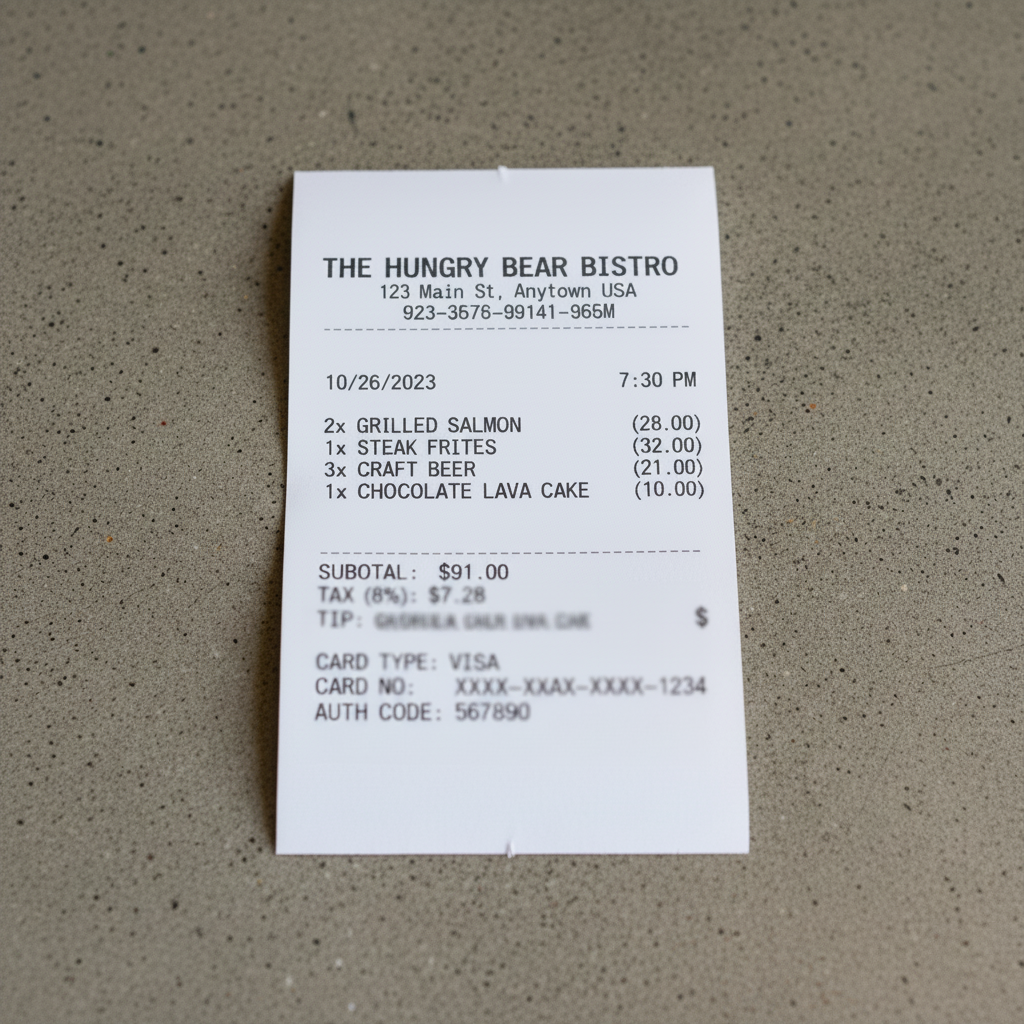
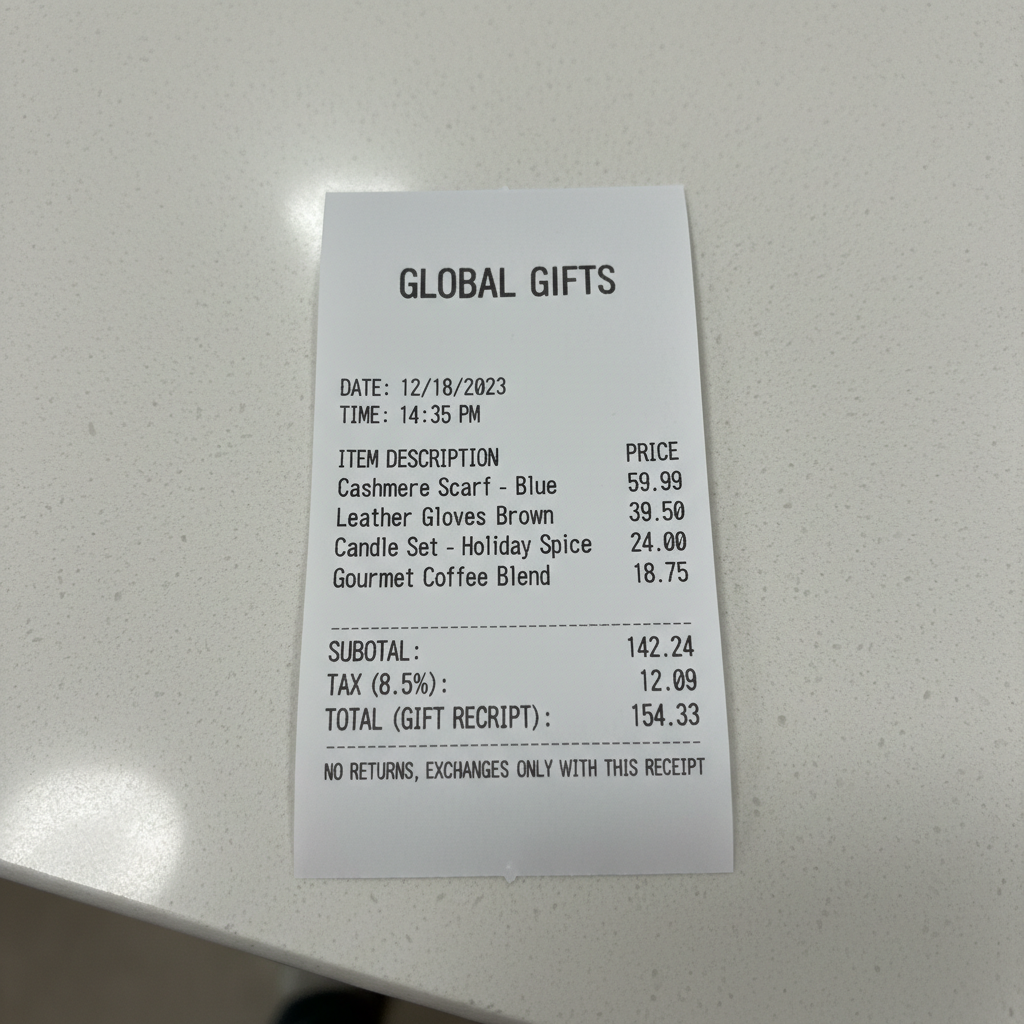
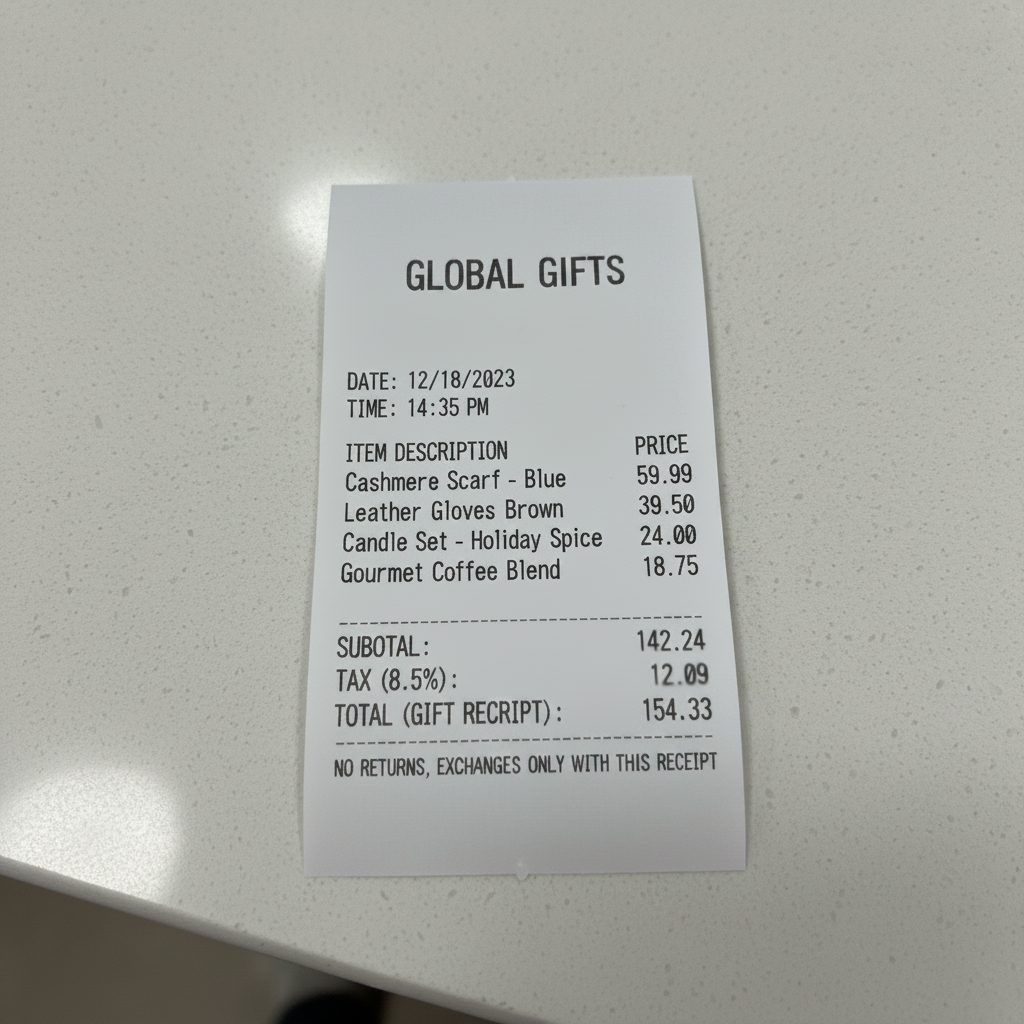
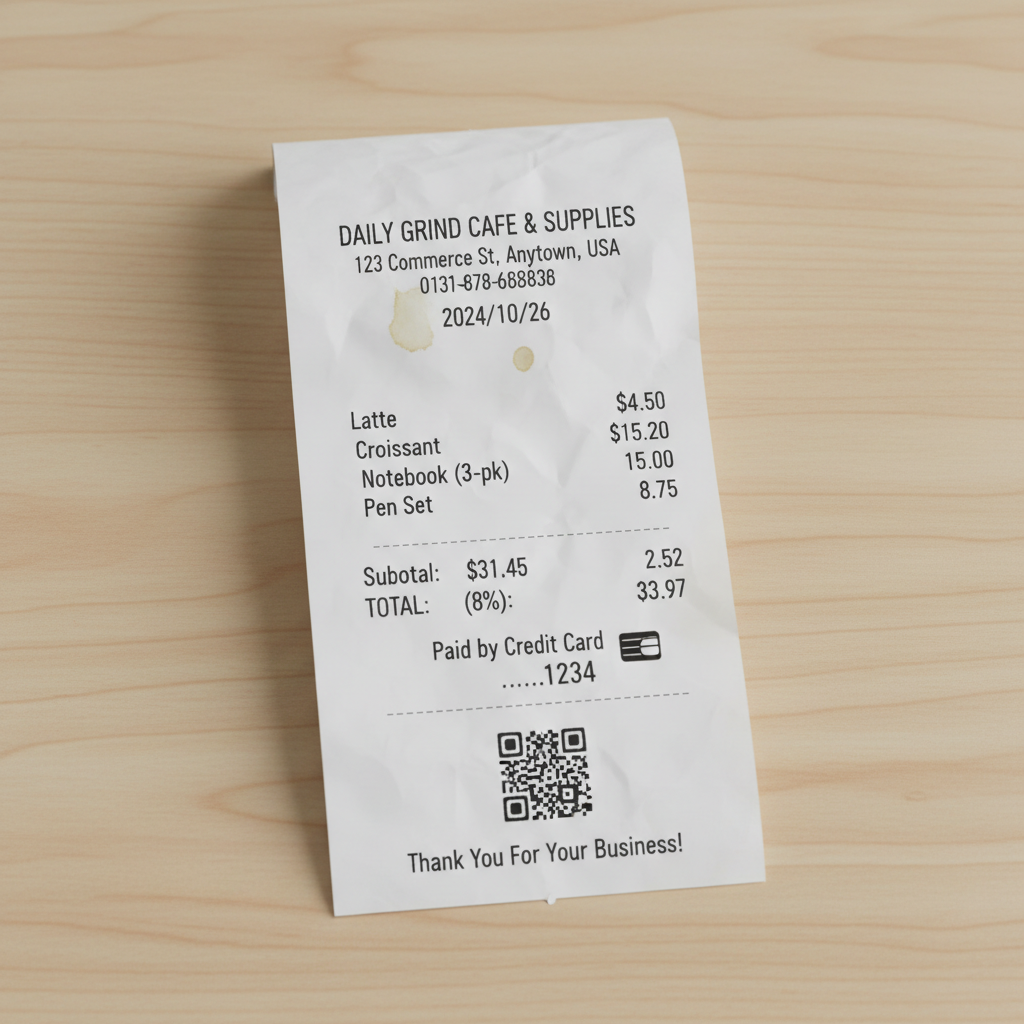
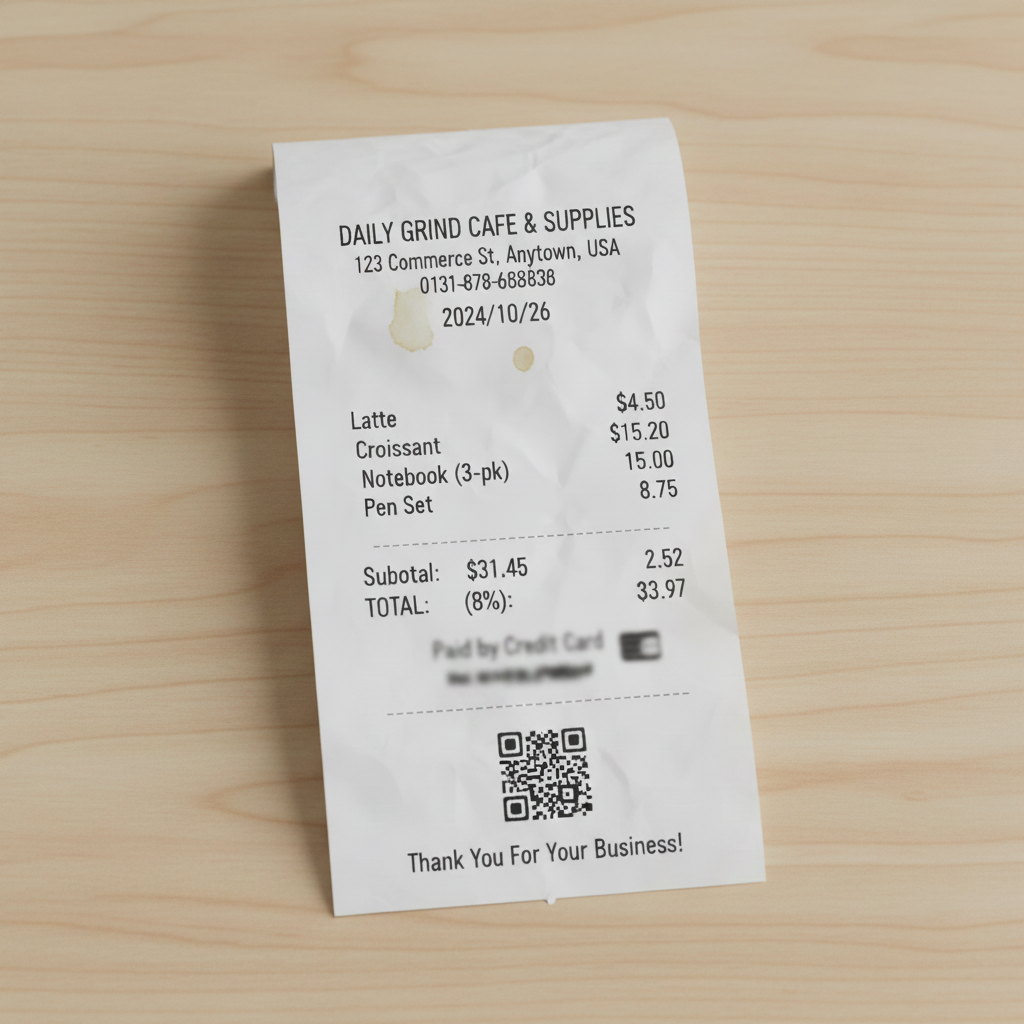
At minimum, redact: (1) dollar amounts — total, subtotal, tax, tip, per-item prices, (2) card number and last 4 digits, (3) cardholder name, (4) any barcodes or QR codes (they link to the full transaction), (5) loyalty card numbers, (6) phone numbers/email printed on receipt, (7) handwritten signatures. For medical/Rx receipts, also redact patient info, Rx number, diagnosis codes. What to KEEP depends on your use case — reimbursement needs merchant+date, gift receipts need items but not prices.
How do I share a receipt for Venmo reimbursement without revealing the amount?
Upload the receipt, prompt 'blur the total, subtotal, tax, tip, and card number — keep the merchant name, date, and time visible.' Send the redacted receipt via Venmo's image feature or Splitwise. Your reimburser sees proof that you paid at [merchant] on [date] without seeing how much you actually paid. Useful when you're charging above the actual cost (prepaid Uber + tip tracking), splitting via Splitwise fairness, or just keeping personal spending private.
Is a gift receipt useful without the price on it?
Yes. Gift receipts are specifically designed for returns without showing the price. Most stores (Amazon, Target, Best Buy, Nordstrom) honor redacted or price-hidden gift receipts for returns and exchanges. If your recipient does need the price for some reason, they can still look up the merchant's return policy online. For gift shares on social media ('look what I got!'), redacting the price is the norm.
Can I redact business expense receipts for my company?
Yes, with limits. The IRS requires business expense receipts to show: merchant name, date, total amount, business purpose, and (for receipts over $75) itemized detail. You CAN redact: card number, last 4 digits, cardholder name, loyalty info, handwritten tip. You CANNOT redact: total amount, date, merchant name — these must be readable for IRS audit compliance. Most expense platforms (Expensify, Concur, Ramp) handle card detail automatically, but add a second layer by redacting before upload.
What about medical or prescription receipts?
Medical and Rx receipts contain HIPAA-protected info. Before sharing with anyone except insurance or your HSA/FSA administrator, redact: patient name, insurance ID, Rx number, diagnosis codes (ICD-10), medication name, prescribing physician. For FSA/HSA reimbursement, your administrator has minimum requirements — usually date, pharmacy, Rx number, amount. Everything else can be redacted. When in doubt, err on the side of over-redaction.
Why blur the card number — receipts only show last 4 digits anyway?
Last 4 + merchant + amount + date is enough for some forms of low-grade fraud and social engineering. Customer service reps have been tricked into revealing full account info given just last 4 + name. It's also enough for returns-fraud scams. The last 4 isn't 'safe' — always blur it before sharing receipts publicly (social media, reviews, forums).
What if I'm posting a receipt to complain publicly (Twitter, Reddit, review)?
Redact EVERYTHING except what's directly relevant to the complaint. If the complaint is about an insane price, show only the merchant + the specific line item or total. If the complaint is about a service issue, show the merchant + date and hide all amounts. Many viral 'look what they charged me' posts end up doxxing the poster because they forgot to blur the last 4 digits or their name.
Can I redact multiple receipts at once?
Process one at a time — EditThisPic handles single images. For a week of expense receipts, Studio Membership ($49.99/mo, 300 edits) works — that's 10 receipts/day for a full month of business travel. Takes about 3-5 minutes per receipt including verification. Faster than manually redacting in Photoshop.
Does this compare to OCR scanners like Genius Scan or Adobe Scan?
EditThisPic doesn't OCR — it doesn't extract data to a spreadsheet. Genius Scan, Adobe Scan, and Expensify OCR-extract data but don't redact. They're complementary: Genius Scan extracts your expense data for tracking; EditThisPic prepares the receipt image for sharing. Use both: OCR for your records, EditThisPic for shared copies.
Can I redact a screenshot of an online order confirmation?
Yes. Upload the screenshot — email confirmations, Amazon order summaries, Uber Eats receipts. Same prompts work: 'blur card ending, total amount, and shipping address — keep merchant and date visible.' Works well for Amazon/eBay order confirmations where shipping address is usually visible and needs redaction.
What if the receipt paper is thermal and hard to read?
Thermal receipts (CVS, Target, most restaurants) fade and look washed out in photos. Before redacting, use the 'enhance receipt' prompt first: 'sharpen and darken the text on this thermal receipt, improve legibility.' Then redact the sharpened version. Two-step process, ~30 seconds total.
Is this different from old-school receipt scanning apps?
Yes — old receipt apps (Shoeboxed, Expensify, Genius Scan) scan receipts INTO a database or expense report. EditThisPic prepares receipts OUT of your records for sharing — redacting sensitive info before they leave your phone. Different use case: scanners for your records, EditThisPic for what you send others.
How much does EditThisPic cost?
You get 1 free edit per week — no account needed. After that, one-time credit packs start at $4.99 for 10 edits, valid 12 months, no subscription. Power users who edit daily can pick Studio Membership, a monthly workspace at $49.99/mo for 300 edits. Purchased downloads are clean with no watermark.