Free • No signup Stage Bedroom virtually · Free

AI Virtual Bedroom Staging

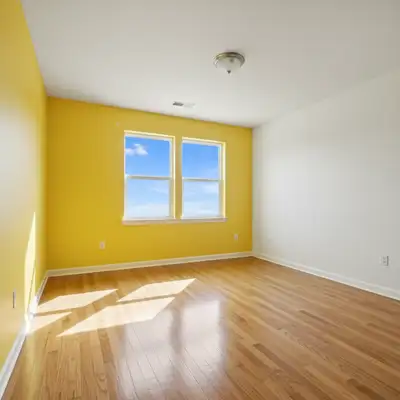
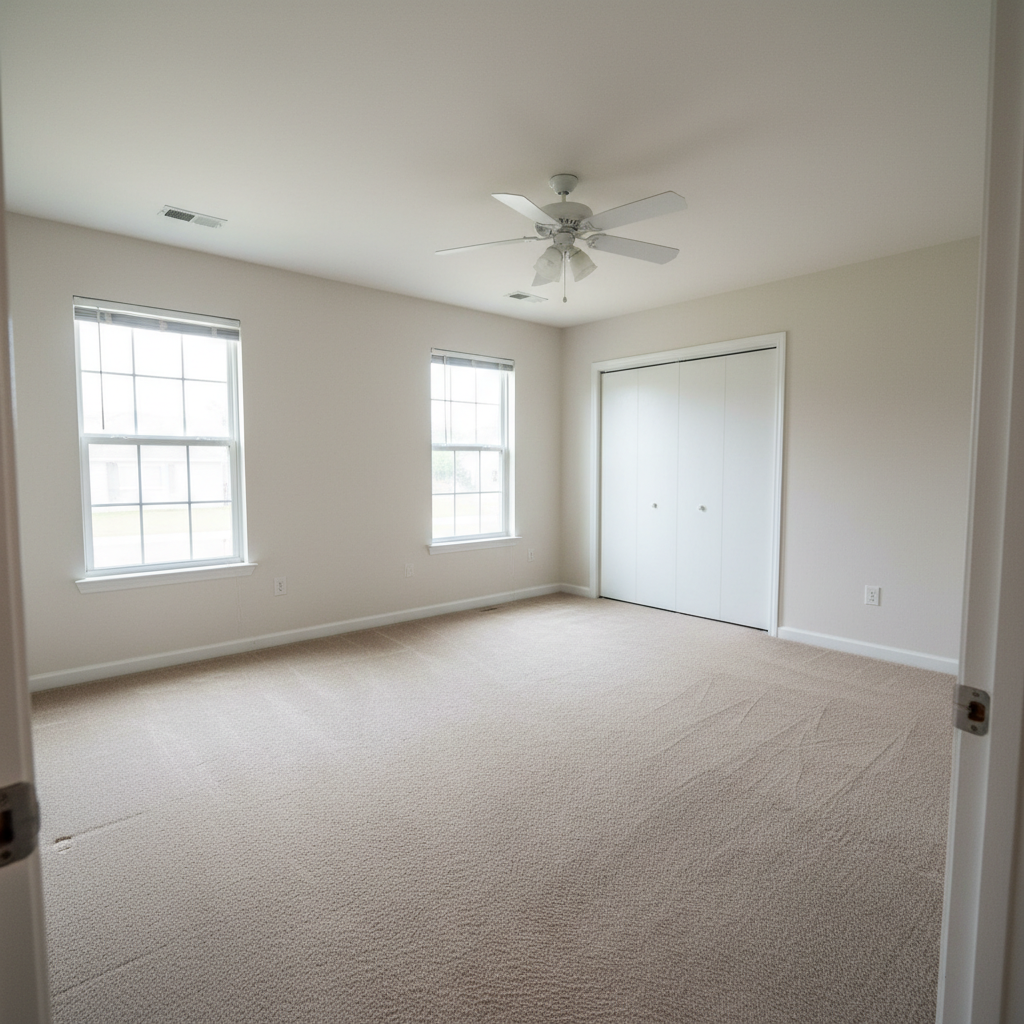
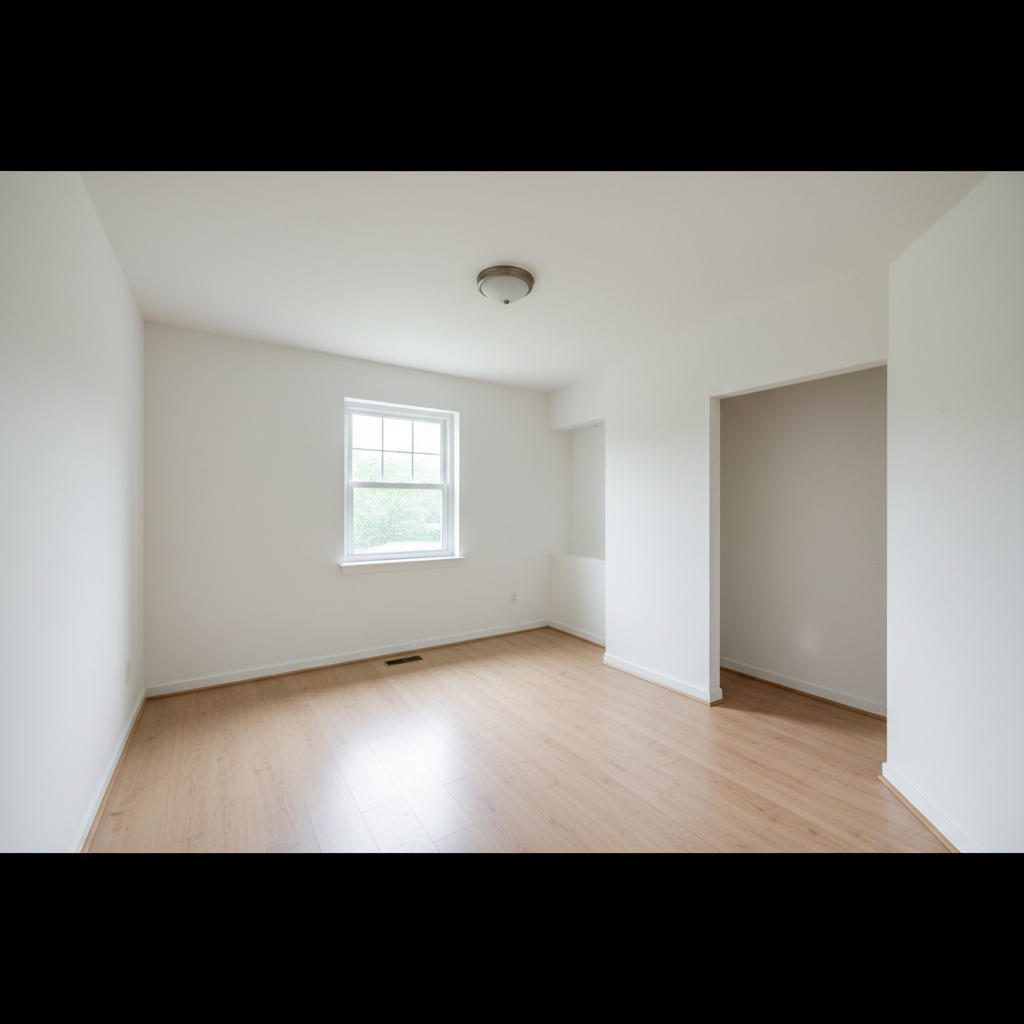
Before
Before
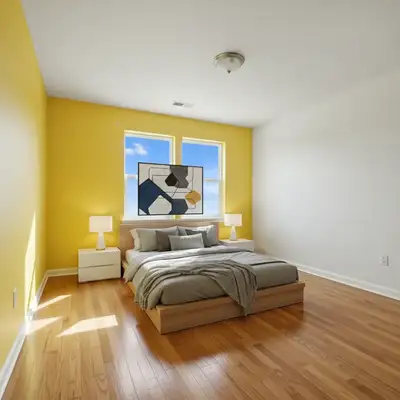
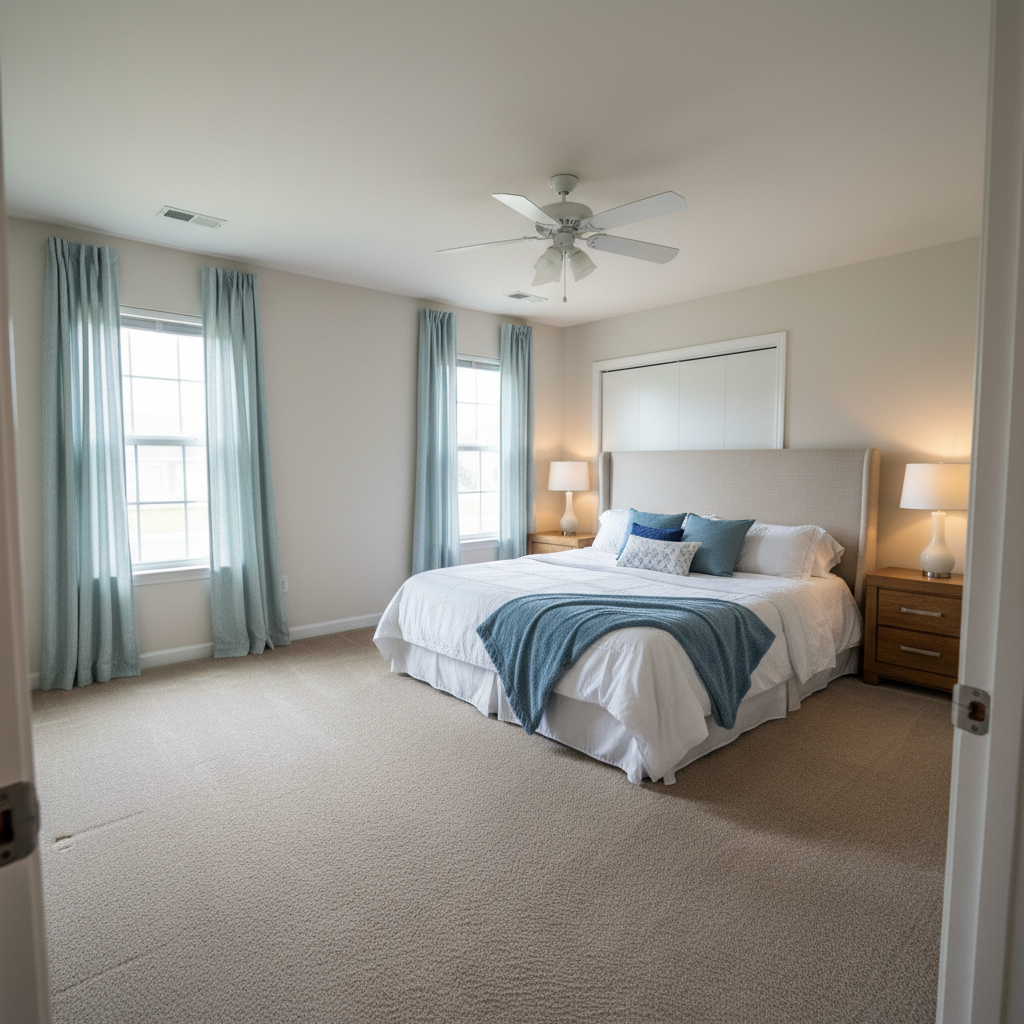
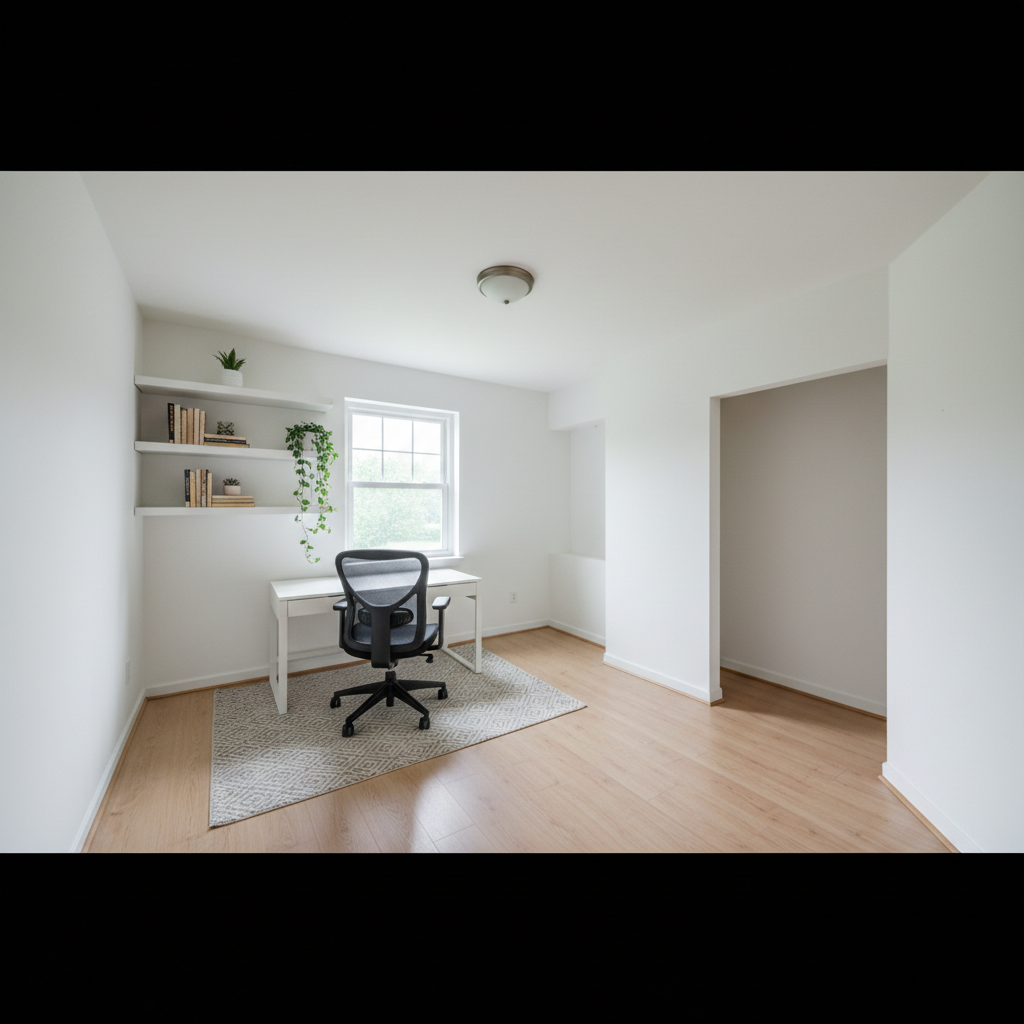
After
After

Free AI Virtual Bedroom Staging

Drop your photo here

or click to browse

Release to upload

Free • No signup

Advertisement
Popular use cases:
  • real estate staging
  • bedroom staging
  • virtual staging
  • MLS photos
  • property marketing
  • interior design visualization
  • home selling
  • empty room staging
  • rental property photos
  • bedroom design ideas

Cost
Free No signup required
Time
Instant results in 15-30 seconds
Works on
Any device - browser, phone, tablet, desktop
Powered by
AI-powered photo editing
Scenario Prompt Time
15-30s
15-30s
15-30s
15-30s
15-30s

How it works

  1. Upload your bedroom photo

    Choose a photo of your empty or sparsely furnished bedroom. Make sure the room has good lighting and shows the full space you want to stage. The AI works best with clear, well-lit photos that show the entire room layout.

    Expect: Simple staging: 30-40 seconds. Complex staging with multiple furniture pieces and custom decor: 40-50 seconds and may need refinements.
  2. Describe your desired bedroom staging

    Type what furniture and decor you want in the bedroom. Be specific about bed style, nightstands, dressers, rugs, artwork, and color schemes. The AI understands descriptions like 'modern platform bed with gray bedding, two white nightstands, geometric wall art' or 'traditional four-poster bed with floral bedding, wooden dresser, Persian rug'. No need to mark where items should go—the AI places them naturally based on room layout.

    Tip: Mention specific styles (modern, farmhouse, minimalist, luxury) and colors to get cohesive staging that appeals to your target market.

    Copy one of these to get started:

    Contemporary staging for urban properties Modern minimalist bedroom with a low platform bed, white bedding, light wood nightstands, and abstract art above the bed
    Rustic charm for suburban homes Cozy farmhouse bedroom with a white iron bed frame, quilted bedding, rustic wooden nightstands, and string lights
    High-end property staging Luxury master bedroom with a tufted upholstered king bed, velvet throw pillows, matching nightstands with lamps, and a sitting area
    Clean, Nordic aesthetic Scandinavian bedroom with a simple wood frame bed, neutral bedding, floating nightstands, and a sheepskin rug
    5 more prompts
    Eclectic, artistic staging Bohemian bedroom with a rattan bed frame, colorful textiles, macrame wall hanging, plants, and layered rugs
    Classic styling for mature buyers Traditional master bedroom with a dark wood sleigh bed, coordinated bedding set, matching dresser and nightstands, table lamps
    Family home with kids' rooms Teen bedroom with a twin bed, colorful bedding, desk with chair, bookshelf, and wall posters
    Beach house or coastal property Coastal bedroom with a white upholstered bed, blue and white bedding, driftwood mirror, seagrass rug, and beach-themed decor
    Urban loft or converted industrial space Industrial loft bedroom with a metal frame bed, gray bedding, exposed brick accent wall, Edison bulb lighting, and minimalist furniture
  3. Review the staged bedroom

    Check that furniture placement looks natural, the style matches your vision, and proportions are realistic. Make sure the bed is appropriately sized for the space and accessories complement the overall design. If something needs adjustment, describe the change and regenerate.

  4. Download Your Staged Bedroom

    Save your professionally staged bedroom photo in high resolution. Perfect for MLS listings, property marketing materials, Zillow photos, or client presentations.

Try it free

Free AI Virtual Bedroom Staging

Drop your photo here

or click to browse

Release to upload

Free • No signup

See it in action

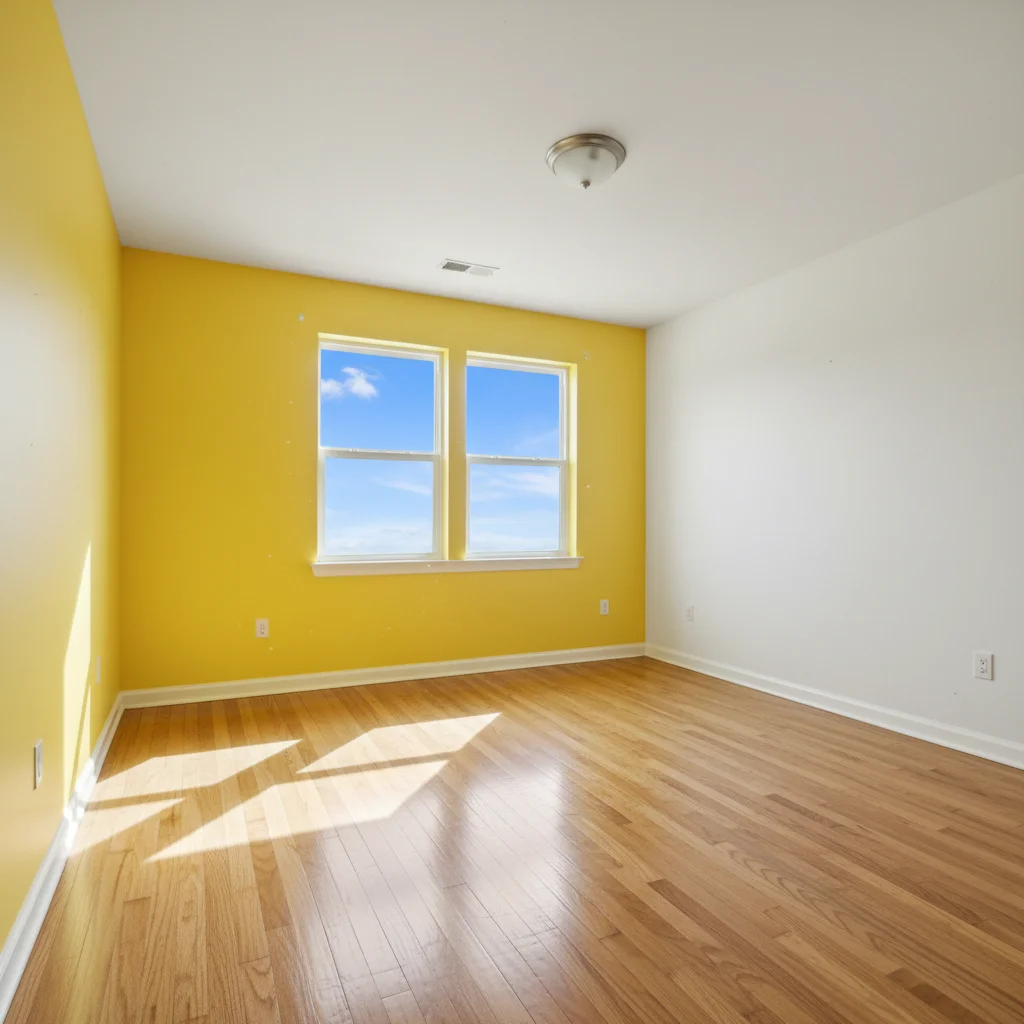
Before
Before
->
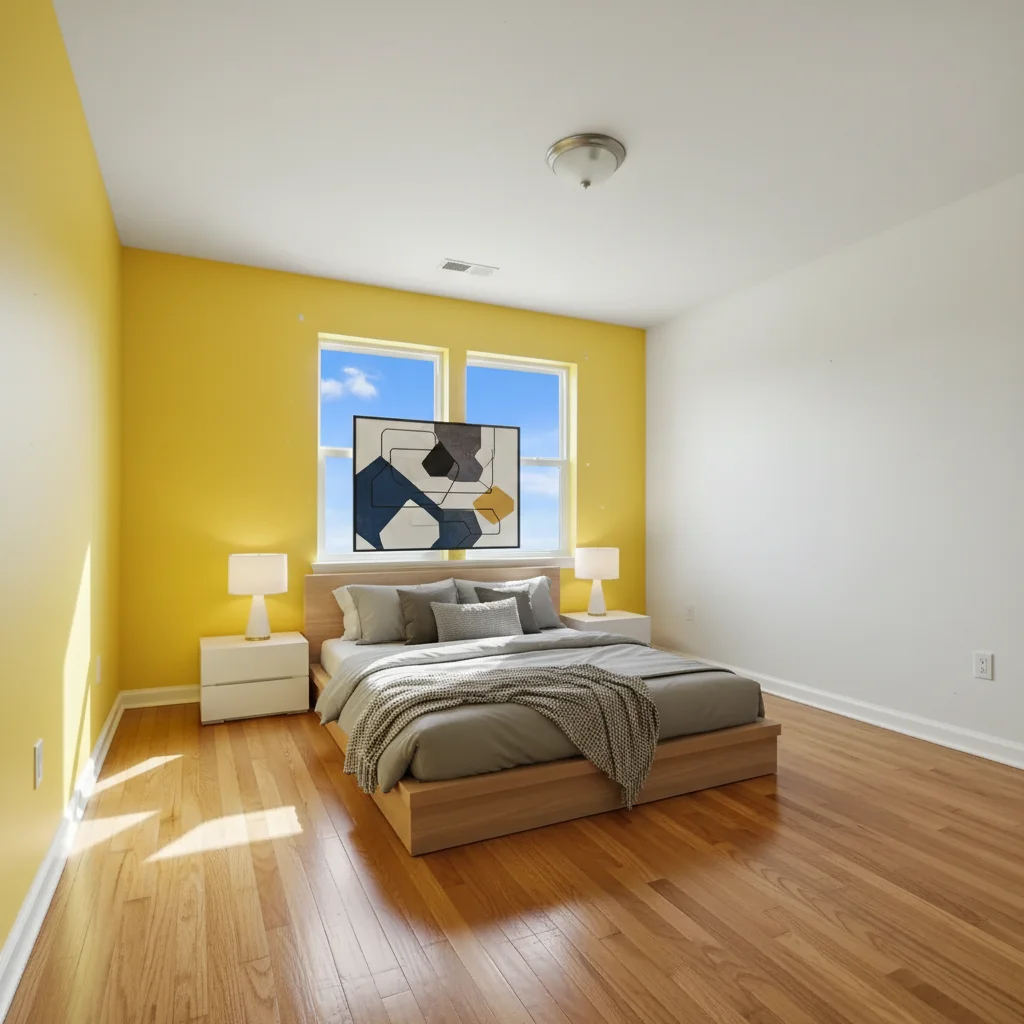
After
After

Prompt: Modern platform bed with gray bedding, two white nightstands with lamps, abstract geometric art above headboard
Before
Before
->
After
After

Prompt: Scandinavian bedroom with light wood bed frame, white bedding, floating nightstands, potted plants, and neutral rug
Before
Before
->
After
After

Prompt: Luxury master bedroom with king tufted bed, velvet pillows, crystal chandelier, sitting area with two accent chairs and ottoman, matching nightstands
Advertisement

If something looks off

AI changed the wrong area or something I didn't want changed

Why: The AI couldn't determine exactly which area you meant from description alone.

Try: Tap a marker on the specific area you want to change, then regenerate with the same prompt

Tip: Markers tell the AI 'I mean THIS one specifically.' Use them when description alone is ambiguous.

Furniture looks too large or too small for the room

Why: AI may misjudge scale without clear room dimensions or reference points

Try: Describe size explicitly: 'queen-sized bed proportional to room' or 'compact nightstands for small bedroom'

Tip: Include room size context in your prompt: 'small bedroom' or 'spacious master' helps AI scale furniture appropriately.

Furniture placement blocks windows or doors

Why: AI focuses on aesthetics and may not prioritize functional accessibility

Try: Add 'keep windows and doorways clear' to your prompt and regenerate

Tip: Mention architectural features you want to preserve: 'stage around the fireplace' or 'leave window area open'.

Style doesn't match—mixed modern and traditional elements

Why: Vague descriptions can lead to inconsistent furniture styles

Try: Be more specific with style keywords: 'all modern minimalist furniture' or 'cohesive farmhouse style throughout'

Tip: Use style-specific language consistently: 'mid-century modern' gets better results than generic 'nice furniture'.

Bed positioning looks awkward or unnatural

Why: AI may not follow bedroom design conventions for bed placement

Try: Specify placement: 'bed centered on main wall' or 'bed positioned under window'

Tip: Most buyers expect beds against the longest wall or centered in the room—mention this explicitly if needed.

Too much or too little furniture in the space

Why: Balance between 'lived-in' and 'spacious' is subjective

Try: Adjust density: 'minimal staging with just bed and nightstands' or 'fully furnished with dresser, chair, and decor'

Tip: Real estate staging typically aims for 60-70% furnished—enough to show function but not feel cluttered.

Quick answers

Do I need to mark where the furniture should go?

No! Just describe the furniture and decor you want in the bedroom. The AI understands room layouts and places furniture naturally—beds against walls, nightstands beside beds, dressers along open walls. You only need markers if you want to force unusual placement or need to clarify ambiguous spots.

Can I stage a bedroom that already has some furniture?

Yes! The AI can add furniture to partially furnished rooms. Describe what you want to add (e.g., 'add a white dresser and wall art') and the AI will integrate new pieces with existing furniture. For best results, be clear about what's already there if it might affect placement.

How realistic does virtual bedroom staging look?

The AI creates photorealistic staging that's indistinguishable from physical staging in most cases. Lighting, shadows, and proportions are automatically adjusted to match your room. For MLS listings and online property marketing, virtual staging is now standard practice and equally effective as physical staging at a fraction of the cost.

What bedroom styles can I create?

All major interior design styles: modern, contemporary, minimalist, Scandinavian, farmhouse, traditional, coastal, bohemian, industrial, mid-century modern, luxury, rustic, eclectic, and more. Just describe the style in your prompt along with specific furniture pieces and colors you want.

Can I stage multiple bedrooms with consistent style?

Yes! Copy your successful prompt and use it on other bedroom photos, adjusting room-specific details as needed. For example, use the same 'modern minimalist with white and gray' style across all bedrooms in a listing, just changing bed sizes (king, queen, twin) as appropriate for each room.

Is this acceptable for real estate listings?

Yes! Virtual staging is widely accepted in real estate and must simply be disclosed as 'virtually staged' in the listing. It's far more cost-effective than physical staging ($50-300 per room vs. $2000+ for physical staging) and allows you to show multiple style options to appeal to different buyers.

Ready to stage your bedroom virtually?

Free to try. No signup required.

Try it free