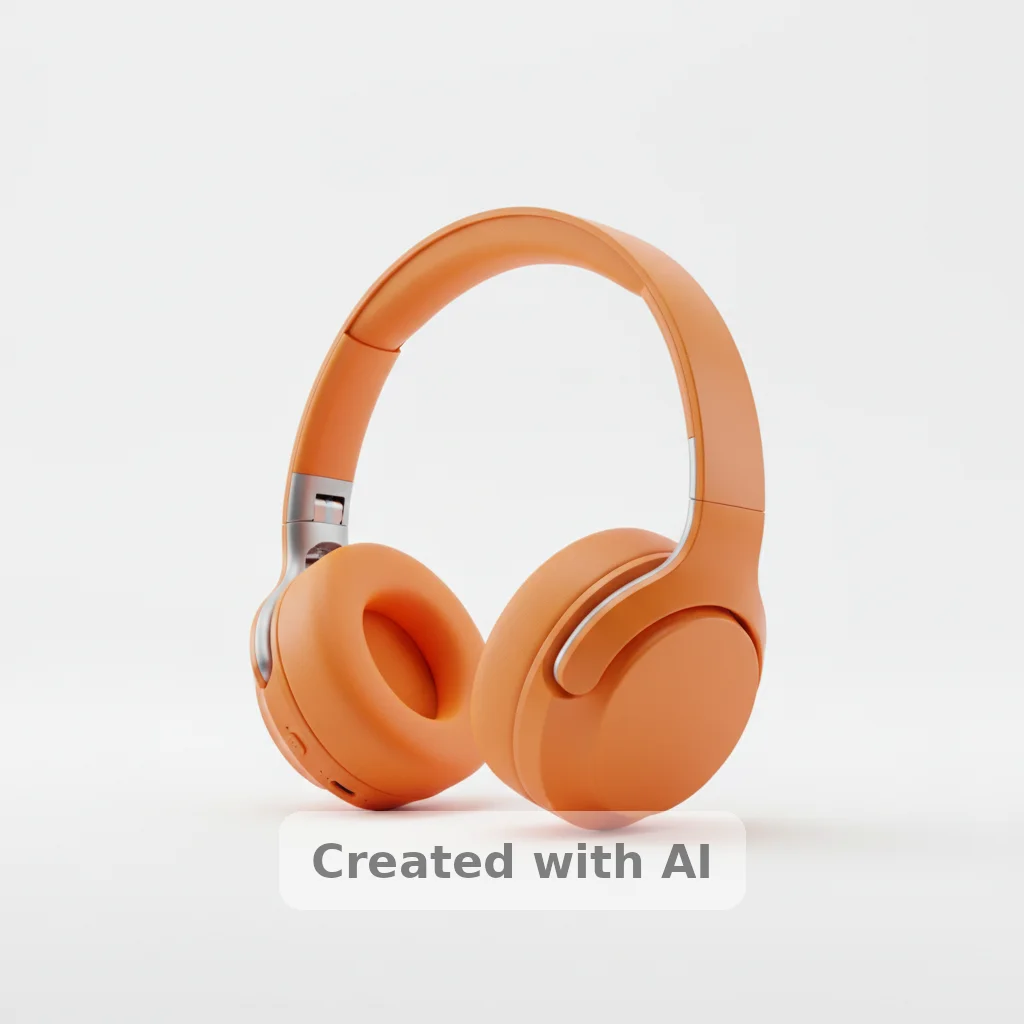
Do I need to mark the watermark before describing it?
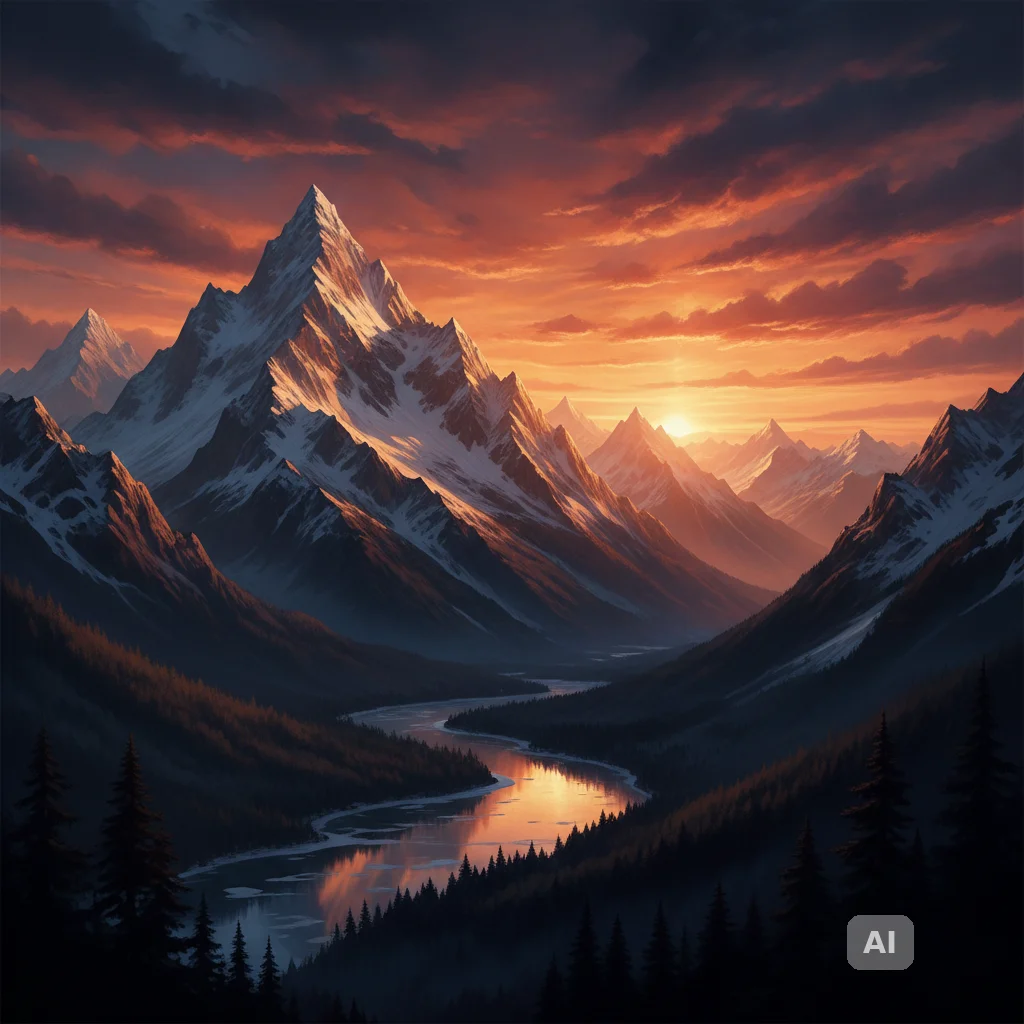
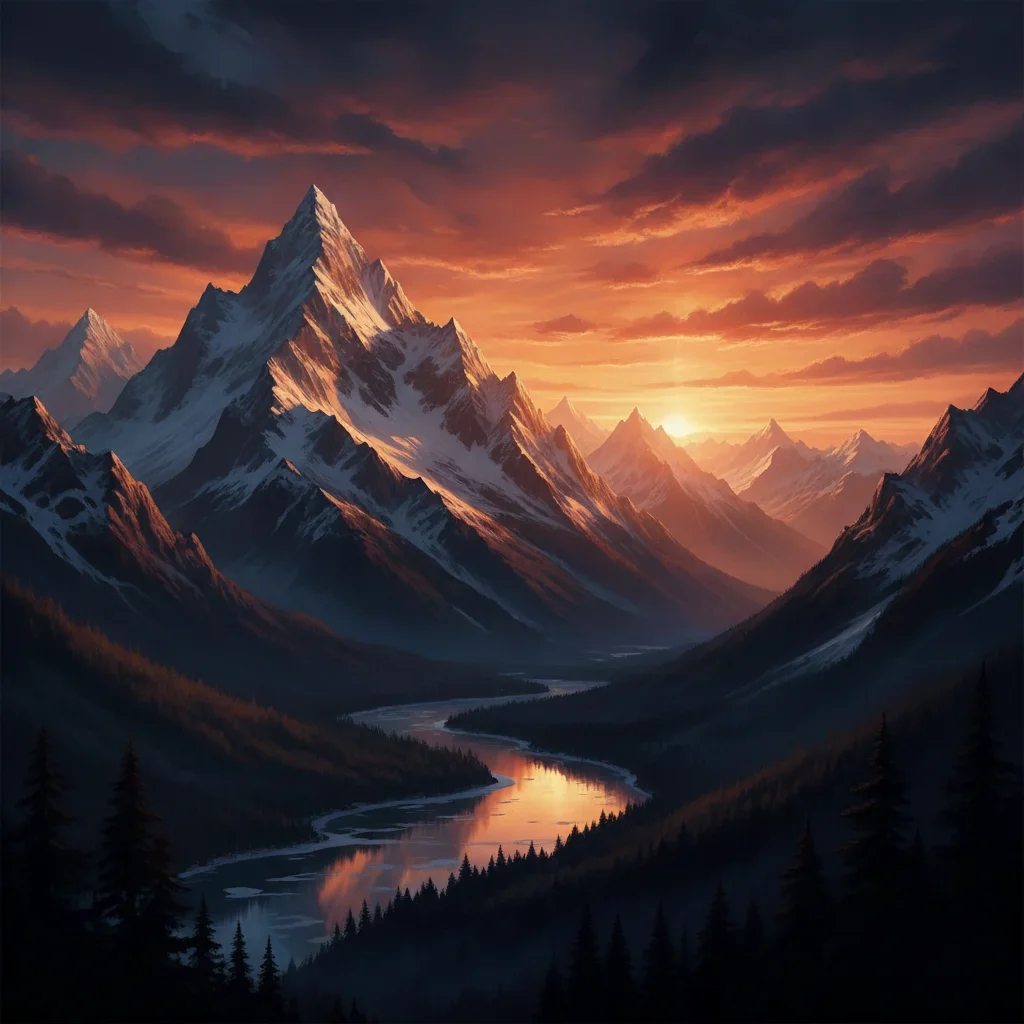
No. Just describe the mark's position in text — 'remove the ChatGPT watermark in the bottom right corner' is all you need. The AI locates the mark from your description without any selection brush or tracing step.
How do I remove a ChatGPT watermark from my image for free?
Upload your ChatGPT-generated image to EditThisPic, type 'remove the ChatGPT watermark label in the corner and fill with matching background,' and click Generate. The AI removes the visible mark in 15-30 seconds with no account required. One free Fast edit per week — additional edits start at $1.99 for a 3-pack, and the Lite plan is $4.99/month for 15 credits.
Does removing the visible ChatGPT watermark also remove the C2PA metadata?
No. The visible corner label and the invisible C2PA provenance metadata are separate things. EditThisPic removes the visible stamp from the image pixels. C2PA metadata is embedded in the file's binary data and is not affected by image editing — it remains even after the visible mark is removed. If you need to strip file metadata, use a dedicated metadata editor or strip tool, which is a separate workflow entirely.
Which ChatGPT images actually have a visible watermark?
The ChatGPT interface itself (chat.openai.com/chatgpt) does not always add a visible watermark on every generation — OpenAI's policy and interface have changed over time. Many third-party apps built on the ChatGPT API or GPT-4o image generation do add their own visible branding label. If your image has a visible corner mark or badge, this tool removes it regardless of which surface generated it.
Is it legal to remove a ChatGPT watermark from my image?
Only remove watermarks from images you generated yourself and have full rights to use. ChatGPT watermarks identify AI-generated content and indicate the generation source — removing them from someone else's images to misrepresent the origin may violate OpenAI's terms of service and applicable law. This tool is for cleaning your own generations: images you created and have full rights to use. This is a summary, not legal advice.
Can I remove a ChatGPT watermark on my phone?
Yes. EditThisPic runs in any mobile browser — Safari on iPhone, Chrome on Android — with no app to install. Upload from your camera roll or files app, type your removal prompt, and download the clean image. The iOS app on the App Store provides a shortcut if you use this regularly.
What if the watermark is from a third-party GPT-powered app, not ChatGPT itself?
This tool works on any visible corner watermark or label stamp regardless of which app placed it. Third-party apps built on OpenAI's image API add their own branding — 'remove the app watermark in the bottom right corner' works the same way. If an app adds multiple marks, use 'remove all visible watermarks and app labels from this image.'
How accurate is EditThisPic compared to Photoshop's Content-Aware Fill for watermark removal?
Photoshop's Content-Aware Fill gives you precise manual control and tends to outperform on complex backgrounds where the watermark overlaps detailed scene content. EditThisPic is faster for one-off removals: no software, no selection workflow, result in 15 seconds from any browser. For watermarks on solid or gradient backgrounds — which covers most ChatGPT-style corner labels — results are comparable.
What file formats does EditThisPic accept?
JPG, PNG, WebP, and HEIC up to 7MB. If your ChatGPT-generated image is a WebP (common from browser downloads), upload it directly — no conversion needed. For output, PNG is lossless and best for further editing; JPG is smaller for sharing.
Will EditThisPic add its own watermark to my result?
No. EditThisPic never adds a watermark to your output. The free result you download is clean — no added branding, no output watermark. The 'No watermark' trust signal on this page refers to this fact: your edited image is watermark-free on download.
How much does EditThisPic cost?
You get 1 free edit per week — no account needed. After that, credit packs start at $1.99 for 3 edits. Monthly plans start at $4.99/mo for 20 edits with unused credits rolling over. All edits are full resolution with no watermark.