Do I need to mark the watermark before describing it?
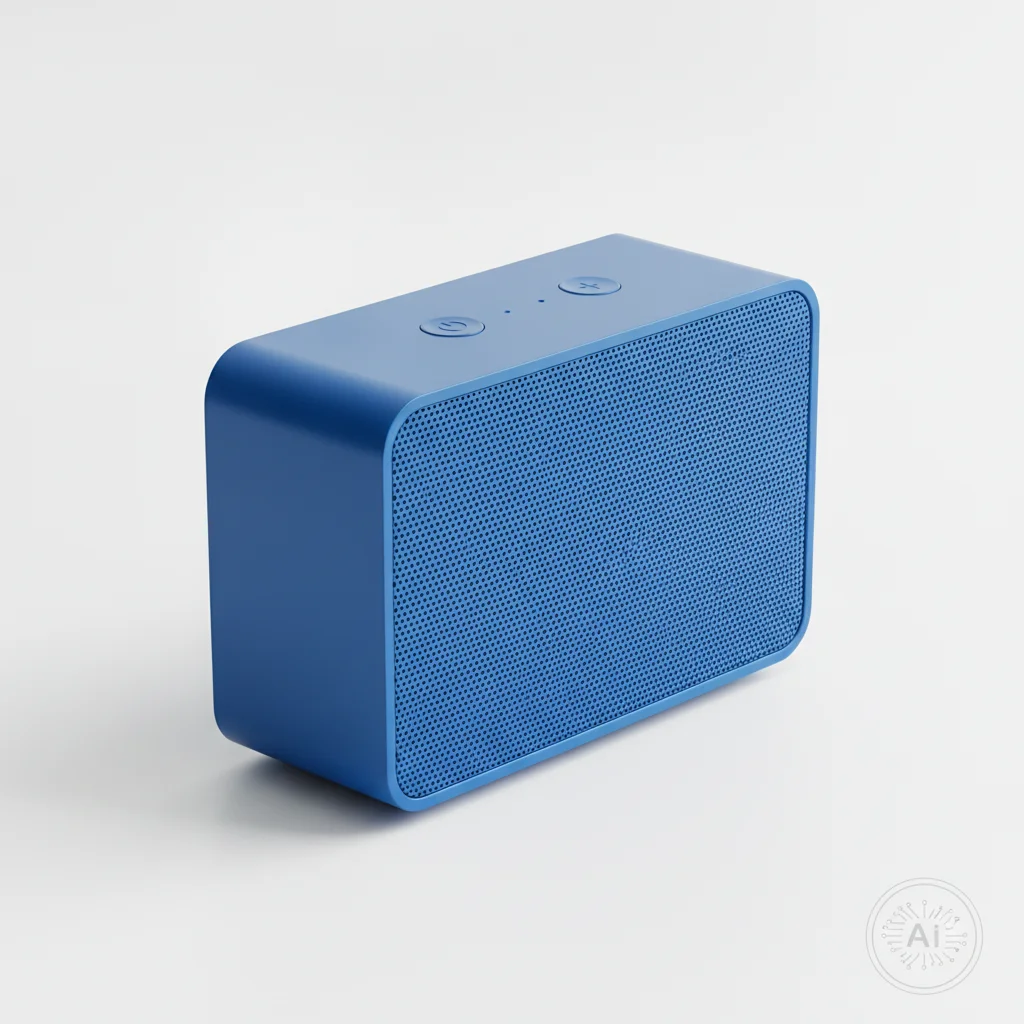
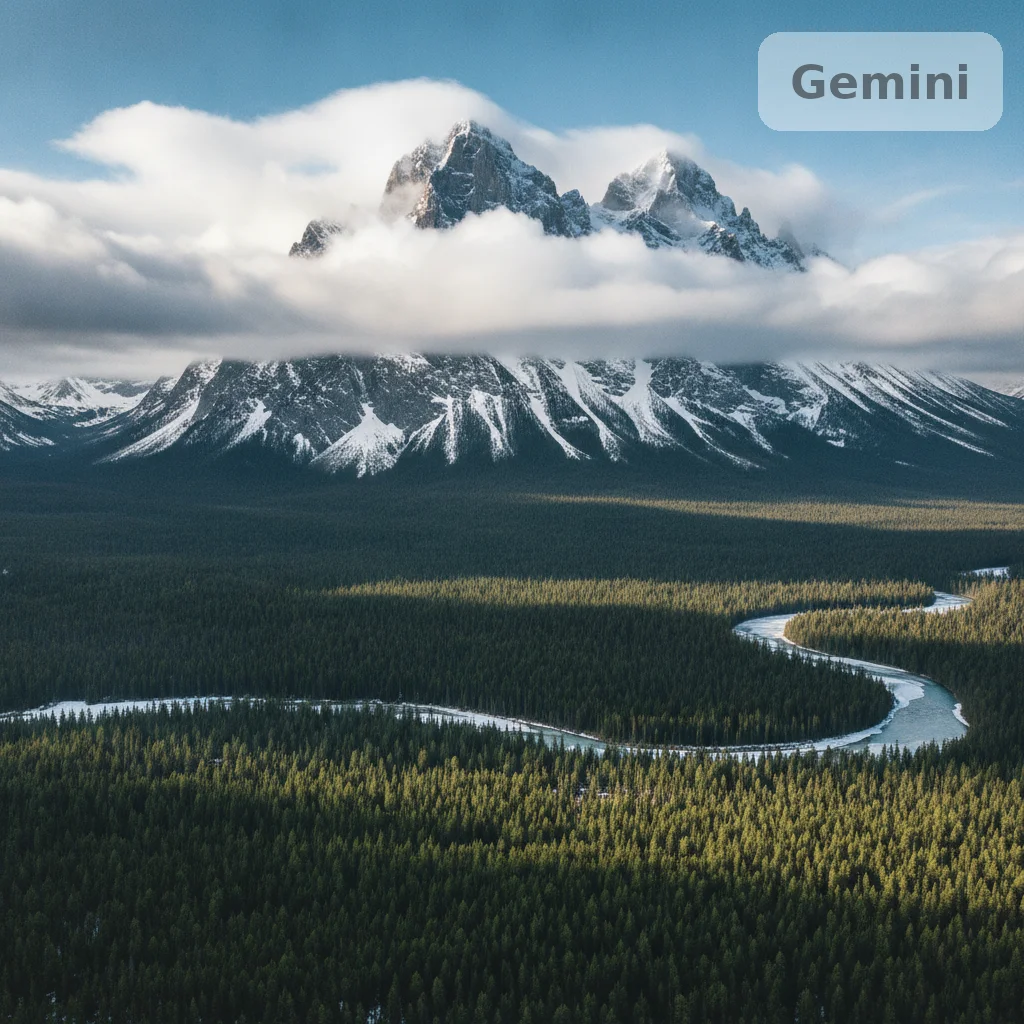
No. Describe the mark's position in text — 'remove the Gemini sparkle mark in the bottom right corner' — and the AI targets it without any selection brush or tracing step. The sparkle icon is distinctive enough that corner position plus 'sparkle mark' or 'Gemini logo' is sufficient.
Does removing the Gemini watermark also remove SynthID?
No. The visible Gemini sparkle mark and the invisible SynthID watermark are completely separate layers. EditThisPic removes the visible pixel-level stamp. SynthID is an invisible, perceptual watermark embedded in the image's signal that is designed to survive normal image editing — including this tool. After editing, SynthID remains intact. If you are investigating SynthID detection, use Google's SynthID verification tools, not image editors.
How do I remove the Gemini watermark from my image for free?
Upload your Gemini-generated image to EditThisPic, type 'remove the Gemini sparkle mark in the corner and fill with matching background,' and click Generate. The AI removes the visible mark in 15-30 seconds. Free with no account required — one free Fast edit per week. Additional edits from $1.99 for a 3-pack, or $4.99/month for the Lite plan.
What is Nano Banana and does it have a watermark?
Nano Banana is the informal nickname used online for Google's free-tier image generation model accessible via Gemini (previously referred to as the 'Gemini Nano' image capability or the free image generation tier in the Gemini app). Images generated from this free tier carry a visible watermark — the same Gemini sparkle mark or logo badge that appears on other Gemini-generated outputs. The removal process is identical: upload the image, describe the mark's position, and EditThisPic removes it. The prompt 'remove the Google AI watermark in the corner' covers Nano Banana outputs.
Is it legal to remove the Gemini watermark from my own AI images?
Only remove watermarks from images you generated yourself and have full rights to use. Gemini watermarks identify AI-generated content — removing them from someone else's images to misrepresent origin may violate Google's terms of service and applicable law. This tool is for cleaning your own generations: images you created and have full rights to use. This is a summary, not legal advice.
What does the Gemini watermark look like?
The Gemini visible watermark typically appears as a small sparkle or star-shaped icon — a four-point or asterisk-style symbol — placed in a corner of the image. Some surfaces show the full Gemini logo badge instead of just the sparkle. The exact appearance varies by Gemini app version and which surface generated the image. Nano Banana (free tier) outputs may show a slightly different badge form.
Can I remove the Gemini watermark on my phone?
Yes. EditThisPic works in any mobile browser — Safari on iPhone, Chrome on Android — with nothing to install. Upload from your camera roll, type the removal prompt, and download the clean image. The iOS app on the App Store provides a quick home screen shortcut.
What file formats does EditThisPic accept?
JPG, PNG, WebP, and HEIC up to 7MB. Gemini app downloads are typically JPG or PNG. For output, PNG is lossless and best for further editing; JPG is smaller for sharing.
How does this compare to manual clone-stamp removal in Photoshop?
Photoshop's clone stamp gives you pixel-precise control — the right approach if you're processing many images or need exacting accuracy on complex backgrounds. EditThisPic is faster for one-off removals: no software install, no painting, result in 15 seconds from any browser. For sparkle marks on simple or gradient backgrounds — the most common Gemini watermark placement — results are comparable. Photoshop has the edge on intricate textured backgrounds.
Will EditThisPic add its own watermark to my output?
No. EditThisPic never adds a watermark to your output. The 'No watermark' trust signal on this page means exactly that — your downloaded result is clean.
How much does EditThisPic cost?
You get 1 free edit per week — no account needed. After that, credit packs start at $1.99 for 3 edits. Monthly plans start at $4.99/mo for 20 edits with unused credits rolling over. All edits are full resolution with no watermark.