Free • No signup Fix Yellow lighting · Free

Fix Yellow Lighting in Photos

Describe the lighting fix you want and AI corrects the yellow cast instantly — no manual white balance sliders.
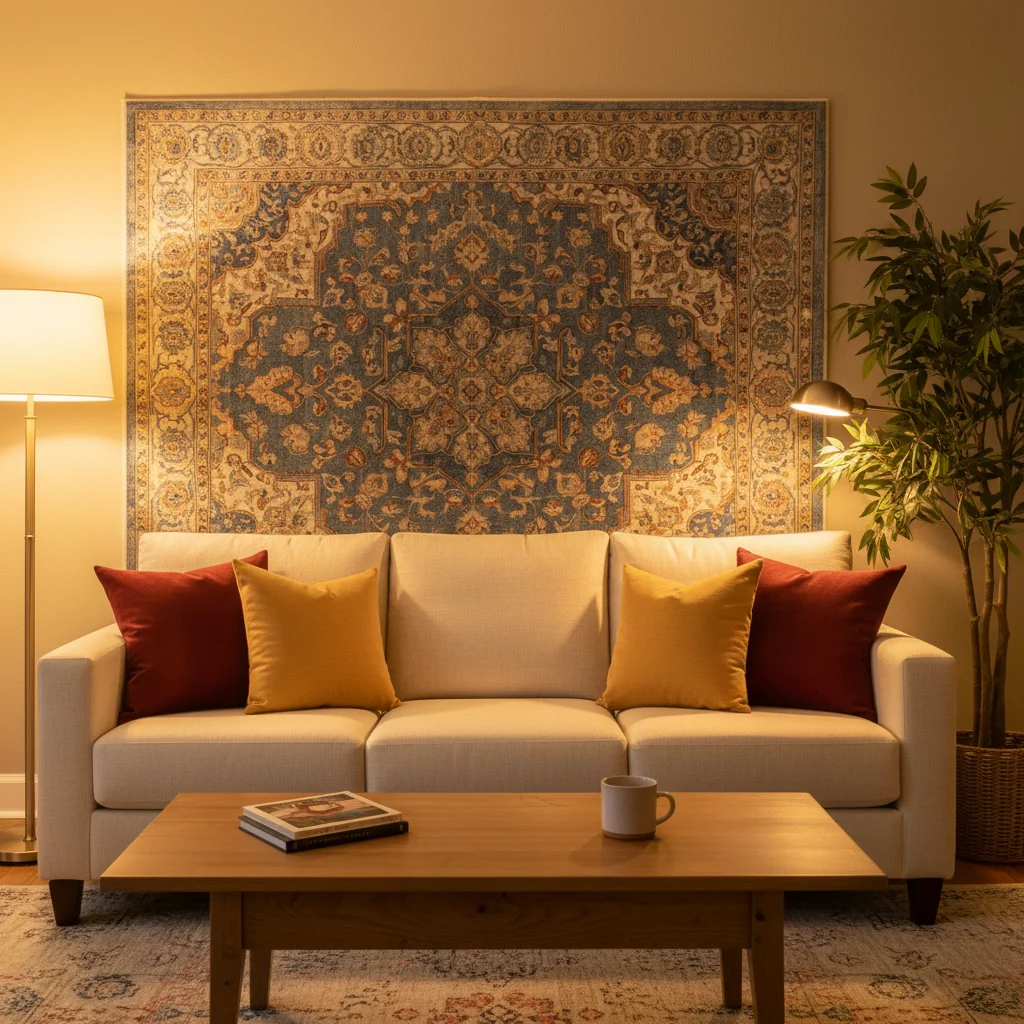
Kitchen with heavy yellow tungsten lighting cast on all surfaces
Before
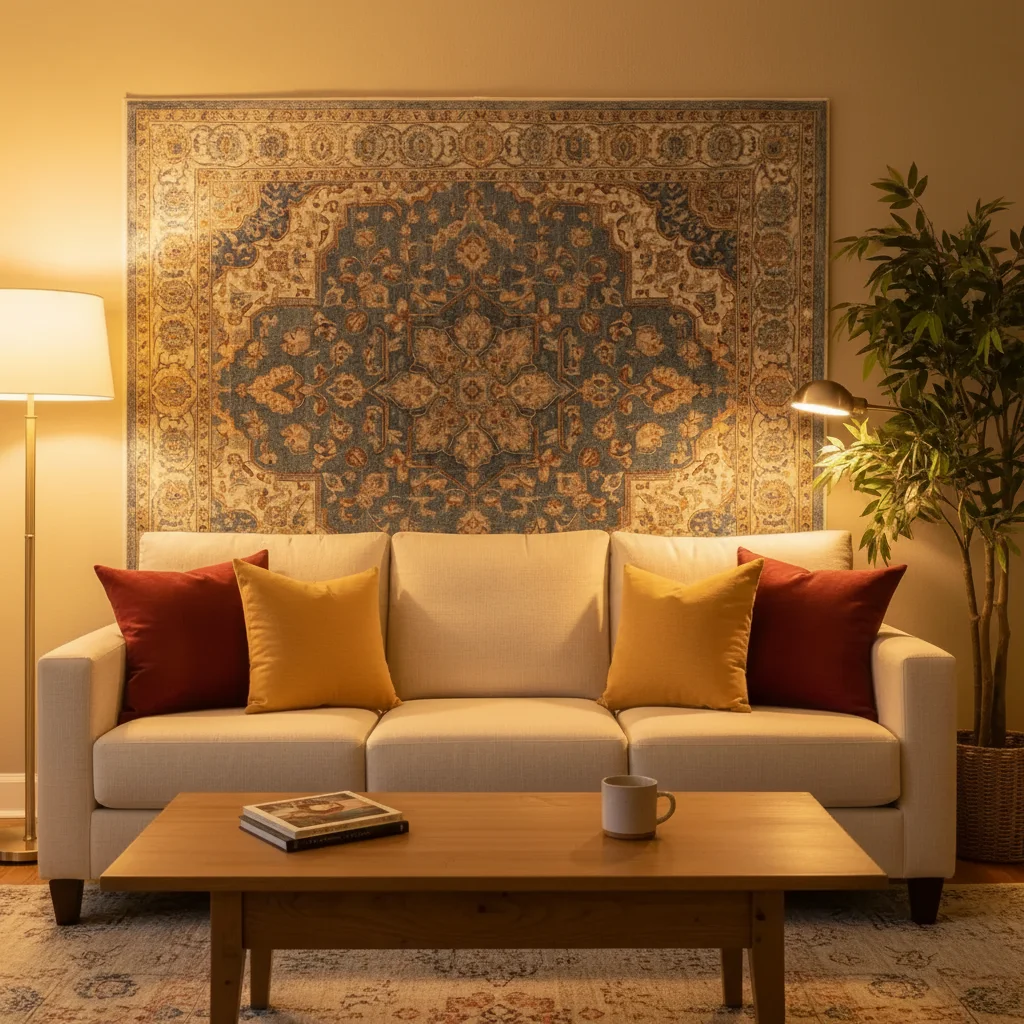
Same kitchen with clean neutral white balance and natural-looking light
After

Fix Yellow Lighting Photo

Upload photo to fix yellow lighting

Free • Results in 30 seconds • No signup

Release to upload

FreeNo signupNo watermark

1 free edit·then from $1.99

Popular use cases:
  • indoor photography
  • real estate listing photos
  • white balance correction
  • tungsten lighting fix
  • color cast removal
  • interior photography
  • listing photo improvement

Cost
Free No signup required
Time
Instant results in 15-30 seconds
Works on
Any device - browser, phone, tablet, desktop
Powered by
AI-powered photo editing
Scenario Prompt Time
Tungsten bulb cast fix the yellow tungsten lighting to natural daylight 15s
Mixed lighting unify the mixed warm and cool lighting to neutral 20s
Sodium street light fix the orange sodium light cast to neutral white 15s

How it works

  1. Upload your photo

    Drop your indoor photo with yellow or warm lighting into EditThisPic. Works with any room — kitchens, bathrooms, living rooms, hallways. JPG, PNG, WebP up to 7MB.

    Expect: Simple single-room fix: 15-20 seconds. Mixed lighting scenes: may need a follow-up prompt to fine-tune.
  2. Describe the correction you want

    Type your instruction: 'fix the yellow lighting and make the white balance natural' or 'correct the warm color cast to cool neutral daylight.' The AI understands lighting terminology and corrects the entire scene. No sliders or manual adjustments needed.

    Tip: Specify the target look — 'bright natural daylight' gives a different result than 'cool neutral office lighting.'

    Copy one of these to get started:

    Fix tungsten yellow cast fix the yellow tungsten lighting cast and make everything look like natural daylight with neutral whites
    Correct warm color balance correct the warm orange color balance to neutral white balance so walls and ceilings look clean white
    Natural daylight white balance adjust the white balance to match bright natural daylight coming through the windows, remove all yellow tint
    Fix orange sodium lighting fix the orange sodium street light color cast and make the scene look like it was shot under neutral white light
    3 more prompts
    Correct mixed lighting correct the mixed lighting in this room — some areas are yellow from lamps and some are blue from windows — make it all neutral and even
    Pure white LED look make the lighting look like clean bright white LED lights throughout the room, no warm or cool tints
    Cool neutral tone shift the color temperature to a cool neutral tone, removing all yellow warmth while keeping the scene inviting
  3. Review the correction

    Check that whites look truly white, skin tones appear natural, and the overall scene feels evenly balanced. Compare walls, ceilings, and countertops against what they should look like in neutral light.

Try it free

Fix Yellow Lighting Photo

Upload photo to fix yellow lighting

Free • Results in 30 seconds • No signup

Release to upload

Free • No signup

See it in action

Kitchen with heavy yellow tungsten lighting cast on all surfaces
Before
->
Same kitchen with clean neutral white balance and natural-looking light
After

Kitchen listing photo fixed

A real estate listing kitchen shot under old tungsten bulbs, corrected to natural daylight white balance.

Prompt: fix the yellow tungsten lighting cast and make everything look like natural daylight with neutral whites
Bathroom with yellow vanity light cast on white tiles
Before
->
Same bathroom with corrected neutral white balance
After

Bathroom with warm vanity lights

Bathroom photographed under warm vanity bulbs creating an unflattering yellow glow on tiles and fixtures.

Prompt: correct the warm orange color balance to neutral white balance so walls and ceilings look clean white
Living room with mixed warm yellow lamp light and cool blue window light
Before
->
Same living room with unified neutral lighting throughout
After

Living room with mixed lighting

Living room with warm lamps and cool window light creating an uneven color cast across the space.

Prompt: correct the mixed lighting in this room — some areas are yellow from lamps and some are blue from windows — make it all neutral and even

Detailed Guides by Scenario

📷

Real Estate Listing Photos

Fix yellow-tinted interior listing photos so properties look bright, clean, and inviting to buyers.

Common Scenarios

  • Correcting yellow cast in kitchen and bathroom photos shot under old bulbs
  • Making white walls and ceilings look truly white in listing shots
  • Fixing color temperature before uploading photos to MLS

Best Practices

  • Process all rooms with the same prompt for consistent white balance across the listing
  • Specify 'natural daylight' as your target for the most universally appealing look
  • Check that countertops and fixtures retain their true colors after correction
📷

Product & Food Photography

Remove yellow casts from product photos and food shots taken under warm indoor lighting.

Common Scenarios

  • Fixing yellow tint on white product backgrounds shot indoors
  • Correcting warm cast on food photos that makes dishes look unappetizing
  • Making jewelry and accessories show true colors under neutral light

Best Practices

  • For products, target 'pure white background with neutral lighting' for e-commerce standards
  • For food, ask for 'bright natural light' — it makes dishes look fresh and appetizing
  • Compare corrected whites against a known white reference to ensure accuracy
📷

Personal & Event Photos

Fix yellow-tinted photos from parties, dinners, and indoor events where warm lighting ruined the shot.

Common Scenarios

  • Correcting yellow cast in restaurant dinner photos
  • Fixing warm lighting in indoor event and party photos
  • Making group photos look natural instead of amber-tinted

Best Practices

  • Prioritize natural skin tones by adding 'keep skin tones natural' to your prompt
  • For dimly lit events, combine yellow fix with 'brighten slightly' for better results
  • Process the most important photos first — hero shots of the group or couple

If something looks off

Photo looks too blue or cold after correction

Why: The AI overcorrected the warm tones and pushed the white balance too far toward cool/blue.

Try: make the white balance neutral — not warm yellow and not cool blue, just clean natural white

Tip: Adding 'neutral, not cold' prevents the AI from swinging too far in the opposite direction

Yellow cast fixed in some areas but not others

Why: Mixed light sources at different color temperatures made it hard for the AI to apply one uniform correction.

Try: fix the remaining yellow tint in the areas near the lamps — make those match the rest of the room

Tip: For stubborn areas, tap a marker on the still-yellow spot and regenerate

Skin tones look unnatural after white balance fix

Why: Aggressive color correction can shift skin tones along with the lighting.

Try: fix the yellow lighting but keep skin tones warm and natural looking

Tip: Mentioning 'natural skin tones' tells the AI to preserve human complexion while correcting the environment

AI changed the wrong area or something I didn't want changed

Why: The AI couldn't determine exactly which area you meant from description alone. This happens with ambiguous requests.

Try: Tap a marker on the specific area you want to change, then regenerate with the same prompt

Tip: Markers tell the AI 'I mean THIS one specifically.' Use them when description alone is ambiguous.

Quick answers

Do I need to mark the yellow areas before describing the fix?

No! Just describe the correction: 'fix the yellow lighting' or 'correct the warm color cast.' The AI understands what yellow lighting looks like and corrects the entire scene. Only use markers if one specific area needs extra attention after your first attempt.

How do I fix yellow indoor photos for free without Photoshop?

Upload your photo to EditThisPic and type 'fix the yellow lighting and make the white balance natural.' The AI corrects the color cast in seconds. Free to try, no account or software download needed.

Why do my indoor photos always look yellow?

Indoor photos look yellow because incandescent and tungsten light bulbs emit warm light around 2700-3000K. Your camera's auto white balance often can't fully compensate. LED and fluorescent lights can also create color casts. EditThisPic fixes this regardless of the light source.

Is there a free white balance correction tool that works without signup?

Yes. EditThisPic corrects white balance with AI — just describe what you want and the yellow cast is removed. One free edit per week, no account required. No watermarks on your corrected photos.

Can I fix yellow lighting on my phone?

Yes. EditThisPic works in any mobile browser — iPhone, Android, tablet. Upload your photo, type the fix you want, and download the corrected image. No app needed.

Will fixing yellow lighting affect the mood of my photo?

You control the result. Ask for 'neutral daylight' for a clean look, or 'slightly warm but not yellow' to keep some coziness. The AI follows your description precisely.

How much does EditThisPic cost?

You get 1 free edit per week — no account needed. After that, credit packs start at $1.99 for 3 edits. Monthly plans start at $4.99/mo for 15 edits with unused credits rolling over. All edits are full resolution with no watermark.

Ready to fix your yellow photos?

Free to try. No signup required.

1 free edit included·Credit packs from $1.99