AI Listing Photo Enhancer
← Browse all real estate photo editingLast updated
Upload any listing photo and describe the improvement you want. AI enhances exposure, color, and overall appeal in seconds.
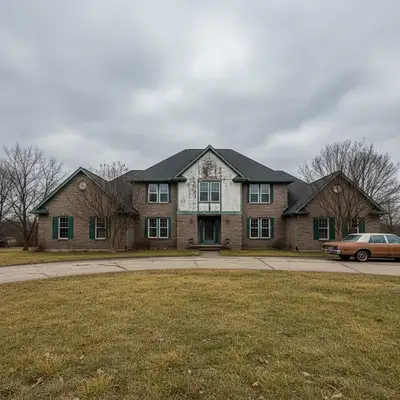
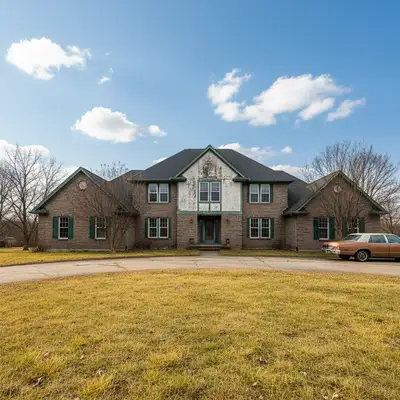
Upload photo to enhance listing photo
"this interior is too dark and flat — brighten it to look naturally and professionally lit with accurate colors and clear detail throughout"
Release to upload
How it works
See it in action
Phone photo enhanced to professional standard
An iPhone kitchen photo transformed to look like a professional real estate shoot.
Prompt:
enhance this listing photo to look professionally shot — improve lighting, color accuracy, and overall appeal without making it look over-processed
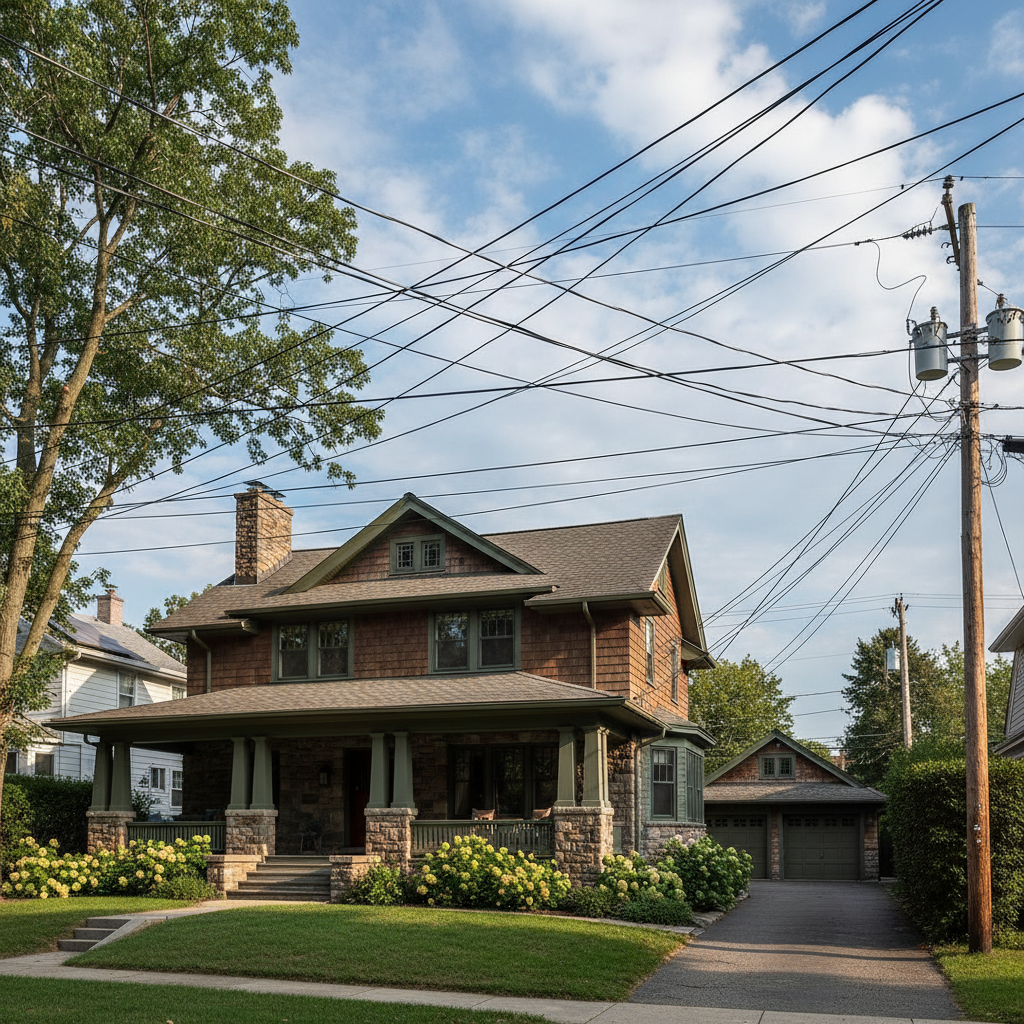
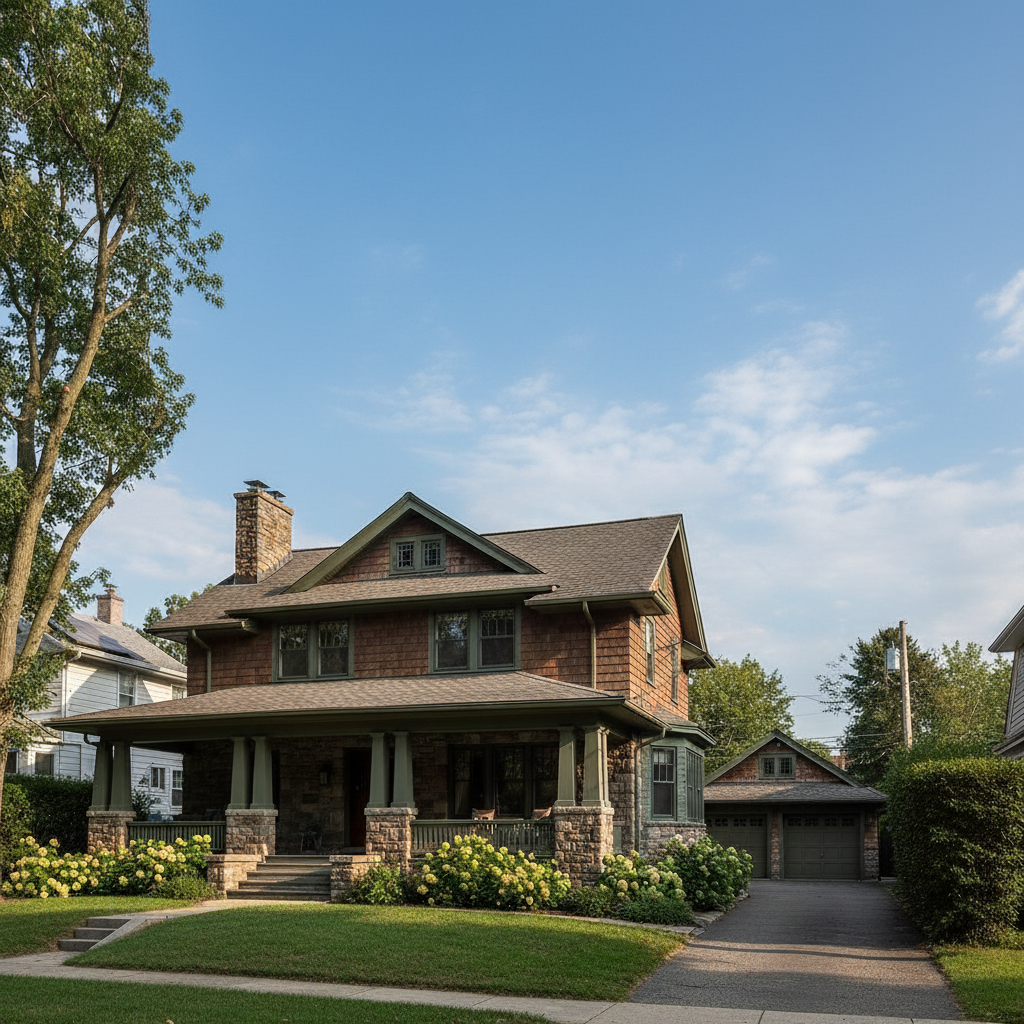
Dark living room improved for Zillow
A dim living room photo corrected to stand out among competing listings.
Prompt:
this interior is too dark and flat — brighten it to look naturally and professionally lit with accurate colors and clear detail throughout
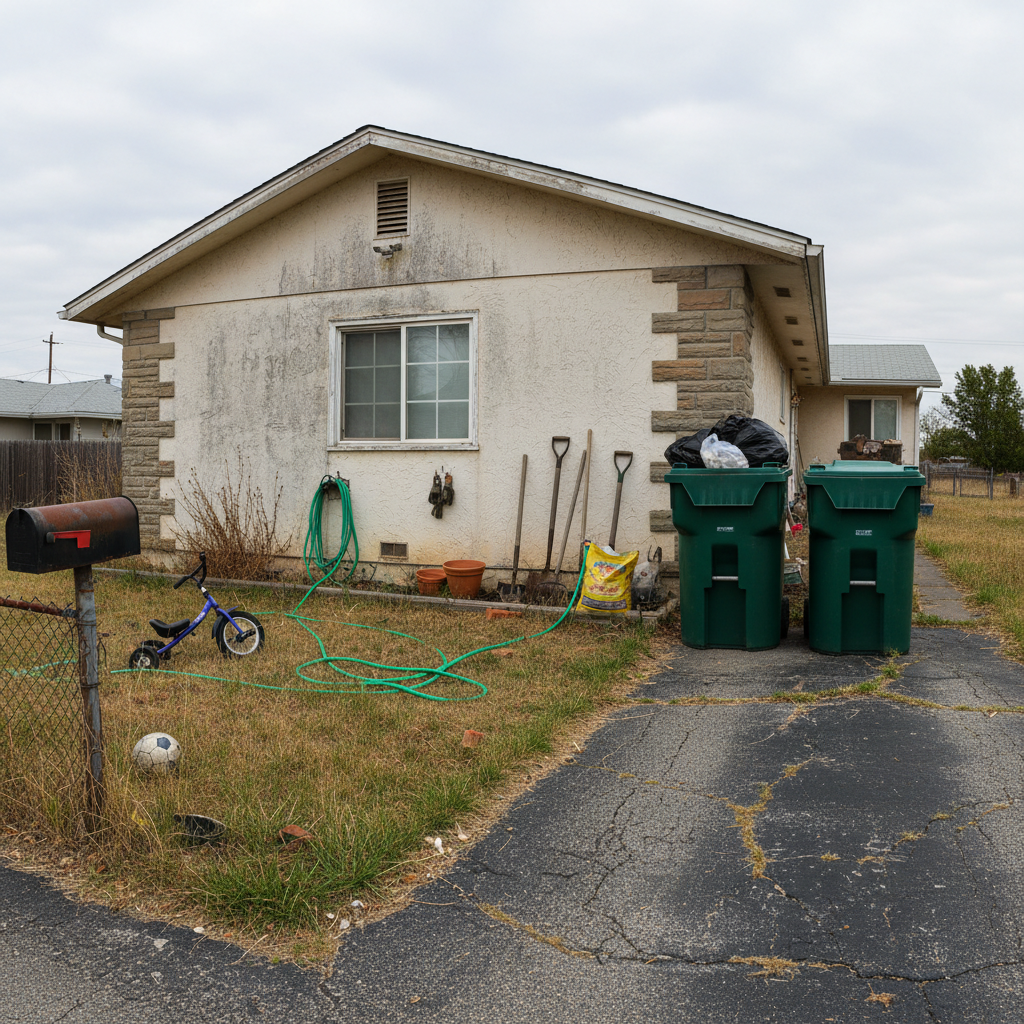
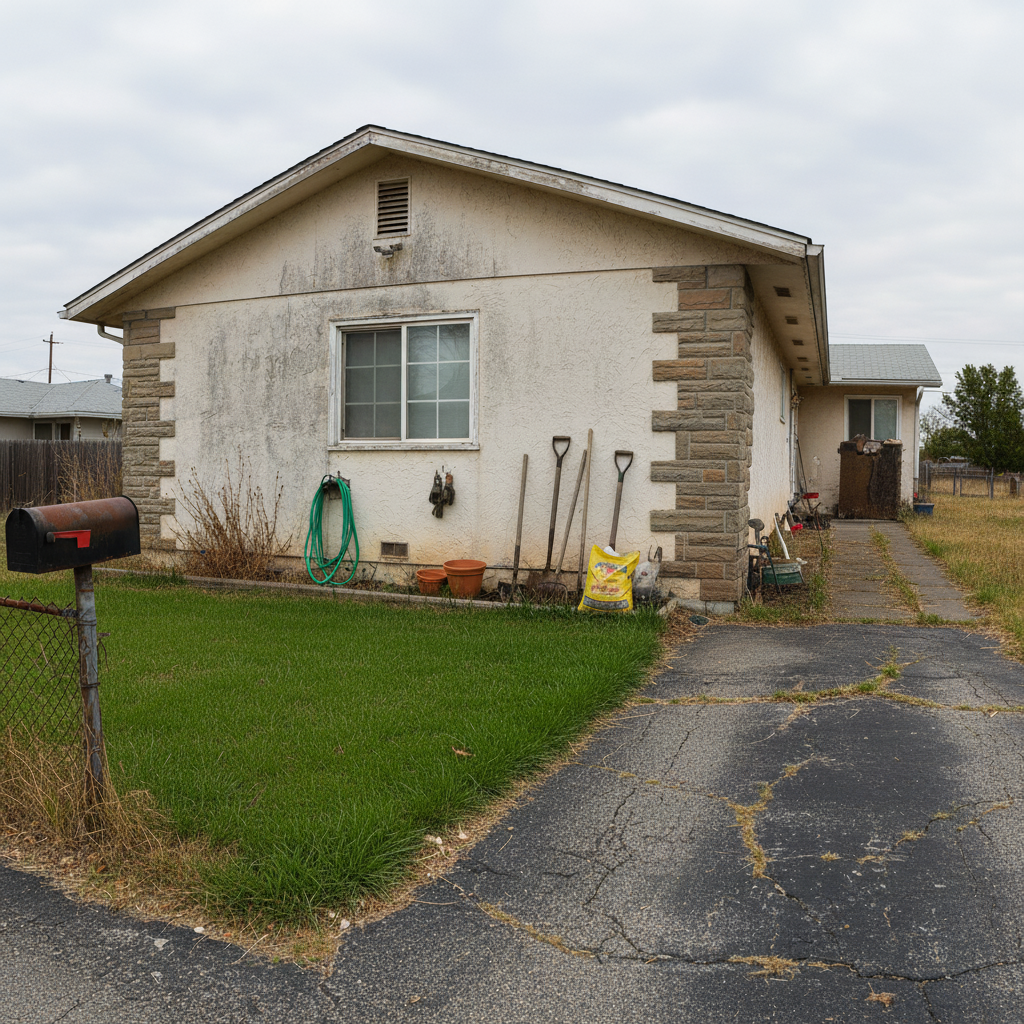
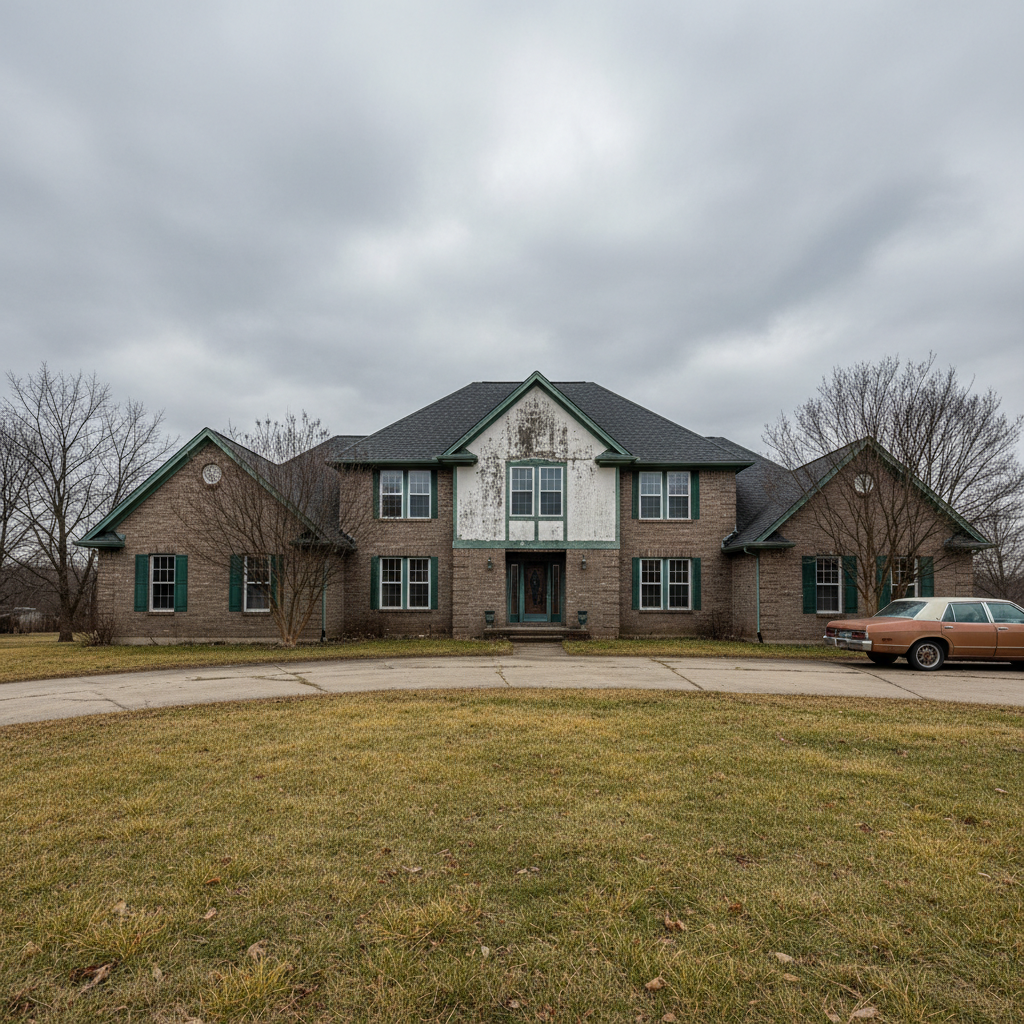
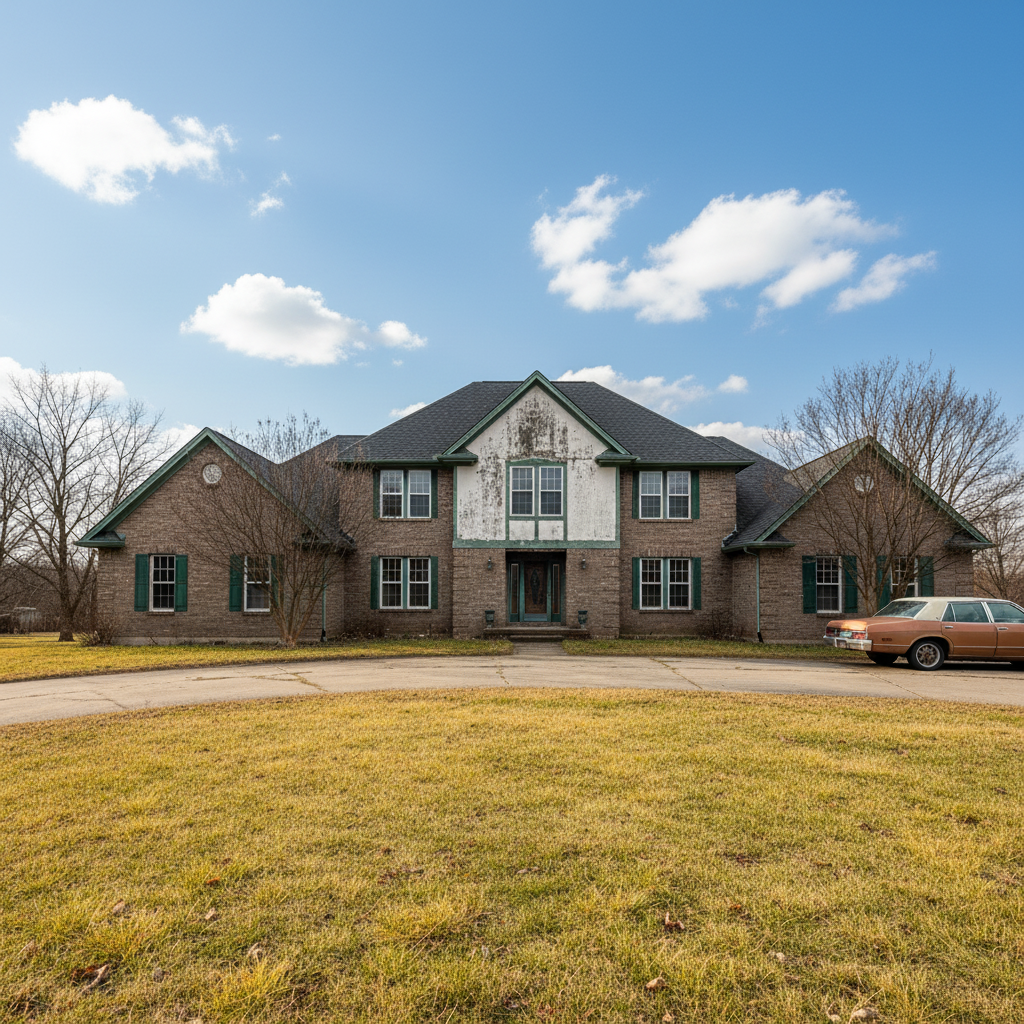
Exterior curb appeal photo enhanced
A flat exterior listing photo with a dull sky improved for maximum curb appeal impact.
Prompt:
enhance this exterior listing photo — sharpen the image, improve the sky, make the lawn greener, and give the house more visual appeal while keeping it realistic
Quick answers
Popular use cases
Ready to enhance your listing photos?
Free to try. No signup required.