AI Blue Sky Replacement for Property Photos
← Browse all real estate photo editingLast updated
Turn any overcast listing photo into a perfect blue sky day in seconds.
Upload photo to replace sky
"replace the dull sky with bright blue sky and dramatic white cumulus clouds, maintain natural shadows on the house"
Release to upload
50,000+photos edited
<30stypical edit
1 freeedit weekly
How it works
See it in action


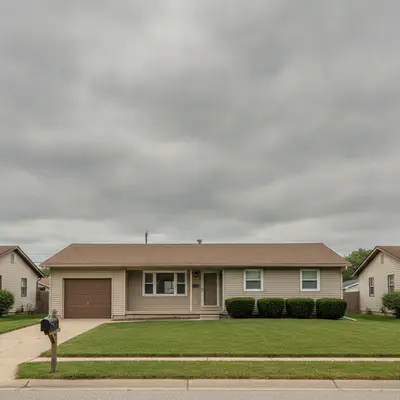
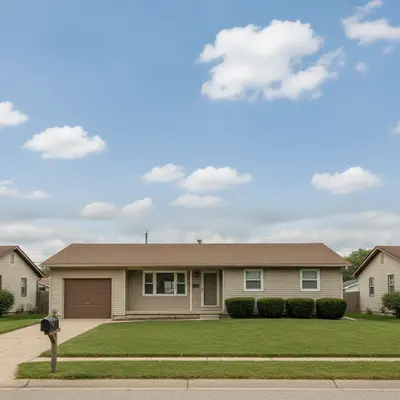
Ranch house on a cloudy day transformed
A single-story ranch home shot on an overcast afternoon. The gray sky made the entire listing feel unwelcoming.
Prompt:
replace the gray overcast sky with clear blue sky and scattered white fluffy clouds, keep the property lighting natural

Luxury home with dramatic cloud sky
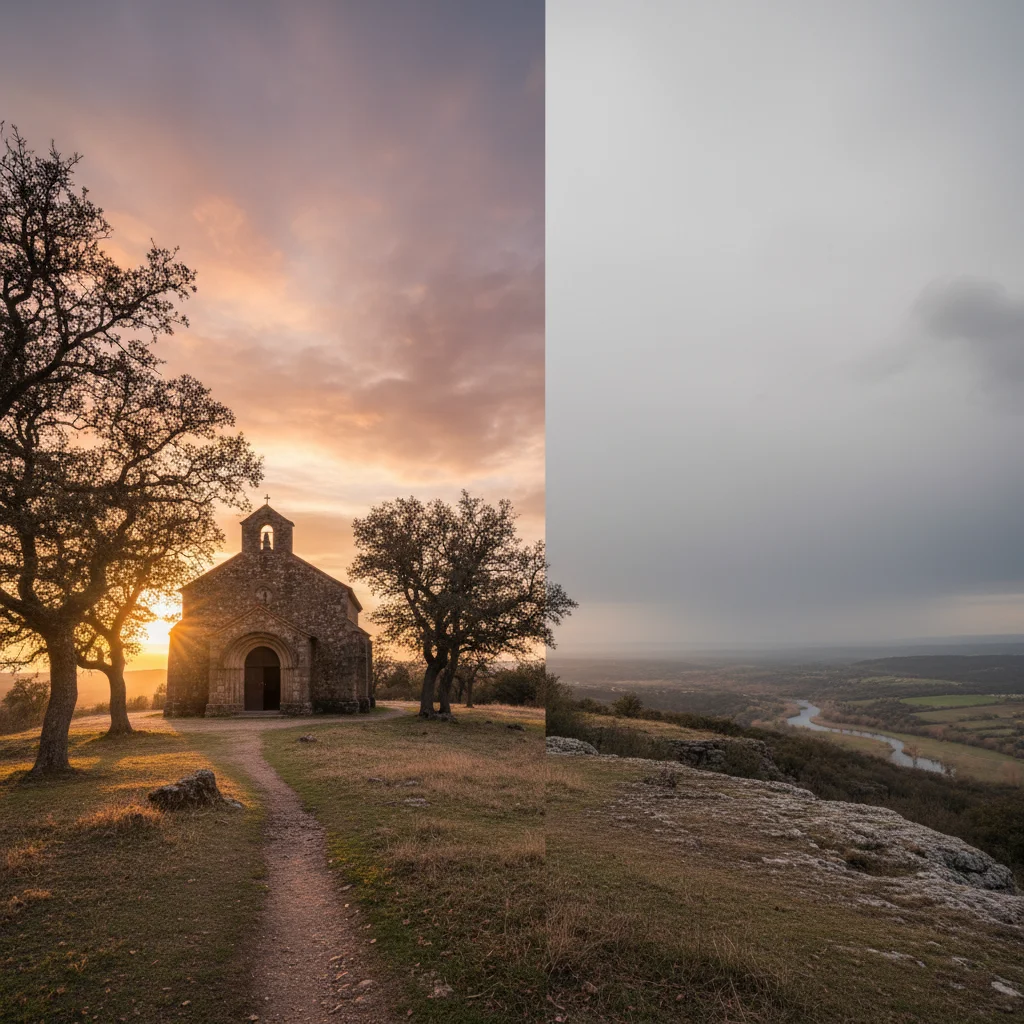
A high-end property with impressive architecture deserved a sky to match. Replaced the flat sky with dramatic clouds.
Prompt:
replace the dull sky with bright blue sky and dramatic white cumulus clouds, maintain natural shadows on the house
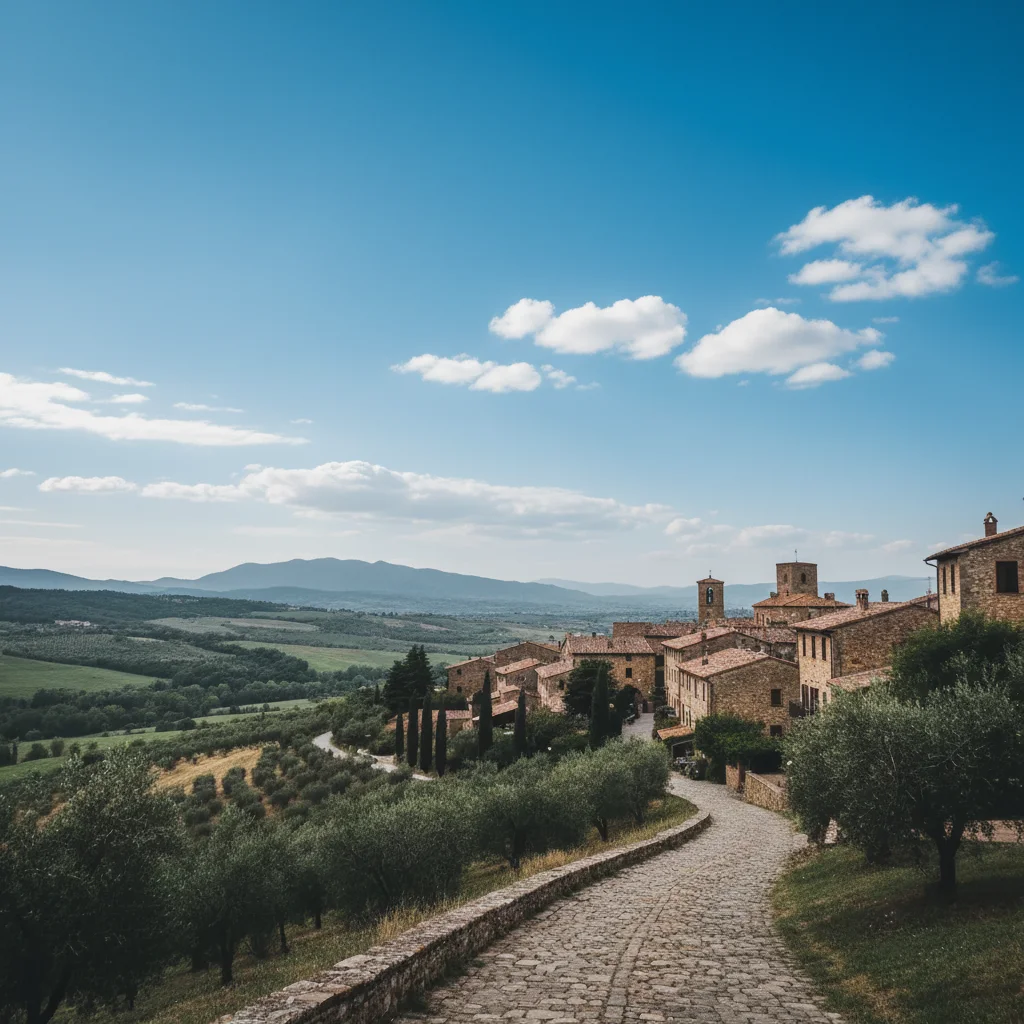
Townhouse listing with sunset glow
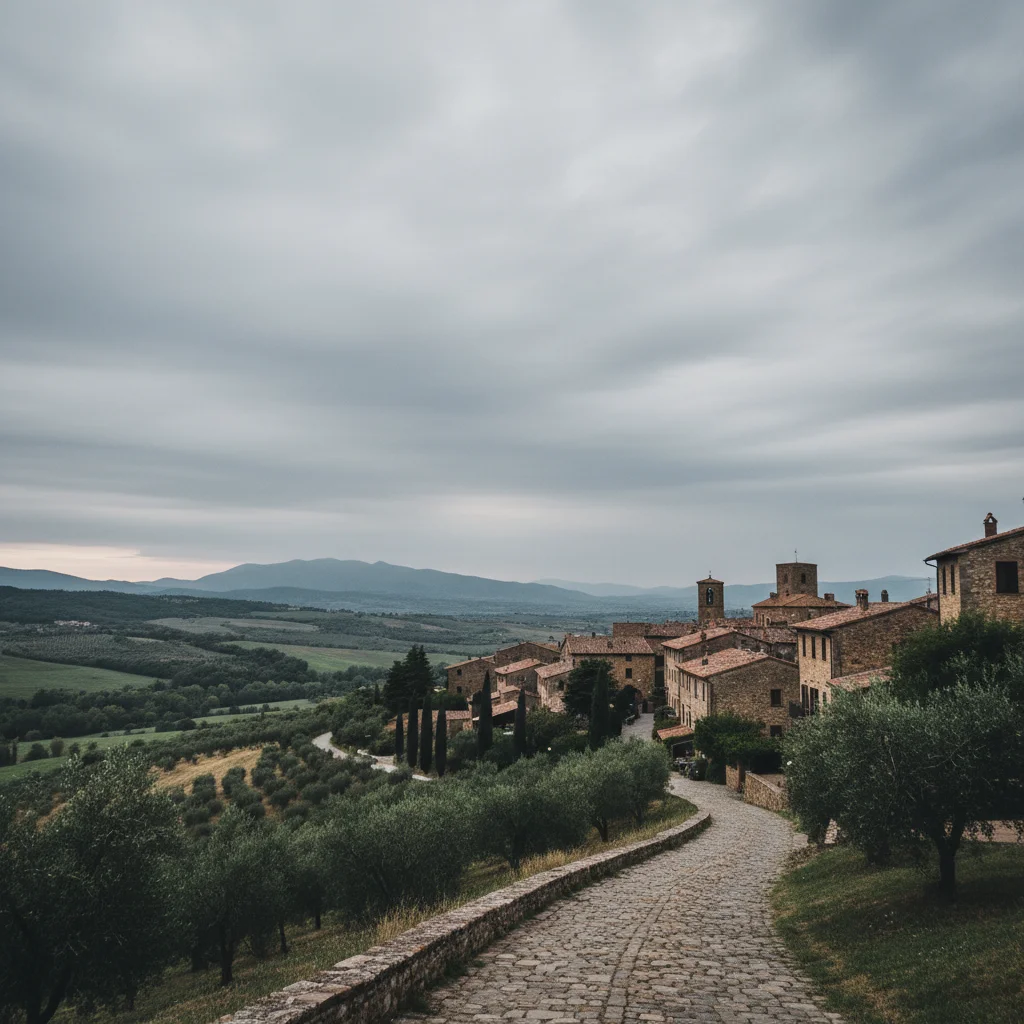
A modern townhouse that needed a warm, inviting feel. Golden sunset sky transformed the entire mood of the listing.
Prompt:
replace the gray sky with a warm golden sunset sky with orange and pink tones, add warm light reflecting on the townhouse facade
Quick answers
Popular use cases
Ready to fix your listing skies?
Free to try. No signup required.