AI Photo Editor for Grailed
Last updated
Turn casual phone photos into premium Grailed listings. Clean backgrounds and crisp details in seconds.
Drop your photo here
"change background to clean white, professional product photography style, crisp and premium"
Release to upload
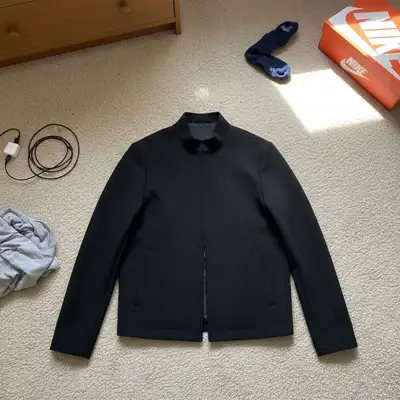
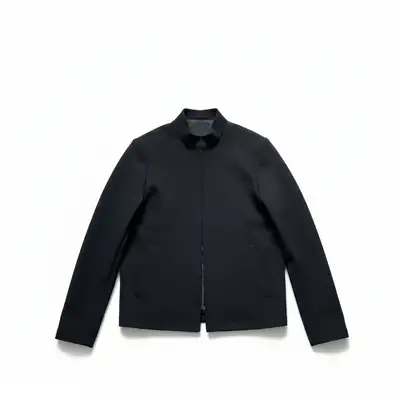
Built for Grailed Sellers
Grailed isn't Depop. Buyers are paying premium prices and expect premium presentation. They want to see fabric texture, construction details, accurate colors, and proof of authenticity. EditThisPic gives your pieces the clean, detailed presentation they deserve. Clean white backgrounds, enhanced details for condition checks, and consistent professional style that builds trust with serious buyers.
Tools Grailed Sellers Use Most
Enhance Details
Show fabric texture, stitching, and condition clearly
Remove Clutter
Clean up distracting items from product shots
Remove Wrinkles
Smooth fabric presentation without steaming
Create Premium Grailed Photos
-
Upload your photo
Drop your clothing photo into EditThisPic. JPG, PNG, and WebP up to 7MB. Phone camera photos work perfectly. Natural window light gives best starting point for showing fabric texture and color accuracy.
Simple items on clean surfaces: 15-20 seconds. Complex fabrics with lots of texture detail: may need 2-3 refinements to perfect edges and details. -
Describe what you want
Type 'change background to clean white' or 'enhance fabric texture and details.' The AI understands premium menswear presentation. Be specific about what matters: clean white backgrounds, enhanced texture to show condition, accurate colors for authenticity.
For archive and designer pieces, mention 'preserve all tags and labels clearly visible' to help buyers verify authenticity. -
Review and download
Zoom in to check fabric texture, stitching details, and color accuracy. Verify tags and labels are clearly visible if showing authenticity. Make sure the presentation matches the premium price point. Download your ready-to-list photo.
Compare before and after at full zoom. Details matter for Grailed buyers - they're looking at every stitch and checking for flaws.
Grailed Photo Prompts
change background to clean white, professional product photography style, crisp and premium
The standard for Grailed. Clean white creates premium presentation and makes pieces look archive-quality.
enhance fabric texture and construction details, show material quality and stitching clearly
Critical for designer pieces. Buyers want to see texture, weave, and construction to verify quality and authenticity.
change background to clean white, enhance the brand tags and labels, make them clearly readable
Proves authenticity. Sharp, visible tags help buyers verify designer pieces and reduce authentication questions.
change background to clean white, preserve all graphics and logos sharply, streetwear presentation
Graphics and prints need to be crisp. This prompt keeps brand details sharp while cleaning the background.
Show 4 more prompts
change background to clean white, enhance all details, museum-quality presentation for rare piece
Archive pieces deserve archive presentation. This prompt creates gallery-quality photos for rare finds.
change background to clean white, enhance denim texture and fade pattern, show distressing clearly
Denim buyers obsess over fade patterns and distressing. This shows every detail of wear and condition.
change background to clean white, enhance technical fabric texture, show material details
Tech fabrics like Gore-Tex or performance materials have specific textures buyers want to see.
grailed photos — keep it looking natural and realistic. I want to share this on social media right away
Upload the highest resolution version of your photo for the best editing results
| Edit Type | Prompt | Time | |
|---|---|---|---|
| Clean white background | change background to clean white, professional product photography style |
15s | Try This → |
| Enhance fabric details | enhance fabric texture and construction details, show material quality |
20s | Try This → |
| Show tags for authentication | change background to clean white, enhance brand tags and labels |
20s | Try This → |
| Quick cleanup | remove the distracting objects around the clothing |
15s | Try This → |
Grailed Photo Examples
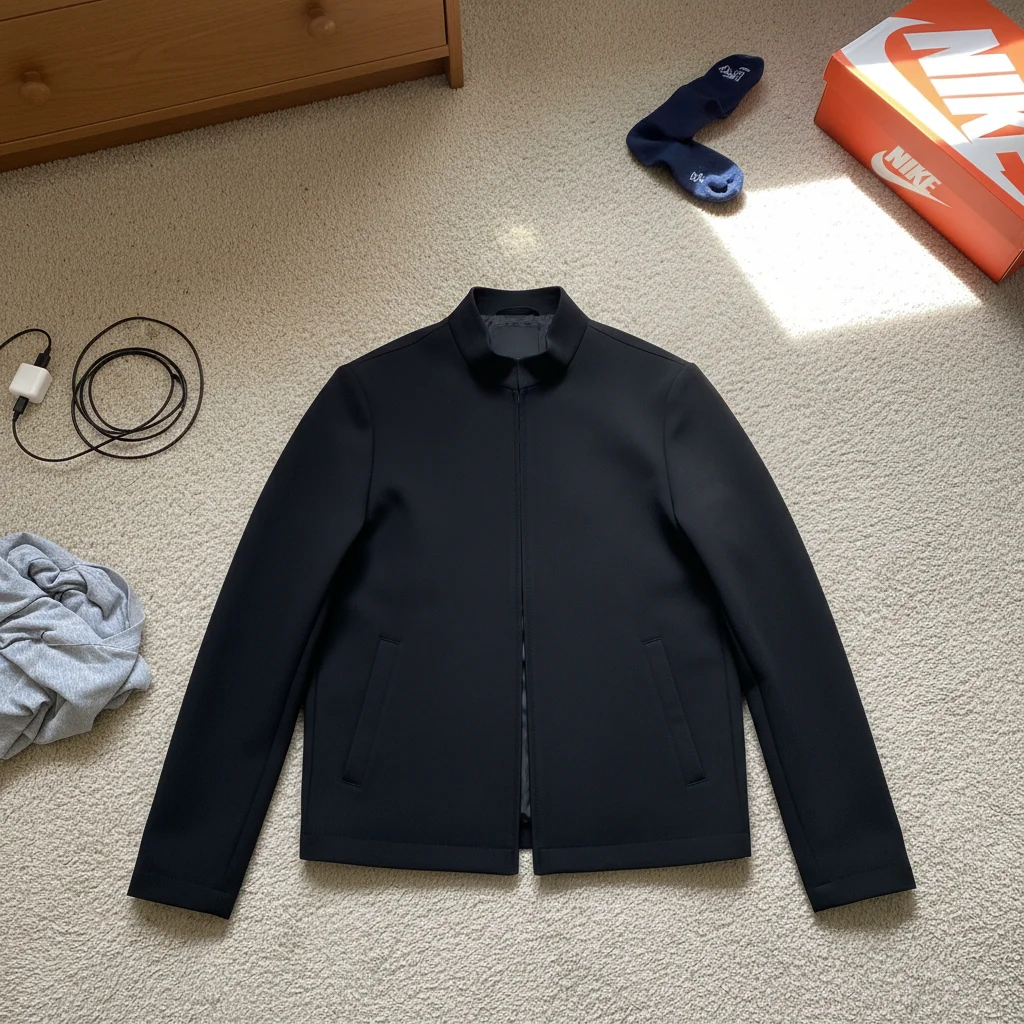
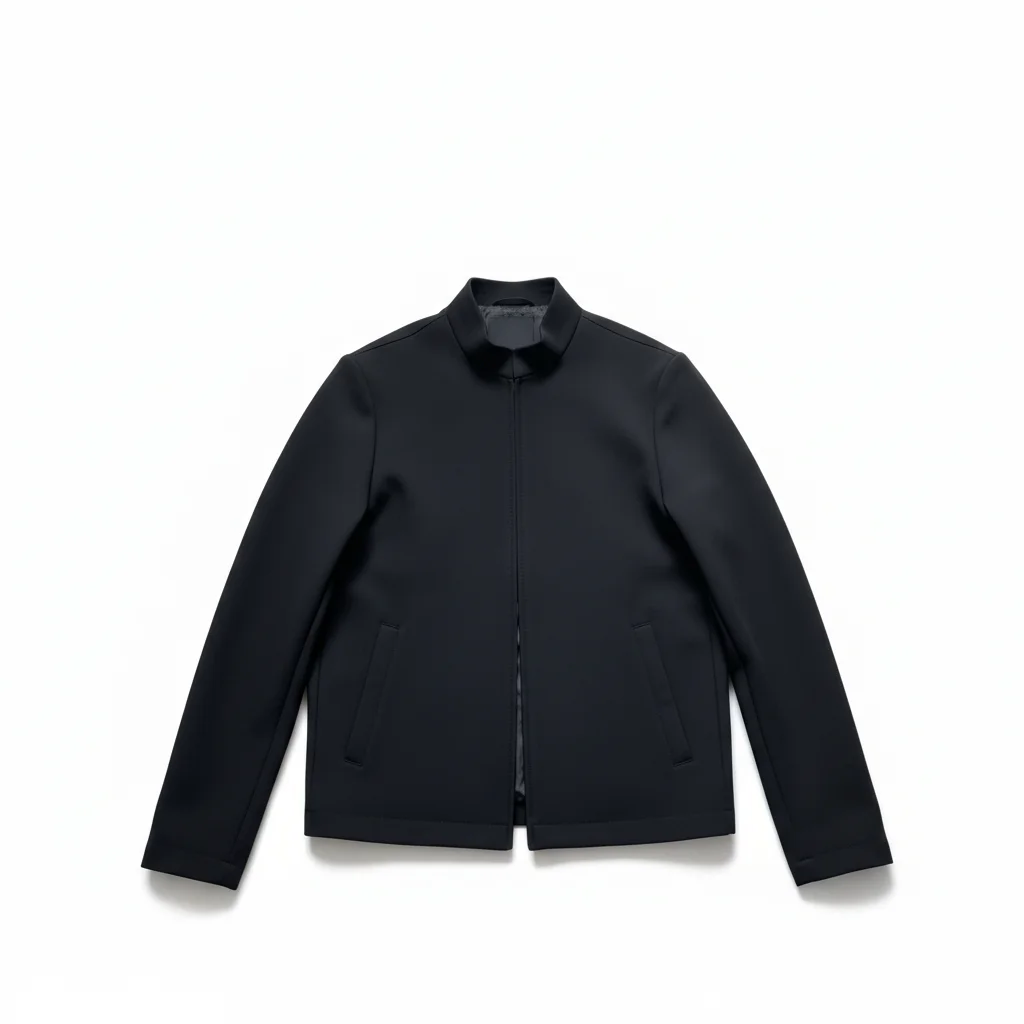
Designer jacket with clean white background
Raf Simons jacket photographed on bedroom floor with clutter. One prompt created archive-quality listing photo.
change background to clean white, professional product photography style, preserve fabric texture
Streetwear graphic tee with enhanced details
Supreme box logo tee on cluttered desk. Enhanced to show print quality and authenticity details clearly.
change background to clean white, enhance the graphic print and brand tag, make details sharp and clear
Common Grailed Photo Issues
Fabric texture looks smoothed or plastic after editing
Why: The AI may have over-processed the fabric while removing the background. Premium fabrics with visible texture are especially vulnerable to this.
change background to clean white, preserve natural fabric texture and weave exactly as it is
Adding 'natural texture' and 'weave' tells the AI to keep the material character that buyers use to judge quality.
Colors look different after editing
Why: Removing the original background changes how colors appear without their original context. Critical for Grailed where buyers check authenticity by color.
change background to clean white, preserve original fabric colors exactly, accurate color representation
Color accuracy prevents returns and authenticity questions. Always compare before and after to verify fabric color stayed true.
Graphics or prints lost sharpness
Why: Graphic prints and logos can blur if the AI treats them as part of the background processing instead of the item itself.
change background to clean white, preserve all graphics and logos sharply, keep print details crisp
Streetwear graphics need to stay sharp. Adding 'preserve graphics' ensures prints stay clear and authentic-looking.
Grailed Seller Questions
Do I need to mark the background or select areas before describing?
No! Just type 'change background to clean white' and the AI handles it. EditThisPic understands what 'background' means without any selection.
How do I make tags and labels visible for authentication?
Include 'enhance the brand tags and labels' in your prompt. The AI will sharpen text on tags to make them clearly readable. For best results, photograph tags with good lighting first, then enhance. Sharp, visible tags help buyers verify authenticity and reduce questions.
Will this work for showing fabric texture and condition?
Yes. Use prompts like 'enhance fabric texture and details' to make material quality and wear patterns clearly visible. Critical for Grailed where buyers are checking condition at premium prices. The AI enhances texture without making it look fake.
What background color works best for designer and streetwear?
Clean white is standard for Grailed. It creates premium presentation and makes pieces look archive-quality. White backgrounds let fabric colors and details stand out clearly, which is what buyers paying premium prices expect to see.
Will colors stay accurate to my actual item?
The AI preserves original colors by default. Add 'preserve original fabric colors exactly' to your prompt if accuracy is critical for authentication. Always compare before and after to verify. Accurate colors prevent returns and build buyer trust.
How do I handle complex fabrics like sherpa or distressed denim?
Complex textures often need one refinement. Sherpa, fur collars, and frayed edges sometimes need this second pass for perfect results.
Is EditThisPic's AI photo editor for grailed really free?
Yes — you get 1 free edit per week, no account needed. Plans start at $4.99/month for 15 edits.
Can I grailed photos on my phone?
Yes. EditThisPic works in any mobile browser — iPhone, Android, tablet. No app download needed.
Popular use cases
Ready to sell faster on Grailed?
Free to try. No signup required. Create premium listings now.
Start EditingTrusted by 15,000+ users