Pricing Remove Logo · Free

Logo Remover

Last updated

Describe what to remove — 'erase the logo in the corner' — and the AI erases it and fills the background naturally. No marking required.

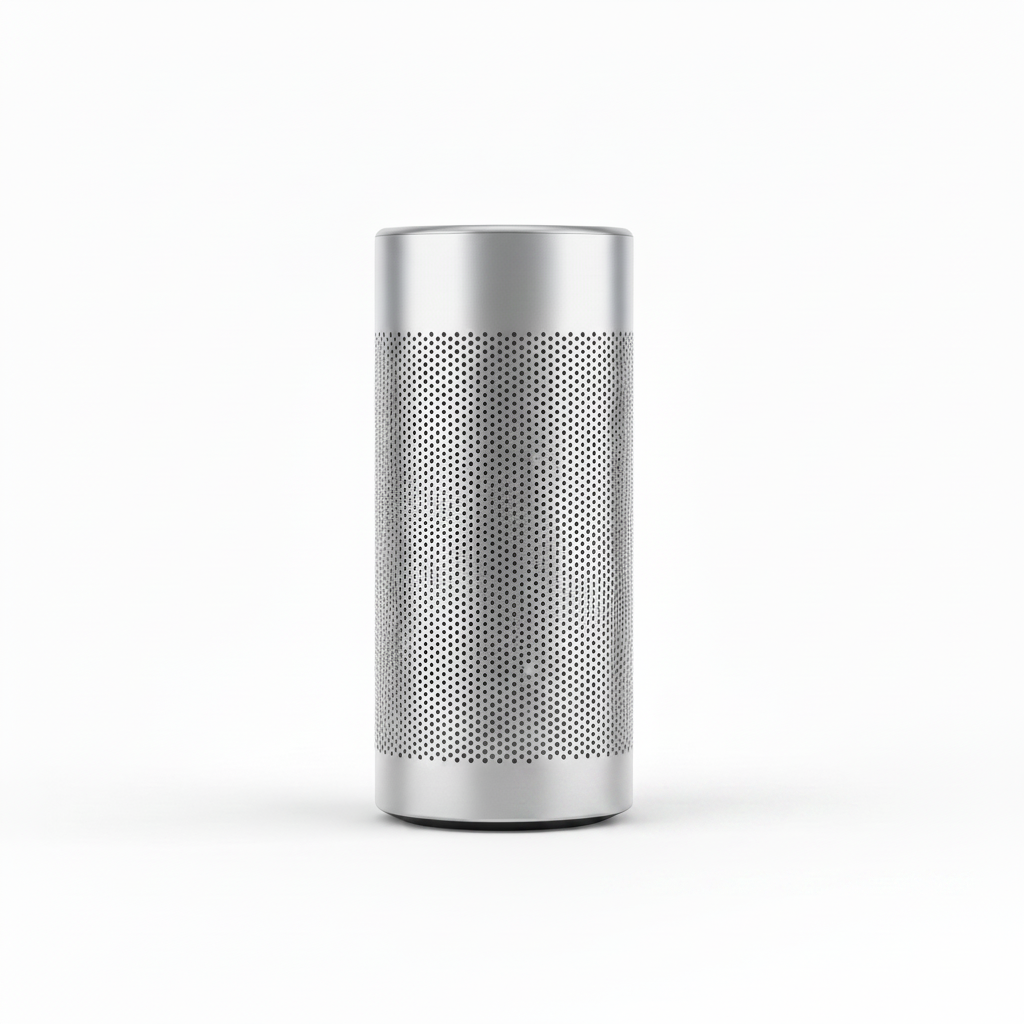
Silver speaker on white background with brand logo in bottom-right corner Same speaker on clean white background with logo removed

Upload photo to remove logo

"erase the SAMPLE watermark text across the center of the image and restore the image content beneath it"

Free to try · no sign-up · photos are never shared

Release to upload

<30stypical edit
1 freeedit weekly
Photo on your phone? Scan to open this editor there — free edit works on your phone too.

1 free edit every week·packs from $4.99

How it works

  1. Upload the photo containing the logo

    Drop your image into EditThisPic — JPG, PNG, or WebP up to 7MB. Works with brand logos, TV channel bugs, stock watermarks, clothing logos, and product stamps. Higher-resolution images give the AI more background detail to reconstruct from.

    Expect: Clean logos on simple backgrounds: 15–20 seconds. Logos on complex textures or over intricate patterns: 30–45 seconds and may need one refinement.
  2. Check the fill area at full zoom

    Zoom to 100% on the area where the logo was. Check that the fill texture matches the surrounding surface — look for seams, color shifts, or blurred edges. On simple backgrounds (white, plain color, sky) the fill is usually seamless on the first try.

See it in action

Silver speaker on white background with brand logo in bottom-right corner
Before
->
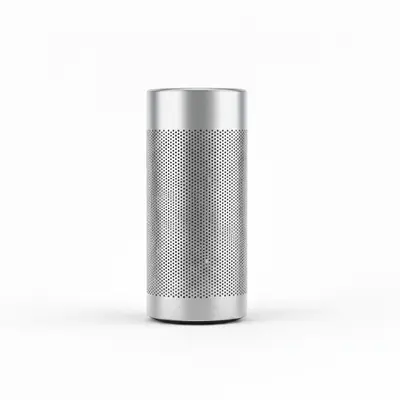
Same speaker on clean white background with logo removed
After

Brand logo removed from product photo corner

An ecommerce seller needed a clean product shot without the manufacturer's logo in the corner. One prompt removed it and filled with the white background.

Prompt: remove the logo in the bottom-right corner and fill with the white background so it looks like it was never there
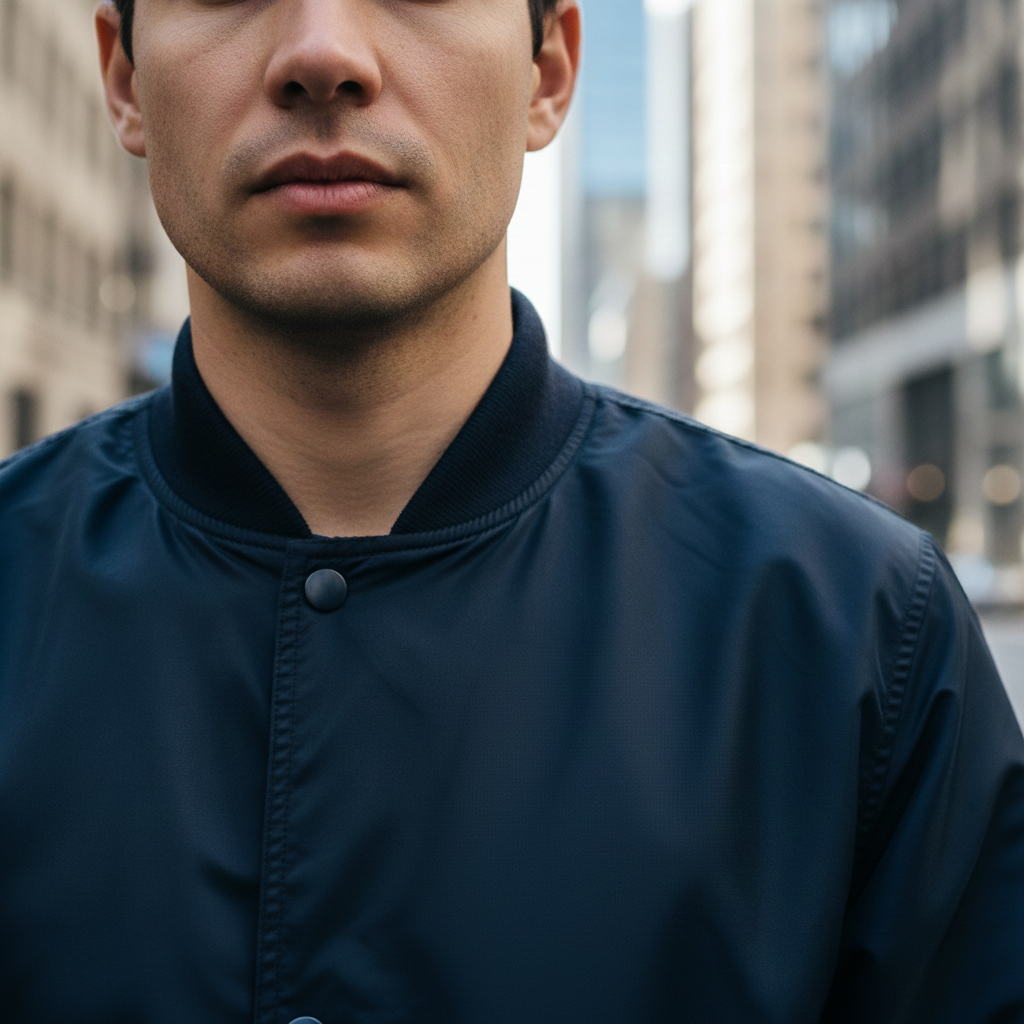
Person wearing navy bomber jacket with white brand logo on chest
Before
->
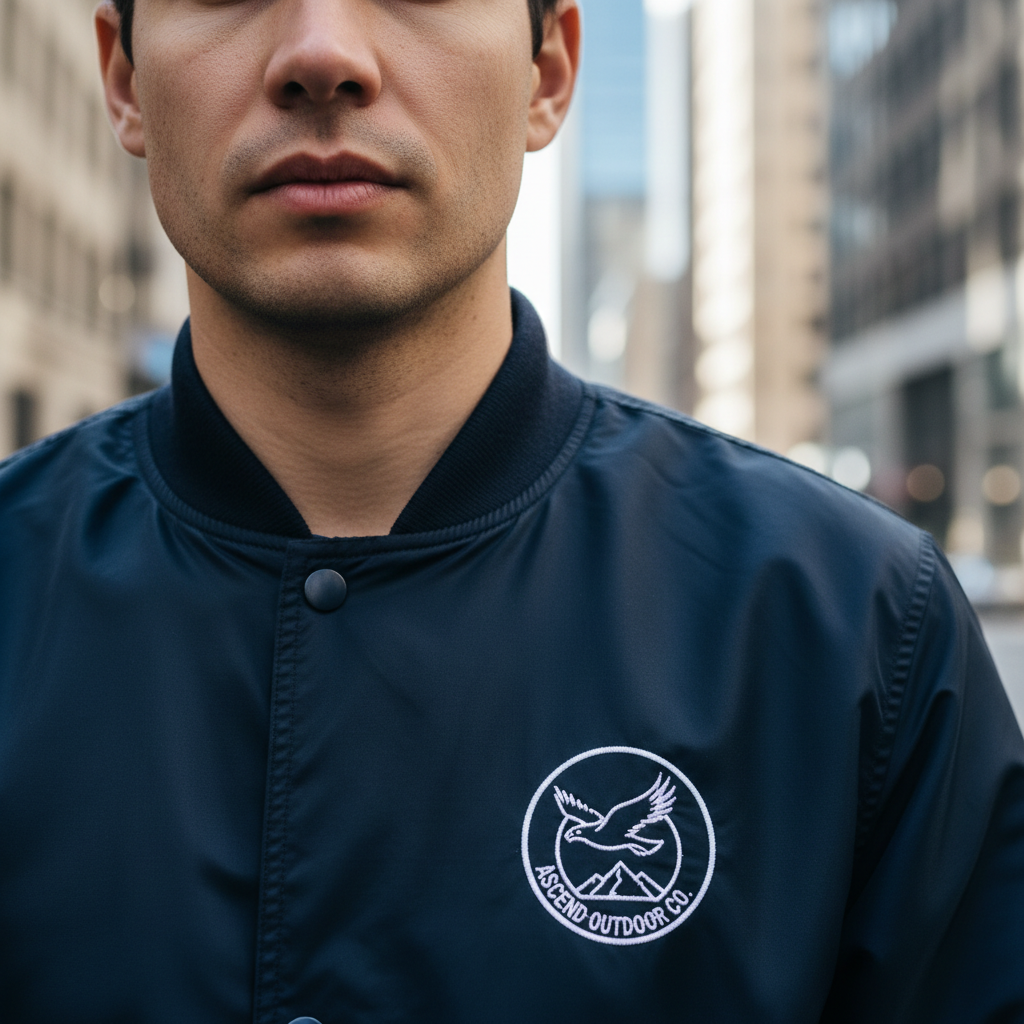
Same jacket with chest logo removed and fabric texture filled in cleanly
After

Clothing logo removed from jacket chest

A fashion reseller needed a photo without the brand logo visible on the garment. The AI removed the logo and filled with matching fabric texture.

Prompt: remove the brand logo on the chest of the jacket and fill with the same fabric texture and color as the surrounding area

Quick answers

Do I need to mark the logo before describing what to remove?

No. Just describe the logo's position: 'remove the logo in the bottom-right corner' or 'erase the watermark text in the center.' The AI locates and removes it from your description.

Is there a free logo remover from images with no login?

Yes. EditThisPic removes logos from photos free to preview with no account, and purchased downloads are clean. Upload your image, describe the logo to remove, and get the clean result in 15–30 seconds. Works in any browser on desktop or mobile.

How do I remove a logo from a photo for free?

Go to EditThisPic, upload your photo, and type: 'remove the logo in the [corner/center/chest] and fill with the background.' The AI erases the logo and reconstructs the surface behind it in 15–30 seconds. No account required, free preview, clean paid download.

Can it remove logos from clothing — like a brand logo on a shirt?

Yes. Type: 'remove the brand logo on the chest of the shirt and fill with the same fabric texture and color as the surrounding area.' The 'same fabric texture' instruction ensures the fill matches the weave pattern rather than producing a flat patch.

Can it remove a watermark from a stock photo?

Yes. Type: 'erase the SAMPLE watermark text across the center and restore the image content beneath it.' The AI reconstructs the original image content under the watermark overlay. Semi-transparent watermarks may need a second pass to remove any remaining color cast.

What kinds of logos can it remove?

Brand logos in corners, TV channel bugs, stock photo watermarks, clothing brand logos, product stamps, official seals, and promotional overlays. The AI works on any visible logo or mark as long as you describe its type and location.

What's the best free logo remover from images?

EditThisPic is free to try with no signup and no credit system. Upload your image, describe what to remove, and preview the result — purchased downloads are clean. Works on brand logos, clothing logos, watermarks, and stamps across any photo format.

How much does EditThisPic cost?

You get 1 free edit per week — no account needed. After that, one-time credit packs start at $4.99 for 10 edits, valid 12 months, no subscription. Power users who edit daily can pick Studio Membership, a monthly workspace at $49.99/mo for 300 edits. Purchased downloads are clean with no watermark.

Ready to remove that logo?

Free to try. No signup required.

1 free edit included·Credit packs from $4.99