AI Photo Editor for Makeup Artist Portfolio Photos
Last updated
Makeup photos that showcase your artistry.
Drop your photo here
"enhance with soft beauty lighting, show makeup colors and skin quality accurately"
Release to upload
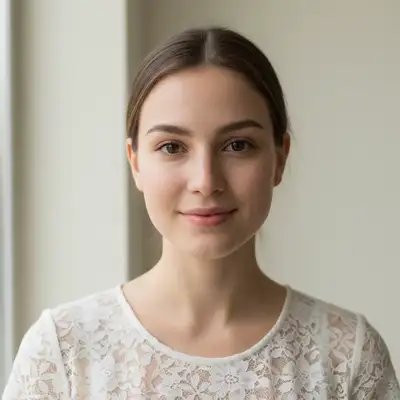
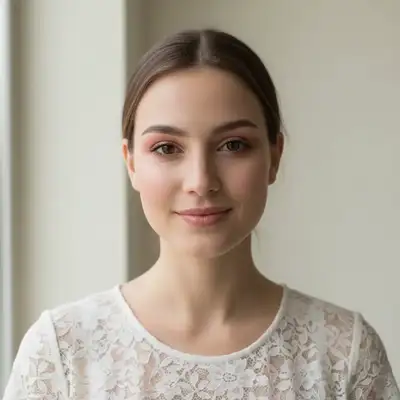
Built for Makeup Artist Portfolio Professionals
Makeup artistry sells through visual proof. Clients need to see your color work, blending precision, and transformation skills in portfolio-quality images. EditThisPic delivers beauty-standard lighting that showcases your talent.
How to AI Photo Editor for Makeup Artist Portfolio Photos
-
Upload your photo
Drop your makeup artist portfolio photo into EditThisPic.
-
Describe your edit
Type what you want.
-
Review
Check accuracy.
Prompts for Makeup Artist Portfolio
enhance with soft beauty lighting, show makeup colors and skin quality accurately
Beauty lighting is the industry standard for makeup photography
enhance to show makeup blending, contouring, and color transitions clearly
Visible blending quality proves your technical skill
enhance the eye makeup close-up with sharp detail, show shadow and liner precision
Eye close-ups are the most shared makeup portfolio images
standardize lighting for makeup before/after comparison, dramatic transformation
Before/after transformations are your most powerful marketing content
Show more prompts
enhance the bridal makeup photo with soft romantic lighting, elegant presentation
Bridal portfolio photos directly generate high-value bookings
Makeup Artist Portfolio Transformations
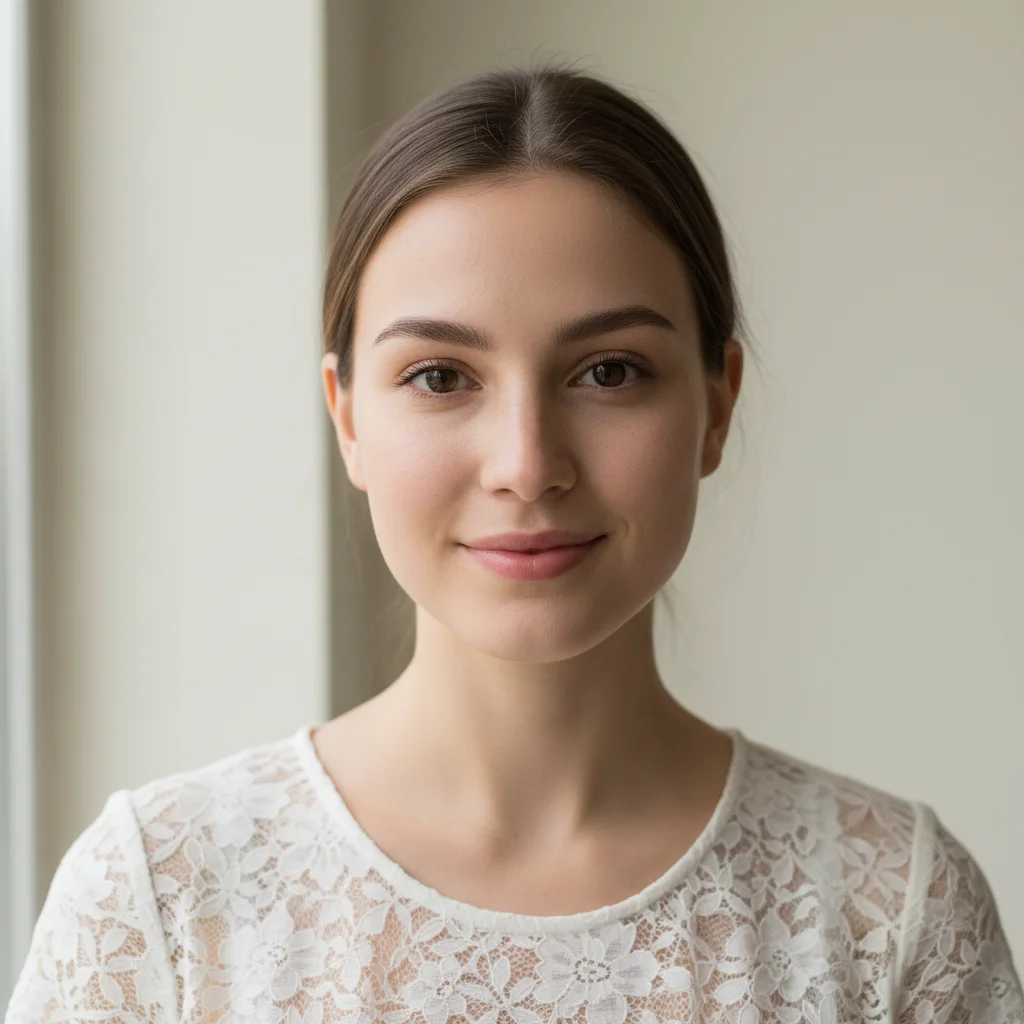
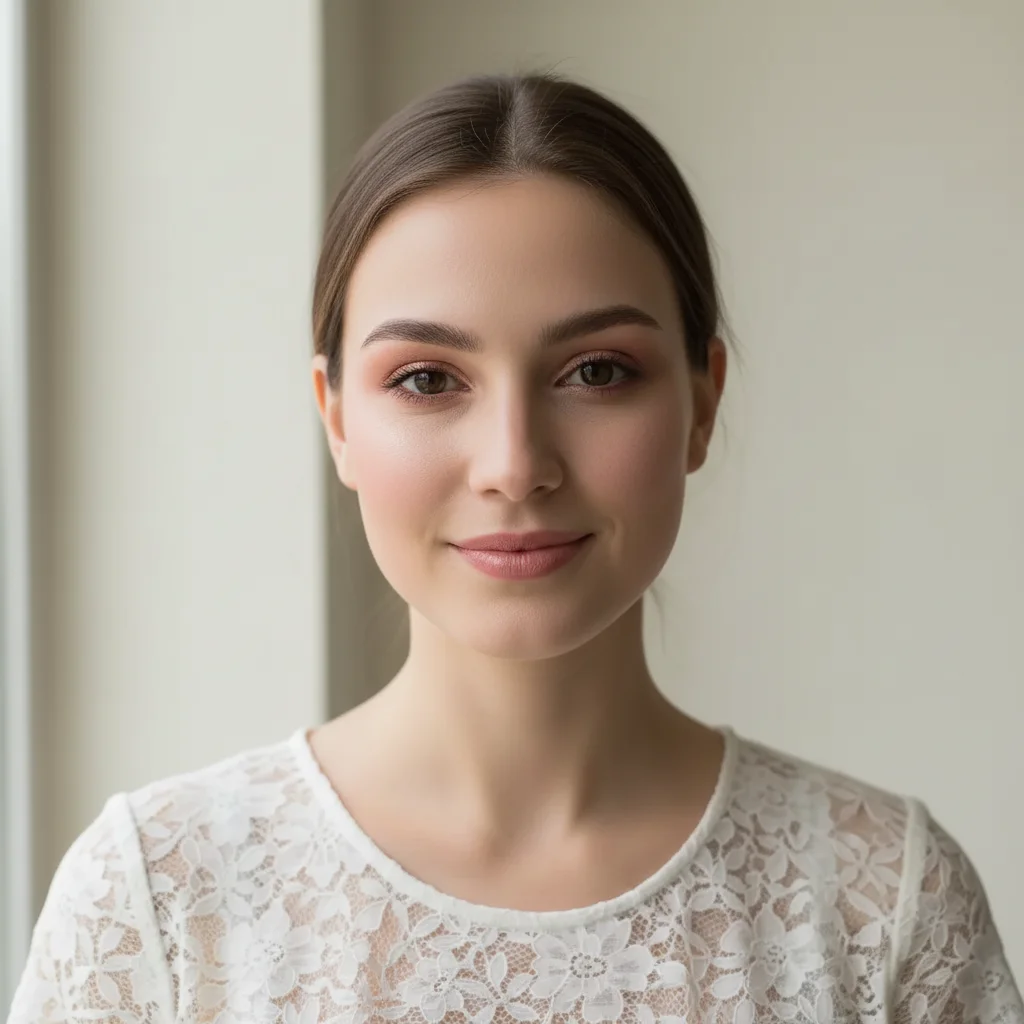
Beauty lighting applied
Makeup portfolio photo enhanced with professional beauty lighting showing color accuracy.
enhance with soft beauty lighting, show makeup colors and skin quality accurately
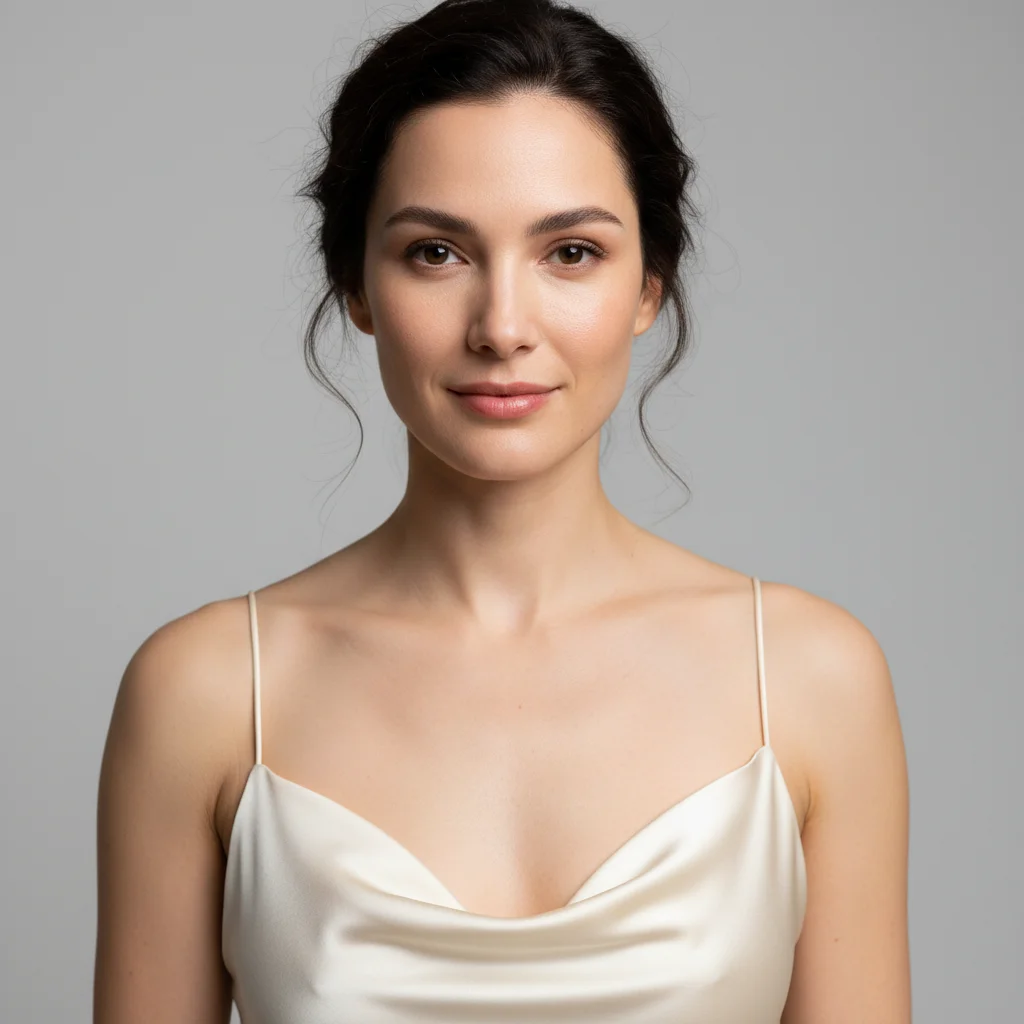
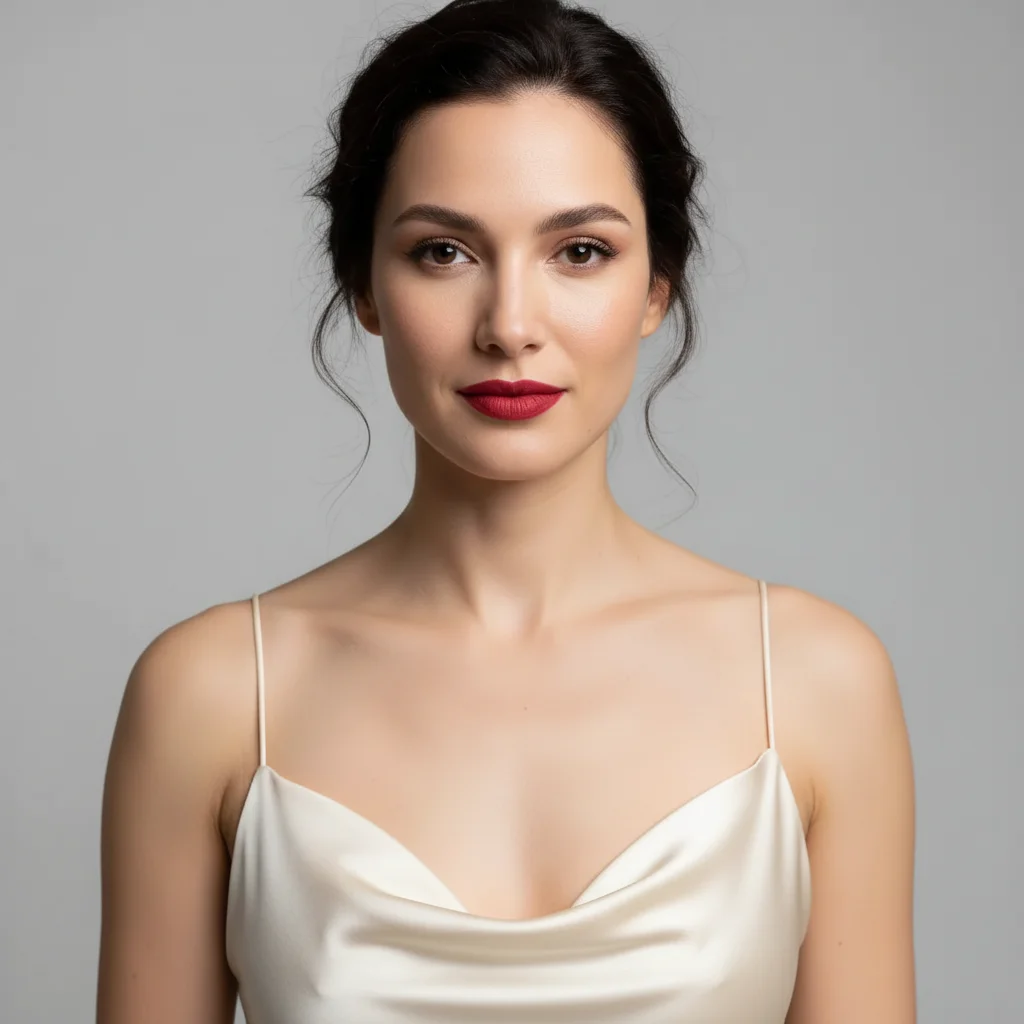
Makeup transformation documented
Before/after makeup transformation with standardized lighting for portfolio presentation.
Common Issues
Colors don't match the creative vision
Why: Camera captures literal colors, not the artistic mood you intended
Describe the mood you want (e.g., 'moody and dark' or 'bright and airy')
Fine details are lost in the photo
Why: Phone cameras compress detail in textures, brushstrokes, or fine work
Tap-mark the specific detail area for targeted sharpening without artifacts
Background doesn't complement the portfolio piece
Why: Workshop or studio backgrounds can look messy in portfolio shots
replace the background with a clean, professional surface that complements the piece
Neutral backgrounds let the creative work speak for itself
Lighting makes the work look flat
Why: Even lighting removes the depth and dimensionality of physical work
Slight side lighting reveals texture and depth that flat lighting hides
FAQ
How do I show true makeup colors in photos?
Natural daylight or corrected white balance shows makeup colors most accurately. The AI corrects color casts from salon and bathroom lighting that distort every shade.
What's the best lighting for makeup photography?
Ring light for consistency, or natural window light for accuracy. The AI can enhance either to beauty-standard quality.
Should I retouch skin in makeup photos?
Light retouching is expected — smooth minor distractions while keeping skin texture visible. Over-retouching makes makeup work look fake.
How many portfolio photos per look?
3-5 per look: full face, eyes close-up, lips close-up, three-quarter profile, and any special detail. Show range within each application.
Do before/after photos really help?
Transformations are your most powerful marketing content. They demonstrate skill and build client confidence. Always photograph before applying makeup.
Is this free?
Yes — 1 free edit per week. plans start at $4.99/month.
Popular use cases
Showcase your artistry with better photos
Professional makeup portfolio photos. Free to try.
Upload Your PhotoTrusted by 15,000+ users