AI Photo Editor for Tattoo Artist Portfolio Photos
Last updated
Tattoo photos that show your artistry.
Drop your photo here
"enhance the tattoo photo with clear even lighting, show line work and ink detail"
Release to upload

Built for Tattoo Artist Portfolio Professionals
Tattoo clients choose artists by portfolio quality. They need to see your line work precision, color saturation, and artistic style clearly. EditThisPic enhances tattoo photos to show every detail of your craftsmanship.
How to AI Photo Editor for Tattoo Artist Portfolio Photos
-
Upload your photo
Drop your tattoo artist portfolio photo into EditThisPic.
-
Describe your edit
Type what you want.
-
Review
Check accuracy.
Prompts for Tattoo Artist Portfolio
enhance the tattoo photo with clear even lighting, show line work and ink detail
Clear detail photos prove your technical skill to potential clients
boost the tattoo color vibrancy while keeping skin tones natural
Vibrant color work is the #1 draw for color tattoo clients
reduce the skin redness around the fresh tattoo, show the finished artwork
Fresh tattoo photos look much better with reduced irritation
enhance the fine line tattoo with sharp detail, show precision work
Fine line work is trending — your portfolio photos need to show the precision
Show more prompts
enhance the healed tattoo photo with natural lighting, show settled ink quality
Healed tattoo photos are actually more important than fresh ones for portfolio
Tattoo Artist Portfolio Transformations

Tattoo detail enhanced
Fresh tattoo photo enhanced to show line work detail and color vibrancy clearly.

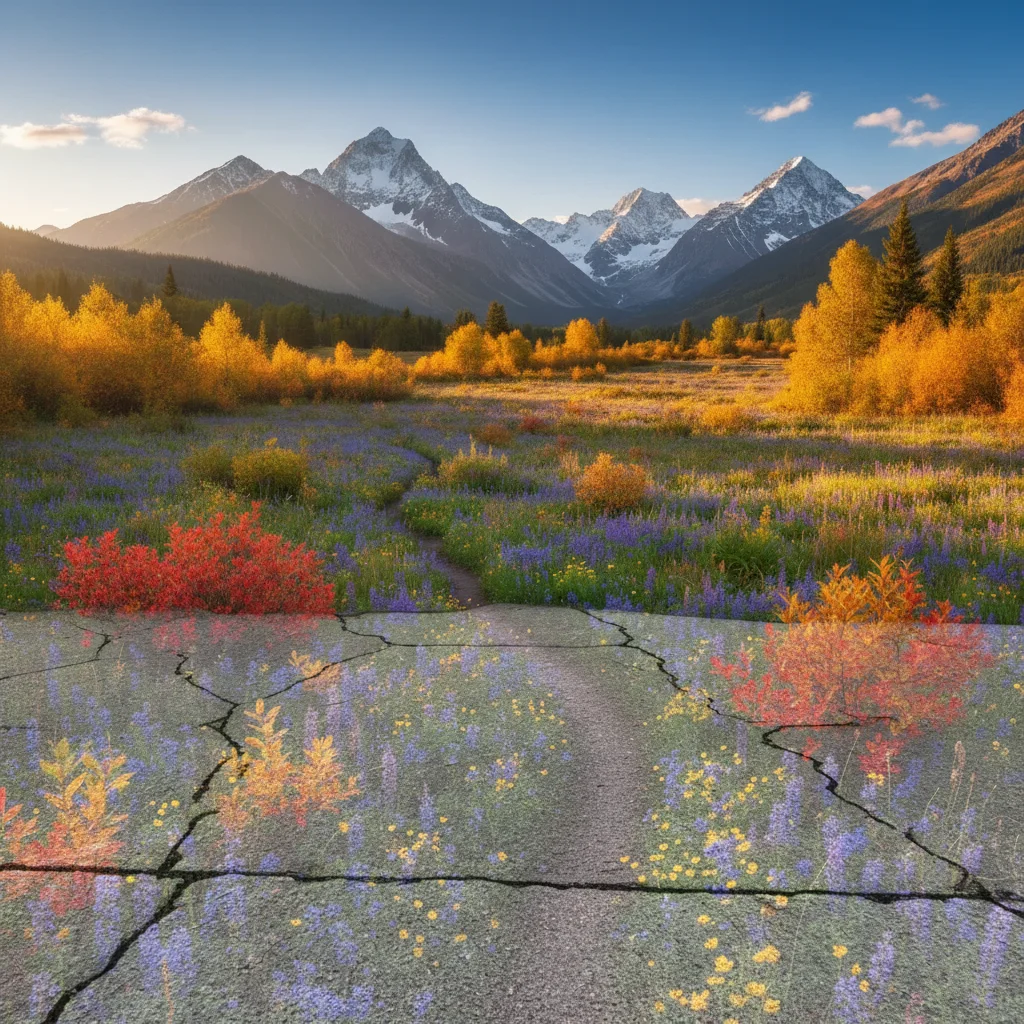
Color tattoo showcased
Color tattoo photo enhanced to show vibrant ink saturation and artistic detail.
Common Issues
Colors don't match the creative vision
Why: Camera captures literal colors, not the artistic mood you intended
Describe the mood you want (e.g., 'moody and dark' or 'bright and airy')
Fine details are lost in the photo
Why: Phone cameras compress detail in textures, brushstrokes, or fine work
Tap-mark the specific detail area for targeted sharpening without artifacts
Background doesn't complement the portfolio piece
Why: Workshop or studio backgrounds can look messy in portfolio shots
replace the background with a clean, professional surface that complements the piece
Neutral backgrounds let the creative work speak for itself
Lighting makes the work look flat
Why: Even lighting removes the depth and dimensionality of physical work
Slight side lighting reveals texture and depth that flat lighting hides
FAQ
How do I photograph fresh tattoos without glare?
Clean the tattoo, let the excess ointment absorb for a moment, and photograph with diffused light. Then enhance to remove any remaining reflections.
Should I show fresh or healed tattoo photos?
Both. Fresh photos show your clean technique. Healed photos show how the tattoo settles — clients want to see both.
How do I show fine line work in photos?
Get close, use good lighting, and keep the camera steady. The AI enhances sharpness and detail to showcase precision line work.
Can I fix the redness around fresh tattoos?
Yes. The AI reduces skin irritation in photos while preserving the tattoo detail, giving a cleaner portfolio presentation.
What makes a great tattoo portfolio?
Consistent photo quality, variety of styles you offer, both fresh and healed shots, and close-up details. Quality over quantity.
Is this free?
Yes — 1 free edit per week. plans start at $4.99/month.
You might also like
Popular use cases
Show your ink at its best
Professional tattoo portfolio photos. Free to try.
Upload Your PhotoTrusted by 15,000+ users