AI Photo Editor for Nail Artist Portfolio Photos
Last updated
Nail art photos that grow your bookings.
Drop your photo here
"enhance the nail art with clean even lighting, show every design detail clearly"
Release to upload


Built for Nail Artist Portfolio Professionals
Nail art clients choose technicians by Instagram portfolio quality. They zoom in on detail, color accuracy, and finish quality. EditThisPic enhances nail photos to show every brushstroke, gem placement, and finish effect clearly.
How to AI Photo Editor for Nail Artist Portfolio Photos
-
Upload your photo
Drop your nail artist portfolio photo into EditThisPic.
-
Describe your edit
Type what you want.
-
Review
Check accuracy.
Prompts for Nail Artist Portfolio
enhance the nail art with clean even lighting, show every design detail clearly
Clear detail photos let clients zoom in on your craftsmanship
enhance to show glitter, chrome, or holographic nail finish clearly
Special finishes are your biggest selling point — make them visible
enhance the nail photo with smooth clean hand presentation, salon-quality
Clean hand presentation frames your nail work professionally
correct the overhead salon lighting, show true nail colors
Salon lights distort every nail color — correction shows true shades
Show more prompts
enhance the full nail set from multiple angles, consistent portfolio lighting
Full set showcases demonstrate your complete artistry
Nail Artist Portfolio Transformations
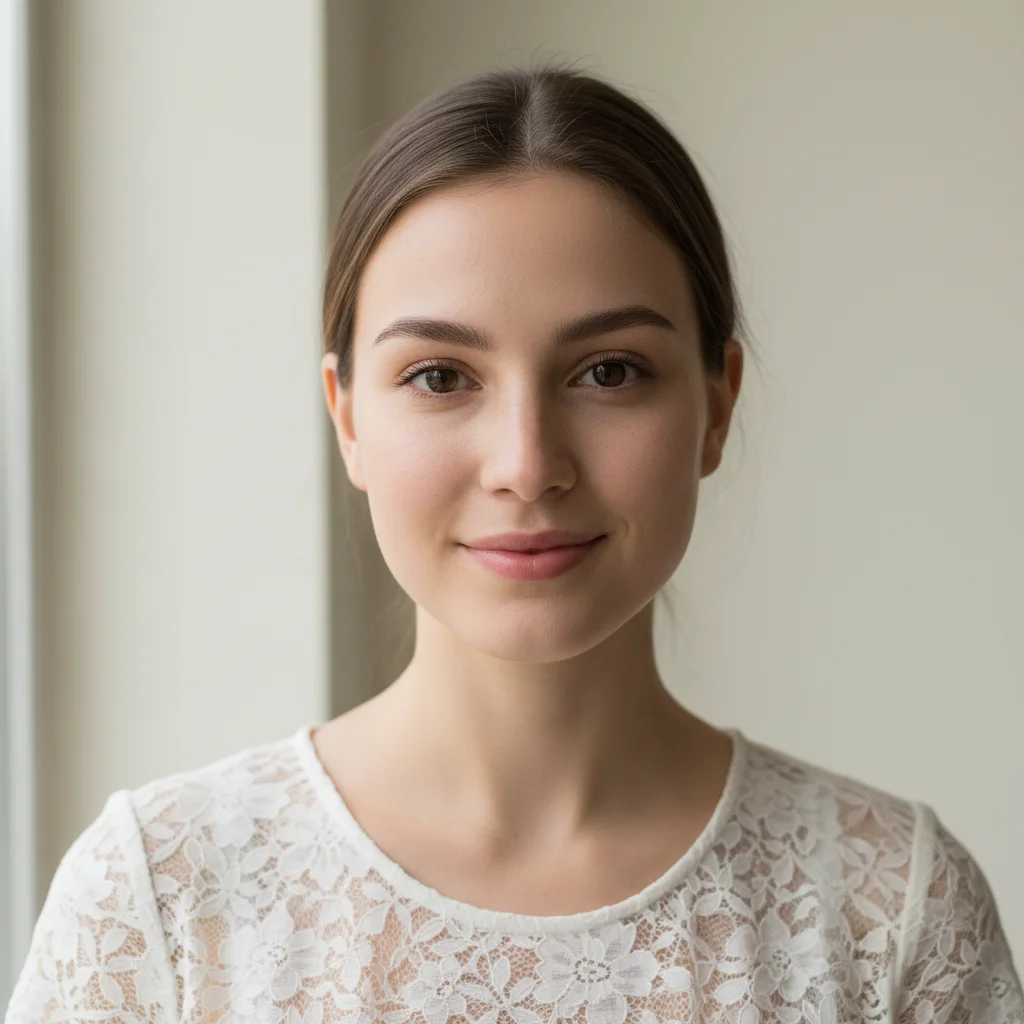
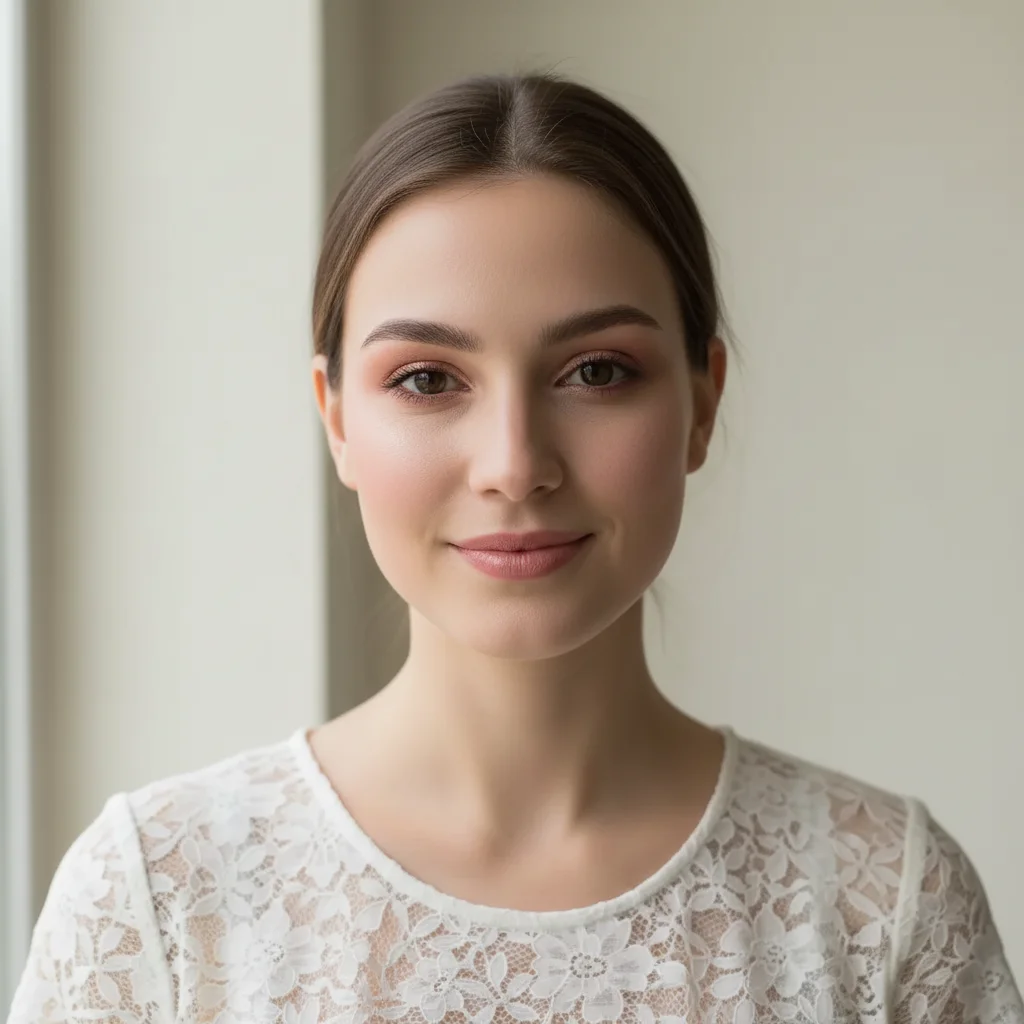
Nail detail enhanced
Nail art close-up enhanced to show design detail, color accuracy, and finish quality.
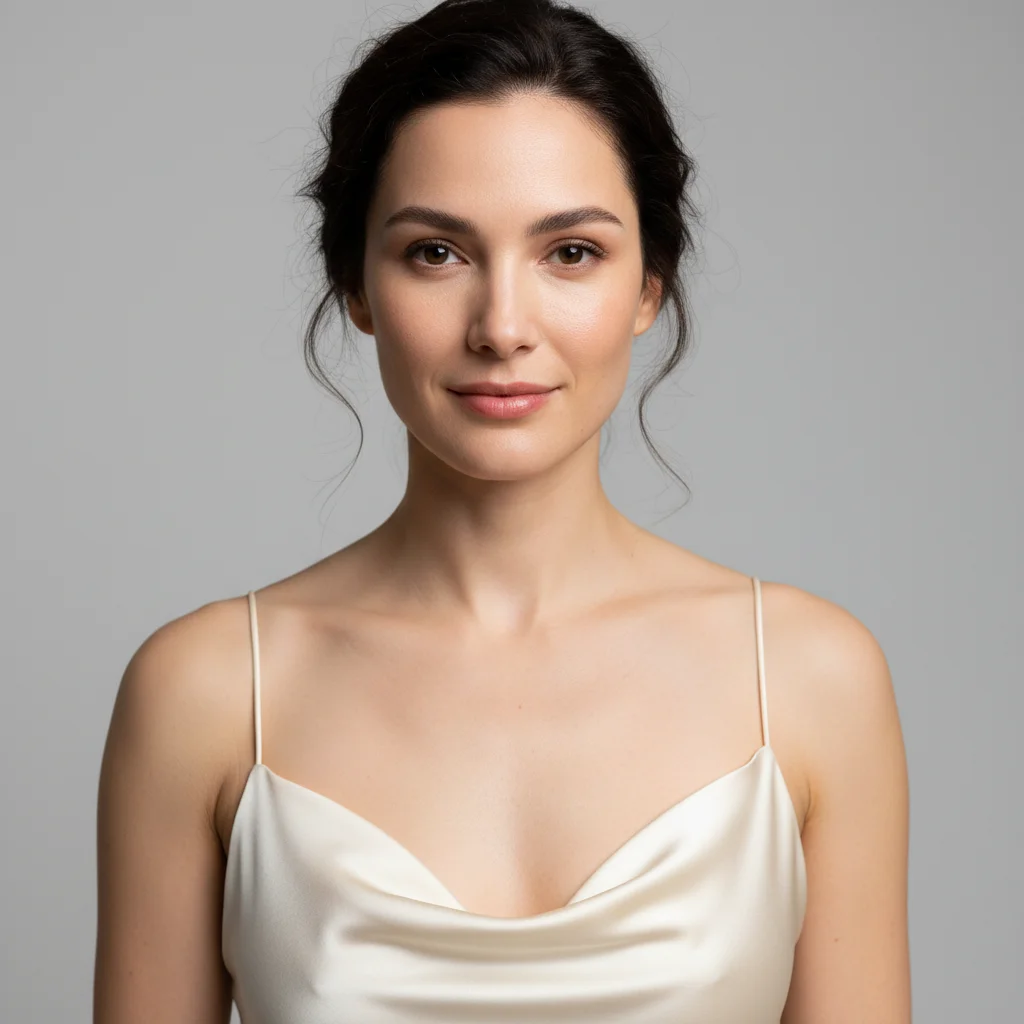
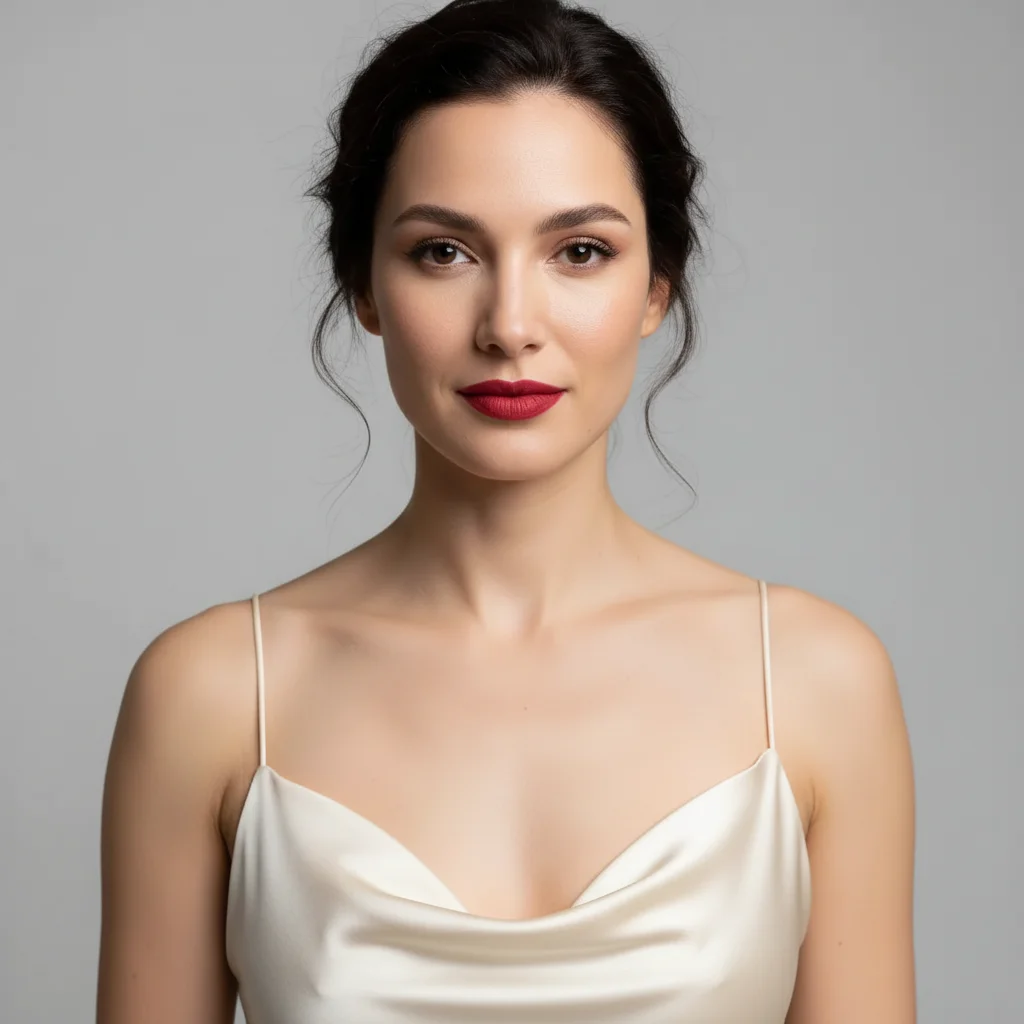
Chrome finish captured
Chrome nail finish enhanced to show reflective quality and application precision.
Common Issues
Colors don't match the creative vision
Why: Camera captures literal colors, not the artistic mood you intended
Describe the mood you want (e.g., 'moody and dark' or 'bright and airy')
Fine details are lost in the photo
Why: Phone cameras compress detail in textures, brushstrokes, or fine work
Tap-mark the specific detail area for targeted sharpening without artifacts
Background doesn't complement the portfolio piece
Why: Workshop or studio backgrounds can look messy in portfolio shots
replace the background with a clean, professional surface that complements the piece
Neutral backgrounds let the creative work speak for itself
Lighting makes the work look flat
Why: Even lighting removes the depth and dimensionality of physical work
Slight side lighting reveals texture and depth that flat lighting hides
FAQ
How do I photograph chrome and holographic nails?
Angle the hand slightly to control reflections. Diffused lighting works best. The AI cleans up remaining reflection chaos while preserving the attractive chrome effect.
What background works best for nail photos?
Clean white, soft pink, or matching accent colors. Consistency across your portfolio creates a professional brand that clients trust.
Should I show both hands?
Show the full set together and individual hand close-ups. Detail shots of individual nails showcase precision work.
How do I make nail colors look accurate?
Natural daylight shows nail colors most accurately. The AI corrects salon lighting color casts that shift every shade.
Can I fix the skin around nails in photos?
Yes. Light skin cleanup creates a polished presentation while keeping the photo natural. Focus on your nail artistry, not skin imperfections.
Is this free?
Yes — 1 free edit per week. plans start at $4.99/month.
Popular use cases
Show your nail art at its finest
Professional nail portfolio photos. Free to try.
Upload Your PhotoTrusted by 15,000+ users