Free • No signup Swap Packaging label · Free

Packaging Label Swap from Photo

Upload a product photo + your new label design. AI replaces the label while preserving contours and lighting.

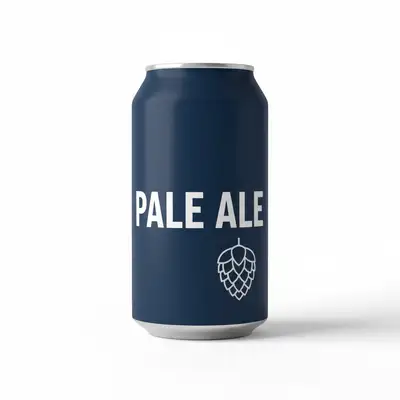
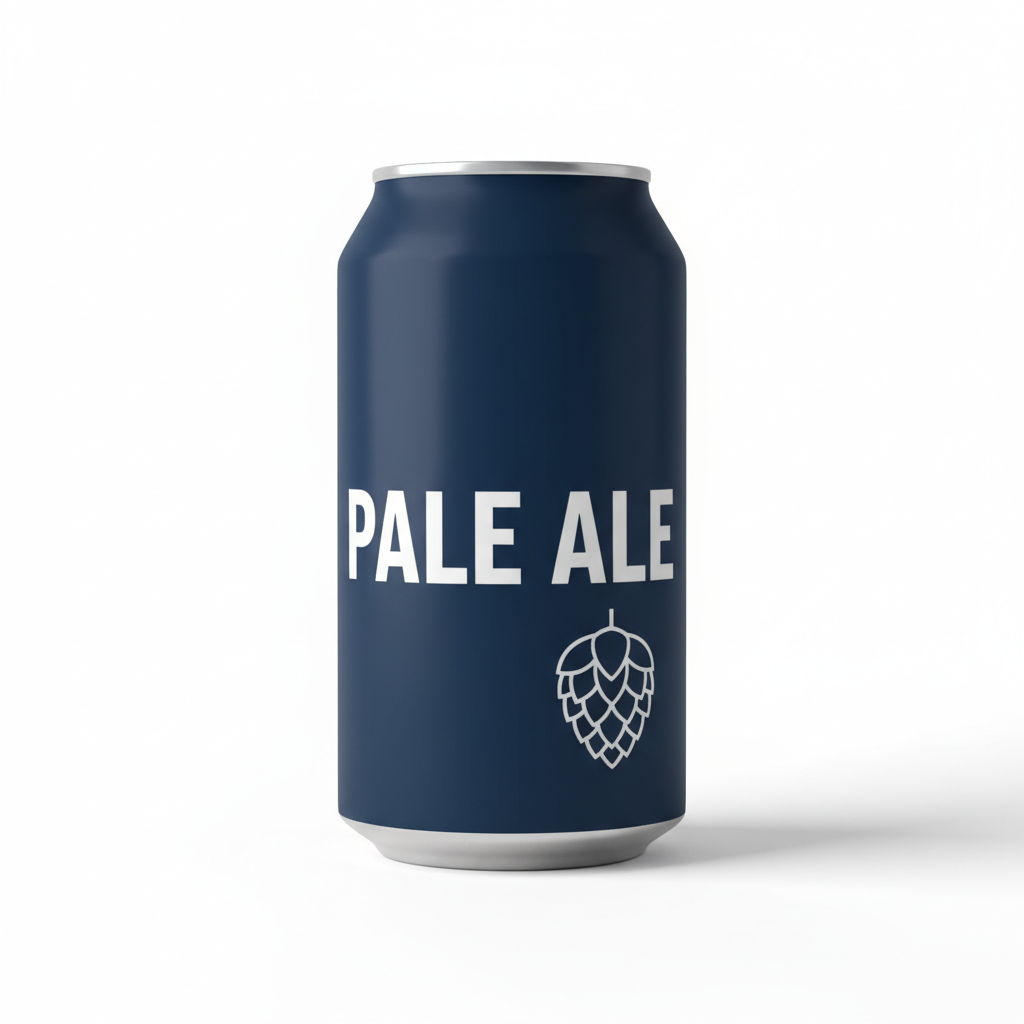
Craft beer can with original dark navy blue Pale Ale label on white studio background
Photo 1
+
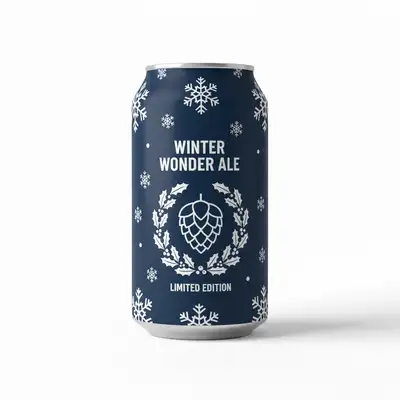
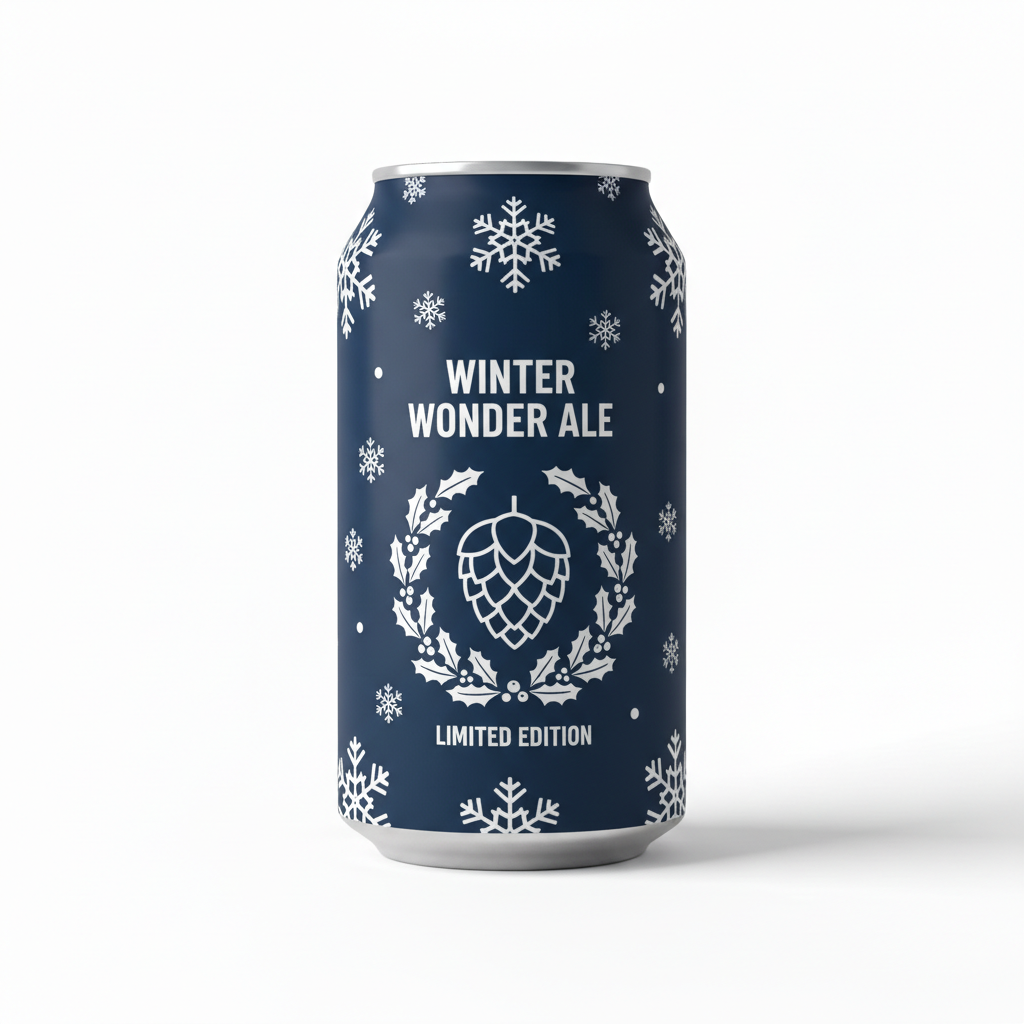
Flat label artwork for the autumn seasonal release to be applied to the can
Photo 2
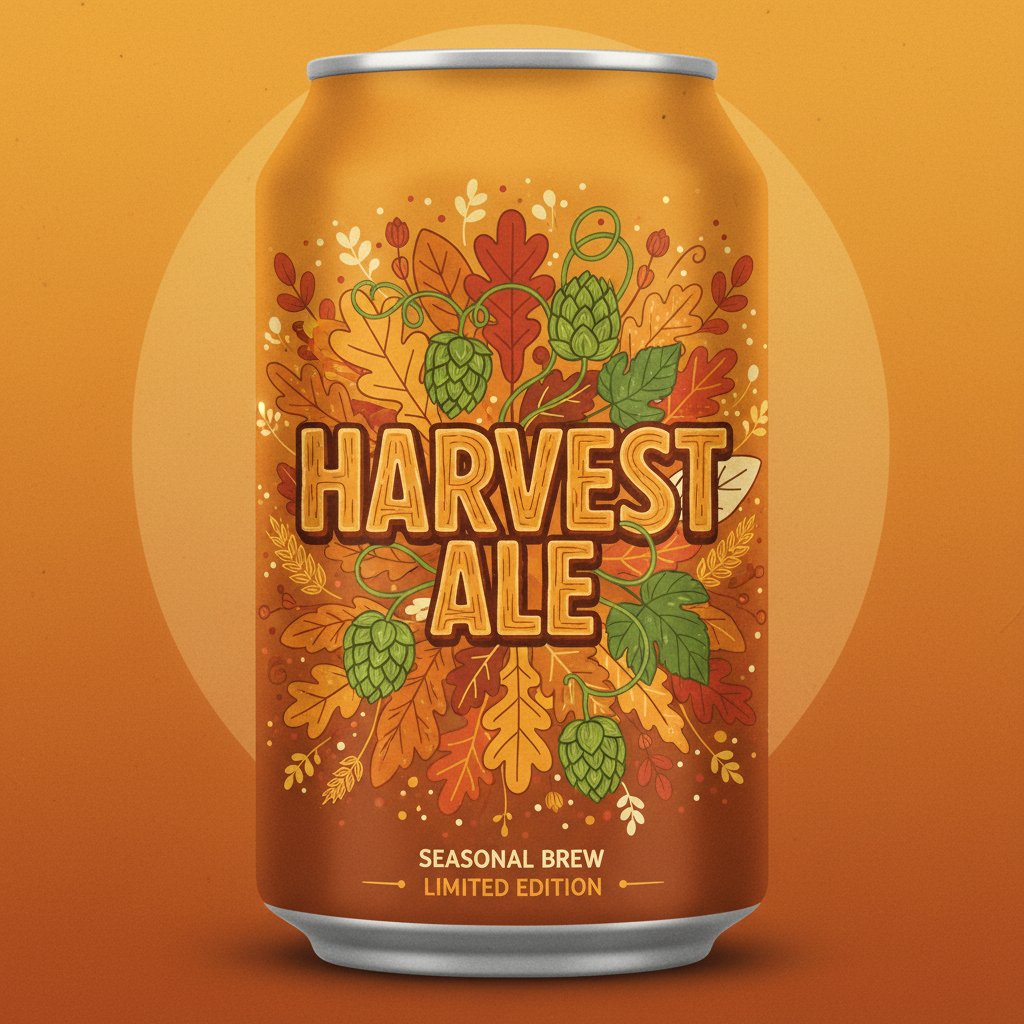
Same craft beer can with new autumn seasonal label design applied, curvature and lighting preserved
Result

Swap Packaging Label from Photo

Drop your photo here

or click to browse

Release to upload

Free • No signup

Popular use cases:
  • swap label on product photo
  • packaging mockup from design
  • replace bottle label in photo AI
  • product label preview on real bottle
  • packaging design mockup free
  • CPG rebrand label swap
  • craft beverage label mockup
  • supplement bottle label replacement
  • cosmetic packaging label swap
  • food and beverage packaging mockup
  • label swap for Amazon listing
  • packaging design preview before production

1Your photo
+
2Reference
=
Result
Glass bottle with existing label on white studio background Your product photo
New label design artwork to apply to the bottle New label design
Bottle with new label applied, lighting and contours preserved Result

"Replace the label with the design from the reference image, wrapping naturally around the bottle"

Cost
Free No signup required
Time
Instant results in 15-30 seconds
Works on
Any device - browser, phone, tablet, desktop
Powered by
AI-powered photo editing
Scenario Prompt Time
replace the label on this bottle with the reference design, wrapping around the curvature, preserve lighting 30-45s
swap the full wraparound label on this can with the reference design, follow the cylindrical curvature 30-45s
replace the front label on this supplement bottle with the reference design, flat and centered on the front face 30-45s
replace the front panel design on this tube with the reference artwork, apply to the flat front face only 30-45s

How it works

  1. Upload your product photo

    Drop the product photo showing the current label into EditThisPic. A clean, well-lit product shot on a neutral background gives the AI the clearest view of the label surface. JPG, PNG, or WebP up to 7MB.

    Expect: Single-label swap on a simple bottle or box: 30-45 seconds. Complex multi-panel packaging or strongly curved surfaces may need 2-3 refinements to align the label correctly.
  2. Upload your new label design as a reference image

    Click '+ Add reference image' below the prompt field and upload your new label artwork, mockup flat, or packaging design file (rendered as PNG or JPG). This is what the AI will place onto the product. The reference can be a flat design layout, a rendered label, or even a photo of another product whose packaging you want to replicate.

    Tip: Export your label design as a high-contrast PNG with a white or transparent background so the AI can clearly read the artwork boundaries and apply it cleanly.

    Copy one of these to get started:

    Packaging Label Swap from replace the label with the design from the reference image, match the bottle curvature and lighting — make it look natural and professional
    Swap full wraparound can label swap the full wraparound label on this aluminium can with the design from the reference image, following the cylindrical curvature of the can, keeping the metallic rim and lid edges unchanged
    Update supplement bottle label for e-commerce replace the front label on this white supplement bottle with the label design from the reference image, keeping the label centered and flat on the front face, clean white studio background, sharp shadow at the base
    Swap skincare serum bottle label replace the label on this frosted glass serum bottle with the skincare label design from the reference image, preserve the frosted texture visible at the label edges, soft diffused beauty lighting
    4 more prompts
    Replace cosmetic tube front panel replace the front panel design on this cosmetic tube with the artwork from the reference image, apply to the flat front face of the tube only, preserve the tube's rounded edges and the white background
    Swap stand-up pouch label replace the front panel artwork on this stand-up pouch with the design from the reference image, follow the flat rectangular front panel of the pouch, preserve the side gusset folds and the bottom seal edge
    Test multiple colorways on the same bottle replace the label on this bottle with the reference design, applying the label in the blue colorway version, preserving all other bottle details and the original lighting
    Wine label preview on dark glass replace the label on this dark green wine bottle with the wine label design from the reference image, center the label on the front face of the bottle body, natural paper label texture, preserve the original lighting and bottle shadow on the white background
  3. Describe the label swap

    Tell the AI exactly what to do: 'replace the label on the bottle with the design from the reference image, wrapping the label naturally around the curvature of the bottle, preserving the original lighting and shadows.' Mention the product shape if it helps — bottle, jar, box, can, pouch.

    Tip: Include the label placement area if it is specific: 'apply to the front panel only' or 'wrap the label around the full circumference of the can.'

    Copy one of these to get started:

    Packaging Label Swap from replace the label with the design from the reference image, match the bottle curvature and lighting — make it look natural and professional
    Swap full wraparound can label swap the full wraparound label on this aluminium can with the design from the reference image, following the cylindrical curvature of the can, keeping the metallic rim and lid edges unchanged
    Update supplement bottle label for e-commerce replace the front label on this white supplement bottle with the label design from the reference image, keeping the label centered and flat on the front face, clean white studio background, sharp shadow at the base
    Swap skincare serum bottle label replace the label on this frosted glass serum bottle with the skincare label design from the reference image, preserve the frosted texture visible at the label edges, soft diffused beauty lighting
    4 more prompts
    Replace cosmetic tube front panel replace the front panel design on this cosmetic tube with the artwork from the reference image, apply to the flat front face of the tube only, preserve the tube's rounded edges and the white background
    Swap stand-up pouch label replace the front panel artwork on this stand-up pouch with the design from the reference image, follow the flat rectangular front panel of the pouch, preserve the side gusset folds and the bottom seal edge
    Test multiple colorways on the same bottle replace the label on this bottle with the reference design, applying the label in the blue colorway version, preserving all other bottle details and the original lighting
    Wine label preview on dark glass replace the label on this dark green wine bottle with the wine label design from the reference image, center the label on the front face of the bottle body, natural paper label texture, preserve the original lighting and bottle shadow on the white background
  4. Generate and review

    Check that the new label follows the contours of the bottle or box, that the lighting and shadows on the label match the product photo, and that the label edges are clean. Zoom in to verify text and design details from your reference are reproduced accurately.

  5. Refine with markers if needed

    If the AI applied the label to the wrong panel or missed an edge, tap a marker directly on the label area you want replaced and regenerate with more specific placement instructions. This is optional — most clean product photos work without markers.

    Tip: Markers are for precision, not a required step. Try without them first.
Try it free

Swap Packaging Label from Photo

Drop your photo here

or click to browse

Release to upload

Free • No signup

"Used this to preview our rebrand across 12 SKUs in an afternoon. Would have taken a week in Photoshop." @BrandOpsLead

See it in action

Craft beer can with original dark navy blue Pale Ale label on white studio background
Main Photo
Flat label artwork for the autumn seasonal release to be applied to the can
Reference
Same craft beer can with new autumn seasonal label design applied, curvature and lighting preserved
Result

Craft beer can label swap for seasonal release

A craft brewery needed to preview their autumn seasonal label design on existing can photography before sending the artwork to print. Two-image workflow: product photo + flat label design.

Prompt: swap the full wraparound label on this aluminium craft beer can with the seasonal label design from the reference image, following the cylindrical curvature of the can, preserve the metallic rim and lid edges, keep the original studio lighting
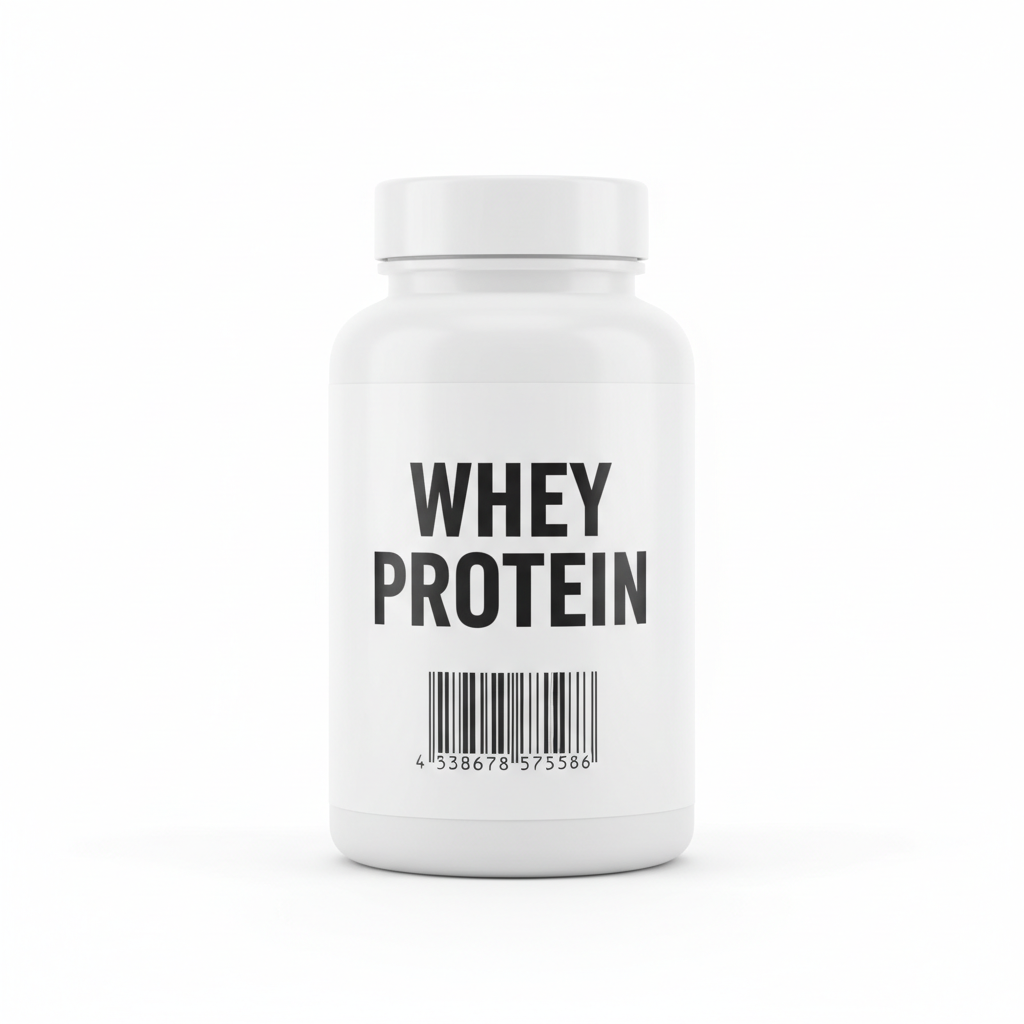
White supplement bottle with original black and white Whey Protein label on white background
Main Photo
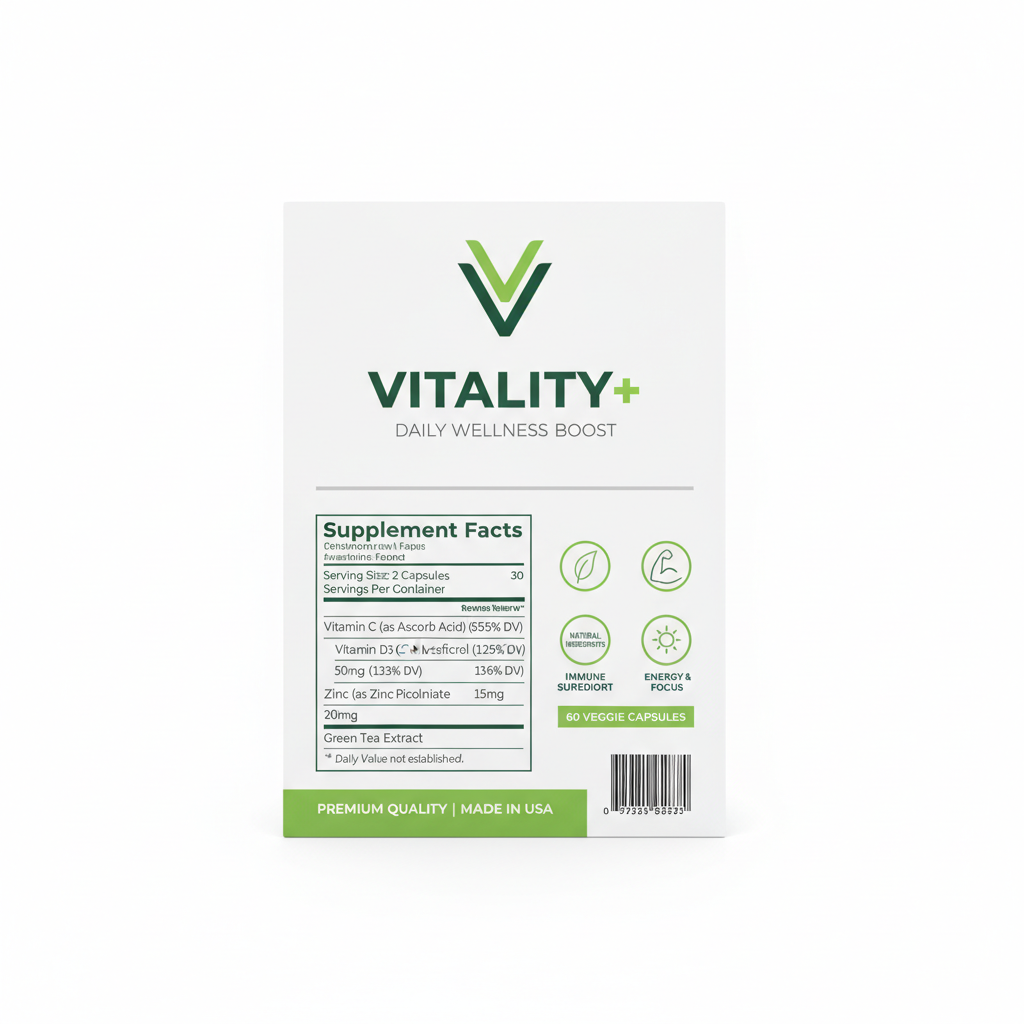
New brand label design artwork to be applied to the supplement bottle
Reference
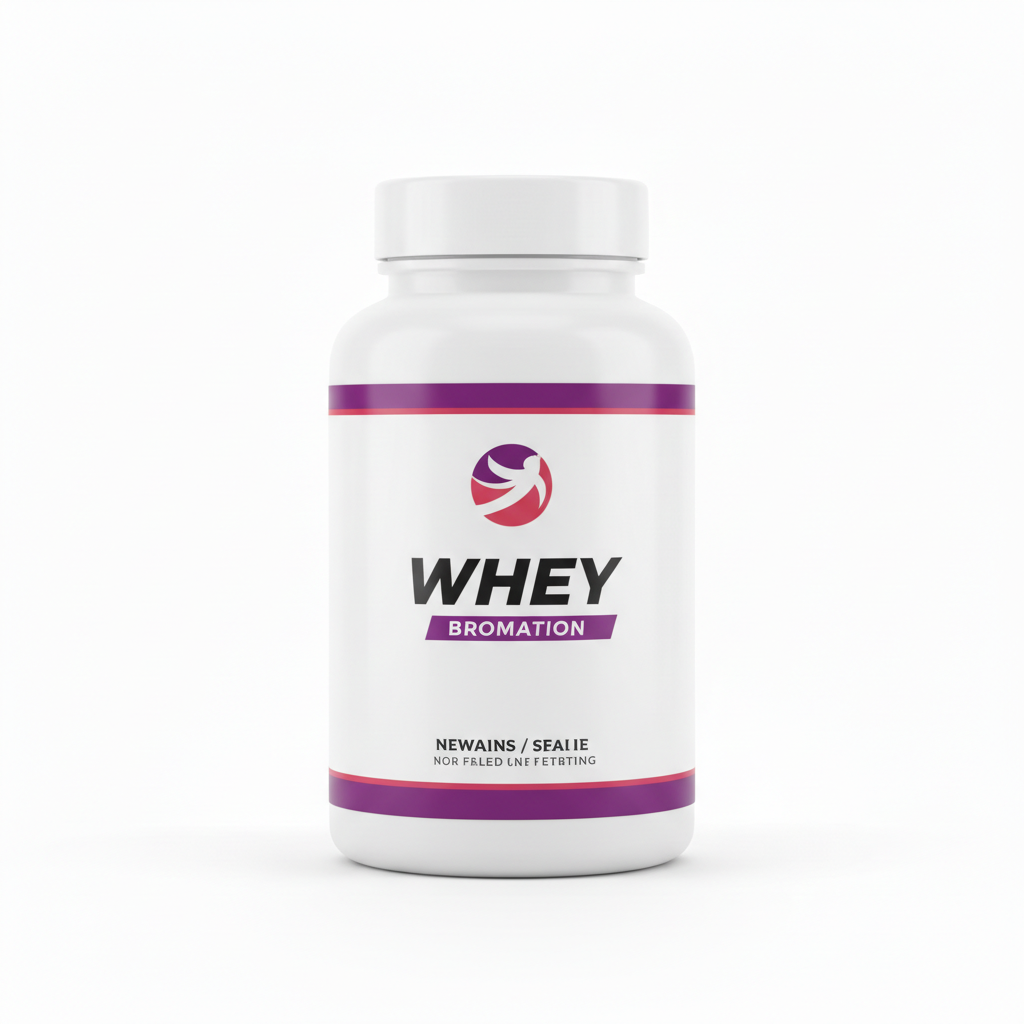
Same white supplement bottle with new brand label design applied to front face, studio lighting preserved
Result

Supplement bottle rebrand for Amazon listing

A supplement brand updated their label design ahead of a SKU refresh and needed product images for their Amazon listing before the new inventory arrived.

Prompt: replace the front label on this white HDPE supplement bottle with the new brand label design from the reference image, keep the label flat and centered on the front face of the bottle, clean white studio background, sharp drop shadow at the base

Detailed Guides by Scenario

📷

CPG Brand Rebrands and Label Refreshes

Rolling out a new brand identity across dozens of SKUs? Swap labels on existing product photography before committing to a full reshooting budget. Show retailers, investors, and internal stakeholders exactly how the new design looks on real product.

Common Scenarios

  • Updating label design across an entire product line for a brand refresh
  • Previewing revised regulatory or nutritional panel layouts on existing bottles
  • Testing multiple colorway options on the same product photo
  • Creating pitch deck imagery for new label designs before production

Best Practices

  • Use your best existing product photography — the AI preserves the original lighting, so a great product shot yields a great mockup
  • Export each label variation as a separate reference PNG for fast A/B comparison
  • Describe the exact surface area: 'front panel only' vs. 'full wraparound label'
  • Mention any metallic or embossed finish you want preserved: 'keep the gold foil appearance on the cap area'
CPG front-label rebrand mockup replace the front label on this glass bottle with the design from the reference image, wrapping naturally around the bottle curvature, matching the original studio lighting and shadow
Beverage can label refresh swap the full wraparound label on this aluminium can with the reference design, following the cylinder curvature, preserving the top and bottom lid edges
📷

Craft Beverage Label Mockups

Craft breweries, wineries, spirits producers, and kombucha brands need fast, photorealistic label previews before going to press. Skip expensive mockup templates and use your actual product bottles.

Common Scenarios

  • Previewing seasonal or limited-edition label designs on existing bottle photography
  • Showing new beer label artwork on a bottle for taproom and distributor presentations
  • Comparing two label design options on the same wine bottle photo
  • Creating social media assets for a new product launch before bottles arrive

Best Practices

  • Use a photo where the bottle is straight-on or at a slight angle — extreme side angles make label text hard to read in the result
  • If your design has a paper texture, mention it: 'apply with a natural paper label texture'
  • For wine bottles with long necks, specify the label zone: 'apply to the main body label only, not the neck strip'
  • For dark glass bottles, add: 'ensure the label background color is visible against the dark glass'
Wine label preview on dark glass bottle replace the label on this dark green wine bottle with the label design from the reference image, centering it on the front face of the bottle, with natural paper label texture and the original studio lighting
Craft beer can label mockup swap the label on this amber 16oz beer can with the craft beer label design from the reference image, wrapping it around the full can body, preserving the metallic sheen of the can edges
📷

Cosmetics, Supplements, and Health Product Packaging

Beauty brands and supplement companies need to show retailer buyers, e-commerce listings, and brand decks how new packaging designs look on real product photography. Swap labels across bottles, jars, tubes, and pouches without a photo studio.

Common Scenarios

  • Updating private-label supplement bottle photos with new brand design before inventory arrives
  • Previewing a new skincare label design on an existing serum or moisturizer bottle
  • Creating retailer sell-in imagery for a packaging redesign
  • Generating Amazon product listing images for new label variants before production

Best Practices

  • Supplement bottles often have multiple label panels — specify which one: 'replace the front label panel only' or 'replace both front and back labels'
  • For tubes and pouches, describe the flat surface: 'apply the design to the front flat face of the tube'
  • If label includes transparent windows, describe them: 'preserve the clear window cutout in the label design'
  • For white or light-colored bottles, mention the label boundary: 'apply from the shoulder down to 1cm above the base'
Supplement bottle label swap for Amazon listing replace the front label on this white HDPE supplement bottle with the design from the reference image, keeping the label flat and centered on the front face, matching the clean white studio lighting
Skincare serum bottle rebrand mockup swap the label on this frosted glass serum bottle with the skincare label design from the reference image, preserving the frosted glass texture visible below the label edges, soft beauty lighting
Cosmetic tube packaging update replace the front panel design on this cosmetic tube with the reference label artwork, following the flat tube surface, keeping the crisp white background and product shadow

If something looks off

Label does not follow the curvature of the bottle or can

Why: Without explicit curvature instructions the AI may apply the design as a flat decal rather than wrapping it around a cylindrical or curved surface.

Try: replace the label on this bottle with the reference design, wrapping the label around the full cylindrical curvature of the bottle, matching the perspective distortion visible on the original label

Tip: Adding 'following the cylindrical curvature' or 'wrapping around the can body' is the single most effective instruction for curved packaging.

New label design bleeds outside the label boundary onto the bottle or background

Why: The AI did not identify the exact label boundaries from the product photo alone and applied the design too broadly.

Try: apply the reference label design only within the label area on the front face of the bottle, do not extend the design above the shoulder or below the base label edge

Tip: Use a marker tap on the exact label panel to give the AI a precise boundary hint.

Label text or fine design details from the reference are blurry or unreadable

Why: The reference image resolution was too low for the AI to faithfully reproduce the label artwork at the scale of the product photo.

Try: apply the reference label design with sharp, readable text, preserving all fine graphic details from the reference image

Tip: Export your reference label at a minimum of 1000px wide before uploading. The AI will reproduce fine detail more reliably from a high-resolution reference.

Lighting on the new label does not match the product photo

Why: The AI applied the label artwork with flat lighting rather than matching the shadow and highlight direction visible on the original product photo.

Try: replace the label with the reference design, match the lighting direction and shadow gradient from the original product photo, the light source is from the upper left

Tip: Identify which side of the original label is brighter and mention it: 'light from the upper right, shadow falling toward the lower left.'

AI changed the wrong area or something I did not want changed

Why: The AI could not determine exactly which surface you meant from the description alone. This is common on products with multiple label panels or print areas.

Try: Tap a marker on the specific label panel you want replaced, then regenerate with the same prompt

Tip: Markers tell the AI 'I mean this specific surface.' Use them whenever the product has more than one label panel or print zone.

Bottle or box shape is distorted in the result

Why: The AI modified the packaging shape while replacing the label, rather than keeping the product geometry intact.

Try: replace only the label on this product, preserve the exact bottle shape, proportions, and all non-label surfaces unchanged

Tip: Explicitly saying 'preserve the exact bottle shape' tells the AI to constrain edits strictly to the label surface.

Quick answers

Do I need to mark the label area before uploading my design?

No. Just describe what you want: 'replace the label on this bottle with the design from the reference image.' The AI identifies the label surface automatically. Only use markers if the product has multiple panels and the AI keeps targeting the wrong one, or if you need to constrain the replacement to a very precise area.

How do I swap a packaging label in a product photo?

Upload your existing product photo, then click '+ Add reference image' to upload your new label design artwork. In the prompt, write: 'replace the label on this product with the design from the reference image, following the surface curvature, preserve the original lighting.' The AI swaps the label in 30-45 seconds. Download the result with no watermark. Free, no account required.

Is there a free packaging mockup tool that doesn't require signup?

Yes. EditThisPic lets you create photorealistic packaging mockups completely free with no account or signup. Upload your actual product photo and your label design, describe the swap, and get a realistic mockup in under a minute. You get one free edit per week, or you can purchase additional edits starting at $1.99.

What is the best AI tool for replacing a bottle label in a photo?

EditThisPic is built for exactly this workflow: upload your product photo as the main image and your label design as a reference image, then describe the replacement. The AI maps the design onto the label surface while preserving the bottle shape, curvature, lighting, and shadows. It handles glass bottles, aluminium cans, HDPE supplement bottles, cosmetic tubes, and pouches.

Can I preview a new packaging design on a real product photo without Photoshop?

Yes. This is the core use case. Instead of manually distorting and blending your label artwork in Photoshop (which requires masking, perspective warp, and lighting adjustment), you upload both images and describe the swap. The AI handles perspective mapping, curvature wrapping, and lighting matching automatically. Results in 30-45 seconds.

Does the label swap work on curved bottles and cylindrical cans?

Yes. Include the curvature instruction in your prompt: 'wrap the label around the cylindrical curvature of the can' or 'follow the bottle's curved surface.' The AI applies perspective distortion to the design so it looks printed on the packaging rather than flat. For strongly curved bottles like hot-sauce bottles or round jars, specifying 'cylindrical' or 'spherical curvature' in your prompt gives the most accurate results.

What format should I use for my label design reference image?

Export your label as a PNG or high-resolution JPG before uploading. A white or transparent background works best so the AI clearly reads the label boundary. Minimum 1000px wide is recommended for fine text and detailed graphics to render accurately. CMYK files should be converted to RGB before export.

Can I use this to create product listing images for Amazon or Shopify?

Yes. This is one of the most common use cases. Upload your existing product photography and your updated label design, run the swap, and download a clean mockup suitable for e-commerce listings. The results work well for pitch decks, buyer presentations, and social media as well. Because the output uses your real product photo as the base, it looks more photorealistic than studio-rendered 3D mockups.

How do I test multiple label colorways on the same product photo?

Run the same prompt multiple times, each time uploading a different colorway version of your label design as the reference image. You get one mockup per design variant in about 30-45 seconds each. This is useful for brand team reviews, focus group material, and retailer presentations where you want to show options side by side.

Does this work for multi-panel packaging like boxes and cartons?

Yes, though you should specify the panel. Add 'front panel only,' 'all visible panels,' or 'replace the front and side panels' to your prompt. For boxes, a straight-on shot of a single panel typically gives cleaner results than an angled three-quarter view. If the AI replaces the wrong panel, tap a marker on the correct one and regenerate.

Can CPG brands use this for retail buyer presentations before packaging is produced?

Yes, and this is one of the primary B2B use cases. Upload existing product photos from your current line and apply new label designs from your design team before anything goes to the printer. The photorealistic results are suitable for buyer sell-in decks, internal brand reviews, and investor materials. Many brands use it to test designs across entire SKU ranges in a single afternoon.

Ready to preview your new packaging design?

Upload your product photo and label design. Free, no signup required.

Try it free