Free • No signup Update Portfolio photos · Free

Update Your Aging Portfolio Photos

Your best work from 2019 looks dated with old photo quality. Modernize it without reshooting.
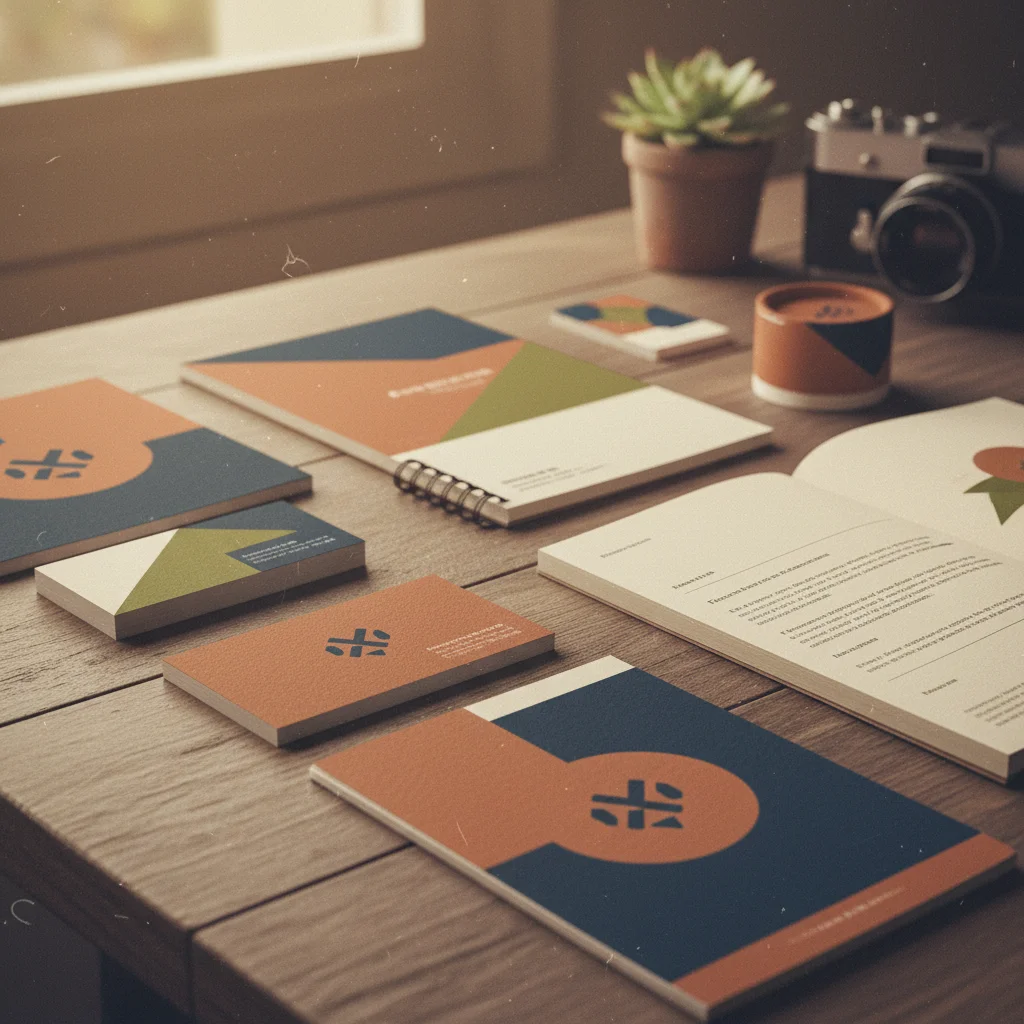
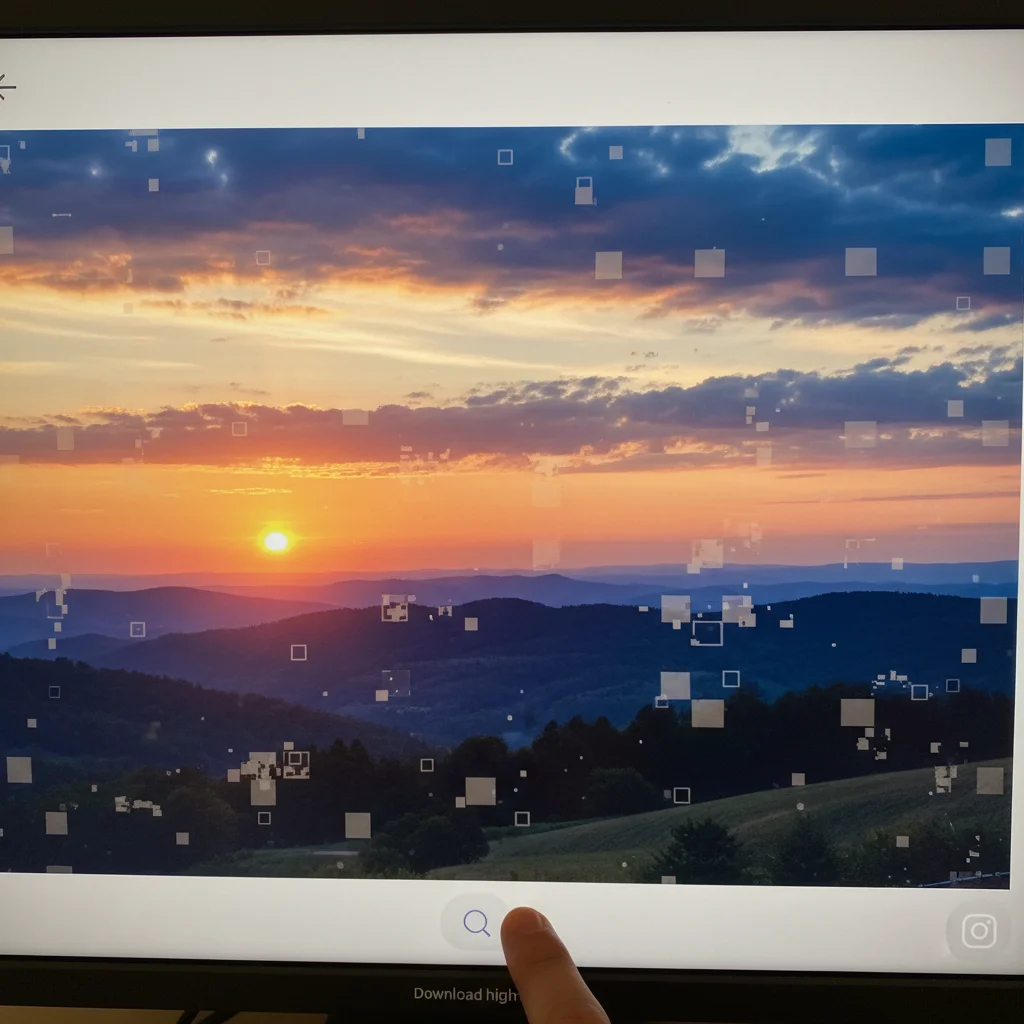
2019 portfolio work with old phone camera quality and dated filter
Before
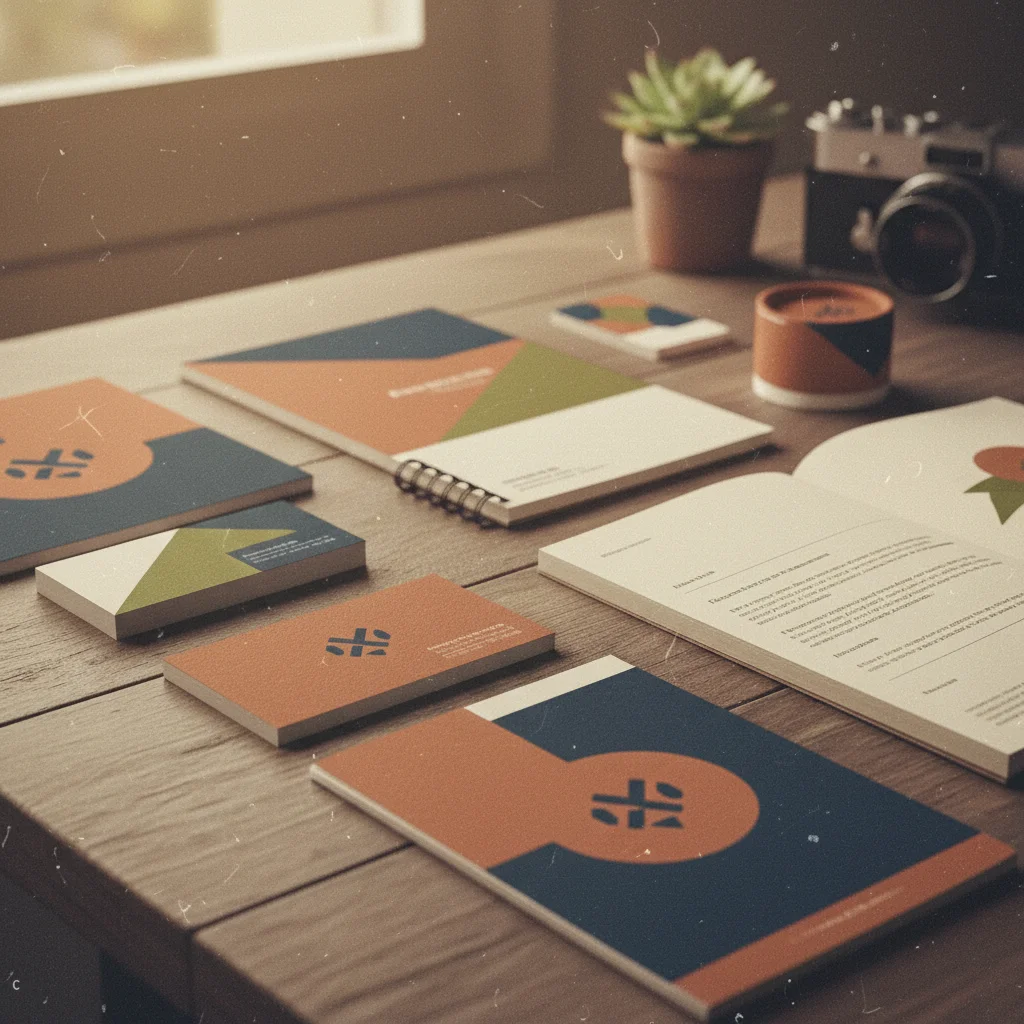
Same design work with modernized photo quality and current color grading
After

Update Old Portfolio Photos

Drop your photo here

or click to browse

Release to upload

Free • No signup

Advertisement
Popular use cases:
  • Update old portfolio photos
  • Modernize portfolio work
  • Aging portfolio photos
  • Update creative portfolio
  • Old work quality enhancement
  • Portfolio photo refresh
  • Dated portfolio photos

Cost
Free No signup required
Time
Instant results in 15-30 seconds
Works on
Any device - browser, phone, tablet, desktop
Powered by
AI-powered photo editing
Scenario Prompt Time
General modernization modernize to current quality standards, enhance resolution 20s
Remove compression remove compression artifacts, enhance to clean quality 25s
Update color grading remove dated filters, update color to current neutral standards 20s

How it works

  1. Upload old portfolio work

    Drop your aging portfolio photos into EditThisPic. JPG, PNG, WebP up to 7MB. Works with design work, photography portfolios, creative projects, client work—any professional work from past years that needs visual modernization.

    Expect: Simple quality enhancement: 20-25 seconds. Severe compression damage or very low resolution: may need multiple refinements.
  2. Describe the modernization needed

    Type 'modernize portfolio photo to current quality standards' or 'enhance to match the visual quality of photos shot today, remove dated look.' The AI improves resolution, updates color grading to current trends, removes compression artifacts, and makes old work look fresh—without changing your actual creative work.

    Tip: If your old work has specific dated elements (like 2015 Instagram filters), specify 'remove vintage filter effects and update to modern neutral color grading.'

    Copy one of these to get started:

    General portfolio photo modernization modernize portfolio photo to current quality standards, enhance resolution and remove dated visual elements
    Remove compression artifacts from old portfolio photos remove JPEG compression artifacts and pixelation, enhance to clean modern portfolio quality
    Update dated color grading or filters remove vintage or dated color filters, update color grading to current neutral professional standards
    Low resolution old photos need enhancement enhance resolution and sharpness of old portfolio work, modernize to high-quality current standards
    3 more prompts
    Match old work to current portfolio aesthetic update visual quality to match my current 2026 portfolio style, consistent modern presentation
    Client work photos look dated modernize client work documentation without altering the actual designs or deliverables, update photo quality only
    Social media exports have platform artifacts remove Instagram compression and artifacts, restore portfolio photo to clean professional quality
  3. Verify work integrity

    Check that your actual creative work—designs, compositions, client deliverables—remains unchanged. Modernization should update photo quality and presentation, never alter the work itself. Your 2019 branding project should still look like 2019 branding, just photographed better.

  4. Match to current portfolio style

    If updating multiple old pieces, ensure they match your current portfolio's visual style: 'update color grading to match my 2026 portfolio aesthetic' or 'modernize but keep consistent with my current work presentation.' Visual consistency across your portfolio is critical.

    Tip: Update your entire back catalog with the same prompt to create cohesive portfolio presentation regardless of when work was originally shot.
Try it free

Update Old Portfolio Photos

Drop your photo here

or click to browse

Release to upload

Free • No signup

"My portfolio from 2018-2020 looked ancient next to new work. Updated everything in an afternoon and clients now see my full range without the 'old photos' distraction." @DesignPortfolio

See it in action

2019 portfolio work with old phone camera quality and dated filter
Before
->
Same design work with modernized photo quality and current color grading
After

2019 branding project modernized for portfolio

Graphic designer's logo work from 2019 photographed on iPhone 8 with dated warm filter. Modernized to current portfolio quality without altering the actual branding designs.

Prompt: modernize portfolio photo to current quality standards, enhance resolution and remove dated visual elements
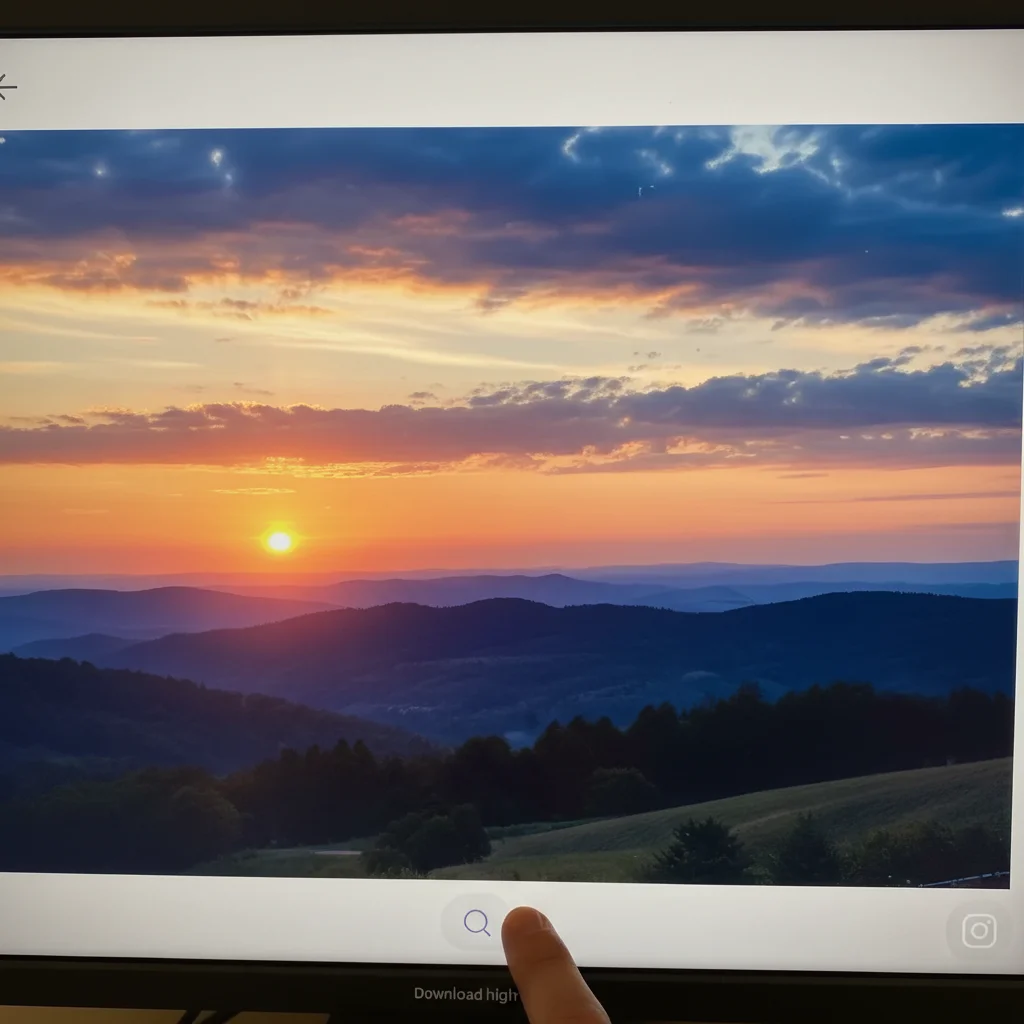
Professional photography degraded by Instagram compression
Before
->
Portfolio photo restored to clean high-quality presentation
After

Photography portfolio updated from Instagram exports

Photographer's best work from 2017-2020 only existed as Instagram exports with heavy compression. Restored to clean portfolio quality suitable for professional website.

Prompt: remove Instagram compression and artifacts, restore portfolio photo to clean professional quality
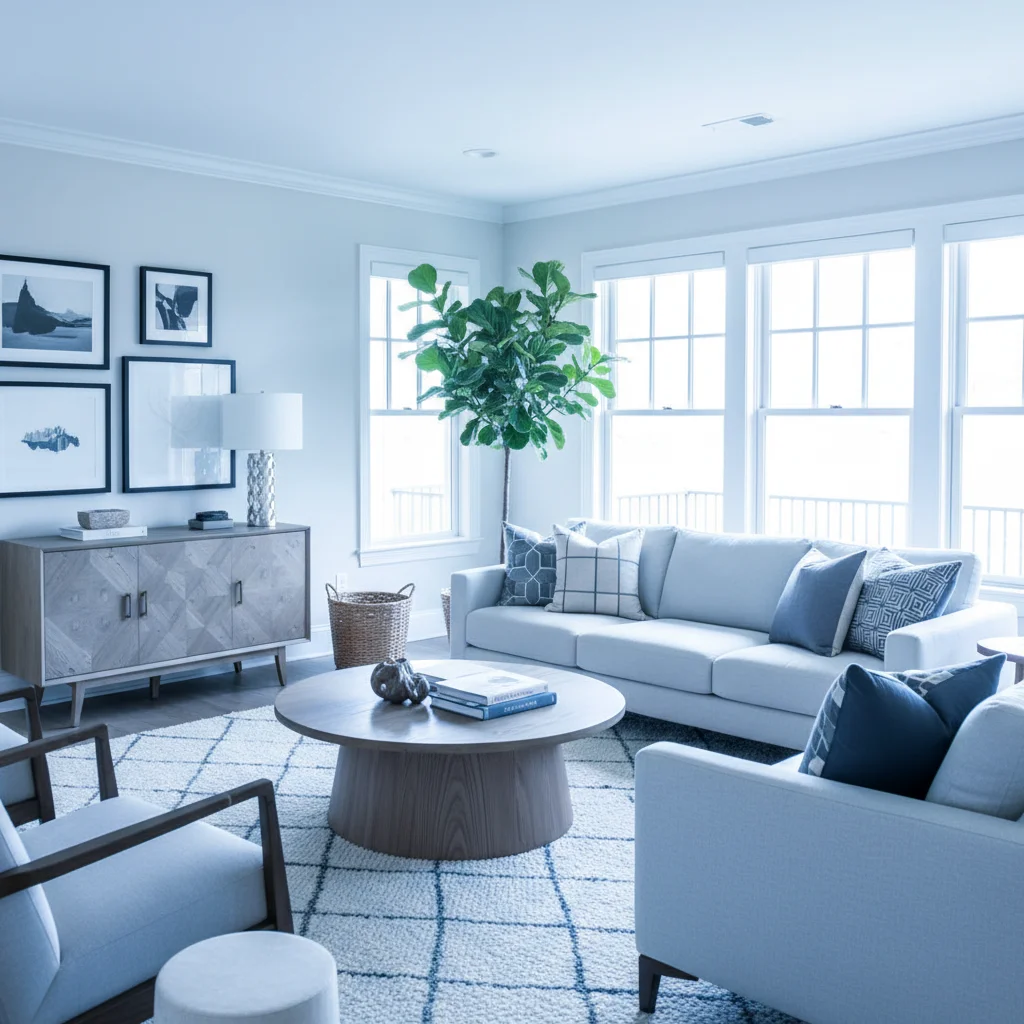
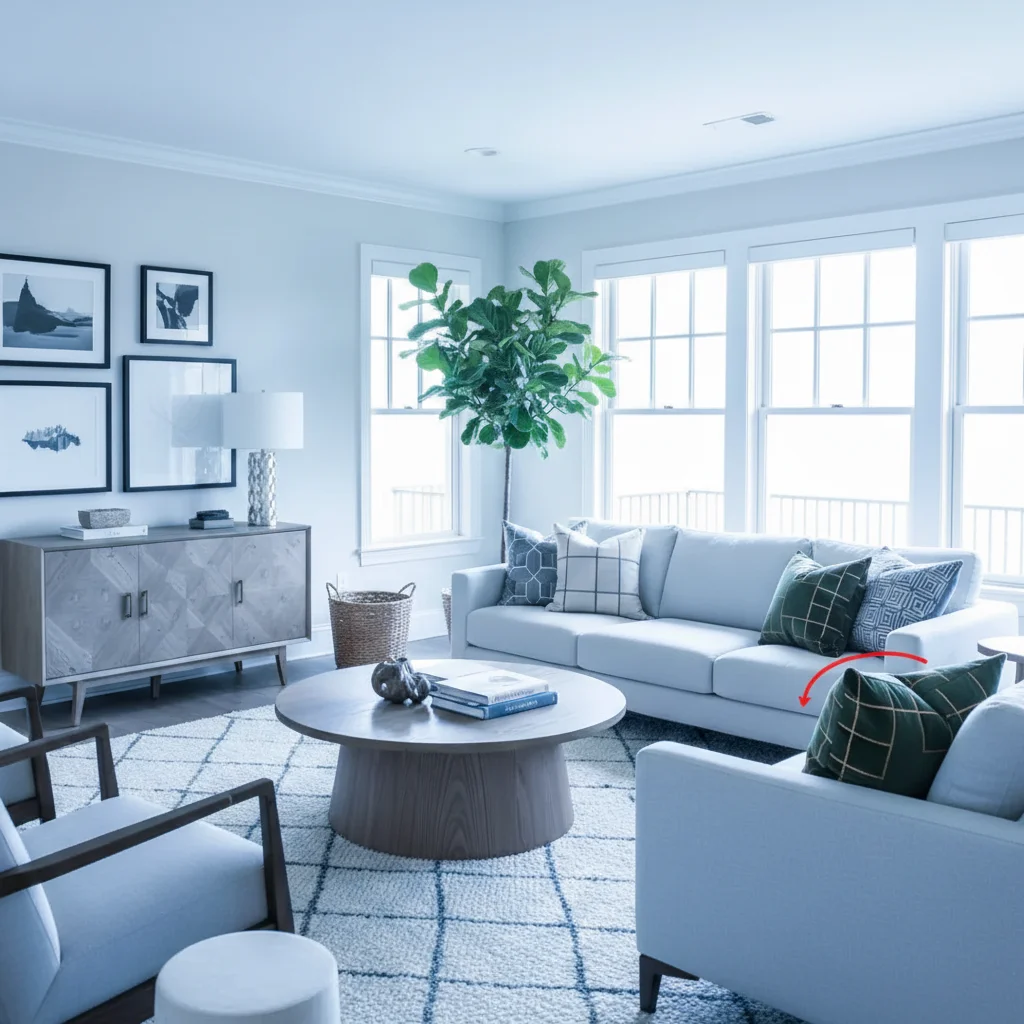
Interior design work with 2018 dated color grading
Before
->
Same design with updated modern neutral color treatment
After

Interior design work from 2018 matched to current portfolio style

Interior designer's best project from 2018 had dated blue-toned filter popular that year. Updated color grading to match 2026 portfolio aesthetic while preserving the actual room designs.

Prompt: update visual quality to match my current 2026 portfolio style, consistent modern presentation
Advertisement

If something looks off

Modernization changed my actual creative work or designs

Why: Over-aggressive enhancement can alter colors, layouts, or elements of your actual work—unacceptable for portfolio integrity.

Try: enhance photo quality only, do not alter designs, branding, compositions, or any creative work elements

Tip: Your work must remain authentic. If enhancement changes it, reduce intensity: 'minimal modernization preserving work exactly.'

Updated photos don't match current portfolio aesthetic

Why: General modernization may not match your specific portfolio's current visual style or color treatment.

Try: match the exact color grading and visual style of my current 2026 portfolio work

Tip: For consistency, upload a current portfolio photo as reference: 'match this photo's quality and color treatment.'

Severe compression damage couldn't be fully repaired

Why: Extremely compressed or low-resolution sources have permanent data loss that can't be fully recovered.

Try: enhance as much as possible from low-quality source, maximize improvement within technical limits

Tip: If original is too degraded, consider reshooting if you still have the work or files.

Color correction made work look inaccurate or wrong

Why: Color updates affected brand colors, product colors, or design elements that must be accurate.

Try: update overall photo quality but preserve accurate colors of designs, products, and branding elements

Tip: Brand colors are non-negotiable. Always verify color-critical work maintains accuracy after updates.

Enhancement created artificial-looking results

Why: Over-processing can make photos look AI-generated or unrealistic—hurts portfolio credibility.

Try: modernize naturally without over-processing, maintain realistic photographic appearance

Tip: Portfolio photos must look real. If enhancement feels artificial, reduce intensity for natural results.

Updated old work now looks inconsistent with pieces from same era

Why: Updating some pieces but not others creates visual inconsistency in your portfolio timeline.

Try: Use the same modernization prompt on all old work from the same era for cohesive visual treatment

Tip: Update your entire back catalog at once to maintain visual consistency across all past work.

Quick answers

Do I need to mark anything before updating portfolio photos?

No! Just describe the modernization: 'modernize to current quality standards' or 'enhance old work to look current.' The AI improves overall photo quality automatically. Markers are only needed if specific areas need different treatment—like if one corner has compression damage but the rest is fine.

Will updating old portfolio photos change my actual work?

No, if you prompt correctly. Specify 'enhance photo quality only, do not alter designs or creative work.' The AI modernizes how the work is photographed/presented, never changes the work itself. Your 2018 branding should still look like 2018 branding, just shot with 2026 photo quality. Always verify work integrity after enhancement.

Why do old portfolio photos look dated even though the work is good?

Photo technology and visual trends evolve rapidly. 2018 photos have compression artifacts, dated filters, lower resolution, and trendy color grading that now screams 'old.' This makes great work feel less relevant. Modernizing photo quality without changing the work itself keeps your entire portfolio feeling current and competitive.

Can this fix portfolio photos exported from social media?

Yes. Instagram, Facebook, and other platforms heavily compress images. The AI can reduce artifacts, restore clarity, and enhance resolution—making social media exports suitable for professional portfolios again. This is critical if your original high-res files are lost and only social exports exist.

How do I make updated old work match my current portfolio style?

Upload a recent portfolio photo as reference and specify 'match this photo's quality and visual treatment.' Or describe your current aesthetic: 'modern neutral color grading, high resolution, clean presentation.' Apply the same modernization treatment to all old work for consistency. Your portfolio should feel cohesive regardless of when work was created.

Ready to modernize your aging portfolio?

Free to try. No signup required.

Try it free