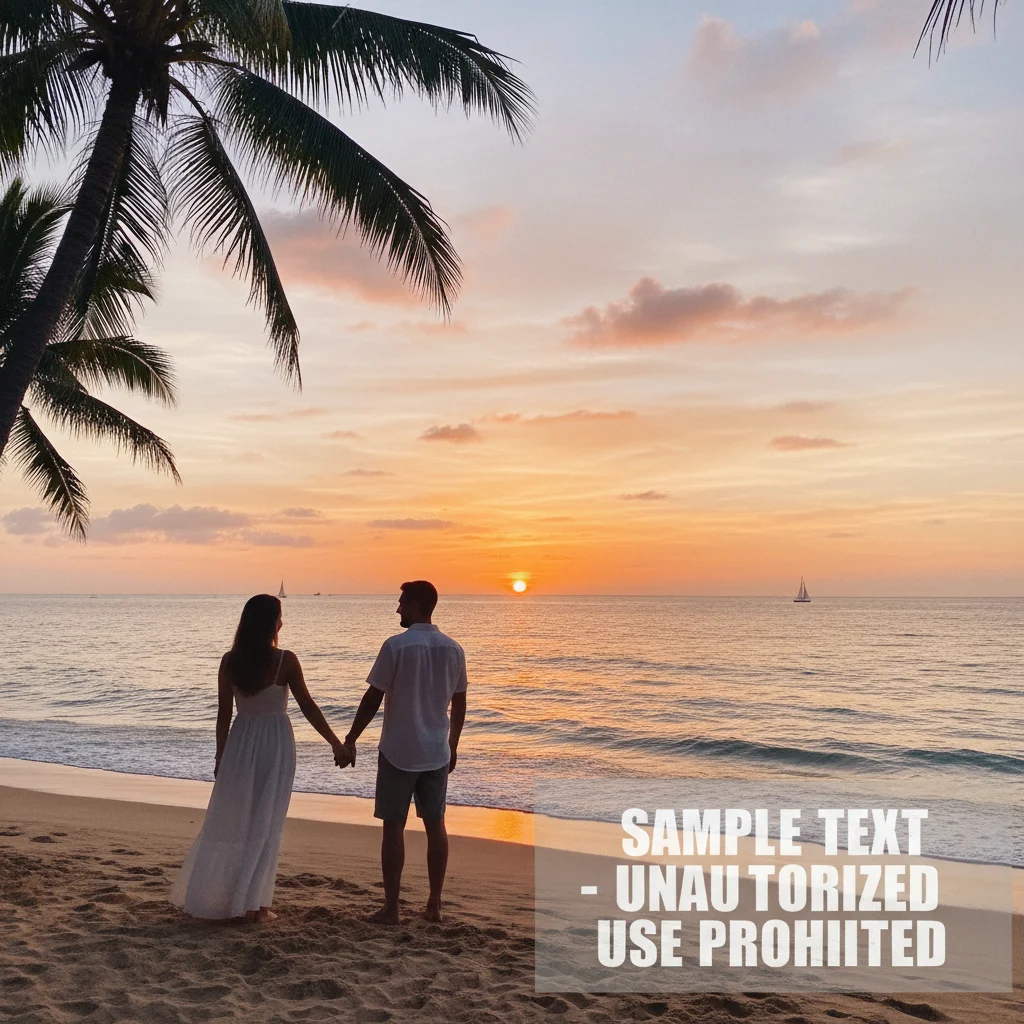
Do I need to mark the watermark before describing what to remove?
No! Just describe what you want removed: 'remove the sample watermark text' or 'delete the logo in the corner.' The AI understands watermark descriptions. Only use markers when there are multiple overlays and you want to remove a specific one—like removing just the text but keeping a logo, or vice versa.
Is it legal to remove watermarks from photos?
Only remove watermarks from photos you own or have permission to edit. Stock photo watermarks (like Getty Images, Shutterstock) protect copyrighted content—removing them without purchasing a license violates copyright law. This tool is for cleaning your own photos, removing unwanted overlays from images you have rights to use.
Is there a free watermark remover that doesn't require login?
Yes, EditThisPic removes watermarks for free with no account needed. Upload your photo, describe the watermark to remove, and download the clean result. No watermarks added to your output. Perfect for cleaning personal photos or images you own without commitment.
Can AI remove transparent or faint watermarks?
Yes! The AI can detect and remove semi-transparent, subtle, and faint watermarks. Mention the opacity in your prompt: 'remove the semi-transparent watermark' or 'delete the faint text overlay.' The AI analyzes the image to identify overlay elements regardless of transparency level.
What's the best free tool to remove watermarks from photos?
EditThisPic offers free AI watermark removal with no signup required. Unlike tools that require manual selection or tracing, just describe the watermark and it's removed automatically. Handles text overlays, logos, transparent watermarks, and multiple overlays in seconds.
How do I remove watermarks from photos without Photoshop?
Use EditThisPic's AI watermark remover instead. Upload your photo and type what to remove, like 'delete the logo watermark' or 'remove the sample text.' The AI identifies and removes watermarks automatically in 15-30 seconds. No selection tools, layers, or design skills required.
Can I remove multiple watermarks from one photo?
Yes. Use the prompt 'remove all watermarks and text overlays from this image' to clean multiple overlays at once. For selective removal, describe each one specifically or use markers to indicate which watermarks to remove while preserving others.
Will removing watermarks damage the photo quality?
No. The AI fills watermark areas with appropriate background content, preserving original photo quality. The background reconstruction maintains natural textures, patterns, and lighting. Your original photo is never modified—you download a clean version.
What types of watermarks can AI remove?
Text watermarks, logo overlays, photographer signatures, website attributions, stock photo marks, transparent overlays, and diagonal text. Works on opaque and semi-transparent watermarks. The more contrast between the watermark and background, the cleaner the removal.
Can I remove watermarks on my phone?
Yes. EditThisPic works in any mobile browser on iPhone or Android with no app download needed. Upload your watermarked photo, describe what to remove, and download the clean result. The full watermark removal experience works on mobile devices.
How long does watermark removal take?
Simple watermarks are removed in 15-25 seconds. Complex or multiple watermarks may take 30-45 seconds. The AI analyzes the overlay and reconstructs the background automatically. Most removals work perfectly on the first attempt.
Does the watermark remover work on screenshots?
Yes. Upload screenshots with text overlays, app interface elements, or annotation marks. Describe what to remove: 'delete the notification banner' or 'remove the app interface elements.' The AI cleans screenshots while preserving the underlying content.
How much does EditThisPic cost?
You get 1 free edit per week — no account needed. After that, credit packs start at $1.99 for 3 edits. Monthly plans start at $4.99/mo for 15 edits with unused credits rolling over. All edits are full resolution with no watermark.