Pricing Change Kitchen backsplash · Free

Replace Kitchen Backsplash

← Browse all replace tools

Last updated

Upload your kitchen photo and describe the backsplash material you want — the AI replaces it in 30 seconds. Free, no account needed.
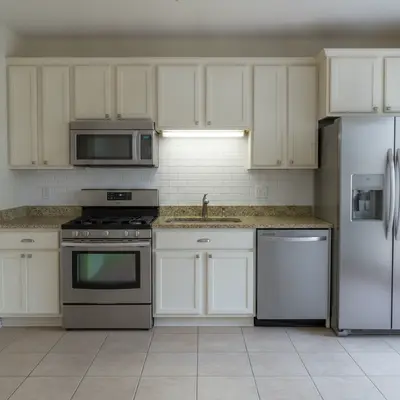
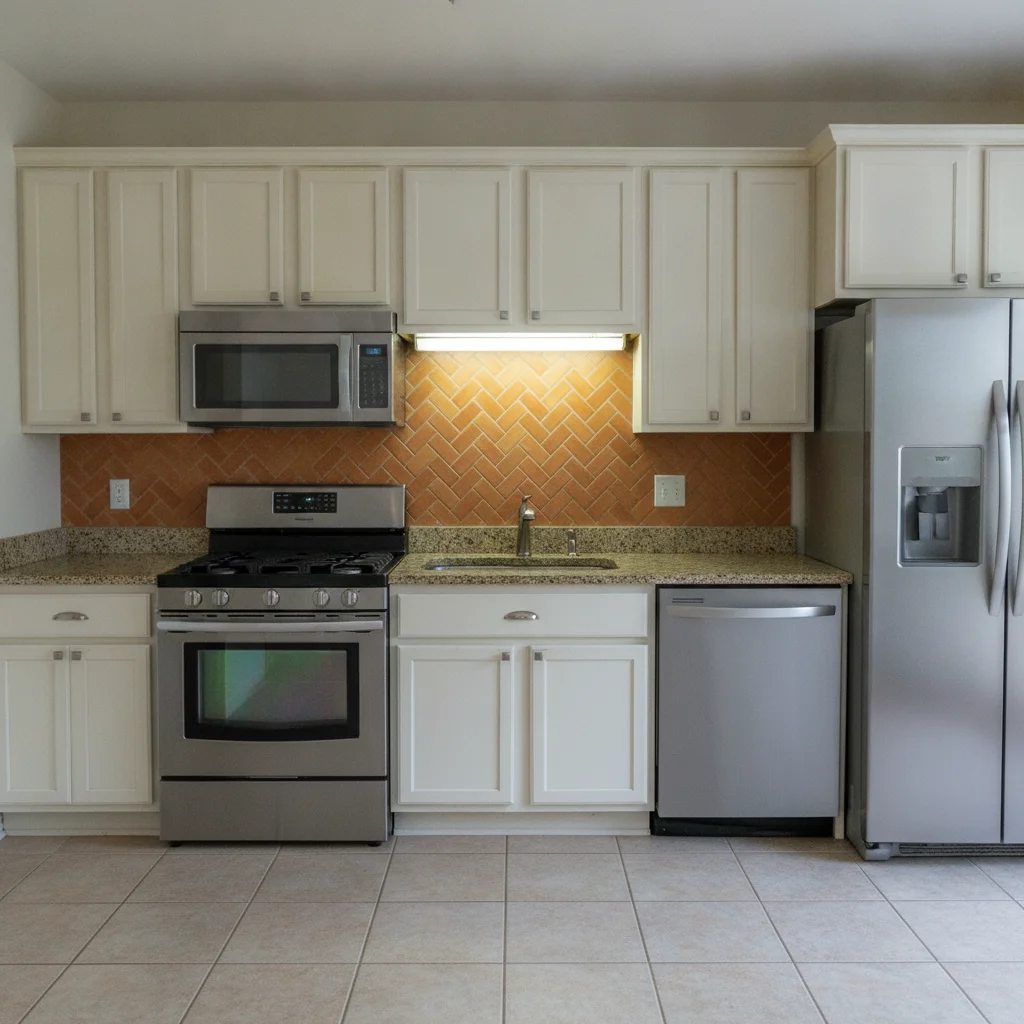
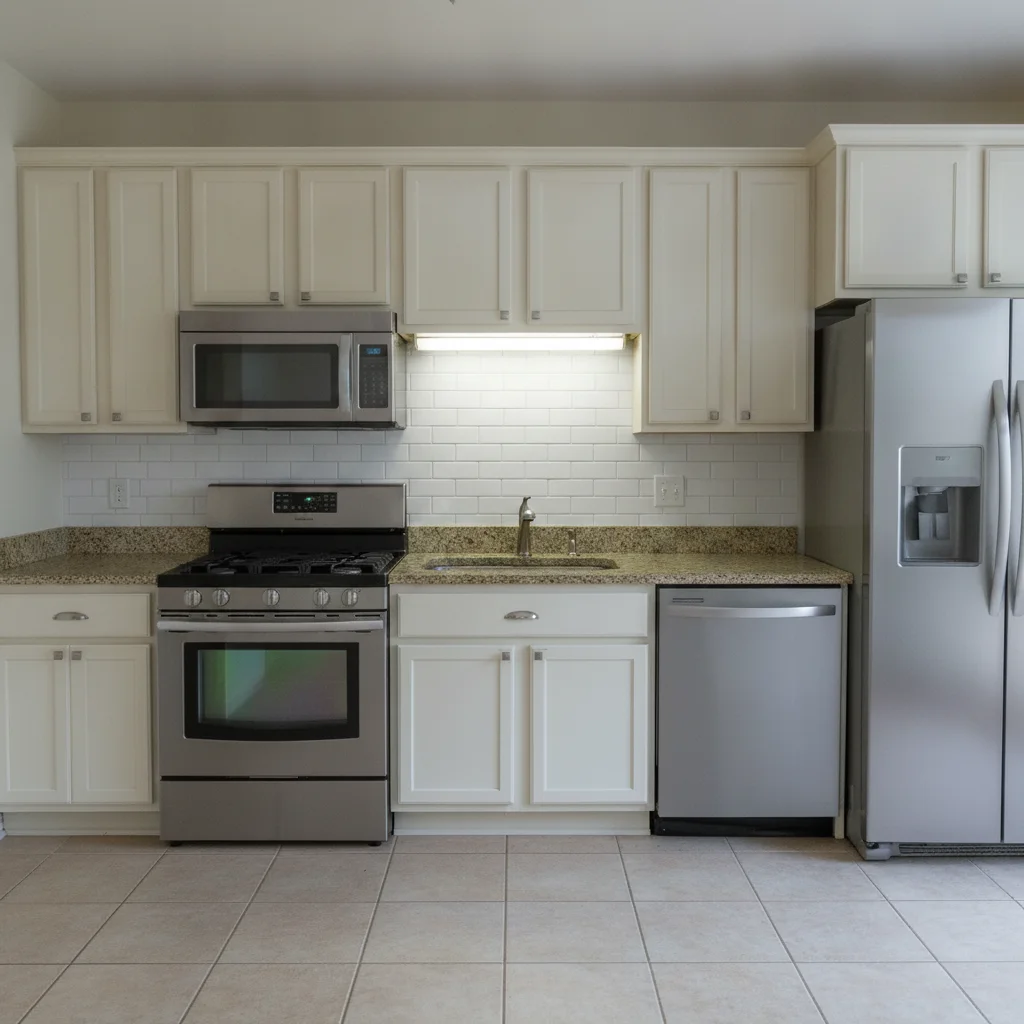
Kitchen with orange-brown terracotta tile backsplash and cream cabinets Same kitchen with white subway tile backsplash in brick pattern, cabinets unchanged

Upload photo to replace kitchen backsplash

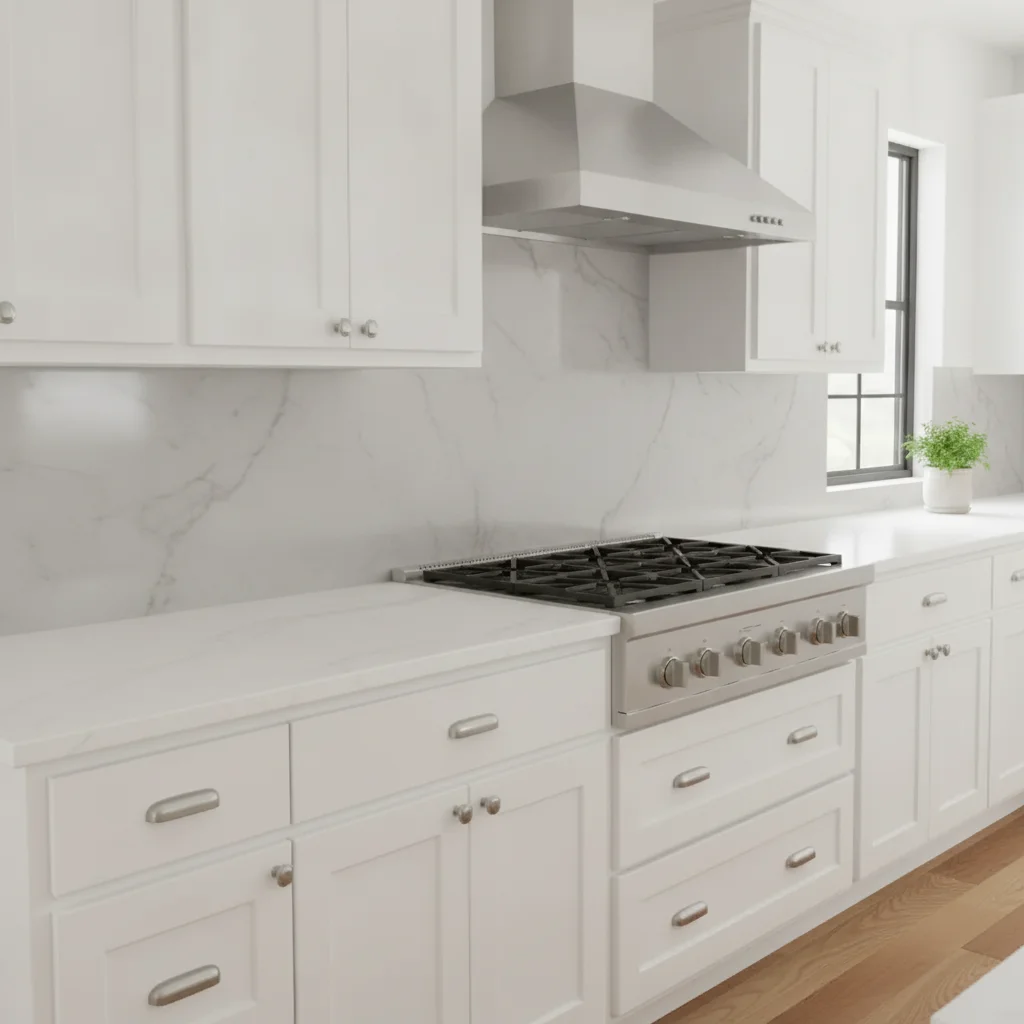
"change the backsplash to full-height grey marble slab with natural white veining, polished surface, no tile pattern — continuous slab look"

Free to try · no sign-up · photos are never shared

Release to upload

<30stypical edit
1 freeedit weekly
Photo on your phone? Scan to open this editor there — free edit works on your phone too.

1 free edit every week·packs from $4.99

How it works

  1. Upload a photo showing the backsplash area clearly

    Use a photo where the backsplash is fully visible between the countertop and the upper cabinets. Avoid photos with large appliances blocking the backsplash area. Even lighting helps the AI render the new tile texture accurately. JPG, PNG, or WebP up to 7MB.

    Expect: Simple tile swaps (subway, solid stone) finish in about 30 seconds. Complex patterns like mosaic or herringbone with small grout lines may benefit from one refinement pass.
  2. Describe the new backsplash material and pattern

    Type your instruction directly: 'replace the backsplash with white 3x6 subway tile in a classic horizontal brick pattern, white grout' or 'change the backsplash to natural grey slate with a stacked horizontal pattern.' Naming the tile size, pattern, and grout color produces a more realistic result. No marking needed — the AI understands 'the backsplash.'

    Tip: Include grout color in your prompt — it significantly affects how the tile reads visually. 'White grout' reads clean and bright; 'grey grout' reads more modern; 'dark charcoal grout' creates contrast.

    Copy one of these to get started:

    Classic white subway tile — listing photos replace the kitchen backsplash with white 3x6 subway tile in a classic horizontal brick-lay pattern, bright white grout, keep countertops and cabinets unchanged
    Grey marble for luxury kitchen design change the backsplash to full-height grey marble slab with natural white veining, polished surface, no tile pattern — continuous slab look
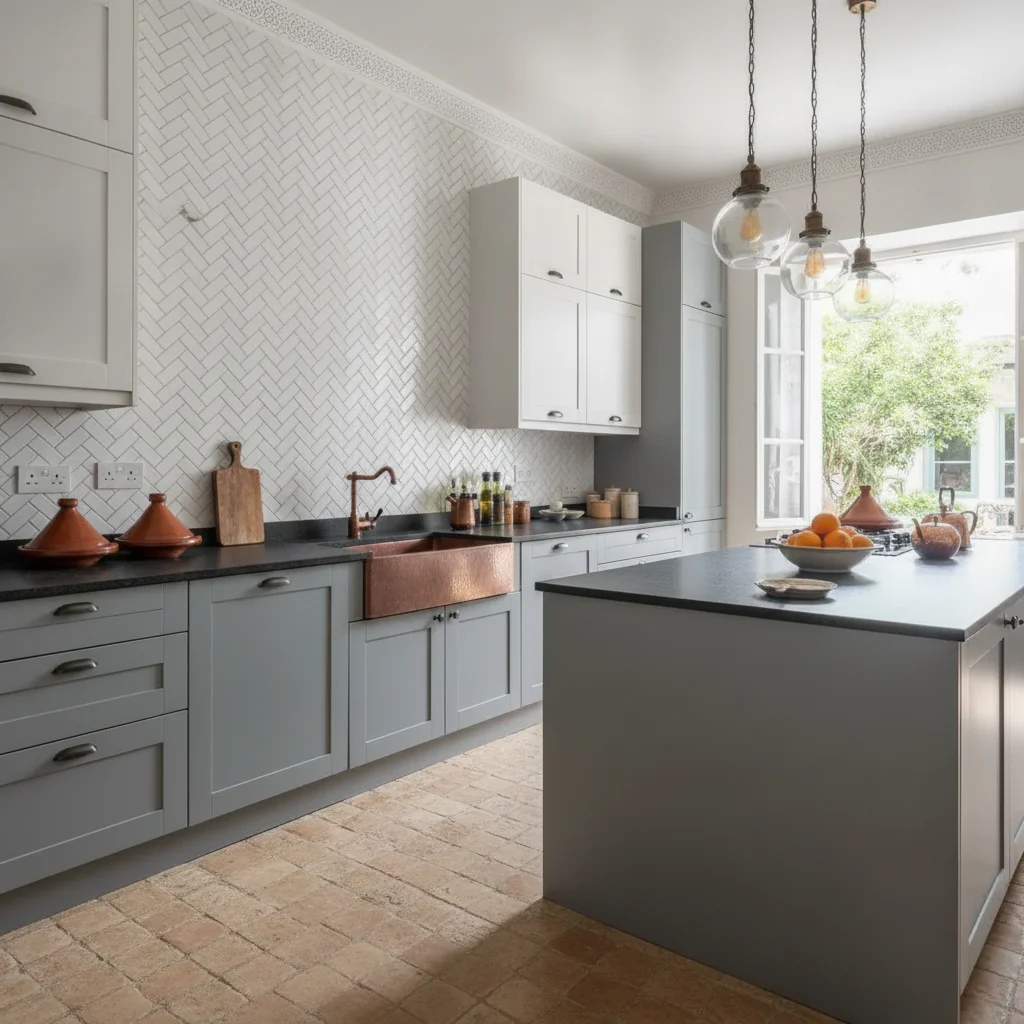
    Herringbone tile for modern kitchen replace the backsplash with white ceramic tile in a herringbone pattern, light grey grout, keep all cabinets and countertops unchanged
    Black hex tile for dramatic contrast change the backsplash to small black hexagonal mosaic tile, matte black finish, white grout for contrast, preserve the countertop edge
    3 more prompts
    Terracotta for farmhouse or Spanish style replace the backsplash with handmade terracotta tile in a square pattern, warm earth-tone glaze with slight variation between tiles, cream grout
    White zellige for eclectic kitchen change the backsplash to white zellige tile, irregular surface with subtle variation in sheen and thickness, white grout, artisan handmade appearance
    Remove dated backsplash for neutral listing replace the old backsplash tile with a clean painted wall surface in warm white, no tile pattern, smooth flat finish matching the walls
  3. Check tile edges, grout lines, and the countertop border

    Zoom to 100% on the backsplash edge where it meets the countertop and the underside of the upper cabinets. Grout line consistency and the tile edge at the countertop border are the clearest indicators of a realistic render.

  4. Refine the tile area with markers if needed

    If the AI replaced a wall section above the cabinets or left part of the original backsplash unchanged, tap markers directly on the backsplash area and regenerate. This is useful for kitchens with an L-shaped or wrap-around backsplash where only one section changed.

    Tip: Markers are for refinement — try without them first. Most straight-run backsplash replacements work from description alone.

See it in action

Kitchen with orange-brown terracotta tile backsplash and cream cabinets
Before
->
Same kitchen with white subway tile backsplash in brick pattern, cabinets unchanged
After

Dated terracotta tile to white subway tile — pre-listing update

A realtor wanted to show sellers how removing a dated terracotta backsplash and replacing it with white subway tile would update the kitchen before the listing went live. The AI preserved the cabinets, countertops, and appliances.

Prompt: replace the kitchen backsplash with white 3x6 subway tile in a classic horizontal brick-lay pattern, bright white grout, keep countertops and cabinets unchanged
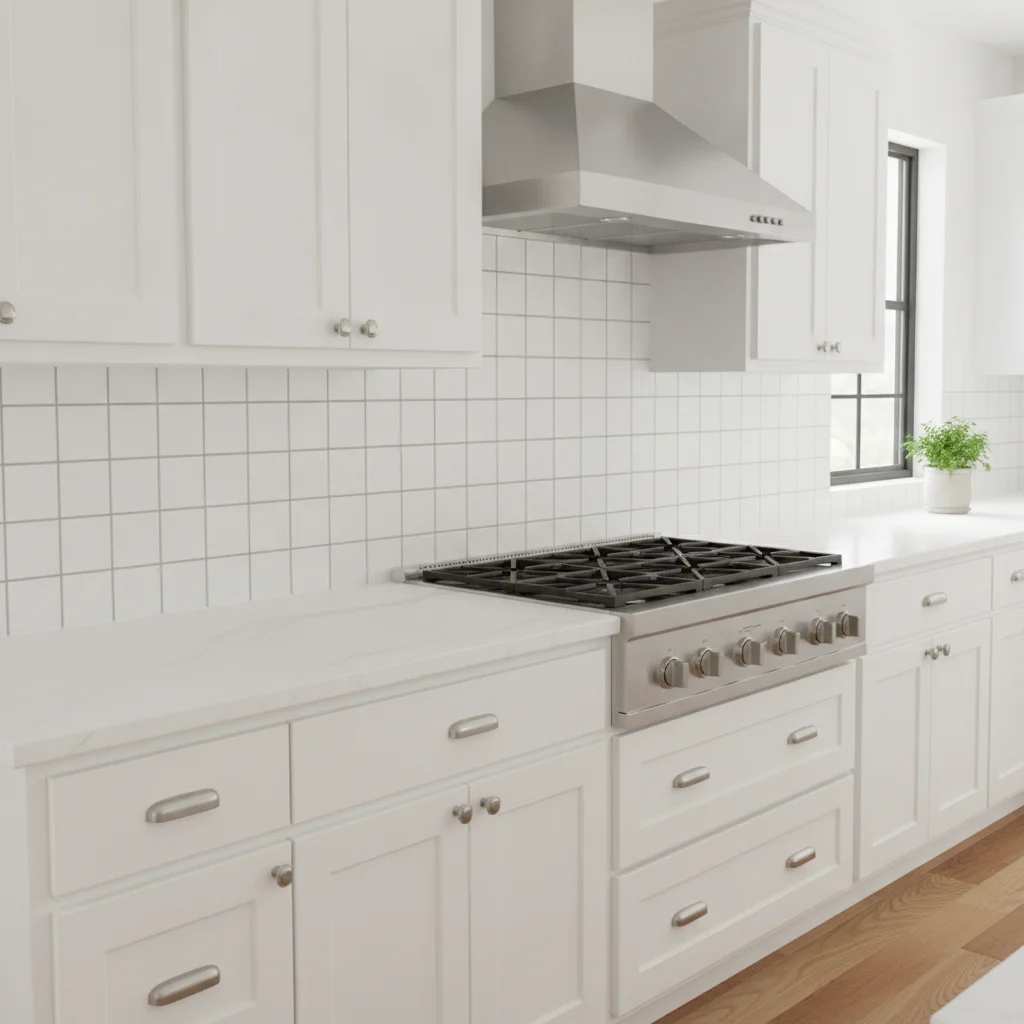
Kitchen with plain white ceramic tile backsplash and white shaker cabinets
Before
->
Same kitchen with full-height grey marble slab backsplash, white veining visible
After

Plain white tile to grey marble slab — luxury renovation concept

An interior designer used this to show a client how a full-height grey marble slab backsplash would look in their existing kitchen before committing to the material purchase.

Prompt: change the backsplash to full-height grey marble slab with natural white veining, polished surface, no tile pattern — continuous slab look
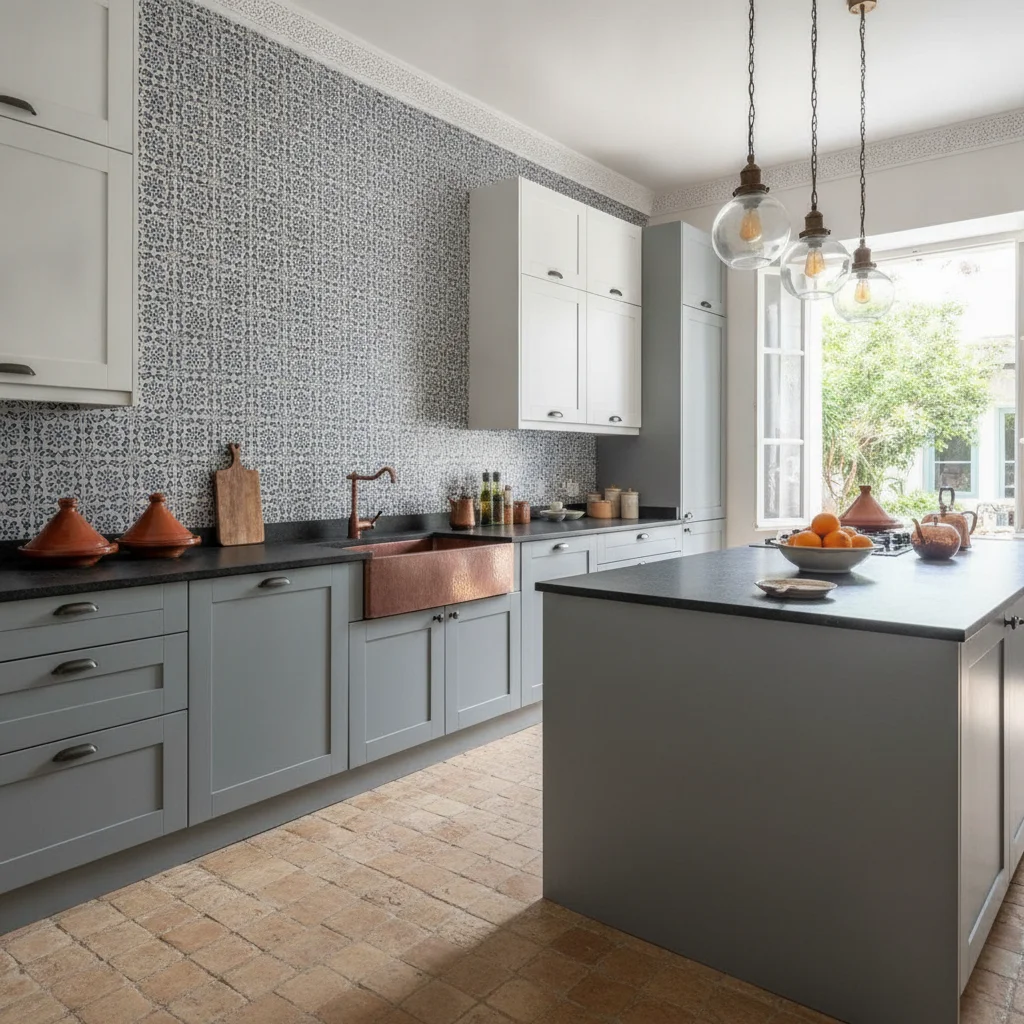
Kitchen with blue and white Moroccan-style patterned tile backsplash
Before
->
Same kitchen with white herringbone tile backsplash and light grey grout
After

Patterned tile to herringbone — modern kitchen design mockup

A homeowner planning a kitchen remodel wanted to compare herringbone white tile against the existing patterned backsplash. The AI cleanly replaced the pattern and rendered consistent grout lines.

Prompt: replace the backsplash with white ceramic tile in a herringbone pattern, light grey grout, keep all cabinets and countertops unchanged

Quick answers

Do I need to mark the backsplash area before replacing it?

No. Type 'replace the backsplash with white subway tile' and the AI identifies and replaces it without any marking. Markers help if the AI replaces the wrong surface — like the wall above the cabinets instead of the backsplash itself. In that case, tap a marker on the backsplash tile and regenerate.

Is there a free backsplash visualizer that doesn't need an account?

Yes. EditThisPic replaces kitchen backsplashes free to preview with no account, and purchased downloads are clean. Upload your kitchen photo, describe the tile material and pattern, and get the result in about 30 seconds. Works in any browser on desktop or mobile.

How do I visualize a new backsplash before buying and installing tile?

Upload a photo of your kitchen to EditThisPic, then type the tile you're considering — for example, 'replace the backsplash with white herringbone tile and grey grout.' The AI replaces the backsplash in about 30 seconds. This lets you compare multiple tile options on your actual kitchen before purchasing.

Can I preview different grout colors with the same tile?

Yes. Run the same tile description with different grout colors: 'white 3x6 subway tile, white grout' for one version, and 'white 3x6 subway tile, dark charcoal grout' for another. Grout color significantly changes how the tile reads — this lets you compare options before committing.

What backsplash tile is most popular for real estate listing photos?

White 3x6 subway tile in a classic brick pattern is consistently the most buyer-neutral backsplash for listing photos. It reads as clean, fresh, and universally appealing. Use EditThisPic to preview it on your actual kitchen before deciding whether a pre-listing tile update makes sense for your specific property.

Can interior designers use this for client kitchen presentations?

Yes. Upload a photo of the client's existing kitchen and generate multiple backsplash options — marble slab, subway tile, zellige, herringbone — to present in a concept review. The AI preserves cabinets and countertops so each option shows accurately in the client's real space, not a generic showroom photo.

How much does EditThisPic cost?

You get 1 free edit per week — no account needed. After that, one-time credit packs start at $4.99 for 10 edits, valid 12 months, no subscription. Power users who edit daily can pick Studio Membership, a monthly workspace at $49.99/mo for 300 edits. Purchased downloads are clean with no watermark.

Ready to preview your new kitchen backsplash?

Free to try. No signup required.

1 free edit included·Credit packs from $4.99