Pricing Change Logo on shirt · Free

Replace Logo on Shirt

← Browse all replace tools

Last updated

Swap any logo on a polo, jersey, or uniform — perfect for brand mockups and rebrand proofs.
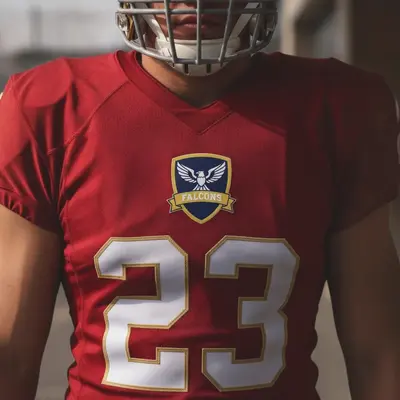
01Photo 1
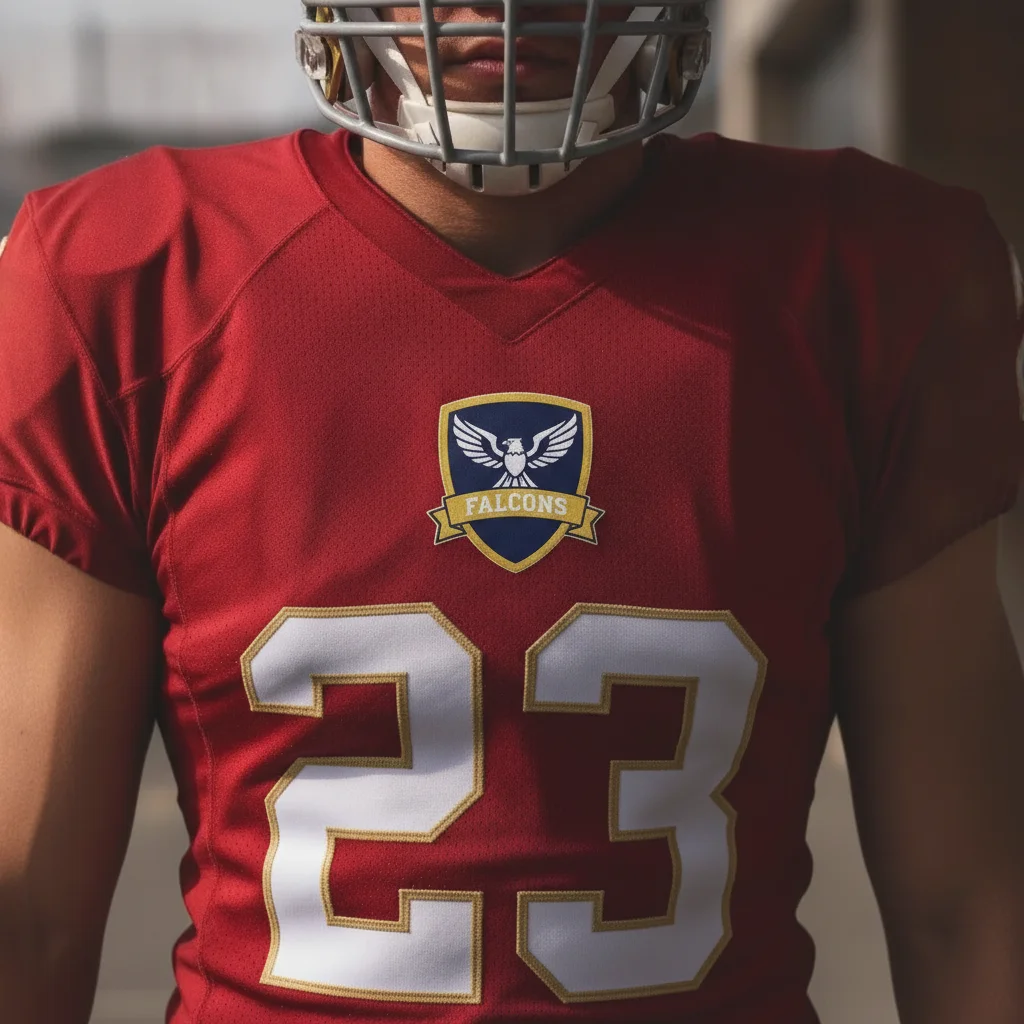
Red jersey with existing team logo on chest and jersey number below
02Photo 2
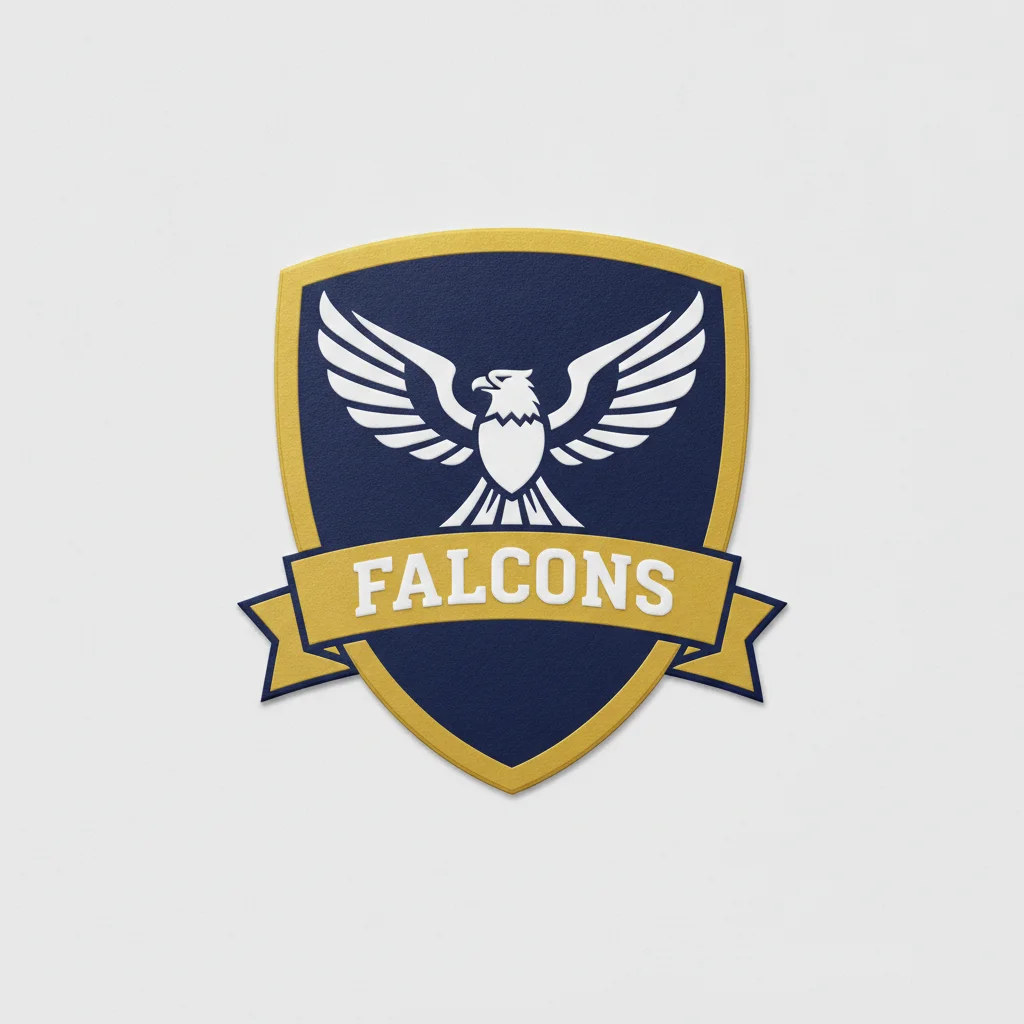
Reference image for Replace Logo on Shirt
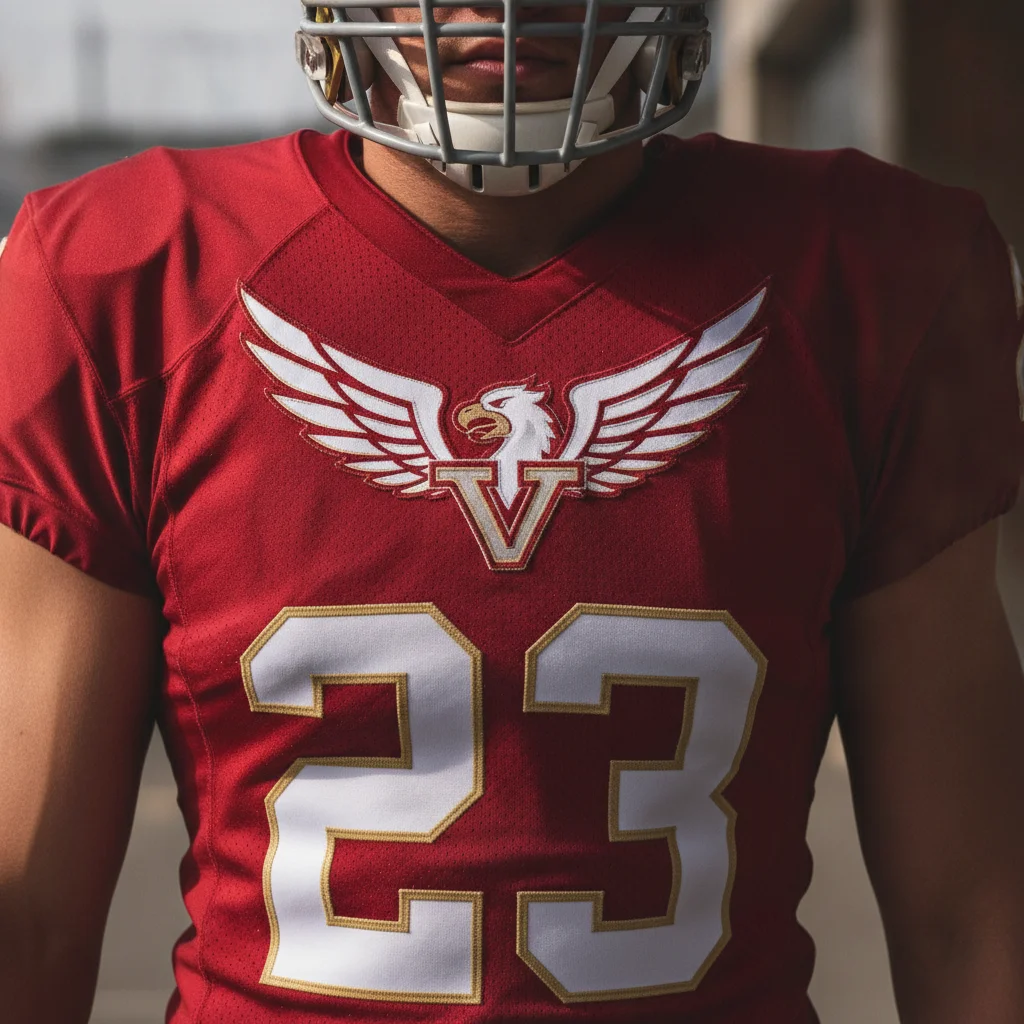
03Result
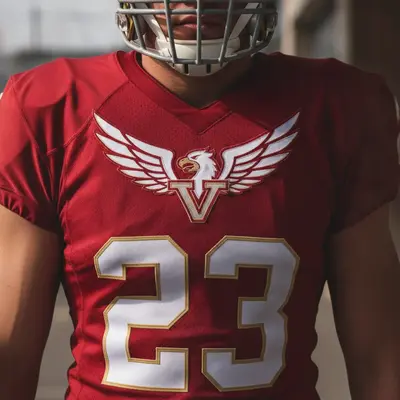
Same jersey with team logo replaced by new crest design, number unchanged

Upload photo to replace logo on shirt

"replace the chest logo with a small minimal circular icon featuring the letter 'A' in white on a solid navy blue circle, centered on the left chest, embroidered texture"

Free to try · no sign-up · photos are never shared

Release to upload

<30stypical edit
1 freeedit weekly
Photo on your phone? Scan to open this editor there — free edit works on your phone too.

1 free edit every week·packs from $4.99

How it works

  1. Upload a photo of the shirt

    Use a photo where the chest logo is clearly visible — a front-facing portrait or flat-lay works best. The logo should be large enough to read at normal photo viewing size. JPG, PNG, or WebP up to 7MB.

    Expect: Front-facing photos with the logo fully in frame give the AI precise location data. Photos where the logo is at the edge of the frame or partially hidden may need a second pass.
  2. Describe the new logo

    Type the replacement clearly: 'replace the chest logo with a minimal circular icon featuring a leaf design in forest green' or 'remove the existing logo and replace with a small embroidered eagle in navy blue and gold.' To use your actual logo file, click '+ Add reference image,' upload it, then type 'replace the chest logo with the design from the reference image.'

    Tip: Specify the rendering style: 'embroidered look' vs 'screen-printed' vs 'heat transfer print.' An embroidered polo with a screen-print replacement will look inconsistent — match the texture to the original shirt's production method.

    Copy one of these to get started:

    Replace with your logo file — brand mockup replace the chest logo on the shirt with the logo from the reference image, match the scale of the original logo, use an embroidered look that matches the shirt's fabric texture
    Minimal icon replacement — clean corporate look replace the chest logo with a small minimal circular icon featuring the letter 'A' in white on a solid navy blue circle, centered on the left chest, embroidered texture
    Remove logo entirely — blank shirt remove the chest logo completely, replace it with plain fabric that matches the shirt color and texture exactly — no design remaining, seamless blend
    Sports team jersey logo swap replace the team logo on the jersey chest with the team crest from the reference image, match the existing print scale and position, preserve the jersey number and all other details
    3 more prompts
    Color rebrand — same logo shape, new colors replace the chest logo color from orange to teal, keep the exact logo shape, icon design, and scale identical — only change the color fill
    Add a logo to a blank shirt add a small embroidered company logo to the left chest area of this plain white polo: a circular seal design with the text 'EST. 2020' around the border and a mountain icon in the center, navy blue thread
    Multi-location logo replacement replace the logo on the left chest AND the logo on the left sleeve with the design from the reference image, keep all other shirt details unchanged
  3. Check logo scale, placement, and texture

    Zoom to 100% on the logo area. Verify the new logo is proportionally sized to the original, centered in the same chest position, and that the surrounding fabric stitching or collar is unchanged.

  4. Use a marker if the placement is wrong

    If the AI placed the logo on the wrong area — back of the collar instead of the chest, or vice versa — tap a marker on the intended placement area and regenerate. Most front-facing shirts don't need markers.

    Tip: Markers are most helpful on shirts that have logos in multiple locations (chest + sleeve + back). Tap the exact location you want to target.

See it in action

Red jersey with existing team logo on chest and jersey number below
Main Photo
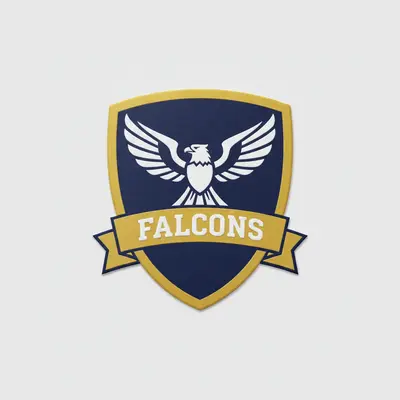
Reference image for Replace Logo on Shirt
Reference
Same jersey with team logo replaced by new crest design, number unchanged
Result

Sports jersey — team logo swap for design review

Designer showing a client how their proposed team crest would look on an existing jersey before committing to production.

Prompt: replace the team logo on the jersey chest with the team crest from the reference image, match the existing print scale and position, preserve the jersey number and all other details
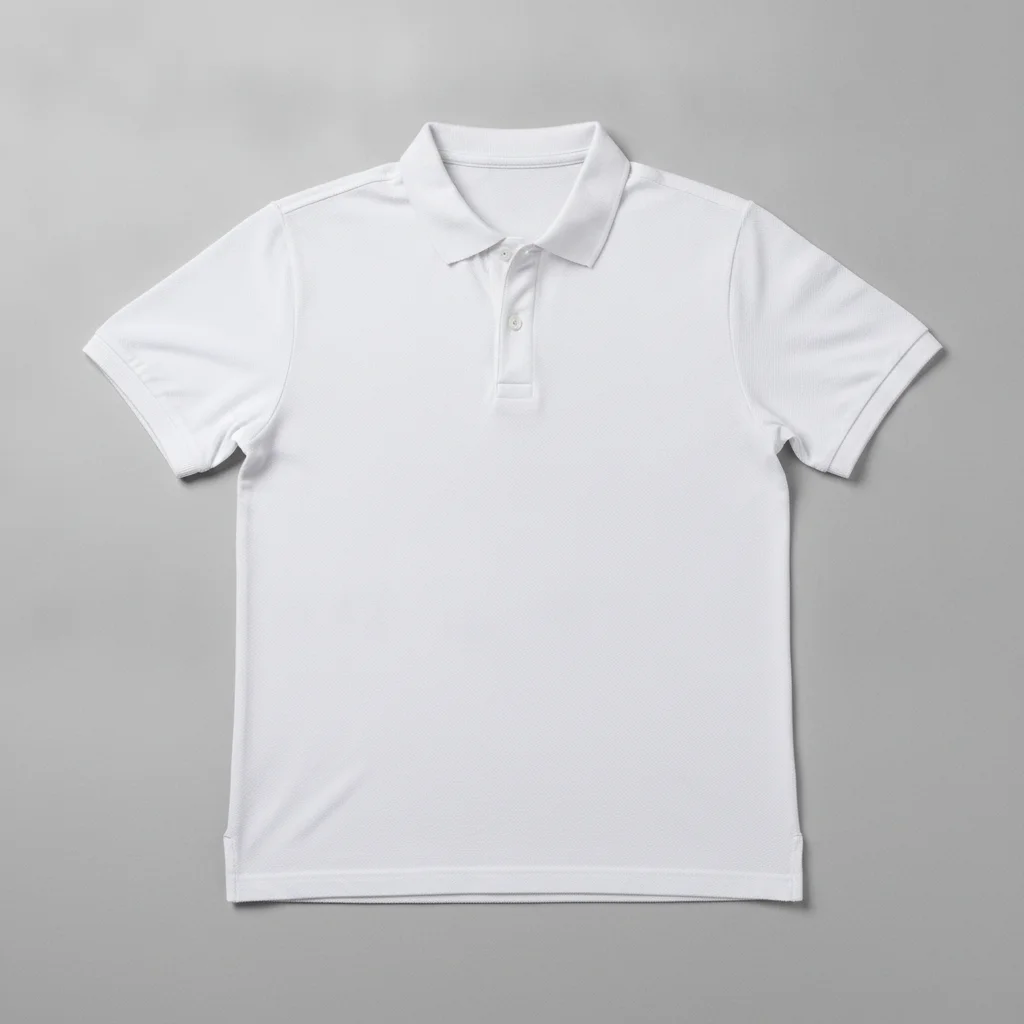
Plain white polo shirt with no logo, flat-lay on grey background
Before
->
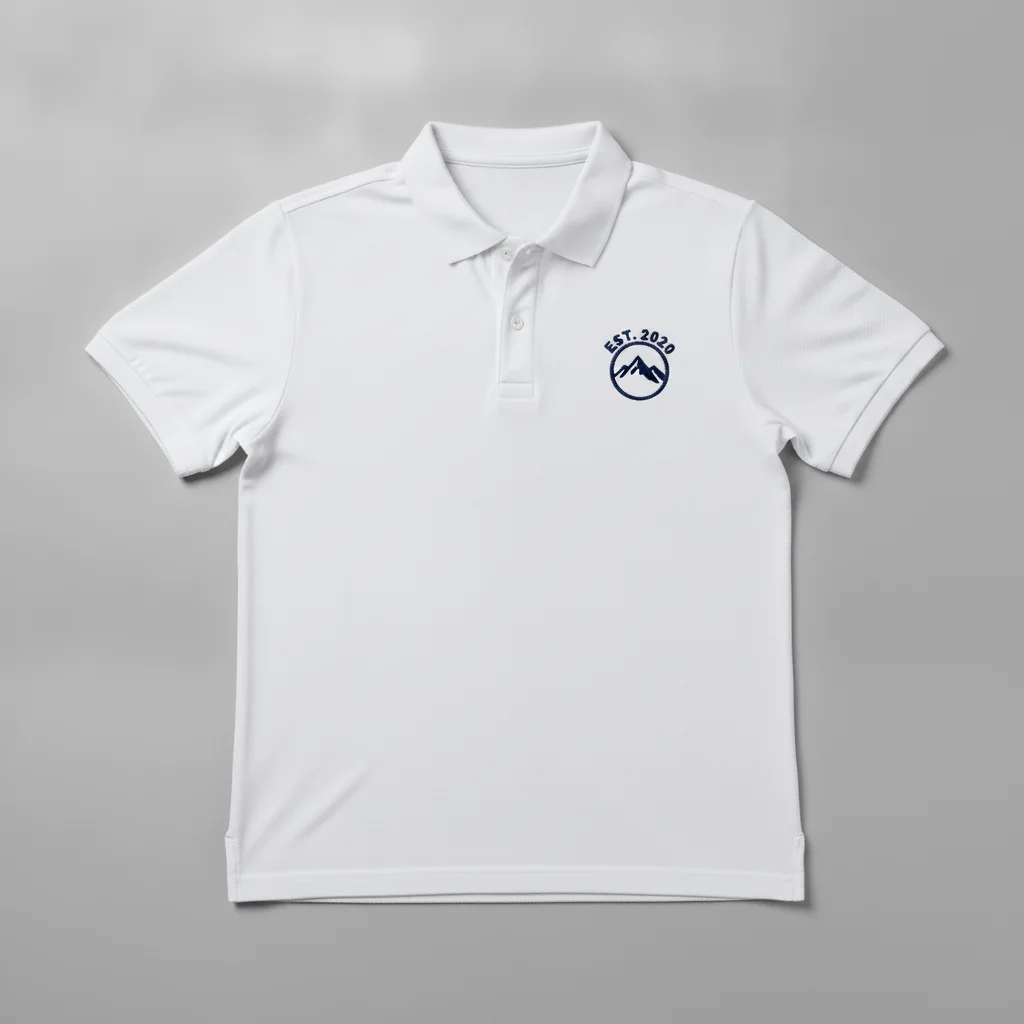
Same polo with a navy embroidered circular seal logo added to the left chest
After

Blank polo — logo added for client presentation

Merch designer adding a proposed embroidered logo to a plain polo for a client pitch. No existing design to remove.

Prompt: add a small embroidered company logo to the left chest area of this plain white polo: a circular seal design with the text 'EST. 2020' around the border and a mountain icon in the center, navy blue thread

Quick answers

Do I need to mark the logo area before replacing it?

No. Just describe the replacement: 'replace the chest logo with a minimal circular icon in navy blue.' The AI identifies the logo area on standard polo and shirt photos automatically. Markers are only useful when the shirt has multiple logos and you need to specify exactly which one to replace.

Is there a free tool to swap a logo on a shirt without Photoshop or signup?

Yes. EditThisPic replaces logos on shirts free to preview with no account, and purchased downloads are clean. Upload your shirt photo, describe the new logo or upload your logo file as a reference image, and get the result in about 30 seconds. Works in any browser on desktop or mobile.

How do I create a uniform mockup with my company logo?

Upload a photo of the uniform shirt (your own or a stock photo of a polo). Click '+ Add reference image' and upload your logo file. Then type 'replace the chest logo with the logo from the reference image, embroidered look, same scale as the original.' The AI maps your logo to the chest position in about 30 seconds — free, no login.

How do I replace a logo on a shirt for free?

Go to EditThisPic, upload your shirt photo (JPG, PNG, or WebP up to 7MB), type 'replace the chest logo with [description of new logo]' or upload your logo as a reference image, and click Generate. Preview it free with no login required, and the purchased download is clean.

Should I use a text description or a reference image for my logo?

Use a reference image for any logo that has specific brand standards — exact colors, specific typography, or detailed icons. Text descriptions produce stylistic approximations that may not match your brand standards precisely. For generic icons or simple shapes, a text description is sufficient.

Can I add a logo to a plain shirt that has no existing logo?

Yes. If no logo exists on the shirt, use 'add a small embroidered logo to the left chest area' followed by a description or a reference image. Specifying 'left chest, 3 inches below the collar' gives the AI a placement anchor for an accurate position.

What's the best format for my logo reference image?

PNG with a transparent background produces the cleanest results — the AI uses only the logo design without a white box behind it. JPG with a white background also works but may cause a slight white halo around the logo on darker shirts. Keep the reference image file size under 7MB.

How much does EditThisPic cost?

You get 1 free edit per week — no account needed. After that, one-time credit packs start at $4.99 for 10 edits, valid 12 months, no subscription. Power users who edit daily can pick Studio Membership, a monthly workspace at $49.99/mo for 300 edits. Purchased downloads are clean with no watermark.

Ready to swap logos on your shirt photos?

Free to try. No signup required.

1 free edit included·Credit packs from $4.99