Pricing Change Tshirt design · Free

Replace T-Shirt Design in Photo

← Browse all replace tools

Last updated

Swap any graphic, print, or text on a t-shirt photo — perfect for merch mockups and design proofs.
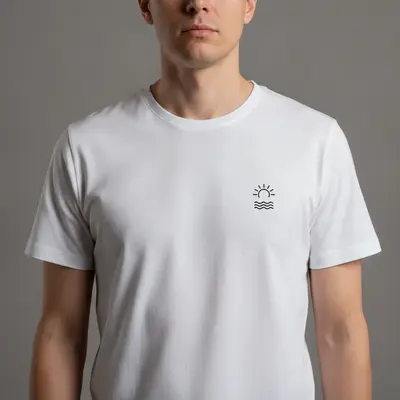

01Photo 1
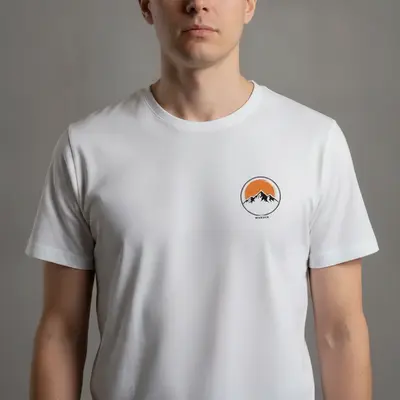
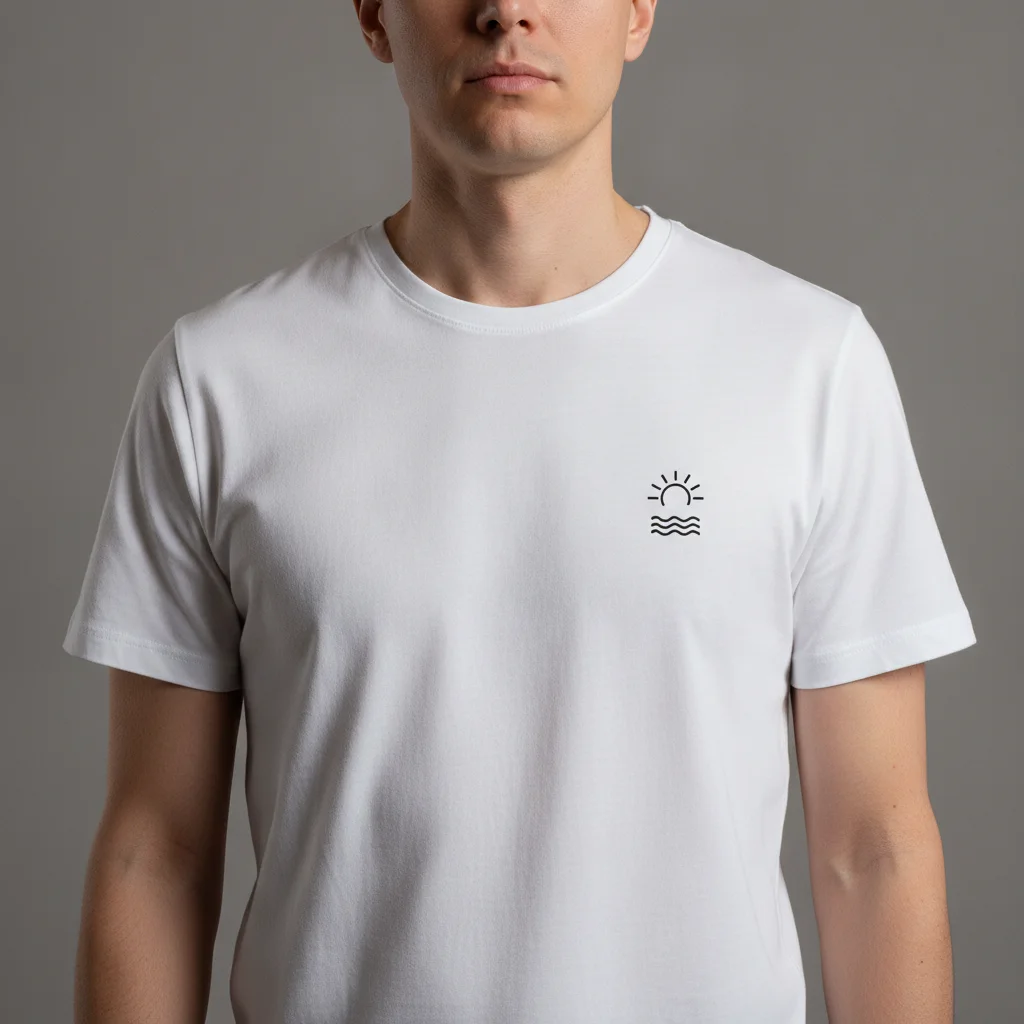
Person in plain white t-shirt with small generic graphic on chest
02Photo 2
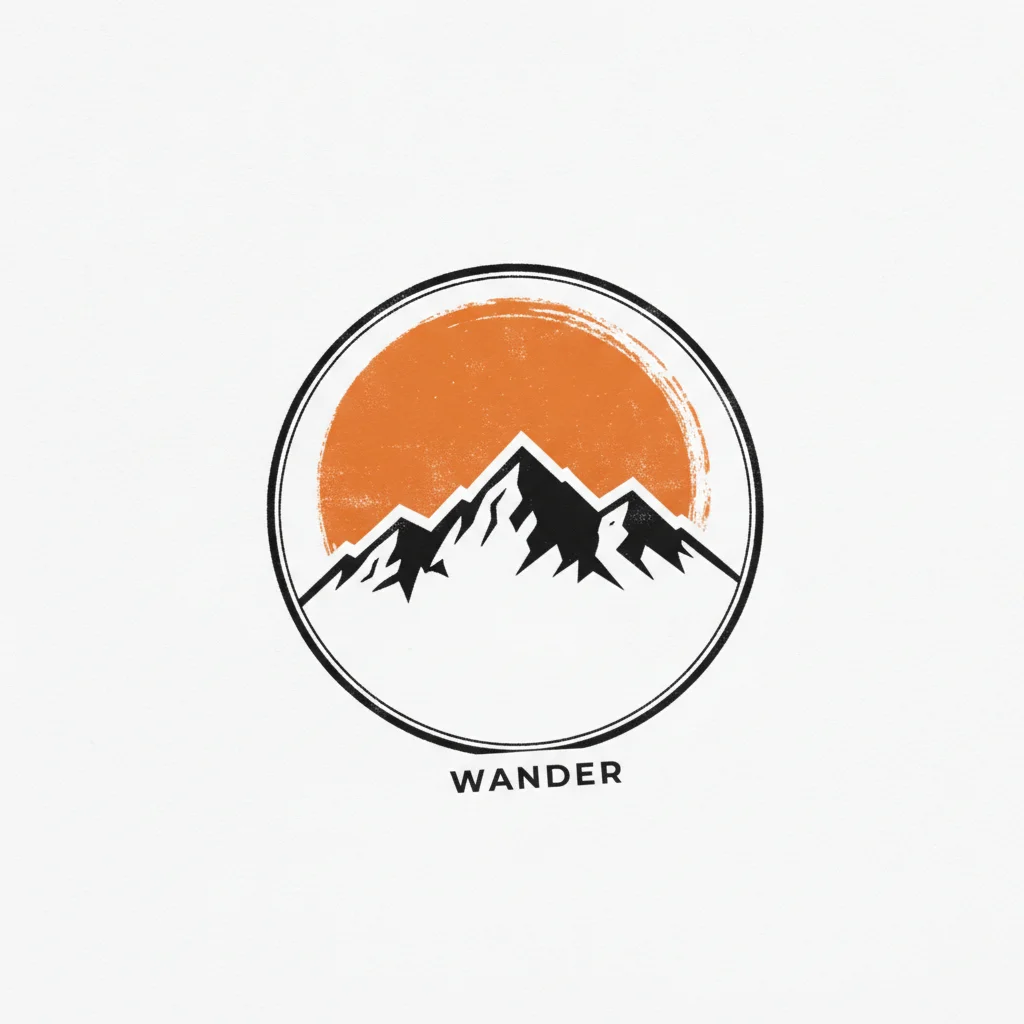
Reference image for Replace T-Shirt Design in Photo
03Result
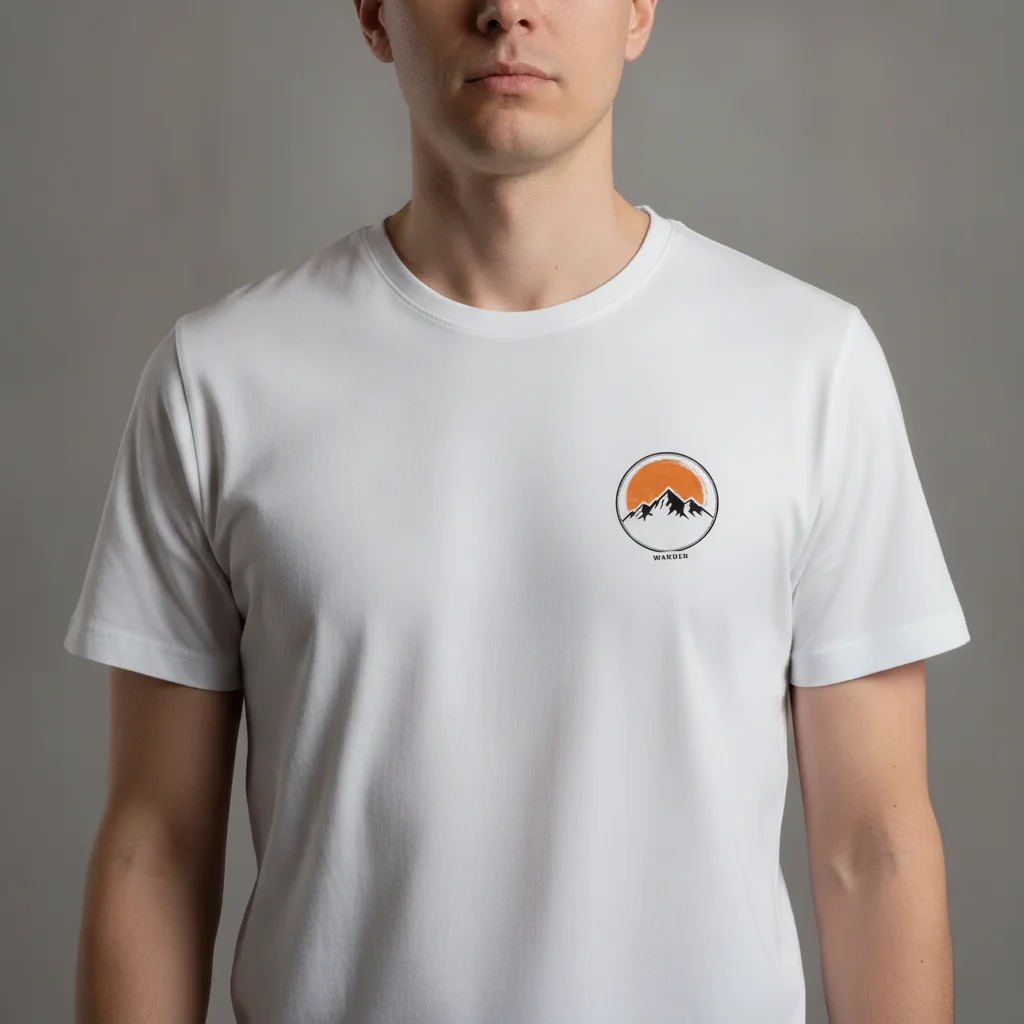
Same person with a new custom design mapped onto the shirt, following fabric folds

Upload photo to replace tshirt design

"replace the text on the front of the t-shirt with the words 'Summer 2026' in a bold condensed sans-serif font, white text on a dark area, match the fabric wrinkles"

Free to try · no sign-up · photos are never shared

Release to upload

<30stypical edit
1 freeedit weekly
Photo on your phone? Scan to open this editor there — free edit works on your phone too.

1 free edit every week·packs from $4.99

How it works

  1. Upload a photo with the shirt clearly visible

    Use a photo where the shirt's print area is flat and unobstructed — a front-facing portrait or flat-lay works best. Heavily crumpled fabric or extreme side angles reduce the quality of the design swap. JPG, PNG, or WebP up to 7MB.

    Expect: Front-facing photos with good lighting give the AI the fabric texture data it needs to match new design wrinkles to existing folds. Flat-lay product photos produce the cleanest results for Etsy listings.
  2. Describe the new design

    Type the replacement design clearly: 'replace the graphic on the t-shirt with a minimalist mountain outline in white ink' or 'change the tshirt print to a retro 80s sunset with palm trees, neon pink and orange.' To use your actual design file, click '+ Add reference image' and upload it, then type 'replace the shirt graphic with the design from the reference image.'

    Tip: Describe the illustration style as well as the subject — 'vintage halftone illustration' vs 'clean vector flat design' vs 'watercolor brush stroke' each produces a distinct aesthetic. Style specificity matters as much as subject specificity.

    Copy one of these to get started:

    Replace with a reference design file — merch mockup replace the graphic on the t-shirt with the design from the reference image, match the color and proportion, let the design follow the natural fabric folds of the shirt
    Simple text replacement replace the text on the front of the t-shirt with the words 'Summer 2026' in a bold condensed sans-serif font, white text on a dark area, match the fabric wrinkles
    Graphic illustration swap replace the graphic on the t-shirt with a minimalist black line illustration of a mountain range, centered on the front chest panel, ink-on-fabric look
    Blank shirt — remove design entirely remove the graphic from the front of the t-shirt completely, replace it with plain fabric that matches the shirt color and texture, no design remaining
    3 more prompts
    Retro/vintage design replace the tshirt graphic with a retro 1980s sunset design: neon pink and orange gradient sky, silhouette palm trees, halftone print texture, centered on chest
    Logo on chest pocket area replace the small graphic on the left chest area with a simple circular logo design featuring a leaf icon in forest green, small scale, clean embroidered look
    Full-back design swap replace the large design on the back of the t-shirt with a bold gothic lettering design reading 'CITY OF ANGELS', large blocky font, slightly distressed texture, black ink
  3. Check design placement and fabric wrinkle mapping

    Zoom to 100% and verify the new design follows the existing fabric folds naturally — the design should curve and crease where the fabric creases. Check that the shirt collar, sleeves, and hemline are unchanged.

  4. Refine with markers for precise placement

    If the design drifted from the center of the chest or appeared on a sleeve instead of the front panel, tap a marker on the chest area and regenerate with 'place the design centered on the front chest panel only.' Markers are optional for most front-facing shots.

    Tip: Markers are most useful on shirts with existing large prints that confuse the AI about boundaries. Try without first.

See it in action

Person in plain white t-shirt with small generic graphic on chest
Main Photo
Reference image for Replace T-Shirt Design in Photo
Reference
Same person with a new custom design mapped onto the shirt, following fabric folds
Result

Merch mockup — reference design mapped onto worn shirt

Etsy seller needed to show multiple designs on the same model photo. A reference image was uploaded and the AI mapped it onto the fabric wrinkles naturally.

Prompt: replace the graphic on the t-shirt with the design from the reference image, match the color and proportion, let the design follow the natural fabric folds of the shirt
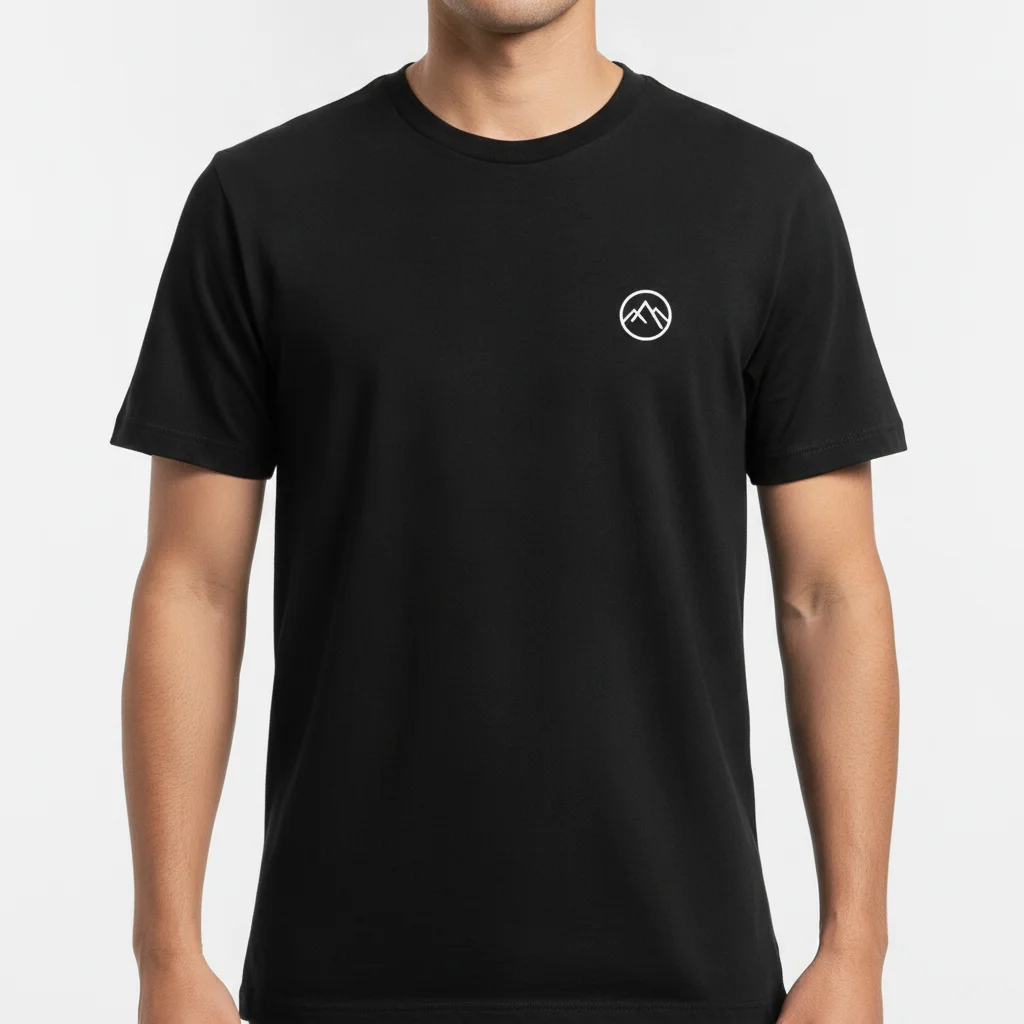
Person in black t-shirt with small white logo on chest
Before
->
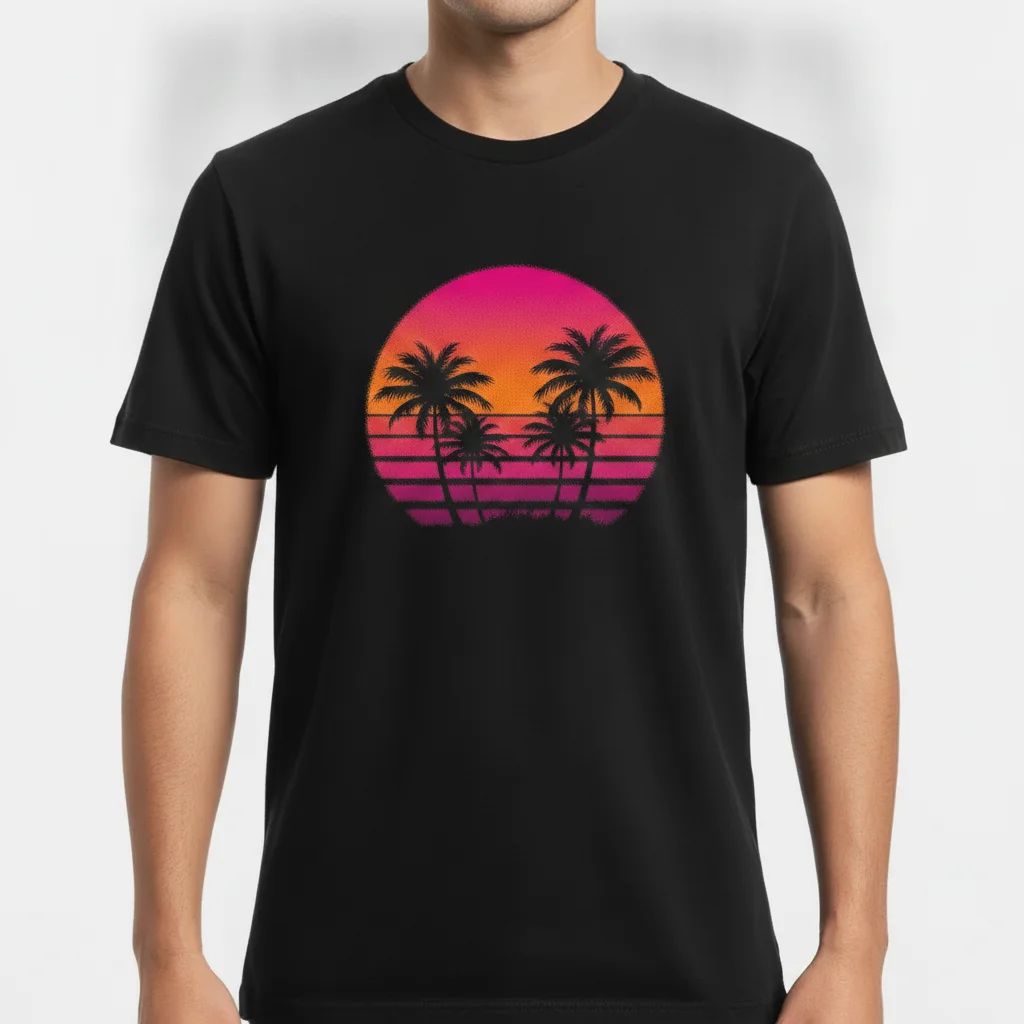
Same shirt with a retro sunset graphic replacing the logo, halftone texture preserved
After

Design iteration — retro graphic swap

Designer testing different graphic styles on the same base shirt photo. Swapped an existing simple logo for a retro illustration without a new photoshoot.

Prompt: replace the graphic on the t-shirt with a retro 1980s sunset design: neon pink and orange gradient sky, silhouette palm trees, halftone print texture, centered on chest
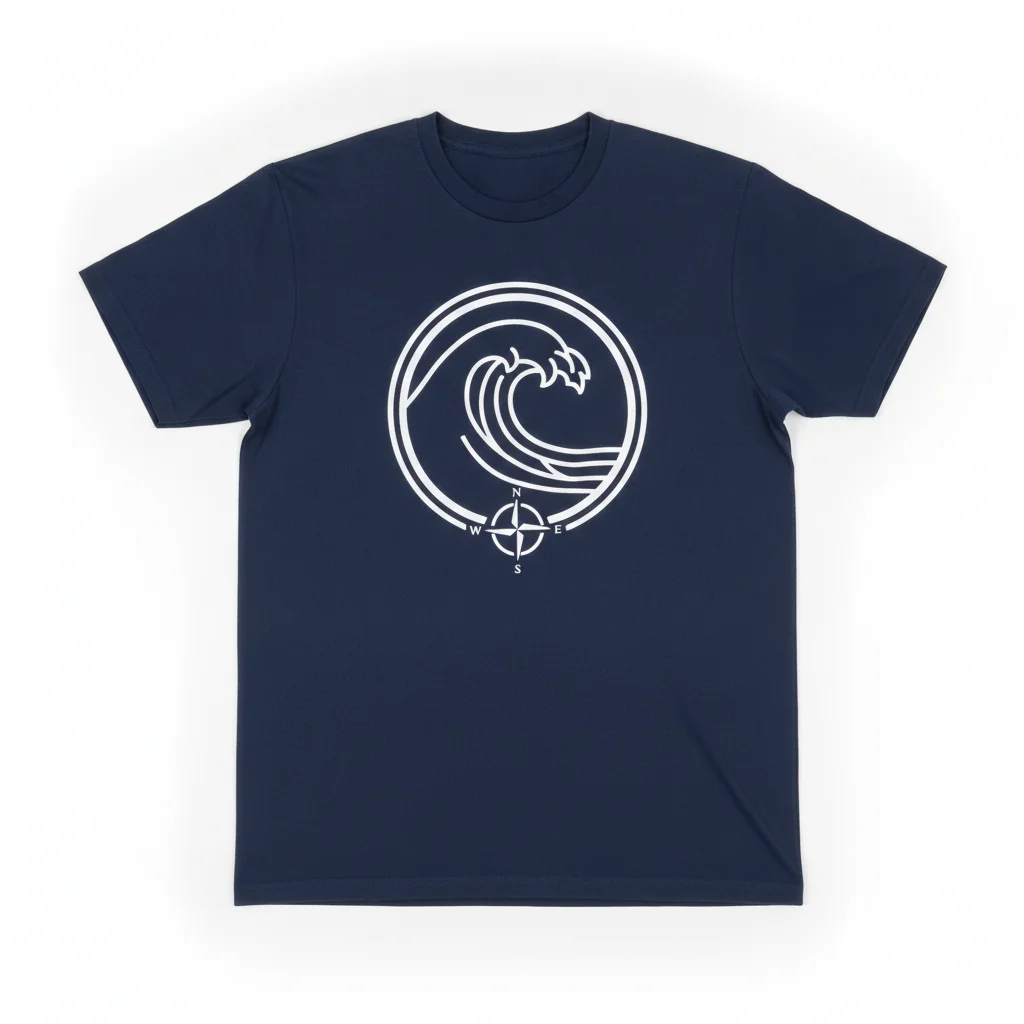
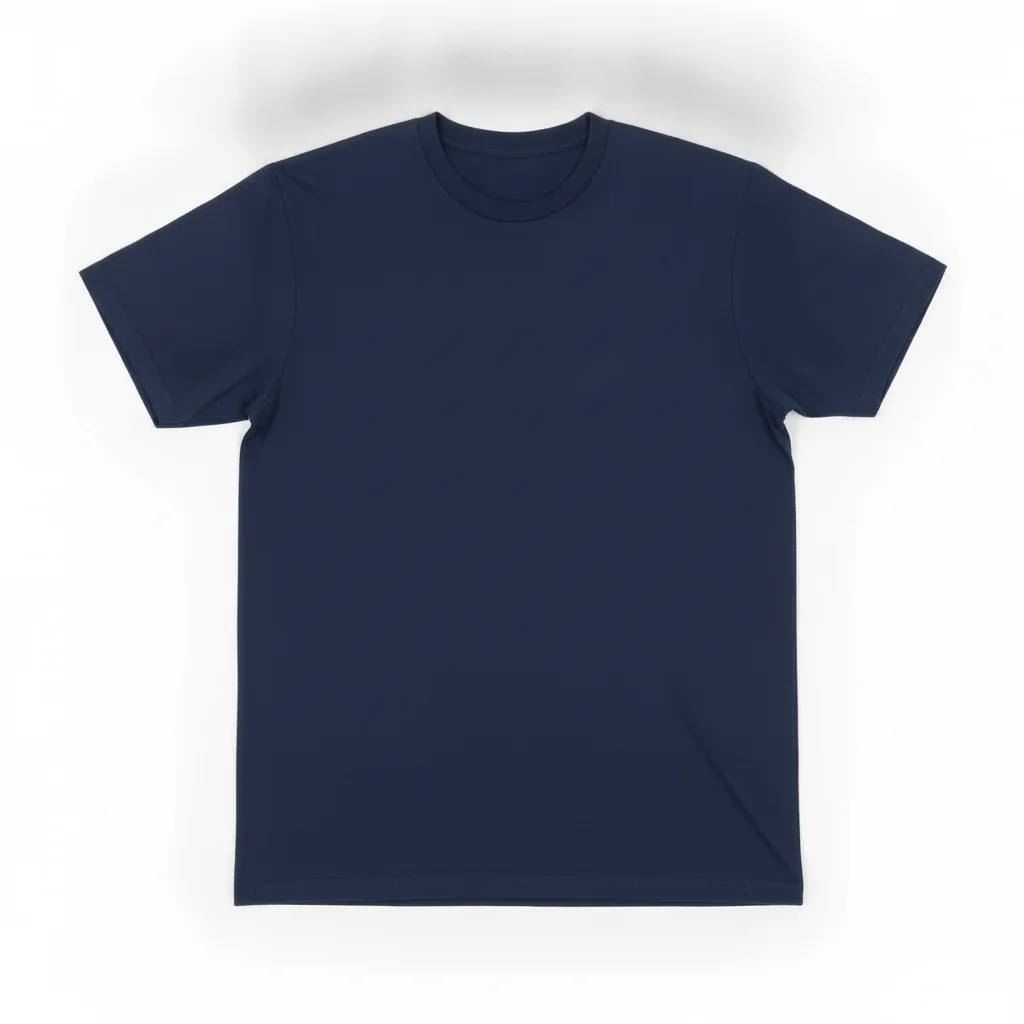
Navy t-shirt flat-lay with bold white printed graphic on chest
Before
->
Same navy t-shirt flat-lay with graphic removed and clean fabric showing
After

Plain base shirt — design removed for clean product photo

Removing an existing print to produce a clean base photo for a print-on-demand listing where the design is added digitally in the listing tool.

Prompt: remove the graphic from the front of the t-shirt completely, replace it with plain fabric that matches the shirt color and texture, no design remaining

Quick answers

Do I need to mark the shirt graphic before swapping the design?

No. Just describe the new design: 'replace the graphic on the t-shirt with a minimalist mountain illustration.' The AI identifies the print area automatically on front-facing shirts. Markers are only useful if the AI targets the wrong print location — like a sleeve instead of the chest.

Is there a free tool to replace a t-shirt design without Photoshop or signup?

Yes. EditThisPic swaps t-shirt designs free to preview with no account, and purchased downloads are clean. Upload your shirt photo, describe the new design or upload a reference image, and get the result in about 30 seconds. Works in any browser on desktop or mobile.

How do I create a t-shirt mockup from a real photo?

Upload a front-facing photo of a model wearing the base shirt. Click '+ Add reference image' and upload your design artwork. Then type 'replace the shirt graphic with the design from the reference image, let it follow the natural fabric folds.' The AI maps your design onto the shirt surface in about 30 seconds — free, no login.

Can I use my own design file as the replacement?

Yes. Click '+ Add reference image' before typing your prompt, upload your design artwork (PNG or JPG), then type 'replace the graphic on the t-shirt with the design from the reference image, preserve colors exactly.' This is the workflow for print-on-demand sellers, Etsy shops, and merch designers creating listing mockups.

Will the AI preserve the fabric folds when replacing the design?

Yes, if your prompt specifies it. Add 'let the design follow the natural fabric wrinkles and folds' or 'screen-printed look' to your prompt. Without this instruction, some generations render the design as a flat overlay. Including the fabric mapping instruction produces consistently natural results.

Can I remove a t-shirt design completely to get a plain shirt?

Yes. Type 'remove the graphic from the front of the t-shirt completely, replace it with plain fabric that matches the shirt color and texture.' This produces a clean base shirt photo useful for print-on-demand listings where the design is added in the seller's listing tool.

How do I show multiple design variants without re-shooting?

Use one base photo and run the design-swap prompt once for each variant. Keep the shirt, background, and model prompt identical and change only the design description. Each run produces a separate listing photo in a consistent style — the same approach used by Etsy print-on-demand sellers to generate a full product catalog from a single photoshoot.

How much does EditThisPic cost?

You get 1 free edit per week — no account needed. After that, one-time credit packs start at $4.99 for 10 edits, valid 12 months, no subscription. Power users who edit daily can pick Studio Membership, a monthly workspace at $49.99/mo for 300 edits. Purchased downloads are clean with no watermark.

Ready to swap t-shirt designs in your photos?

Free to try. No signup required.

1 free edit included·Credit packs from $4.99