Do I need to mark my face before uploading to try on a beard?
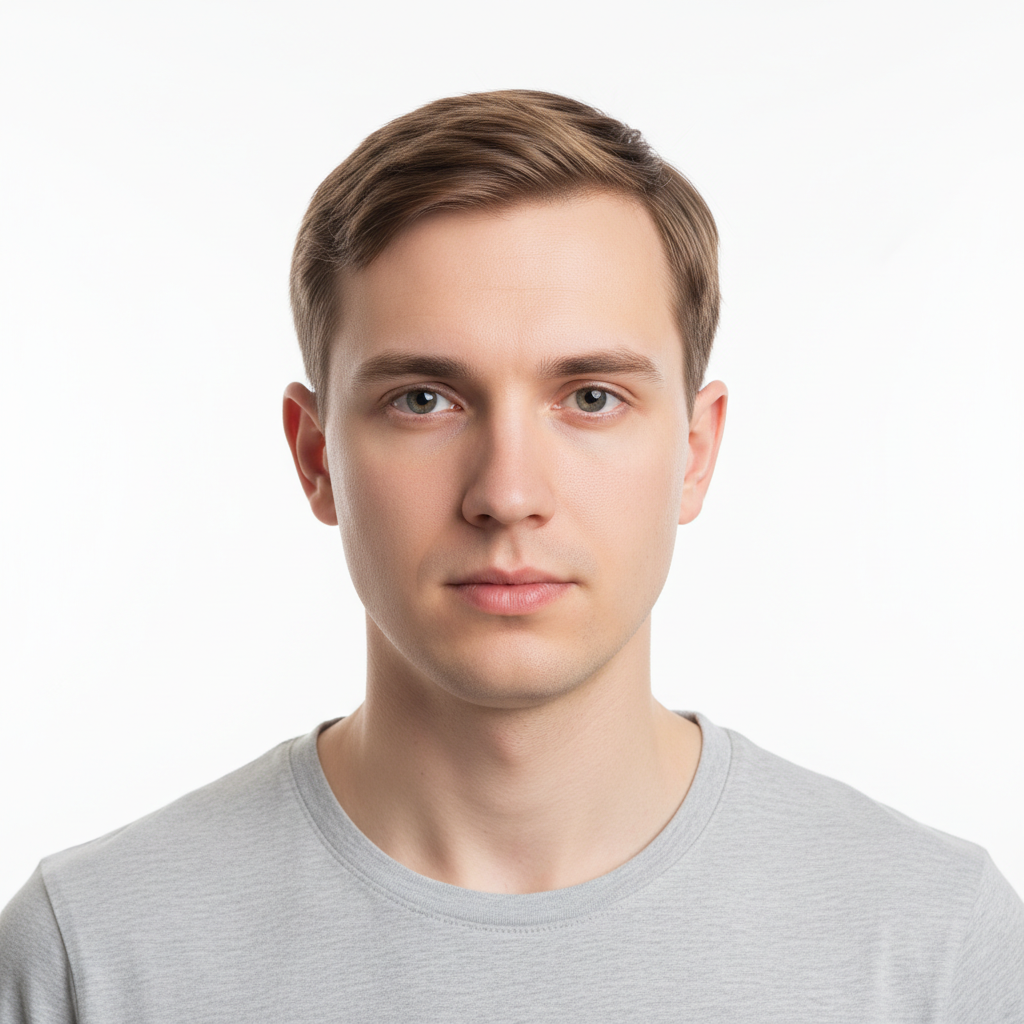
No. Just upload your selfie, add the beard reference photo using '+ Add reference image,' and describe what you want: 'apply the beard from the reference photo onto my face.' The AI knows where your face is and where facial hair grows.
How do I try on a beard style from a reference photo?
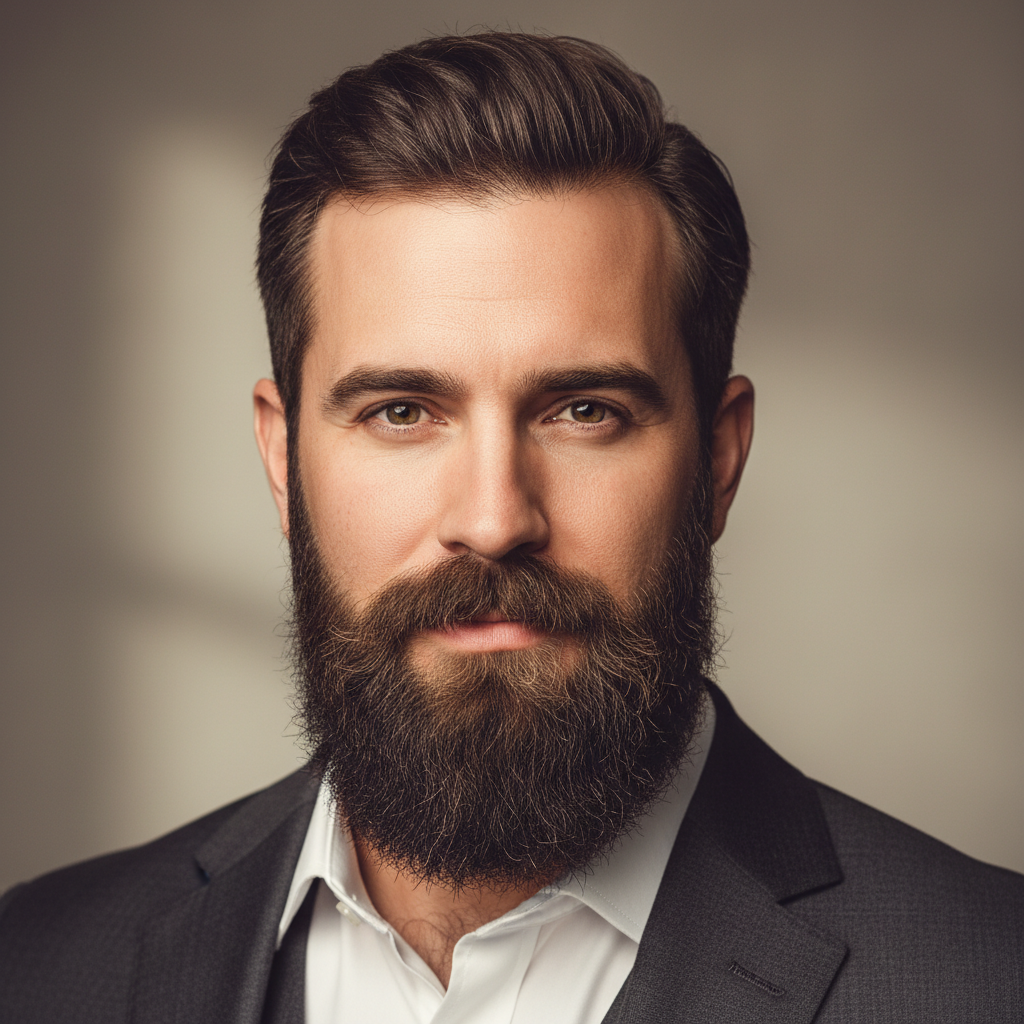
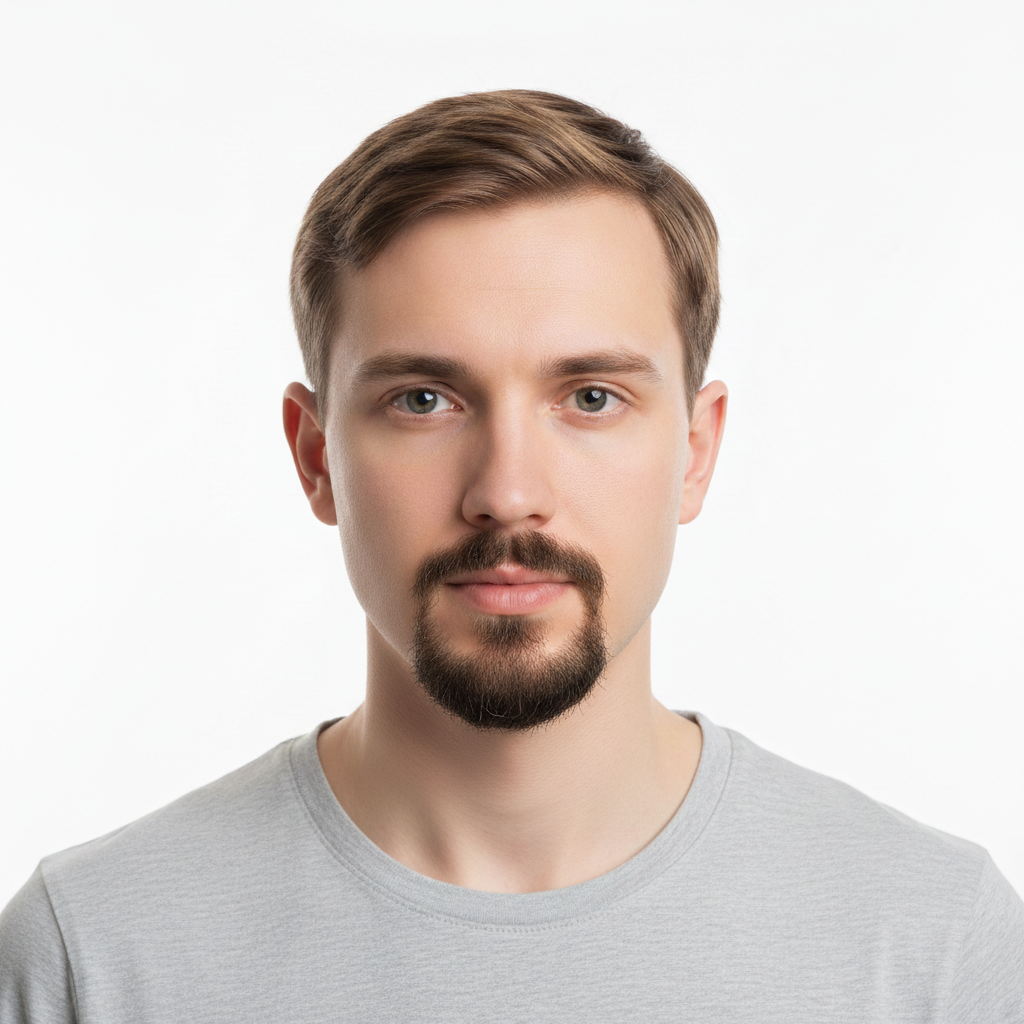
Upload your clean-shaven selfie as the main photo. Click '+ Add reference image' and upload a photo of someone wearing the beard style you want. Then type: 'apply the beard from the reference photo onto my face, matching my skin tone.' EditThisPic's AI extracts the beard style — shape, density, length — from the reference and maps it onto your face in about 20 seconds. Free to try, no account needed.
Is there a free beard try-on app that doesn't require login?
Yes. EditThisPic lets you try on any beard style from a reference photo completely free, with no signup or account required. Upload your selfie and a beard reference, describe the transfer, and download the result without any watermark. You get one free edit per week, or you can buy credits for more.
What is the best AI beard simulator that works from a reference photo?
EditThisPic's two-image workflow is the most direct approach: upload your photo and a reference showing the exact beard style you want, then describe the transfer. Unlike beard filter apps that apply preset styles, EditThisPic transfers the specific style from any real photo — a celebrity, barber lookbook image, or a friend's photo. The result matches your actual face structure and skin tone.
Can I see how I'd look with a specific celebrity's beard style?
Yes. Find a clear photo of the celebrity's beard style, upload it as the reference image, and upload your own selfie as the main photo. Type 'apply the beard from the reference photo to my face.' The AI maps that specific beard shape onto your face. For best results, use a reference where the celebrity is facing a similar direction to your selfie.
Can I try a goatee or mustache style separately from a full beard reference?
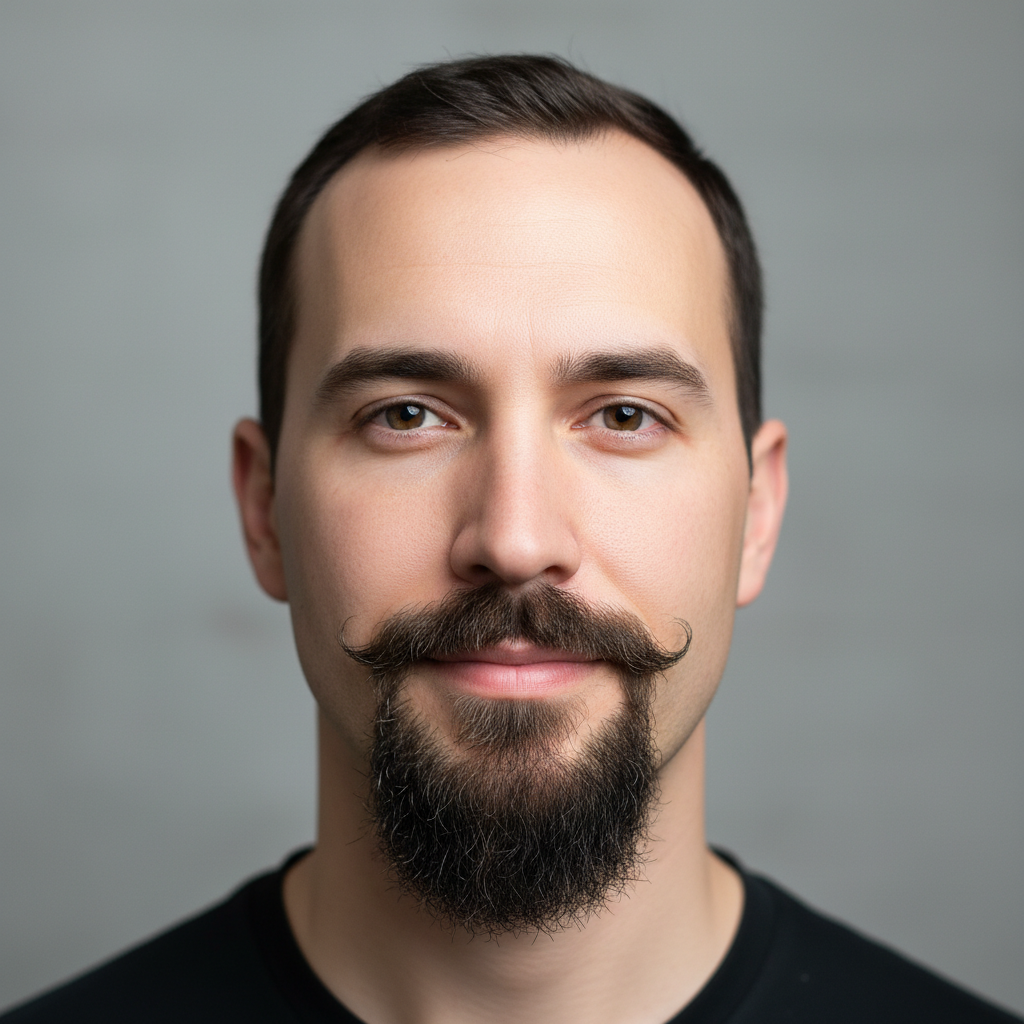
Yes. Be specific in your prompt about which part of the beard to transfer. For a goatee: 'apply only the goatee from the reference — chin patch and mustache — keep cheeks completely clean-shaven.' For mustache only: 'apply just the mustache from the reference photo to my upper lip, no chin beard.' The AI respects these boundaries when clearly stated.
What if the beard in the reference is a different color than my hair?
Add your hair color to the prompt: 'apply the beard style from the reference but change the color to match my natural dark brown hair.' The AI will transfer the shape and density from the reference but adjust the color to match your natural hair color. This works for any combination — black, brown, blonde, auburn, or grey.
Can I use this to plan what to tell my barber?
Yes, this is one of the most practical uses. Generate a try-on result that shows the exact style on your actual face, then screenshot it and bring it to your barber appointment. This eliminates miscommunication about length, density, and edge style. You can also try the same reference style with 'clean defined neckline' and 'sharp cheek borders' added to the prompt to see a barbershop-shaped version.
What kind of reference photo works best for a beard try-on?
The best reference photos show the beard clearly from a front-facing or three-quarter angle with good lighting. The beard should be the main visible feature — avoid references where the beard is partially hidden or heavily shadowed. Phone photos, magazine images, and screenshots from social media all work. The reference doesn't need to be high resolution, but the beard shape and density should be clearly visible.
Can I preview a beard before growing it to see if it suits my face shape?
Yes, and this is exactly what the tool is designed for. Growing a beard takes weeks and is difficult to reverse quickly. Upload a selfie and a reference photo of a beard style you're considering, and see the result in 20 seconds. Try several different styles in separate edits — full beard, goatee, short stubble, long beard — and compare them side by side before committing to growing.
How much does EditThisPic cost?
You get 1 free edit per week — no account needed. After that, one-time credit packs start at $4.99 for 10 edits, valid 12 months, no subscription. Power users who edit daily can pick Studio Membership, a monthly workspace at $49.99/mo for 300 edits. Purchased downloads are clean with no watermark.