AI Photo Editor for Conference Speaker Photos
You nailed the presentation. Now nail the photo.
Drop your photo here
or click to browse
Free • No signup
Release to upload

How to Edit Conference Speaker Photos
-
Upload your photo
Drop your conference speaker photo into EditThisPic. JPG, PNG, WebP up to 7MB.
Most edits: 20-35 seconds. -
Describe your edit
Type what you want in plain English. The AI understands context and will enhance your photo accordingly.
-
Review and download
Check the result and download in high resolution for social media, printing, or sharing.
-
Refine if needed
Tap markers on specific areas for targeted fixes.
Best Prompts for Conference Speaker Photos
brighten the speaker evenly, reduce the harsh spotlight contrast, show the stage backdrop clearly
Conference stages use dramatic lighting that creates extreme contrast in photos
sharpen the distant speaker on stage, enhance the presentation screen, reduce audience head blur
Most conference photos are taken from far seats with zoom, causing blur
brighten all panelists evenly so each person is clearly visible
Panel stages often light the center well but leave side seats in shadow
brighten the award recipient and presenter, enhance the moment with professional lighting
Award moments happen fast and lighting is often dramatic, not photographic
Conference Speaker Photo Transformations

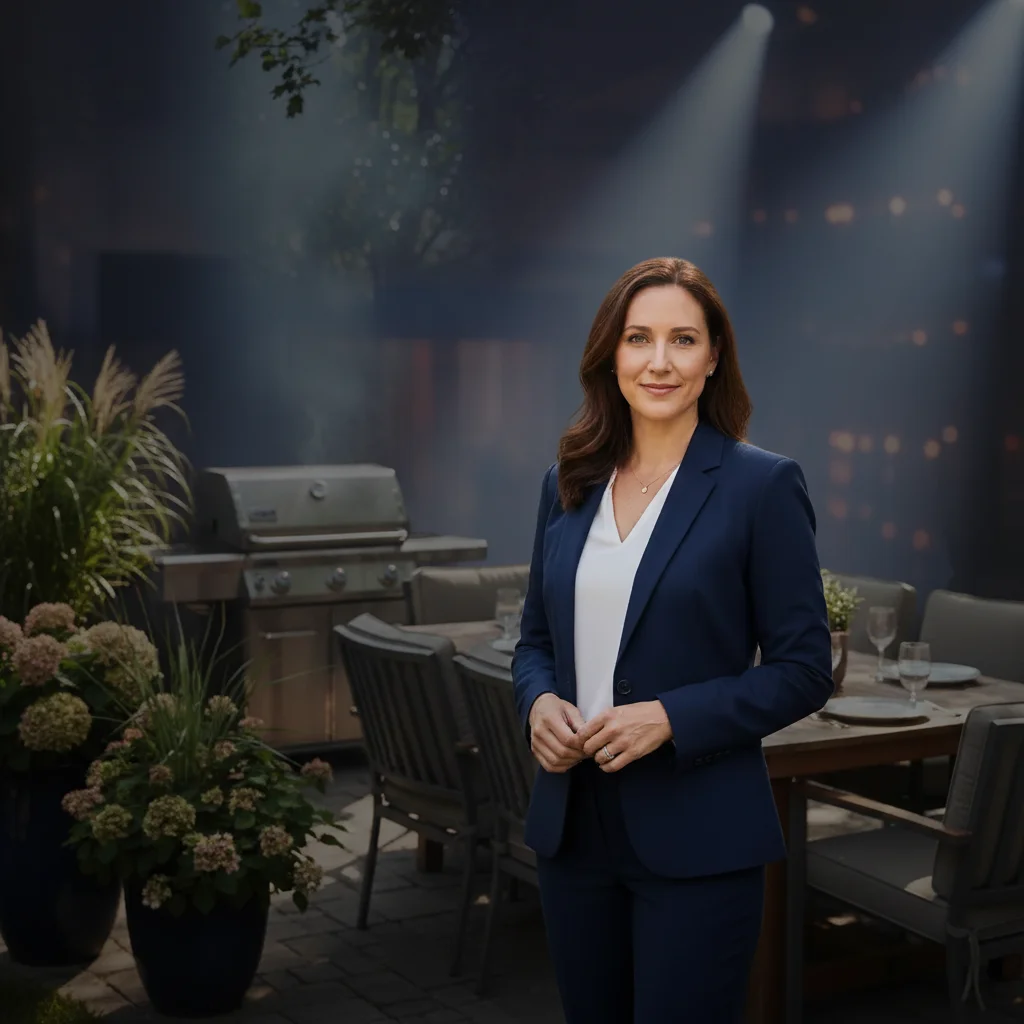
Stage speaker brightened
Conference keynote speaker evenly lit with visible stage backdrop and presentation.
brighten the speaker evenly, reduce the harsh spotlight contrast, show the stage backdrop clearly
Distant stage photo sharpened
Conference stage photo from audience seats with sharp speaker and readable presentation.
sharpen the distant speaker on stage, enhance the presentation screen, reduce audience head blur
Common Issues
Background is distracting or unprofessional
Why: Office clutter, home backgrounds, or busy scenes undermine professionalism
Soft grey or muted blue backgrounds work best for professional headshots
Lighting is uneven — one side of face is dark
Why: Single light source or window creates split lighting on the face
Even lighting looks more approachable for professional profiles
Selfie angle makes face look distorted
Why: Close-range selfies create wide-angle distortion, enlarging nose and forehead
AI can simulate the look of a photo taken from 6 feet away — much more flattering
Skin looks shiny or has visible blemishes
Why: Phone cameras capture every pore and oil reflection in detail
'Naturally' is key — you want retouched, not plastic-looking skin
Frequently Asked Questions
How do I fix harsh stage lighting in conference photos?
Type 'brighten speaker evenly, reduce spotlight contrast.' Stage lighting creates extreme contrast that AI can balance for a natural look.
Can I sharpen photos taken from the audience?
Yes! Type 'sharpen the distant speaker and enhance the screen.' AI recovers detail lost from distance and digital zoom.
How do I fix panel discussion photos?
Type 'brighten all panelists evenly.' AI ensures every speaker on the panel is equally visible.
Is this conference photo editor free?
Yes - 1 free edit per week, no account needed. From $4.99/month for 15 edits.
Can I edit on my phone?
Yes. Works in any mobile browser. No app needed.
Is EditThisPic really free?
Yes, EditThisPic offers one free Fast edit per week — no signup or credit card required. For more edits, affordable packs start at $1.99.
Ready to perfect your conference speaker photos?
Free to try. No signup required. Professional results in seconds.
Upload Your PhotoTrusted by 15,000+ users