AI Photo Editor for Education Brochure Photos
Brochure photos that drive enrollment.
Drop your photo here
or click to browse
Free • No signup
Release to upload
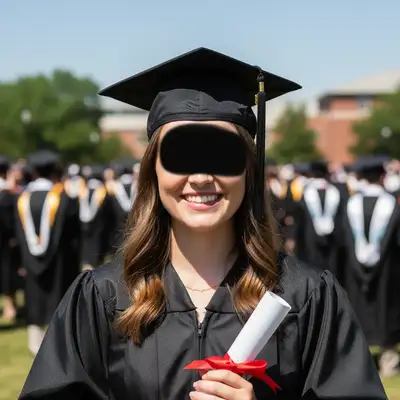
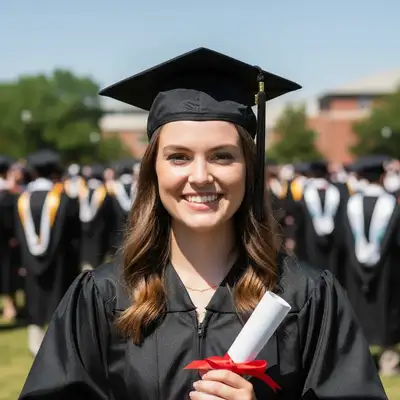
Built for Education Brochure Professionals
Education brochures are the primary physical marketing tool for schools and programs. Professional photography for print materials typically costs $1,000-5,000. EditThisPic transforms your actual campus and classroom photos into print-quality imagery that's authentic and compelling.
How to AI Photo Editor for Education Brochure Photos
-
Upload your photo
Drop your education brochure photo into EditThisPic. JPG, PNG, WebP up to 7MB.
-
Describe your edit
Type what you want in plain English.
-
Review the result
Check accuracy and natural appearance.
-
Refine if needed
Use markers for precision adjustments.
Copy-Paste Prompts for Education Brochure
enhance to print-quality with professional lighting, sharp details, vibrant but natural colors
Print demands higher quality than web — start with high-resolution photos
enhance the campus photo with bright inviting lighting, blue sky, welcoming atmosphere
The hero campus photo sets the emotional tone for the entire brochure
enhance this student activity photo with vibrant engaging lighting, energetic atmosphere
Student life photos show the experience beyond academics
brighten the classroom with warm engaging lighting, show active learning
Active classroom photos demonstrate educational quality
Show more prompts
enhance to professional portrait quality for faculty spotlight section
Faculty portraits build confidence in teaching quality
Real Education Brochure Photo Transformations
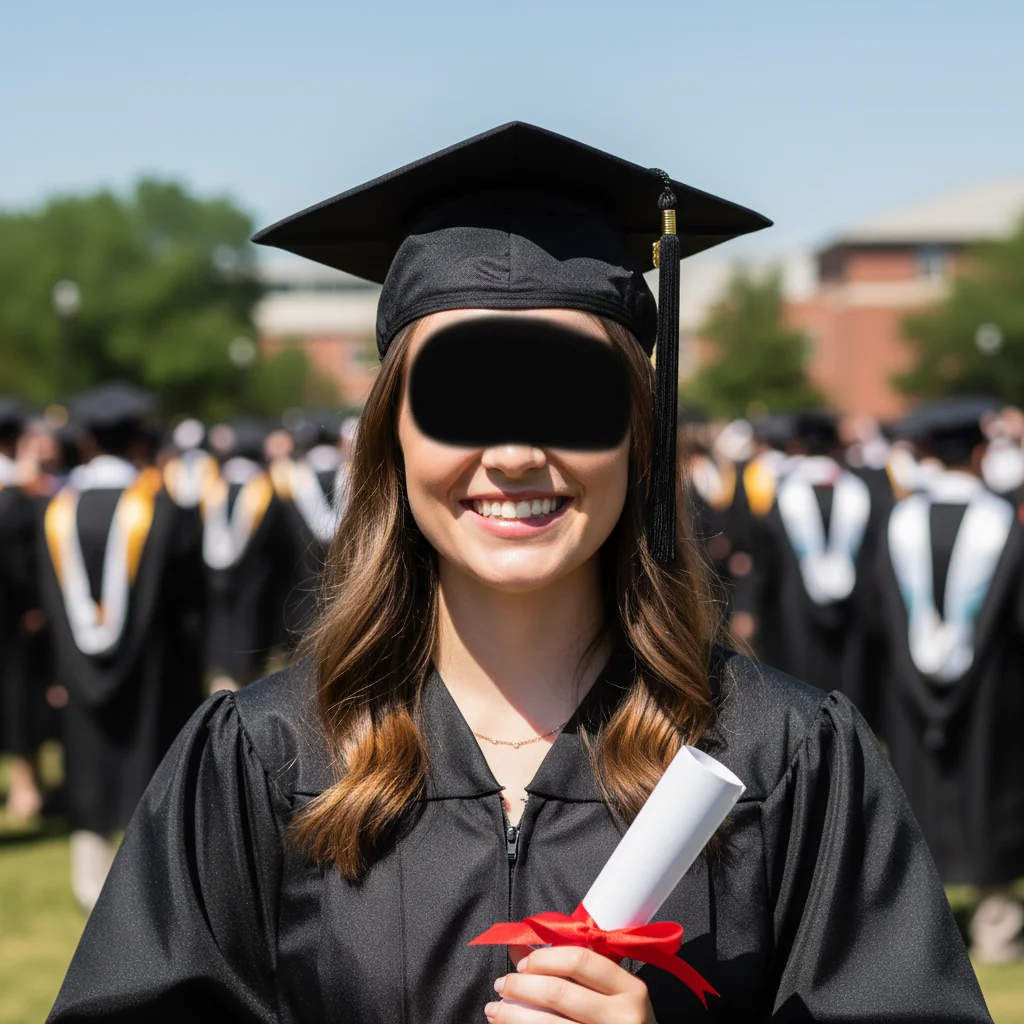
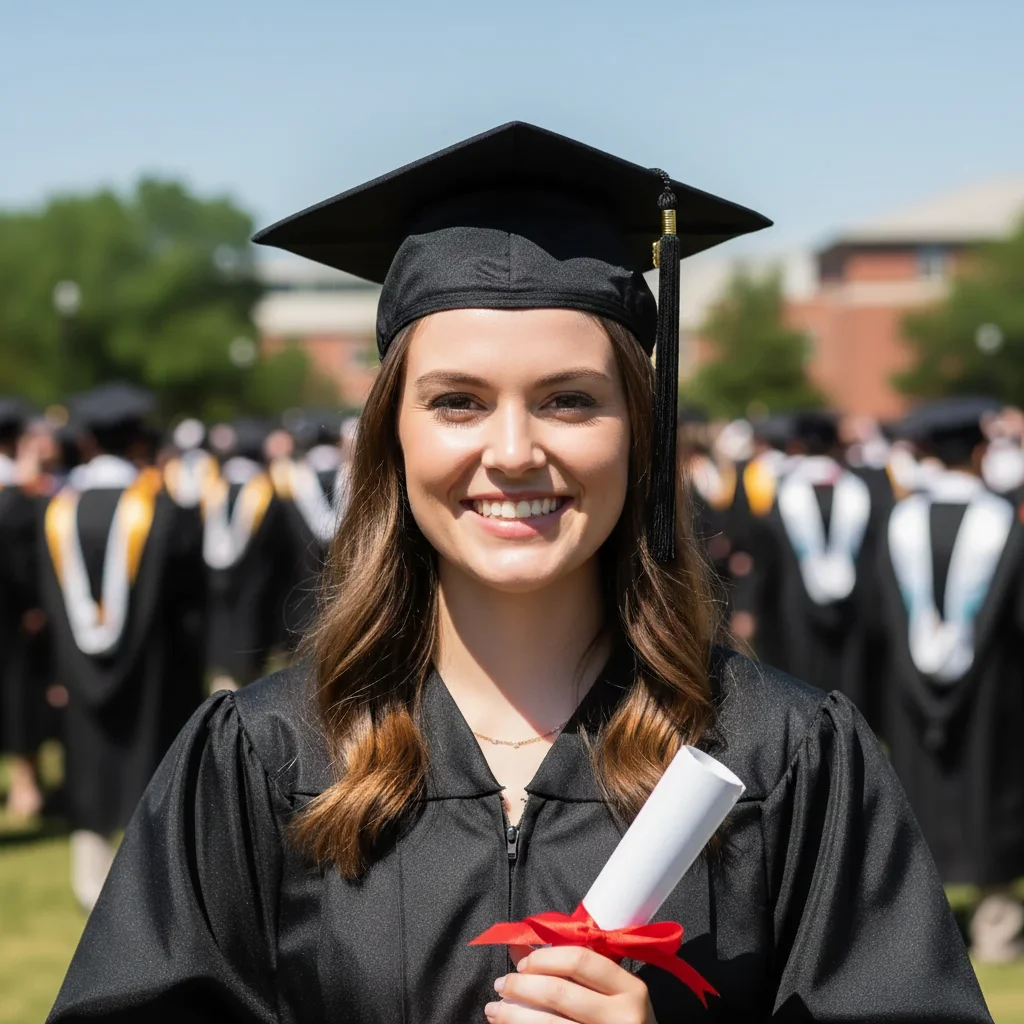
Campus for brochure cover
Overcast campus photo transformed to bright, inviting hero image for admissions brochure.
enhance the campus photo with bright inviting lighting, blue sky, welcoming atmosphere
Classroom for program pages
Standard classroom photo enhanced to vibrant, engaging image for educational program description.
Common Issues
Edit affected areas you didn't want changed
Why: AI sometimes applies changes too broadly across the image
Use tap markers to precisely indicate what should change — everything else stays
Result looks over-processed or artificial
Why: AI can over-correct, creating an unnatural or HDR-like appearance
Adding 'natural and subtle' to any prompt helps keep results realistic
Colors shifted or look wrong after the edit
Why: Brightness and exposure changes can inadvertently alter color balance
Mention 'preserve original colors' when you only want one specific change
Photo still doesn't look quite right after one edit
Why: Complex issues may need multiple targeted adjustments
Multiple focused passes often produce better results than one big edit
Frequently Asked Questions
Can AI-enhanced photos be used for print?
Yes. Start with high-resolution phone photos (12+ megapixels) and enhance. The output quality is suitable for most education print materials including brochures, posters, and mailers.
How do we get authentic photos quickly?
Assign staff to capture daily school life over a few weeks. Enhance the best shots. Authentic, enhanced photos of your actual school outperform generic stock photography every time.
What photo styles work for education brochures?
Mix of wide campus shots, medium classroom scenes, close-up student engagement, and individual portraits. This variety creates a comprehensive visual story about your institution.
Should we use stock photos instead?
Authentic photos always outperform stock in education marketing. Parents and students want to see your actual campus, classrooms, and community — enhanced for professional quality.
How many photos does a typical brochure need?
15-25 for a comprehensive program brochure. Cover all key areas: campus, classrooms, facilities, student life, faculty, and outcomes.
Is this free?
Yes — 1 free edit per week, no account needed. For brochure projects, plans start at $4.99/month.
Brochures that drive enrollment
Print-quality education photos in seconds. Free to try.
Upload Your PhotoTrusted by 15,000+ users