AI Photo Editor for Fashion Designer Lookbook Photos
Lookbook photos that sell your collection.
Drop your photo here
or click to browse
Free • No signup
Release to upload
Built for Fashion Designer Lookbook Professionals
Fashion sells on imagery. Buyers, press, and customers judge collections by lookbook quality before touching a single garment. EditThisPic delivers fashion-editorial lighting that makes independent labels compete with established houses.
How to AI Photo Editor for Fashion Designer Lookbook Photos
-
Upload your photo
Drop your fashion designer lookbook photo into EditThisPic.
-
Describe your edit
Type what you want.
-
Review
Check accuracy.
-
Refine
Use markers if needed.
Prompts for Fashion Designer Lookbook
enhance with fashion editorial lighting, show garment design and fabric quality
Editorial lighting is the standard buyers and press expect
enhance to show fabric texture, drape, and construction quality clearly
Fabric quality visibility drives purchasing decisions
enhance the flat lay photo with clean even lighting, crisp product presentation
Flat lays are essential for e-commerce and social media
enhance the outdoor fashion photo with editorial lighting and atmosphere
Outdoor editorials create lifestyle context for your designs
Show more prompts
correct the color to show true fabric colors, accurate for production matching
Color accuracy prevents production and buyer disputes
Fashion Designer Lookbook Transformations
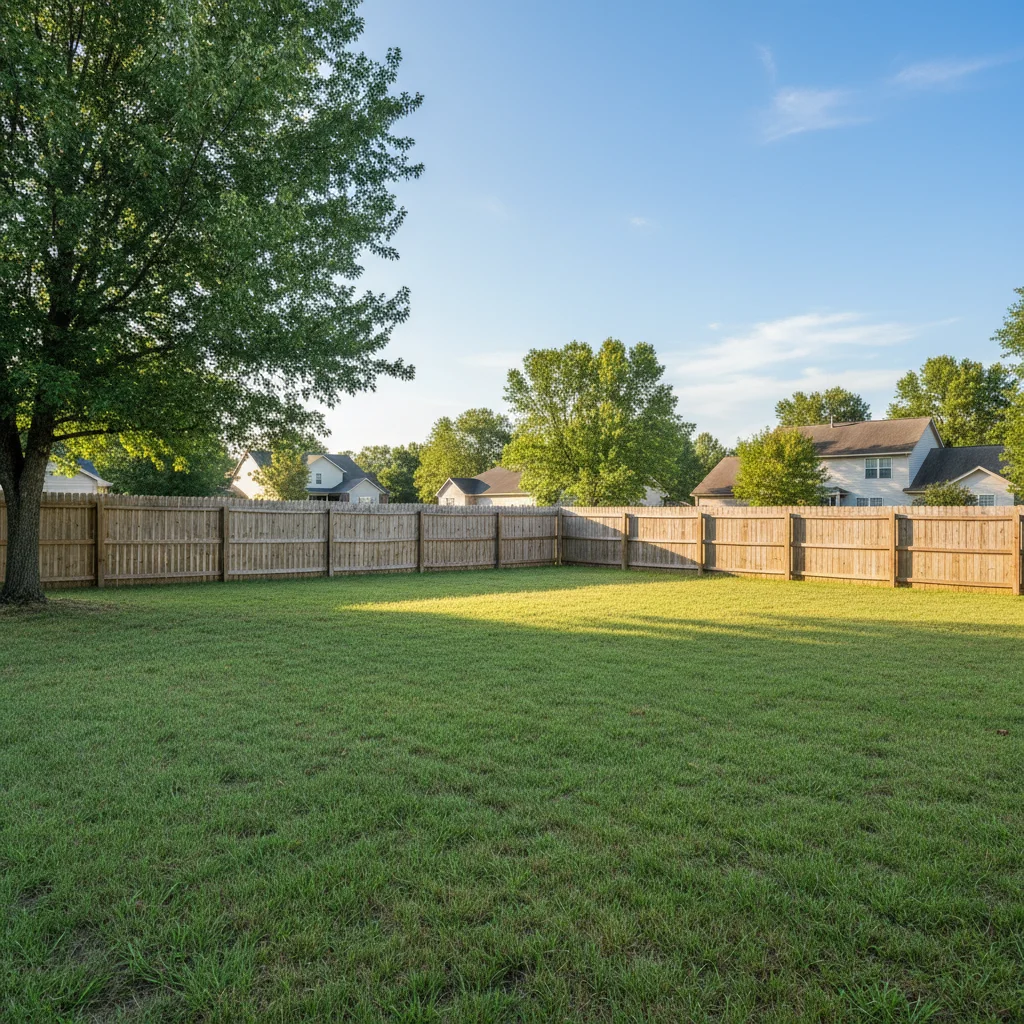
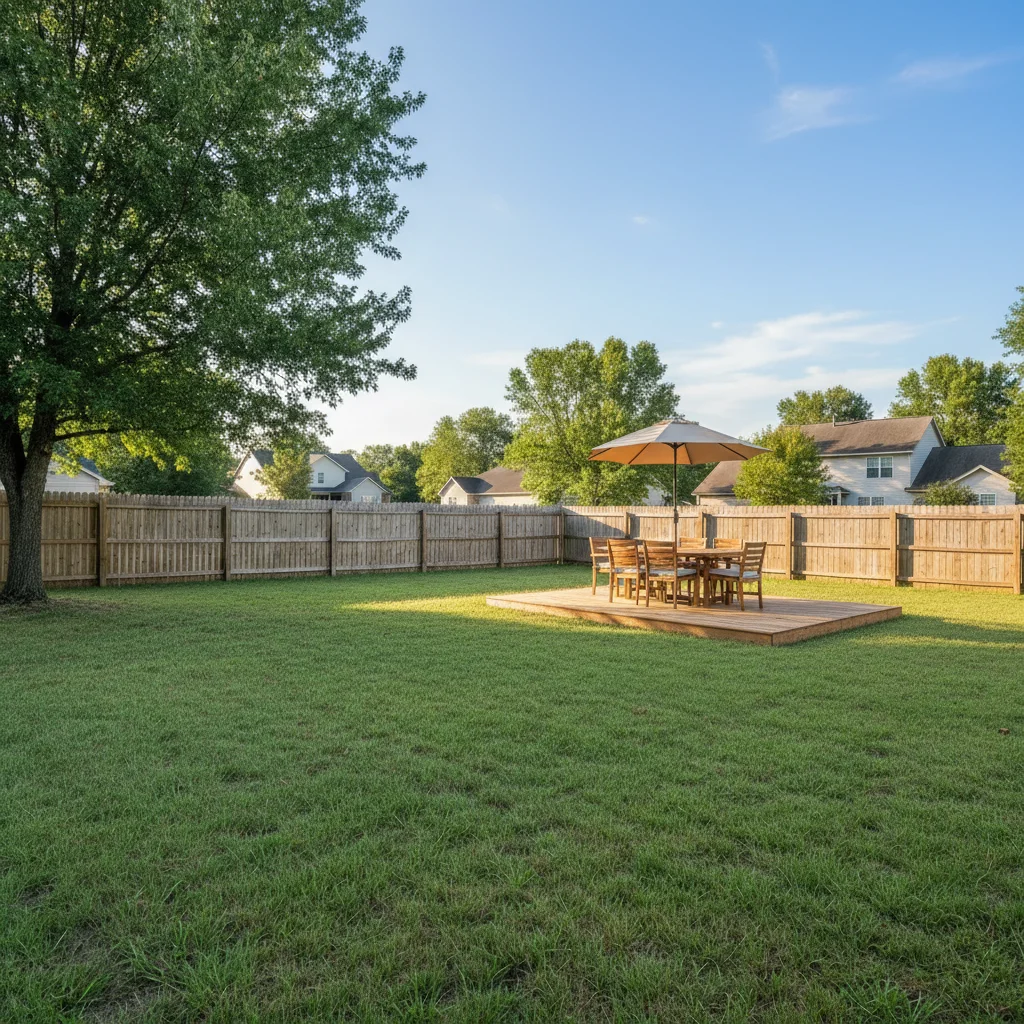
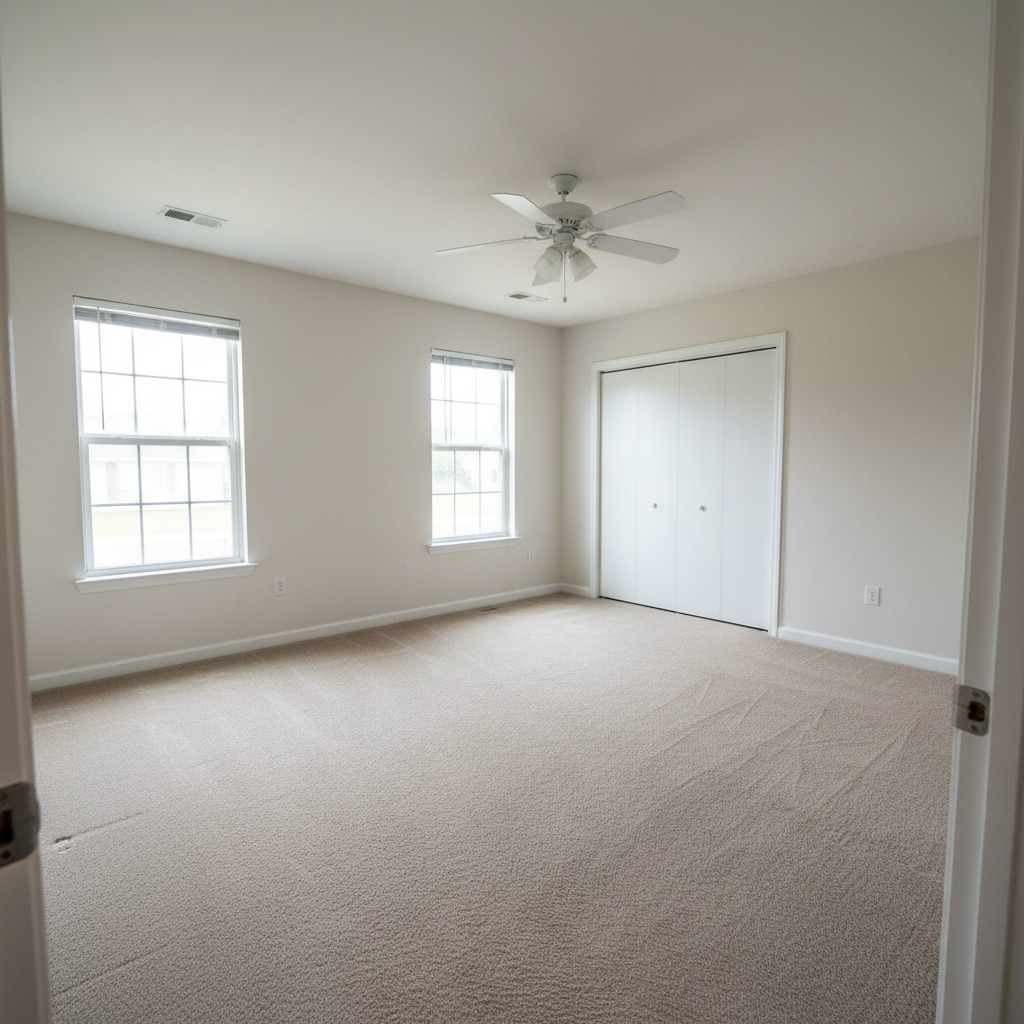
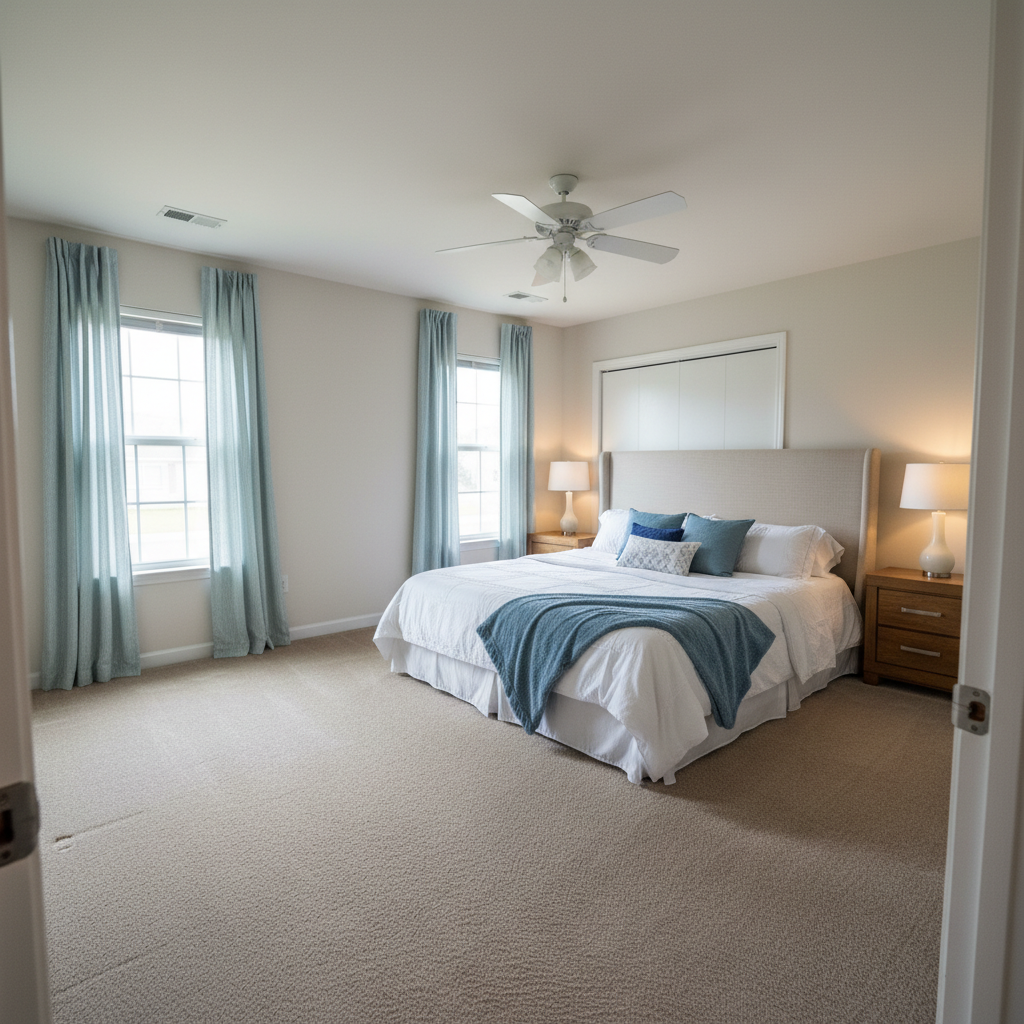
Editorial lookbook shot
Fashion lookbook photo enhanced with editorial lighting showing garment design and fabric quality.
Fabric detail captured
Close-up fashion photo enhanced to show fabric texture, weave, and construction quality.
Common Issues
Colors don't match the creative vision
Why: Camera captures literal colors, not the artistic mood you intended
Describe the mood you want (e.g., 'moody and dark' or 'bright and airy')
Fine details are lost in the photo
Why: Phone cameras compress detail in textures, brushstrokes, or fine work
Tap-mark the specific detail area for targeted sharpening without artifacts
Background doesn't complement the portfolio piece
Why: Workshop or studio backgrounds can look messy in portfolio shots
replace the background with a clean, professional surface that complements the piece
Neutral backgrounds let the creative work speak for itself
Lighting makes the work look flat
Why: Even lighting removes the depth and dimensionality of physical work
Slight side lighting reveals texture and depth that flat lighting hides
FAQ
How do I create professional lookbook photos on a budget?
Good natural light, a clean background, and AI enhancement. The combination produces editorial-quality results without a full studio setup.
What lighting shows fabric best?
Diffused side lighting reveals texture and drape. The AI enhances this to fashion-editorial standard, showing fabric quality that drives purchasing decisions.
Should I include flat lay and on-model shots?
Both. On-model shows fit and movement. Flat lay shows construction and detail. Together they tell the complete garment story.
How many photos per piece in a lookbook?
3-5: full outfit front, back, detail close-up, and lifestyle/context shot. More for hero pieces, fewer for basics.
Can I fix color accuracy after shooting?
Yes. Color correction ensures your lookbook accurately represents the collection, preventing issues with buyers, press, and production.
Is this free?
Yes — 1 free edit per week. plans start at $4.99/month.
Present your collection professionally
Editorial lookbook photos. Free to try.
Upload Your PhotoTrusted by 15,000+ users