Free • No signup Change Garage door style · Free

AI Garage Door Changer
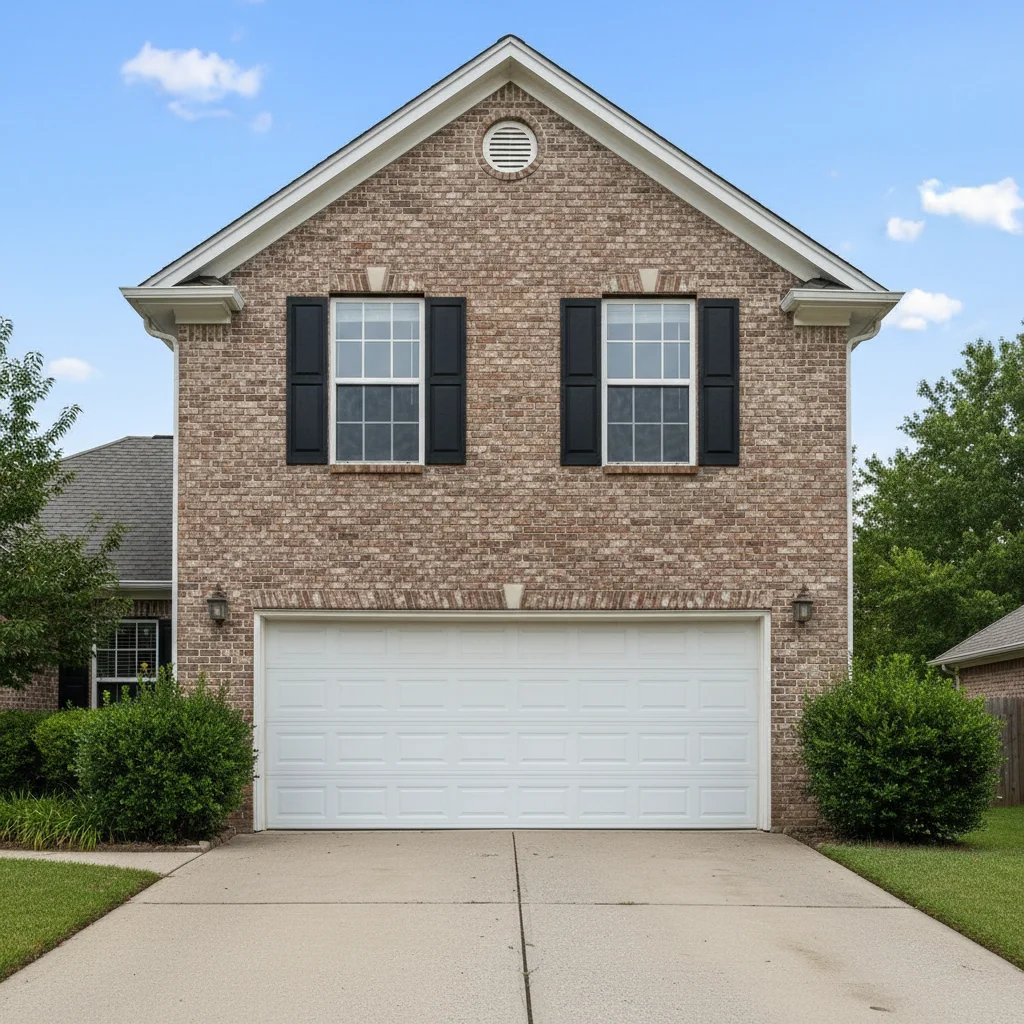
Before
Before
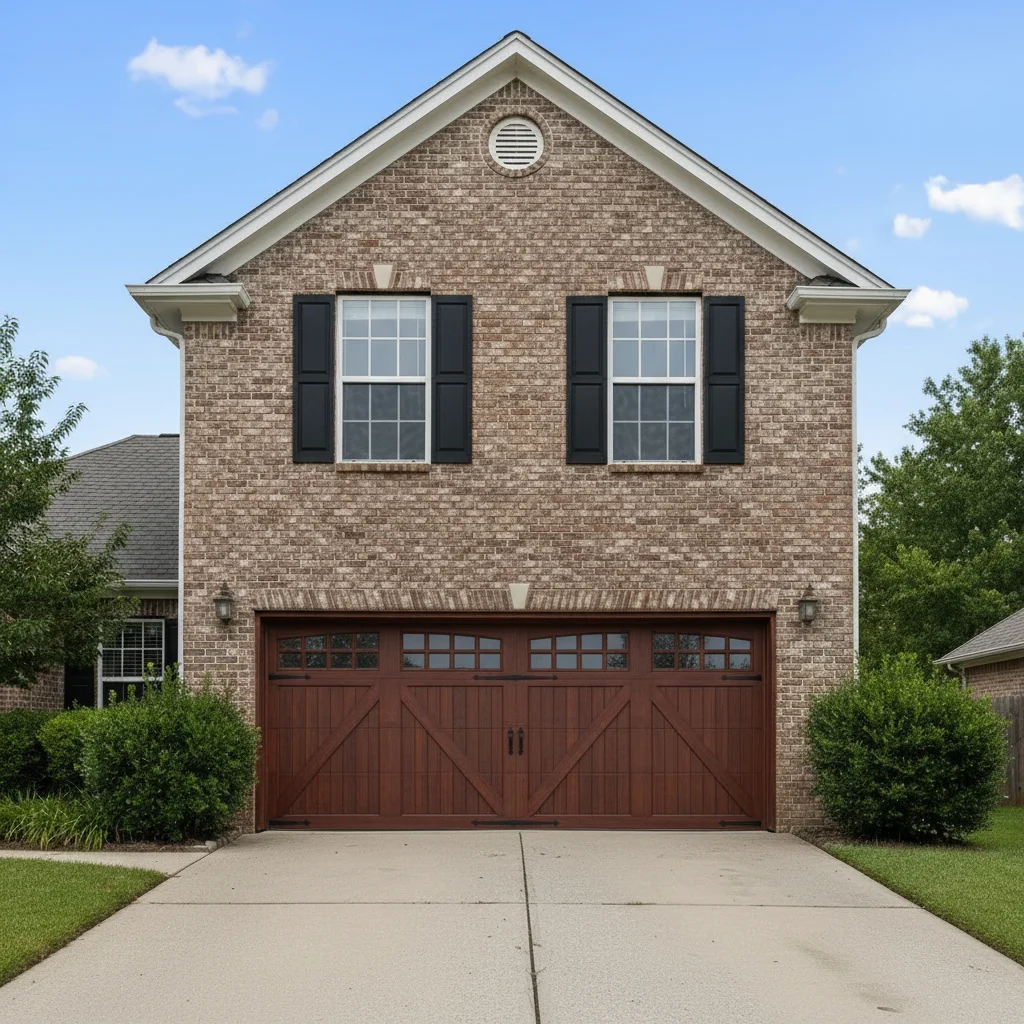
After
After

Free AI Garage Door Changer

Drop your photo here

or click to browse

Release to upload

Free • No signup

Advertisement
Popular use cases:
  • curb appeal improvement
  • home exterior upgrades
  • garage door replacement planning
  • real estate staging
  • contractor visualization
  • home value increase
  • architectural updates
  • before and after comparisons

Cost
Free No signup required
Time
Instant results in 15-30 seconds
Works on
Any device - browser, phone, tablet, desktop
Powered by
AI-powered photo editing
Scenario Prompt Time
Modern upgrade 15-30s
Traditional style 15-30s
Carriage house charm 15-30s
Contemporary glass 15-30s

How it works

  1. Upload your photo

    Choose any exterior photo of your home showing the garage door clearly. Works best with straight-on or slight angle shots where the entire garage door is visible. The AI handles single, double, or triple garage doors in any current style.

    Expect: Medium complexity change: 30-40 seconds. May need refinements if you want very specific window patterns or hardware details.
  2. Describe what you want

    Simply type the garage door style you want: 'modern black garage door,' 'carriage style with windows,' or 'contemporary wood-look door.' Be specific about color, material, window placement, and panel design. The AI understands natural language and will identify and replace the garage door automatically while maintaining proper perspective and house architecture.

    Tip: Specify both style and details: 'modern flush panel in charcoal gray' or 'traditional raised panel white door with top windows.' Mention material appearance like 'wood-look,' 'steel,' or 'glass panels' for realistic rendering.

    Copy one of these to get started:

    change Change to modern black garage door
    change Replace with carriage style garage door with windows
    change Change to contemporary gray flush panel door
    change Replace with traditional white raised panel door with top row windows
    4 more prompts
    change Change to wood-look garage door in natural walnut
    change Replace with modern full-view glass panel garage door with black frame
    change Change to carriage house style in dark brown with decorative hardware
    change Replace with contemporary white door, horizontal slat design
  3. Review the result

    Check that the new garage door style fits the architecture properly with correct perspective and proportions. Ensure the door color complements the house exterior. Verify window placement and panel details match your vision. If not quite right, adjust your description and regenerate.

  4. Download Your Updated Exterior

    Save your reimagined home exterior in high resolution. The result has no watermarks and is perfect for curb appeal planning, contractor quotes, real estate staging, or getting family approval before purchasing.

Try it free

Free AI Garage Door Changer

Drop your photo here

or click to browse

Release to upload

Free • No signup

See it in action
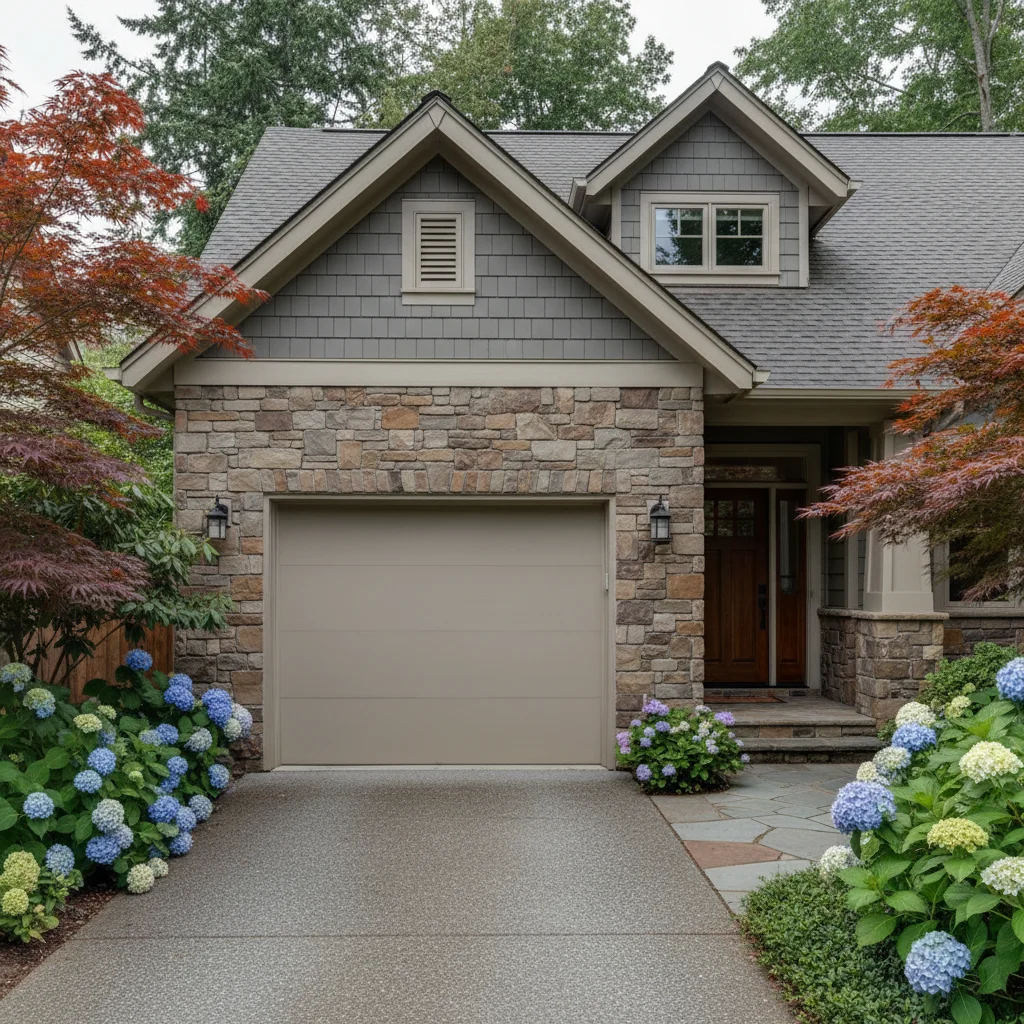
Before
Before
->
After
After

Modern Upgrade

Change to modern black flush panel garage door without windows

Prompt:
Before
Before
->
After
After

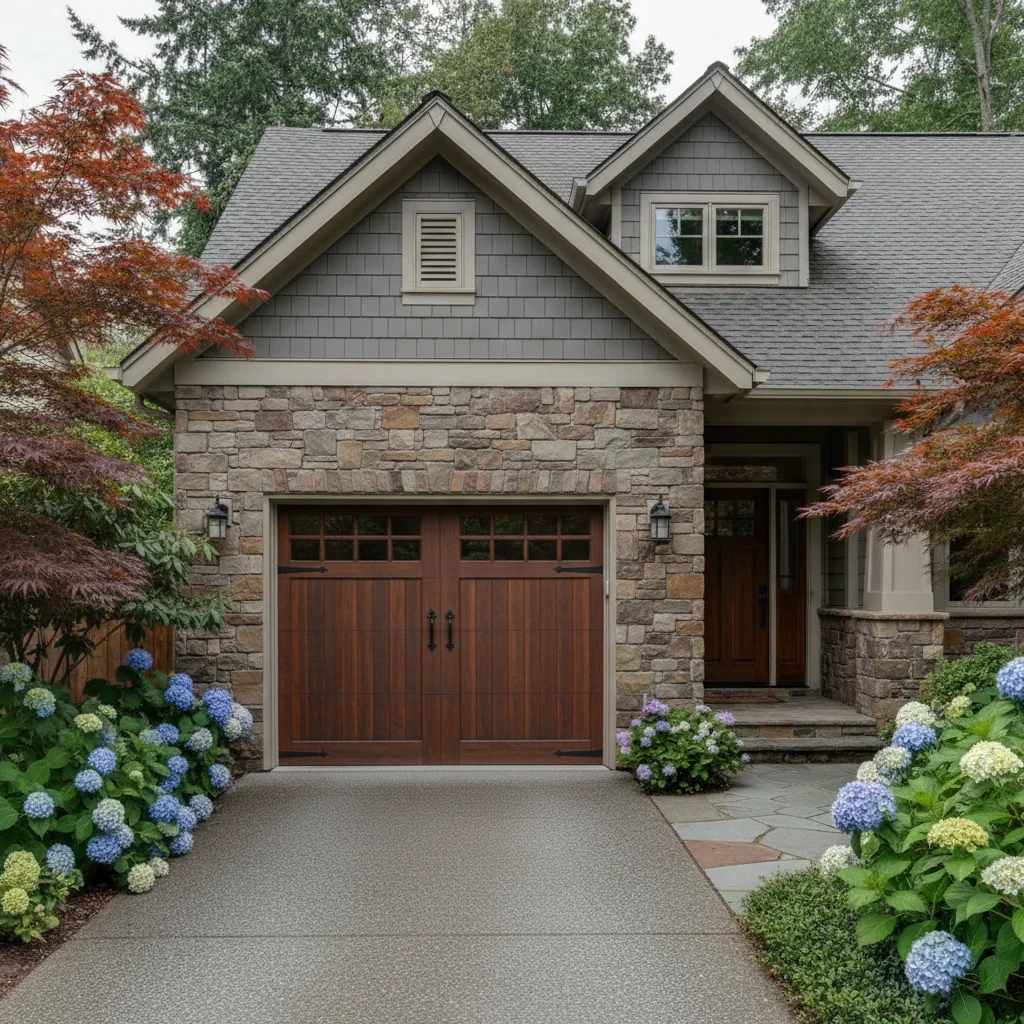
Carriage House Charm

Replace with carriage style garage door in dark brown with arched windows on top

Prompt:

Contemporary Glass Feature

Change to full-view garage door with frosted glass panels and black aluminum frame

Prompt:
Advertisement

If something looks off

AI changed the wrong area or something I didn't want changed

Why: The AI couldn't determine the exact garage door boundaries, or mistook other elements for the door.

Try: Tap a marker on the garage door you want changed, then regenerate with the same prompt

Tip: Markers tell the AI 'I mean THIS garage door specifically.' Use them when you have multiple garage doors or when shadows make boundaries unclear.

New door looks distorted or doesn't fit the opening properly

Why: Photo angle or perspective made it challenging to render the door correctly.

Try: Try photos taken more straight-on, or add 'maintain garage opening dimensions' to prompt

Tip: Photos taken from directly in front of the garage work best. Extreme angles can make door replacement look warped.

Window placement or panel design doesn't match what I wanted

Why: Window and panel descriptions need more specificity.

Try: Be very specific: 'four square windows in top row' or 'long horizontal windows in top third'

Tip: Describe exact window layout: 'top row only,' 'scattered across panels,' or 'no windows' for clearest results.

Color doesn't complement the house exterior

Why: This is a design consideration, not a technical issue.

Try: Try different door colors until you find what works with your siding and trim

Tip: Use this tool to test multiple colors quickly. Traditional homes often look best with white or earth tones; modern homes can handle bold blacks or grays.

Material texture looks wrong or unrealistic

Why: Material description wasn't specific enough.

Try: Specify texture: 'steel with wood-grain texture' or 'smooth fiberglass' or 'real wood with visible grain'

Tip: Different materials catch light differently. Mention 'matte,' 'glossy,' or 'textured' for more realistic material rendering.

Garage door hardware or decorative elements missing

Why: Hardware details weren't specified in the prompt.

Try: Add 'with decorative hardware' or 'traditional hinges and handles visible'

Tip: Carriage style doors especially need 'decorative hardware' mentioned. Modern doors typically have minimal visible hardware.

Quick answers

Do I need to mark the garage door before describing what I want?

No! Just describe the new door style you want. The AI automatically identifies and replaces the garage door. Only add markers if you have multiple garage doors and want to change just one, or if shadows or angles make the door boundaries unclear to the AI.

What garage door styles can I visualize?

All common styles work: modern/contemporary (flush panels, horizontal slats), traditional (raised panels), carriage house (with decorative hardware), full-view glass, wood-look steel, and sectional doors. Specify color, material, window placement, and panel design for best results.

Can I change the door on a two or three-car garage?

Yes! The AI handles single, double, or triple garage doors. If you want each door different (like two white doors and one black accent door), you'll need to specify and possibly use markers to target each door separately.

Will the new door match my house's architectural style?

The AI renders the door style you request, but design compatibility is up to you. Traditional raised panel doors suit classic homes, carriage styles fit craftsman or cottage homes, and modern flush panels complement contemporary architecture. Test multiple styles to find the best match.

Can I add or remove windows from my garage door?

Absolutely. Specify exactly what you want: 'no windows,' 'top row of windows only,' 'scattered windows across panels,' or 'full-view glass panels.' The more specific you are about window placement, the better the result.

Does this work for real estate staging photos?

Yes! Many real estate professionals use this to visualize curb appeal improvements or show potential buyers what updates could look like. It's also perfect for getting contractor quotes without committing to purchase.

Can I visualize different garage door colors on my home?

Definitely. Try multiple colors: classic white, modern black, charcoal gray, natural wood tones, or bold colors that complement your exterior. This tool makes it easy to test 5-10 color options before making an expensive purchase decision.

Ready to visualize your new garage door?

Free to try. No signup required.

Try it free