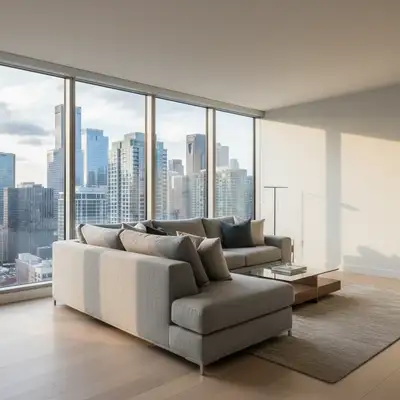
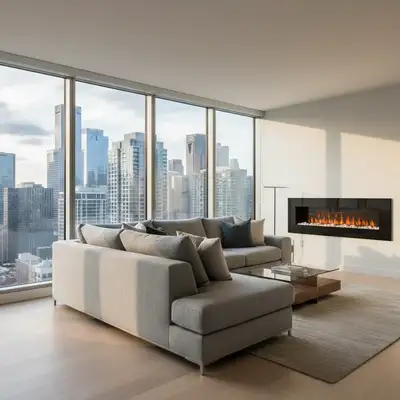
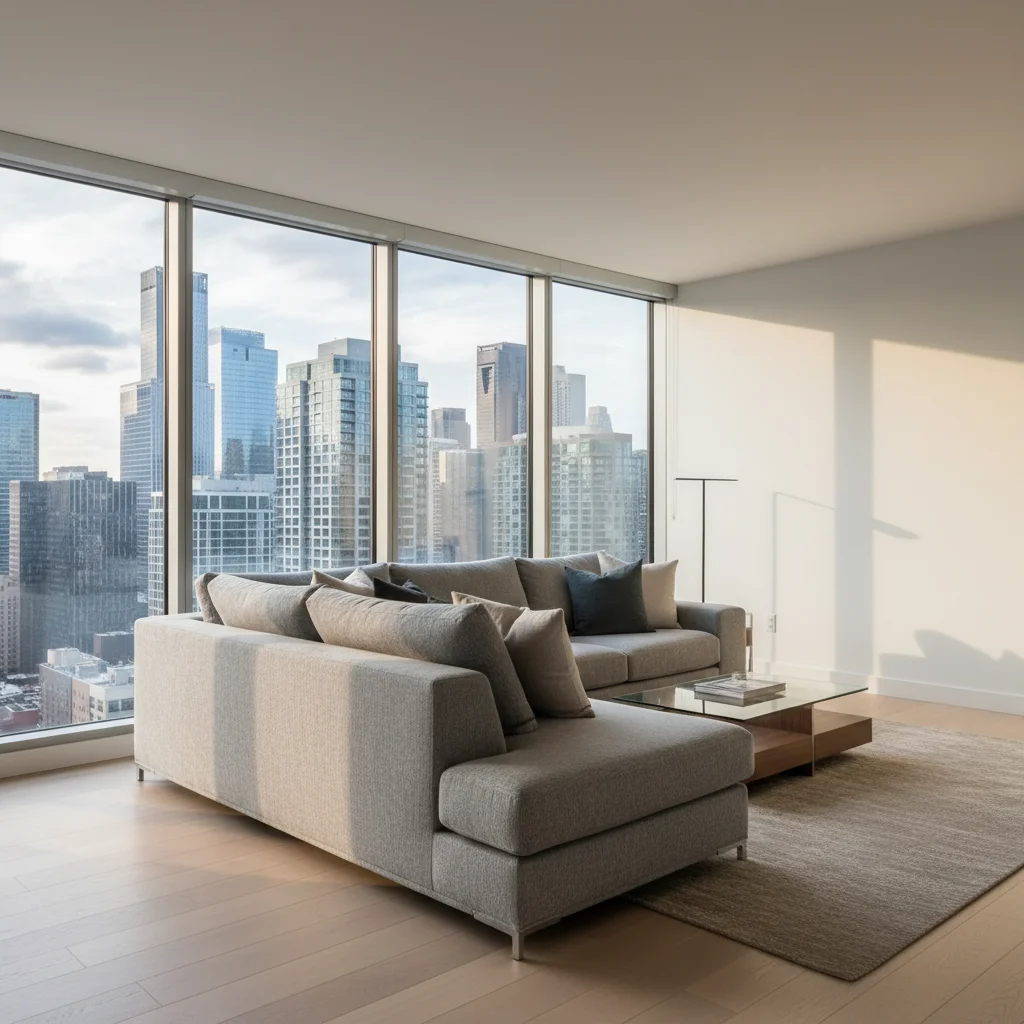
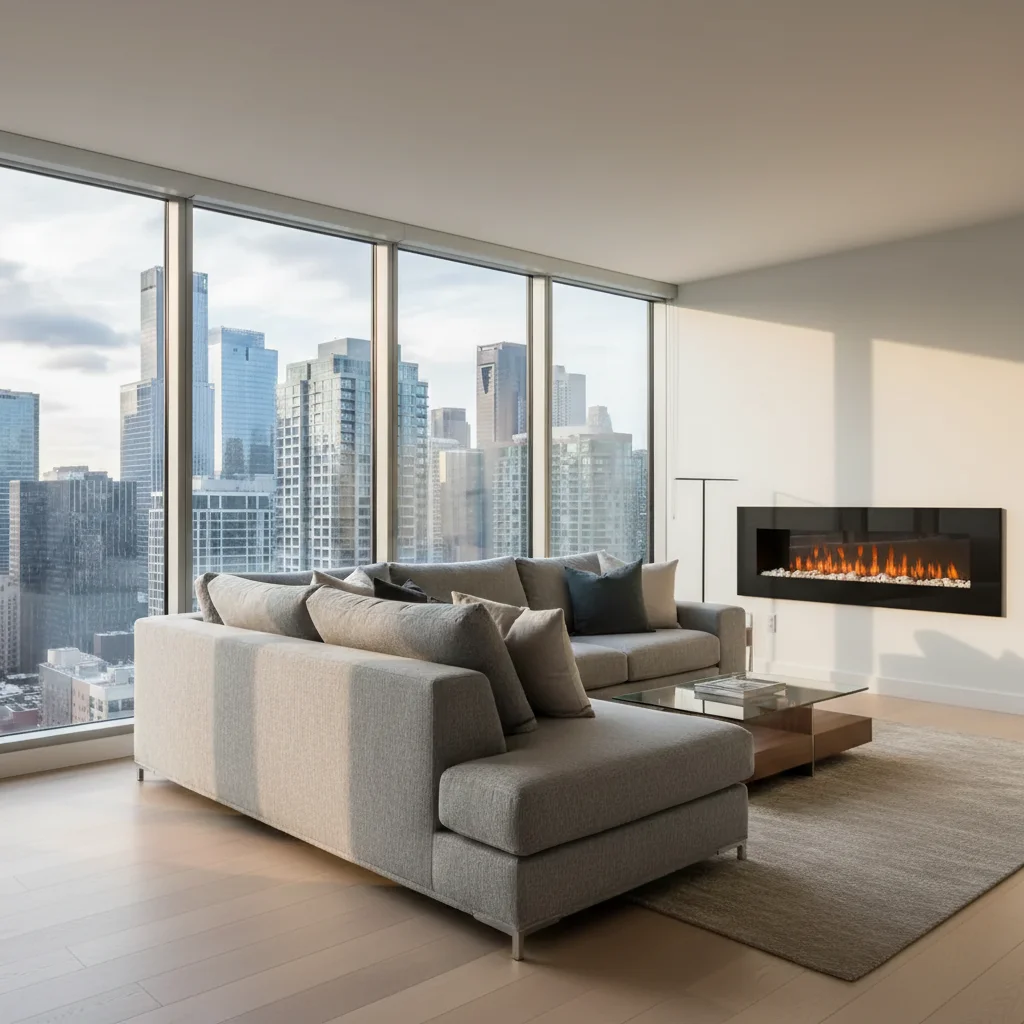
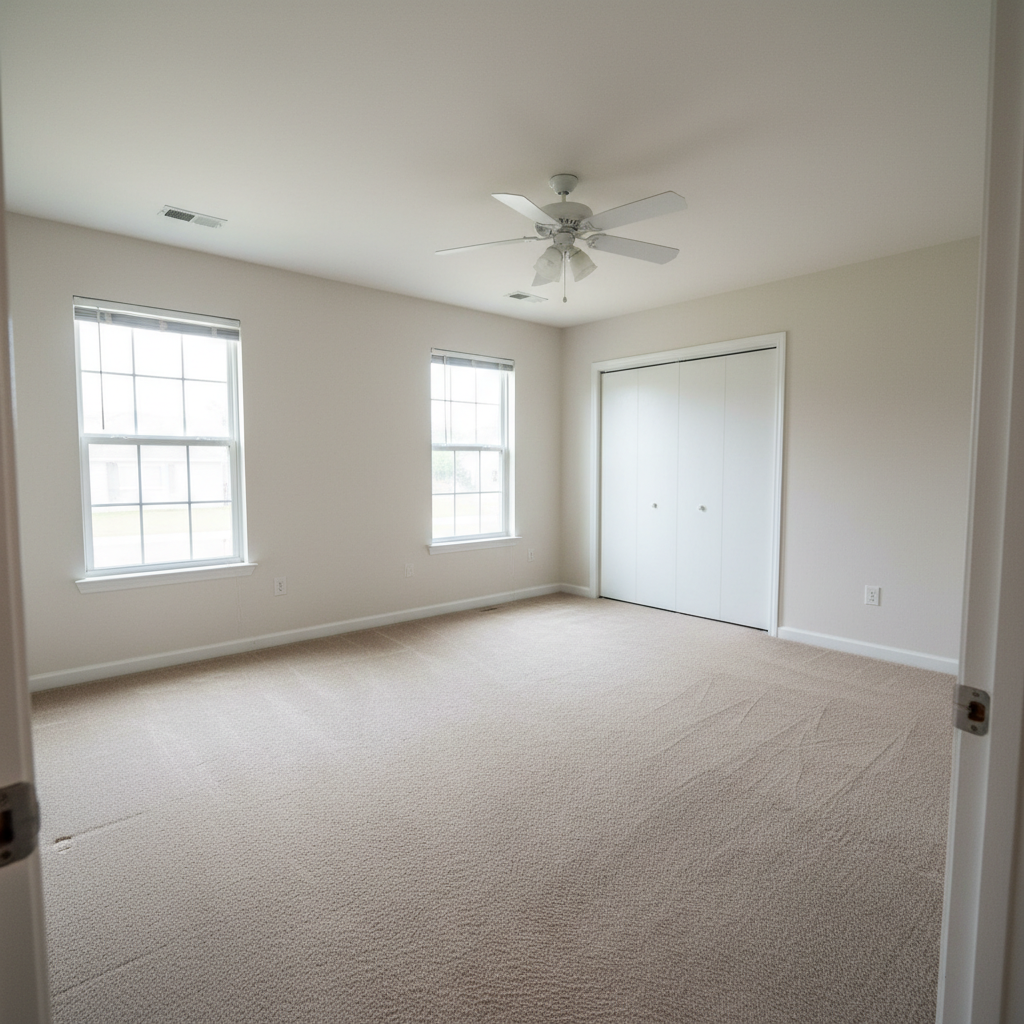
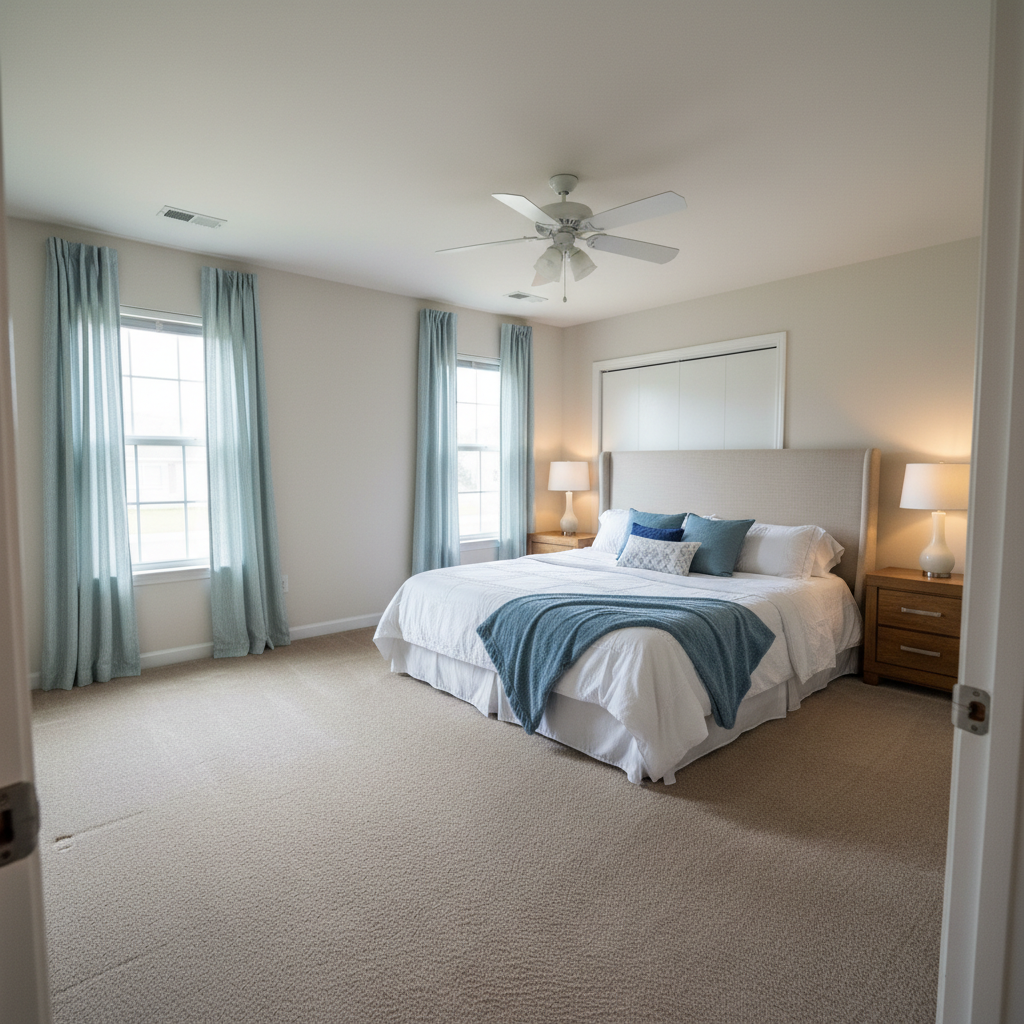
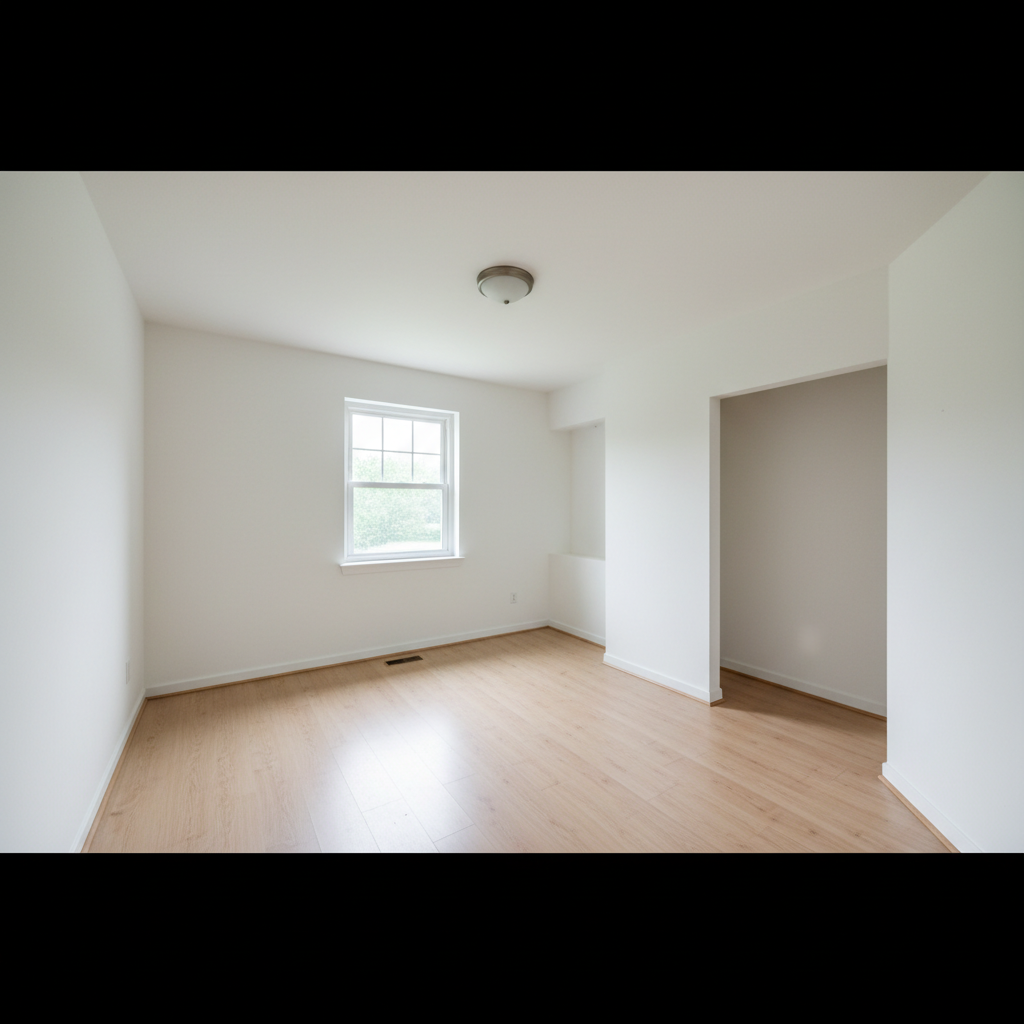
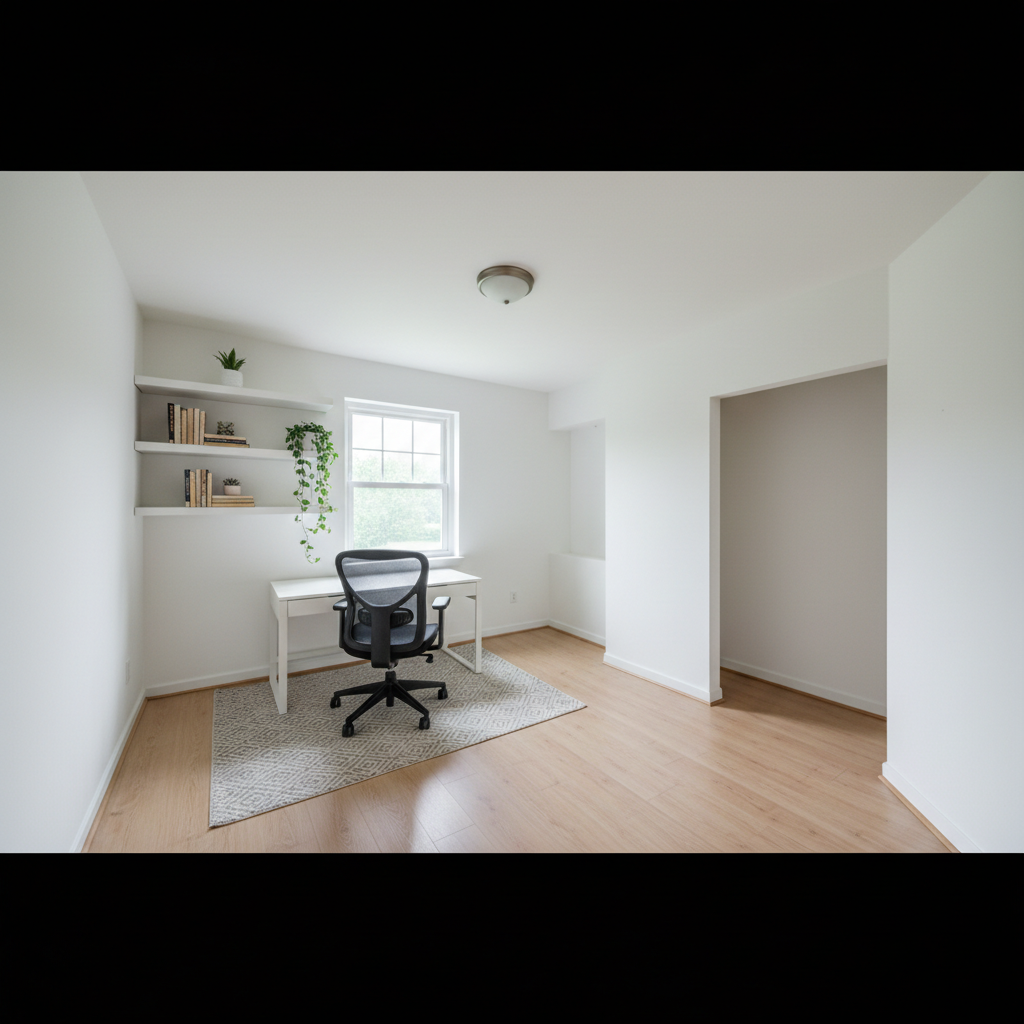
Do I need to mark where I want the fireplace before describing it?
No! Just describe the fireplace and its location in words ('add fireplace to center wall' or 'stone fireplace on right side'). The AI understands and places it automatically.
What fireplace styles can I add?
All common styles: modern/contemporary linear, traditional with mantel, rustic stone, brick, marble surround, corner units, floor-to-ceiling features, and fireplaces with built-in shelving. Specify the style, material (stone, brick, marble, steel), and any special features like mantels or bookcases.
Will the fireplace look realistic in my room?
Yes, when you provide good photos and clear descriptions. The AI matches perspective, lighting, and scale to your room. For most realistic results, use straight-on room photos with clear wall space and specify fireplace dimensions or size relative to the room.
Can I add a fireplace to any room?
The AI can add fireplaces to any interior photo with suitable wall space—living rooms, bedrooms, basements, offices, or dining rooms. Practical installation feasibility (venting, gas lines, etc.) is a separate real-world consideration not addressed by the visualization.
Can I add built-in shelving or cabinets around the fireplace?
Yes! Just specify in your prompt: 'add fireplace with built-in bookshelves on both sides' or 'fireplace with cabinets flanking it.' The more detail you provide about the built-ins, the better the result.
Does this work for real estate staging or renovation planning?
Absolutely. This is perfect for visualizing how a fireplace would transform a space before construction. Real estate agents use it for staging photos, homeowners for renovation planning, and designers for client presentations. It helps make decisions before expensive installations.
Can I show the fireplace with fire burning?
You can try adding 'with fire burning' to your prompt, though results vary. The AI focuses on architectural accuracy of the fireplace structure. For staging and design purposes, most people prefer showing the fireplace unlit.
Is EditThisPic's AI fireplace adder really free?
Yes — you get 1 free edit per week, no account needed. Plans start at $4.99/month for 15 edits.
How much does EditThisPic cost?
You get 1 free edit per week — no account needed. After that, credit packs start at $1.99 for 3 edits. Monthly plans start at $4.99/mo for 20 edits with unused credits rolling over. All edits are full resolution with no watermark.