Free β€’ No signup Change Kitchen backsplash Β· Free

AI Backsplash Replacer

Preview subway tile, marble, mosaic, or glass backsplash designs in your kitchen instantly.

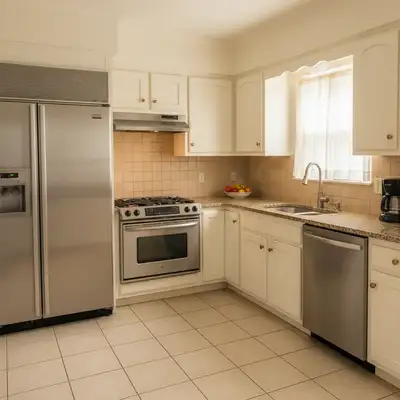
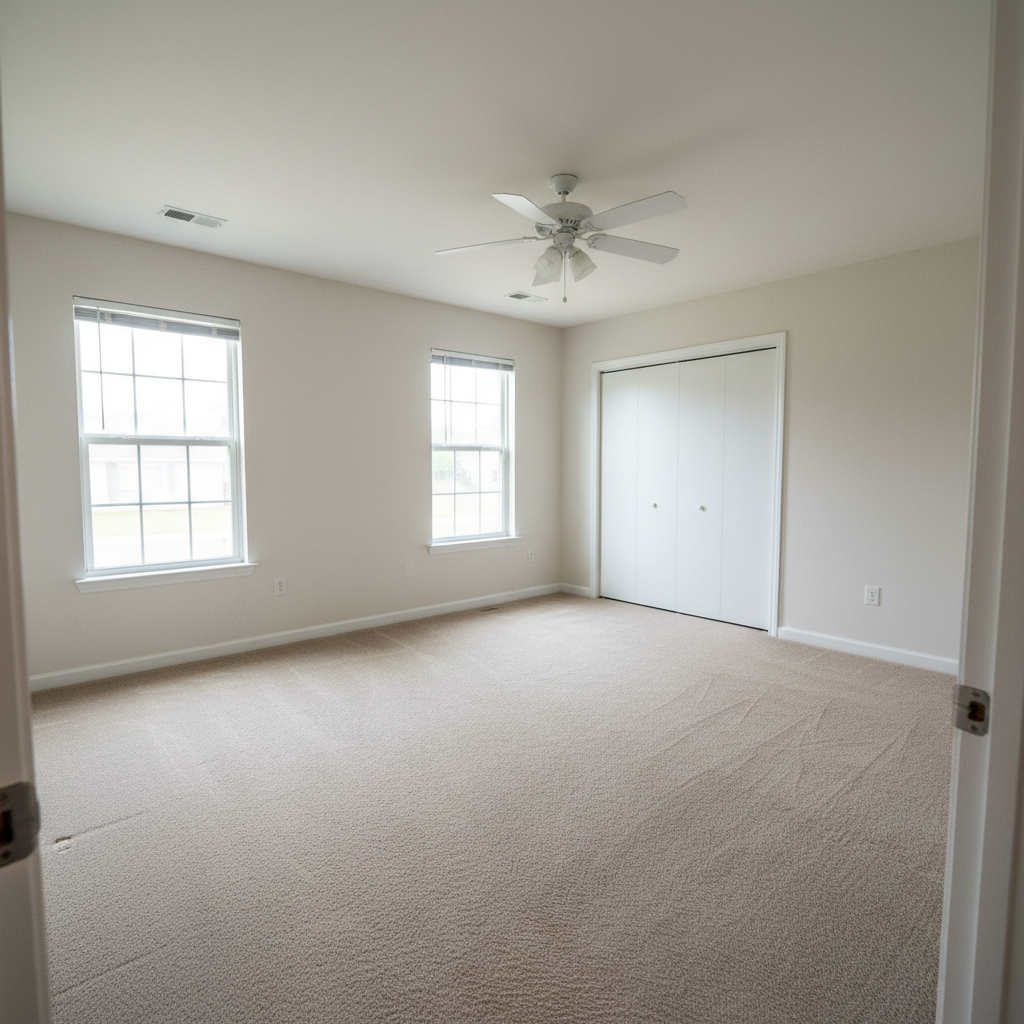
Original photo before AI Backsplash Replacer
Before
β†’
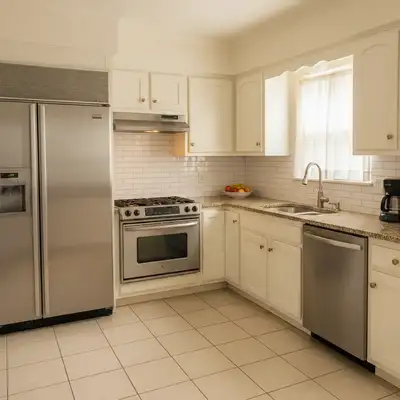
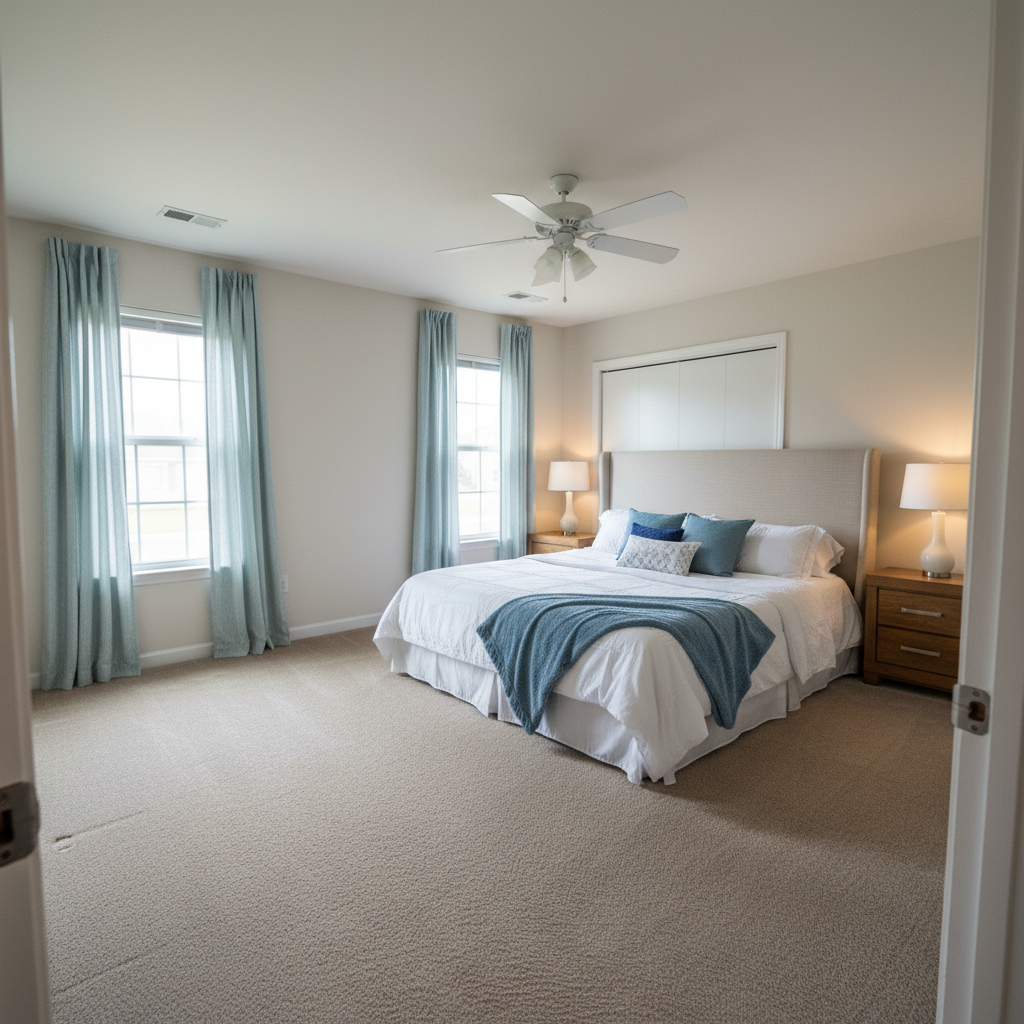
Result after AI Backsplash Replacer with EditThisPic
After

AI Backsplash Replacer

Upload photo to replace kitchen backsplash

Free β€’ Results in 30 seconds β€’ No signup

Release to upload

FreeNo signupNo watermark
Popular use cases:
  • kitchen remodel planning
  • backsplash visualization
  • tile selection
  • renovation planning
  • contractor proposals
  • real estate staging
  • interior design visualization
  • before and after comparisons
  • home improvement decisions

Cost
Free No signup required
Time
Instant results in 15-30 seconds
Works on
Any device - browser, phone, tablet, desktop
Powered by
AI-powered photo editing
Scenario Prompt Time
Classic subway tile 15-30s
Modern large format 15-30s
Luxury marble 15-30s
Colorful mosaic 15-30s

How it works

  1. Upload your photo

    Choose any photo of your kitchen with the backsplash visible. Works best with clear, straight-on photos showing the full backsplash area. The AI handles any backsplash materialβ€”tile, stone, glass, or other surfaces behind the sink and stove areas.

    Expect: Medium complexity change: 30-40 seconds. May need refinements if you want very specific tile patterns or grout colors.
  2. Describe what you want

    Simply type the backsplash style you want: 'white subway tile with gray grout,' 'marble herringbone backsplash,' or 'glass mosaic tile in blue.' Be specific about material, pattern, color, and grout. The AI understands natural language and will identify the backsplash area, then replace it realistically while preserving outlets, cabinet edges, and natural lighting.

    Tip: Mention both tile type and pattern for best results: 'white 3x6 subway tile in brick pattern' or 'hexagon marble mosaic.' Specify grout color if it matters: 'white grout' vs 'dark gray grout' changes the entire look.

    Copy one of these to get started:

    replace Replace backsplash with white subway tile
    replace Replace with marble herringbone backsplash
    replace Replace backsplash with gray rectangular tile in stacked pattern
    replace Replace with white 3x6 subway tile, dark gray grout
    5 more prompts
    replace Replace backsplash with glass mosaic tile in light blue
    replace Replace with large format white marble slab, no grout lines
    replace Replace backsplash with hexagon carrara marble mosaic
    replace Replace with arabesque tile in sage green
    replace Replace backsplash with textured white zellige tile
  3. Review the result

    Check that the new backsplash looks realistic with proper perspective, tile size proportions, and grout lines. Ensure outlets, windowsills, and cabinet edges remain intact. Verify the pattern and color match your vision. If not quite right, adjust your description and regenerate.

  4. Download Your Remodeled Kitchen

    Save your reimagined kitchen in high resolution. The result has no watermarks and is perfect for renovation planning, contractor discussions, getting approval from family, or real estate staging visualization.

Try it free ↓

AI Backsplash Replacer

Upload photo to replace kitchen backsplash

Free β€’ Results in 30 seconds β€’ No signup

Release to upload

Free β€’ No signup

"I use this for all my product photos now. Game changer." via Trustpilot

See it in action

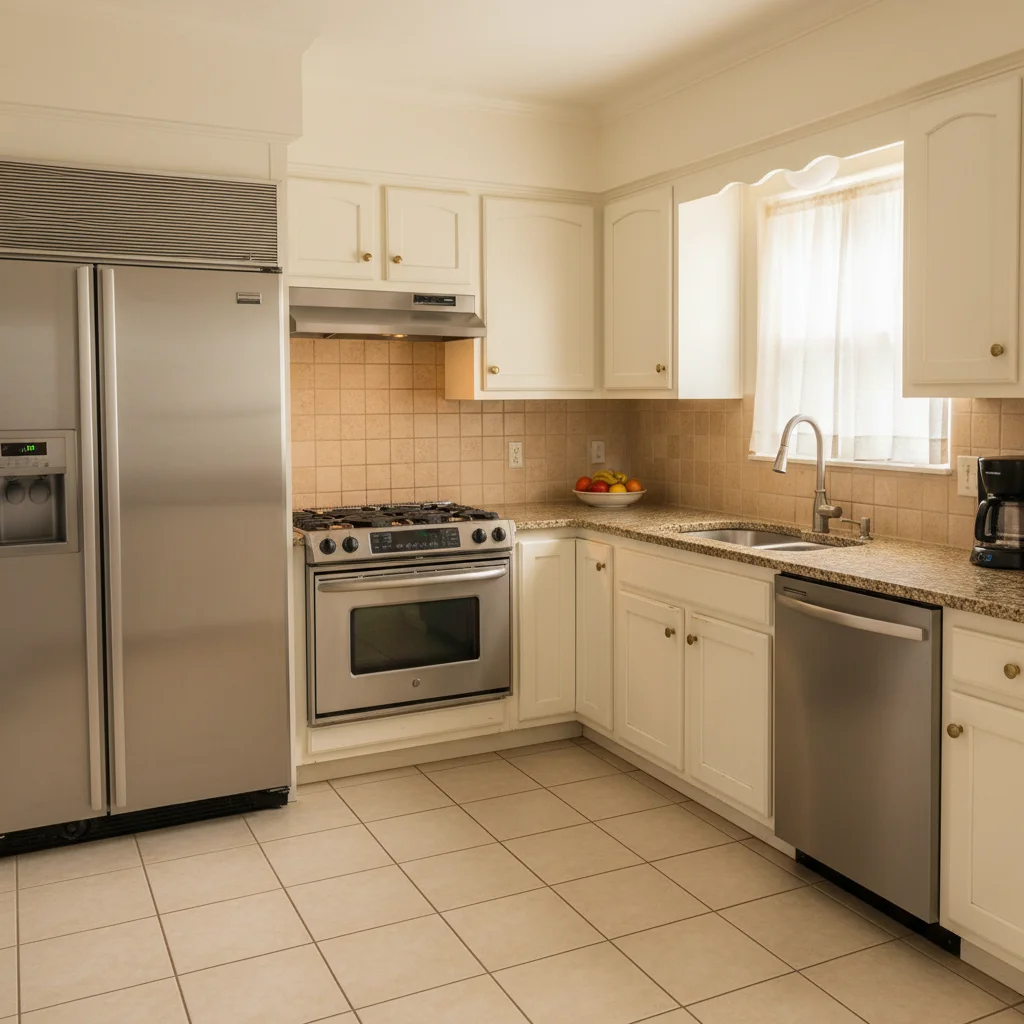
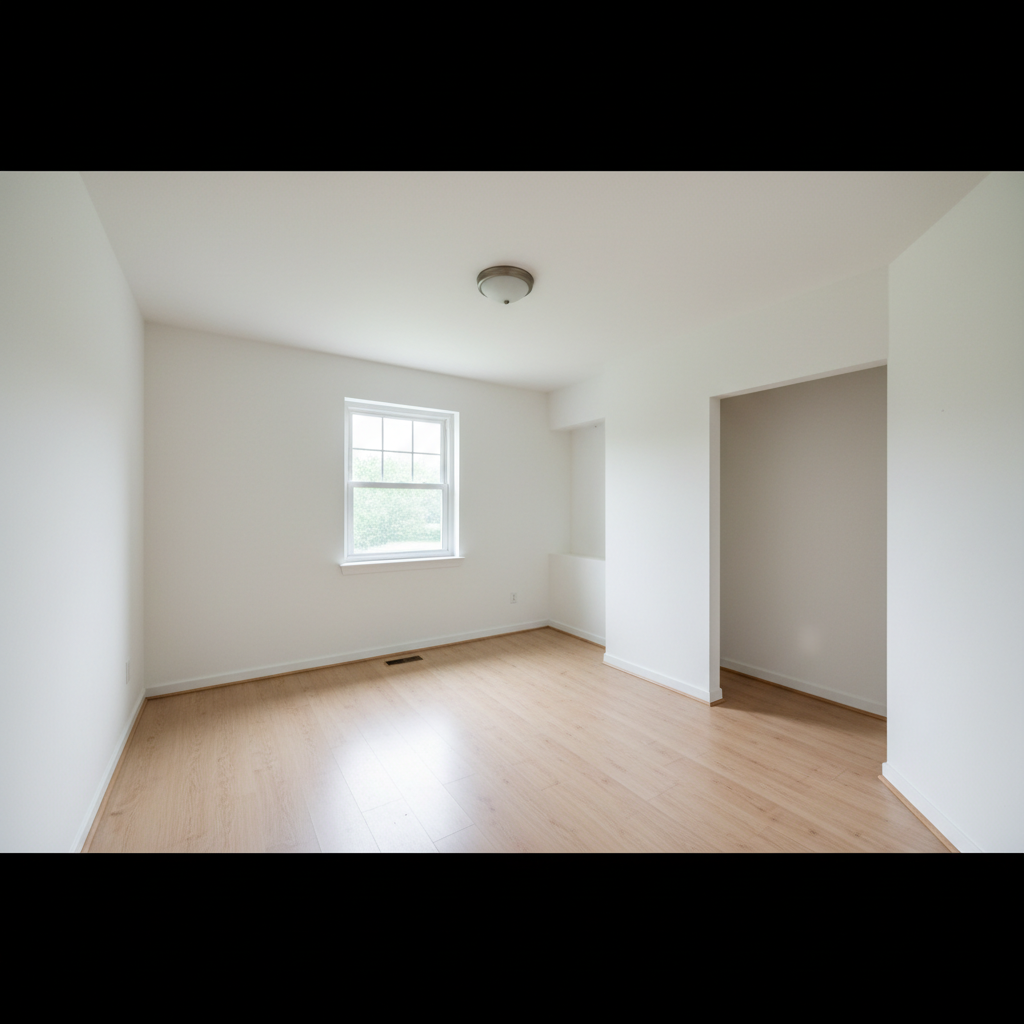
Original photo before AI Backsplash Replacer
Before
->
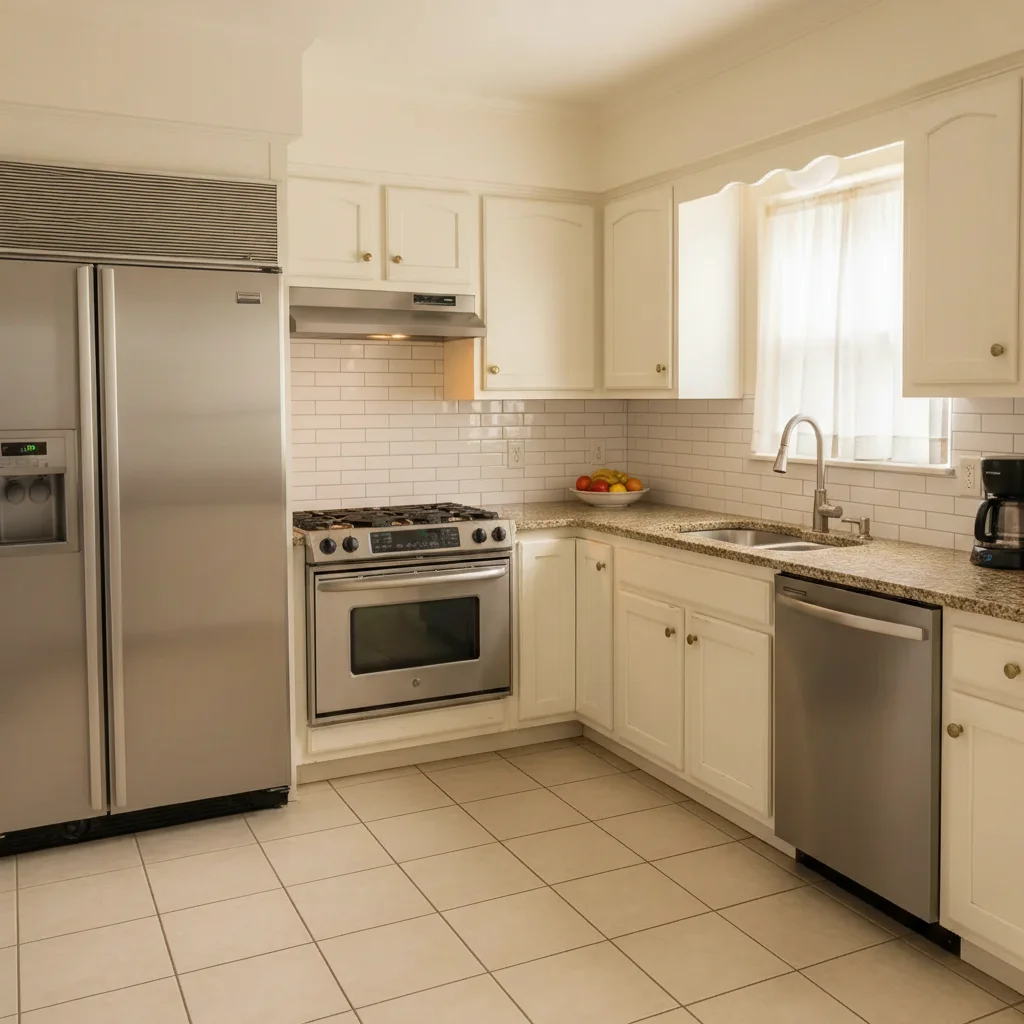
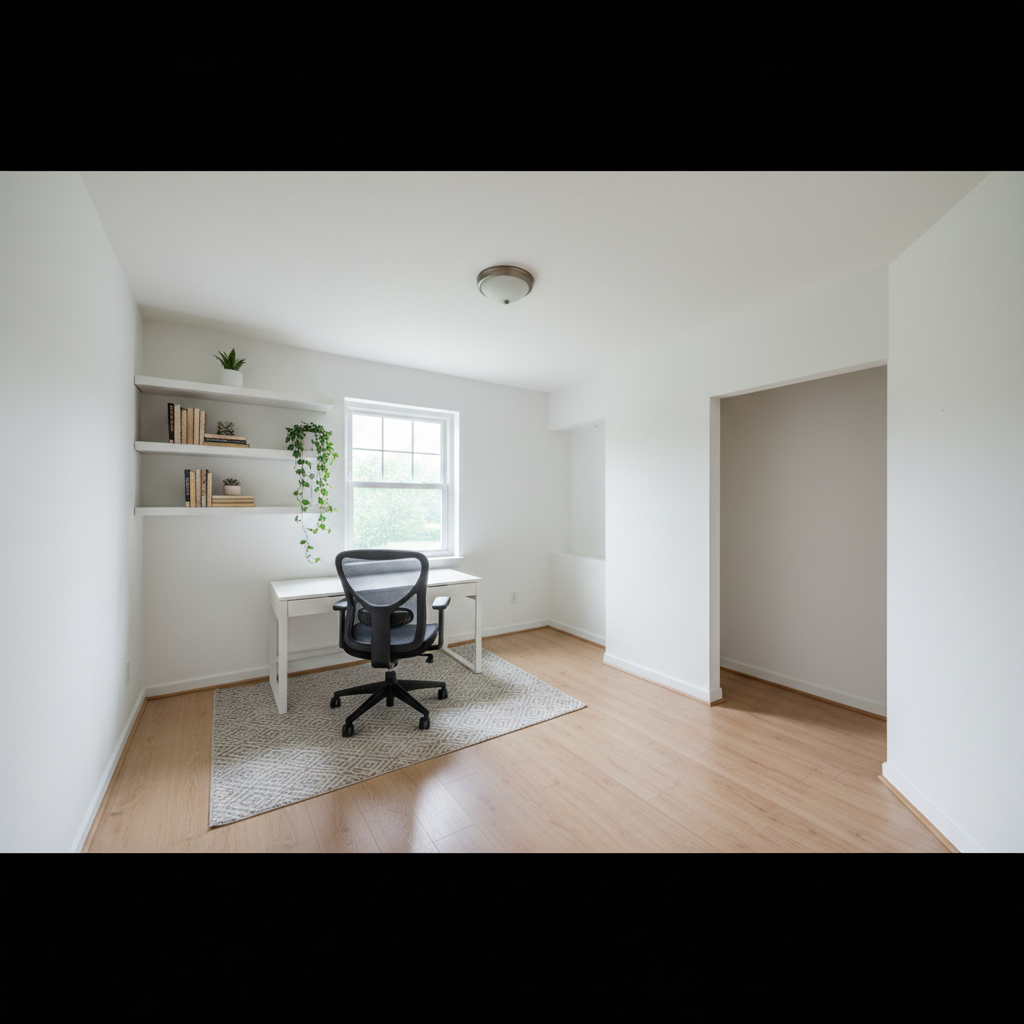
Result after AI Backsplash Replacer with EditThisPic
After

Classic Subway Tile Upgrade

Replace backsplash with white 3x6 subway tile in brick pattern with white grout

Prompt: Replace backsplash with white 3x6 subway tile in brick pattern with white grout
Original photo before AI Backsplash Replacer
Before
->
Result after AI Backsplash Replacer with EditThisPic
After

Luxury Marble Feature Wall

Replace with full-height carrara marble herringbone backsplash behind range

Prompt: Replace with full-height carrara marble herringbone backsplash behind range
Original photo before AI Backsplash Replacer
Before
->
Result after AI Backsplash Replacer with EditThisPic
After

Contemporary Large Format Tile

Replace backsplash with large rectangular gray tile in vertical stack pattern, minimal grout lines

Prompt: Replace backsplash with large rectangular gray tile in vertical stack pattern, minimal grout lines

Detailed Guides by Scenario

πŸ“·

Creative Compositing

Swap and replace kitchen backsplash in photos to create imaginative composites, mashups, and artistic transformations.

Common Scenarios

  • Replacing kitchen backsplash with something completely different for a surreal effect
  • Swapping kitchen backsplash to create a humorous or viral-worthy photo edit
  • Compositing multiple elements by replacing kitchen backsplash with custom alternatives

Best Practices

  • Be specific about what should replace kitchen backsplash β€” include color, style, and position details
  • The AI matches lighting automatically, but mentioning 'match the scene lighting' improves realism
  • For multiple replacements, do them one at a time for the cleanest results
πŸ“·

Professional & Commercial

Replace kitchen backsplash in commercial photos for marketing, product shots, and client presentations without reshooting.

Common Scenarios

  • Replacing kitchen backsplash in a product photo to show a different variant or model
  • Swapping kitchen backsplash in a marketing image for a different campaign or audience segment
  • Updating legacy photos by replacing outdated kitchen backsplash with current versions

Best Practices

  • Use reference images when the replacement needs to match a specific look exactly
  • Verify that lighting, shadows, and proportions look natural after the swap
  • For product photography, describe materials and colors precisely when replacing kitchen backsplash
πŸ“·

Personal Photo Editing

Fix or improve personal photos by replacing kitchen backsplash with something better β€” save the shot without retaking it.

Common Scenarios

  • Replacing a dull or overcast sky (as kitchen backsplash) with a dramatic sunset or blue sky
  • Swapping out kitchen backsplash in a photo to fix a mistake or improve composition
  • Replacing kitchen backsplash in an old photo to update or refresh the image

Best Practices

  • Save the original first β€” keep the unedited version in case you want to try different replacements
  • If the replacement doesn't match the first time, describe the desired look in more detail
  • Natural-looking replacements work best when the new element matches the photo's lighting and perspective

If something looks off

AI changed the wrong area or something I didn't want changed

Why: The AI couldn't determine the exact backsplash boundaries, or mistook similar surfaces for backsplash.

Try: Tap a marker on the backsplash area you want replaced, then regenerate with the same prompt

Tip: Markers tell the AI 'I mean THIS area specifically.' Use them when your backsplash has unusual boundaries or when the photo includes multiple wall surfaces.

Tile size or scale looks unrealistic

Why: The AI needs clearer guidance about tile dimensions.

Try: Specify tile size: '3x6 inch subway tile' or 'large 12x24 tile' for proper scale

Tip: Always mention approximate tile dimensions or use standard tile names (subway, hexagon, mosaic) which have known sizes.

Grout lines disappeared or look wrong

Why: Grout specifications weren't clear in the prompt.

Try: Add 'with visible grout lines' or specify grout color: 'white tile with dark gray grout'

Tip: Grout dramatically affects backsplash appearance. Always specify grout color and visibility unless you want a seamless slab look.

Pattern doesn't follow proper perspective

Why: Complex angles or curved surfaces make perspective challenging.

Try: Use simpler patterns or try 'maintain wall perspective' in your prompt

Tip: Straight-on photos work best. Herringbone and diagonal patterns are harder to render realistically at extreme angles.

Outlets or fixtures got covered or distorted

Why: The AI included fixtures in the replacement area.

Try: Add 'preserve outlets and fixtures' or mark outlets specifically before regenerating

Tip: Explicitly state 'keep outlets and switches visible' to ensure they're not tiled over or distorted.

New backsplash clashes with existing kitchen elements

Why: This is a design consideration, not a technical issue.

Try: Try different tile colors or materials until you find what complements your space

Tip: Use this tool to test multiple options quickly. Try warm vs cool tones, matte vs glossy, busy vs simple patterns to see what works.

Quick answers

Do I need to mark the backsplash area before describing what I want?

No! Just describe the new backsplash material and style. The AI automatically identifies the backsplash area (typically the wall surface between countertops and upper cabinets). Only add markers if you want to replace a specific section, or if your kitchen has unusual layouts where the AI needs guidance.

What types of backsplash materials can I visualize?

All common materials work: subway tile, mosaic tile, marble, granite, glass, zellige, arabesque, hexagon, herringbone, stacked tile, brick, or slab stone. Specify the material, pattern, size, and color for best results. The AI understands standard tile terminology.

Can I specify grout color?

Yes, and you should! Grout color dramatically affects the overall look. Specify 'white grout,' 'gray grout,' 'dark grout,' or 'matching grout.' For nearly groutless looks, try 'minimal grout lines' or 'rectified tile with thin grout.'

Will outlets and switches be preserved?

The AI attempts to preserve outlets and fixtures automatically. For best results, add 'keep outlets visible' or 'preserve electrical outlets' to your prompt. You can also mark outlet locations specifically if they're getting covered.

Can I extend my backsplash to the ceiling?

Yes! Just specify: 'replace backsplash extending to ceiling' or 'full-height tile backsplash.' This is popular behind ranges or in modern kitchens where backsplash becomes a feature wall.

How accurate is the tile pattern rendering?

Very accurate for common patterns (subway brick, straight stack, herringbone, hexagon). More complex custom patterns may need additional description. The AI understands standard installation patterns and maintains proper perspective in straight-on photos.

Can I use this for contractor estimates or design decisions?

Absolutely! This tool is perfect for visualizing options before committing to expensive tile purchases. Share rendered images with contractors for quotes, or generate multiple options to help family members agree on design choices. Many users test 5-10 different backsplashes before deciding.

Is EditThisPic's AI kitchen backsplash replacer really free?

Yes β€” you get 1 free edit per week, no account needed. For unlimited edits, plans start at $3.99/month.

Ready to replace your photos?

Free to try. No signup required.