Free • No signup Change Sky · Free

AI Sky Replacer

Type what sky you want. No selection tools needed.
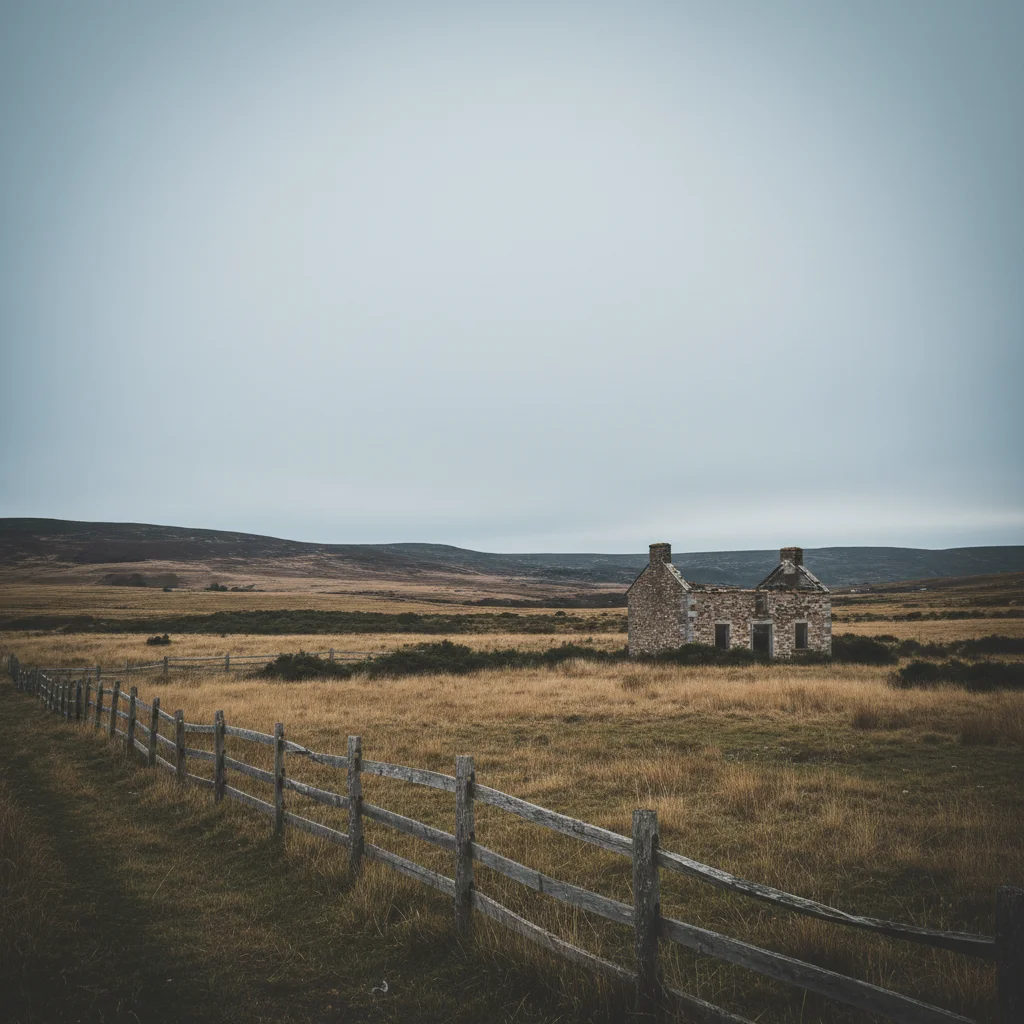
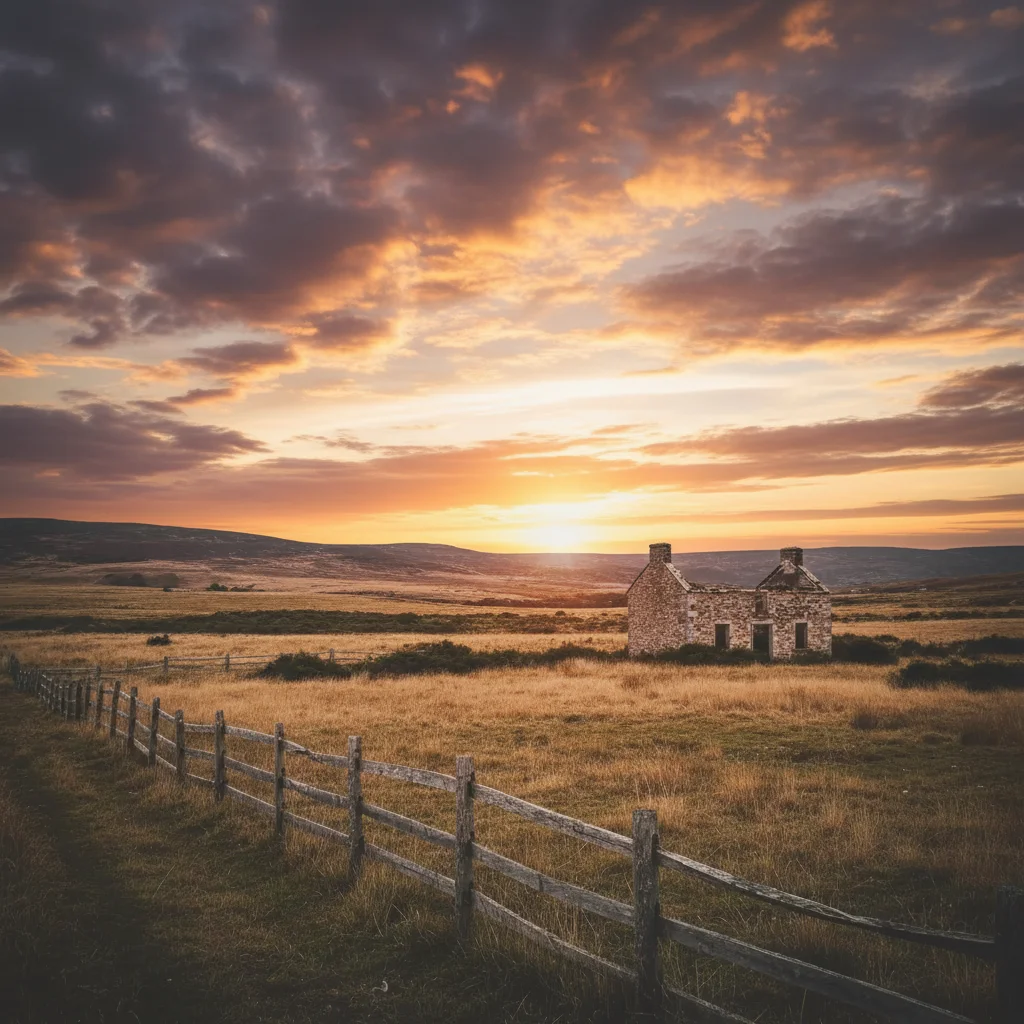
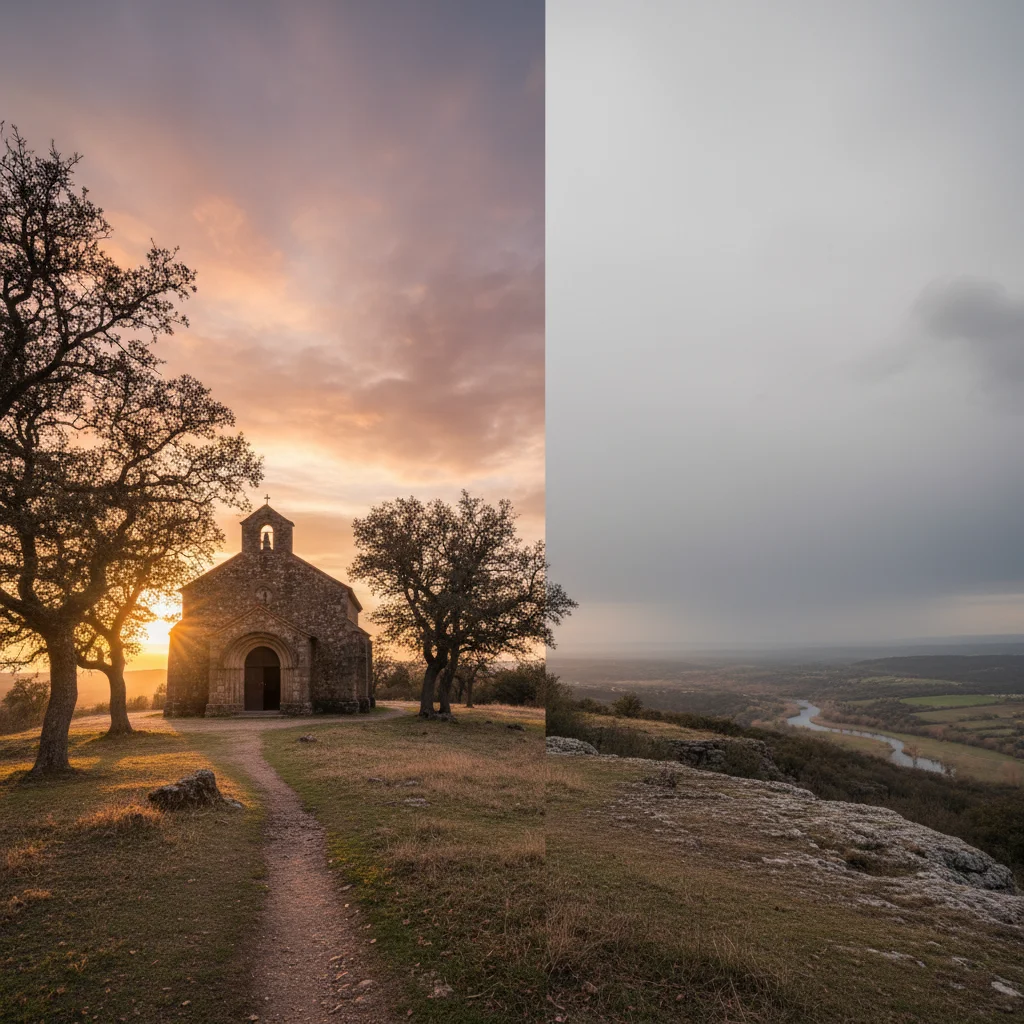
City skyline with boring gray overcast sky
Before
City skyline with vibrant orange and pink sunset
After

Replace Sky in Photo

Drop your photo here

or click to browse

Release to upload

Free • No signup

Advertisement
Popular use cases:
  • real estate photography
  • landscape photographers
  • travel photos
  • social media content
  • architectural photography
  • outdoor portraits
  • property listings
  • Instagram posts

Cost
Free No signup required
Time
Instant results in 15-30 seconds
Works on
Any device - browser, phone, tablet, desktop
Powered by
AI-powered photo editing
Scenario Prompt Time
Sunset replacement replace sky with dramatic orange and pink sunset with wispy clouds, golden hour lighting 20s
Blue sky change sky to bright blue with scattered white fluffy clouds, midday sunlight 15s
Stormy clouds replace sky with dark stormy clouds with dramatic lighting, overcast atmosphere 20s
Twilight sky change sky to deep twilight blue with purple gradient near horizon, blue hour lighting 25s

How it works

  1. Upload your photo

    Drop your image into EditThisPic. Works best with outdoor photos that have a clear sky visible. JPG, PNG, WebP up to 7MB. Photos with buildings, landscapes, or people work great.

    Expect: Simple clear skies: 15-20 seconds with natural blending. Complex scenes with trees or buildings: may need one refinement for perfect edge blending.
  2. Describe the sky you want

    Type your instruction: 'replace sky with golden hour sunset' or 'change sky to deep blue with white clouds.' Be specific about colors, time of day, and cloud type. No selection needed—the AI automatically detects where the sky is and preserves everything else.

    Tip: Include lighting direction for realistic results: 'sunset with warm orange light from the right' helps the AI match the scene's lighting.

    Copy one of these to get started:

    Dramatic sunset for golden hour look replace sky with dramatic orange and pink sunset with wispy clouds, golden hour lighting
    Bright blue sky for perfect weather change sky to bright blue with scattered white fluffy clouds, midday sunlight
    Stormy dramatic clouds replace sky with dark stormy clouds with dramatic lighting, overcast atmosphere
    Twilight blue hour change sky to deep twilight blue with purple gradient near horizon, blue hour lighting
    3 more prompts
    Sunrise with warm tones replace sky with soft pink and orange sunrise gradient, early morning golden light from left
    Night sky with stars change sky to dark night sky with visible stars and milky way, moonlit scene
    Cloudy overcast day replace sky with soft gray overcast clouds, diffused natural light with no harsh shadows
  3. Generate and review

    Click Generate and watch the AI replace your sky. Check the horizon line at full zoom to verify smooth blending. The AI automatically adjusts foreground lighting to match your new sky.

  4. Refine edges if needed

    If the horizon line needs adjustment or tree branches aren't perfect, tap markers on those specific areas and regenerate. Most sky replacements work perfectly without markers.

    Tip: Markers are for precision refinement around complex edges like tree branches or building details. Simple horizons rarely need them.
Try it free

Replace Sky in Photo

Drop your photo here

or click to browse

Release to upload

Free • No signup

"Turned my boring gray sky into a stunning sunset. The blending was perfect - no one can tell it's edited." @landscape_pro

See it in action

City skyline with boring gray overcast sky
Before
->
City skyline with vibrant orange and pink sunset
After

Sunset over city skyline

Transformed a midday cityscape photo into a golden hour masterpiece with warm sunset tones.

Prompt: replace sky with dramatic orange and pink sunset with wispy clouds, golden hour lighting
House photo with washed-out blown-out sky
Before
->
House photo with perfect blue sky and clouds
After

Blue sky for real estate

Replaced washed-out white sky with perfect blue for a professional property listing photo.
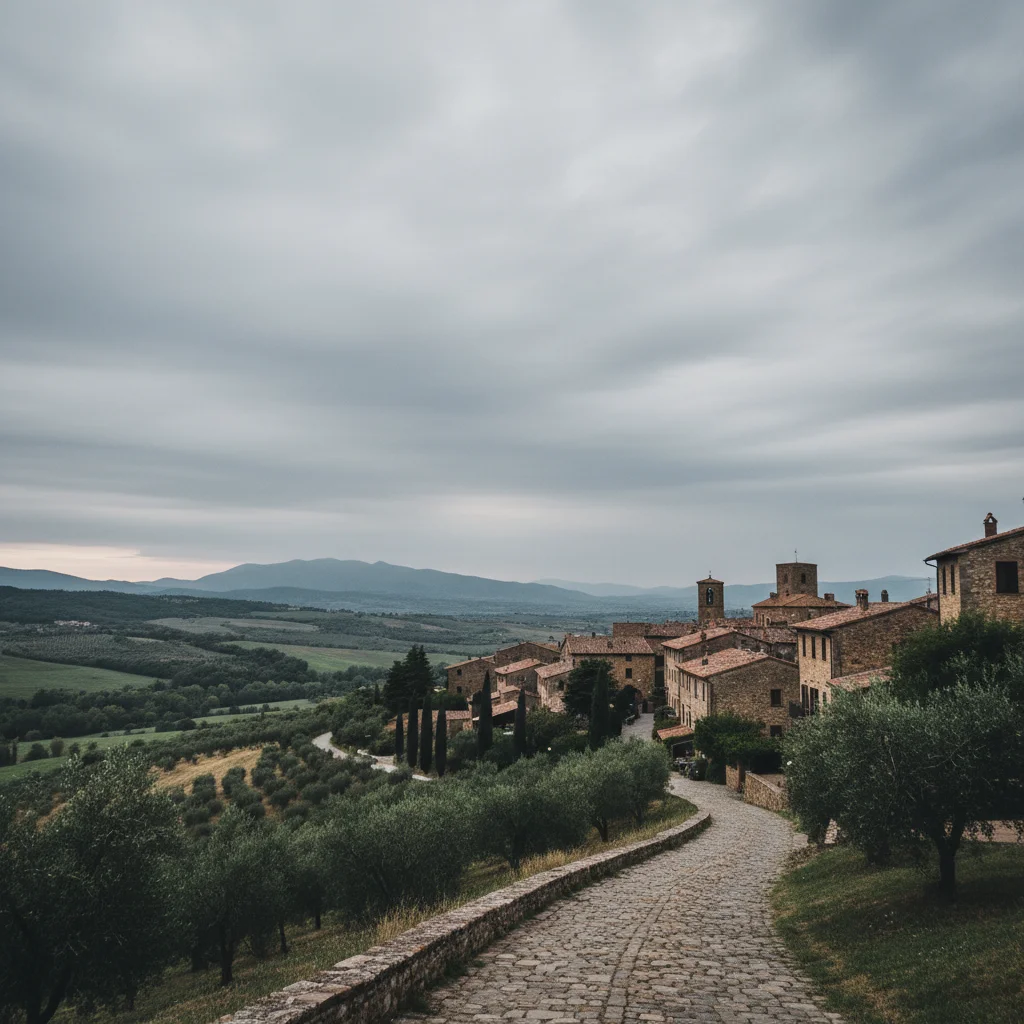
Prompt: change sky to bright blue with scattered white fluffy clouds, midday sunlight
Mountain landscape with plain boring blue sky
Before
->
Mountain landscape with dramatic stormy clouds
After

Stormy atmosphere for dramatic effect

Added dark moody clouds to create a dramatic cinematic look for a landscape photo.

Prompt: replace sky with dark stormy clouds with dramatic lighting, overcast atmosphere
Advertisement

If something looks off

AI changed the wrong area or affected buildings/trees

Why: Complex edges like tree branches or intricate architecture can be ambiguous for the AI to distinguish from sky.

Try: Tap markers on the specific areas where the boundary should be preserved (like around tree branches), then regenerate with the same prompt

Tip: Markers tell the AI 'preserve detail HERE.' Use them when you have complex silhouettes against the sky.

New sky doesn't match the scene lighting

Why: The original photo has directional lighting that doesn't match your requested sky (e.g., morning light with a sunset sky).

Try: Add lighting direction to your prompt: 'sunset with warm light from the left' or 'overcast with soft diffused light'

Tip: Match your sky's time of day to the existing shadows. Morning light = sunrise, harsh shadows = midday, long shadows = sunset.

Horizon line looks cut-off or unnatural

Why: The AI had difficulty detecting the exact boundary between sky and foreground in your specific photo.

Try: Tap a few markers along the horizon line where you want the transition, then regenerate

Tip: Photos with gradual horizons (like distant mountains fading into haze) may need marker guidance.

Colors look oversaturated or unrealistic

Why: Your prompt used very vivid descriptors that pushed the AI toward extreme color saturation.

Try: Use softer descriptors: instead of 'bright vivid orange', try 'warm golden orange' or 'soft sunset tones'

Tip: Words like 'dramatic' and 'vibrant' increase saturation. Use 'soft', 'natural', or 'subtle' for realistic results.

Sky looks pasted on instead of blended

Why: The original photo had very different lighting or color temperature than the new sky.

Try: Add 'with natural blending and matching foreground lighting' to your prompt, or try a sky that better matches the original scene's mood

Tip: Extreme changes (night sky on a bright sunny photo) require more adjustment. Start with similar lighting conditions.

Clouds are too detailed or look artificial

Why: The AI interpreted your prompt as needing very defined cloud structures.

Try: Simplify your cloud description: use 'wispy clouds' or 'scattered clouds' instead of specific cloud types like 'cumulonimbus'

Tip: General descriptions like 'fluffy white clouds' work better than meteorological terms.

Quick answers

Do I need to mark the sky before describing?

No! Just describe what sky you want: 'replace sky with sunset' or 'change to blue sky with clouds.' The AI automatically detects where the sky is. Only use markers when you need precision around complex edges like tree branches or intricate architecture.

How do I replace the sky in a photo for free?

Upload your photo to EditThisPic, type what sky you want (like 'replace sky with dramatic sunset'), and click Generate. The AI handles sky detection and blending automatically. No Photoshop or manual masking required. Free to try with no signup.

Will the new sky look realistic or obviously edited?

The AI automatically blends the new sky with your horizon and adjusts foreground lighting to match. When you specify lighting that matches your scene (e.g., 'sunset with warm light from the right'), results look completely natural. The key is matching the sky's time of day to your photo's existing shadows and light direction.

Can I replace the sky in photos with buildings or trees?

Yes! The AI detects complex edges like building outlines, tree branches, and mountain silhouettes. For intricate details like fine branches or power lines, you may need to tap a few markers along those edges for perfect results, but most architectural and landscape photos work on the first try.

What is the best free AI tool for sky replacement?

EditThisPic offers free AI-powered sky replacement with no signup, no watermark, and no download required. Unlike traditional sky replacement tools that require manual masking, EditThisPic understands natural language prompts and handles detection and blending automatically. Perfect for real estate photos, landscape photography, and social media content.

Ready to transform your sky?

Free to try. No signup required.

Try it free