Convert Photo to Family Guy Style
Type what you want. Become a Quahog resident in seconds.


Convert Photo to Family Guy Style
Drop your photo here
or click to browse
Release to upload
Free • No signup
Popular use cases:
- Family Guy profile pictures
- Fan art transformations
- Family cartoon portraits
- Social media avatars
- Birthday cards
- TV show tribute art
- Cost
- Free No signup required
- Time
- Instant results in 15-30 seconds
- Works on
- Any device - browser, phone, tablet, desktop
- Powered by
- AI-powered photo editing
| Scenario | Prompt | Time |
|---|---|---|
| Classic Family Guy | Family Guy style with round head and bold outlines |
15s |
| Griffin house | Family Guy with living room background |
25s |
| Detailed style | Seth MacFarlane design with thick outlines |
20s |
| Pet conversion | Family Guy style like Brian Griffin |
15s |
How it works
Try it free ↓
Convert Photo to Family Guy Style
Drop your photo here
or click to browse
Release to upload
Free • No signup
"Made my family portrait look like we belong in Quahog. Peter, Lois, and the kids have new neighbors now!" @FamilyGuyFan_Mike
See it in action
Portrait to Quahog resident
A casual headshot transformed into an authentic Family Guy character that could live next door to the Griffins.
Prompt:
convert this photo to Family Guy cartoon style with round head, distinctive eyes, bold black outlines, and flat colors like characters from the TV show

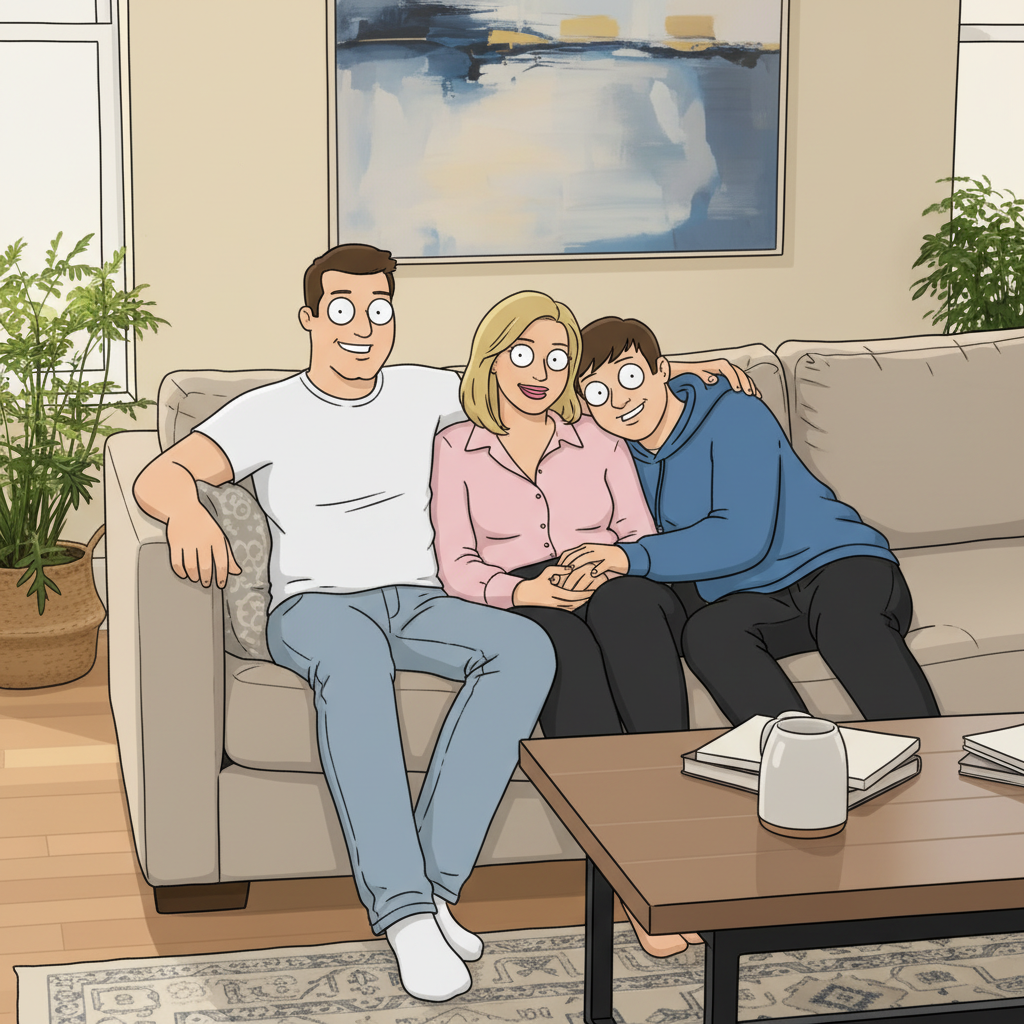
Family to Griffin neighbors
A family photo converted to look like they could be the Griffins' neighbors in Quahog, Rhode Island.
Prompt:
transform this family photo into Family Guy cartoon style - all characters with round features, distinctive eyes, bold outlines, flat colors
If something looks off
Quick answers
Ready to become a Quahog resident?
Free to try. No signup required.