Transform Photo to Disney Pixar Style
Last updated
Type what you want. Become a 3D animated Pixar character in seconds.

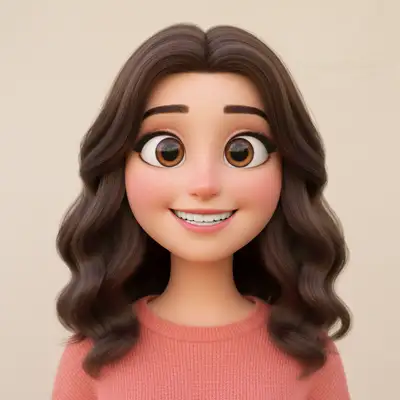
Upload photo to transform Disney Pixar style
"convert to Pixar Incredibles style animated character with heroic proportions, confident expression, and dynamic 3D superhero aesthetic"
Free to try · no sign-up · photos are never shared
Release to upload
<30stypical edit
1 freeedit weekly
Photo on your phone?
Scan to open this editor there — free edit works on your phone too.
How it works
See it in action

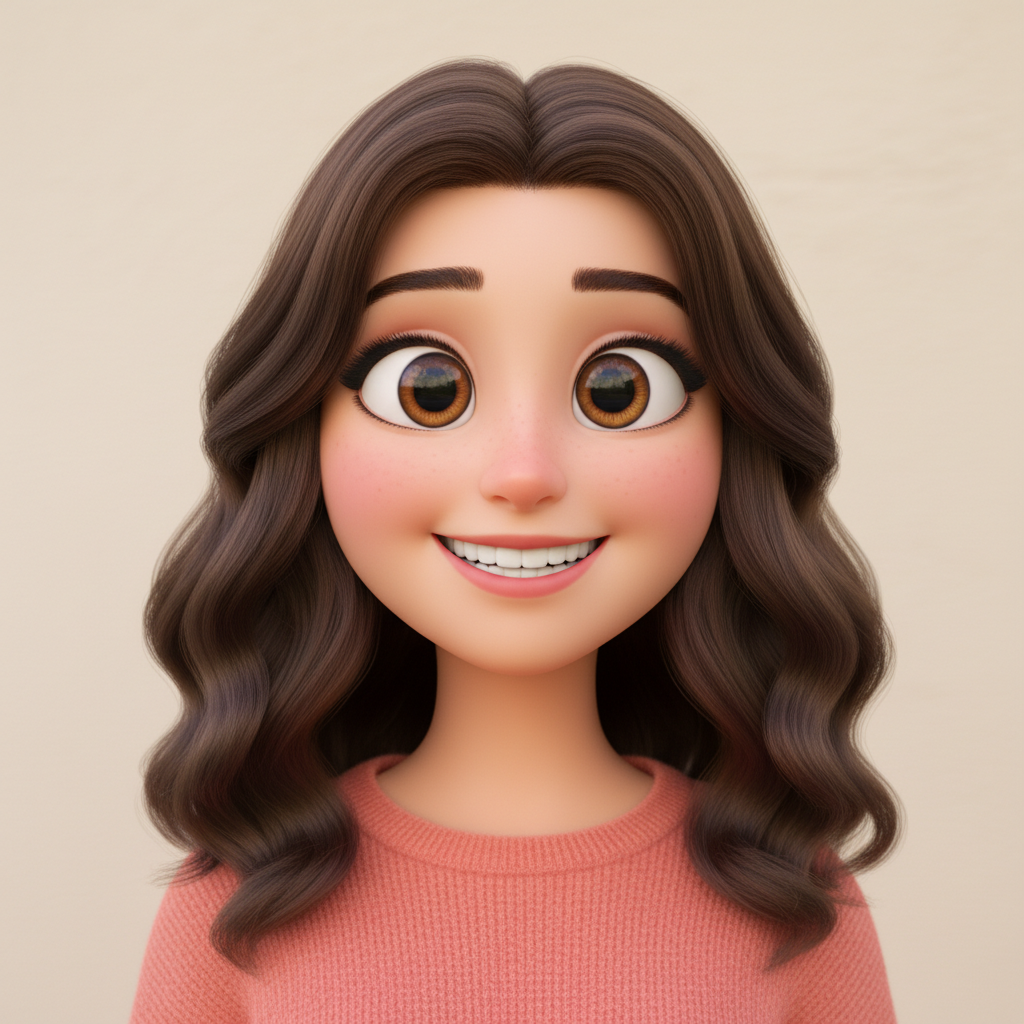
Portrait to Pixar protagonist
A casual selfie transformed into a Pixar-style animated character ready to star in their own movie.
Prompt:
transform this photo into Disney Pixar 3D animated character style with big expressive eyes, smooth stylized features, and vibrant Pixar movie aesthetic
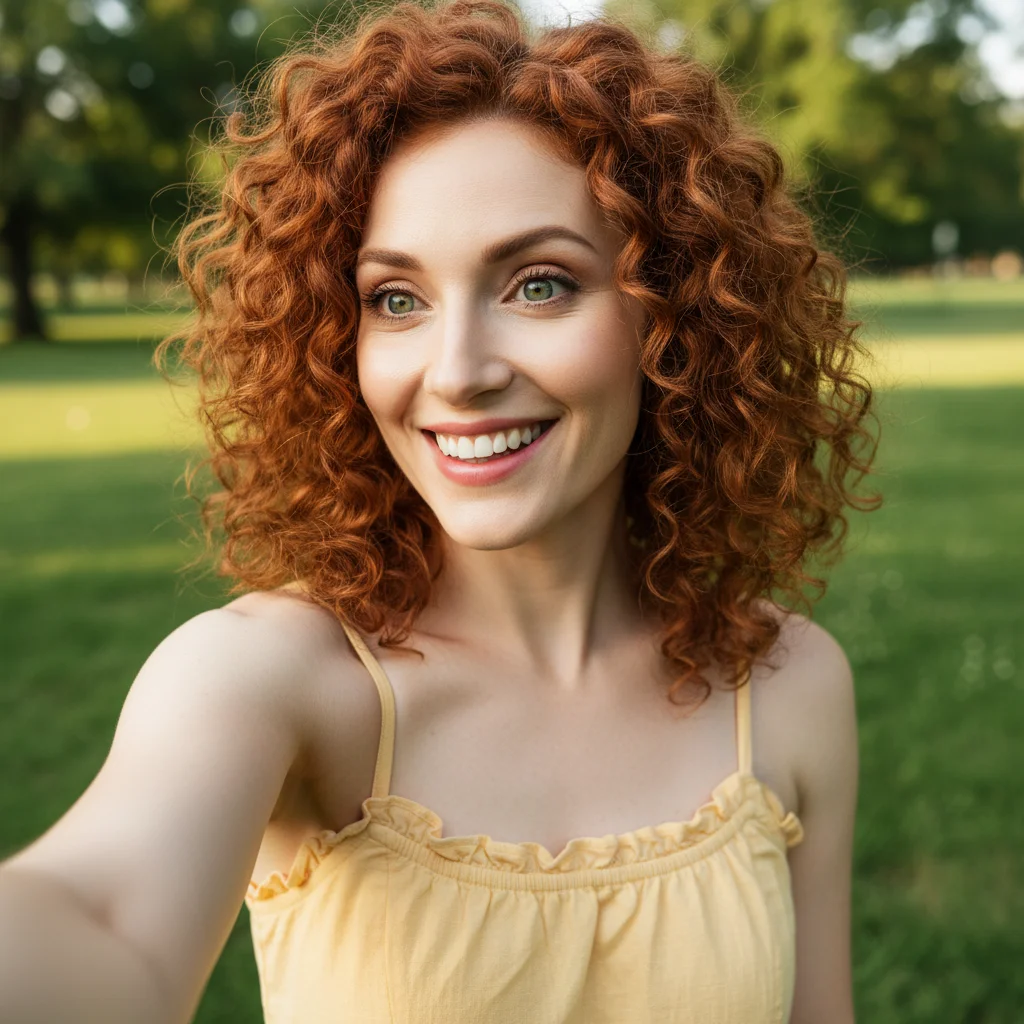
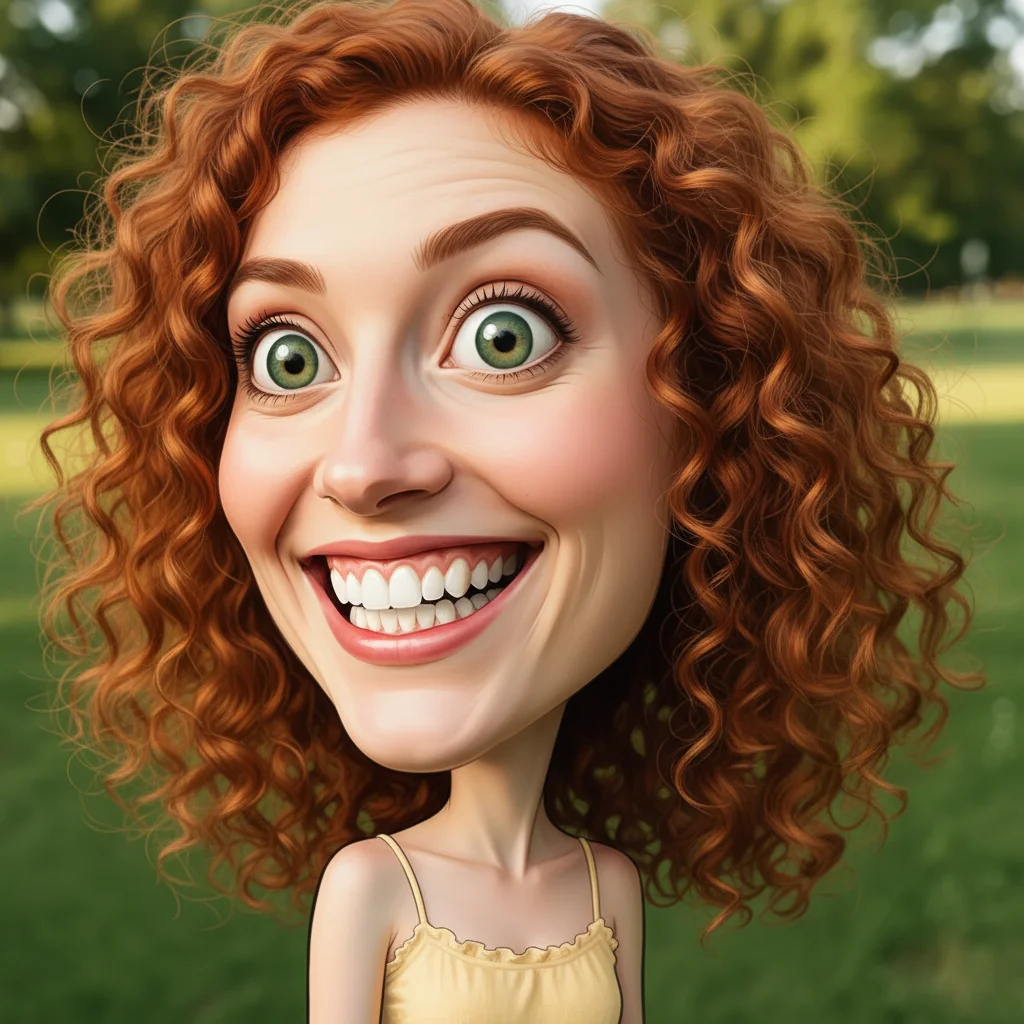
Kid to animated hero
A child's school photo converted into an Incredibles-style superhero character.
Prompt:
convert to Pixar Incredibles style animated character with heroic proportions, confident expression, and dynamic 3D superhero aesthetic
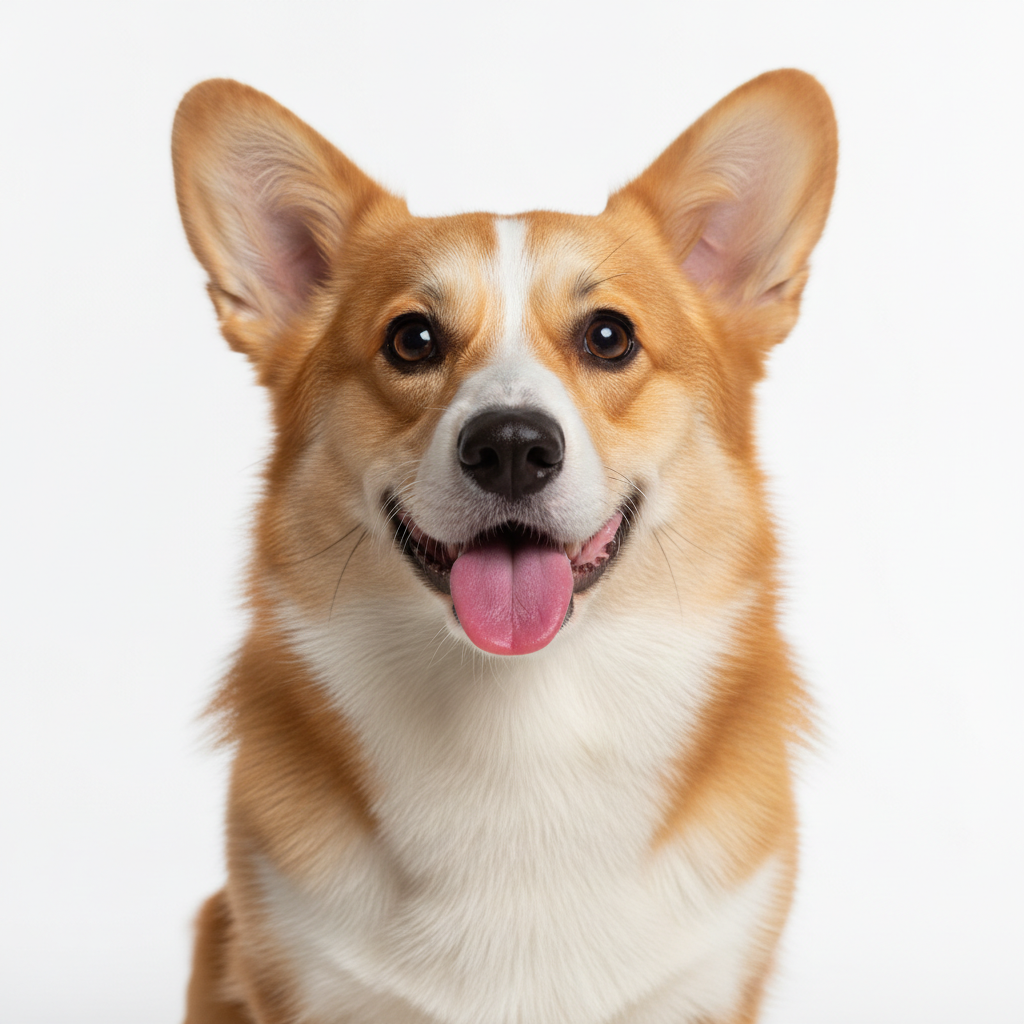
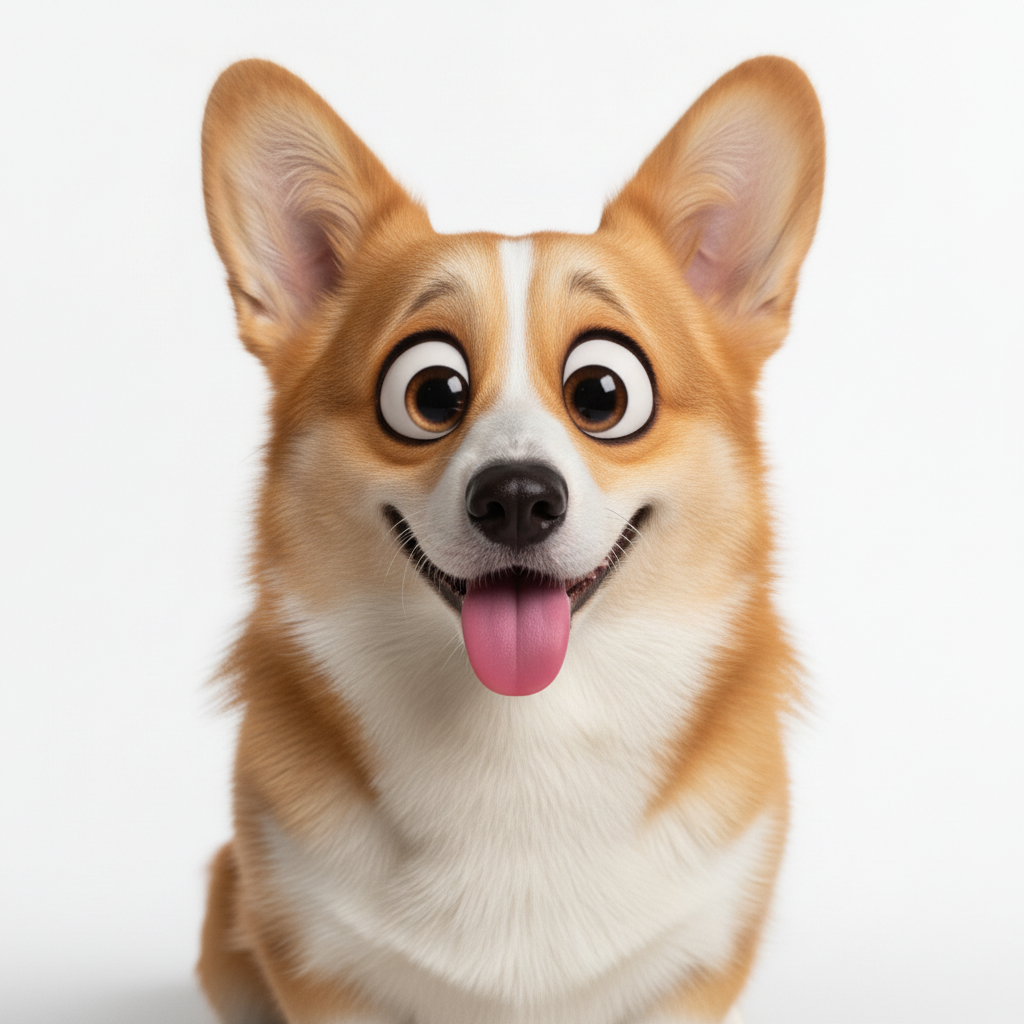
Dog to Pixar sidekick
A photo of a corgi transformed into an adorable Pixar movie sidekick character.
Prompt:
convert this pet photo to Pixar animated movie character - big soulful eyes, expressive face, smooth 3D fur rendering, Disney Pixar animal style
Quick answers
Popular use cases
Ready to become a Pixar character?
Free to try. No signup required.