Convert Photo to Clay Render Style
Last updated
Type what you want. Become a smooth clay figurine in seconds.


Upload photo to convert clay render
"convert to white polymer clay figurine aesthetic - pure white matte surface, soft studio lighting, clean minimal 3D sculpture look"
Free to try · no sign-up · never used for AI training
Release to upload
<30stypical edit
1 freeedit weekly
Photo on your phone?
Scan to open this editor there — free edit works on your phone too.
How it works
See it in action

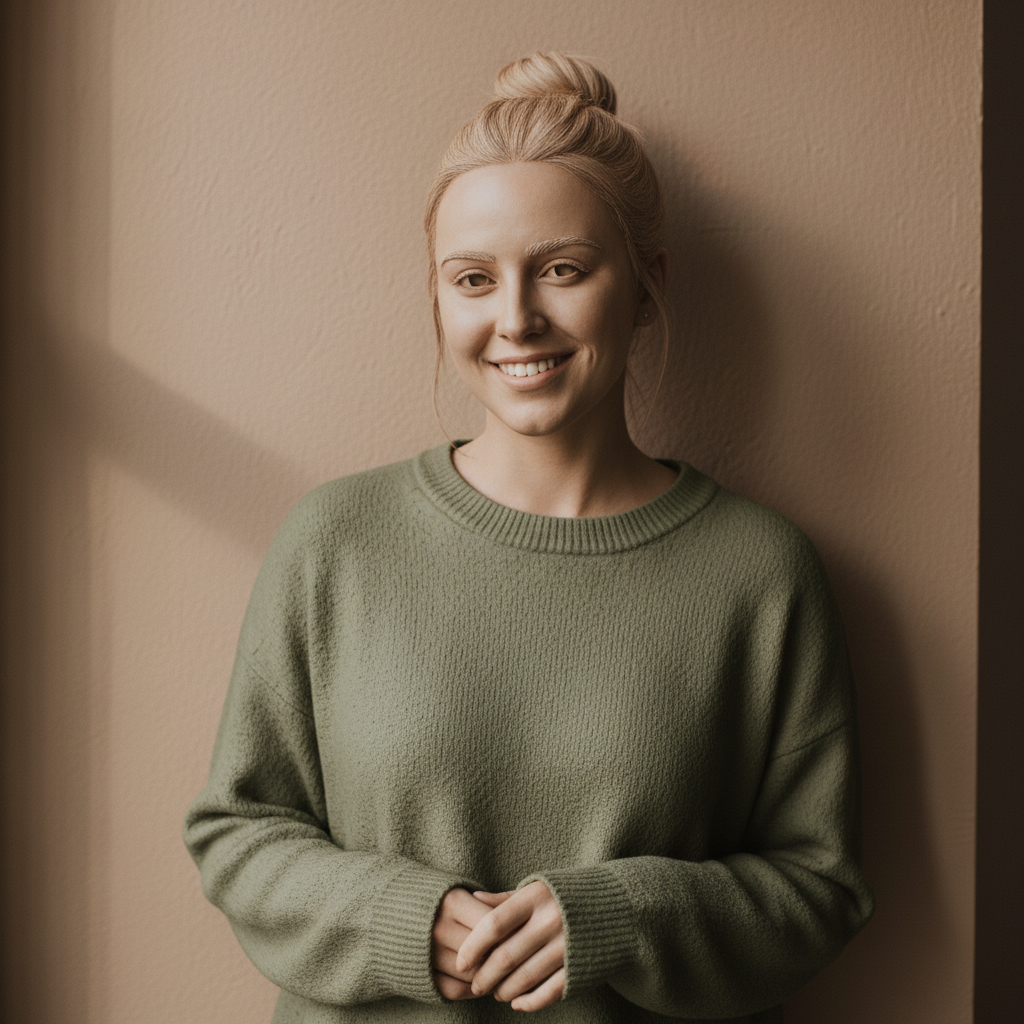
Portrait to smooth clay figurine
A casual selfie transformed into that satisfying smooth clay render aesthetic with uniform matte texture.
Prompt:
transform this photo into clay render style with smooth matte surface, soft ambient shadows, 3D sculpted form, uniform clay texture throughout
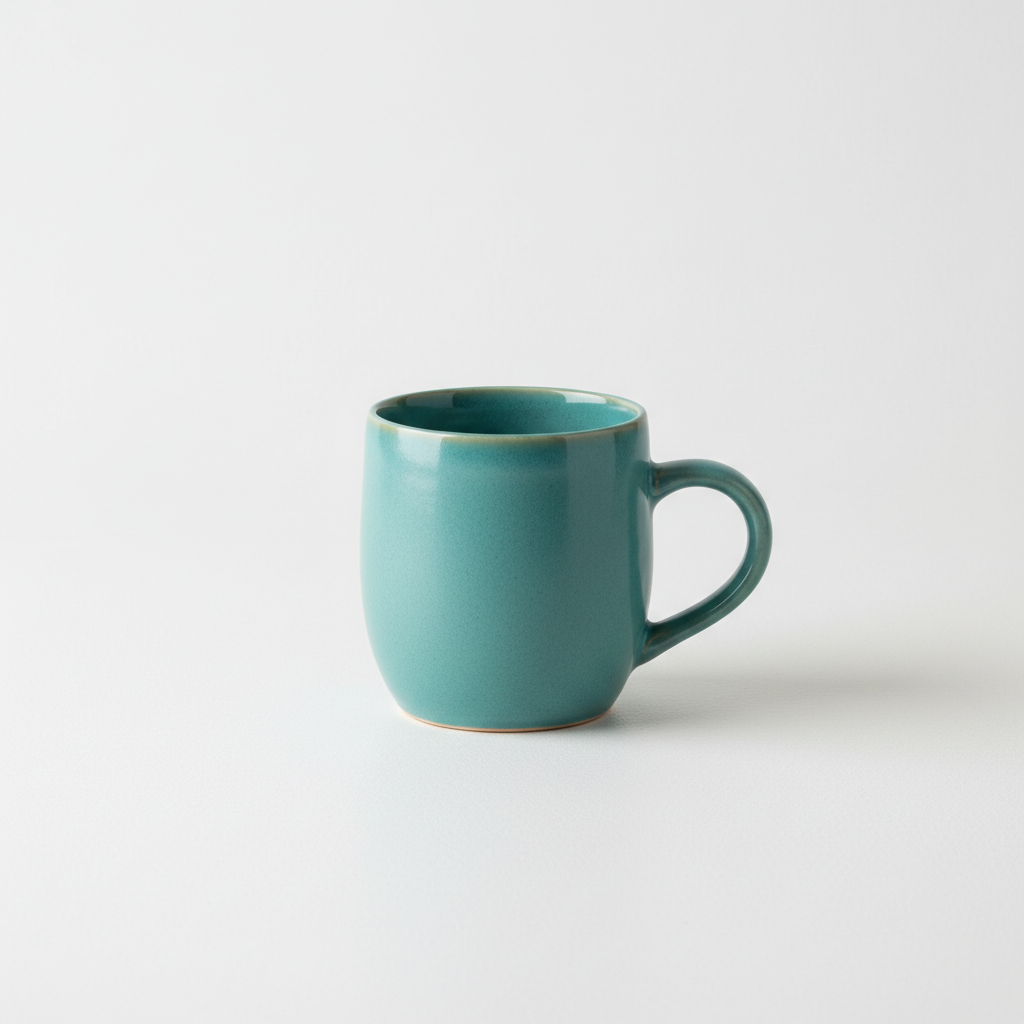
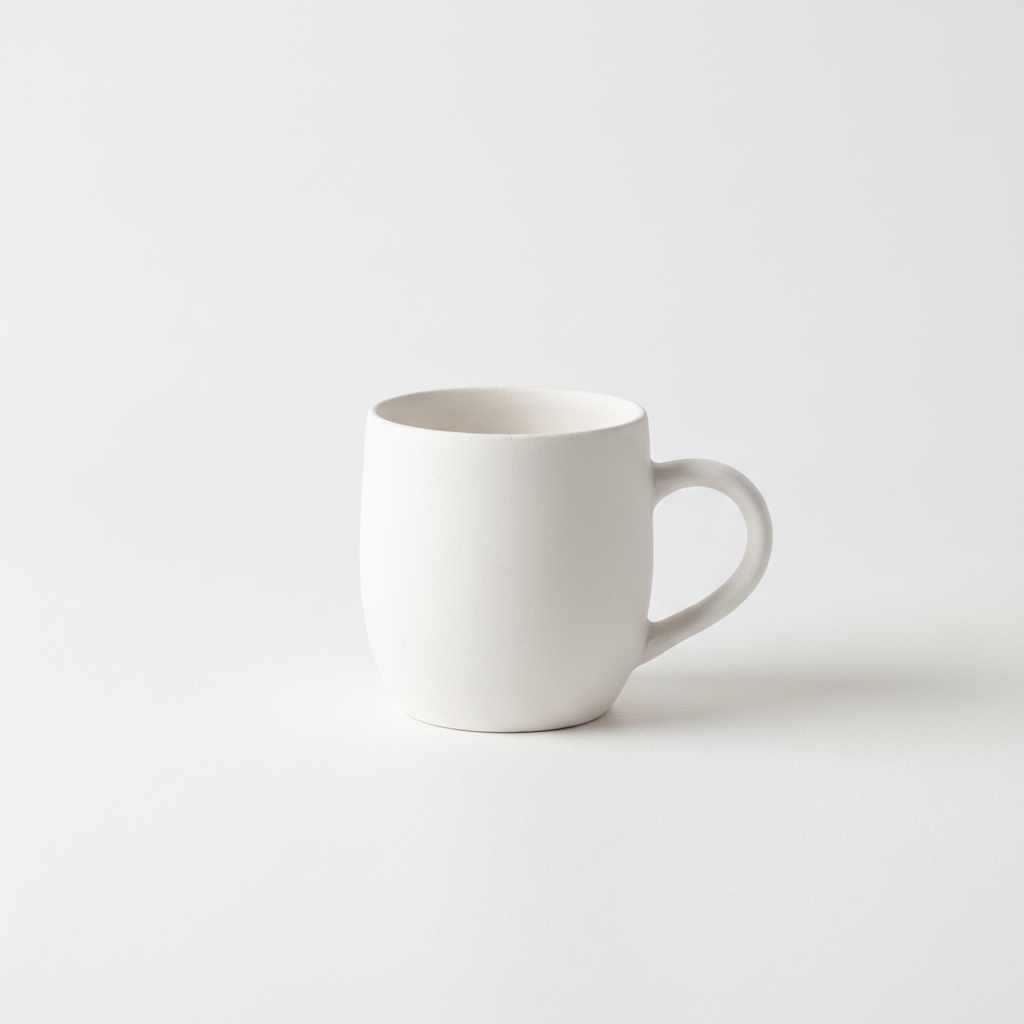
Product to clay prototype
A coffee mug photo converted into a clean white clay render perfect for design presentations.
Prompt:
convert to white polymer clay figurine aesthetic - pure white matte surface, soft studio lighting, clean minimal 3D sculpture look
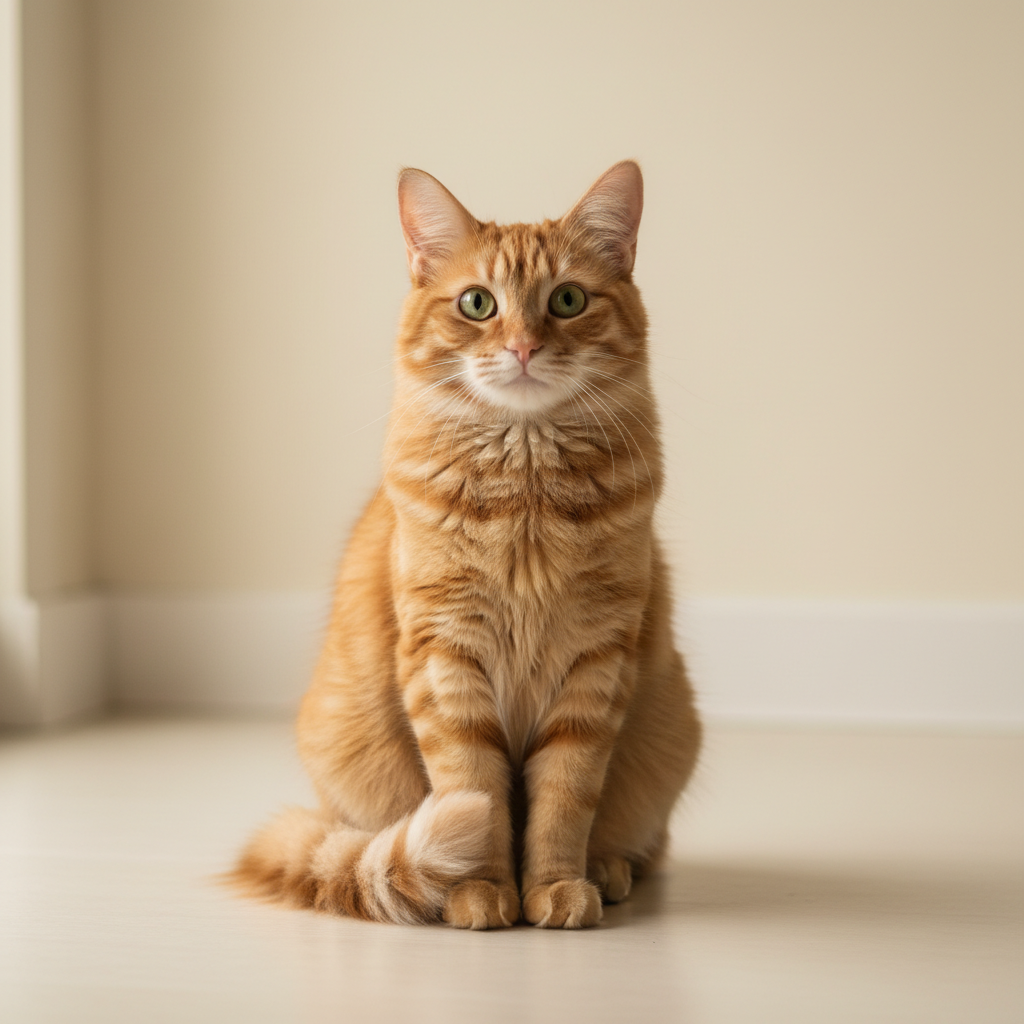
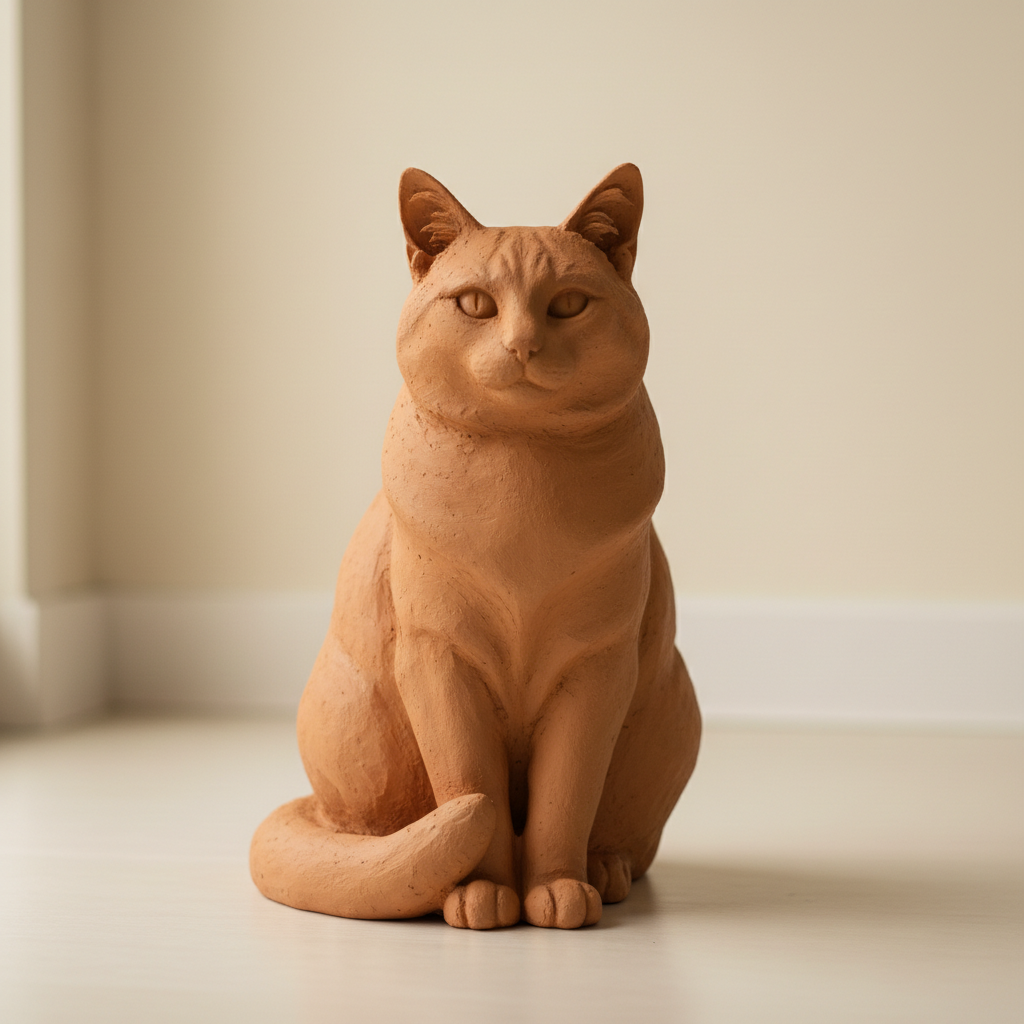
Pet to clay sculpture
A cat photo transformed into an adorable clay figurine with that smooth sculpted aesthetic.
Prompt:
transform into terracotta clay render style with warm earthy orange-brown color, smooth matte texture, traditional pottery aesthetic
Quick answers
Popular use cases
Ready to become a clay sculpture?
Free to try. No signup required.