AI Etsy Baby Item Photo Editor
Create the soft, trustworthy photos that parents need to click 'Add to Cart.'


Drop your photo here
or click to browse
Release to upload
Free • No signup
"Parents scrutinize every detail in baby product photos. Since upgrading my listing images, my conversion rate doubled. The soft nursery backgrounds really build trust." @TinyStitchesShop
Built for Etsy Baby Item Sellers
Parents don't just browse baby items - they inspect them. Every wrinkle, stitch, and color matters because they're buying for someone they love most. EditThisPic helps you create the soft, clean, trustworthy aesthetic that converts worried browsers into confident buyers.
Tools Baby Item Sellers Use Most
Enhance Colors
Rescue washed-out pastels and bring soft baby colors back to life
Change Background
Create soft nursery settings that build trust and emotional connection
Enhance Lighting
Add the soft, warm, gentle lighting that makes baby items look inviting
Remove Background
Clean white background for a professional, trustworthy look
How to Edit Your Baby Item Photos
-
Upload your baby item photo
Drop your baby clothes, bib, blanket, or nursery decor photo into EditThisPic. JPG, PNG, and WebP up to 7MB. Phone photos are perfect. Don't worry about the background - the AI handles everything.
Color fix and background swap: 15-20 seconds. Full nursery context: may need 2-3 refinements for perfect softness. -
Describe the gentle aesthetic you want
Type what you need: 'fix the pastel colors and add a soft nursery background' or 'enhance the fabric softness with warm gentle light.' Use words like 'soft,' 'gentle,' 'warm,' and 'clean' - the AI understands nursery aesthetics. Mention specific pastel colors by name.
Words like 'nursery,' 'gentle,' 'cozy,' and 'safe' create the emotional tone that converts parent buyers. -
Check colors and safety appearance
Zoom in to verify pastel colors are visible but not oversaturated. Check that stitching looks clean and professional. The overall feeling should be soft, trustworthy, and inviting. Parents zoom in on everything.
Compare the edited photo to your real item - pastel color accuracy is critical because parents notice if what arrives doesn't match the photo. -
Refine delicate edges if needed
Baby items often have ruffles, lace trim, or soft knit edges. If these got trimmed or lost detail, tap markers along the delicate edges and regenerate. The AI needs guidance on where product ends and background begins for fluffy items.
For knitted or crocheted baby items, mark the fuzzy edges so they look soft and natural, not hard-edged.
Copy-Paste Prompts for Baby Item Sellers
replace background with soft nursery setting, light wood shelf, small succulent plant, pastel color palette, gentle warm natural light, clean and cozy feeling
Nursery context helps parents emotionally connect with your item - they see it in their baby's room
enhance the pastel colors to be soft but clearly visible, blush pink should be warm, mint green should be distinct, lavender should be gentle purple, not washed out to white
Name every pastel color specifically - 'blush pink,' 'mint green,' 'lavender' - so the AI gets each one right
replace background with pure white, very soft shadow beneath, clean professional product photo, enhance fabric texture gently, warm soft lighting
White backgrounds signal professionalism and cleanliness - critical qualities for baby product trust
replace background with elegant gift wrapping setting, soft tissue paper and ribbon nearby, gentle warm lighting, baby shower gift-ready presentation
Many baby items are bought as gifts - showing gift-ready presentation drives baby shower purchases
Show 4 more prompts
replace background with soft muslin fabric surface, gentle folds, warm cream tone, natural soft light from above, serene clean aesthetic
Muslin or cotton fabric surfaces look natural and safe - perfect for baby product flat-lays
replace background with modern nursery wall, above crib or changing table, soft neutral wall color, warm ambient light, safe and serene nursery room
For nursery decor items, showing placement context (above crib, on shelf) helps parents visualize the space
replace background with warm neutral nursery setting, sage and cream tones, natural wood elements, soft light, modern gender-neutral aesthetic
Gender-neutral styling widens your audience - sage, cream, and natural wood tones work for everyone
enhance the fabric texture and stitching detail, soft warm lighting that shows the weave quality, gentle close-up feel, clean safe appearance
Parents want to see fabric quality up close - detail shots of stitching and material build confidence
| Edit Type | Prompt | Time | |
|---|---|---|---|
| Nursery context | replace background with soft nursery, light wood shelf, gentle light |
20s | Try This → |
| Fix pastels | enhance pastel colors to be soft but visible, name each color |
15s | Try This → |
| Clean white | pure white background, very soft shadow, clean professional feel |
20s | Try This → |
| Gift ready | elegant gift presentation, tissue paper, ribbon, warm light |
20s | Try This → |
Real Baby Item Seller Transformations
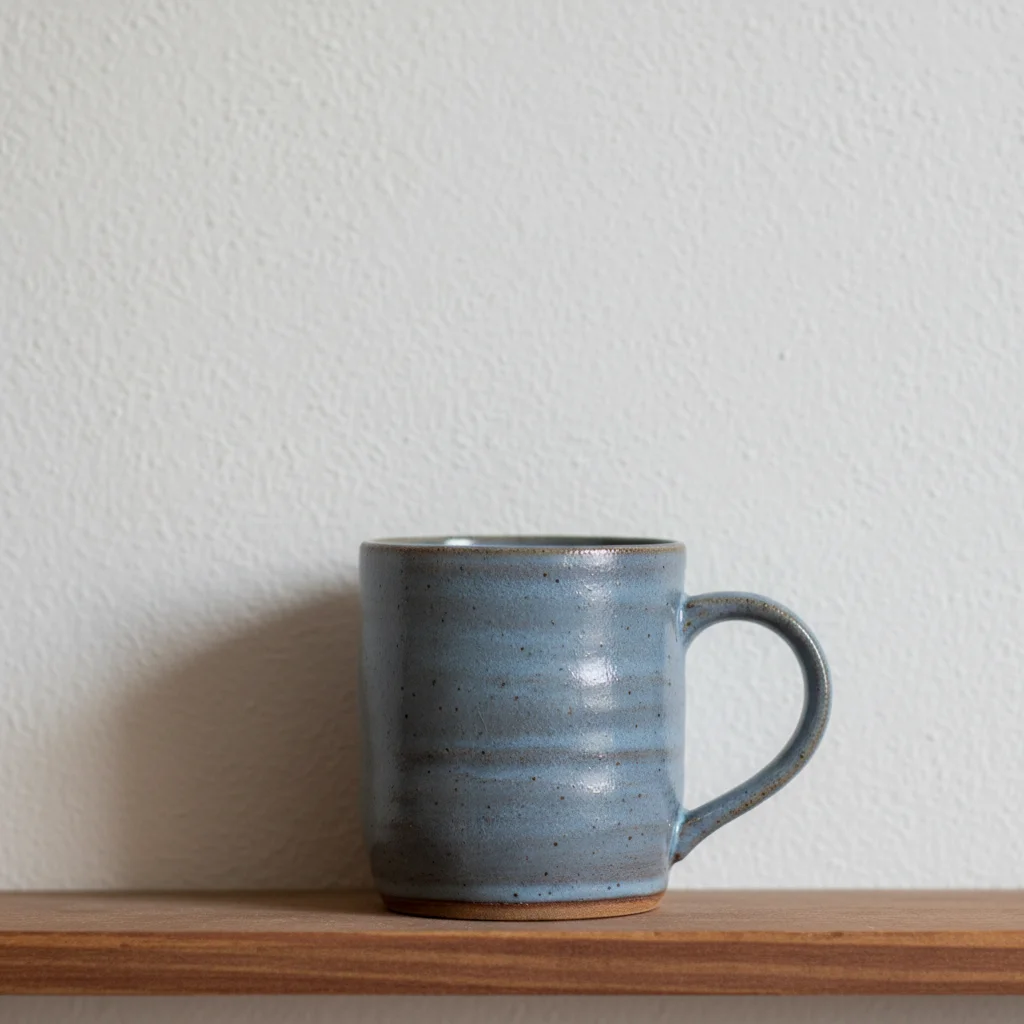
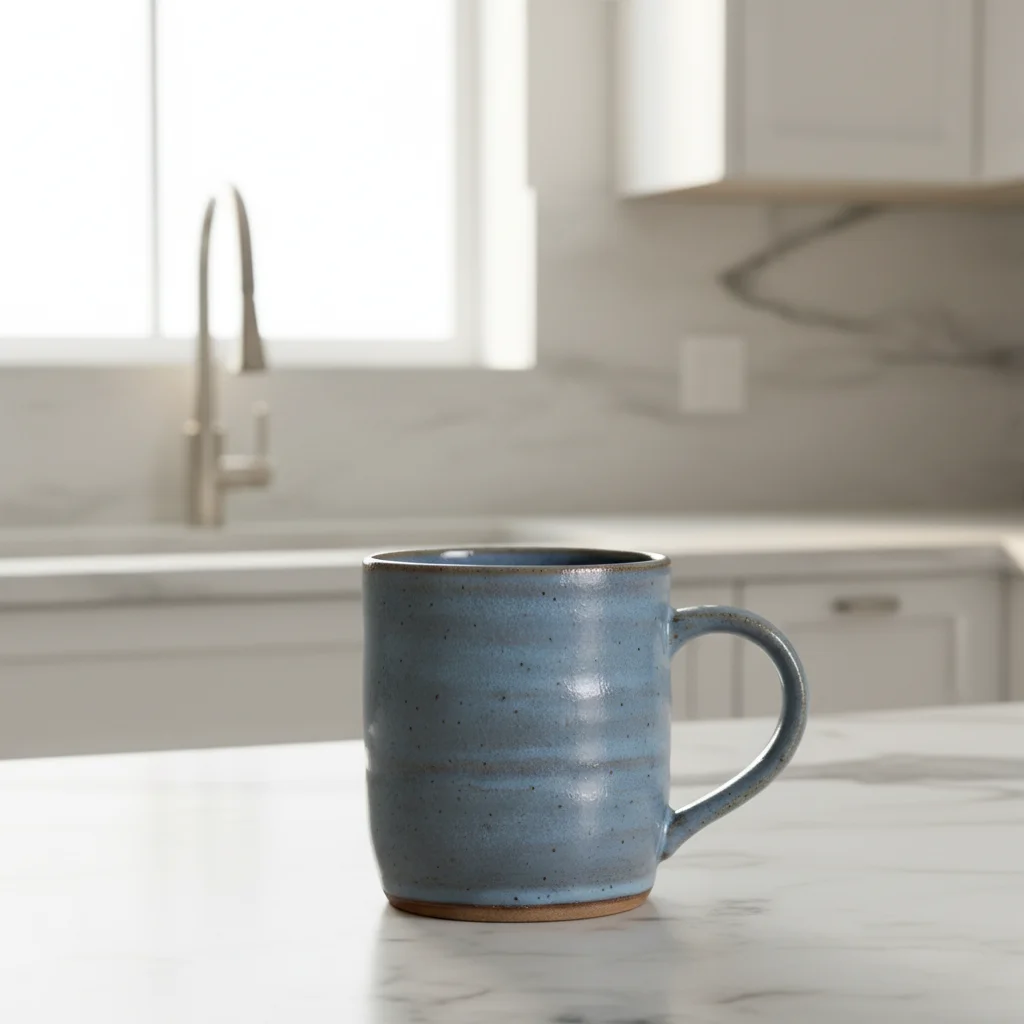
Baby bib with nursery context
Handmade baby bib photographed on sewing table. One prompt created a soft, trustworthy nursery setting.
replace background with soft nursery shelf setting, pastel tones, gentle warm light, enhance the soft pink fabric color, clean safe aesthetic
Knitted baby blanket with enhanced colors
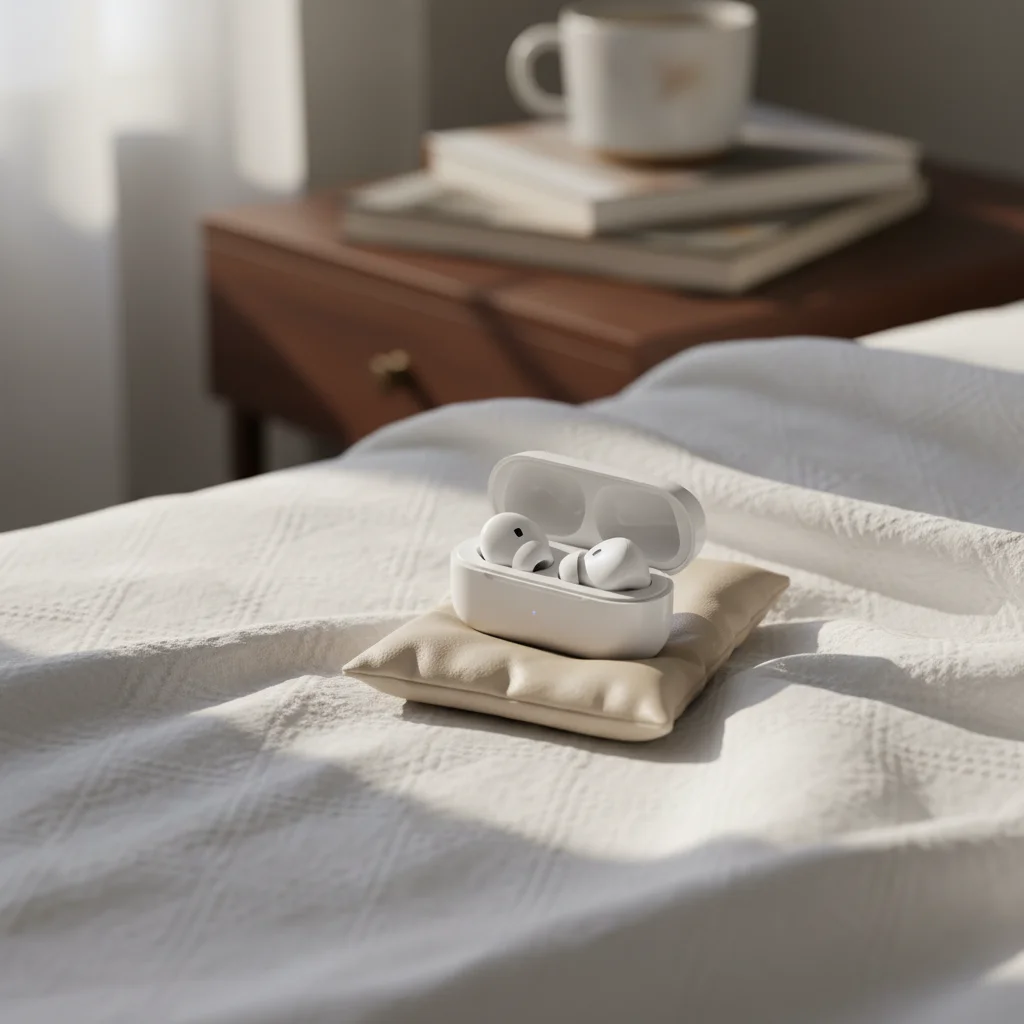
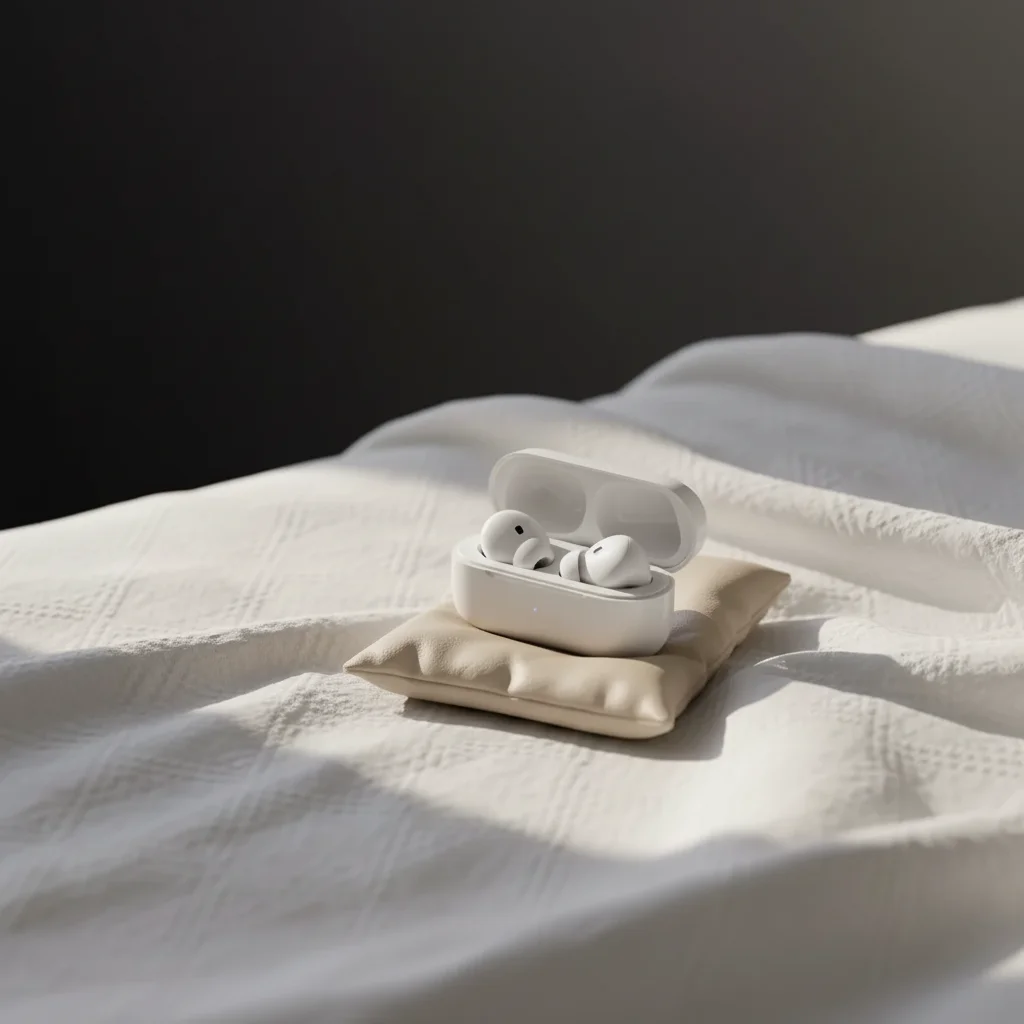
Pastel baby blanket looking washed-out and lifeless. AI brought the soft colors back without oversaturating.
enhance the pastel yarn colors to be soft but visible, mint green and blush pink should be distinct, soft muslin surface background, gentle warm light
Baby clothing set gift presentation
Handmade baby outfit on bedroom carpet. Transformed into a gift-ready presentation.
replace background with elegant gift presentation, soft tissue paper, gentle ribbon, warm light, baby shower gift-ready, clean professional
Common Baby Item Photo Issues
Pastel colors are still washed out after enhancement
Why: The original photo may have very little color data for the AI to work with, especially if taken under fluorescent light.
boost the pastel colors more significantly - the blush pink should be a clear warm pink, not off-white, increase color visibility while keeping it soft and gentle
Photograph near a window on a cloudy day for the best starting pastel colors. The AI enhances what's there, so more color data helps.
Nursery background looks too busy or distracting
Why: Complex room scenes can compete with small baby items for attention.
replace background with simple soft [color] backdrop, very subtle nursery elements blurred in background, focus on the baby item, gentle light
Less is more for baby items. A simple soft-colored background with one or two blurred nursery elements keeps the item as the star.
White baby items disappear on white background
Why: White-on-white creates the same visibility problem that plagues macramé sellers.
replace background with very soft cream or pale sage to separate from white item, gentle contrast, soft shadow for depth
Use soft cream, pale sage, or light lavender instead of pure white for white baby items. Just enough contrast to define edges.
Fabric texture looks plasticky or artificial
Why: The AI may over-sharpen or smooth soft fabrics, losing the natural textile feel.
enhance the natural fabric texture to look soft and organic, this is handmade cotton/muslin/knit, should look touchable and gentle
Name the fabric type: 'organic cotton,' 'muslin,' 'merino wool' - each has a distinct soft texture the AI can target.
Edit looks too perfect and sterile, not cozy
Why: Over-editing baby items can make them look mass-produced rather than lovingly handmade.
create a warm, gentle, handmade aesthetic, not sterile or corporate, soft imperfect natural feel, like a loving parent prepared this
The goal is 'professional handmade' not 'corporate sterile.' Add 'handmade warmth' to your prompts for the right feel.
Frequently Asked Questions
How do I make pastel baby colors show up in photos?
Name each specific color in your prompt: 'the blush pink should be warm and visible, the mint green should be distinct, the lavender should be soft purple.' The AI can boost pastels while keeping them soft and gentle. Avoid pure white backgrounds for pastel items - use soft cream or pale sage instead for better contrast and visibility.
What makes parents trust a baby product listing photo?
Cleanliness, softness, and professionalism. Parents look for clean backgrounds, sharp stitching detail, accurate colors, and a safe-feeling aesthetic. Avoid harsh shadows, cluttered backgrounds, or anything that looks messy. Nursery-styled backgrounds with warm, gentle lighting build the most trust. Showing fabric texture up close also reassures parents about quality.
What background color works best for baby items?
Soft white or cream for universal appeal. For lifestyle shots, nursery settings with light wood, small plants, and warm light perform best. Gender-neutral tones (sage, cream, warm gray) widen your audience. For gift items, tissue paper and ribbon contexts drive baby shower purchases. Match your background to whether you're selling everyday items or gifts.
Can the AI handle photos of very small items like bibs and booties?
Yes, but scale context helps. For tiny items, adding a subtle context object (like folded muslin nearby) helps parents understand the size. Use clean, simple backgrounds that don't overwhelm small items. Zoom in on detail shots for stitching and fabric quality - parents want to inspect everything up close.
Should I show baby items on a model or flat-lay?
Both work well with EditThisPic. Flat-lays on soft fabric surfaces show the full item clearly. If you photograph items on a model (adult hands holding, or on a form), the AI can enhance the background. Many top sellers use 2-3 flat-lay listing photos plus 1-2 lifestyle/context photos for a complete listing.
How do I create consistent branding for my baby shop?
Use the same prompt for every listing. Pick one background style (soft nursery shelf, cream muslin surface, or pale sage backdrop) and apply it consistently. Save your winning prompt and paste it for each new product. Consistent styling across your shop makes you look professional and trustworthy to parent buyers.
Ready to earn parents' trust?
Professional baby item photos that look as safe and soft as your handmade products. Free to try.
Start Editing Your Baby Item Photos