Free β€’ No signup Add Intruder to house photo Β· Free

Add Intruder to House Photo

Upload a hallway or room photo. AI adds a figure lurking in a doorway or shadow. Maximum creep factor.

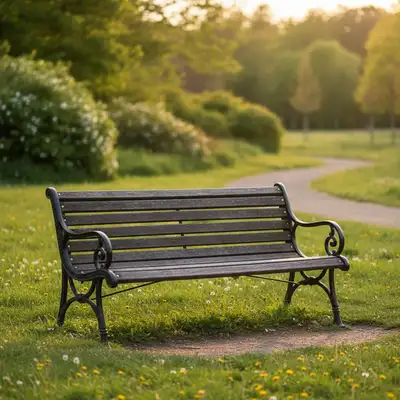
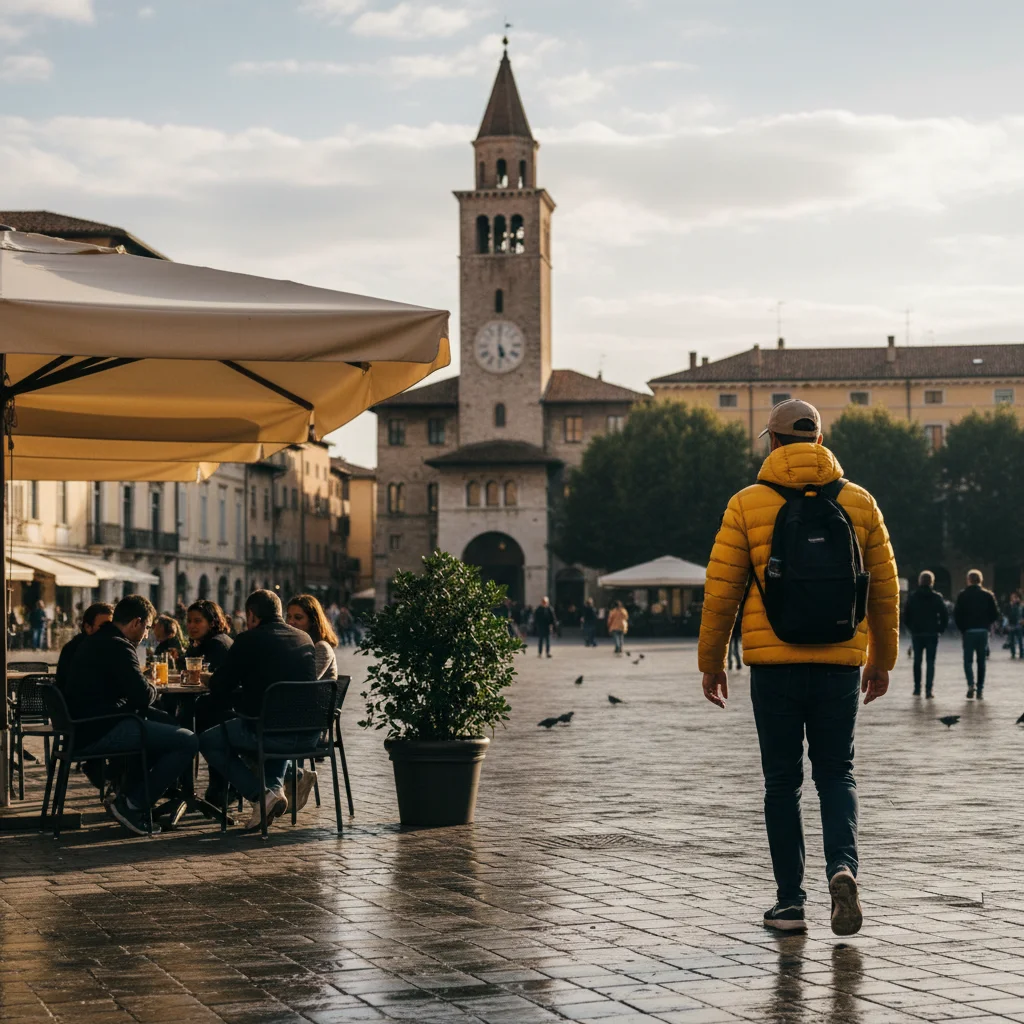
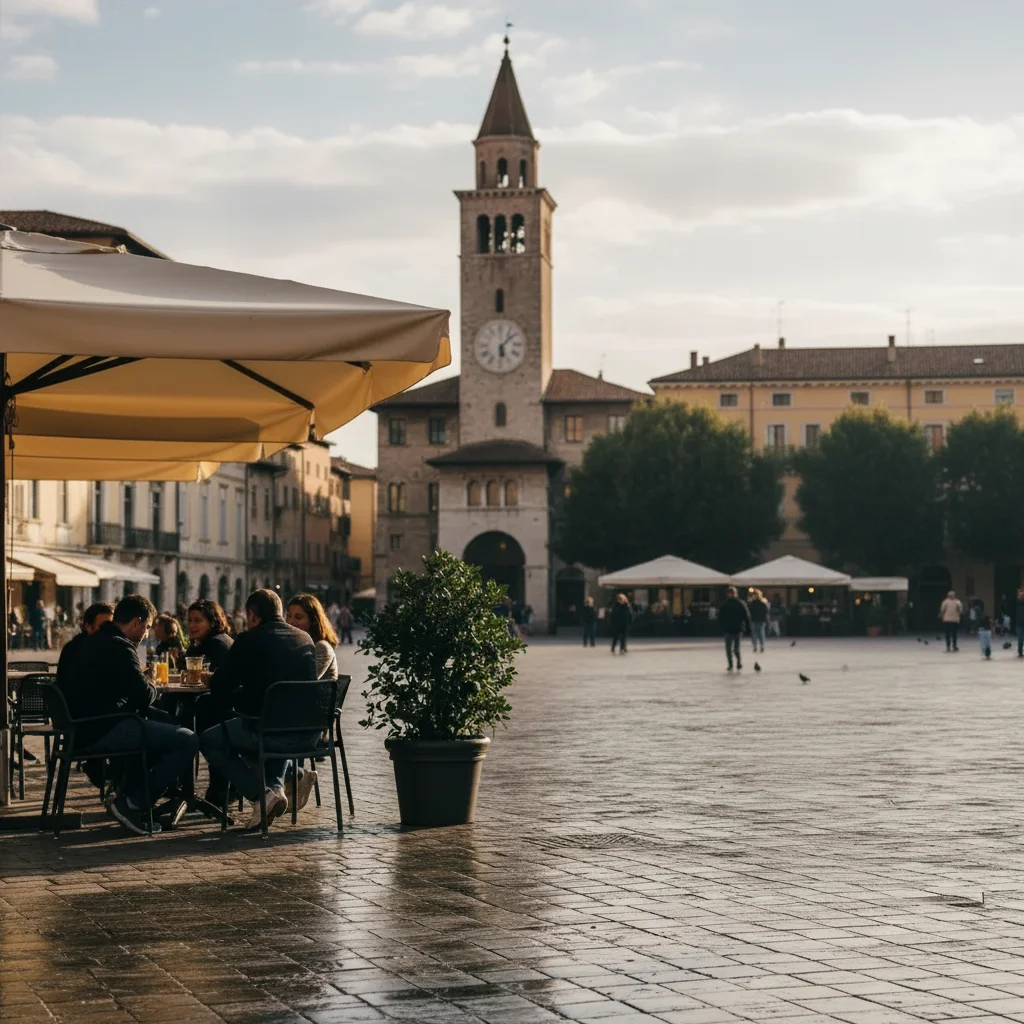
Empty hallway before intruder prank
Before
β†’
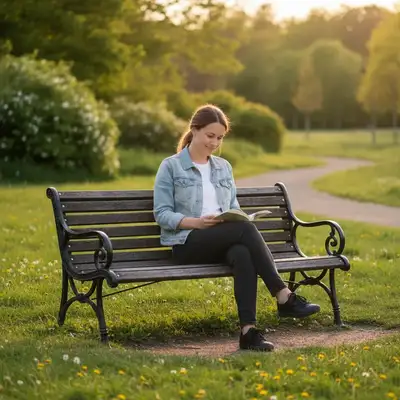
Hallway with AI-added intruder silhouette in doorway
After

Add Intruder to House Photo

Upload photo to add intruder to house photo

Free β€’ Results in 30 seconds β€’ No signup

Release to upload

FreeNo signupNo watermark

1 free edit·then from $1.99

Popular use cases:
  • add intruder to house photo
  • intruder prank photo AI
  • someone broke in prank photo
  • add figure in doorway photo
  • AI intruder house photo

Cost
Free No signup required
Time
Instant results in 15-30 seconds
Works on
Any device - browser, phone, tablet, desktop
Powered by
AI-powered photo editing
Scenario Prompt Time
Doorway silhouette Dark figure in hallway doorway, partially in shadow 30-45 sec
Corner lurker Barely visible figure in dark corner of room 30-45 sec
Window face Face pressed against window from outside 30-60 sec

How it works

  1. Upload your house photo

    Drop a photo of your hallway, doorway, or room into EditThisPic. JPG, PNG, WebP up to 7MB. Dimly lit photos work best for the creepy intruder effect.

    Expect: Most edits complete in 20-45 seconds. Darker photos may need 1-2 refinements for the best shadow effect.
  2. Describe the intruder

    Type what you want: 'Add a dark figure standing in the hallway doorway' or 'Add someone lurking behind the door, barely visible.' Describe how much of the figure is visible and how shadowy they should be.

    Tip: Less is more for intruder pranks. 'A shadowy figure partially hidden behind the door frame' is scarier than a fully visible person. Let the viewer's imagination do the rest.

    Copy one of these to get started:

    Classic doorway lurker Add a dark figure standing in the hallway doorway, partially in shadow, just their silhouette visible
    Peeking around the corner Add a person peeking around the corner at the end of the hallway, only half their face and one eye visible
    Figure in the dark room Add a barely visible human figure standing motionless in the dark corner of the room, blending with the shadows
    Someone behind the curtain Add a person-shaped bulge behind the curtain, with feet visible below the hem
    4 more prompts
    Intruder on the stairs Add a dark figure sitting on the stairs in the background, barely visible in the dim light
    Face at the window Add a face pressed against the window from outside, slightly distorted by the glass, looking in
    Caught on ring camera style Add a hooded figure crouching near the front door, as seen from a security camera angle
    Subtle reflection intruder Add a reflection of a person standing behind the photographer, visible in the mirror on the wall
  3. Send and watch the panic

    Review the result β€” the figure should be noticeable but subtle enough to require a second look. Download and send with: 'Is someone in our house??' or 'What is THAT in the hallway?'

Try it free ↓

Add Intruder to House Photo

Upload photo to add intruder to house photo

Free β€’ Results in 30 seconds β€’ No signup

Release to upload

Free β€’ No signup

See it in action

Empty hallway before intruder prank
Before
->
Hallway with AI-added intruder silhouette in doorway
After

Doorway lurker prank

A hallway photo with an AI-added shadowy figure in the doorway.

Prompt: Add a dark figure standing in the hallway doorway, partially in shadow, just their silhouette visible
Dimly lit room before intruder prank
Before
->
Room with AI-added shadowy figure in corner
After

Corner figure prank

A dimly lit room with an AI-added figure barely visible in the corner.

Prompt: Add a barely visible human figure standing motionless in the dark corner of the room

If something looks off

The intruder is too clearly visible β€” not creepy enough

Why: The AI made the figure too prominent and well-lit.

Try: Add 'barely visible, mostly in shadow, only a silhouette outline' to your prompt

Tip: The best intruder pranks work because the figure is hard to spot at first β€” subtlety is key.

Figure looks like a cartoon or drawing instead of realistic

Why: The AI stylized the person rather than making them photorealistic.

Try: Add 'photorealistic, matching the photograph's style and grain exactly' to your prompt

Tip: Mentioning 'photograph quality' and 'real person' helps the AI stay photorealistic.

The intruder was placed in the wrong spot

Why: The AI couldn't determine the exact doorway or corner from description alone.

Try: Tap a marker on the exact doorway, corner, or shadow where you want the figure, then regenerate

Tip: For specific placement, markers are the fastest fix β€” one tap and the AI knows exactly where to put the figure.

Shadows don't match the room's lighting

Why: The AI-generated figure has different shadow direction than the scene.

Try: Add 'shadows matching the room's existing light sources' to your prompt

Tip: Rooms with a single clear light source (one lamp, one window) produce the most consistent shadow results.

Quick answers

How creepy can I make the intruder?

As creepy as you describe β€” from a barely visible shadow to a clear figure staring at the camera. For the best scare, keep the figure subtle and partially hidden. The more the viewer has to look for it, the scarier the reveal.

Is this free?

Yes, EditThisPic gives you one free edit per week with no signup or credit card required. For more pranks, credit packs start at $1.99.

What kind of house photos work best?

Dimly lit hallways, doorways, and rooms with shadows work best for intruder pranks. The figure needs shadow to hide in. Well-lit, bright rooms can work too, but the intruder will be more obviously visible.

Will people actually believe this is real?

On a phone screen, the results are very convincing β€” especially in dimly lit photos. The AI matches your room's specific lighting, color temperature, and perspective. Most people's first reaction is genuine concern.

Can I use this for a security camera style prank?

Yes β€” upload a wide-angle or overhead photo (like a ring camera screenshot) and describe a hooded figure near the door. The AI handles the perspective matching.

Will there be a watermark?

No, EditThisPic never adds watermarks. Your prank photo downloads clean and ready to send.

Does this work on my phone?

Yes, works fully in any mobile browser. No app download needed.

How much does EditThisPic cost?

You get 1 free edit per week β€” no account needed. After that, credit packs start at $1.99 for 3 edits. Monthly plans start at $4.99/mo for 15 edits with unused credits rolling over. All edits are full resolution with no watermark.

Ready to scare your roommate?

Free to try. No signup required.

1 free edit included·Credit packs from $1.99