Free β€’ No signup Add Flood water to room photo Β· Free

Flooded Room Prank Photo

Upload a room photo and AI floods it with standing water. Text to your landlord for instant chaos.

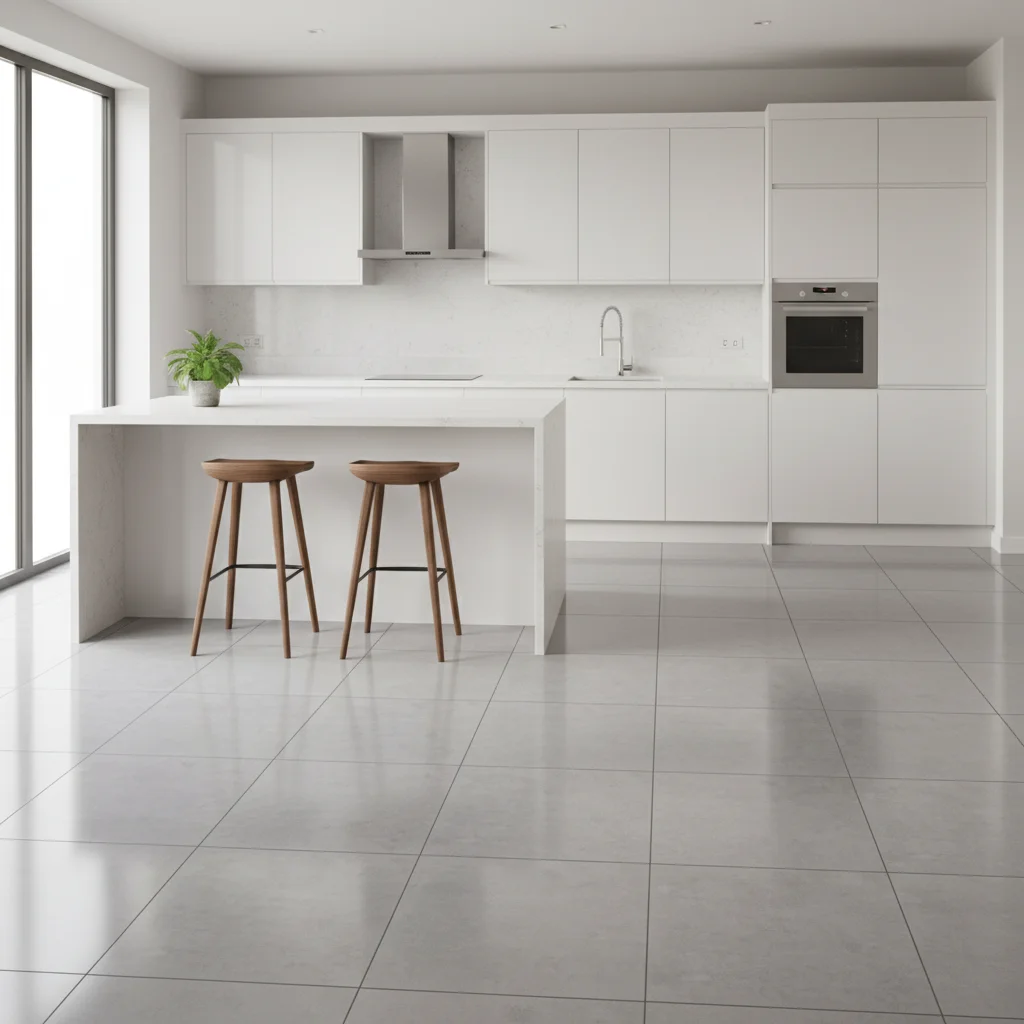
Original photo before edit
Before
β†’
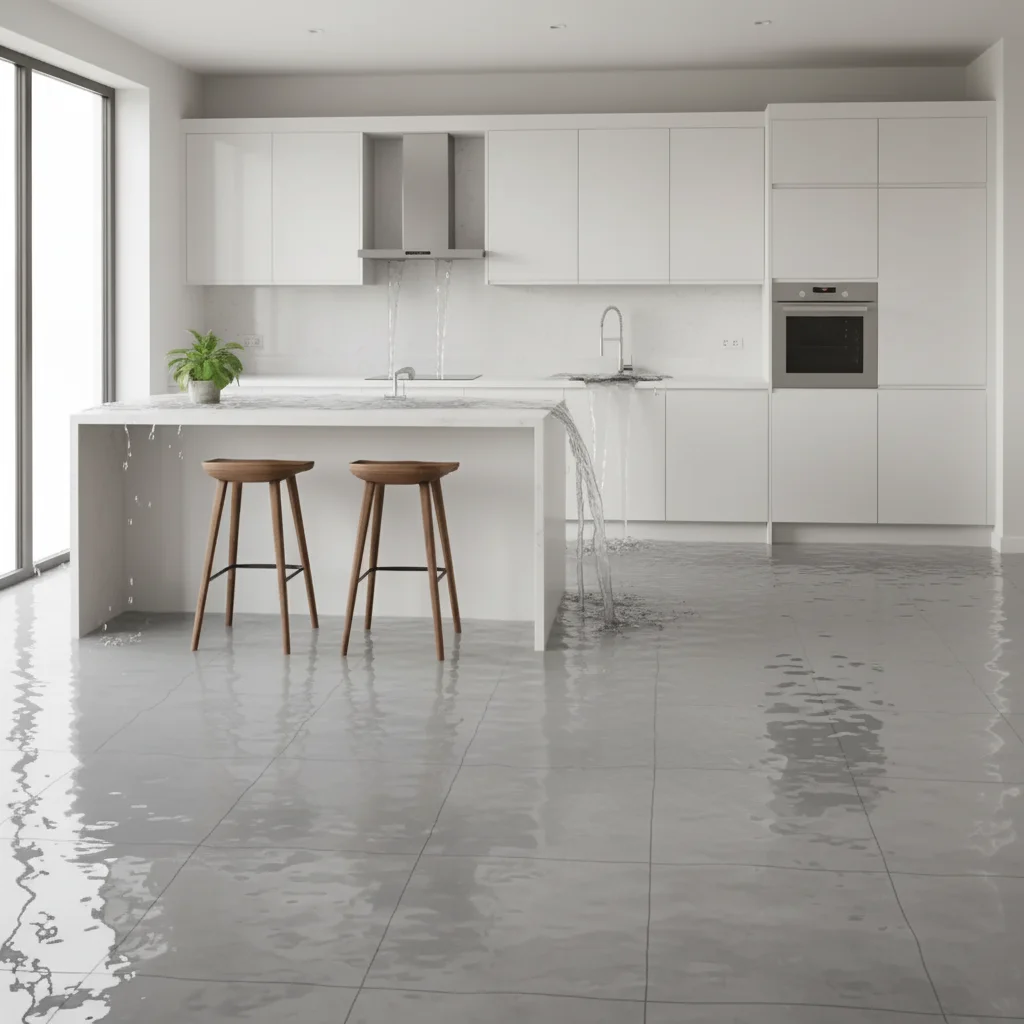
Photo after add with AI
After

Flooded Room Prank Photo

Upload photo to add flood water to room photo

Free β€’ Results in 30 seconds β€’ No signup

Release to upload

FreeNo signupNo watermark

1 free edit·then from $1.99

Popular use cases:
  • flooded room prank photo
  • make room look flooded
  • fake flood photo
  • AI flood room prank

Cost
Free No signup required
Time
Instant results in 15-30 seconds
Works on
Any device - browser, phone, tablet, desktop
Powered by
AI-powered photo editing

How it works

  1. Upload a room photo

    Drop a photo of the room into EditThisPic. JPG, PNG, WebP up to 7MB. Use your actual apartment for the most convincing prank.

    Expect: Most edits complete in 20-45 seconds.
  2. Describe the flood

    Tell the AI the flood severity: 'Add 6 inches of standing water with reflections' or 'Make it look like a pipe burst β€” water everywhere.'

    Tip: Mention 'water reflections on the surface' β€” reflective standing water is the key detail.

    Copy one of these to get started:

    Pipe burst β€” text to landlord Make this room look like a pipe burst β€” standing water covering the floor, water stains on walls, reflective surface
    Bathroom flood β€” roommate prank Add several inches of standing water flooding the floor, with towels floating on the surface
    Just discovered the leak Add a puddle spreading from under the sink across the kitchen floor with water dripping from the cabinet
    Serious flood damage Make this room severely flooded β€” knee-deep water, furniture partially submerged, water line stains on walls
    2 more prompts
    Rain through ceiling Add water dripping from the ceiling with spreading water stain, puddles on the floor, water running down walls
    Washing machine overflow Add soapy water flooding out from the laundry area β€” sudsy water with soap bubbles, soaked rugs
  3. Download and prank

    Check water level consistency and reflections. Download and text with 'HELP a pipe burst.'

Try it free ↓

Flooded Room Prank Photo

Upload photo to add flood water to room photo

Free β€’ Results in 30 seconds β€’ No signup

Release to upload

Free β€’ No signup

See it in action

Original photo before edit
Before
->
Photo after add with AI
After

Kitchen pipe burst

Kitchen with realistic AI-generated standing water and reflections.

Prompt: Make this room look like a pipe burst β€” standing water covering the floor with reflective surface
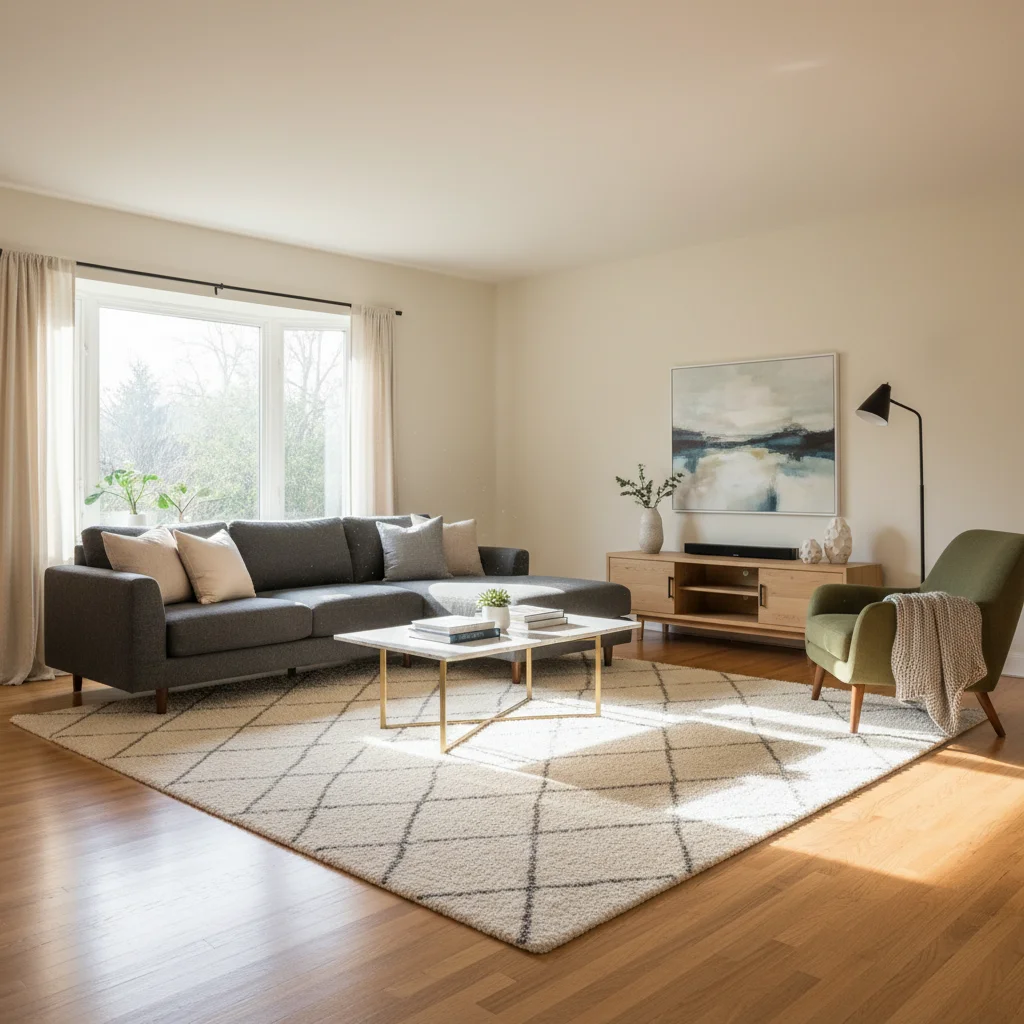
Original photo before edit
Before
->
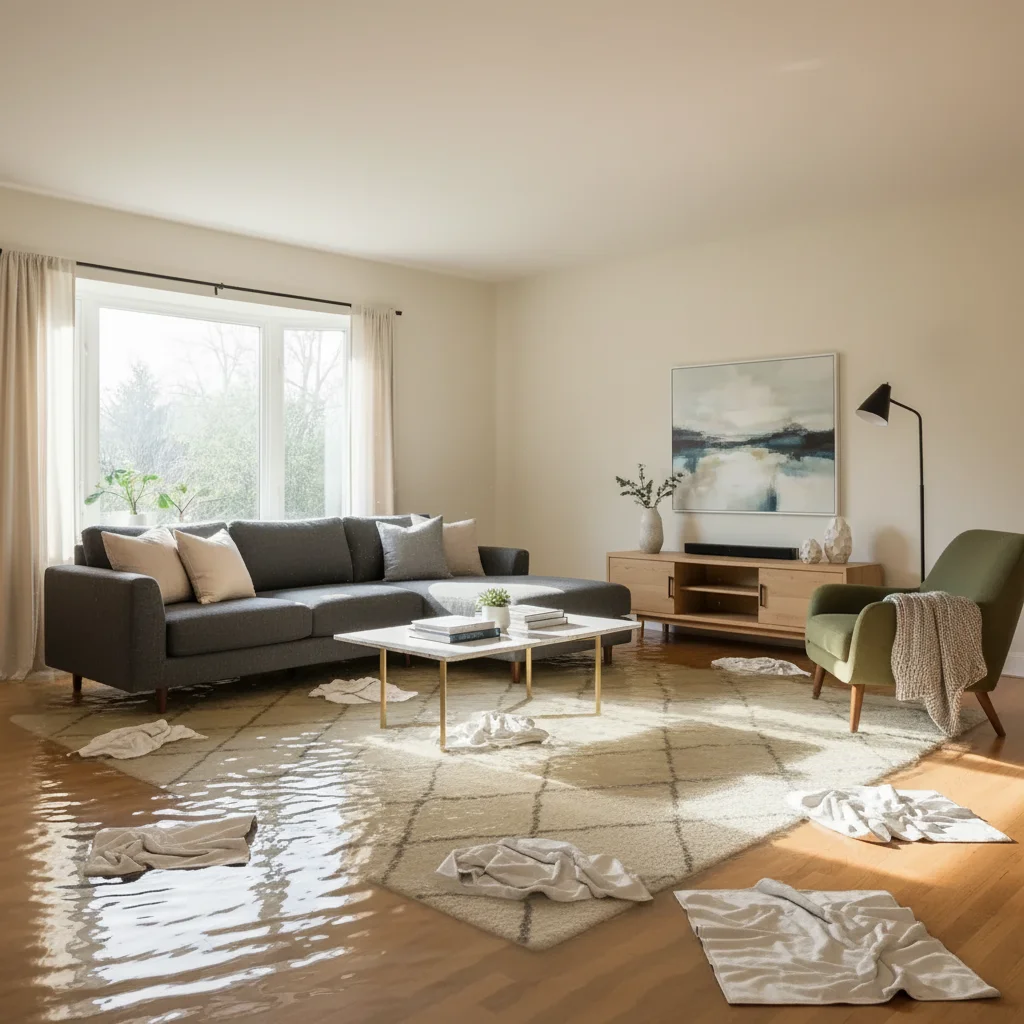
Photo after add with AI
After

Living room flood

Living room with standing water and floating objects.

Prompt: Add several inches of standing water flooding the floor with towels floating

If something looks off

Water doesn't have reflections

Why: Standing water should reflect the room above it.

Try: Add: 'standing water with mirror-like reflections of furniture and ceiling'

Tip: Reflections are what make flood water look real.

Water level inconsistent

Why: Water appears deeper in some areas without reason.

Try: Add: 'uniform water level across the entire floor, consistent depth'

Tip: Real flood water finds a level β€” it should be the same depth everywhere.

Furniture isn't affected by water

Why: AI added water around furniture but didn't show soaking.

Try: Add: 'furniture legs submerged, fabric soaked and darkened at the waterline'

Tip: Waterline on furniture is a critical realism detail.

Whole room changed

Why: AI modified walls, ceiling, or furniture.

Try: Add: 'only add standing water on the floor β€” keep walls, ceiling, furniture as-is'

Tip: Protecting room elements ensures only the flood effect changes.

Quick answers

Do I need to mark the floor area?

No β€” the AI automatically detects the floor. Just describe the flood severity. Markers help only for specific area flooding.

Is the flooded room prank tool free?

Yes, one free Fast edit per week. No signup required. Credit packs start at $1.99.

Will the flood look realistic enough?

AI generates realistic water with proper reflections, depth, and furniture interaction. Very convincing in a panicked text context.

Will there be a watermark?

No, EditThisPic never adds watermarks, even on free edits.

Can I control how deep the water is?

Yes β€” specify 'thin layer,' 'ankle-deep,' or 'knee-deep flooding' in your prompt.

Does this work on mobile?

Yes, works in any mobile browser. No app needed.

Can I flood any type of room?

Yes β€” kitchens, bathrooms, living rooms, bedrooms, basements. AI adapts water appearance to the room.

How much does EditThisPic cost?

You get 1 free edit per week β€” no account needed. After that, credit packs start at $1.99 for 3 edits. Monthly plans start at $4.99/mo for 15 edits with unused credits rolling over. All edits are full resolution with no watermark.

Ready to flood your apartment (digitally)?

Free to try. No signup required.

1 free edit included·Credit packs from $1.99