Free β€’ No signup Add A realistic raccoon to kitchen photo Β· Free

Add Raccoon to Kitchen Prank

Upload a kitchen photo and AI adds a raccoon raiding your fridge, sitting on the counter, or getting into the trash. 'Babe, we have a visitor.'

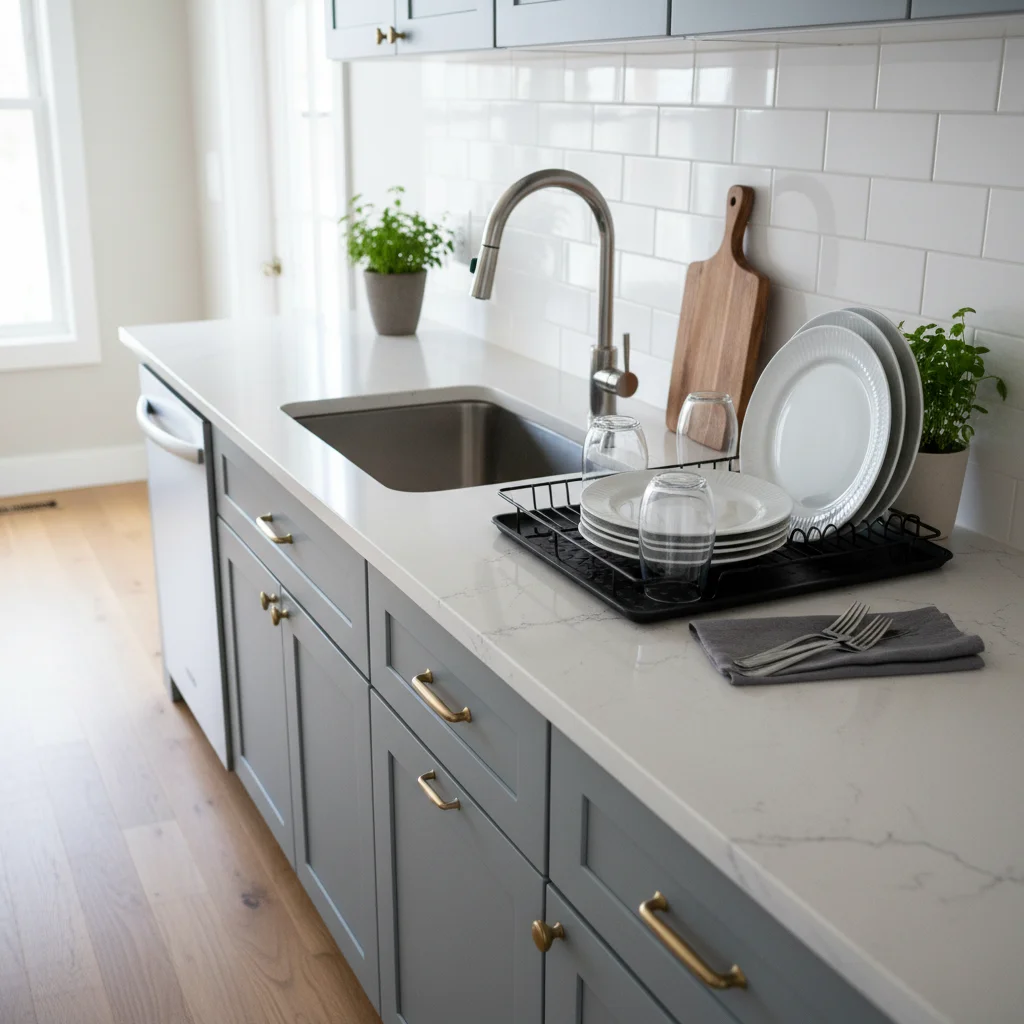
Original clean kitchen counter before raccoon prank
Before
β†’
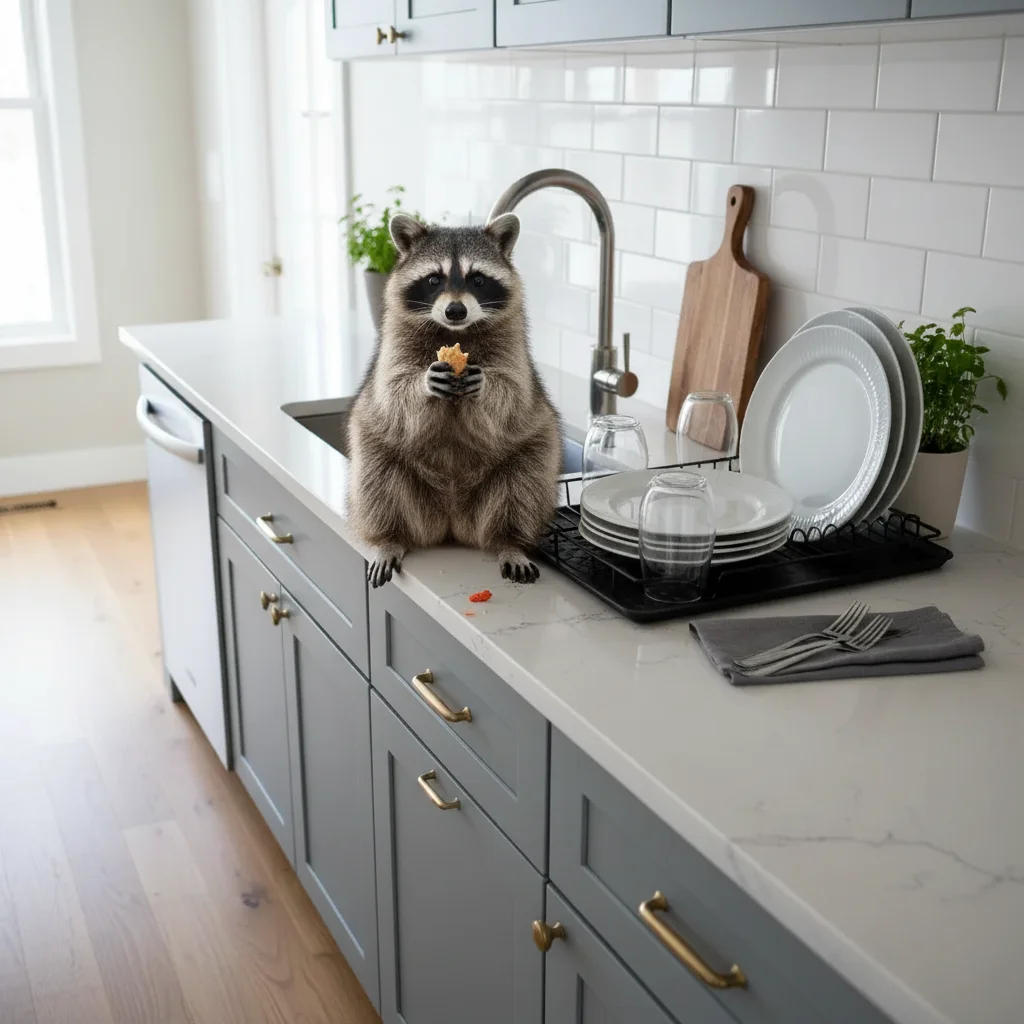
Kitchen counter with realistic AI-generated raccoon
After

Add Raccoon to Kitchen Prank

Upload photo to add a realistic raccoon to kitchen photo

Free β€’ Results in 30 seconds β€’ No signup

Release to upload

FreeNo signupNo watermark

1 free edit·then from $1.99

Popular use cases:
  • add raccoon to kitchen prank
  • raccoon in kitchen photo
  • fake raccoon prank
  • AI raccoon photo maker
  • raccoon in house prank

Cost
Free No signup required
Time
Instant results in 15-30 seconds
Works on
Any device - browser, phone, tablet, desktop
Powered by
AI-powered photo editing

How it works

  1. Upload a kitchen photo

    Drop a photo of your kitchen into EditThisPic. JPG, PNG, WebP up to 7MB. Use your actual kitchen β€” the more recognizable the space, the funnier the prank.

    Expect: Most edits complete in 20-45 seconds. Kitchen photos with visible counters, appliances, or food give the most entertaining results.
  2. Describe the raccoon scenario

    Tell the AI what the raccoon is doing: 'Raccoon sitting on the counter eating out of a cereal box' or 'Raccoon inside the open fridge, looking back at the camera like it got caught.' The funnier the scenario, the better.

    Tip: The 'caught in the act' look is gold β€” 'raccoon looking directly at the camera with food in its hands like it just got caught' gets the best reactions.

    Copy one of these to get started:

    Raccoon on the counter β€” classic Add a raccoon sitting on the kitchen counter next to the sink, holding food in its little hands, looking directly at the camera like it just got caught
    Raccoon in the fridge Add a raccoon inside the open refrigerator, sitting on a shelf among the food, turning to look at the camera with its masked face
    Raccoon raiding the trash Add a raccoon going through the kitchen trash can β€” head inside the bin, back legs on the floor, trash scattered around it on the ground
    Raccoon eating dinner Add a raccoon sitting at the kitchen table or on a chair, with its hands on the table near the food, as if it sat down to eat dinner
    3 more prompts
    Raccoon family invasion Add a mother raccoon with two baby raccoons on the kitchen floor, one baby climbing the cabinet, the other eating something off the floor
    Raccoon in the sink Add a raccoon sitting in the kitchen sink, washing something in its hands under the faucet, like it's doing dishes
    Raccoon on top of the fridge Add a raccoon perched on top of the refrigerator, looking down at the kitchen with its tail hanging over the edge
  3. Send and enjoy the reaction

    Check that the raccoon looks properly scaled and lit. Download and send with 'I think we left the back door open...'

Try it free ↓

Add Raccoon to Kitchen Prank

Upload photo to add a realistic raccoon to kitchen photo

Free β€’ Results in 30 seconds β€’ No signup

Release to upload

Free β€’ No signup

See it in action

Original clean kitchen counter before raccoon prank
Before
->
Kitchen counter with realistic AI-generated raccoon
After

Raccoon on the counter

A kitchen counter with a raccoon sitting among dishes, looking caught.

Prompt: Add a raccoon sitting on the kitchen counter, holding food, looking directly at the camera like it got caught
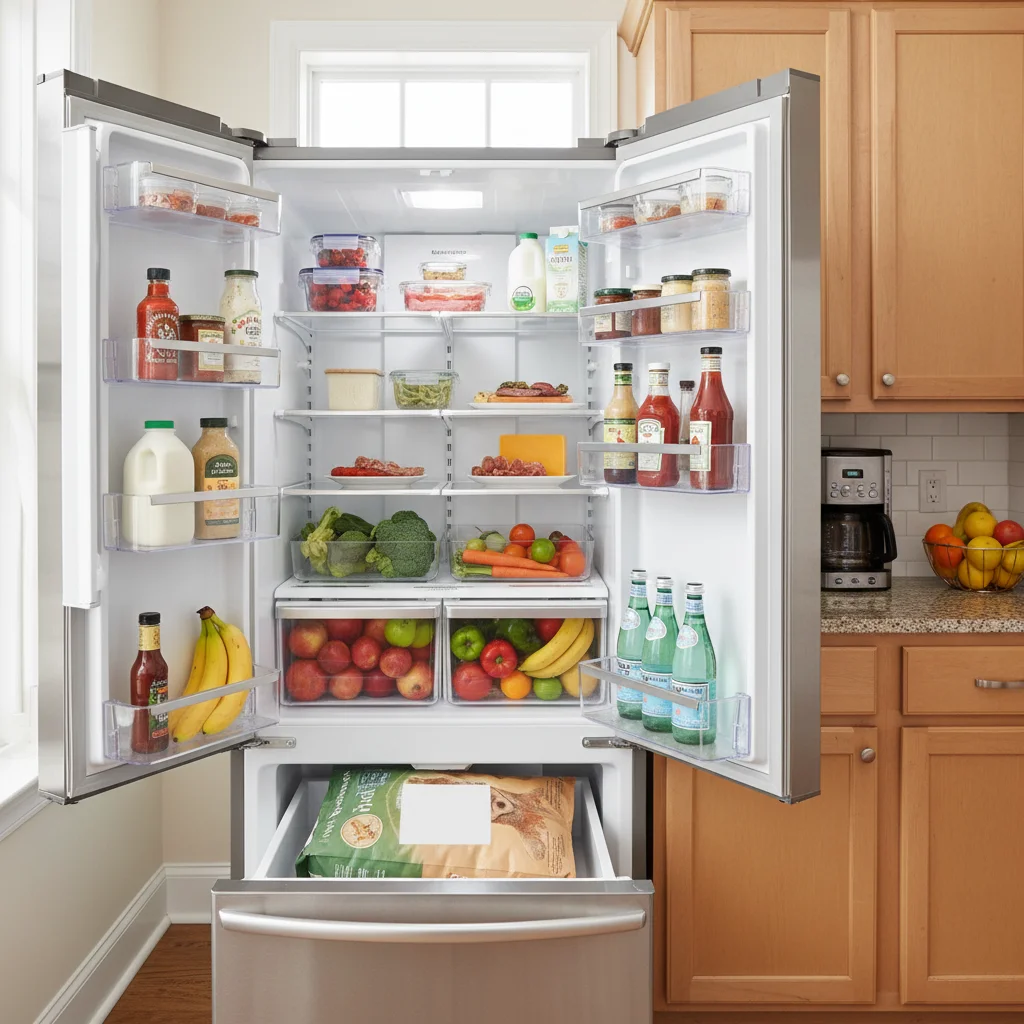
Original open fridge before raccoon prank
Before
->
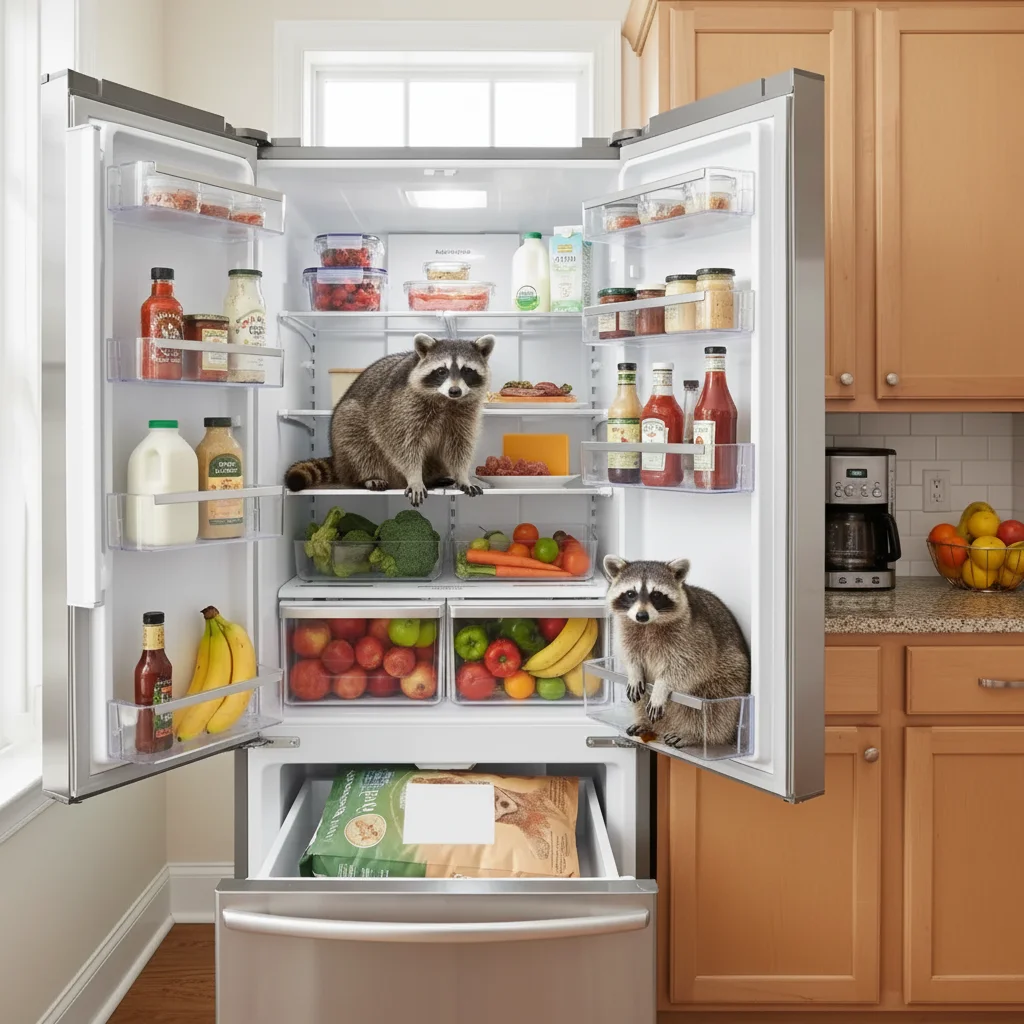
Fridge with AI-generated raccoon sitting inside
After

Raccoon in the fridge

An open fridge with a raccoon sitting inside among the food.

Prompt: Add a raccoon inside the open refrigerator, sitting on a shelf among the food, looking at the camera

If something looks off

Raccoon is the wrong size

Why: AI misjudged scale relative to kitchen objects.

Try: Reference kitchen objects: 'raccoon about the size of a large cat' or 'raccoon as wide as the sink'

Tip: Raccoons are surprisingly large β€” about cat-sized. Mentioning 'large cat size' helps the AI.

Raccoon looks pasted on

Why: Lighting or surface interaction doesn't match.

Try: Add: 'raccoon lit by the kitchen lighting, casting a shadow on the counter, fur matching the scene's color temperature'

Tip: Shadows and matched lighting are the two things that make added animals look real.

Kitchen layout changed

Why: AI moved or modified kitchen elements.

Try: Add: 'keep all kitchen elements exactly as-is β€” only add the raccoon to the existing scene'

Tip: Protecting the kitchen layout is important so the prank target recognizes their space.

Raccoon looks more like a cat or dog

Why: AI generated the wrong animal.

Try: Be specific: 'raccoon with distinctive black mask markings on face, ringed tail, gray-brown fur, and small black hands'

Tip: Mentioning the mask face markings and ringed tail are the two features that make it unmistakably a raccoon.

Quick answers

Do I need to mark where the raccoon should go?

No β€” describe the position in your prompt ('on the counter,' 'in the fridge,' 'at the table'). The AI places it naturally. Markers help for very specific placement.

Is the raccoon kitchen prank tool free?

Yes, EditThisPic lets you add raccoons to photos for free with one Fast edit per week. No signup or credit card required. Credit packs start at $1.99.

Will the raccoon look realistic?

The AI generates photorealistic raccoons with accurate fur, mask markings, hands, and ringed tail. Proper shadows and lighting make it look like the raccoon is actually in your kitchen.

Will there be a watermark?

No, EditThisPic never adds watermarks, even on free edits.

Can I put the raccoon in other rooms, not just the kitchen?

Yes β€” the kitchen is just the funniest location. The AI can add raccoons to bathrooms, bedrooms, garages, porches, or any space.

Does this work on mobile?

Yes, EditThisPic works in any mobile browser β€” snap a kitchen photo and create the prank instantly. No app needed.

Can I add multiple raccoons?

Yes! Ask for 'a mother raccoon with two babies' or 'three raccoons raiding the kitchen' for an escalated prank.

How much does EditThisPic cost?

You get 1 free edit per week β€” no account needed. After that, credit packs start at $1.99 for 3 edits. Monthly plans start at $4.99/mo for 15 edits with unused credits rolling over. All edits are full resolution with no watermark.

Ready to invite a raccoon into your kitchen?

Free to try. No signup required.

1 free edit included·Credit packs from $1.99