Free β€’ No signup Add Mess and destruction to room photo Β· Free

Add Mess to Room Prank

Upload a clean room photo and AI turns it into a disaster zone. Perfect for the 'guess what happened at the party' text.

Original photo before edit
Before
β†’
Photo after add with AI
After

Add Mess to Room Prank Photo

Upload photo to add mess and destruction to room photo

Free β€’ Results in 30 seconds β€’ No signup

Release to upload

FreeNo signupNo watermark

1 free edit·then from $1.99

Popular use cases:
  • add mess to room prank
  • make room look trashed
  • messy room prank photo
  • AI trash room photo

Cost
Free No signup required
Time
Instant results in 15-30 seconds
Works on
Any device - browser, phone, tablet, desktop
Powered by
AI-powered photo editing

How it works

  1. Upload a clean room photo

    Drop a photo of any tidy room into EditThisPic. JPG, PNG, WebP up to 7MB. The cleaner the room, the more dramatic the contrast.

    Expect: Most edits complete in 20-45 seconds.
  2. Describe the mess

    Tell the AI: 'Make it look like a wild party happened β€” drinks spilled, furniture tipped, trash everywhere' or 'Add clothes and food containers scattered across every surface.'

    Tip: Specific mess types are more believable: 'pizza boxes, red solo cups, and clothes on the floor' tells a story.

    Copy one of these to get started:

    Post-party disaster Make this room look like a huge party happened β€” red solo cups, spilled drinks, furniture pushed aside, pizza boxes, broken lamp
    Roommate's room trashed Make this room look like a tornado hit β€” clothes everywhere, drawers open, papers scattered, bed unmade
    Kid destroyed the house Make this room look like a toddler went wild β€” toys everywhere, crayon on the walls, spilled cereal, cushions pulled off couch
    Moving day chaos Add boxes, packing materials, furniture in wrong places, bubble wrap on the floor
    2 more prompts
    Pet destruction Make this room look like a dog destroyed it β€” chewed cushions with stuffing everywhere, knocked-over trash, shredded papers
    Kitchen disaster Make this kitchen a mess β€” dirty dishes piled, food spills, overflowing trash, flour explosion on the counter
  3. Review and send

    Check that the mess looks natural and chaotic. Download and text with 'I'm so sorry, I can explain...'

Try it free ↓

Add Mess to Room Prank Photo

Upload photo to add mess and destruction to room photo

Free β€’ Results in 30 seconds β€’ No signup

Release to upload

Free β€’ No signup

See it in action

Original photo before edit
Before
->
Photo after add with AI
After

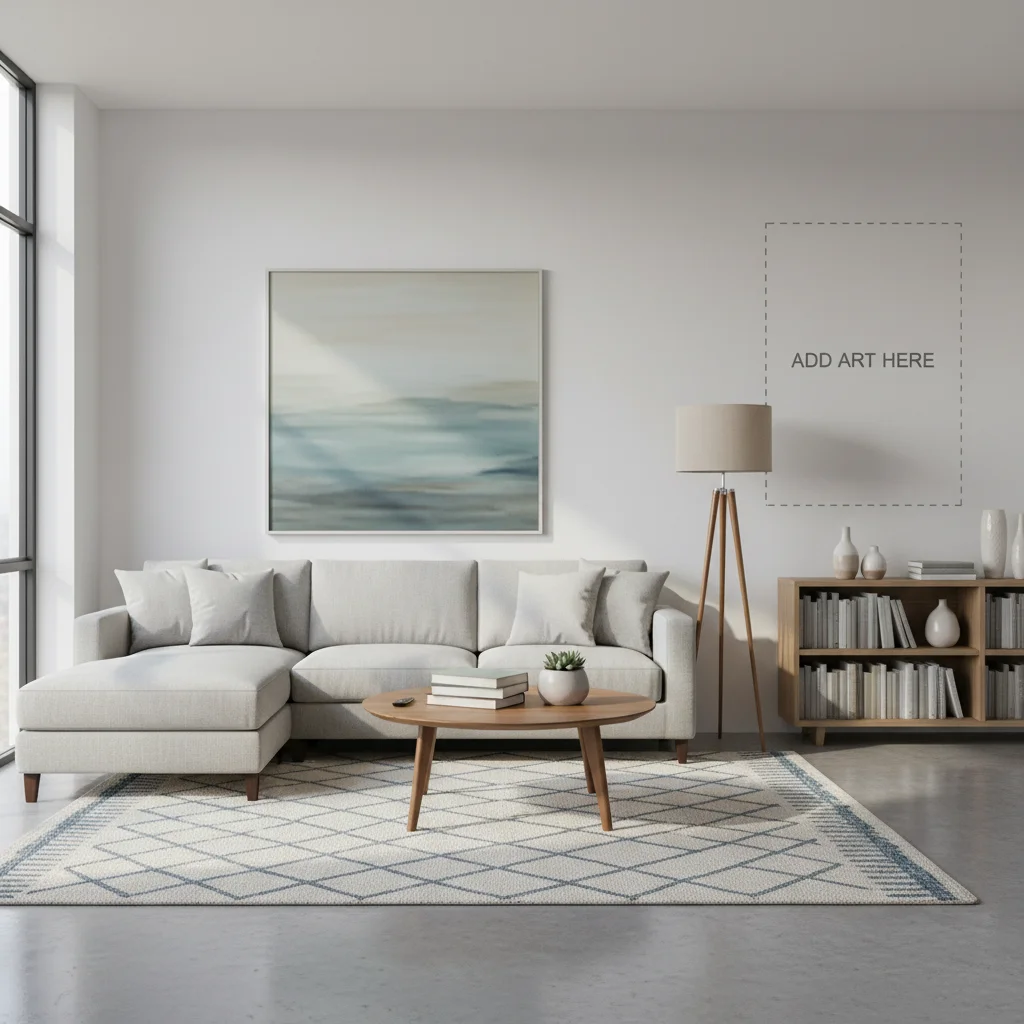
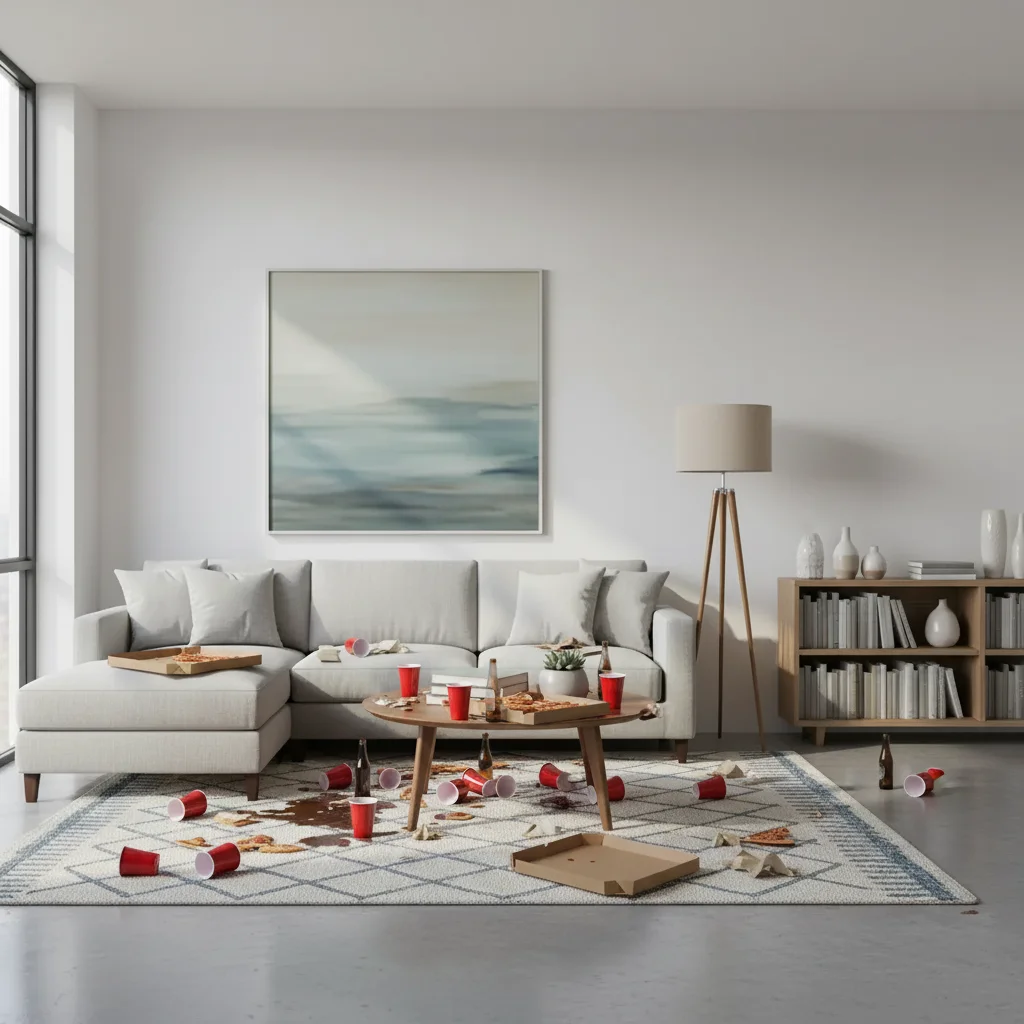
Post-party room prank

Clean living room transformed into party disaster zone.

Prompt: Make this room look like a huge party happened β€” red solo cups, spilled drinks, pizza boxes
Original photo before edit
Before
->
Photo after add with AI
After

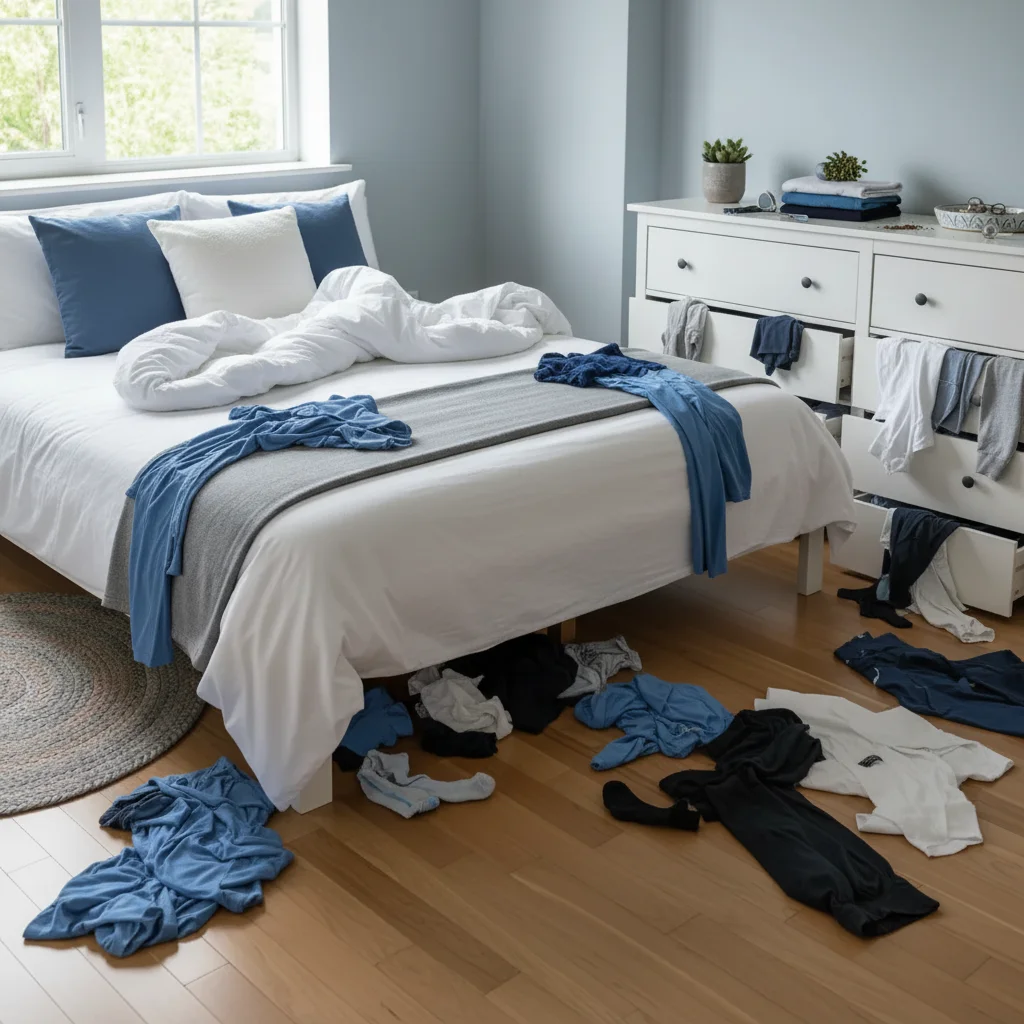
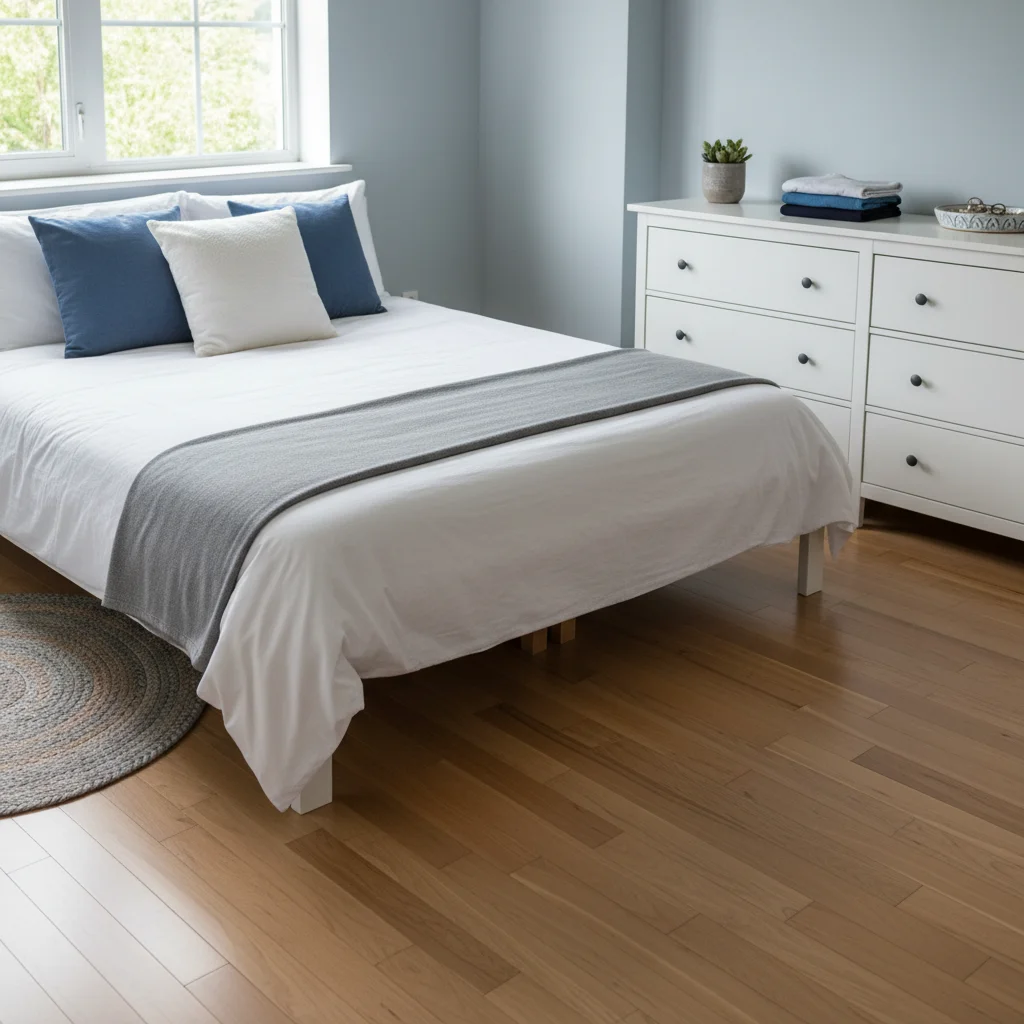
Tornado-hit bedroom

Tidy bedroom turned into a clothes-everywhere disaster.

Prompt: Make this room look like a tornado hit β€” clothes everywhere, drawers open, bed unmade

If something looks off

Mess looks too neatly arranged

Why: AI placed objects too uniformly.

Try: Add: 'chaotic, random mess β€” nothing neatly placed, items at odd angles, overlapping'

Tip: Real messes are chaotic. 'Haphazard' and 'overlapping' help avoid orderly placement.

Room layout changed

Why: AI modified furniture positions.

Try: Add: 'keep all walls and furniture as-is β€” only add mess on existing surfaces and floors'

Tip: Protecting the structure ensures the space is still recognizable.

Added items look unrealistic

Why: Generated objects can look blurry.

Try: Try simpler items: 'clothes, papers, and shoes' instead of complex specific objects

Tip: Common everyday items render more realistically.

Not messy enough

Why: AI was conservative.

Try: Add: 'absolute disaster β€” every surface covered, floor barely visible, maximum chaos'

Tip: Being emphatic ('absolute disaster,' 'maximum chaos') pushes the AI further.

Quick answers

Do I need to mark specific areas?

No β€” the AI distributes mess throughout the room. Markers help only for specific spot targeting.

Is the add mess prank tool free?

Yes, one free Fast edit per week. No signup required. Credit packs start at $1.99.

Will my roommate believe it?

In a quick text message glance, very convincing. Use your actual shared space for max believability.

Will there be a watermark?

No, EditThisPic never adds watermarks, even on free edits.

Can I specify what kind of mess?

Yes β€” party mess, pet destruction, kid tornado, moving chaos, or anything else.

Does this work on mobile?

Yes, works in any mobile browser. No app needed.

Can I mess up any room?

Yes β€” bedrooms, living rooms, kitchens, bathrooms, offices. AI adds contextual mess for each.

How much does EditThisPic cost?

You get 1 free edit per week β€” no account needed. After that, credit packs start at $1.99 for 3 edits. Monthly plans start at $4.99/mo for 15 edits with unused credits rolling over. All edits are full resolution with no watermark.

Ready to trash your room (digitally)?

Free to try. No signup required.

1 free edit included·Credit packs from $1.99