Free β€’ No signup Add A realistic snake to any photo Β· Free

Add Snake to Photo Prank

Upload any photo and AI drops a realistic snake into the scene. Works on Android, iPhone, and desktop β€” no app needed.

Original photo before edit
Before
β†’
Photo after add with AI
After

Add Snake to Photo Prank

Upload photo to add a realistic snake to any photo

Free β€’ Results in 30 seconds β€’ No signup

Release to upload

FreeNo signupNo watermark

1 free edit·then from $1.99

Popular use cases:
  • add snake to photo prank
  • snake prank photo app
  • fake snake in photo
  • AI snake prank

Cost
Free No signup required
Time
Instant results in 15-30 seconds
Works on
Any device - browser, phone, tablet, desktop
Powered by
AI-powered photo editing

How it works

  1. Upload any photo

    Drop any photo into EditThisPic β€” room, yard, trail, desk, bed, bathroom. JPG, PNG, WebP up to 7MB. The snake prank works on virtually any scene.

    Expect: Most edits complete in 20-45 seconds.
  2. Describe the snake

    Tell the AI what kind and where: 'Add a large rattlesnake coiled on the bathroom floor' or 'Put a snake hiding under the bed, only partially visible.'

    Tip: A partially hidden snake (under a bed, behind a shoe) is scarier because it implies there could be more.

    Copy one of these to get started:

    Snake on the bathroom floor Add a large realistic snake coiled on the bathroom floor near the toilet, looking alert with head raised
    Snake under the bed Add a snake peeking out from under the bed, partially hidden, just the head and part of body slithering out
    Snake in the yard Add a large rattlesnake coiled in the grass, blending in, with its rattle visible
    Snake on the desk Add a snake draped across this desk, slithering over the keyboard, looking at the camera
    2 more prompts
    Snake on the trail Add a coiled rattlesnake on the hiking trail, right in the middle of the path as if you almost stepped on it
    Snake in the car Add a snake coiled on the driver's seat or slithering around the steering wheel
  3. Send and enjoy the panic

    Check scale and lighting match. Download and text with 'THERE'S A SNAKE IN THE HOUSE.'

Try it free ↓

Add Snake to Photo Prank

Upload photo to add a realistic snake to any photo

Free β€’ Results in 30 seconds β€’ No signup

Release to upload

Free β€’ No signup

See it in action

Original photo before edit
Before
->
Photo after add with AI
After

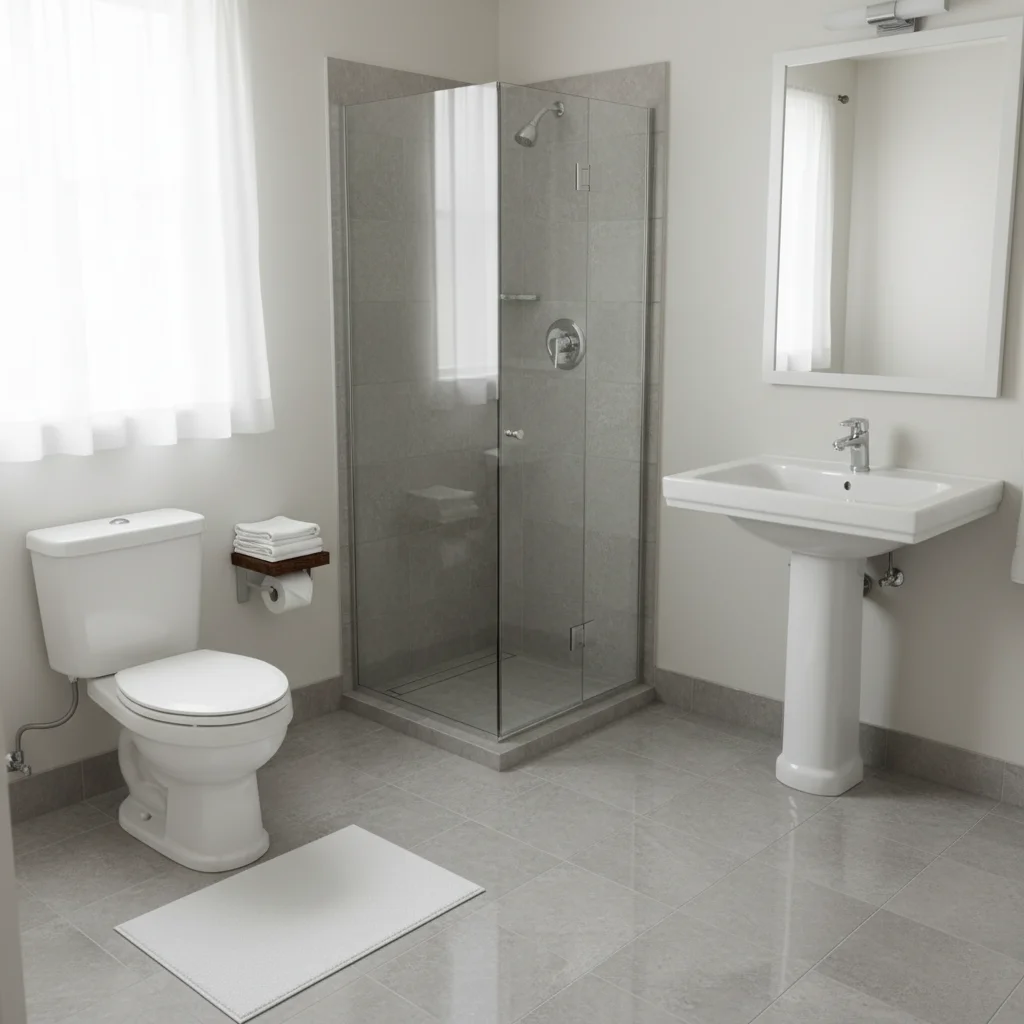
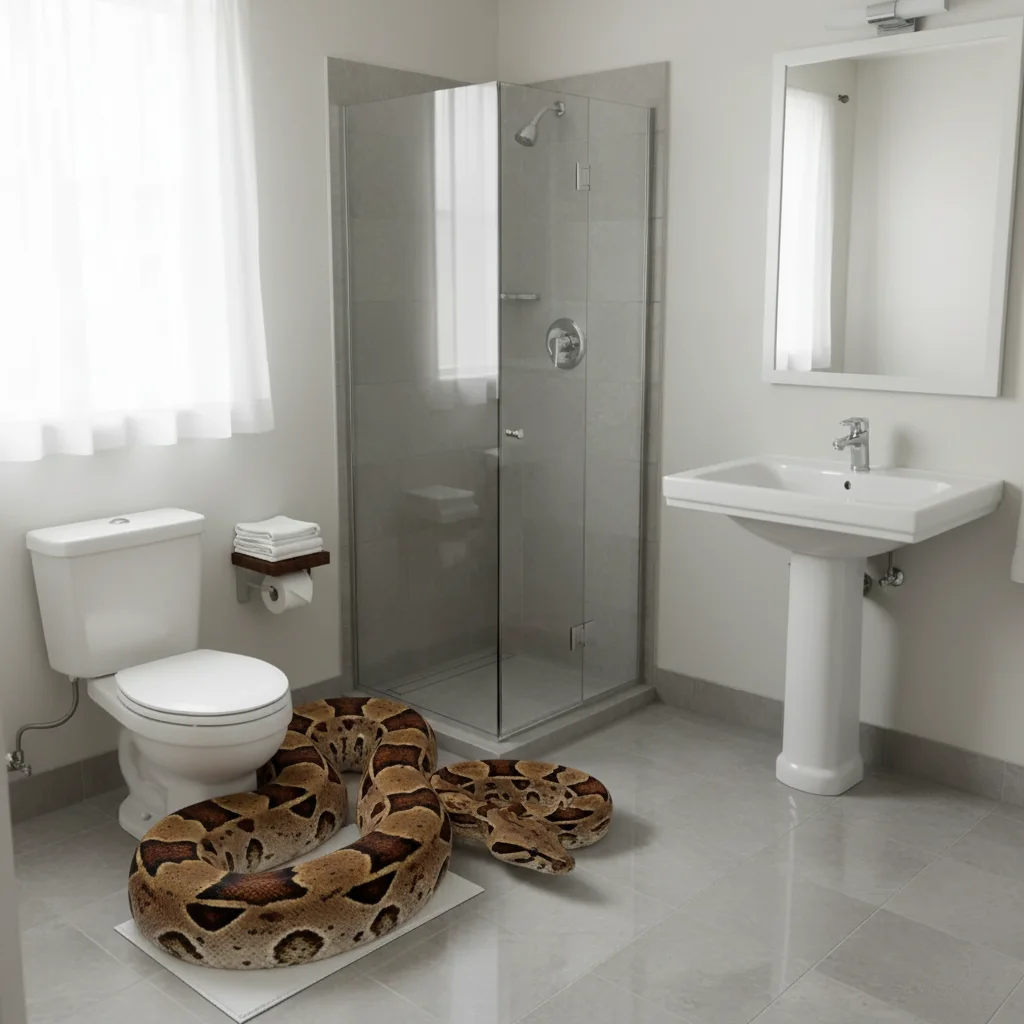
Snake on bathroom floor

Bathroom with realistic snake near the toilet.
Prompt: Add a large realistic snake coiled on the bathroom floor near the toilet
Original photo before edit
Before
->
Photo after add with AI
After

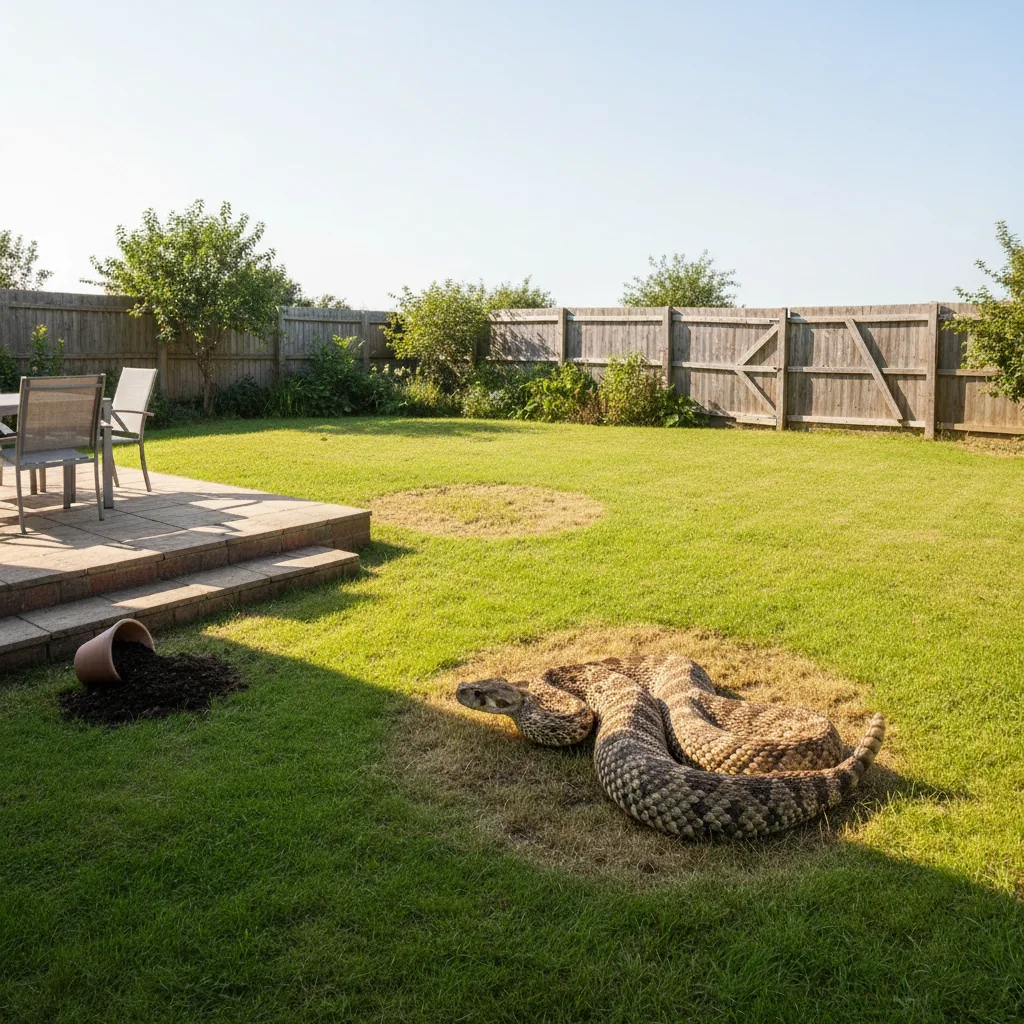
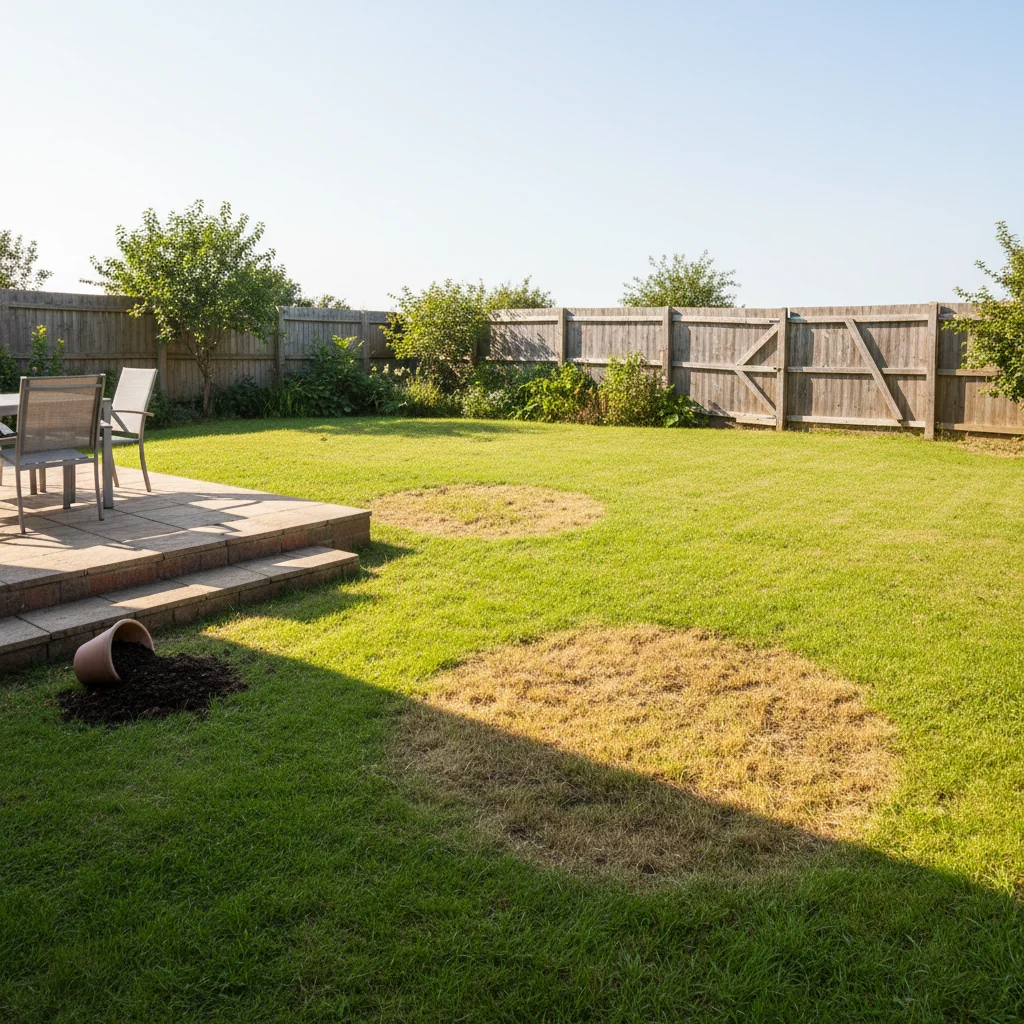
Snake in the yard

Yard with a rattlesnake coiled in the grass.

Prompt: Add a large rattlesnake coiled in the grass, blending in with surroundings

If something looks off

Snake too small or too large

Why: AI misjudged scale relative to objects.

Try: Reference everyday objects: 'about 3 feet long' or 'as thick as a garden hose'

Tip: Everyday object references help the AI nail proportions.

Snake looks like it's floating

Why: No ground contact or shadow.

Try: Add: 'snake resting flat on the surface, proper shadow underneath'

Tip: Ground contact and shadow are critical for realism.

Snake species looks wrong

Why: AI generated a generic snake.

Try: Be specific: 'Eastern diamondback rattlesnake with tan and brown diamond pattern and visible rattle'

Tip: Color pattern and distinctive features help the AI generate the right species.

AI changed the surrounding area

Why: AI modified nearby objects.

Try: Add: 'keep all existing elements as-is β€” only add the snake'

Tip: Especially important for indoor scenes where furniture shouldn't move.

Quick answers

Is this better than snake prank apps on Android?

Yes β€” dedicated apps use pre-made images that look pasted on. EditThisPic AI generates a unique snake matching your scene's lighting and surfaces. Much more convincing.

Is the add snake tool free?

Yes, one free Fast edit per week. No signup required. Credit packs start at $1.99.

Do I need to mark where the snake should go?

Not required β€” AI places the snake naturally. Tap a marker for precise placement.

Can I choose the snake type?

Yes β€” rattlesnake, cobra, python, king snake, garden snake. Describe the color pattern too.

Will there be a watermark?

No, EditThisPic never adds watermarks, even on free edits.

Does this work on mobile?

Yes β€” works in any mobile browser on Android and iPhone. No app download needed.

Can I add the snake to any photo?

Yes β€” rooms, yards, trails, cars, desks, beds, shoes. AI adapts to any environment.

How much does EditThisPic cost?

You get 1 free edit per week β€” no account needed. After that, credit packs start at $1.99 for 3 edits. Monthly plans start at $4.99/mo for 15 edits with unused credits rolling over. All edits are full resolution with no watermark.

Ready to add a snake to your photo?

Free to try. No signup required.

1 free edit included·Credit packs from $1.99