Free β€’ No signup Transform Selfie into a film noir detective scene Β· Free

AI Detective Noir Portrait

Upload your selfie and AI transforms you into a classic film noir detective. Trench coats, shadows, and rain-slicked streets.
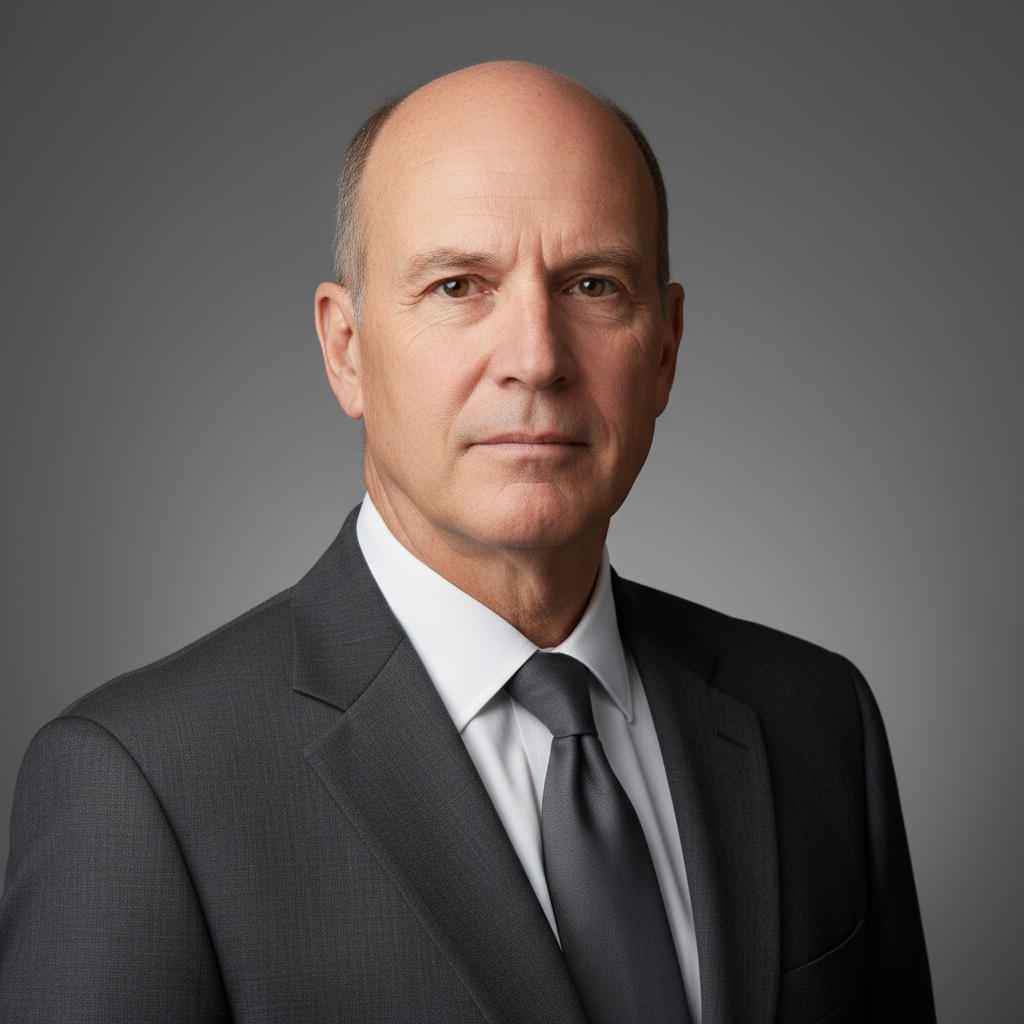
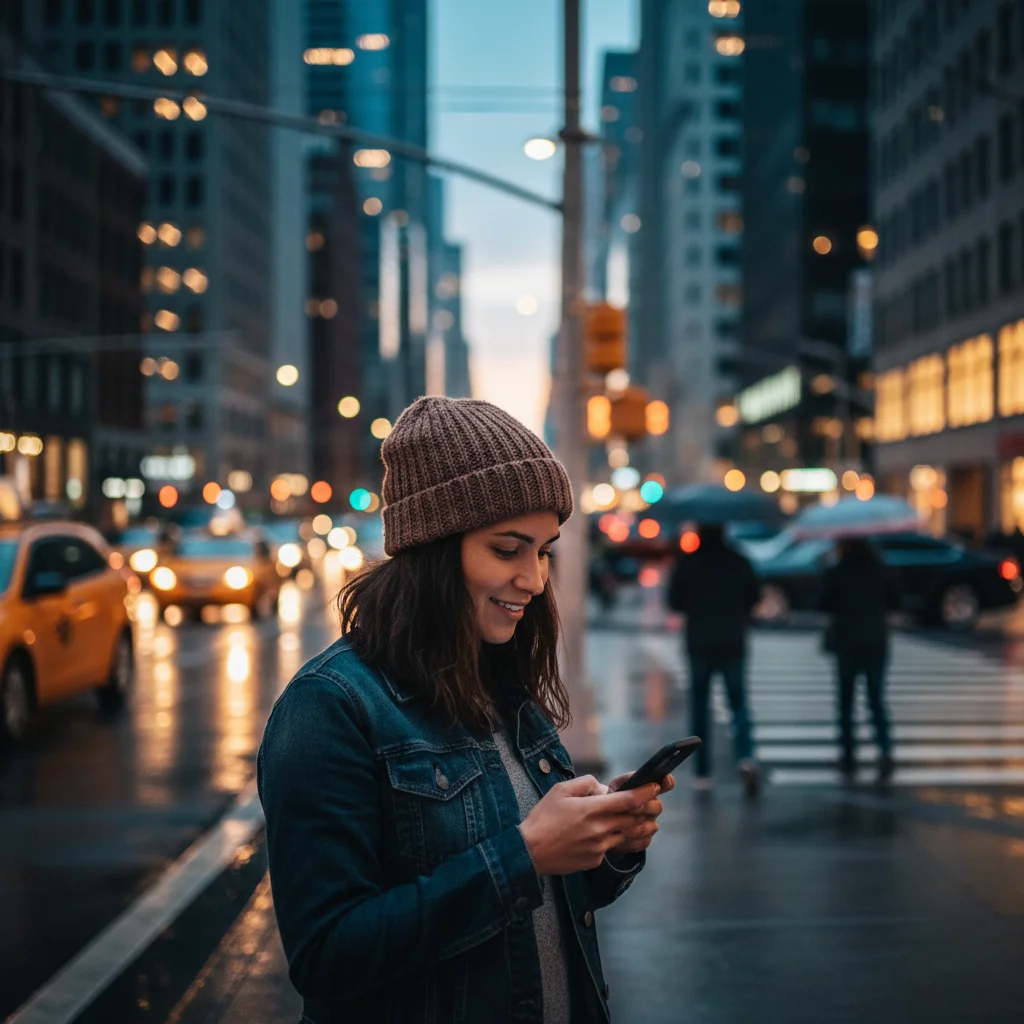
Original photo before transform selfie into a film noir detective scene
Before
β†’
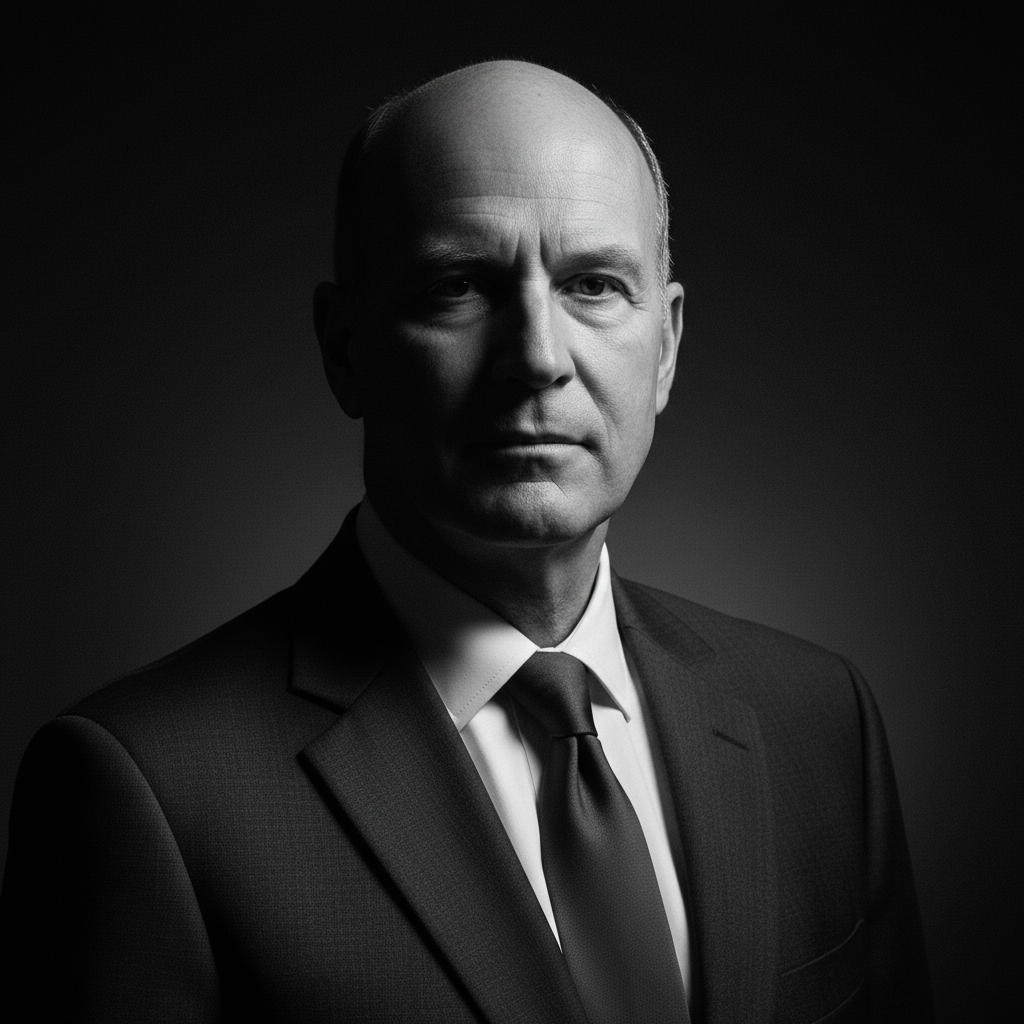
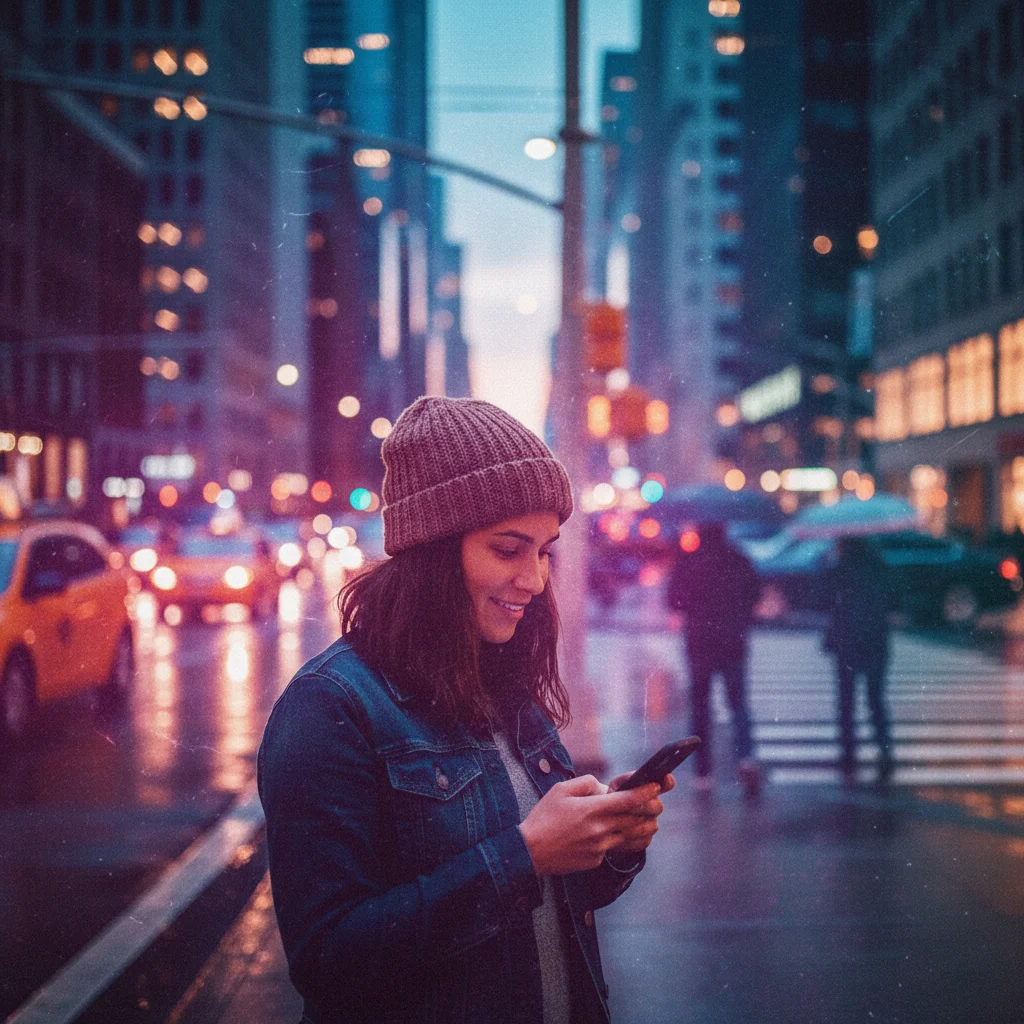
Photo after transform selfie into a film noir detective scene with AI
After

AI Detective Noir Portrait

Upload photo to transform selfie into a film noir detective scene

Free β€’ Results in 30 seconds β€’ No signup

Release to upload

FreeNo signupNo watermark

1 free edit·then from $1.99

Popular use cases:
  • transform selfie into a film noir detective scene
  • AI selfie into a film noir detective scene editor
  • photo selfie into a film noir detective scene tool
  • free selfie into a film noir detective scene editing

Cost
Free No signup required
Time
Instant results in 15-30 seconds
Works on
Any device - browser, phone, tablet, desktop
Powered by
AI-powered photo editing

How it works

  1. Upload your photo

    Drop your image into EditThisPic. JPG, PNG, WebP up to 7MB. Choose a clear photo where the area you want to edit is visible.

    Expect: Most edits complete in 20-45 seconds. Complex changes may need 1-2 refinements.
  2. Describe your edit

    Type what you want: 'transform this selfie into a film noir detective β€” trench coat, fedora, rain-slicked city street, dramatic shadows and high contrast black and white lighting.' Be specific about details for best results. The AI understands natural language β€” no technical skills needed.

    Tip: Specify 'black and white with a single color accent' (like a red scarf or neon sign) for that classic neo-noir look.

    Copy one of these to get started:

    Classic noir detective Transform me into a 1940s film noir detective β€” trench coat with turned-up collar, fedora tipped low, cigarette smoke, rain-slicked street, dramatic shadows from venetian blinds. Black and white, high contrast
    Noir femme fatale Turn me into a film noir femme fatale β€” elegant black dress, dramatic eyeliner, holding a cigarette holder, single spotlight from above, mystery in my expression. Classic black and white film grain
    Neo-noir color Transform into a neo-noir detective β€” modern suit, neon signs reflecting on wet pavement, moody blue and orange color palette, holding a flask, city alley at night. Blade Runner meets classic noir
    Detective office scene Make me a noir detective in my office β€” feet on desk, whiskey glass nearby, case files scattered, desk lamp as the only light source, city skyline through dirty window blinds. Black and white
    2 more prompts
    Rainy street scene Transform into a lone detective walking down a rain-soaked street at night β€” trench coat flowing, streetlamp halos in the mist, my shadow stretching long on wet pavement. Cinematic widescreen composition
    Noir wanted poster Create a noir-style wanted poster with my face β€” 'WANTED FOR QUESTIONING' in typewriter font, rain-stained paper, police department header, grainy surveillance-style photo of me
  3. Review the result

    Check the output carefully. Look for natural blending, consistent lighting, and realistic details. Compare before and after using the slider.

Try it free ↓

AI Detective Noir Portrait

Upload photo to transform selfie into a film noir detective scene

Free β€’ Results in 30 seconds β€’ No signup

Release to upload

Free β€’ No signup

See it in action

Original photo before transform selfie into a film noir detective scene
Before
->
Photo after transform selfie into a film noir detective scene with AI
After

AI Detective Noir Portrait β€” Example 1

A photo edited using EditThisPic to transform selfie into a film noir detective scene.

Prompt: Transform me into a 1940s film noir detective β€” trench coat with turned-up collar, fedora tipped low, cigarette smoke, rain-slicked street, dramatic shadows from venetian blinds. Black and white, high contrast
Original photo before transform selfie into a film noir detective scene
Before
->
Photo after transform selfie into a film noir detective scene with AI
After

AI Detective Noir Portrait β€” Example 2

Another example showing a different scenario for this editing task.

Prompt: Turn me into a film noir femme fatale β€” elegant black dress, dramatic eyeliner, holding a cigarette holder, single spotlight from above, mystery in my expression. Classic black and white film grain

If something looks off

AI changed the wrong area

Why: The AI couldn't determine exactly which area you meant from the description alone.

Try: Tap a marker on the specific area you want to edit, then regenerate with the same prompt

Tip: Markers tell the AI exactly where to focus. Use them when description alone is ambiguous.

Result looks unnatural or blurry

Why: The AI may need more specific guidance about the look you want.

Try: transform selfie into a film noir detective scene, ensure natural lighting and sharp details that match the rest of the photo

Tip: Adding 'natural' and 'realistic' to your prompt helps the AI prioritize believability.

Lighting doesn't match the rest of the photo

Why: The edited area has different lighting than the original scene.

Try: transform selfie into a film noir detective scene, match the lighting direction and color temperature of the original photo

Tip: If light comes from one side in the original, mention it: 'with light from the left side.'

Edges look rough or artificial

Why: Transitions between edited and unedited areas need refinement.

Try: Tap markers on the rough edges and regenerate: refine these edges for a seamless blend

Tip: Edge refinement is the most common adjustment β€” markers on problem areas make it quick.

Quick answers

Is the detective noir portrait tool free?

Yes, EditThisPic lets you create a film noir detective portrait for free with one Fast edit per week. No signup or credit card required. Credit packs start at $1.99 for more edits.

Will the result be black and white?

By default, classic noir prompts produce black and white results. If you want color, specify 'neo-noir' with a color palette in your prompt. You can also ask for 'black and white with one color accent.'

What photo works best for noir portraits?

Any clear selfie or portrait works. The AI handles the costume, lighting, and background transformation. Moody or serious expressions work better than smiles for the detective vibe.

Can I choose different noir styles?

Absolutely. Classic 1940s noir, neo-noir with neon colors, spy thriller, hardboiled detective β€” describe the specific style in your prompt and the AI adapts the lighting, wardrobe, and setting accordingly.

Does it work for couples or groups?

Yes. Upload a couples photo and describe roles β€” one detective, one femme fatale, or both as detectives. The AI transforms both people within the same noir scene.

How is this different from the noir filter?

The noir filter applies a black and white contrast overlay to your existing photo. This tool fully transforms you into a new noir character with costume, setting, lighting, and cinematic composition β€” it's a complete scene creation.

How much does EditThisPic cost?

You get 1 free edit per week β€” no account needed. After that, credit packs start at $1.99 for 3 edits. Monthly plans start at $4.99/mo for 15 edits with unused credits rolling over. All edits are full resolution with no watermark.

Ready to transform your photos?

Free to try. No signup required.

1 free edit included·Credit packs from $1.99