Pricing Remove Unwanted objects · Free

AI Eraser

← Browse all remove tools

Last updated

Upload any photo and describe what to erase — a trash can, power lines, a person in the background, a parked car, or any distracting object. The AI removes it and fills in the scene behind it. Works on landscapes, portraits, interiors, and product shots. Free, no account needed.

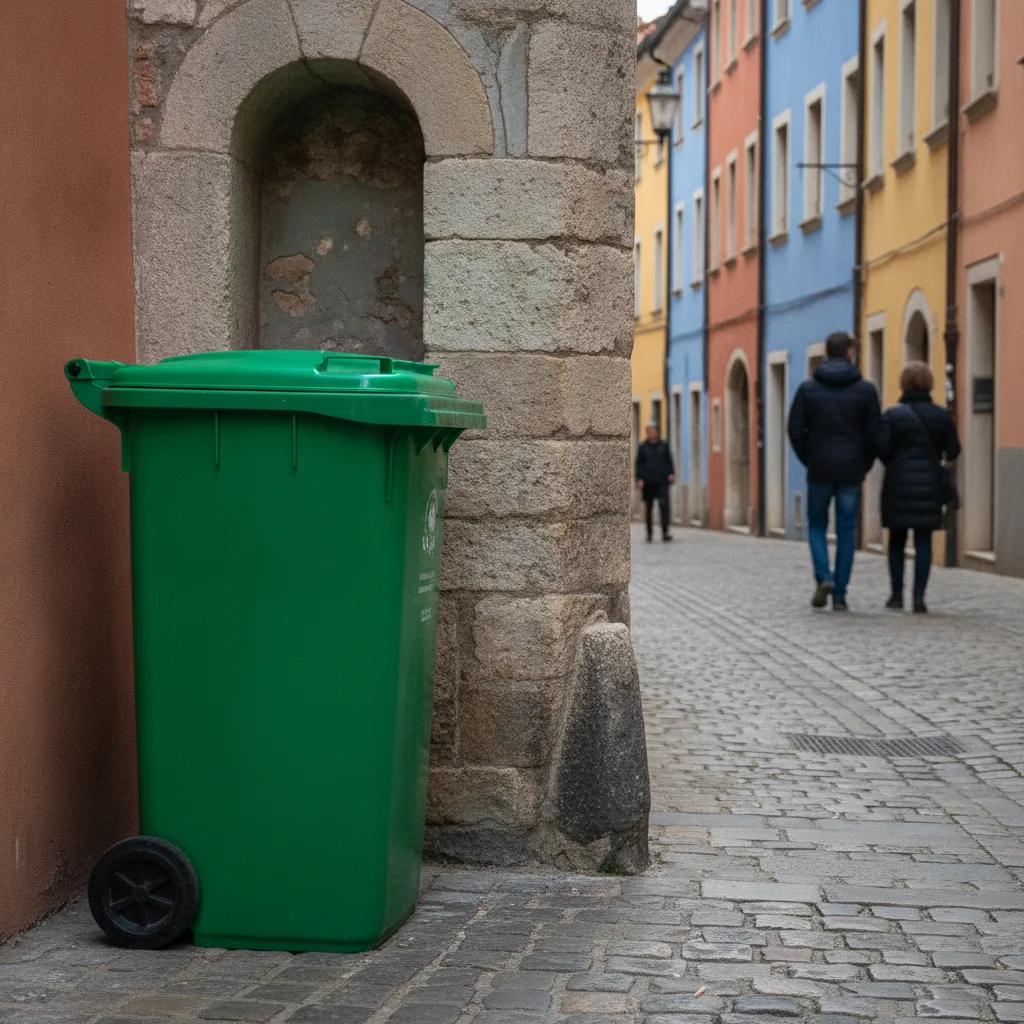
Street photo with a large green trash can in the foreground Same street photo with the trash can removed and clean cobblestone showing

Upload photo to remove unwanted objects

"remove the power lines from the sky in this photo, restore the sky behind them"

Free to try · no sign-up · photos are never shared

Release to upload

<30stypical edit
1 freeedit weekly
Photo on your phone? Scan to open this editor there — free edit works on your phone too.

1 free edit every week·packs from $4.99

How it works

  1. Upload your photo

    Upload the photo containing the object you want to erase. JPG, PNG, and WebP up to 7MB. The AI eraser works on all photo types: landscapes, portraits, interiors, real estate shots, product photos, and street scenes.

    Expect: Small objects on simple backgrounds: 20-35 seconds. Large objects or objects in complex scenes: 40-60 seconds.
  2. Describe what to erase

    Type what you want removed: 'remove the trash can on the left side' or 'erase the parked car in the background.' Name the object specifically. The AI identifies and erases it, then fills in the space with the surrounding scene. No brushing, no selection, no marking.

    Tip: Name the object clearly: 'trash can', 'parked car', 'person in the background', 'power lines.' Vague instructions like 'remove the thing on the right' are harder to act on than specific object names.

    Copy one of these to get started:

    Remove distracting object from background remove the [trash can/car/sign] in the background and fill with the surrounding scene
    Erase power lines or wires remove the power lines from the sky in this photo, restore the sky behind them
    Remove person from background erase the person in the background, fill in the scene naturally behind them
    Clean up clutter in interior or product shot remove the clutter on the table in the background and restore a clean surface
    3 more prompts
    Erase a vehicle from a real estate photo remove the parked car from the driveway and fill with the driveway surface
    Remove a shadow from the scene erase the shadow on the pavement and fill with the pavement color and texture
    Remove a date or timestamp stamp from a photo erase the date stamp in the corner of this photo and fill with the background
  3. Check the scene fill

    Look at where the object was — check that the fill blends naturally with the surrounding scene. Zoom into edges for seamless blending. If the fill isn't perfect, run a second pass with more specific guidance.

  4. Download or refine

    Download the clean photo if you're satisfied. If the fill needs work, re-upload and describe what to improve: 'blend the pavement fill more naturally in the bottom-left corner.'

    Tip: For objects that cast shadows, add 'remove the shadow cast by the [object] as well' to get a fully clean result.

See it in action

Street photo with a large green trash can in the foreground
Before
->
Same street photo with the trash can removed and clean cobblestone showing
After

Trash can erased from street photo

A street photography shot with an unwanted trash can in the foreground, removed to show clean pavement.

Prompt: remove the trash can from the left side of the street photo, restore the pavement and sidewalk behind it
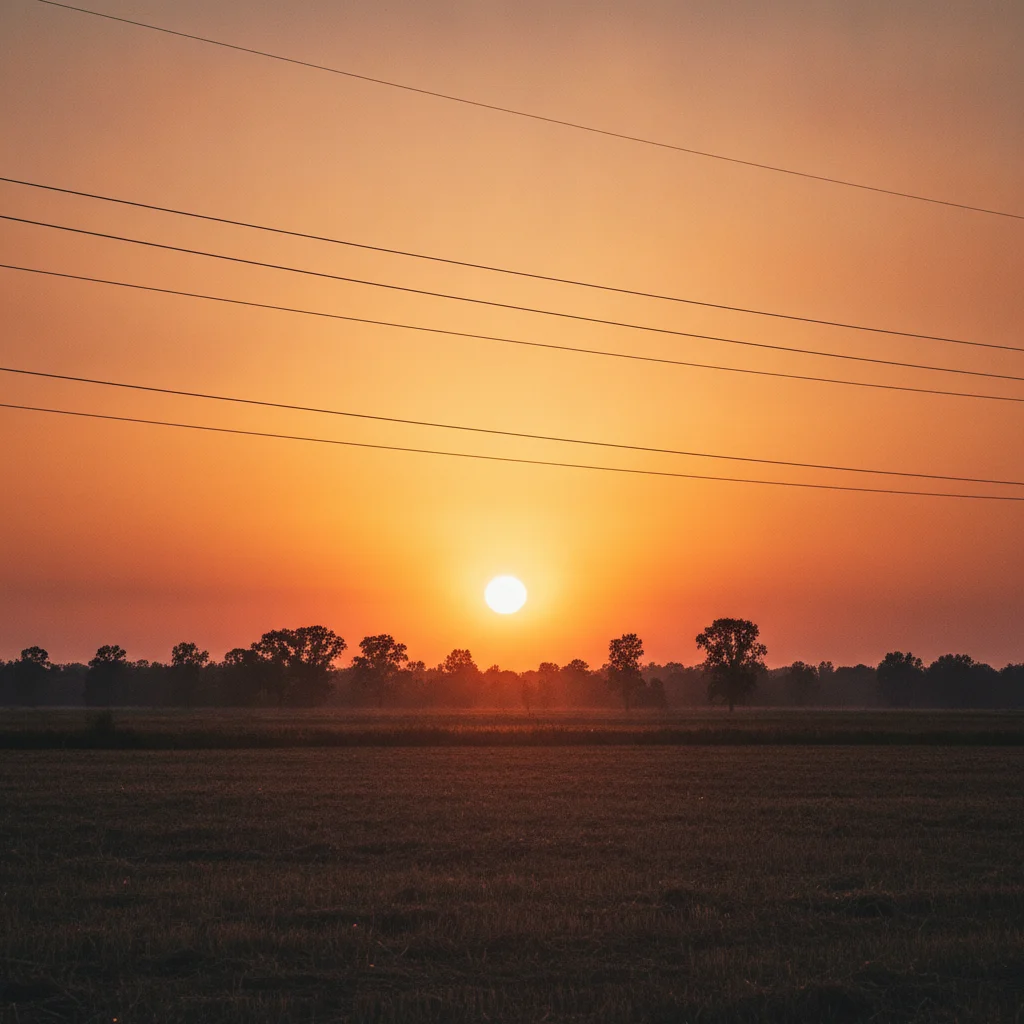
Sunset landscape with two power lines crossing the sky
Before
->
Same sunset landscape with power lines removed and clean sky
After

Power lines removed from landscape photo

A landscape sunset photo with utility lines crossing the sky, erased to reveal clean gradient sky.
Prompt: remove the power lines from the sky in this photo, restore the sky behind them
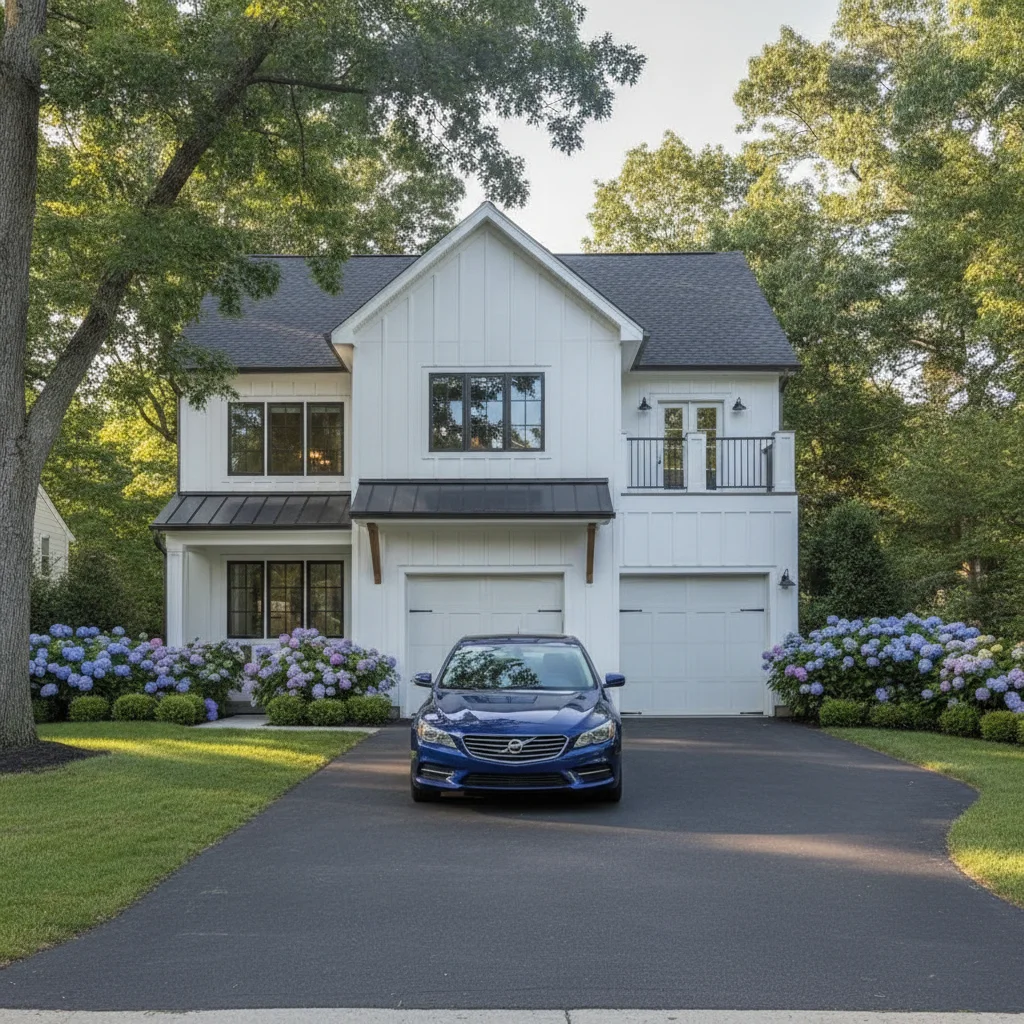
House exterior with a blue sedan parked in the driveway
Before
->
Same house exterior with the car removed and clean driveway visible
After

Parked car removed from real estate exterior

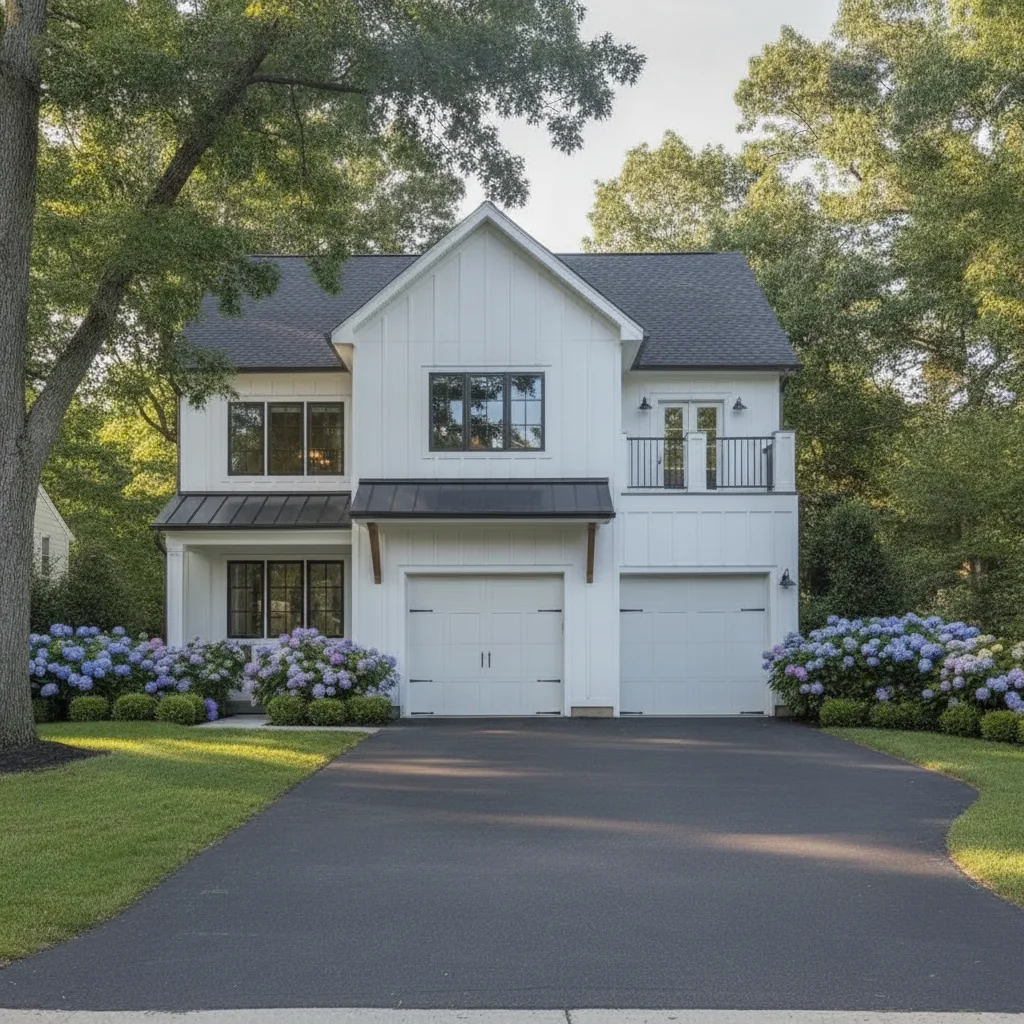
A house exterior photo with a car blocking the driveway, removed to show the full property.

Prompt: remove the parked car from the driveway and fill with the driveway surface and grass

Quick answers

Do I need to mark or circle the object I want to erase?

No. Upload your photo and describe the object: 'remove the trash can on the left side' or 'erase the person in the background.' EditThisPic's AI finds and removes the object automatically. No selection tools, brushes, or lasso marking needed.

How do I remove an unwanted object from a photo for free?

Upload your photo to EditThisPic and type 'remove the [object] from the photo and fill with the surrounding scene.' The AI erases the object and reconstructs the background in 30-45 seconds. Free, no signup, no watermark on the result.

What kinds of objects can the AI eraser remove?

The AI eraser works on most objects: people in backgrounds, vehicles, signs, trash cans, power lines, furniture, clutter, date stamps, shadows, and more. Complex overlapping objects or very large foreground subjects may need two passes. Name the object specifically in your prompt for best results.

Can the AI eraser remove people from photos?

Yes. Use 'erase the person in the background and fill the scene naturally' or 'remove the person on the left side.' For crowded scenes, describe the person specifically: 'the woman in the red jacket' or 'the person near the doorway.' Partial people at the edges of shots fill best.

Does it work for erasing objects in real estate and property photos?

Yes. Real estate is one of the top use cases. Remove parked cars from driveways, bins from doorways, garden tools from lawns, and other distractions. Describe the object and surface: 'remove the car from the driveway and fill with the driveway concrete.' Works on interior shots too — remove furniture, clutter, and fixtures.

How much does EditThisPic cost?

You get 1 free edit per week — no account needed. After that, one-time credit packs start at $4.99 for 10 edits, valid 12 months, no subscription. Power users who edit daily can pick Studio Membership, a monthly workspace at $49.99/mo for 300 edits. Purchased downloads are clean with no watermark.

Ready to erase unwanted objects from your photo?

Free to try. No signup required.

1 free edit included·Credit packs from $4.99