Free β€’ No signup Match Headshot background Β· Free

AI Headshot Background Matcher

Describe what you want and AI handles the rest. No marking needed.

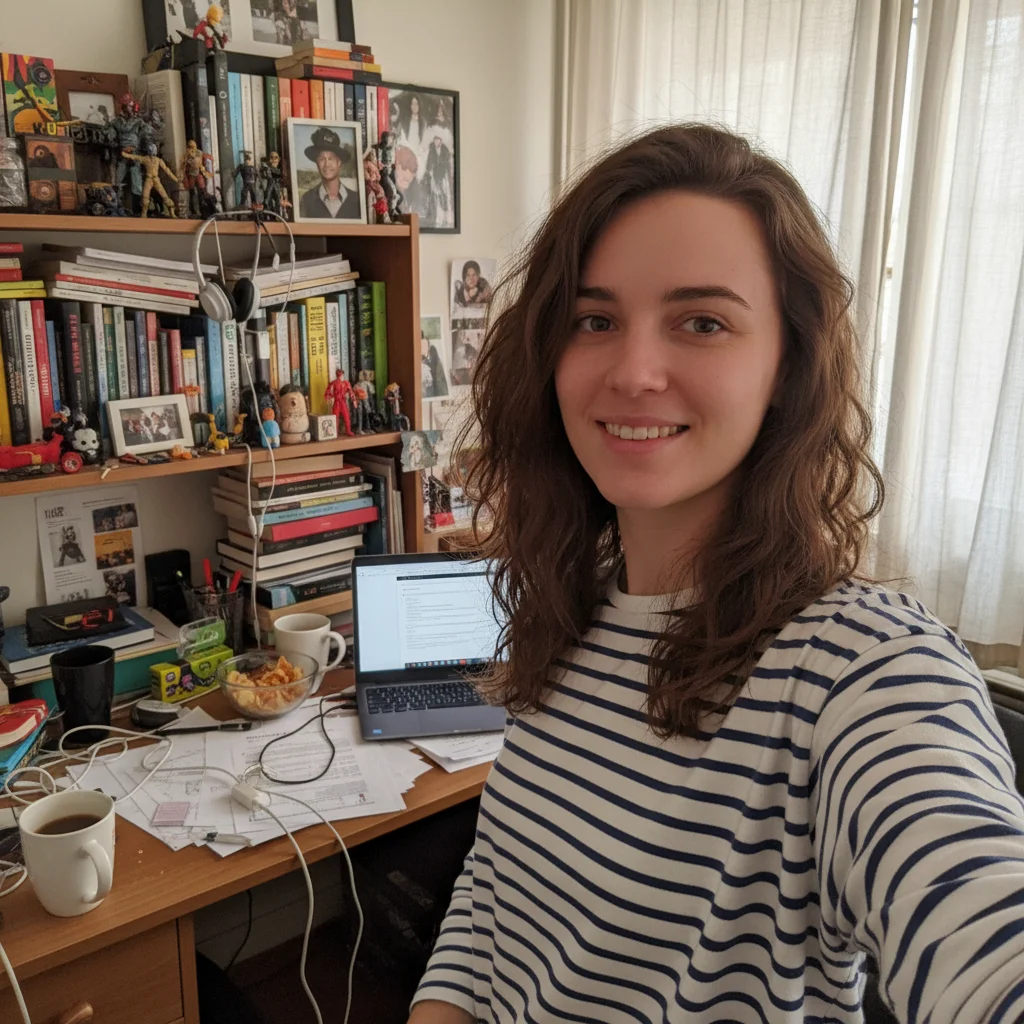
Original photo before match headshot background
Before
β†’
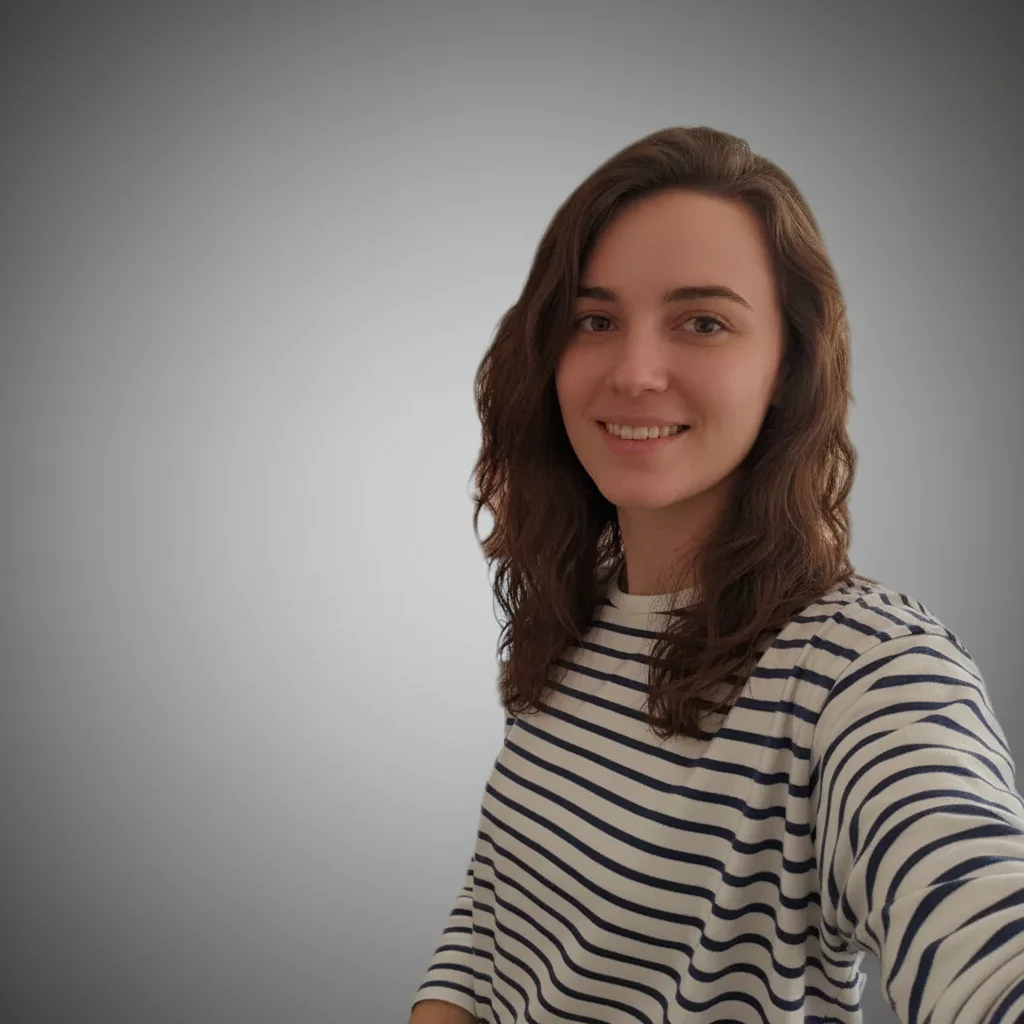
Photo after match headshot background with AI
After

AI Headshot Background Matcher

Upload photo to match headshot background

Free β€’ Results in 30 seconds β€’ No signup

Release to upload

FreeNo signupNo watermark
Popular use cases:
  • match headshot background
  • AI headshot background editor
  • photo headshot background tool
  • free headshot background editing

Cost
Free No signup required
Time
Instant results in 15-30 seconds
Works on
Any device - browser, phone, tablet, desktop
Powered by
AI-powered photo editing

How it works

  1. Upload your photo

    Drop your image into EditThisPic. JPG, PNG, WebP up to 7MB. Choose a clear photo where the area you want to edit is visible.

    Expect: Most edits complete in 20-45 seconds. Complex changes may need 1-2 refinements.
  2. Describe your edit

    Type what you want: 'match the background of this headshot to the reference image style.' Be specific about details for best results. The AI understands natural language β€” no technical skills needed.

    Tip: Be specific with details like colors, sizes, and positions for more accurate results.

    Copy one of these to get started:

    Corporate team consistency match this headshot background to the corporate style shown in the reference image, maintaining professional lighting
    LinkedIn professional branding recreate the background style from the reference photo for this LinkedIn headshot, ensuring professional appearance
    Executive portrait matching match the sophisticated background treatment from the reference image, including depth and lighting quality
    Company brand compliance apply the exact background style from our brand reference image to maintain corporate visual identity
    2 more prompts
    Conference speaker consistency match the professional background style from the reference speaker photo for event consistency
    Marketing team uniformity recreate the background aesthetic from the reference image to match our marketing team's visual style
  3. Review the result

    Check the output carefully. Look for natural blending, consistent lighting, and realistic details. Compare before and after using the slider.

  4. Refine if needed

    If specific areas need adjustment, tap markers on those spots and regenerate. Most edits work well on the first try.

    Tip: Markers are optional. Try without them first β€” the AI usually gets it right.
Try it free ↓

AI Headshot Background Matcher

Upload photo to match headshot background

Free β€’ Results in 30 seconds β€’ No signup

Release to upload

Free β€’ No signup

See it in action

Original photo before match headshot background
Before
->
Photo after match headshot background with AI
After

AI Headshot Background Matcher β€” Example 1

A photo edited using EditThisPic to match headshot background.

Prompt: match this headshot background to the corporate style shown in the reference image, maintaining professional lighting
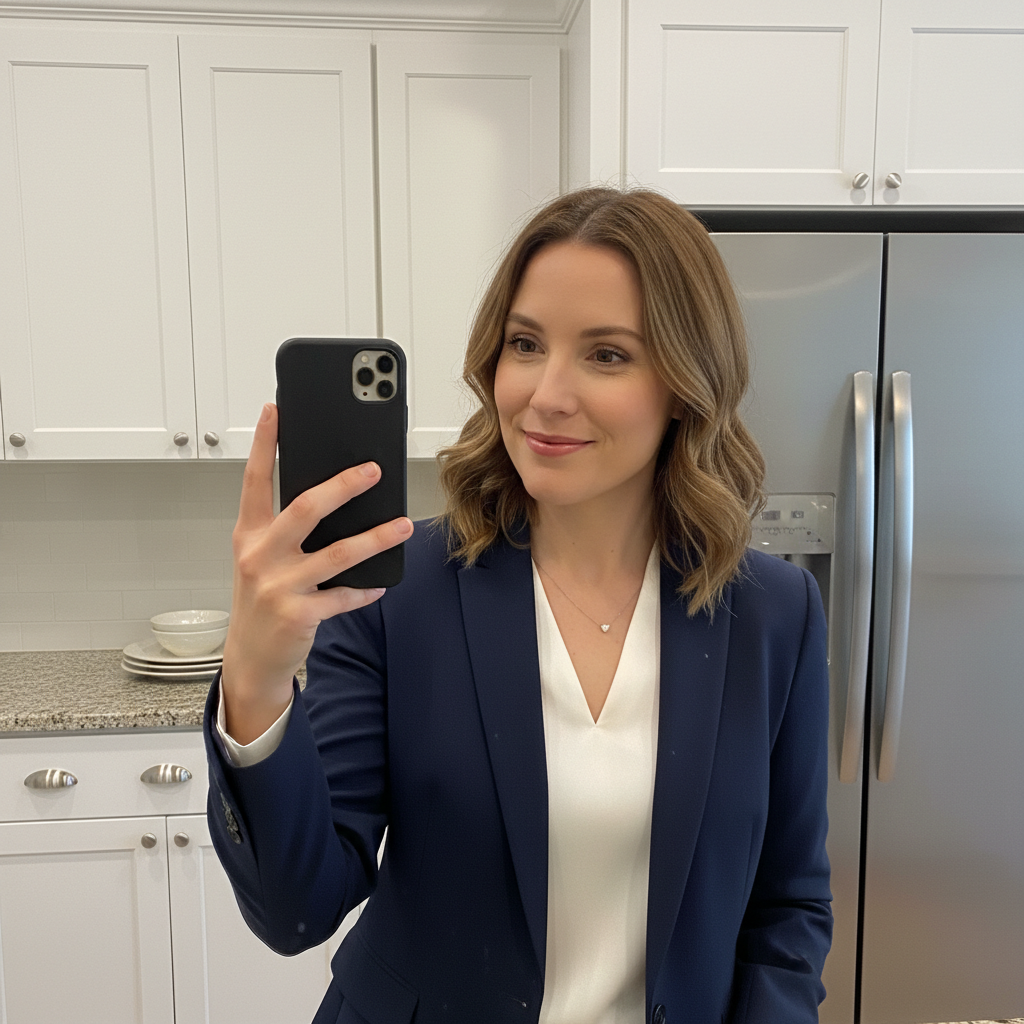
Original photo before match headshot background
Before
->
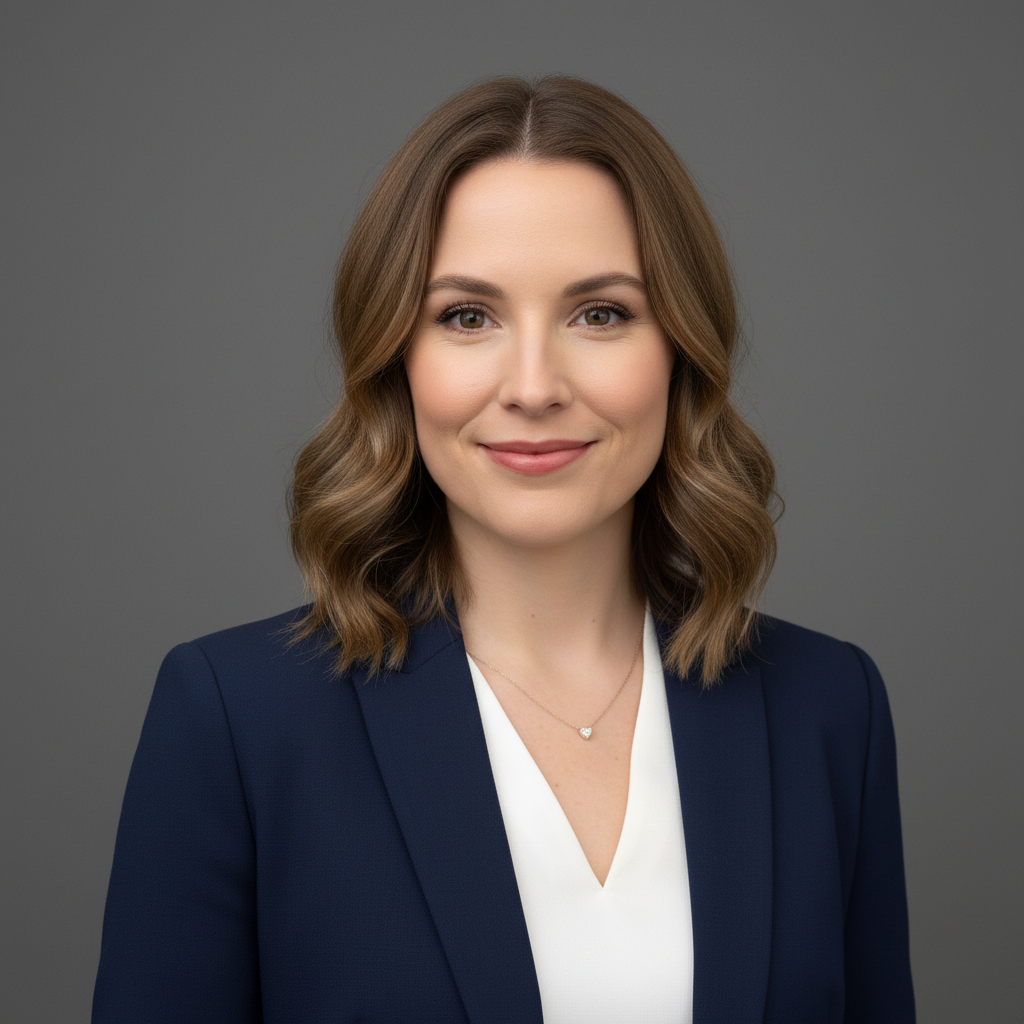
Photo after match headshot background with AI
After

AI Headshot Background Matcher β€” Example 2

Another example showing a different scenario for this editing task.

Prompt: recreate the background style from the reference photo for this LinkedIn headshot, ensuring professional appearance

If something looks off

Background doesn't match lighting
Edge blending looks unnatural
Colors don't match reference

Quick answers

How does reference background matching work?

Upload your headshot and a reference photo with the background style you want. Tell the AI 'match the background from the reference image.' It analyzes lighting, depth, color, and style to recreate the look perfectly.

Can I make all my team headshots look consistent?

Yes! Take one professional headshot as your reference, then match all other team photos to that style. Perfect for corporate websites, LinkedIn company pages, and marketing materials.

What makes this different from basic background replacement?

Most tools just remove backgrounds or add simple colors. We actually analyze and recreate the lighting, depth, shadows, and artistic style from your reference image. The result looks naturally photographed.

Can I match lighting style, not just background?

Absolutely. The AI matches the entire background treatment including lighting direction, softness, shadows, and ambient feel. It's like having the same photographer shoot everyone.

What types of reference backgrounds work best?

Professional corporate backgrounds, office settings, neutral studio looks, and branded backdrop styles work excellently. The clearer your reference image, the better the matching.

Will the matched background look natural?

Yes. Our AI preserves proper edge blending, maintains realistic shadows, and matches the ambient lighting. The result looks like it was originally photographed with that background.

Can I fix headshots taken in different locations?

Perfect use case! Team members photographed in different offices, homes, or studios can all be matched to one consistent professional background style.

How is this useful for LinkedIn and professional branding?

Brand consistency builds trust. When your team's LinkedIn photos all have matching professional backgrounds, it reinforces your company's attention to detail and professional standards.

Ready to match your photos?

Free to try. No signup required.