Free • No signup Green Lawn · Free

AI Lawn Greener

Turn dead, brown, or patchy grass into a lush green lawn in any listing photo — no re-sodding required.
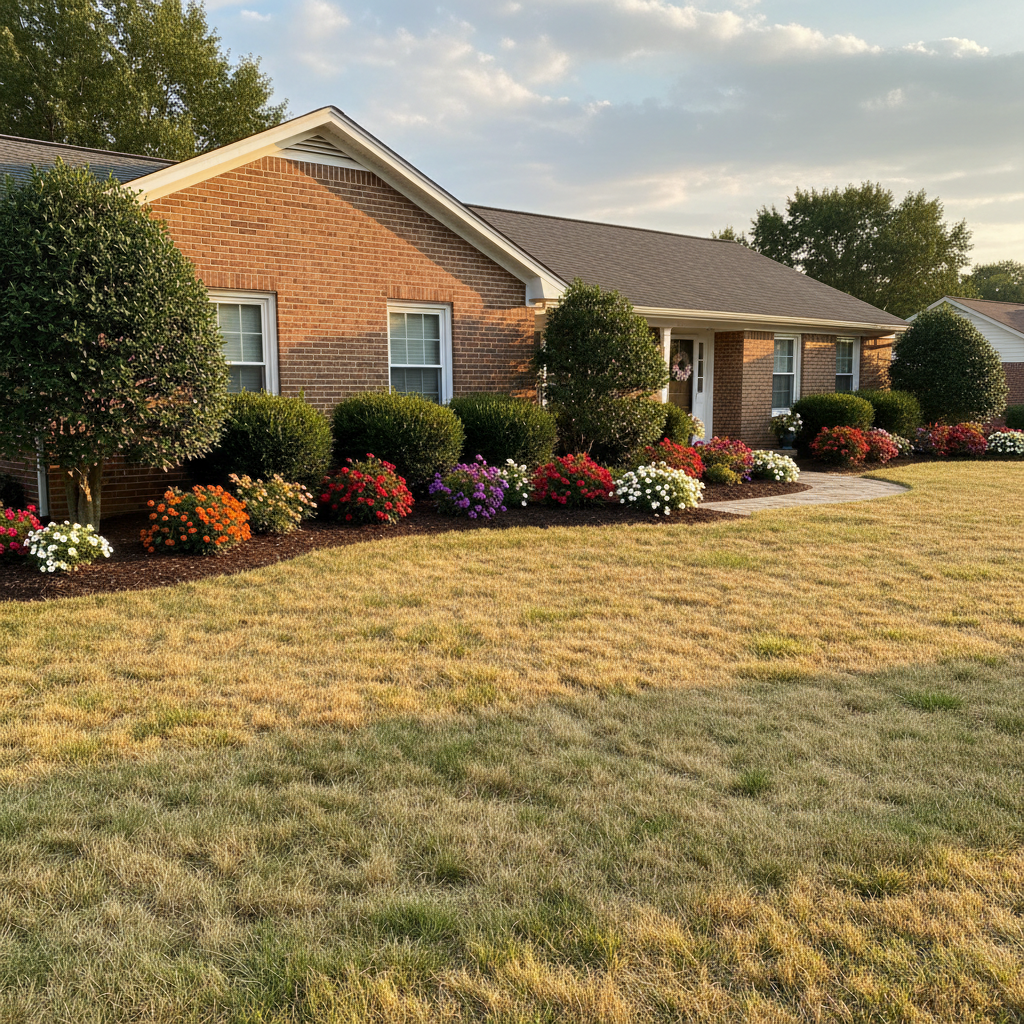
Ranch home with completely dead brown lawn
Before
Same ranch home with lush green lawn
After

AI Lawn Greener

Drop your photo here

or click to browse

Release to upload

Free • No signup

Popular use cases:
  • lawn greening
  • real estate curb appeal
  • dead grass fix
  • property listing photos
  • brown lawn photo editor
  • AI lawn enhancement

Cost
Free No signup required
Time
Instant results in 15-30 seconds
Works on
Any device - browser, phone, tablet, desktop
Powered by
AI-powered photo editing
Scenario Prompt Time
Dead front lawn make the entire lawn lush green with healthy grass 15s
Patchy spots fill brown patches with matching green grass 15s
Winter dormant transform dormant lawn into spring green grass 15s

How it works

  1. Upload your photo

    Drop your property exterior photo into EditThisPic. Works best with photos that clearly show the lawn area. JPG, PNG, WebP up to 7MB.

    Expect: Simple lawn greening: 10-15 seconds. Large patchy areas with mixed surfaces: may need a second pass.
  2. Describe what you want

    Type your instruction: 'make the lawn lush green' or 'turn the brown grass into healthy green turf.' Be specific about the shade if it matters — 'deep emerald green' vs 'natural spring green.' No marking needed — the AI knows what 'lawn' means.

    Tip: Add 'keep the flower beds and landscaping unchanged' if you have mixed plantings you want to preserve.

    Copy one of these to get started:

    Standard dead lawn revival make the entire lawn lush green with healthy-looking grass, keep everything else unchanged
    Fix brown patches only fill in the brown and bare patches in the lawn with matching green grass so the whole yard looks uniform
    Seasonal green-up for winter photos transform the dormant winter lawn into vibrant spring green grass while keeping the trees and landscaping as they are
    Golf-course perfect lawn make the lawn look like a perfectly manicured golf course with deep emerald green, even texture, and clean mowing lines
    2 more prompts
    Drought recovery look replace the dry, yellowed grass with healthy green lawn that looks naturally watered and well-maintained
    Overseed and thicken sparse grass thicken the sparse, thin lawn into dense, lush green grass with full coverage and no bare dirt showing
  3. Generate and review

    Check that the green looks natural and consistent across the whole lawn. Verify edges where grass meets sidewalks, driveways, and flower beds look clean. Zoom in to confirm the texture looks like real grass, not painted-on color.

  4. Refine with markers if needed

    If the AI missed a patch or changed something you wanted to keep, tap markers on the specific spots and regenerate. This is optional — most lawn edits work perfectly on the first try.

    Tip: Markers are for precision refinement, not a required step. Try without them first.
Try it free

AI Lawn Greener

Drop your photo here

or click to browse

Release to upload

Free • No signup

"Listed a house in August with a totally fried lawn. Greened it in EditThisPic and the photos looked like spring. Got an offer in four days." @SarahListsHomes

See it in action

Ranch home with completely dead brown lawn
Before
->
Same ranch home with lush green lawn
After

Dead front lawn revived for listing

A ranch-style home with completely brown, drought-scorched front lawn transformed for the MLS listing photos.

Prompt: make the entire lawn lush green with healthy-looking grass, keep the house and driveway unchanged
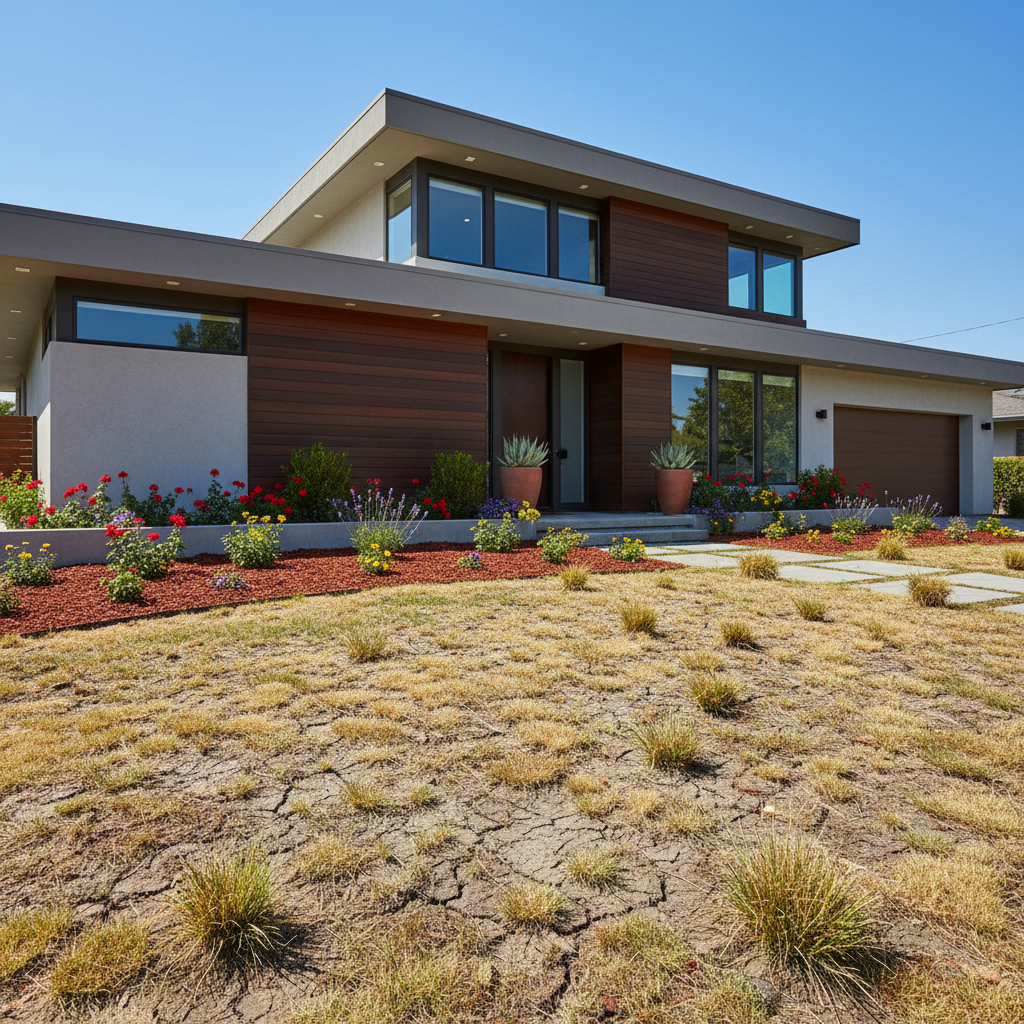
Backyard with patchy brown and green grass
Before
->
Same backyard with uniform green lawn
After

Patchy backyard cleaned up

A backyard with uneven green and brown patches made uniform for a property showing.

Prompt: fill in the brown and bare patches in the lawn with matching green grass so the whole yard looks uniform
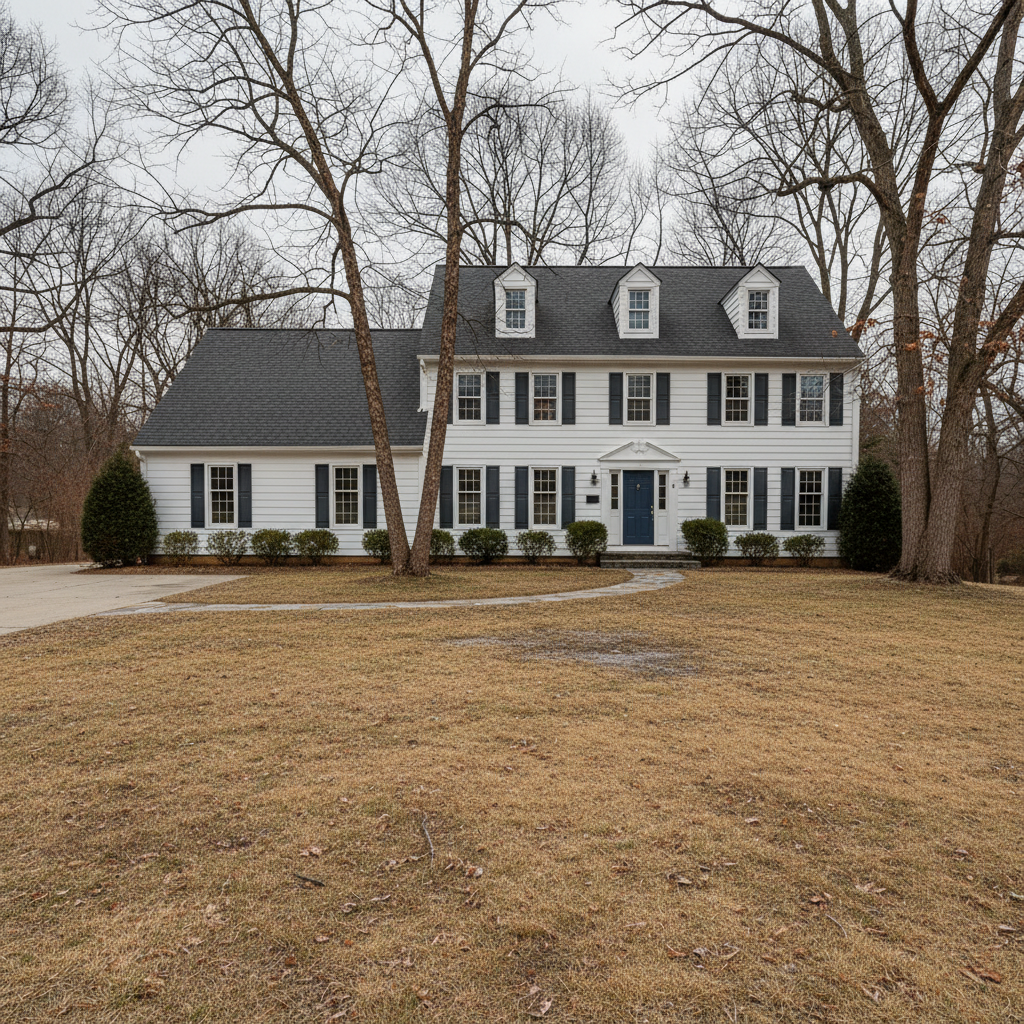
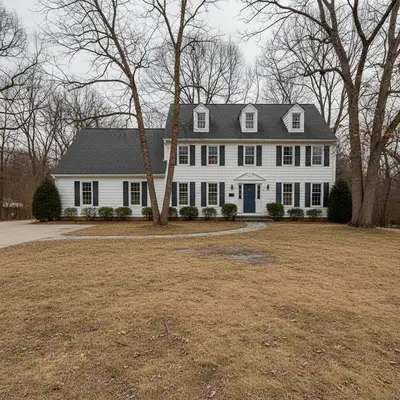
Colonial home with dormant tan winter lawn
Before
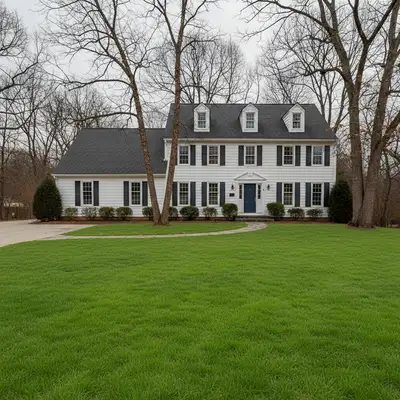
->
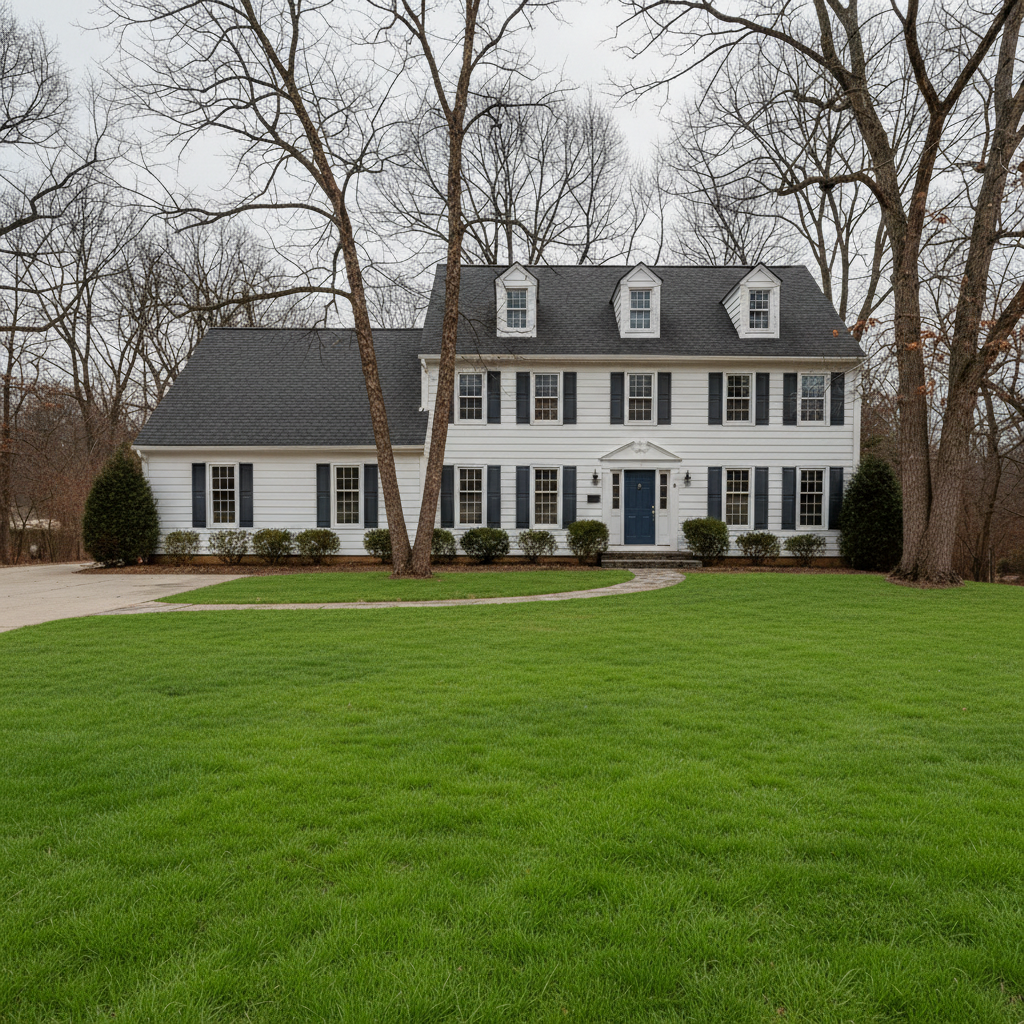
Same home with vibrant green spring lawn, trees still bare
After

Winter dormant lawn transformed to spring green

A colonial home photographed in winter with dormant tan grass given a spring look for early marketing.

Prompt: transform the dormant winter lawn into vibrant spring green grass while keeping the bare trees unchanged

Detailed Guides by Scenario

📷

Real Estate Listings

Make listing photos show the property at its best with green, inviting lawns regardless of season or drought.

Common Scenarios

  • Greening a dead lawn for MLS listing photos in summer drought
  • Converting dormant winter grass to spring green for early marketing
  • Fixing patchy spots before open house photography

Best Practices

  • Use 'natural green' phrasing to avoid artificially vivid results
  • Keep flower beds and hardscaping unchanged for realism
  • Disclose photo enhancements per local MLS guidelines
📷

Property Management

Keep rental and commercial property photos looking maintained year-round without seasonal re-shoots.

Common Scenarios

  • Updating rental listing photos between tenants without a new photoshoot
  • Maintaining consistent property marketing materials across seasons
  • Commercial property exterior photos for investor presentations

Best Practices

  • Match the green shade to the surrounding neighborhood for realism
  • Process multiple property photos with the same prompt for consistency
  • Save originals alongside edited versions for compliance records
📷

Landscaping Proposals

Show clients what their yard could look like with proper lawn care or new sod installation.

Common Scenarios

  • Visualizing new sod installation for a client proposal
  • Demonstrating lawn care program results to potential customers
  • Before/after mockups for landscaping bids

Best Practices

  • Use 'golf-course green with mowing lines' for premium proposals
  • Show multiple options: standard green vs manicured vs natural meadow
  • Include the original photo alongside the enhanced version in proposals

If something looks off

The green looks unnaturally bright or neon

Why: The AI over-saturated the grass color, making it look artificial rather than natural.

Try: make the lawn a natural, realistic shade of green like healthy Bermuda grass, not too bright or vivid

Tip: Naming a real grass variety like 'Bermuda' or 'fescue' gives the AI a realistic color reference

AI also changed the flower beds or landscaping

Why: The AI interpreted 'lawn' broadly and recolored adjacent plantings as well.

Try: make only the grass areas green, keep all flower beds, shrubs, and mulch exactly as they are

Tip: Being explicit about what NOT to change prevents overzealous editing

AI changed the wrong area or something I didn't want changed

Why: The AI couldn't determine exactly which area you meant from description alone. This happens with ambiguous requests.

Try: Tap a marker on the specific area you want to change, then regenerate with the same prompt

Tip: Markers tell the AI 'I mean THIS one specifically.' Use them when description alone is ambiguous.

Edges between lawn and concrete look blurry or smeared

Why: The AI blended the grass color transition too aggressively at hard boundaries.

Try: make the lawn green with sharp, clean edges where grass meets the sidewalk and driveway

Tip: Mentioning specific boundaries like 'sidewalk' and 'driveway' helps the AI keep crisp edges

Quick answers

Do I need to mark the lawn area before describing the edit?

No. Just type 'make the lawn green' and the AI identifies all grass areas automatically. Marking is only needed if you want to green a specific patch while leaving other grass unchanged.

How do I make dead grass look green in a listing photo for free?

Upload your photo to EditThisPic and type 'make the lawn lush green.' The AI converts brown, dead, or dormant grass to natural-looking green in about 15 seconds. One free edit per week with no account needed.

Is there a free lawn greening tool that doesn't require login?

Yes. EditThisPic greens lawns with AI — no account, no login, no watermark. You get one free edit per week. For unlimited edits, plans start at $3.99/month.

Will the green lawn look realistic enough for MLS photos?

Yes. The AI matches natural grass textures and shading so the result looks like a healthy lawn, not a painted photo. Always disclose photo enhancements per your local MLS rules.

Ready to green your lawn photos?

Free to try. No signup required.

Try it free