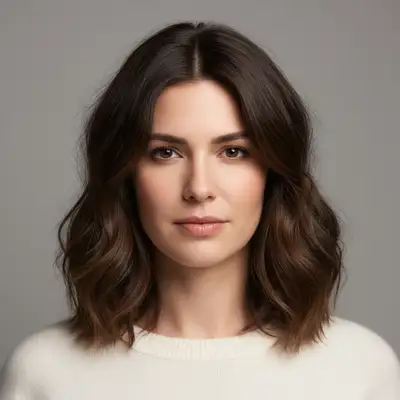
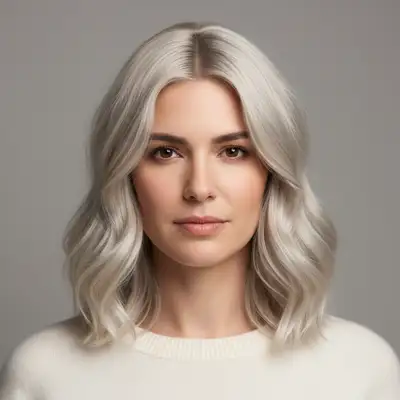
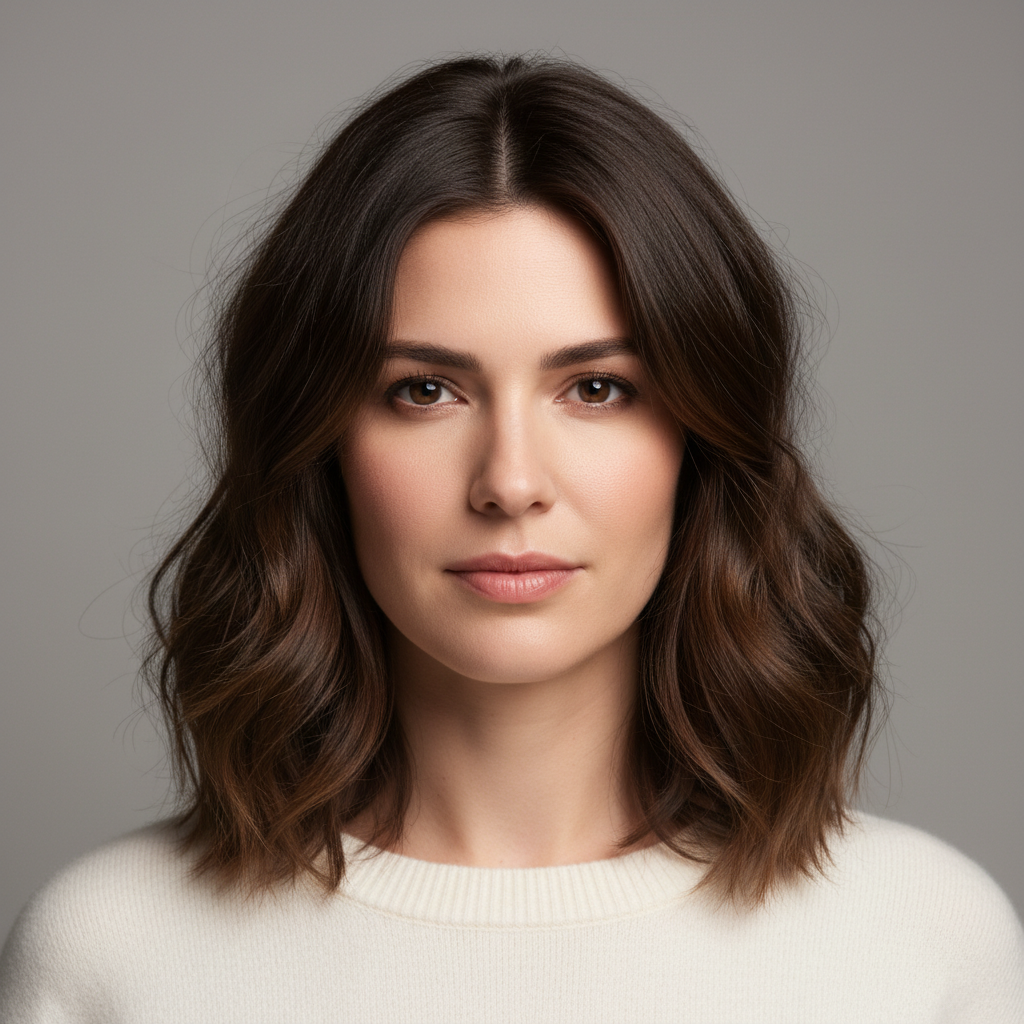
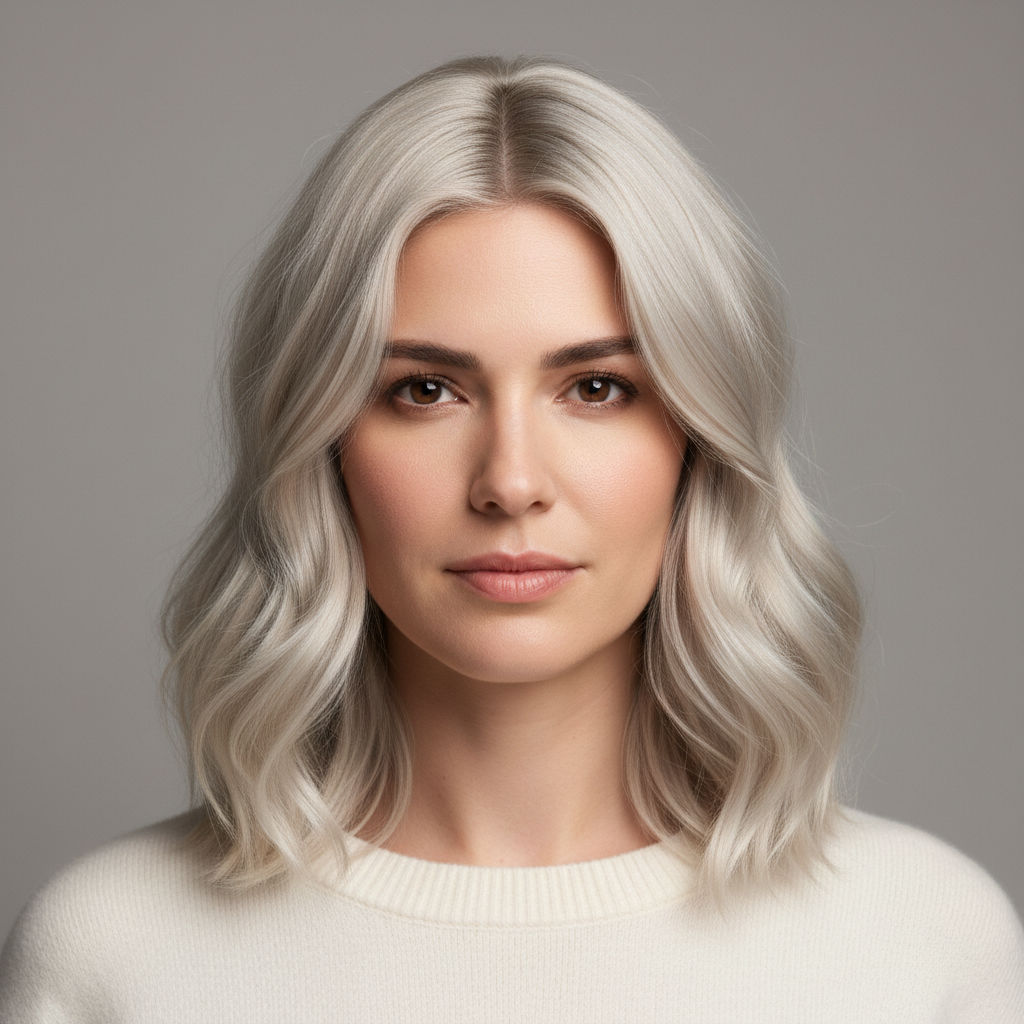
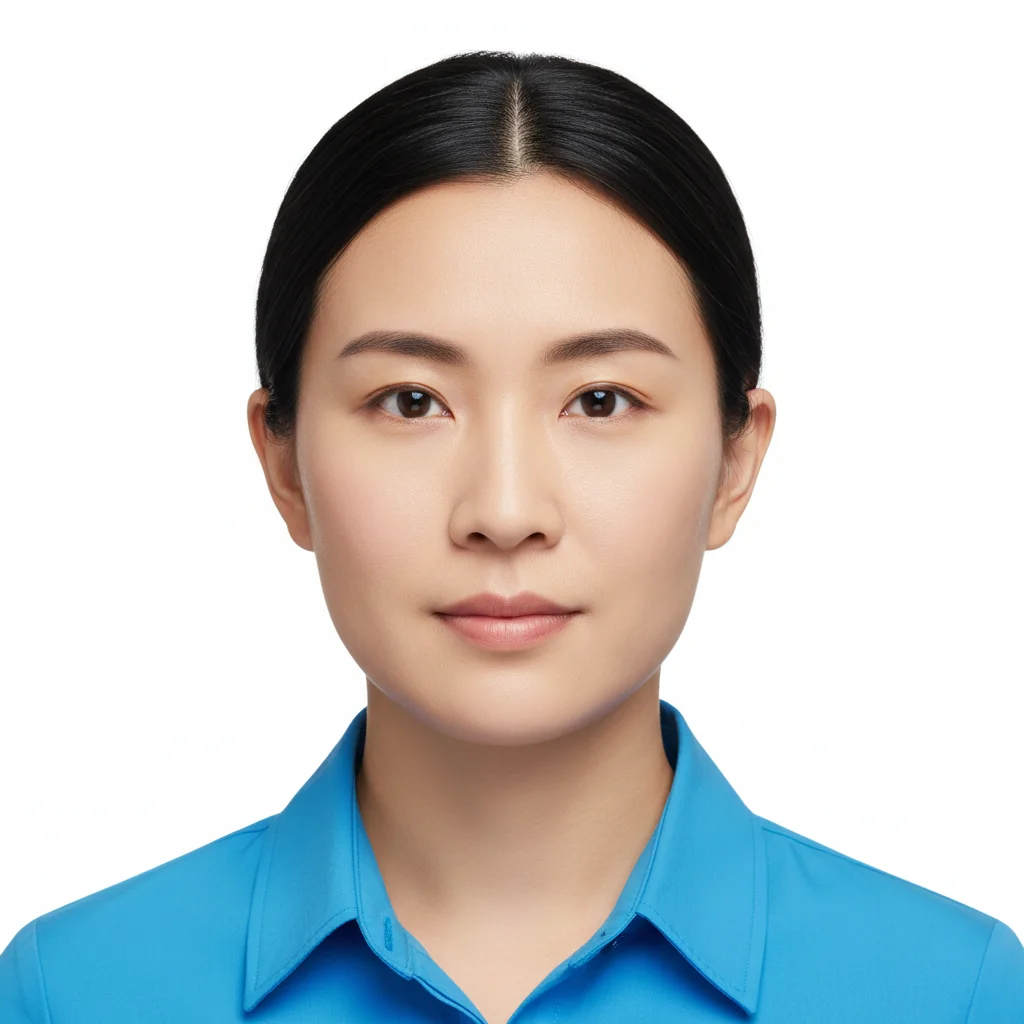
Do I need to mark where the ombre should start on my hair?
No! Just describe where you want the transition - 'starting mid-length' or 'beginning near the ends'. The AI understands hair anatomy and applies the gradient accordingly.
Can I try multiple ombre color combinations on the same photo?
Yes! After seeing one ombre, describe different colors and the AI replaces it. Try brown to blonde, then black to purple, then any combination you want. Each generation replaces the previous ombre so you can compare options.
What's the difference between ombre, balayage, and highlights?
Ombre: Gradient from one color at roots to different color at ends (dark to light typically). Balayage: Hand-painted highlights getting lighter toward ends, more natural variation. Highlights: Lightened strands throughout. Ombre has a clear gradient, balayage is more blended, highlights are sectioned. Specify which you want.
What ombre colors work best for my hair color?
Dark hair: blonde, caramel, red, burgundy, or bold colors (purple, blue, pink) all work. Medium brown: lighter blonde, copper, honey. Light hair: can do reverse ombre (darker ends) or pastel tips. Or try any bold color - ombre is versatile! Experiment freely.
How do I get a natural vs bold ombre look?
Natural: Stay within same color family (brown to lighter brown/blonde), start transition lower, use words like 'subtle' and 'natural gradient'. Bold: Contrasting colors (black to platinum), vibrant shades (purple, pink, blue), start transition higher, use 'bold' or 'dramatic' in prompt.
Can I simulate reverse ombre (light to dark)?
Yes! Instead of the traditional dark roots to light ends, describe 'reverse ombre' or explicitly state 'light blonde roots transitioning to darker brown ends'. Reverse ombre is less common but creates a unique look. Just specify the direction clearly.
How do I make the ombre transition more subtle or more dramatic?
Subtle: Use 'soft gradient', 'gradually fading', start transition lower (near ends only), stay in similar color tones. Dramatic: Use 'bold contrast', start transition higher (mid-length or above), choose very different colors, mention 'high contrast'. Also specify how abrupt: 'sudden transition' vs 'long gradient'.
Is EditThisPic's AI ombre hair color simulater really free?
Yes — you get 1 free edit per week, no account needed. Plans start at $4.99/month for 15 edits.
How much does EditThisPic cost?
You get 1 free edit per week — no account needed. After that, credit packs start at $1.99 for 3 edits. Monthly plans start at $4.99/mo for 20 edits with unused credits rolling over. All edits are full resolution with no watermark.