AI Photo Editor for Shopify Stores
← Browse all ecommerce toolsLast updated
Describe what you want — clean white background, lifestyle scene, color variant — and your product photo is ready in 30 seconds.


Upload photo to edit Shopify product photos
"place this product on a clean white marble kitchen counter, soft natural daylight from the left, minimalist Scandinavian kitchen background, no distracting elements"
Release to upload
50,000+photos edited
<30stypical edit
1 freeedit weekly
How it works
See it in action
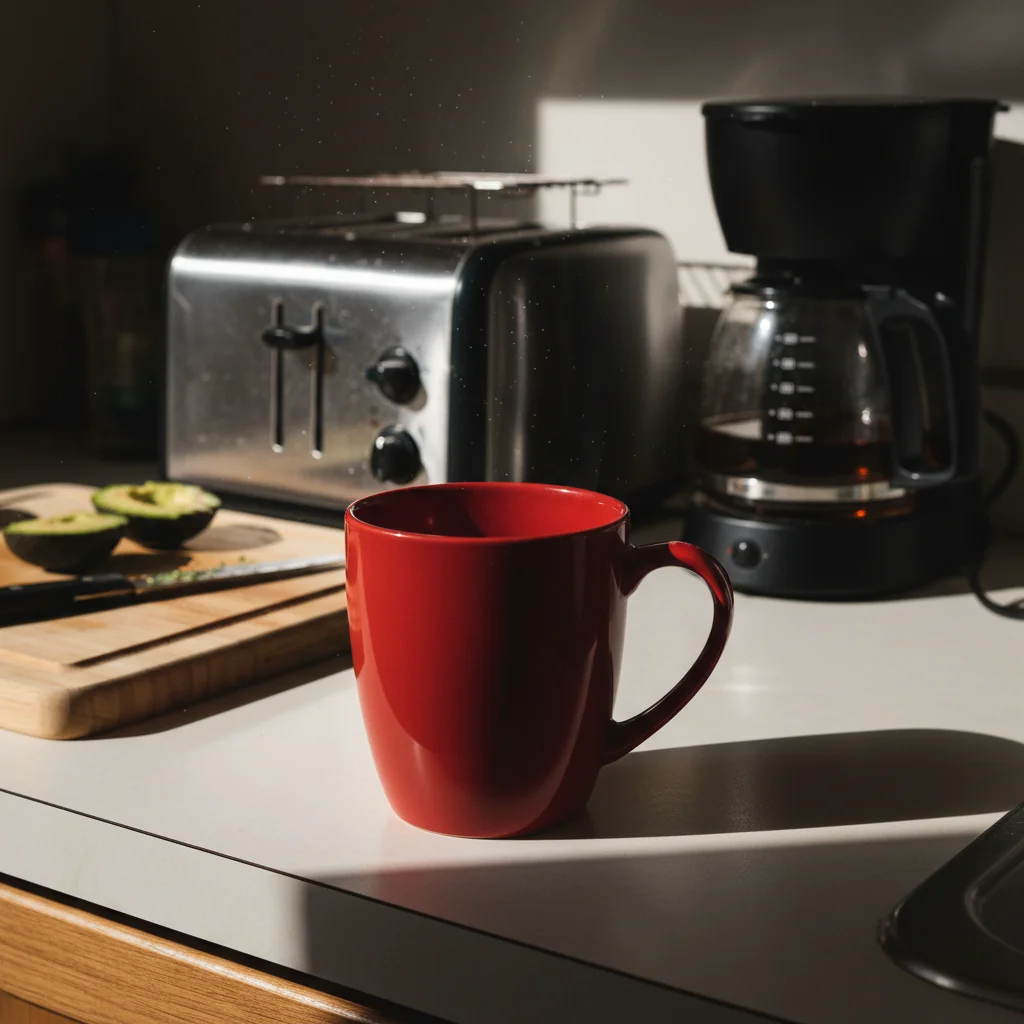

Kitchen cluttered background → clean white product shot
Product photo taken on a kitchen counter surrounded by appliances and shadows. One prompt converted it to a Shopify-ready white background listing image with consistent natural shadow.
Prompt:
remove the background and replace with a clean pure white background, keep the product centered and sharply defined with a subtle natural shadow underneath
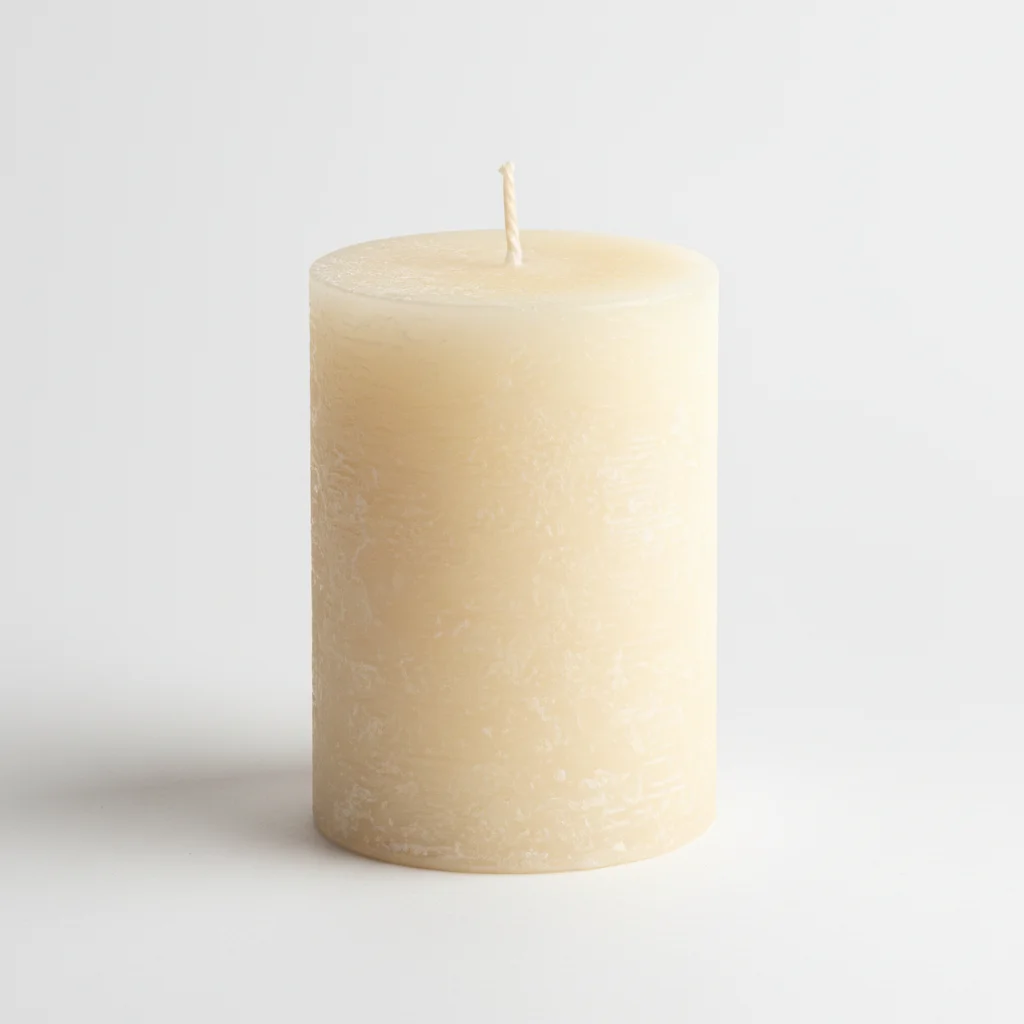
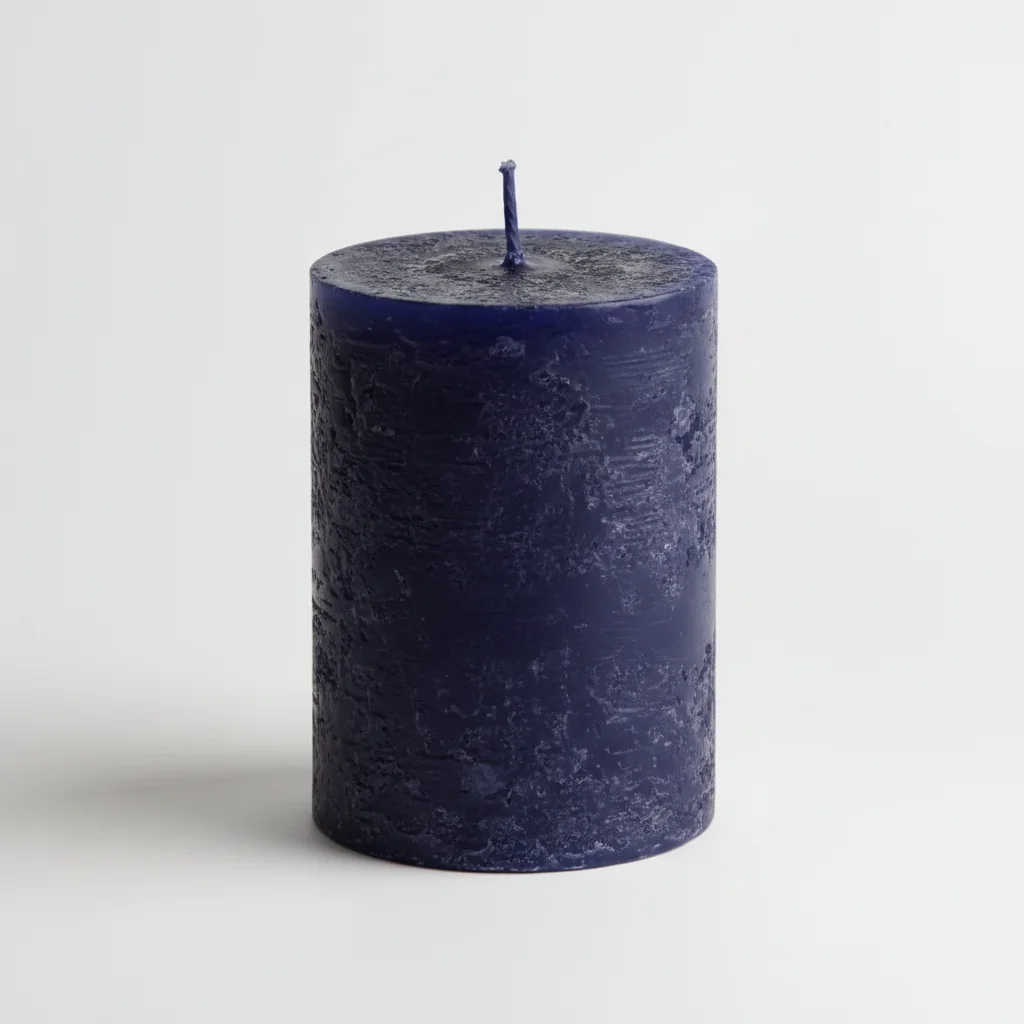
Single-color candle → three color variant shots
One photo of a cream pillar candle used to generate navy, sage green, and terracotta variants for a Shopify product page — no additional photography needed.
Prompt:
change the candle color from cream to deep navy blue, preserve the candle's wax texture, wick, and all surface details exactly — only the base color should change
Quick answers
Popular use cases
Ready to edit your Shopify product photos?
Free to try. No signup required.