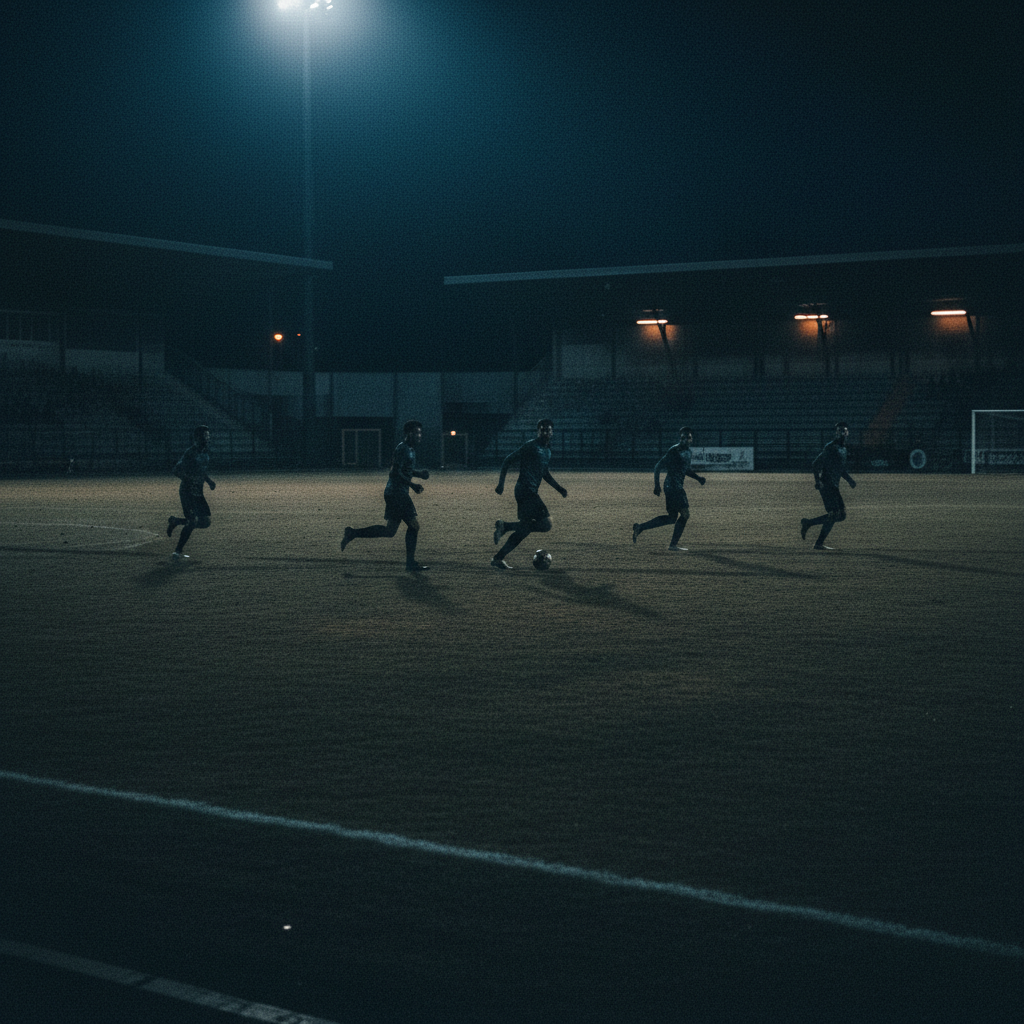
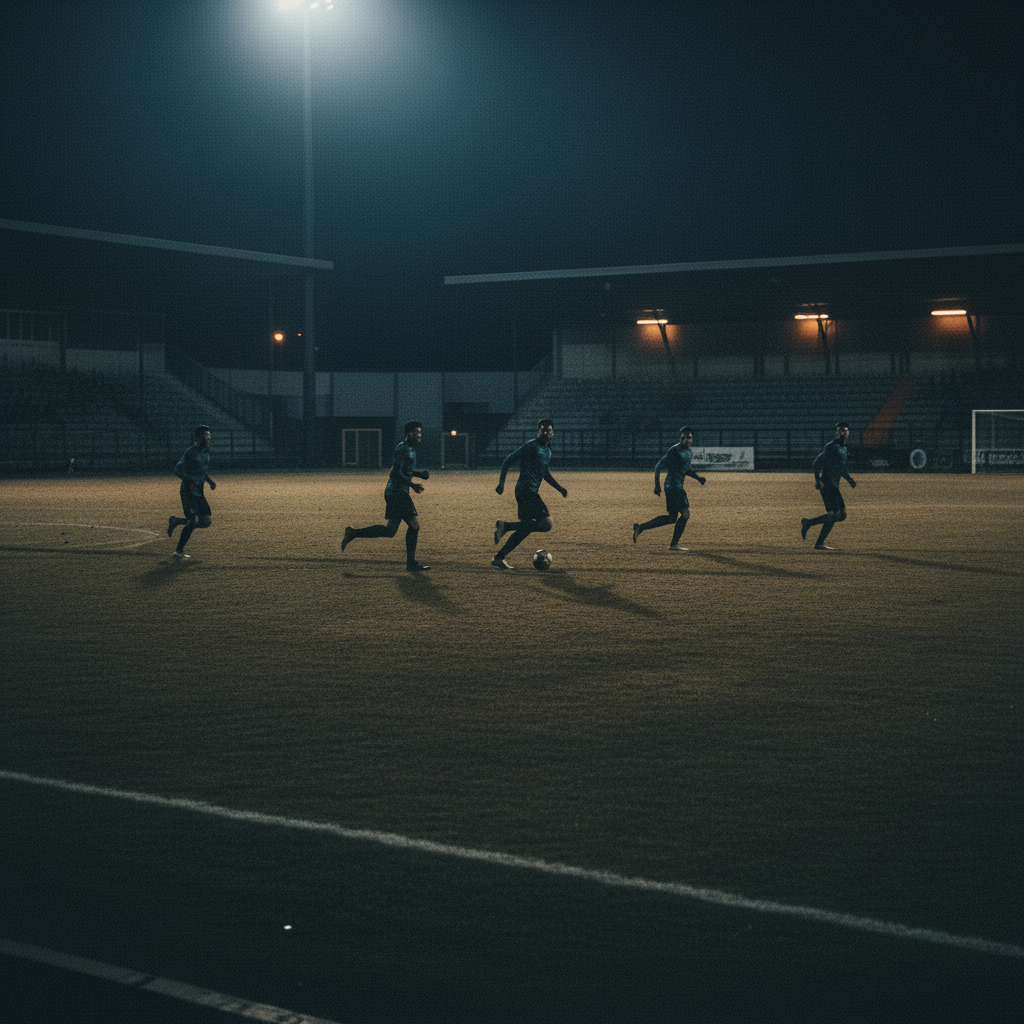
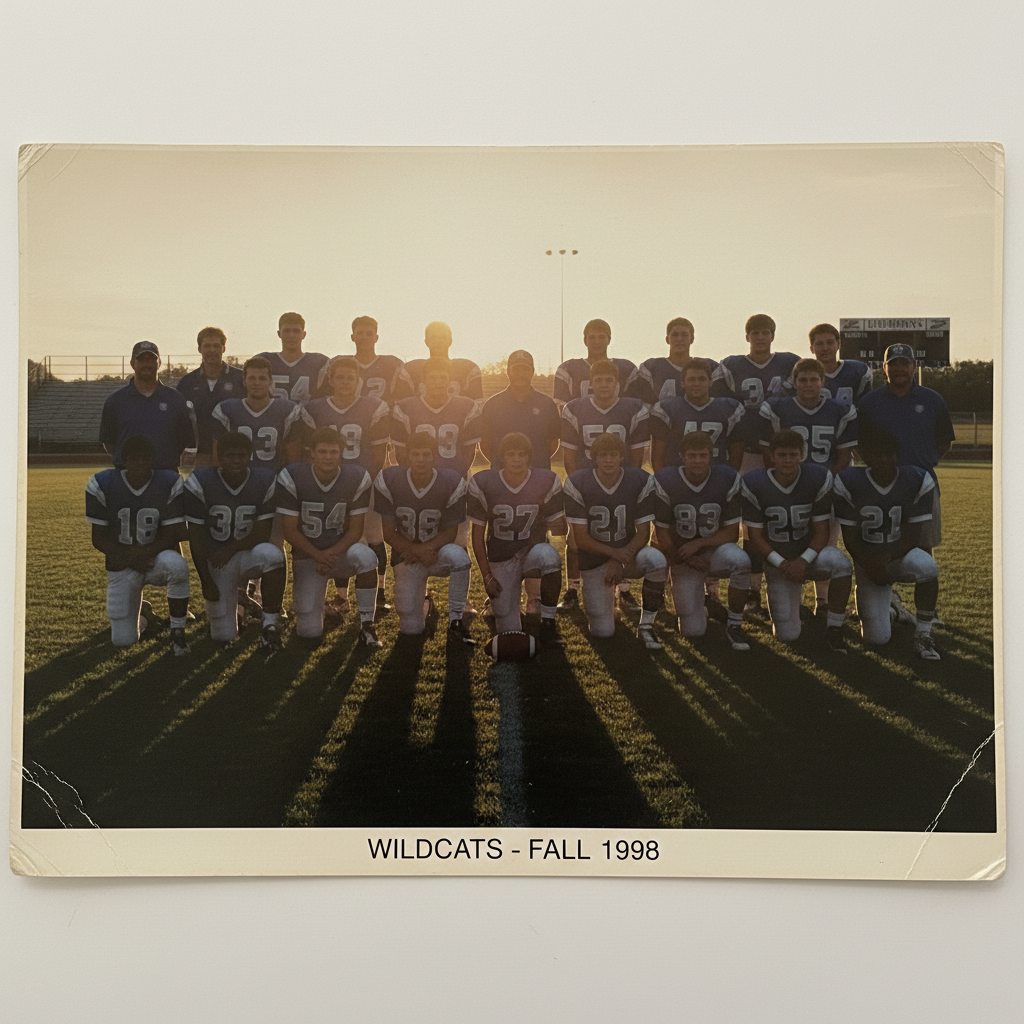
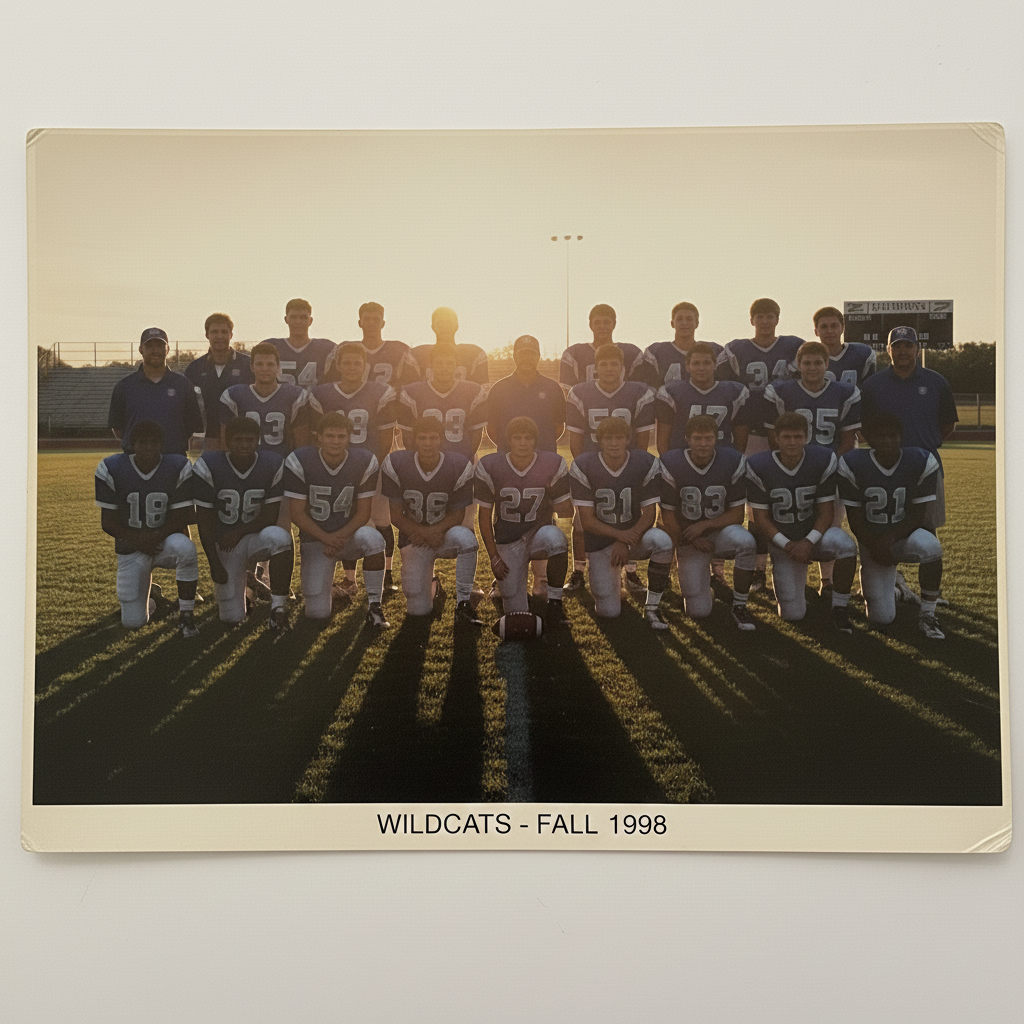
Do I need to mark areas before enhancing sports photos?
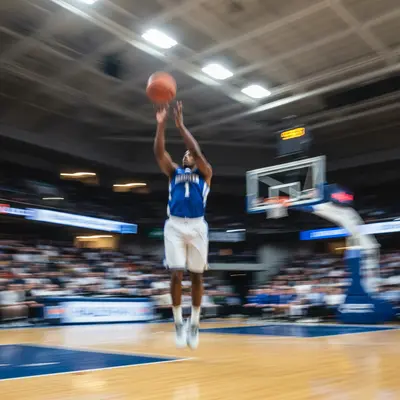
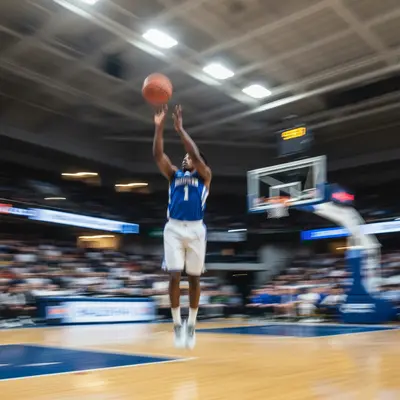
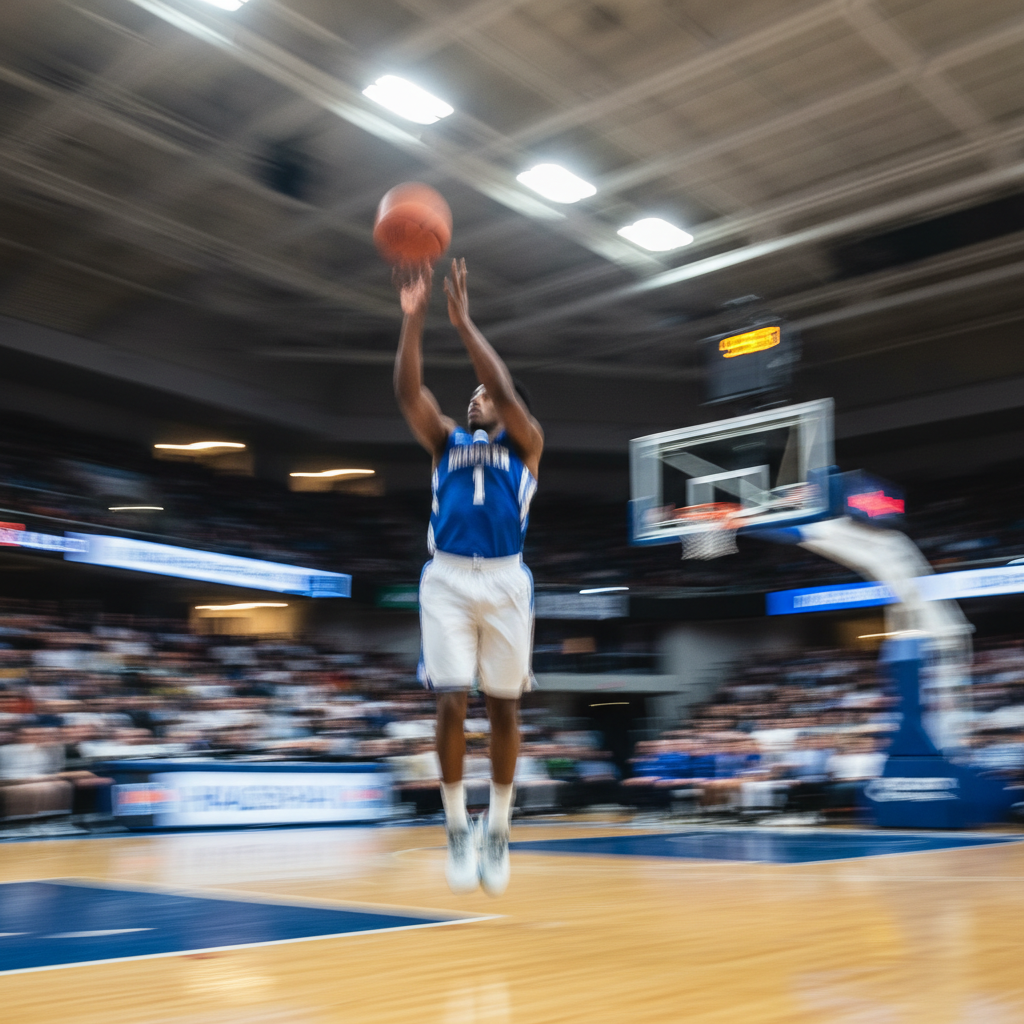
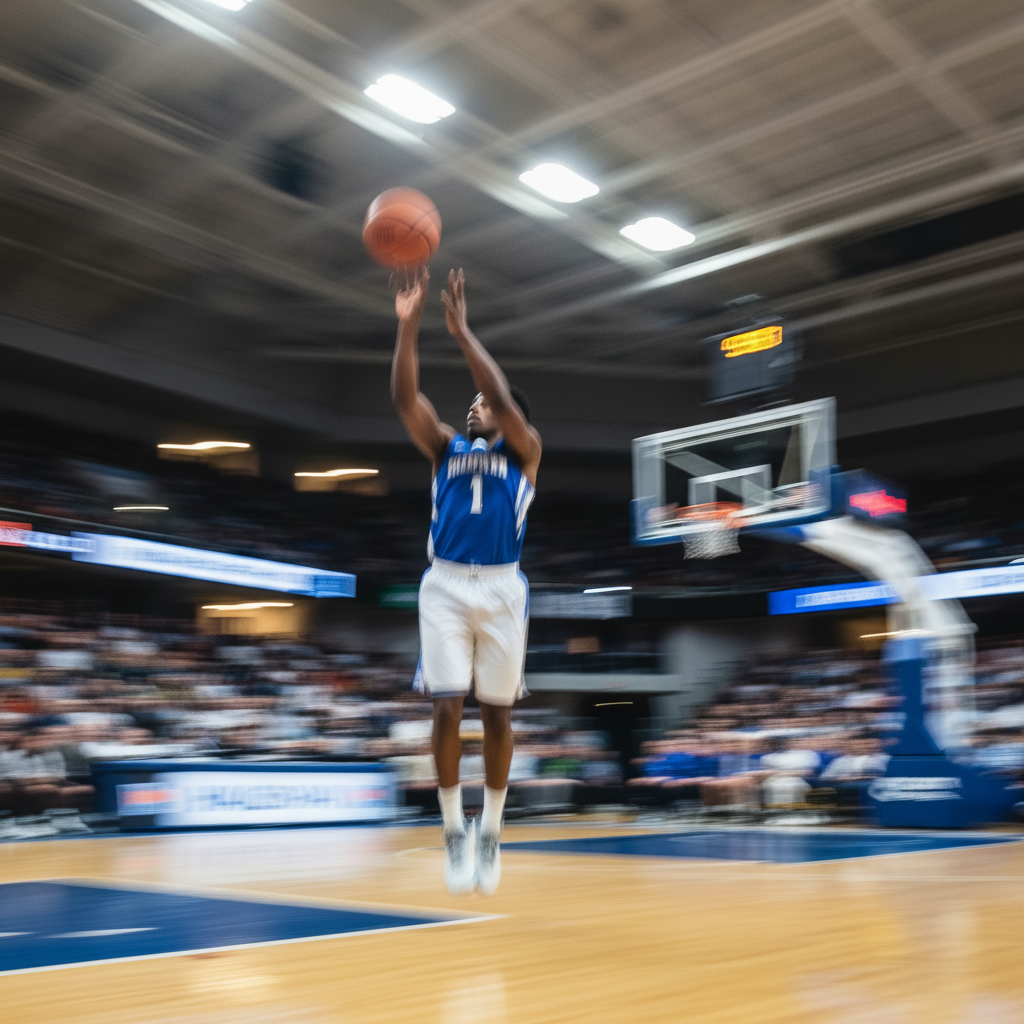
No! Just describe what you want enhanced: 'enhance the action shot for clarity' or 'fix motion blur and improve colors.' The AI understands sports photo enhancement needs.
Can AI fix heavily blurred action shots?
Yes! AI enhancement can significantly improve motion blur and restore detail in action shots. Upload your blurry sports photo and describe what needs fixing: 'reduce motion blur and sharpen details.' The AI analyzes the image and applies appropriate sharpening and clarity improvements.
Is there a free sports photo enhancer that doesn't require login?
Yes, EditThisPic enhances sports photos for free with no account needed. Upload your action shot, describe the enhancement you want, and download the improved result. No watermarks on outputs. Perfect for team photographers, parents, and athletes who need quick photo improvements.
What types of sports photos can AI enhance?
AI enhancement works on all sports photography: action shots, team photos, individual athlete portraits, game captures, practice sessions, and tournament photos. Indoor and outdoor sports both benefit from AI enhancement for sharpness, lighting, and color improvements.
How do I enhance sports photos with AI for free?
Upload your sports photo to EditThisPic and type what you want enhanced: 'enhance the action shot for clarity' or 'improve colors and reduce blur.' The AI processes the enhancement in 20-40 seconds. Free, no account required, no watermarks on the result.
Can AI enhance photos from phone cameras at games?
Absolutely! AI enhancement is particularly effective for phone photos taken at sporting events. These often suffer from motion blur, poor lighting, and digital noise—exactly what AI enhancement fixes. The results can transform casual phone shots into professional-looking sports photography.
What's the best free AI tool for sports photo enhancement?
EditThisPic offers comprehensive sports photo enhancement with no signup required. Unlike basic photo editors that require manual adjustments, just describe what needs improvement and the AI handles sharpening, color correction, and motion blur reduction automatically.
Can AI enhance team photos and group shots?
Yes! AI enhancement works excellently on team photos and group shots. It can balance exposure across all players, sharpen individual faces, and improve overall photo quality. Perfect for yearbooks, team websites, and promotional materials where every player needs to look clear.
How do I enhance sports photos without making them look artificial?
Use natural enhancement prompts like 'enhance the sports photo with subtle sharpening and realistic colors' or 'improve clarity while maintaining natural appearance.' This guides the AI to apply appropriate enhancement without over-processing that creates artificial-looking results.
Can AI enhance sports photos taken in poor lighting?
Yes! AI enhancement excels at improving photos taken in challenging lighting conditions like indoor gyms, evening games, or overcast outdoor venues. The AI can brighten underexposed areas, reduce noise, and improve overall visibility while maintaining natural-looking results.
Is AI sports photo enhancement safe for my images?
Yes. EditThisPic processes your photo only for the enhancement you request. Photos are not stored permanently or used for training. The tool is designed for legitimate uses like improving game photos, team documentation, and athletic portfolios. Your original photo is never modified.
How much does EditThisPic cost?
You get 1 free edit per week — no account needed. After that, credit packs start at $1.99 for 3 edits. Monthly plans start at $4.99/mo for 20 edits with unused credits rolling over. All edits are full resolution with no watermark.