Make a YouTube Profile Photo with AI
Last updated
Generate a clean, on-brand YouTube channel photo from any selfie in under 30 seconds.
Drop your photo here
"Convert this into a YouTube channel profile photo: clean solid color background, bold contrast, friendly confident expression, head and shoulders centered, sharp focus, 1:1 square crop ready for 800x800."
Free to try · no sign-up · photos are never shared
Release to upload
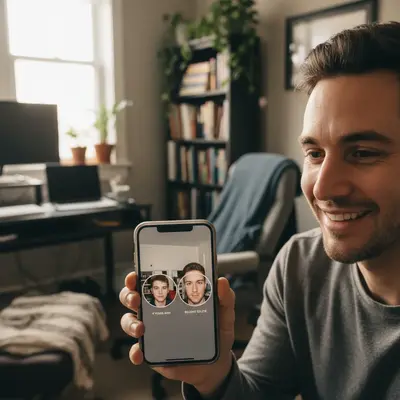

Built for YouTube creators building or rebranding a channel
EditThisPic gives YouTube creators a sharp, centered channel photo that survives the circle crop and small thumbnail render. Bold contrast, clean background, on-brand for any niche.
Tools for AI YouTube Profile Photo Maker
How to Make a YouTube Profile Photo with AI
-
Open EditThisPic
Go to editthispic.com on your phone or computer. No login or YouTube oauth needed.
-
Upload your photo
Drop in any selfie or headshot. The clearer the face, the better the result.
-
Type the prompt
Try: 'YouTube channel profile photo, clean background, bold contrast, friendly confident expression, sharp 1:1 crop'.
-
Generate
EditThisPic returns a clean PFP in about 25 seconds, sized for the 800x800 YouTube slot.
-
Upload to YouTube
Save the result and upload it via YouTube Studio > Customization > Branding > Picture. It can take a few minutes to update across the platform.
Copy-Paste Prompts for AI YouTube Profile Photo Maker
Real Examples
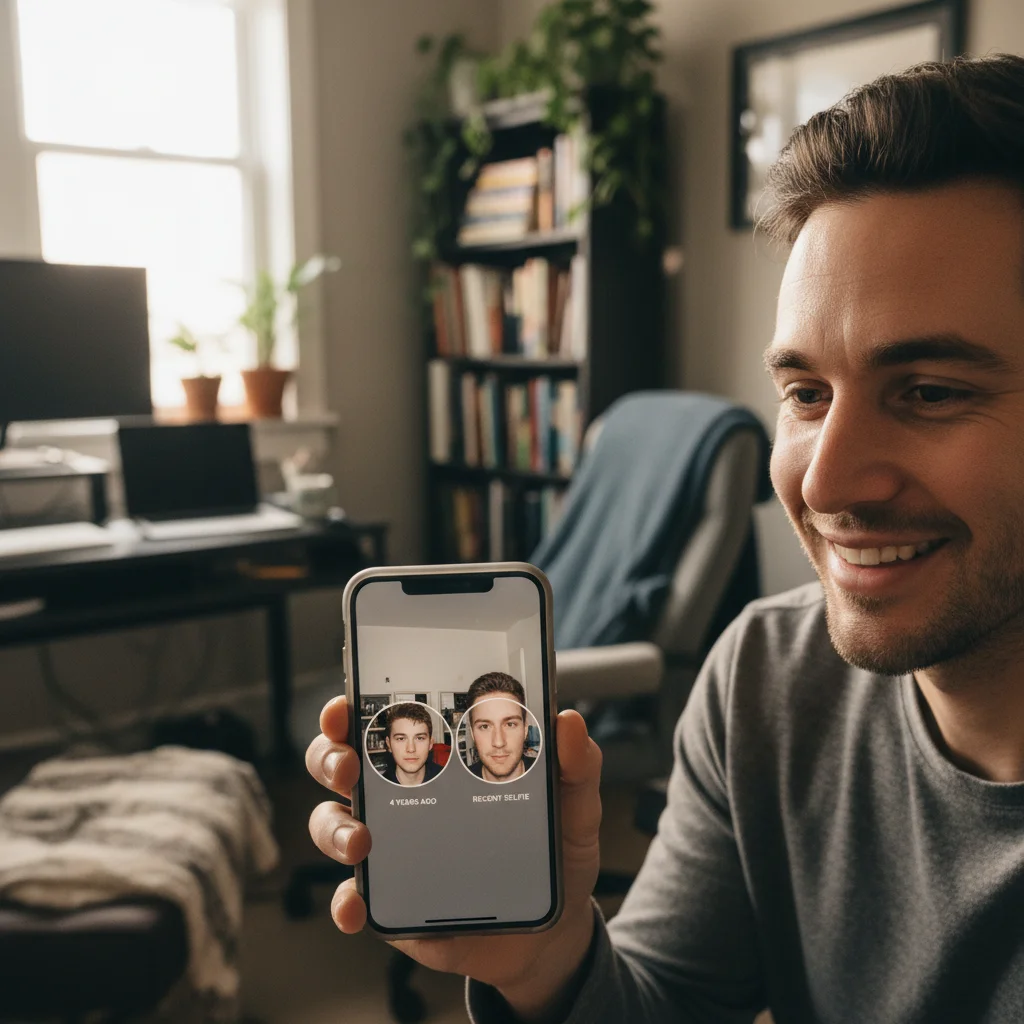
Old photo to current rebrand
A creator with a 4-year-old channel photo uploaded a recent selfie. The new PFP matched their current look and channel niche.
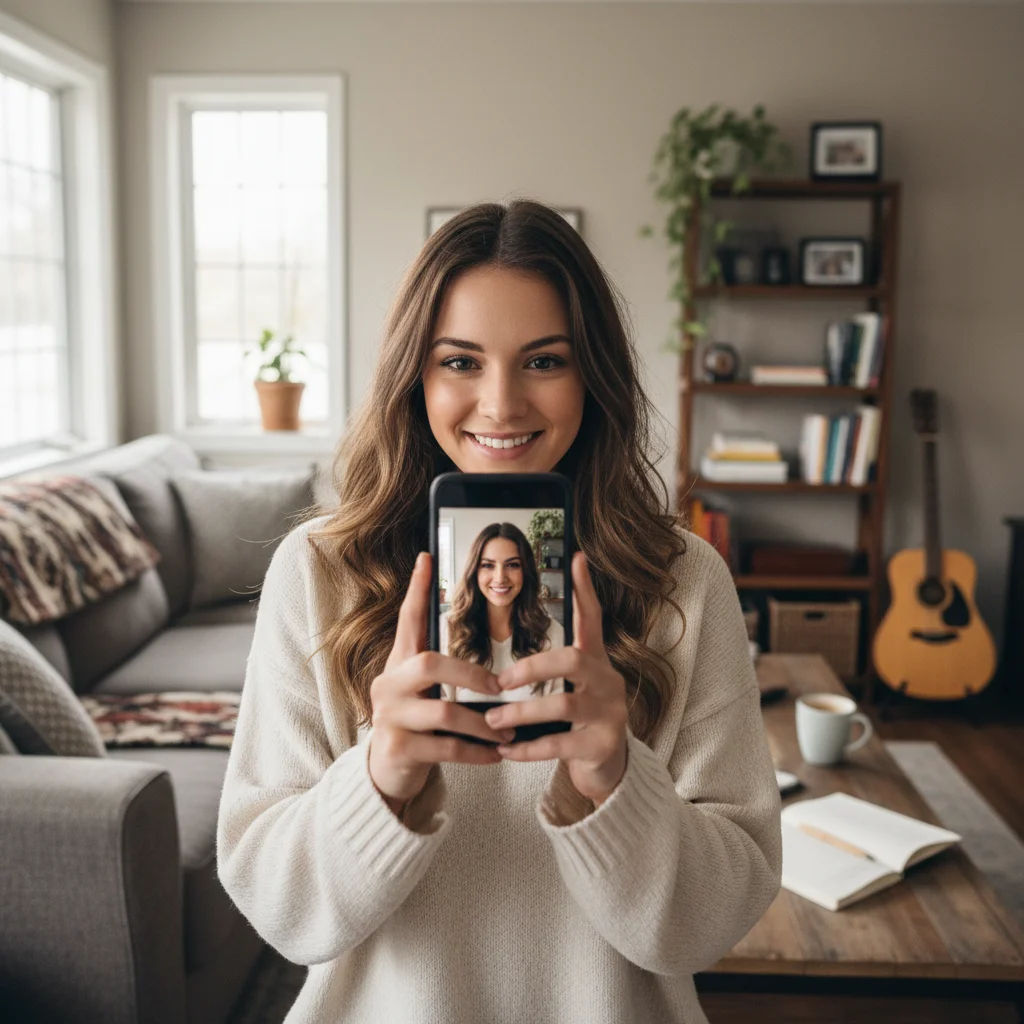
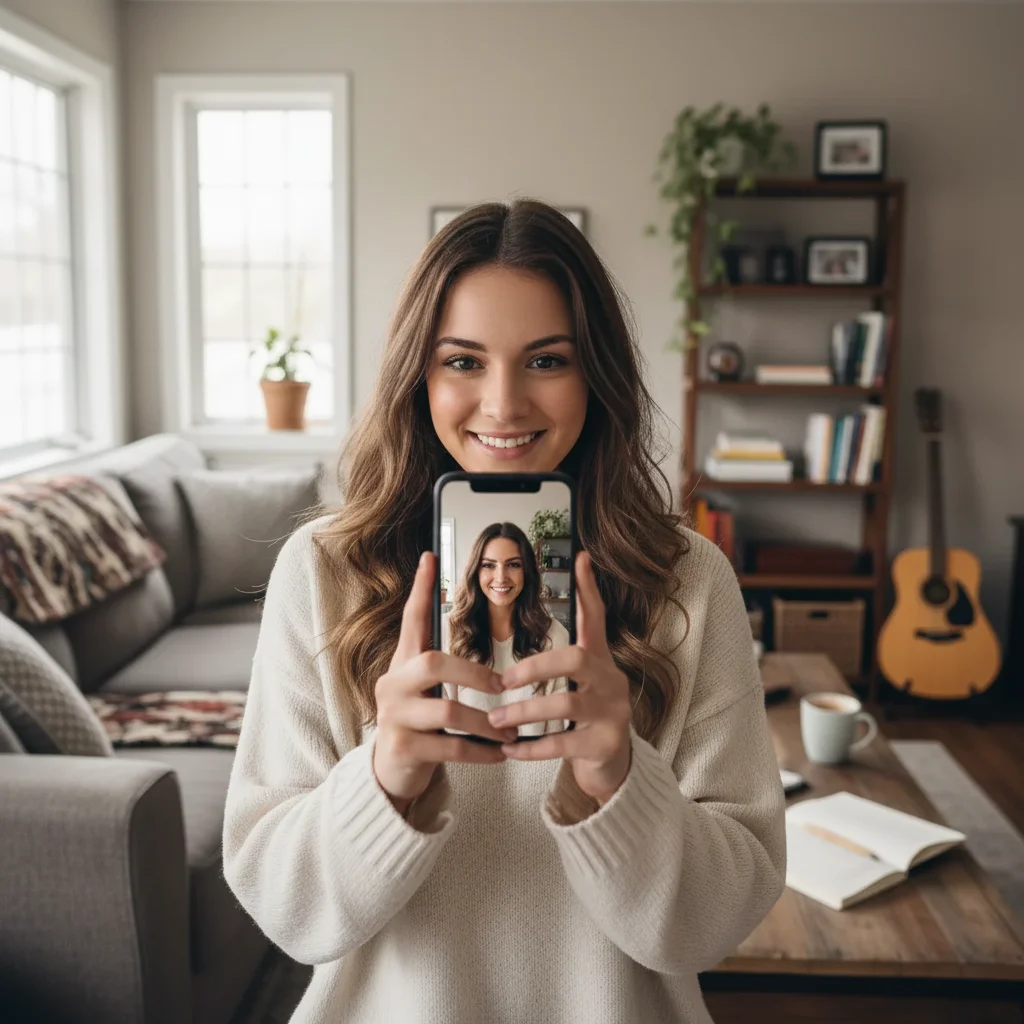
Phone selfie to sharp 800x800
A new creator uploaded a casual phone selfie. EditThisPic returned a sharp, centered channel photo that survived the YouTube downsample.
Niche pivot rebrand
A vlogger pivoting from travel to cooking generated a new on-brand PFP with a warm kitchen background blur. The new look matched the new niche immediately.
When Things Go Wrong
Face cut off by YouTube circle crop
PFP looks blurry in search results
Background clashes with channel banner
PFP looks too generic
Frequently Asked Questions
How do I make a YouTube channel profile photo?
Upload any selfie to EditThisPic, type a prompt like 'YouTube channel profile photo, clean background, bold contrast, friendly expression', and download the result in about 25 seconds. Then upload it via YouTube Studio > Customization > Branding > Picture. Free, no signup, no Photoshop.
What size is a YouTube profile picture?
YouTube recommends 800x800 pixels and displays profile photos as a circle. The image renders at 800x800 on the channel page, 98x98 in search results, and 48x48 in comments. EditThisPic outputs sharp at 800x800 by default.
Is the AI YouTube profile photo maker free?
Yes. EditThisPic is free to preview. No signup, no Photoshop, and purchased downloads are clean. You can generate a channel PFP in under a minute and upload it to YouTube Studio immediately.
What should a YouTube profile photo look like?
Sharp focus, centered face, bold contrast, and a clean background that doesn't compete with your face. YouTube downsamples profile photos heavily for search results and comments, so high contrast and big simple shapes work best.
Should I use my face or a logo?
Personal channels (vlogs, tutorials, gaming) usually use a face. Brand and topic channels often use a logo or mascot. EditThisPic can generate either - upload a selfie for face style, or describe your logo idea for a brand mark.
Why does YouTube crop my profile photo into a circle?
YouTube uses circular crops for profile photos across the platform. Keep your face centered with breathing room around the head so the circle crop does not clip your forehead or chin. Add 'centered head and shoulders' to your prompt.
How long does it take YouTube to update my profile photo?
YouTube usually updates the channel page within a few minutes. Search results and the channel icon in videos can take up to 24 hours to refresh. The PFP from EditThisPic is sized correctly so YouTube does not need to recompress it.
Can I match my YouTube banner colors?
Yes. Tell the AI your banner colors. Try 'YouTube profile photo with deep navy and gold to match channel banner'. Consistent branding helps new viewers recognize your channel and trust the content.
What if I don't want to show my face?
Describe a character, logo, or symbol instead. Use 'YouTube channel profile photo, mascot character, bold colors' or 'YouTube channel logo, clean geometric design'. Faceless channels often use a strong mascot or symbol as their PFP.
Are my photos stored?
No. EditThisPic processes your image in your browser session and does not save or train on your photos. The image is deleted shortly after processing.
Popular use cases
Ready to make a sharp YouTube channel photo?
Free to preview. No signup required. Clean paid downloads.
Start Editing