Make a Twitch Profile Photo with AI
Last updated
Generate a punchy Twitch PFP from any photo or character idea in under 30 seconds.
Drop your photo here
"Convert this into a Twitch streamer profile photo: bold neon purple and cyan gamer aesthetic, dark background, confident expression, head and shoulders, sharp focus, vibrant saturated colors, square 1:1 crop ready for 256x256."
Free to try · no sign-up · photos are never shared
Release to upload
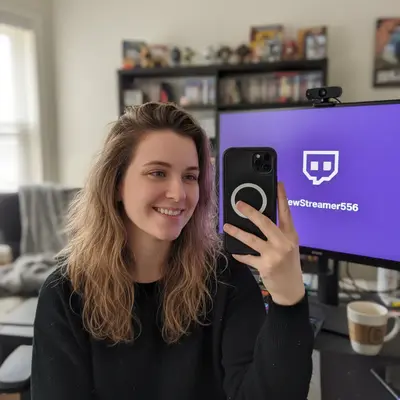
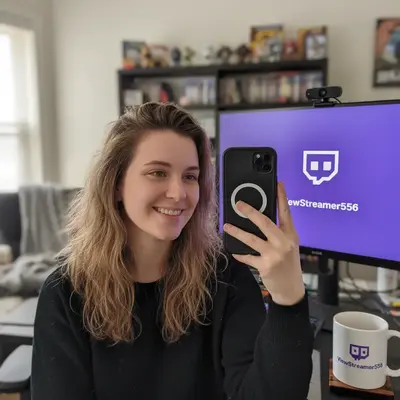
Built for Twitch streamers and viewers building a channel
EditThisPic gives streamers a bold square PFP that survives the Twitch circle crop. Vibrant gamer aesthetic, head and shoulders centered, sized to display sharp on the channel panel.
Tools for AI Twitch Profile Photo Maker
How to Make a Twitch Profile Photo with AI
-
Open EditThisPic
Go to editthispic.com on your phone or PC. No login, no Twitch oauth.
-
Upload your photo
Drop in any selfie, gaming setup shot, or character reference. Or skip the upload and describe your streamer vibe in text.
-
Type the prompt
Try: 'Twitch profile photo, bold purple neon gamer aesthetic, confident expression, sharp 1:1 crop'.
-
Generate
EditThisPic returns a bold streamer PFP in about 25 seconds, sized for the 256x256 Twitch slot.
-
Upload to Twitch
Save the result and upload it via Twitch Settings > Profile > Profile Picture. Sharp inside the circle crop.
Copy-Paste Prompts for AI Twitch Profile Photo Maker
Real Examples
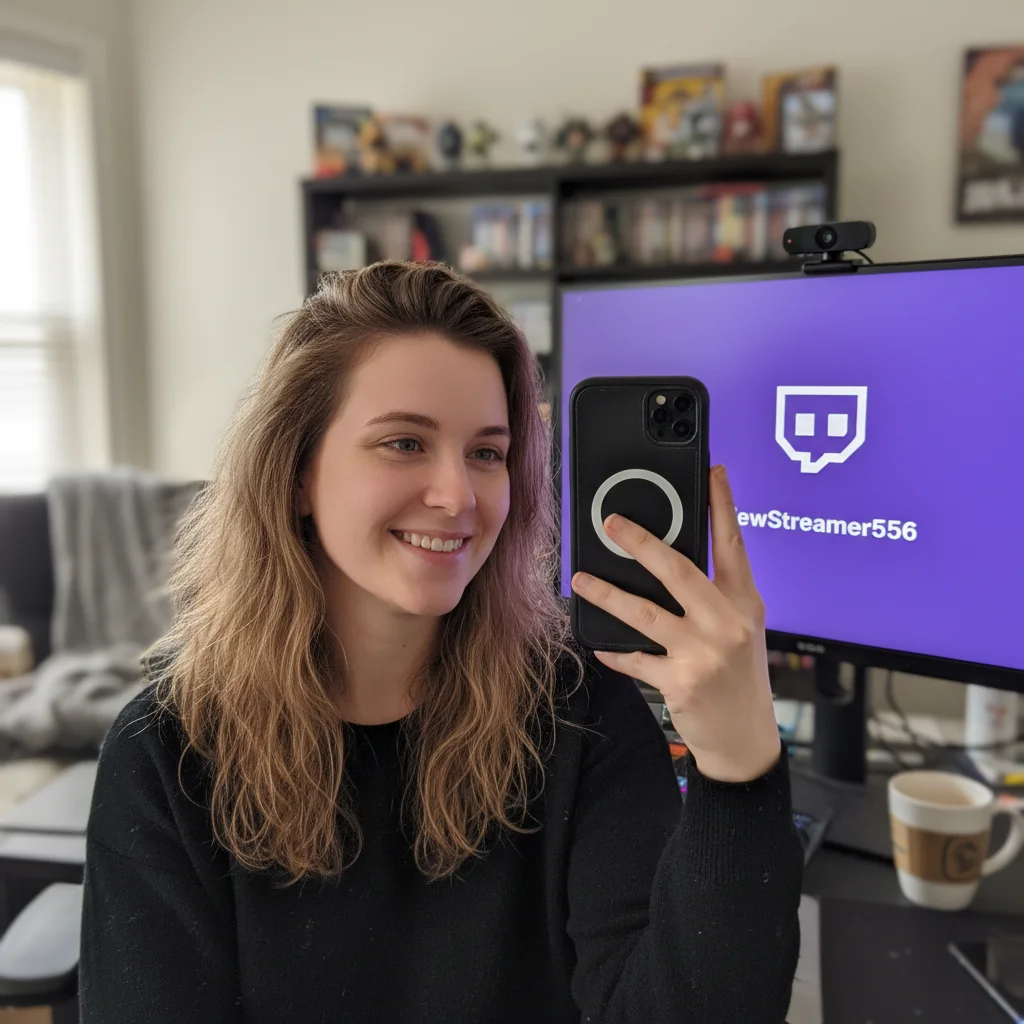
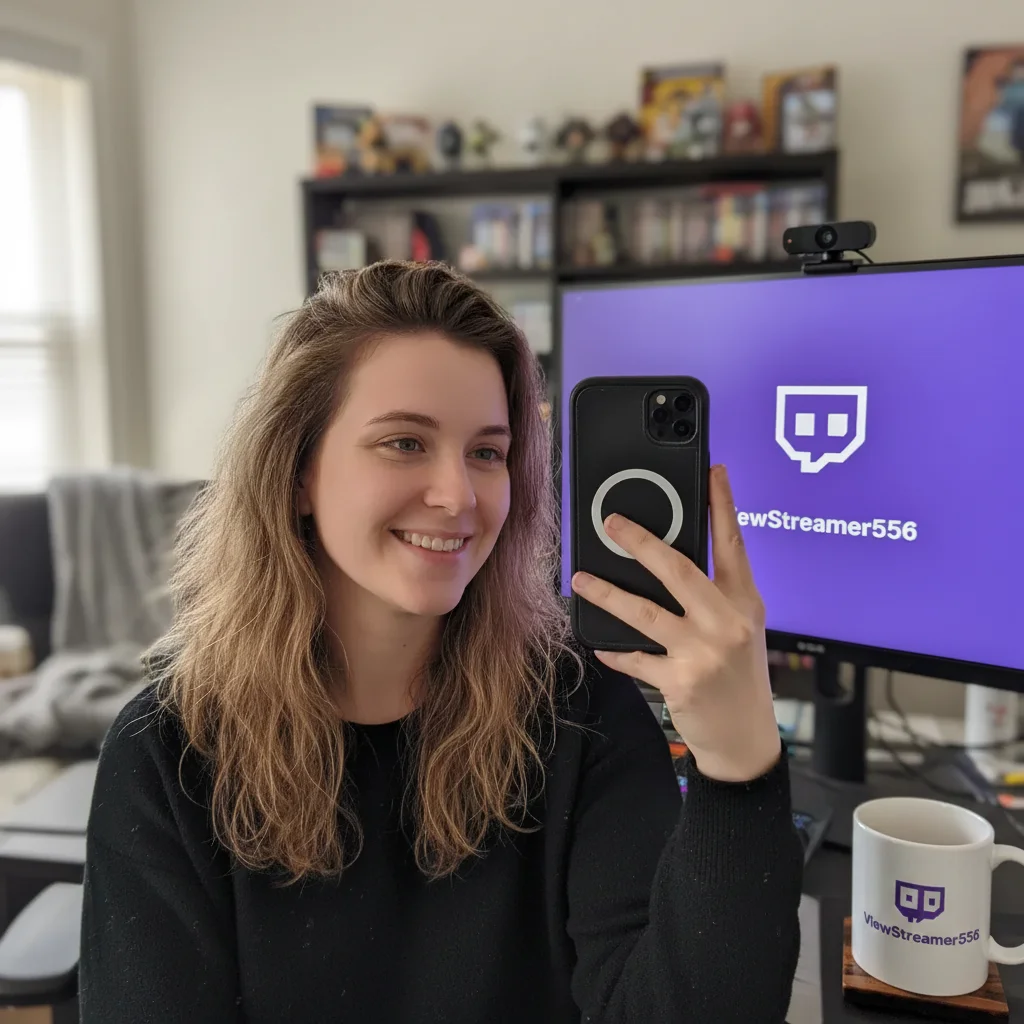
Default Glitch to bold PFP
A new streamer with the default Twitch icon uploaded a webcam selfie. EditThisPic returned a purple-neon streamer PFP that made the channel look established.
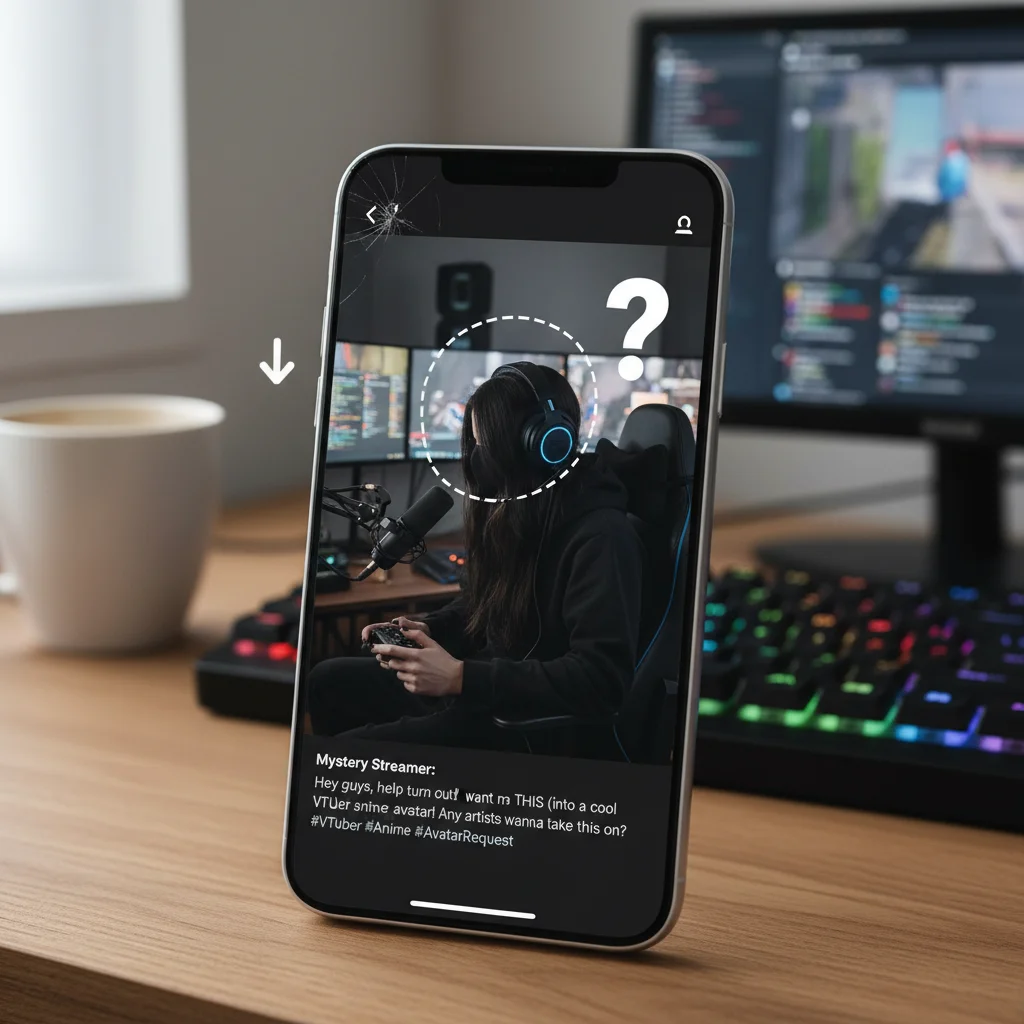
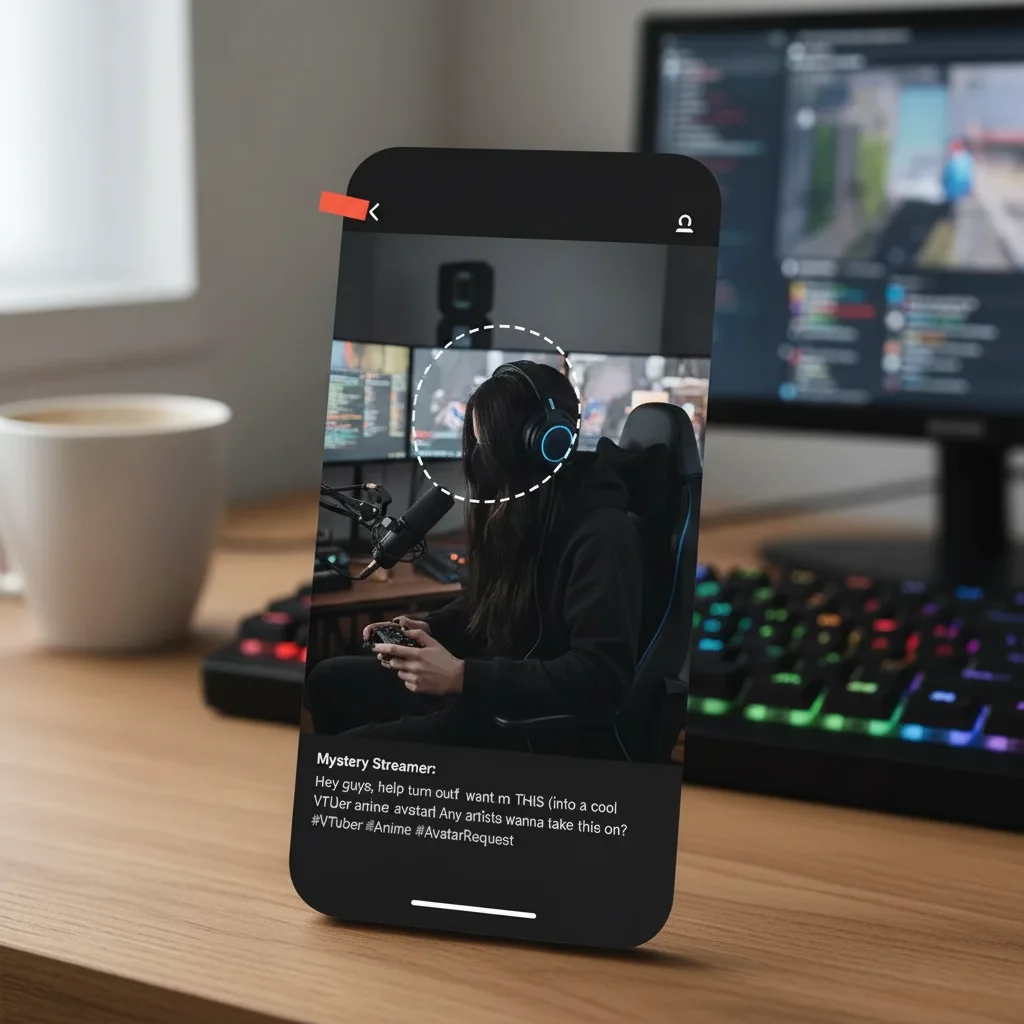
VTuber model from photo
A streamer who didn't want to show their face uploaded a photo and asked for a VTuber-style anime version. The result became their new channel icon.
FPS streamer rebrand
An FPS streamer rebranded their channel and needed a tactical-themed PFP. The new image matched the channel banner colors exactly.
When Things Go Wrong
PFP looks blurry inside Twitch circle
Face cut off by Twitch circle crop
Colors look dull on the Twitch panel
PFP looks too generic
Frequently Asked Questions
How do I make a Twitch profile photo?
Upload any selfie or character idea to EditThisPic, type a prompt like 'Twitch profile photo, bold purple neon gamer aesthetic', and download the result in about 25 seconds. Then upload it via Twitch Settings > Profile > Profile Picture. Free, no signup, no Photoshop needed.
What size is a Twitch profile picture?
Twitch displays profile photos at 256x256 pixels but stores them at higher resolution. EditThisPic outputs at high resolution that downsamples cleanly to 256x256. Twitch crops your image into a circle, so keep important details centered.
Is the AI Twitch profile photo maker free?
Yes. EditThisPic is free to preview. No signup, no Photoshop, and purchased downloads are clean. You can generate a streamer PFP in under a minute and upload it to Twitch immediately.
What should a Twitch profile photo look like?
Bold colors, sharp focus, head and shoulders or character bust, and a vibe that matches your channel. Twitch's dark theme makes punchy saturated colors pop. Avoid washed-out pastels unless you're a cozy streamer.
Should I use my real face or a character?
Either works. Face cam streamers often use a real photo. VTubers and speedrun streamers often use a character or game reference. EditThisPic can generate both styles. Pick what matches the energy of your channel.
Why does my PFP look blurry on Twitch?
Twitch downsamples profile photos aggressively. Upload at high resolution and Twitch will crop and compress it cleanly. EditThisPic outputs at high resolution by default, so this should not happen. If it still looks blurry, re-upload through Twitch Settings.
Twitch crops my PFP into a circle. How do I avoid getting cut off?
Keep your face or character bust centered with breathing room around the edges. Add 'centered head and shoulders with breathing room' to your prompt. Twitch's circle crop hides the corners, so important details belong in the middle.
Can I match my Twitch banner colors?
Yes. Tell the AI your banner colors. Try 'Twitch profile photo with neon green and black colors to match channel banner'. The result will color-match for a consistent channel look.
Can I make a VTuber-style PFP without a model?
Yes. Describe your character idea or upload a reference. Use a prompt like 'VTuber-inspired Twitch profile photo, anime art style, vibrant colors, expressive eyes'. The result is character-style without needing a Live2D model.
Are my photos stored?
No. EditThisPic processes your image in your browser session and does not save or train on your photos. The image is deleted shortly after processing.
Popular use cases
Ready to make a streamer-grade Twitch PFP?
Free to preview. No signup required. Clean paid downloads.
Start Editing