Free β€’ No signup Create April Fools prank photos Β· Free

April Fools Photo Ideas

Ten prank ideas, ten copy-paste prompts β€” upload any photo and send a prank in under a minute. No Photoshop, no skills, no mercy.

Man with brown hair in a professional headshot
Before
β†’
Same man now completely bald in the same headshot
After

April Fools Photo Ideas with AI Edits

Upload photo to create April Fools prank photos

Free β€’ Results in 30 seconds β€’ No signup

Release to upload

FreeNo signupNo watermark

1 free edit·then from $1.99

Popular use cases:
  • april fools photo pranks
  • funny ai photo edits
  • prank photo ideas
  • april fools ideas for friends
  • april fools prank text ideas
  • group chat pranks
  • copy paste prank prompts
  • april fools prank generator

Cost
Free No signup required
Time
Instant results in 15-30 seconds
Works on
Any device - browser, phone, tablet, desktop
Powered by
AI-powered photo editing
Scenario Prompt Time
Make someone bald Remove all hair β€” smooth scalp, no stubble, keep everything else the same 15s
Add a couch stranger Add a scruffy man in a bathrobe eating cereal on the couch like he lives here 30s
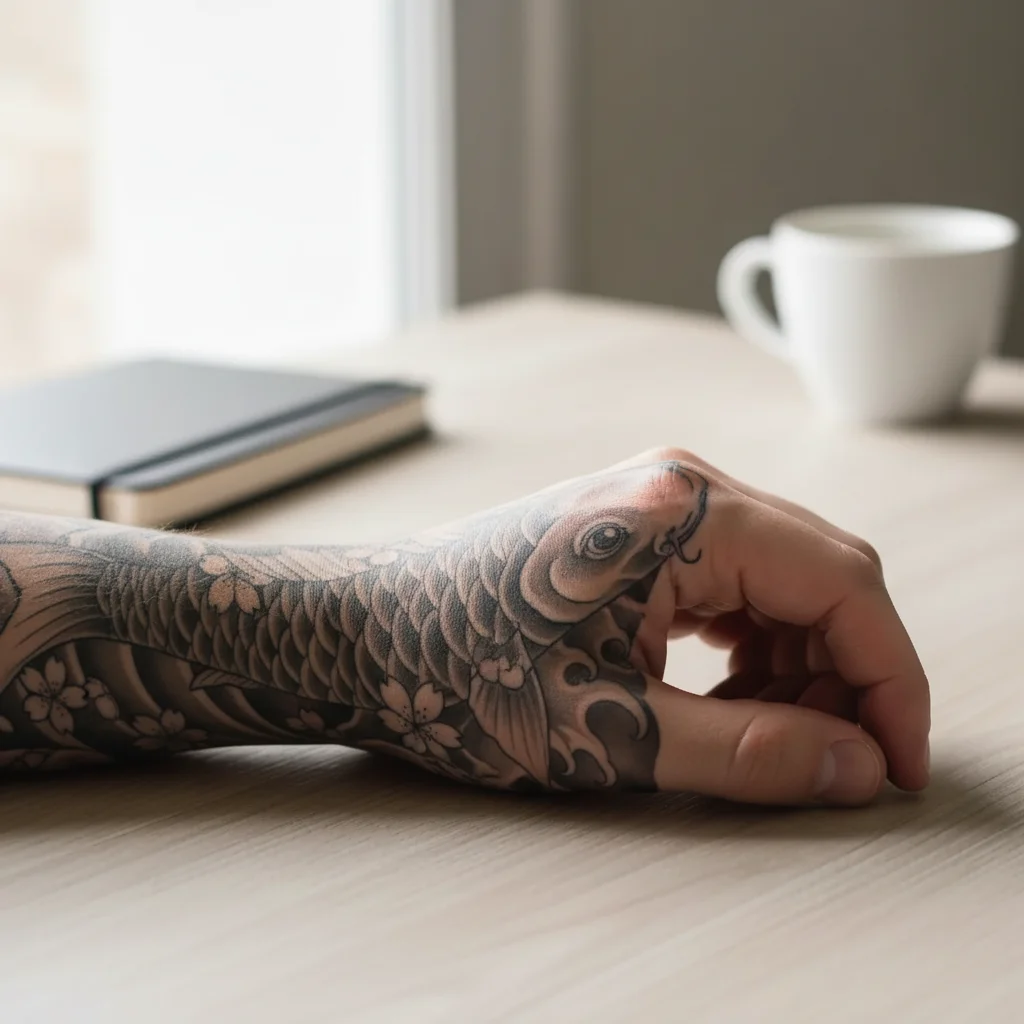
Fake engagement ring Add a large diamond ring on the left ring finger, catching the light 15s
Add a backyard bear Add a large black bear sitting center yard, looking toward the camera 30s

How it works

  1. Upload your photo

    Use a photo of the person, place, or thing you want to prank with. A selfie, a photo of your car, your living room, your pet β€” anything works. The more recognizable, the funnier the reaction.

    Expect: Upload takes about 2 seconds. Supported formats: JPG, PNG, HEIC, WebP.
  2. Paste a prank prompt from below

    Browse the prank ideas below and copy the prompt that matches your target. Paste it exactly into the description box β€” the more specific the prompt, the more convincing the result. You can tweak names, colors, or details to make it feel personal.

    Tip: Add context to your prompt β€” 'my kitchen' or 'my husband's car' makes the edit look more grounded than a generic scene.

    Copy one of these to get started:

    Make someone bald Remove all hair from this person's head so they look completely bald β€” smooth scalp, no stubble, no hairline. Keep everything else exactly the same including their expression and background.
    Add a stranger on the couch Add a scruffy man in a worn bathrobe casually eating a bowl of cereal on my couch, looking completely at home like he's lived here for years. Keep the rest of the room exactly as it is.
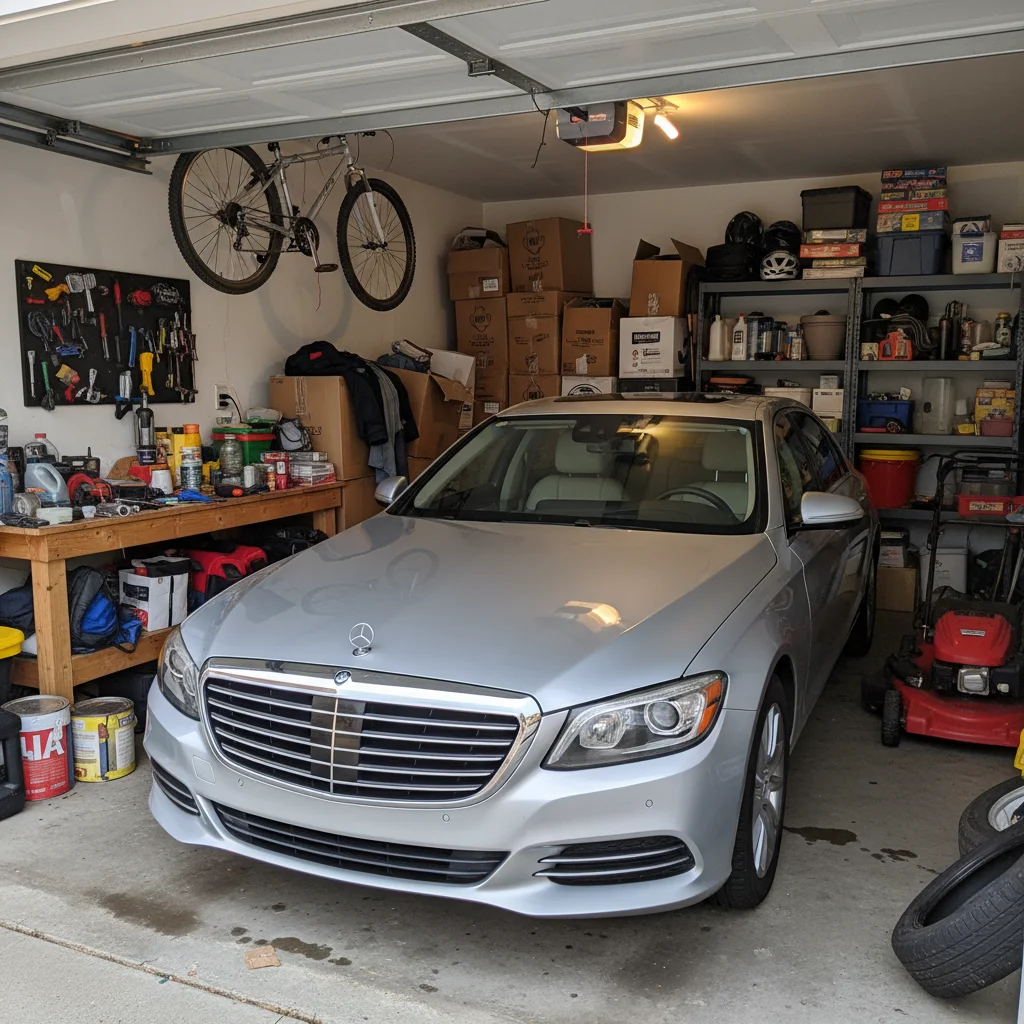
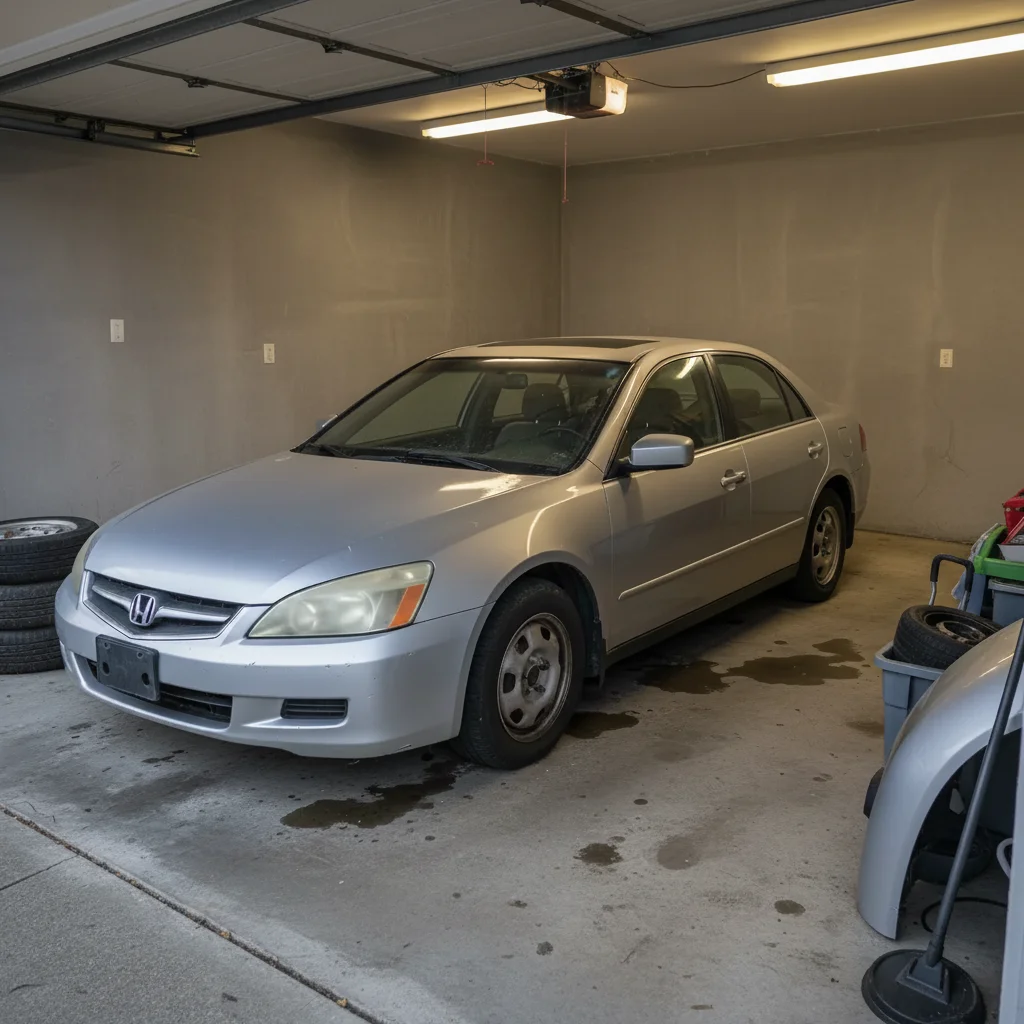
    Fake a car disaster Make this car look like it has been completely flattened on top β€” caved-in roof, shattered glass β€” as if a tree fell on it. Keep the surrounding street and background unchanged.
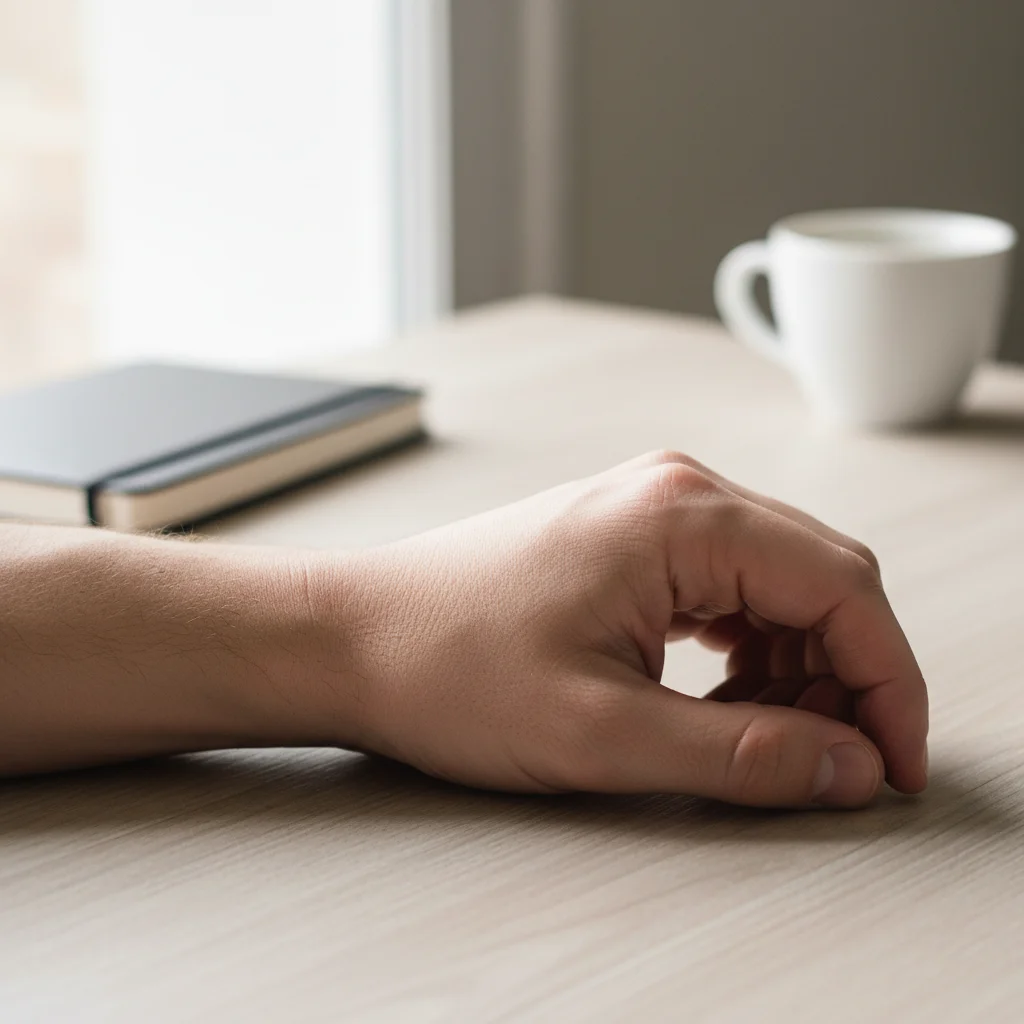
    Fake a surprise engagement Add a large diamond engagement ring on the ring finger of the left hand in this photo, catching the light so it looks real. Make it clearly visible without altering anything else in the image.
    6 more prompts
    Add a bear to the backyard Add a large black bear sitting in the middle of the backyard, looking directly toward the camera as if it noticed someone watching. Keep the fence, grass, and sky exactly as they are.
    Fake a breaking news chyron Add a realistic TV news lower-third chyron at the bottom of this photo with the text: 'LOCAL MAN DECLARED WORLD'S WORST DRIVER β€” FAMILY NOT SURPRISED.' Match the font and color scheme to a major news network.
    Give someone a dramatic face tattoo Add a large, intricate spider web tattoo covering the left side of this person's face and neck, done in dark black ink in a traditional style. Keep their expression and everything else unchanged.
    Fake a flooded room Add knee-deep murky water flooding the entire floor of this room, with floating objects like a sneaker, a cushion, and some papers drifting across the surface. Keep the walls, furniture, and ceiling unchanged.
    Fake a vacation Replace the background behind this person with a tropical beach scene β€” white sand, crystal blue water, palm trees β€” making it look like a genuine vacation photo taken at golden hour.
    Make someone look suddenly old Age this person by approximately 40 years β€” add deep wrinkles, sagging skin, grey hair, age spots on the hands, and make the eyes more sunken. Keep their pose, outfit, and background exactly the same.
  3. Send it

    Download the edited photo and send it wherever it'll land hardest β€” a family group chat, a direct message to your victim, or as a 'casual' photo posted to your story. The longer you let it sit before revealing it, the better.

Try it free ↓

April Fools Photo Ideas with AI Edits

Upload photo to create April Fools prank photos

Free β€’ Results in 30 seconds β€’ No signup

Release to upload

Free β€’ No signup

See it in action

Man with brown hair in a professional headshot
Before
->
Same man now completely bald in the same headshot
After

The bald husband text

A wife uploaded her husband's work headshot and used the bald prompt. She sent it to his mom in the family group chat with the caption 'he surprised me this weekend.' His mom called him immediately.

Prompt: Remove all hair from this person's head so they look completely bald β€” smooth scalp, no stubble, no hairline. Keep everything else exactly the same including their expression and background.
Normal living room with grey couch and TV
Before
->
Same living room with an unfamiliar man in a bathrobe eating cereal on the couch
After

The couch intruder

A roommate uploaded a photo of their shared living room and added a stranger in a bathrobe. Sent it to the other roommate with 'home early, everything ok?' The reply came in 11 seconds.

Prompt: Add a scruffy man in a worn bathrobe casually eating a bowl of cereal on my couch, looking completely at home like he's lived here for years. Keep the rest of the room exactly as it is.
Ordinary suburban backyard with wood fence and grass
Before
->
Same backyard with a large black bear sitting in the middle staring at the camera
After

The backyard bear warning

Someone uploaded a photo of their ordinary suburban backyard and added a large black bear. Sent it to their partner with 'please don't let the kids outside yet.' Three follow-up texts before the reveal.

Prompt: Add a large black bear sitting in the middle of the backyard, looking directly toward the camera as if it noticed someone watching. Keep the fence, grass, and sky exactly as they are.

If something looks off

The edited photo looks fake β€” the change doesn't match the lighting

Why: The AI matches lighting based on what it can read from the original photo. Very dark, backlit, or heavily filtered photos give it less to work with.

Try: Try a cleaner, well-lit version of the photo. If the lighting issue is in one specific area, add a marker over that spot before submitting.

Tip: Photos taken in natural daylight produce the most realistic edits. Avoid flash photos or heavily filtered Instagram shots for best results.

The prank element is too subtle β€” it barely shows up

Why: The AI may interpret a vague prompt conservatively, keeping the added element small or understated.

Try: Add size and position instructions to your prompt: 'a large, clearly visible bear sitting front-and-center in the yard' or 'a completely bald head β€” no hair whatsoever, smooth scalp.'

Tip: Words like 'large,' 'prominent,' 'clearly visible,' and 'unmistakable' help the AI understand you want the element to read immediately.

Part of the photo I didn't want changed got edited

Why: The AI tries to interpret the full context of your prompt. If the description could apply to multiple areas, it may edit more than you intended.

Try: Add 'keep everything else exactly as it is' to the end of your prompt. If a specific area needs to stay untouched, use a marker to point to what should not change.

Tip: The more specific your prompt, the less the AI has to guess. 'Add a bear to the left side of the yard near the fence' leaves much less room for interpretation than 'add a bear.'

The face in the photo changed when I only wanted the background edited

Why: Some prompts can inadvertently trigger face adjustments, especially if the AI reads the entire scene as a style transformation.

Try: Add 'do not alter any faces or people in this photo' to your prompt, or use markers to select only the background area you want changed.

Tip: For background swaps, cropping out the person, editing the background separately, and recombining tends to give cleaner results than editing the full image in one shot.

The prank looks too perfect β€” it's obviously edited

Why: This is actually rare, but extremely clean and precise AI edits can sometimes look artificially perfect, especially on photos that have mixed quality.

Try: If it looks too polished, try adding a small imperfection to your prompt: 'make the bear slightly blurry as if the camera caught it mid-movement' or 'make the flood look murky and dirty.'

Tip: A slightly imperfect prank photo is more convincing than a flawless one β€” real photos have noise, blur, and odd angles.

Quick answers

Do I need to mark areas before describing what I want?

No. Just describe the prank in plain text β€” 'make him bald,' 'add a bear to the backyard,' 'flood the kitchen floor.' The AI reads your description and figures out where to apply the change. Use markers only if there are two similar-looking areas and you need to be specific about which one to change, like picking one person in a group photo.

Is this free?

Yes. EditThisPic gives you 1 free edit per week with no account needed. That's enough to pull off one good April Fools prank. If you want to do multiple pranks in one day, you can get more edits starting at $1.99 β€” no subscription required.

Will these edits look realistic enough to actually fool someone?

Most of the prompts on this page are designed to fool people on a first glance over text or group chat β€” which is exactly how April Fools pranks work. They don't need to survive close inspection. The bald edit, the ring, the couch stranger, and the flooded room all tend to produce convincing enough results for a few seconds of panic, which is all you need.

Can I use a photo I took on my phone?

Yes. Phone photos work well β€” and in most cases they work better than professional photos for pranks, because they look more natural and personal. Just upload the photo directly from your camera roll.

Can I edit a photo of someone else without their permission?

EditThisPic doesn't restrict who appears in uploaded photos, but you're responsible for how you use the result. For April Fools pranks among friends and family, this falls well within normal humor. Sharing edited photos publicly or using them in any misleading, defamatory, or harmful way is your responsibility β€” not ours.

What photo works best for the bald prank?

A photo where the person's head and hair are clearly visible and well-lit. Front-facing photos, headshots, and selfies in natural light give the cleanest results. Hats, hoods, or photos where hair is barely visible don't give the AI enough to work with.

Can I do multiple pranks with one upload?

Each edit uses one credit. If you want to run multiple pranks β€” say, the bald edit for your brother and the couch intruder for your roommate β€” you'll need one edit per prank. Your free weekly edit covers one, and additional edits start at $1.99 for 3 edits.

Is there a watermark on the downloaded photo?

No watermark. The downloaded photo is a clean image file you can send directly in any message, post anywhere, or print out.

How much does EditThisPic cost?

You get 1 free edit per week β€” no account needed. After that, credit packs start at $1.99 for 3 edits. Monthly plans start at $4.99/mo for 15 edits with unused credits rolling over. All edits are full resolution with no watermark.

Ready to prank someone?

Free to try. No signup required.

1 free edit included·Credit packs from $1.99