Free β€’ No signup Add Damage to car photo Β· Free

Add Damage to Car Photo

Upload a car photo and describe the damage. AI adds dents, scratches, and broken glass in seconds.

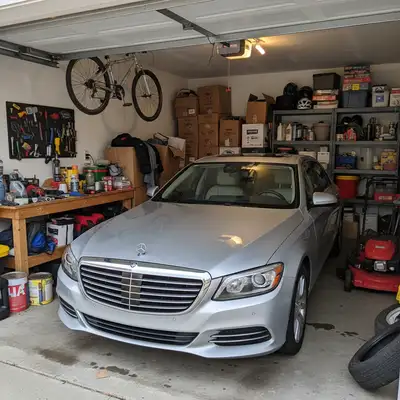
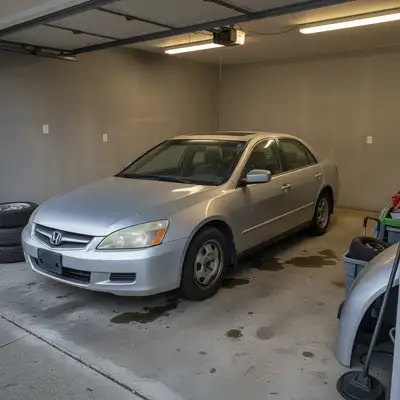
Original photo before add damage to car photo
Before
β†’
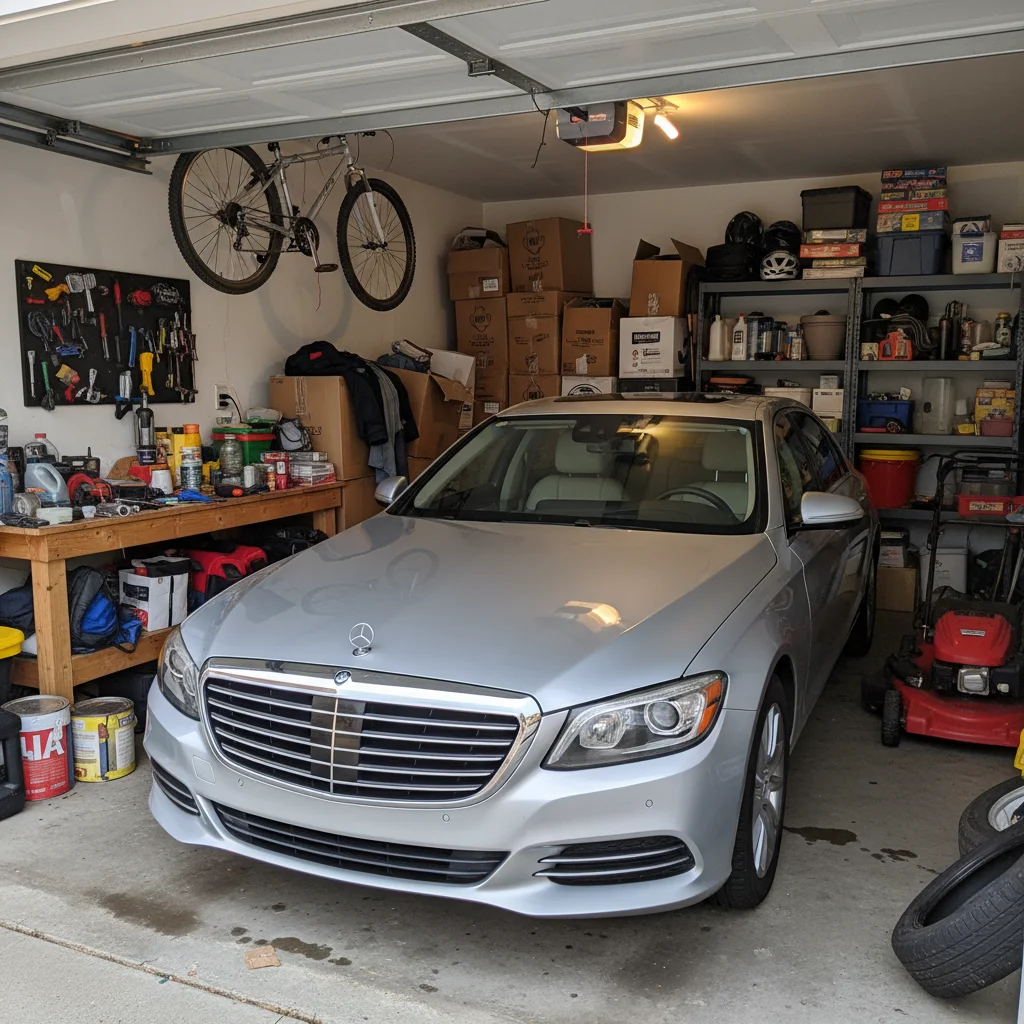
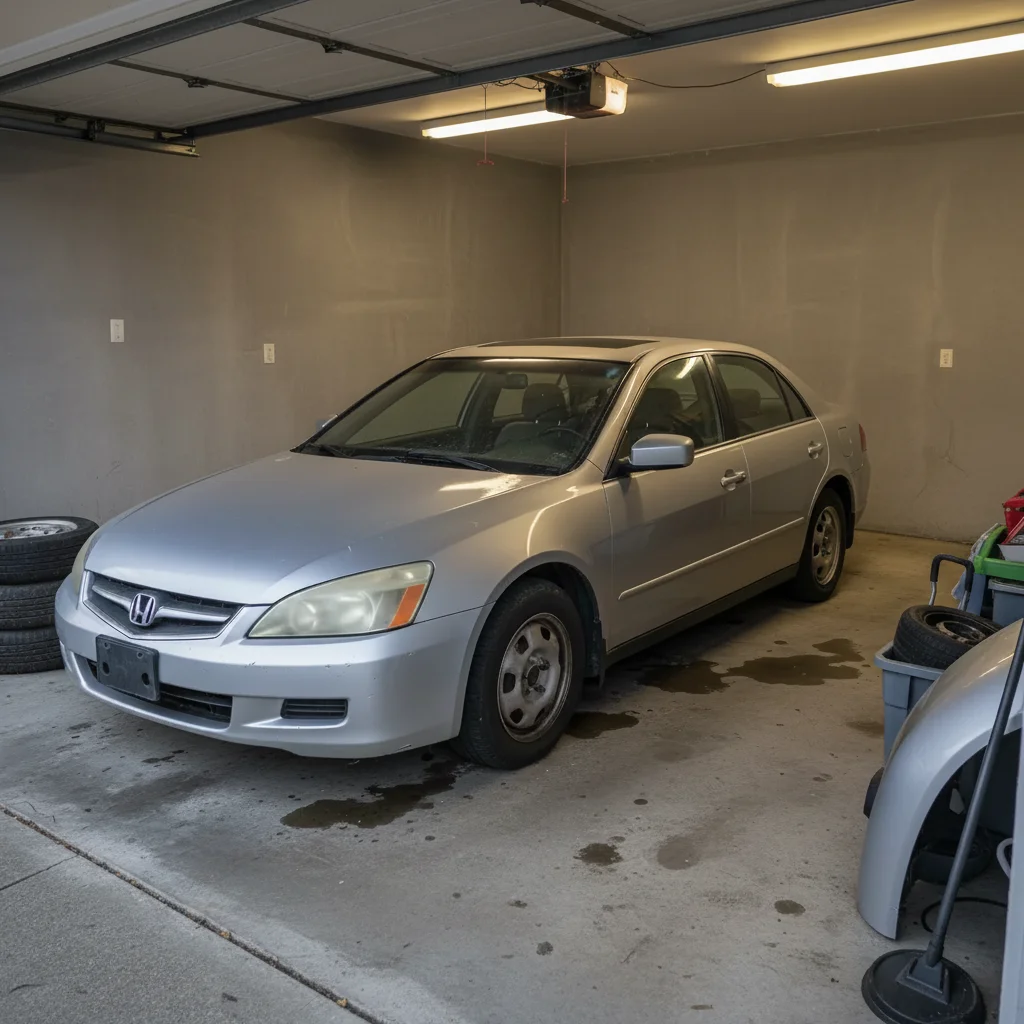
Photo after add damage to car photo with AI
After

Add Damage to Car Photo with AI

Upload photo to add damage to car photo

Free β€’ Results in 30 seconds β€’ No signup

Release to upload

FreeNo signupNo watermark

1 free edit·then from $1.99

Popular use cases:
  • add damage to car photo
  • car dent photo editor
  • add scratches to car photo
  • AI car damage generator

Cost
Free No signup required
Time
Instant results in 15-30 seconds
Works on
Any device - browser, phone, tablet, desktop
Powered by
AI-powered photo editing

How it works

  1. Upload your car photo

    Drop a car image into EditThisPic. JPG, PNG, WebP up to 7MB. Photos with good lighting and clear view of the car body work best.

    Expect: Most edits complete in 20-45 seconds.
  2. Describe the damage

    Tell the AI what kind of damage to add: 'Add a deep dent in the driver door with cracked paint' or 'Add scratches across the hood and a broken side mirror.'

    Tip: Specify the damage type (dent, scratch, crack, shatter) and location (hood, bumper, door) separately for precise results.

    Copy one of these to get started:

    General dent and scratch damage Add a large dent in the rear quarter panel with deep scratches and chipped paint around it
    Parking lot door ding Add a small but noticeable door ding on the driver side with a paint chip showing bare metal
    Broken window Shatter the rear passenger window β€” show realistic broken tempered glass with pieces hanging and missing
    Keyed car Add a long deep key scratch along the entire driver side from front fender to rear bumper, exposing bare metal
    4 more prompts
    Hail damage Add hail damage β€” dozens of small round dents across the hood, roof, and trunk, with dimpled paint
    Cracked bumper Add a cracked and sagging front bumper with scrapes along the bottom edge like it scraped a curb
    Multiple damage types Add a cracked windshield from a rock chip, a dented hood, and scratched paint on the front bumper
    Rust and weathering Add rust spots on the wheel wells and door bottoms, with bubbling paint and exposed corroded metal
  3. Review the result

    Check that the damage looks realistic with proper shadows, paint chipping, and metal deformation. Compare before and after.

Try it free ↓

Add Damage to Car Photo with AI

Upload photo to add damage to car photo

Free β€’ Results in 30 seconds β€’ No signup

Release to upload

Free β€’ No signup

See it in action

Original photo before add damage to car photo
Before
->
Photo after add damage to car photo with AI
After

Dent and scratch damage

Car with AI-added dent and deep scratches on the side panel.

Prompt: Add a large dent in the rear quarter panel with deep scratches and chipped paint
Original photo before add damage to car photo
Before
->
Photo after add damage to car photo with AI
After

Broken window edit

Car with realistically shattered rear window.

Prompt: Shatter the rear passenger window β€” show realistic broken tempered glass

If something looks off

Damage looks painted on rather than physical

Why: AI created surface-level texture instead of 3D deformation.

Try: Add 'with physical metal deformation, proper depth, and realistic shadows'

Tip: 'Bent metal,' 'crushed,' and 'caved in' help create depth rather than flat textures.

AI put the damage in the wrong spot

Why: AI misinterpreted which panel or area.

Try: Tap a marker directly on the spot you want damaged, then regenerate

Tip: Markers are the fastest way to specify exact damage location.

Scratches look unrealistic

Why: AI drew scratches too uniform or too wide.

Try: Specify: 'thin, jagged scratch with exposed primer and bare metal underneath'

Tip: Real scratches are irregular and vary in depth.

Reflections don't match the damage

Why: Dented metal changes reflections.

Try: Add: 'update the paint reflections to match the dented surface geometry'

Tip: Most noticeable on glossy dark cars β€” matte or light colors are forgiving.

Quick answers

Do I need to mark where the damage should go?

Not necessarily β€” describe the location in your prompt. But tapping a marker on the exact spot gives pinpoint accuracy.

Is the add damage to car photo tool free?

Yes, EditThisPic lets you add damage for free with one Fast edit per week. No signup or credit card required.

What types of damage can the AI add?

Dents, scratches, key marks, broken windows, cracked bumpers, hail damage, rust spots, paint chips, shattered headlights, and more.

Will there be a watermark?

No, EditThisPic never adds watermarks, even on free edits.

Can I add damage to any type of vehicle?

Yes β€” sedans, SUVs, trucks, motorcycles, vans. The AI adapts to the vehicle's body panels and paint.

Does this work on mobile?

Yes, EditThisPic works fully in your mobile browser β€” no app download needed.

How do I make damage more realistic?

Be specific about type, depth, and materials exposed. 'Deep scratch exposing gray primer and bare metal' beats just 'add a scratch.'

Can I add multiple types of damage at once?

Yes! Describe all damage in one prompt. The AI handles multiple areas simultaneously.

How much does EditThisPic cost?

You get 1 free edit per week β€” no account needed. After that, credit packs start at $1.99 for 3 edits. Monthly plans start at $4.99/mo for 15 edits with unused credits rolling over. All edits are full resolution with no watermark.

Ready to add damage to your car photos?

Free to try. No signup required.

1 free edit included·Credit packs from $1.99