Free β€’ No signup Add Realistic fire and flames to car photo Β· Free

Car on Fire Prank Photo

Upload a car photo and AI adds realistic flames and smoke. One text message, maximum panic.

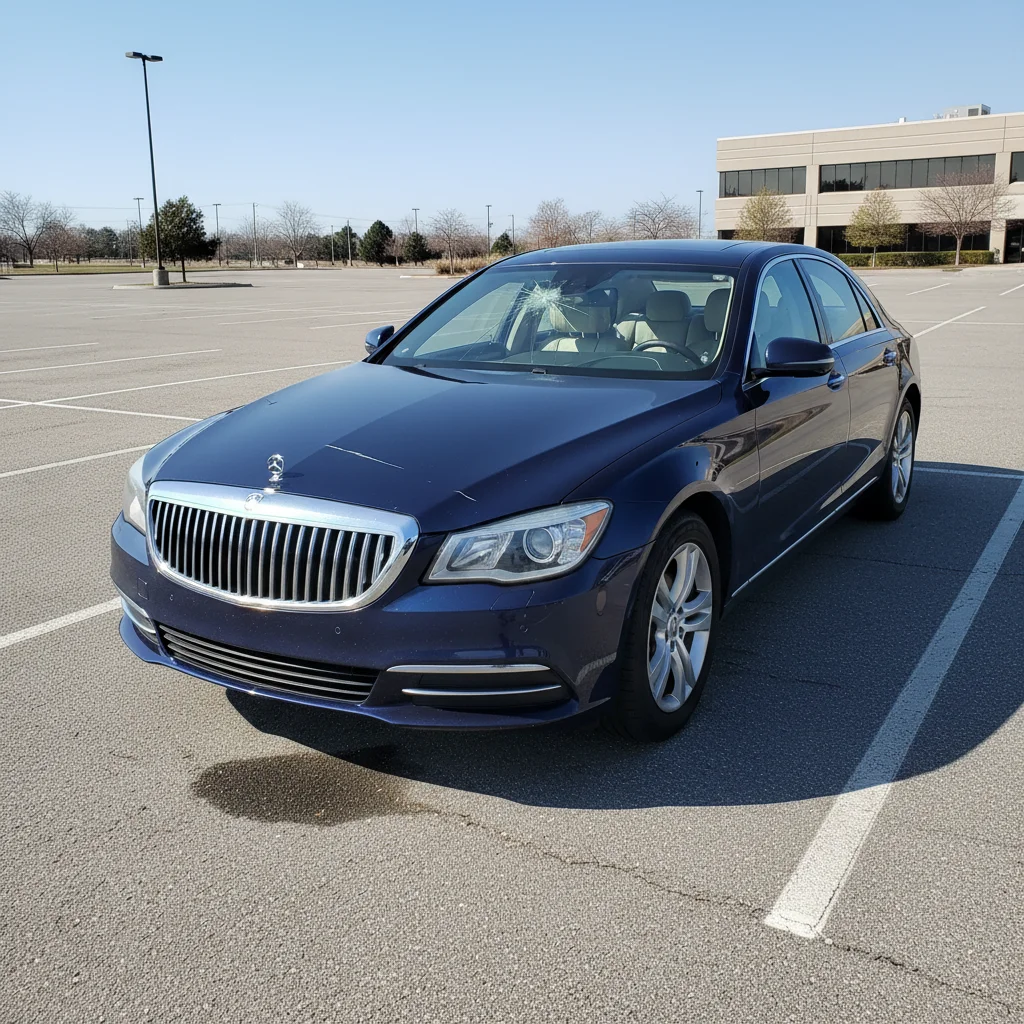
Original photo before edit
Before
β†’
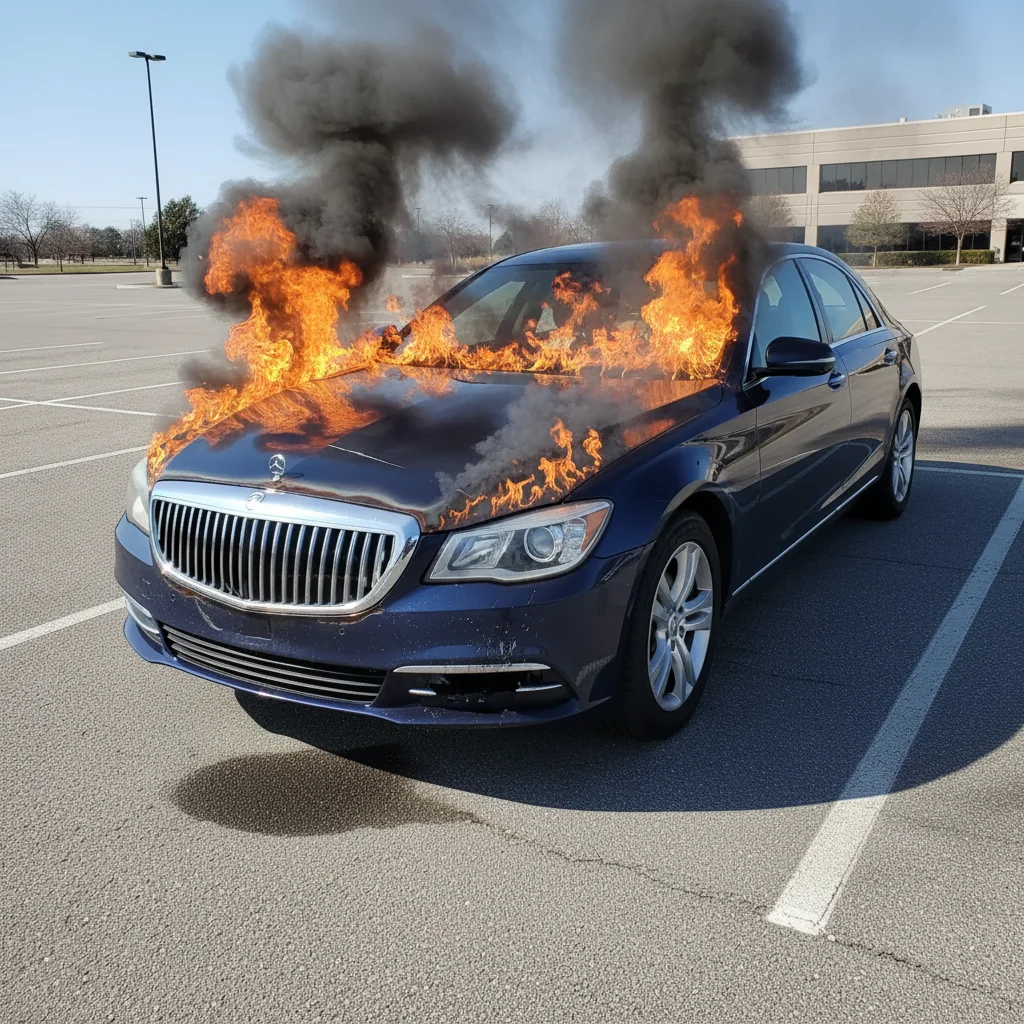
Photo after add with AI
After

Car on Fire Prank Photo

Upload photo to add realistic fire and flames to car photo

Free β€’ Results in 30 seconds β€’ No signup

Release to upload

FreeNo signupNo watermark

1 free edit·then from $1.99

Popular use cases:
  • car on fire prank photo
  • add fire to car photo
  • fake car fire image
  • AI car fire prank

Cost
Free No signup required
Time
Instant results in 15-30 seconds
Works on
Any device - browser, phone, tablet, desktop
Powered by
AI-powered photo editing

How it works

  1. Upload a car photo

    Drop a car photo into EditThisPic. JPG, PNG, WebP up to 7MB. For max prank impact, use your friend's actual car.

    Expect: Most edits complete in 20-45 seconds.
  2. Describe the fire effect

    Tell the AI how the fire should look: 'Engulf the car in flames with thick black smoke' or 'Add fire from under the hood with smoke billowing up.'

    Tip: Engine fires start from the hood area. Mention 'smoke from the hood' and 'flames through the grille' for realism.

    Copy one of these to get started:

    Engine fire β€” most believable Make this car look like the engine caught fire β€” flames from under the hood, thick black smoke rising, hood slightly warped from heat
    Fully engulfed β€” max drama Make this car completely engulfed in flames β€” fire everywhere, thick smoke cloud above, intense orange glow on the ground
    Just started smoking Add thick white and gray smoke pouring from under the hood, with small flames starting to appear through the grille
    Parking lot emergency Make this car on fire in the parking lot β€” flames from the engine bay, smoke rising, nearby cars untouched
    2 more prompts
    Aftermath β€” smoldering Make this car look like it just finished burning β€” charred black paint, melted plastic, smoldering embers
    Tire fire Add a fire burning from the rear wheel well with thick black rubber smoke and flames licking the fender
  3. Download and prank

    Review the fire effect for realism. Download and send with an urgent message.

Try it free ↓

Car on Fire Prank Photo

Upload photo to add realistic fire and flames to car photo

Free β€’ Results in 30 seconds β€’ No signup

Release to upload

Free β€’ No signup

See it in action

Original photo before edit
Before
->
Photo after add with AI
After

Engine fire prank

Car with realistic AI-generated engine fire and smoke.

Prompt: Make this car look like the engine caught fire β€” flames from the hood, thick smoke
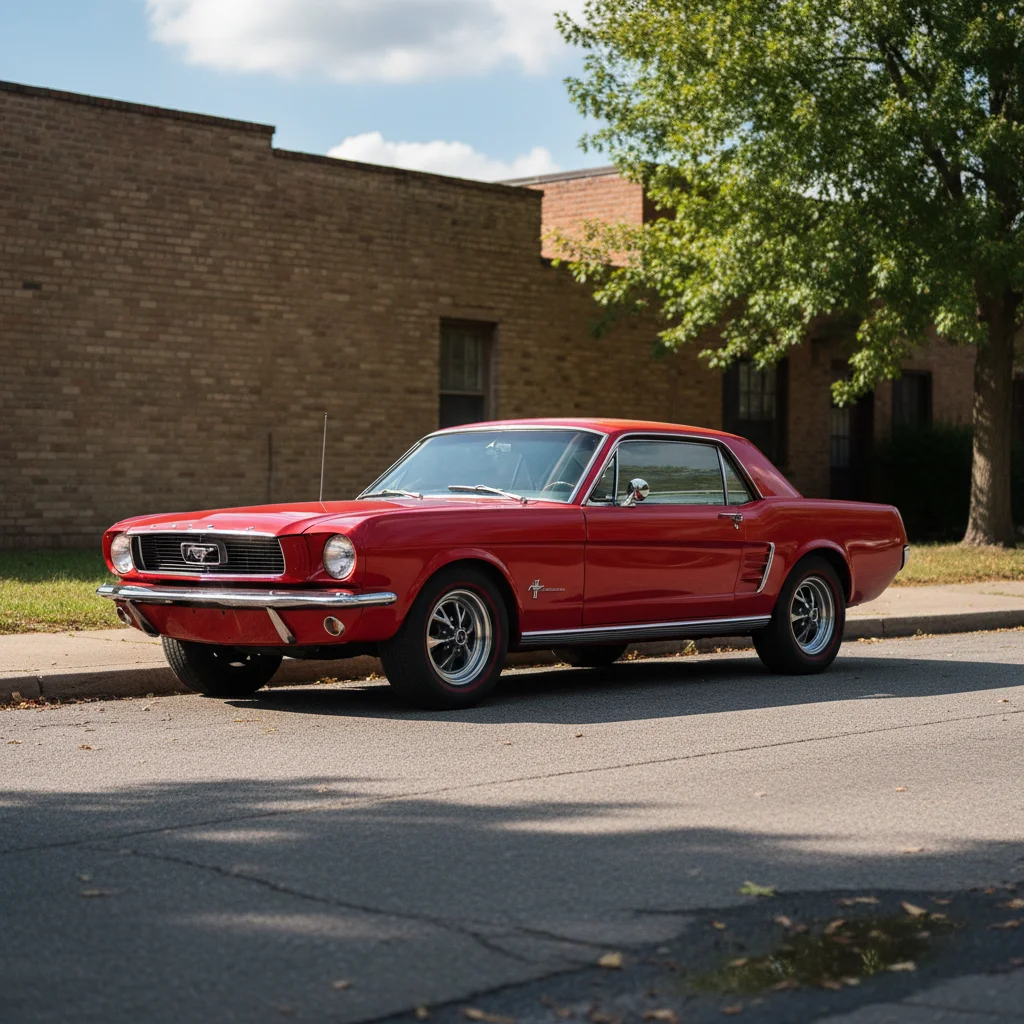
Original photo before edit
Before
->
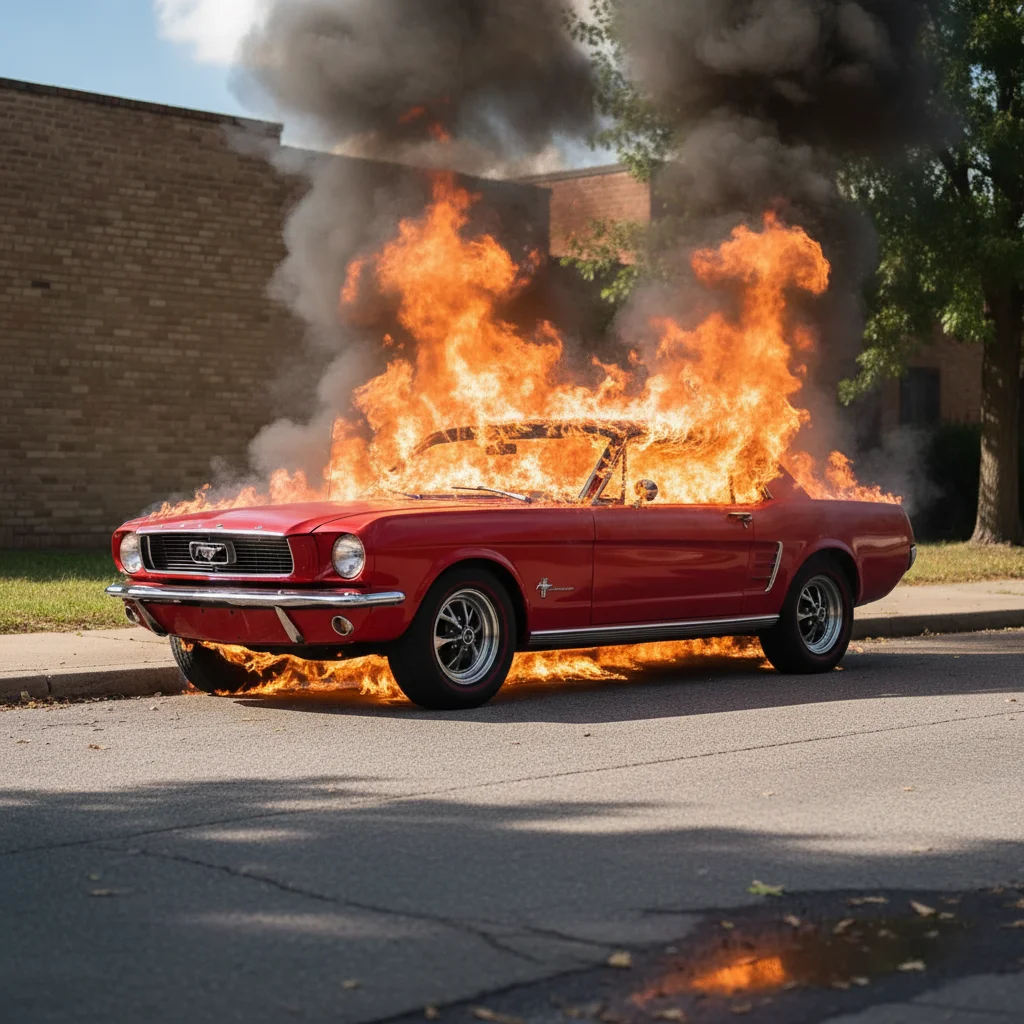
Photo after add with AI
After

Fully engulfed car fire

Car completely engulfed in flames with dramatic smoke.

Prompt: Make this car completely engulfed in flames β€” fire everywhere, thick smoke cloud

If something looks off

Fire looks like a sticker pasted on

Why: Flames don't interact with car surface or cast light.

Try: Add: 'flames casting orange light on the car paint and surrounding ground, with heat distortion'

Tip: Real fire casts light on nearby surfaces β€” mentioning this is key to realism.

Smoke doesn't look natural

Why: Smoke needs to be layered and semi-transparent.

Try: Specify: 'realistic billowing smoke β€” thick near the fire, thinning as it rises'

Tip: Smoke rises and spreads β€” mentioning 'dispersing at the top' prevents the solid-blob look.

The whole car changed shape

Why: Intense fire prompts can distort the car body.

Try: Add: 'keep the car body shape intact, just add fire and smoke around and on the car'

Tip: Explicitly tell the AI to preserve the car's shape.

Background got modified

Why: The AI spread fire effects to surroundings.

Try: Add: 'only add fire and smoke to the car itself, keep all surroundings unchanged'

Tip: The background staying normal makes it look more like a real snapshot.

Quick answers

Do I need to mark where the fire should go?

No β€” just describe where in your prompt. The AI places fire naturally. Markers help for very specific spot placement.

Is the car on fire prank tool free?

Yes, one free Fast edit per week. No signup required. Credit packs start at $1.99.

Will the fire look realistic enough?

The AI generates realistic flames, smoke, and light-casting effects. Very convincing for a quick prank text.

Will there be a watermark?

No, EditThisPic never adds watermarks, even on free edits.

Can I control the fire intensity?

Yes β€” describe 'just starting to smoke' for subtle, or 'completely engulfed' for dramatic.

Does this work on mobile?

Yes, works in any mobile browser. No app needed.

Can I add fire to other things?

Yes! EditThisPic can add fire to any photo. This page is optimized for car fire pranks specifically.

How much does EditThisPic cost?

You get 1 free edit per week β€” no account needed. After that, credit packs start at $1.99 for 3 edits. Monthly plans start at $4.99/mo for 15 edits with unused credits rolling over. All edits are full resolution with no watermark.

Ready to set your prank on fire?

Free to try. No signup required.

1 free edit included·Credit packs from $1.99