Pricing Fix Motion-blurred first steps photo · Free

Baby's First Steps Photo Came Out Blurry

Last updated

You only get one first-steps moment — sharpen the motion blur so it's clear enough to keep.
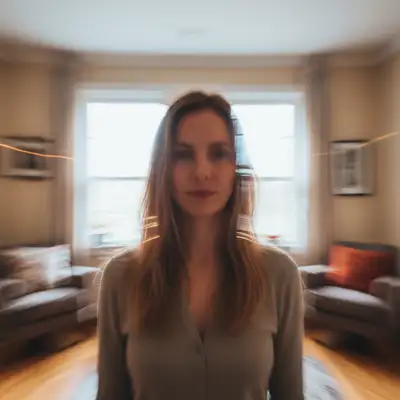
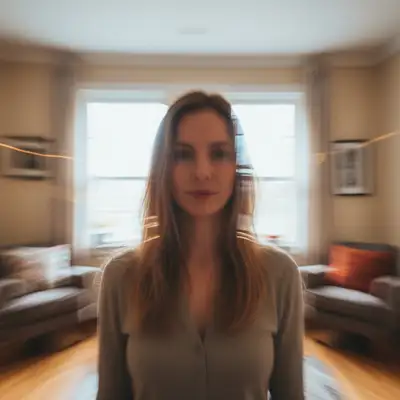
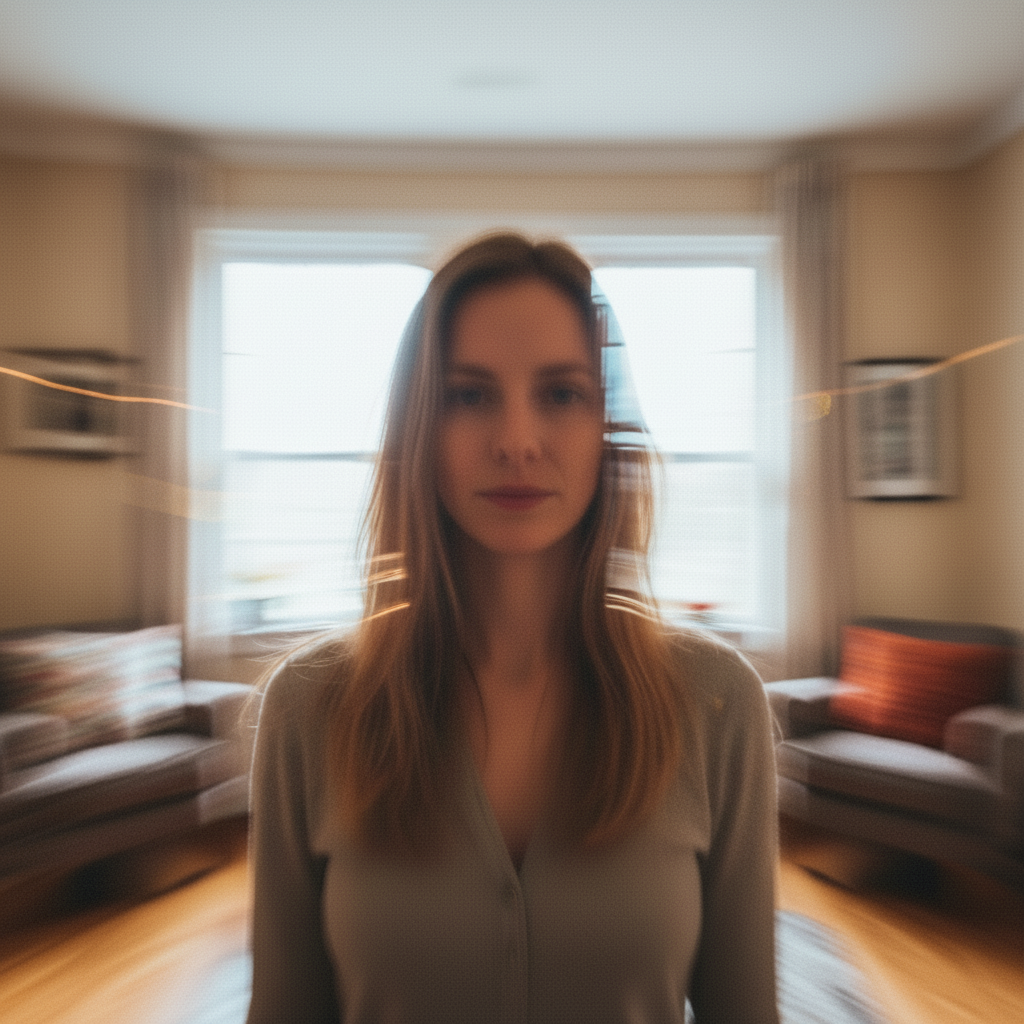
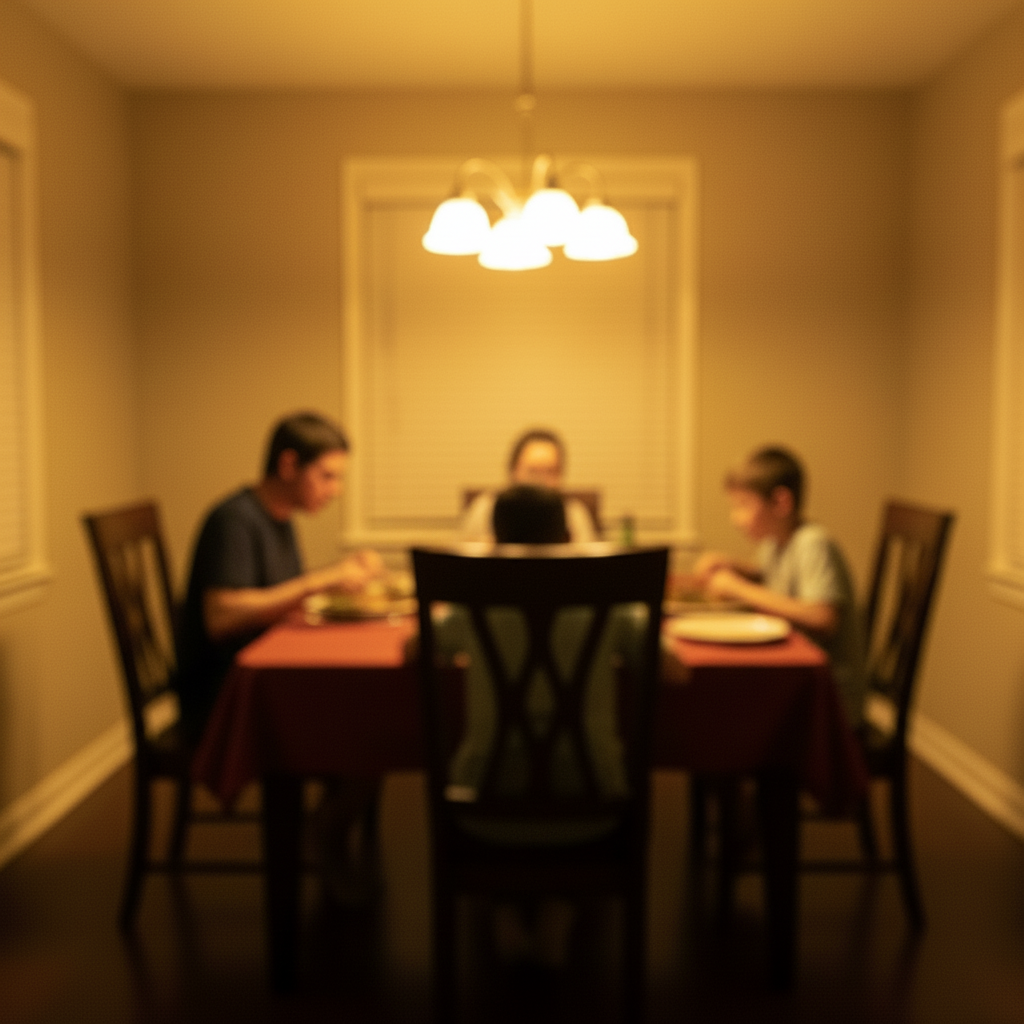
Motion-blurred photo of a baby taking first steps Sharpened photo of the baby's first steps with reduced motion blur

Upload photo to fix motion-blurred first steps photo

"sharpen my baby's legs and feet in this first-steps photo, they're blurred from the movement, keep everything else the same"

Free to try · no sign-up · photos are never shared

Release to upload

<30stypical edit
1 freeedit weekly
Photo on your phone? Scan to open this editor there — free edit works on your phone too.

1 free edit every week·paid packs after

How it works

  1. Upload the blurry first-steps photo

    Drop in the photo — phones often catch a beat too late or too early on a toddler's first unsteady steps, leaving motion blur on the arms, legs, or face. JPG, PNG, or WebP up to 7MB.

    Expect: Most fixes finish in 15-30 seconds. Heavy motion blur across the whole frame may need one refinement.
  2. Describe the motion blur

    Type something like 'fix the motion blur on my baby's legs and face from this first-steps photo, keep the background and lighting natural.' Naming the moving part (legs, arms, face) helps the AI focus.

    Tip: If the background is sharp but your baby is blurry, say so — it tells the AI the blur is from movement, not focus.

    Copy one of these to get started:

    General motion blur from the whole moment fix the motion blur in this photo of my baby's first steps, sharpen the face and body naturally
    Blurry legs and feet mid-step sharpen my baby's legs and feet in this first-steps photo, they're blurred from the movement, keep everything else the same
    Face is the priority sharpen my baby's face in this photo, it's slightly blurred from motion, keep the expression exactly the same
    Whole scene was moving (caregiver walking too) fix the motion blur throughout this photo — my baby and I were both moving — keep the lighting and colors natural
    1 more prompts
    Subtle fix only reduce the motion blur in this photo slightly, keep it looking like a real candid moment, not overly sharp
  3. Check the face and proportions

    Zoom in on the face first — that's what matters most in a keepsake photo. Confirm the body proportions and background still look natural and haven't been distorted.

  4. Refine with markers if needed

    OPTIONAL. If the face is sharp but a hand or foot is still blurred, tap a marker on that spot and regenerate. Most first-steps photos fix well without markers.

    Tip: Markers help most when only one limb caught the motion blur and the rest of the photo is already clear.

See it in action

Motion-blurred photo of a baby taking first steps
Before
->
Sharpened photo of the baby's first steps with reduced motion blur
After

Baby's First Steps Photo — Motion Blur Fix

A candid phone photo of a toddler's first unsteady steps, with motion blur on the legs and arms reduced.

Prompt: fix the motion blur in this photo of my baby's first steps, sharpen the face and body naturally
Toddler's face slightly blurred from motion while walking
Before
->
Sharpened photo with the toddler's face clear and natural
After

Baby's First Steps Photo — Face-Focused Fix

A photo where the toddler's face caught slight motion blur mid-stride, sharpened while keeping the expression natural.

Prompt: sharpen my baby's face in this photo, it's slightly blurred from motion, keep the expression exactly the same

Quick answers

Do I need to mark the blurry area before describing what I want?

No. Just describe it — 'fix the motion blur on my baby's legs' or 'sharpen the whole photo naturally' — and the AI finds it. Only use markers afterward if one specific spot stays blurry.

How do I fix a blurry first-steps photo for free?

Upload the photo to EditThisPic, describe the motion blur you want fixed, and download the result. The free tier gives you one edit per week, no signup or watermark.

Will the AI change my baby's face?

The goal is to sharpen what's already there, not redraw it. On lightly blurred photos the result stays very close to the original. On heavily blurred photos, some reconstruction happens — always compare the result to the original before you decide it's the one you keep.

Is there a free tool that doesn't require login?

Yes — there's nothing to set up. Upload the photo, describe the motion blur, and your sharpened result downloads directly, no account needed.

What if the whole photo is blurry, not just my baby?

Mention that in your prompt — 'fix the motion blur throughout this photo, both of us were moving' — so the AI treats the whole frame consistently instead of only sharpening one subject.

How much does EditThisPic cost?

You get 1 free edit per week — no account needed. After that, one-time credit packs start at $4.99 for 10 edits, valid 12 months, no subscription. Power users who edit daily can pick Studio Membership, a monthly workspace at $49.99/mo for 300 edits. Purchased downloads are clean with no watermark.

Ready to save that first-steps moment?

Free to try. No signup required.

1 free edit included·paid credit packs after