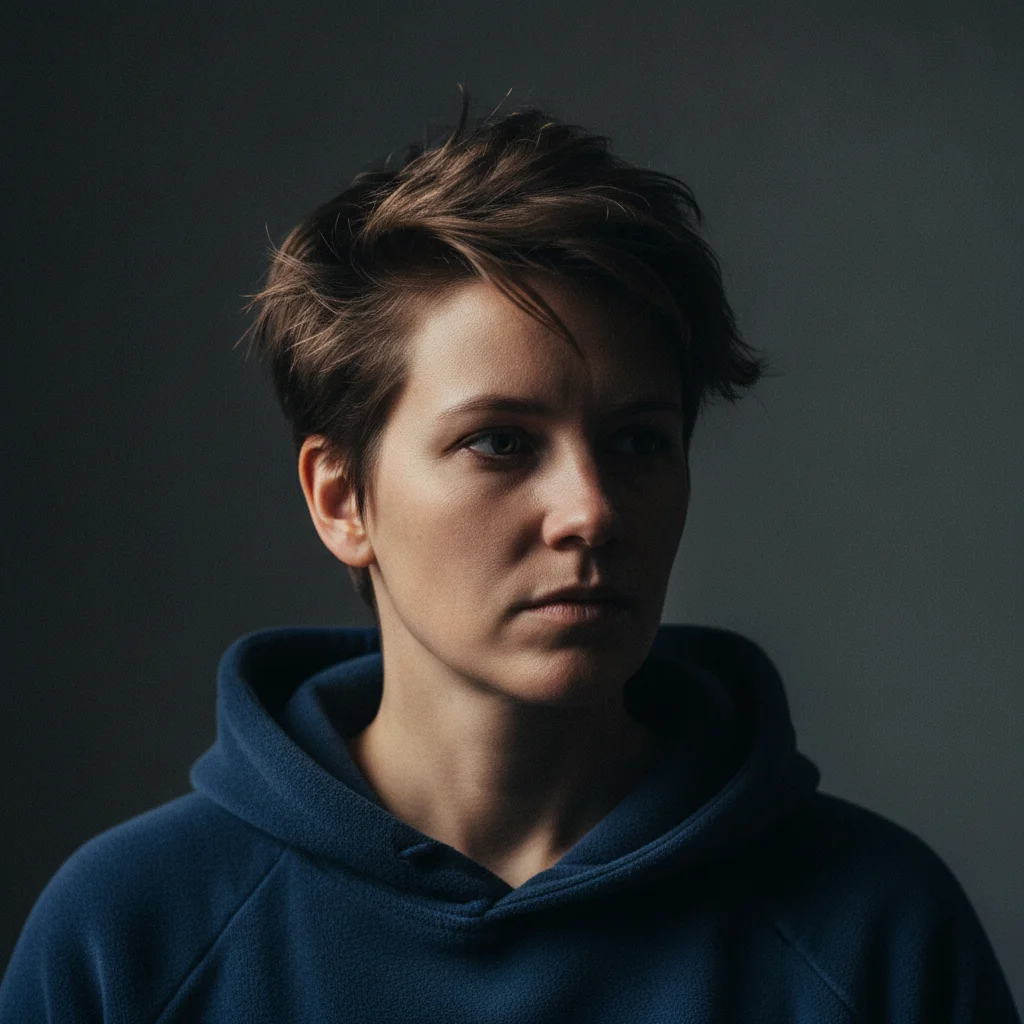
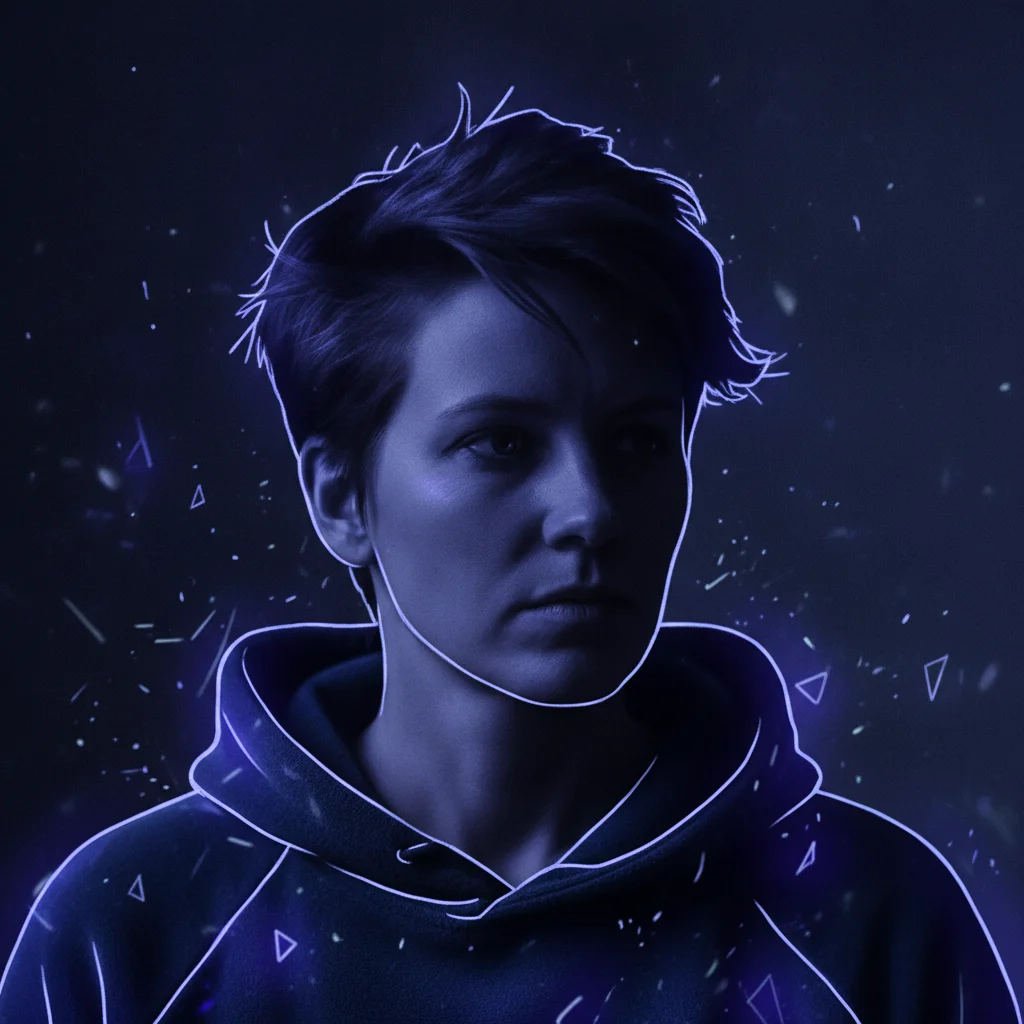
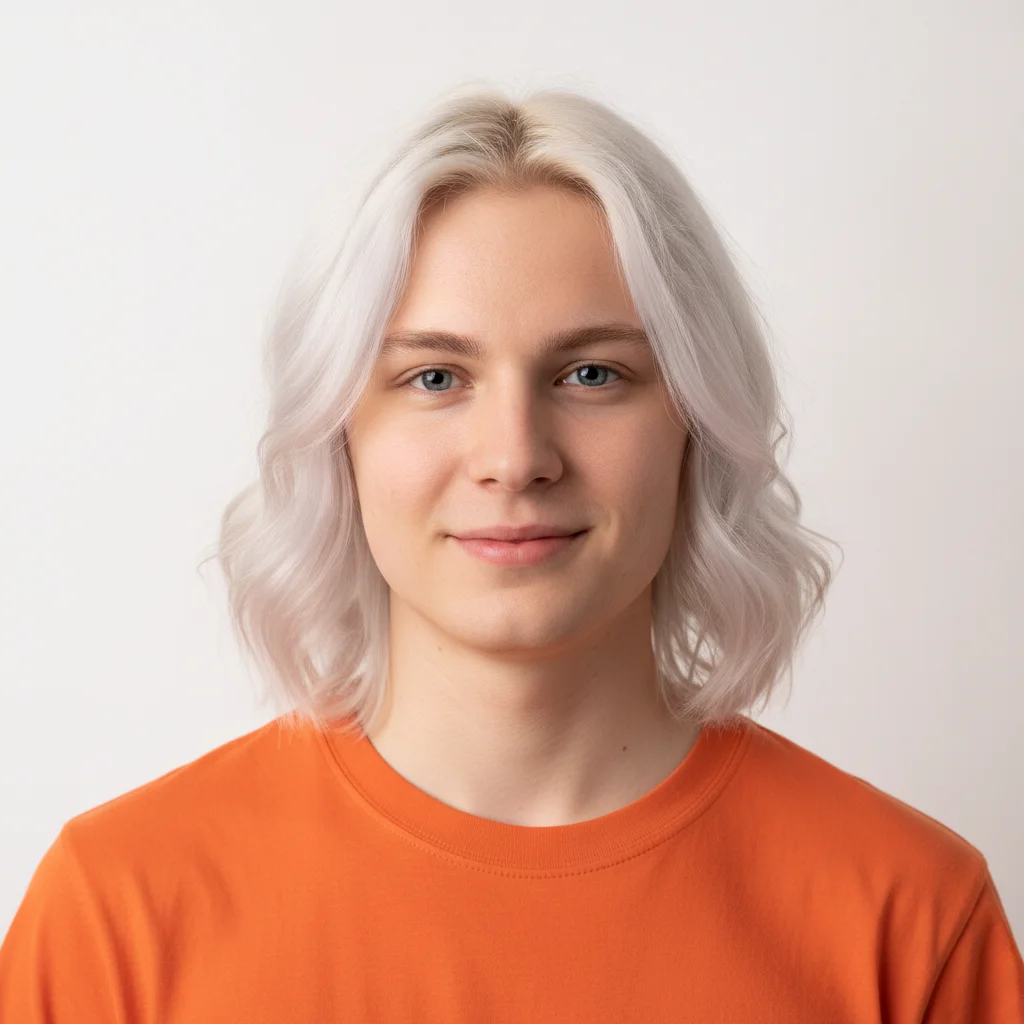
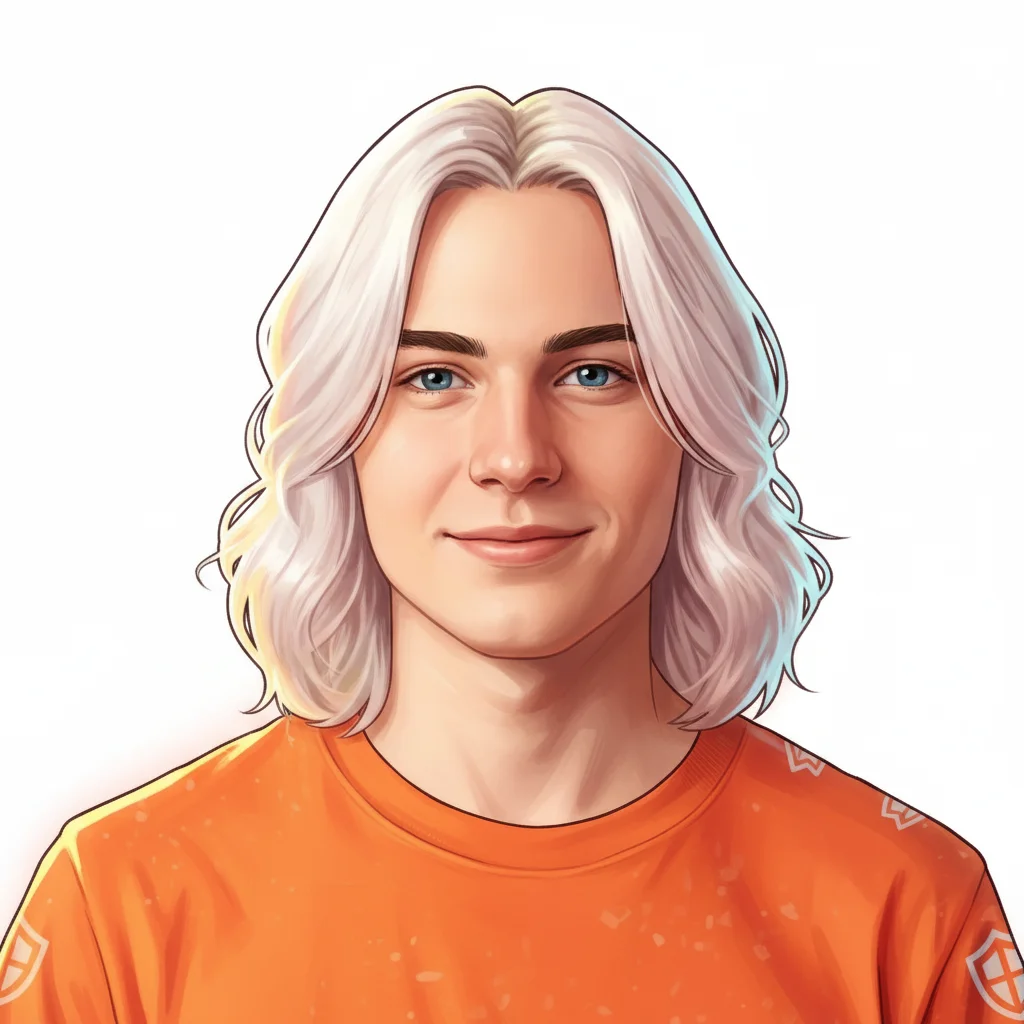
Do I need to mark anything before describing the Fortnite PFP I want?
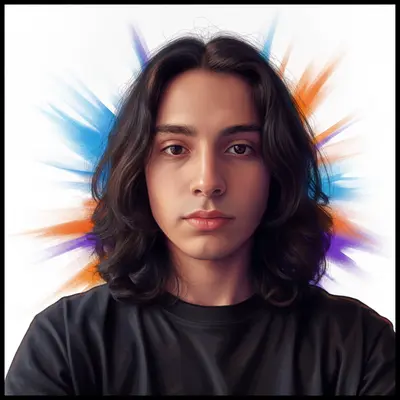
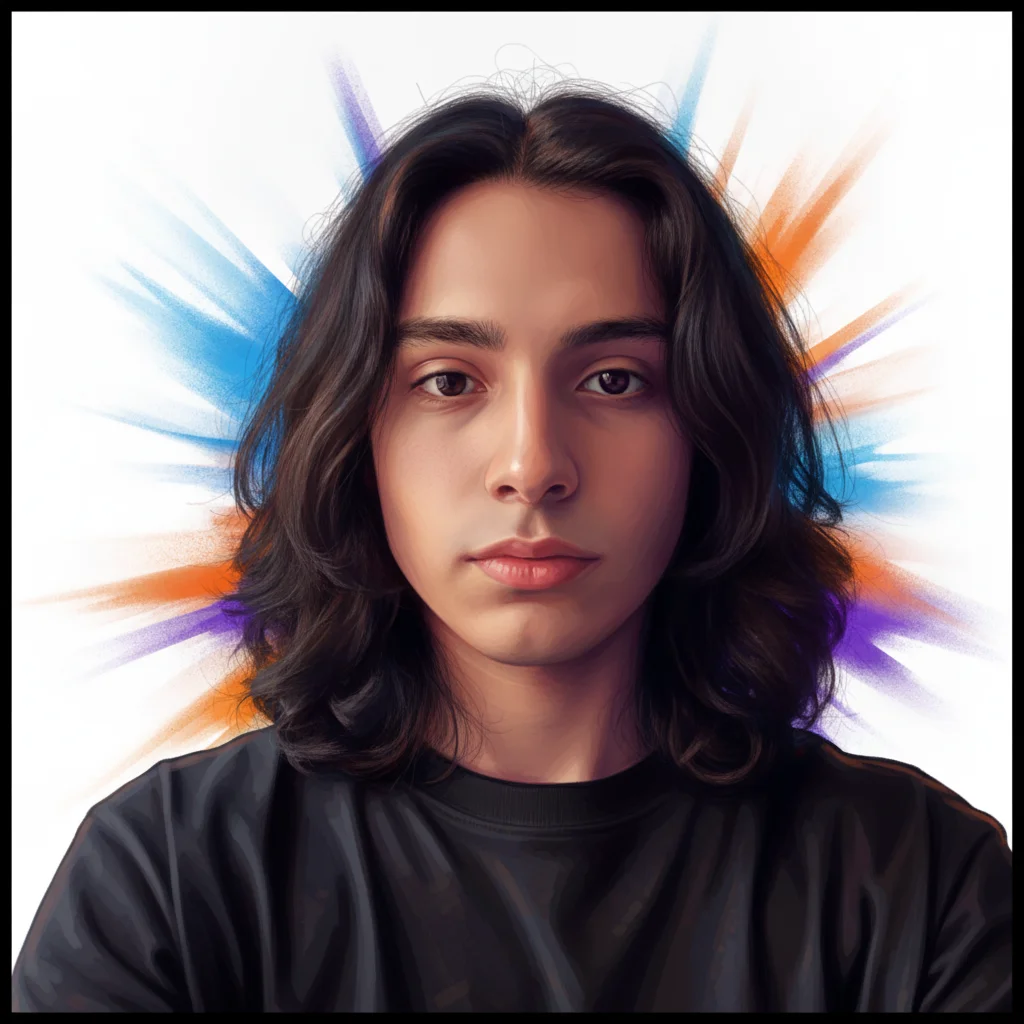
No. Just upload your photo and describe the style: 'transform into a Fortnite-style profile picture with bold battle-royale colors.' The AI applies the full transformation from your text description. No selection tools, no brushing, no design software.
How do I make a Fortnite-style profile picture for free?
Upload your photo to EditThisPic, type 'transform into a Fortnite-style profile picture with bold battle-royale colors and clean square crop,' and click Generate. The AI creates your PFP in about 20 seconds — free to preview with no account, clean paid download. One free edit per week; additional edits start at $4.99 for a 10-pack.
Can I use this Fortnite PFP on Discord, Epic Games, and Xbox?
Yes. The generated image can be uploaded directly to Discord, Epic Games, Xbox, Steam, or any social profile as your profile picture. This is an external gaming avatar — it does not import into Fortnite itself or replace in-game cosmetics.
What size should a Discord PFP be?
Discord accepts profile pictures up to 8MB and displays them as circular crops at various sizes. For best results, use a square image (equal width and height) with your face centered — Discord crops to a circle, so keep important content within the center 80% of the image. PNG or JPEG formats both work. EditThisPic outputs full-resolution images you can resize as needed.
Can I make a Fortnite PFP from my selfie?
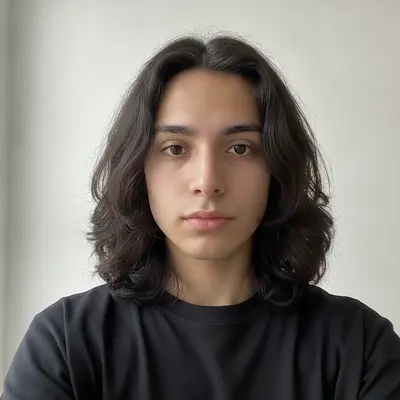
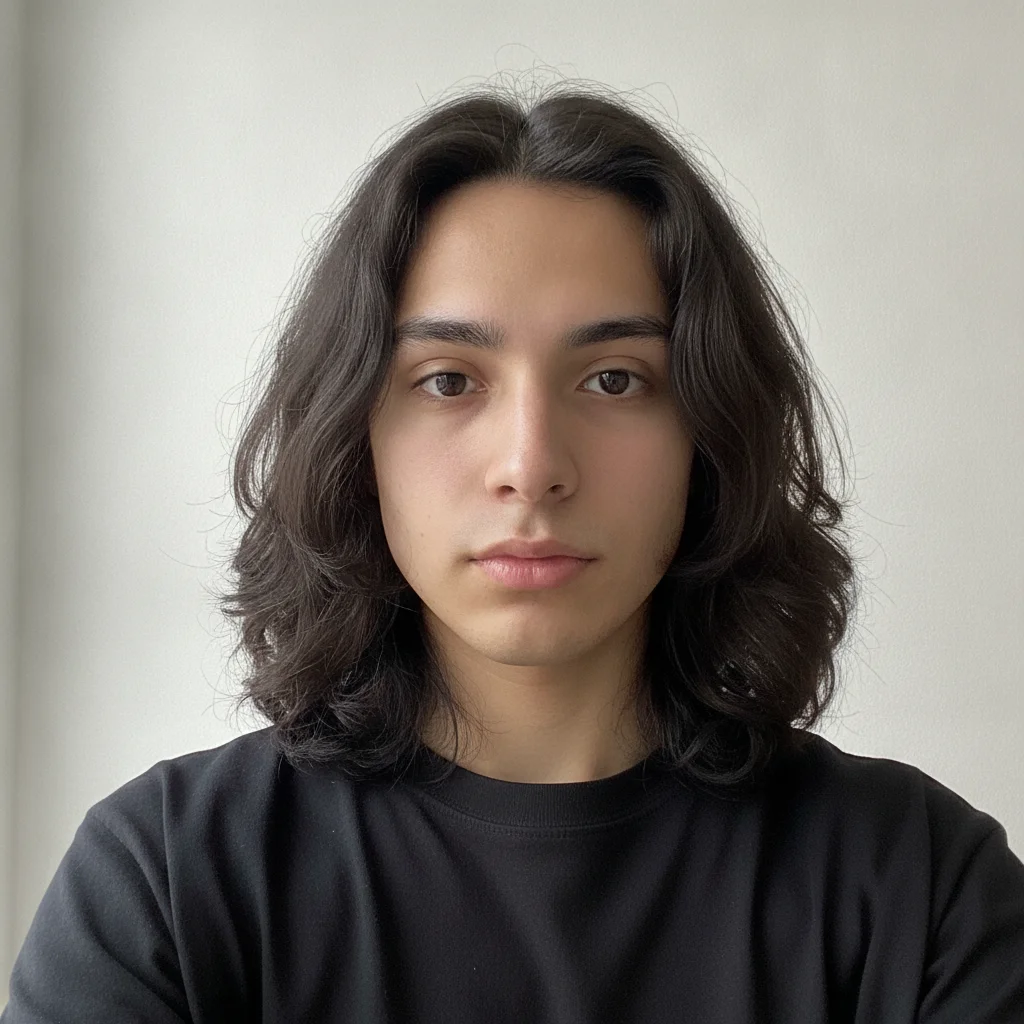
Yes. Upload a selfie and describe the style: 'create a Fortnite-style profile picture from this selfie — bold battle-royale colors, clean composition for Discord.' The AI stylizes your photo into a Fortnite-aesthetic avatar. Front-facing, well-lit selfies give the best results.
Can I change the style — dark, colorful, anime — of my Fortnite PFP?
Yes. Describe the specific aesthetic you want: 'dark warrior with glowing blue accents' for a dramatic look, 'vibrant rainbow colors and over-the-top fun style' for a playful one, or 'anime-meets-Fortnite cel-shaded linework' for a crossover aesthetic. Each produces a distinctly different result from the same base photo.
Is EditThisPic's Fortnite PFP maker really free?
Yes. EditThisPic gives one free Fast preview edit per week with no account, and purchased downloads are clean. Additional edits start at $4.99 for a 10-edit pack with no subscription needed. Most PFP creations complete in a single edit.
Does this work on mobile?
Yes. EditThisPic works in any modern mobile browser — Safari on iPhone, Chrome on Android. Upload your photo from your camera roll, type your prompt, and download the Fortnite-style PFP back to your photos. No app to install.
How does this compare to making a Fortnite PFP in Photoshop?
Photoshop gives complete control over every pixel and is the right tool if you're designing PFPs professionally. EditThisPic is faster for a single result: upload, describe the Fortnite style, download — 20 seconds with no software. The tradeoff is Photoshop gives you full editing flexibility while EditThisPic is a one-prompt workflow.
Can I create a matching set of PFPs for a Discord server?
Yes. Use the same prompt style across multiple photos to create a visually consistent set. Keep a text file with your tested prompt — 'transform into a Fortnite-style profile picture, bold battle-royale colors, [specific theme]' — and apply it to each photo. A paid plan gives you more edits without the weekly limit.
How much does EditThisPic cost?
You get 1 free edit per week — no account needed. After that, one-time credit packs start at $4.99 for 10 edits, valid 12 months, no subscription. Power users who edit daily can pick Studio Membership, a monthly workspace at $49.99/mo for 300 edits. Purchased downloads are clean with no watermark.