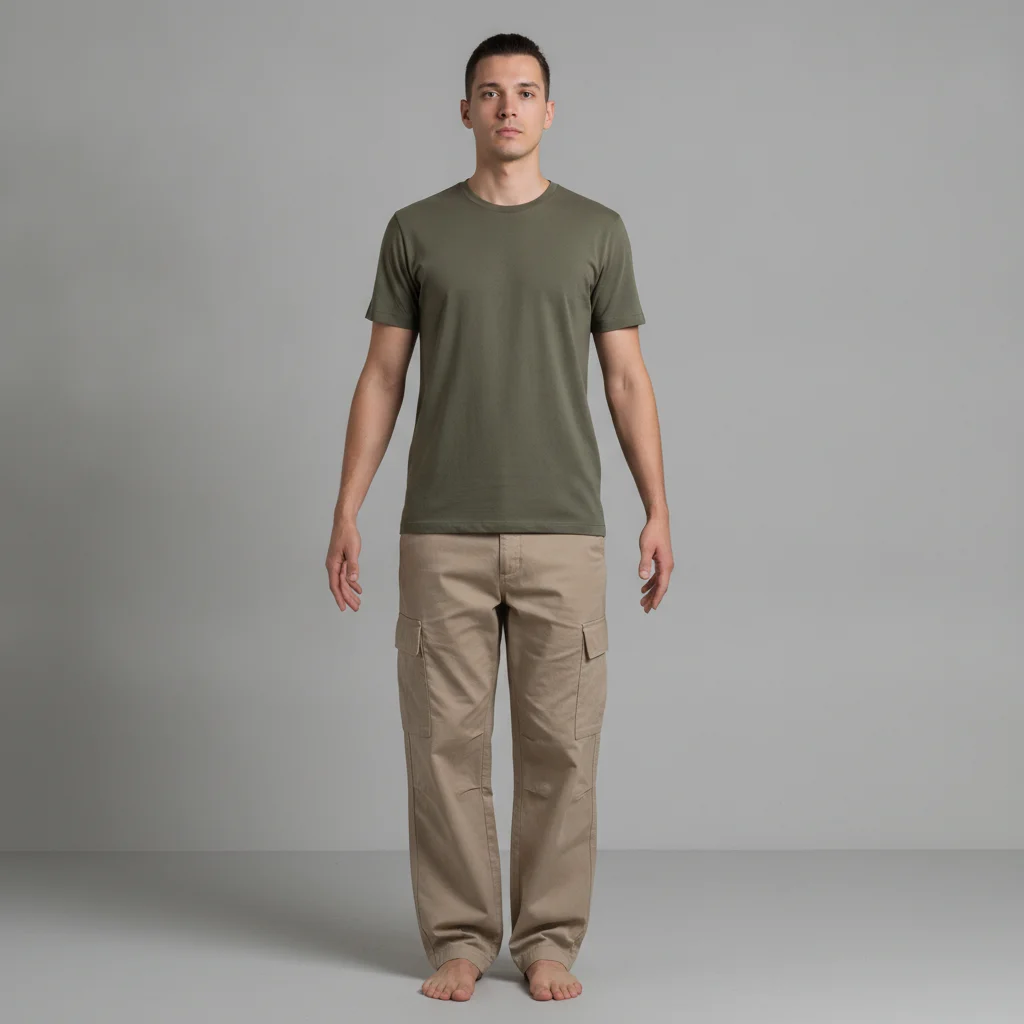
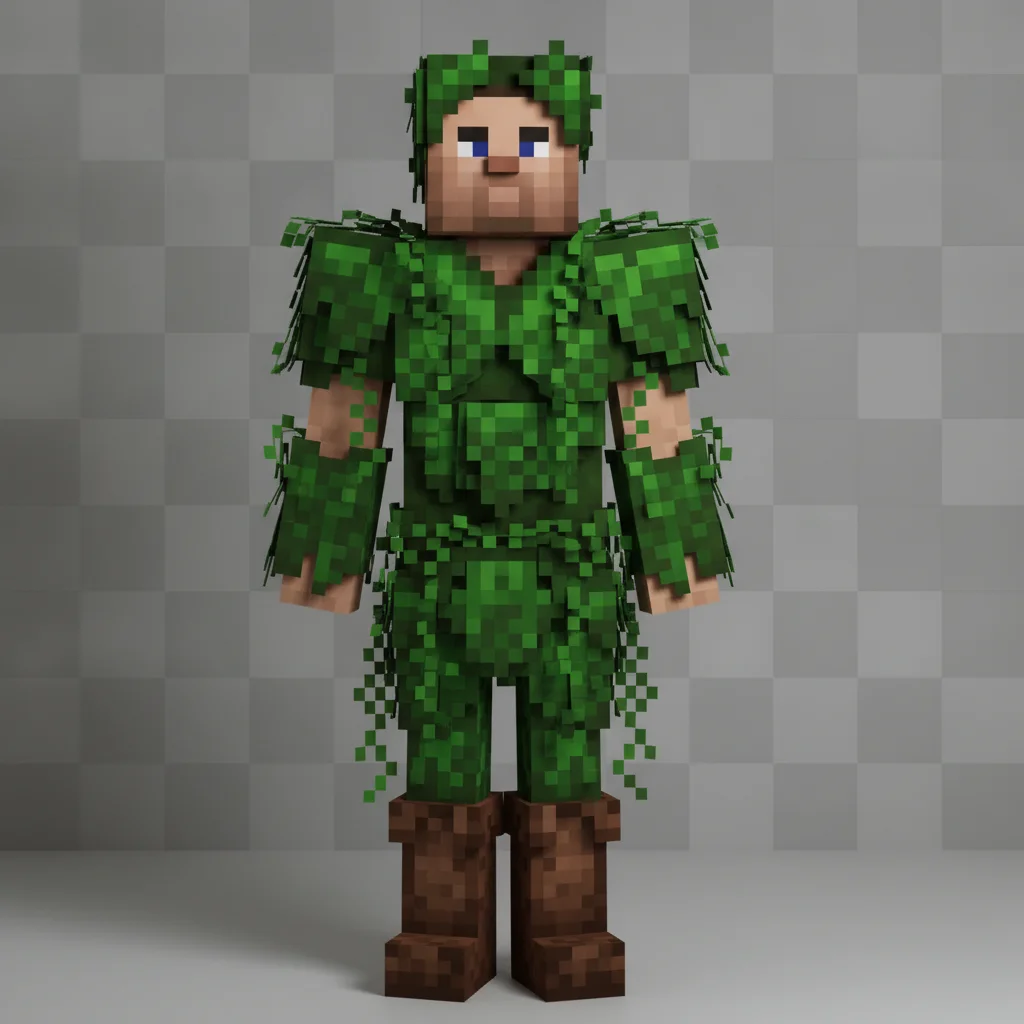
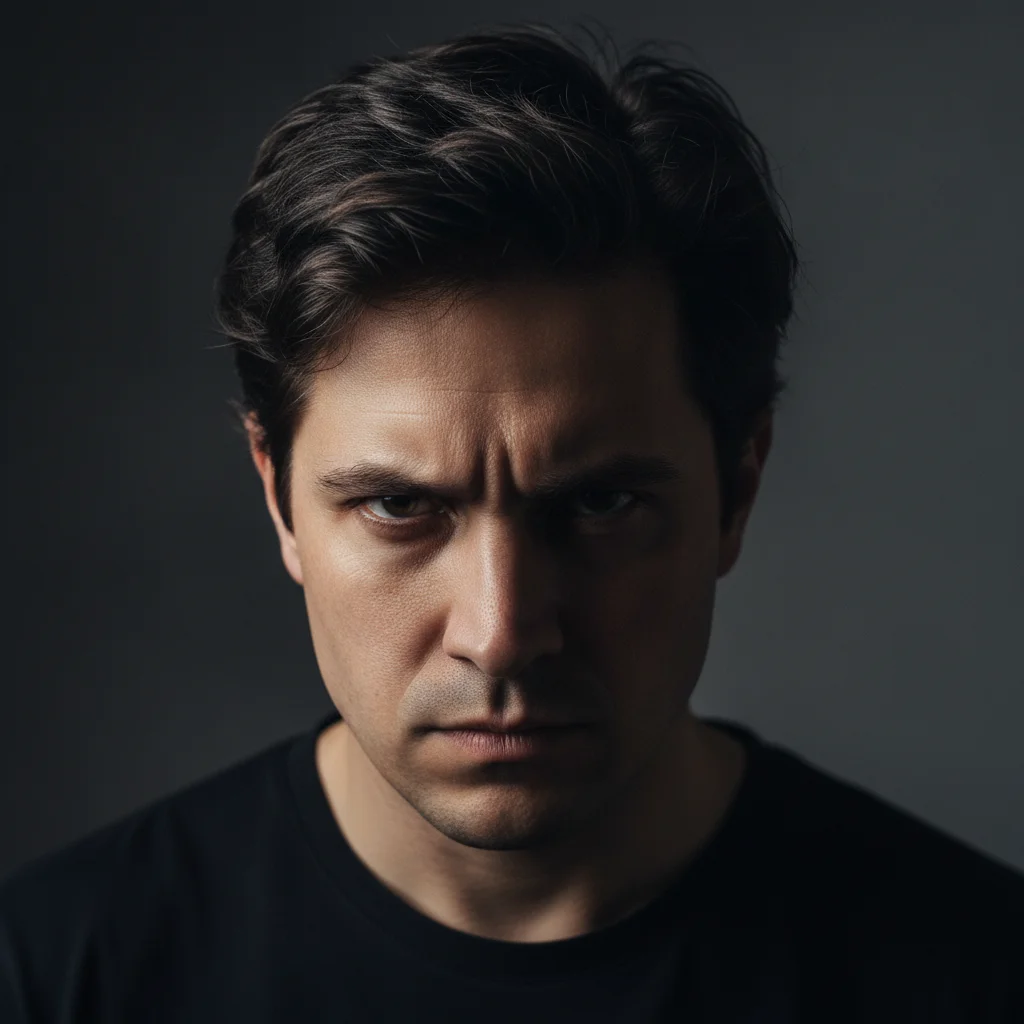
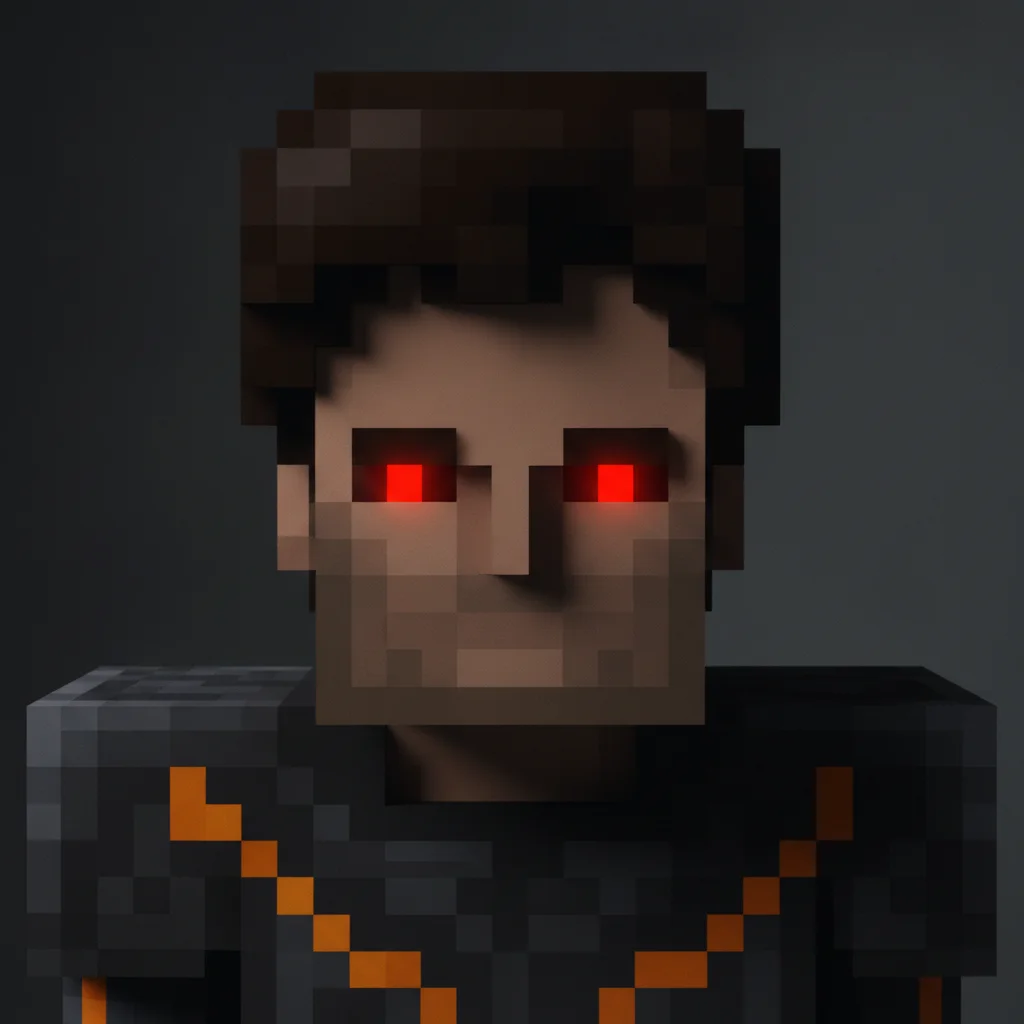
Do I need to mark anything before describing the Minecraft skin I want?
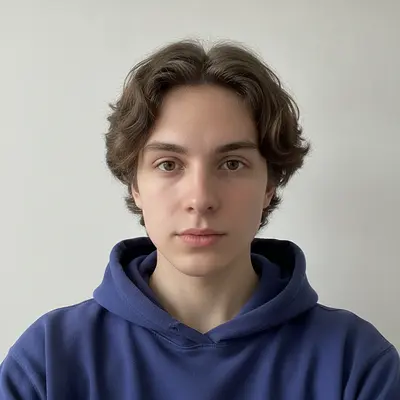
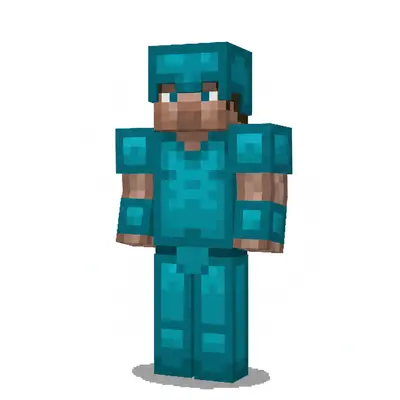
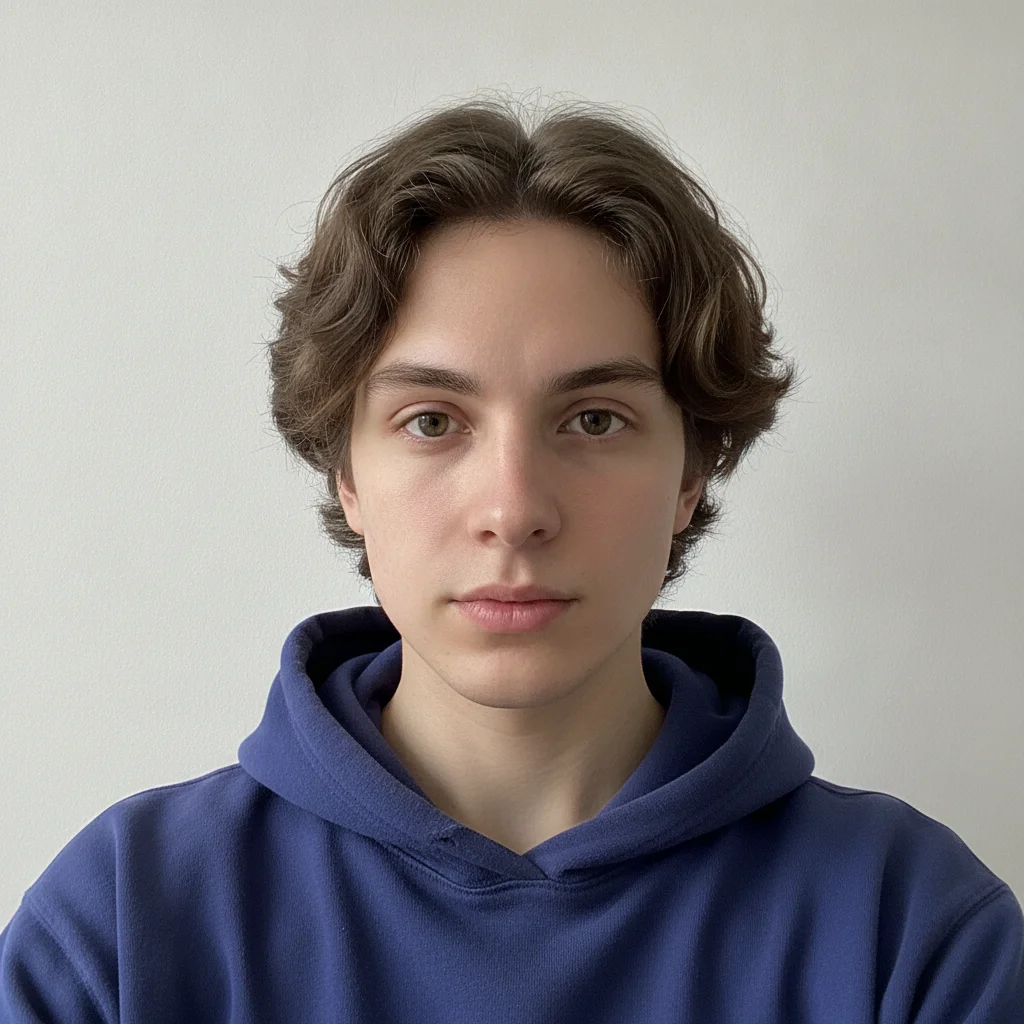
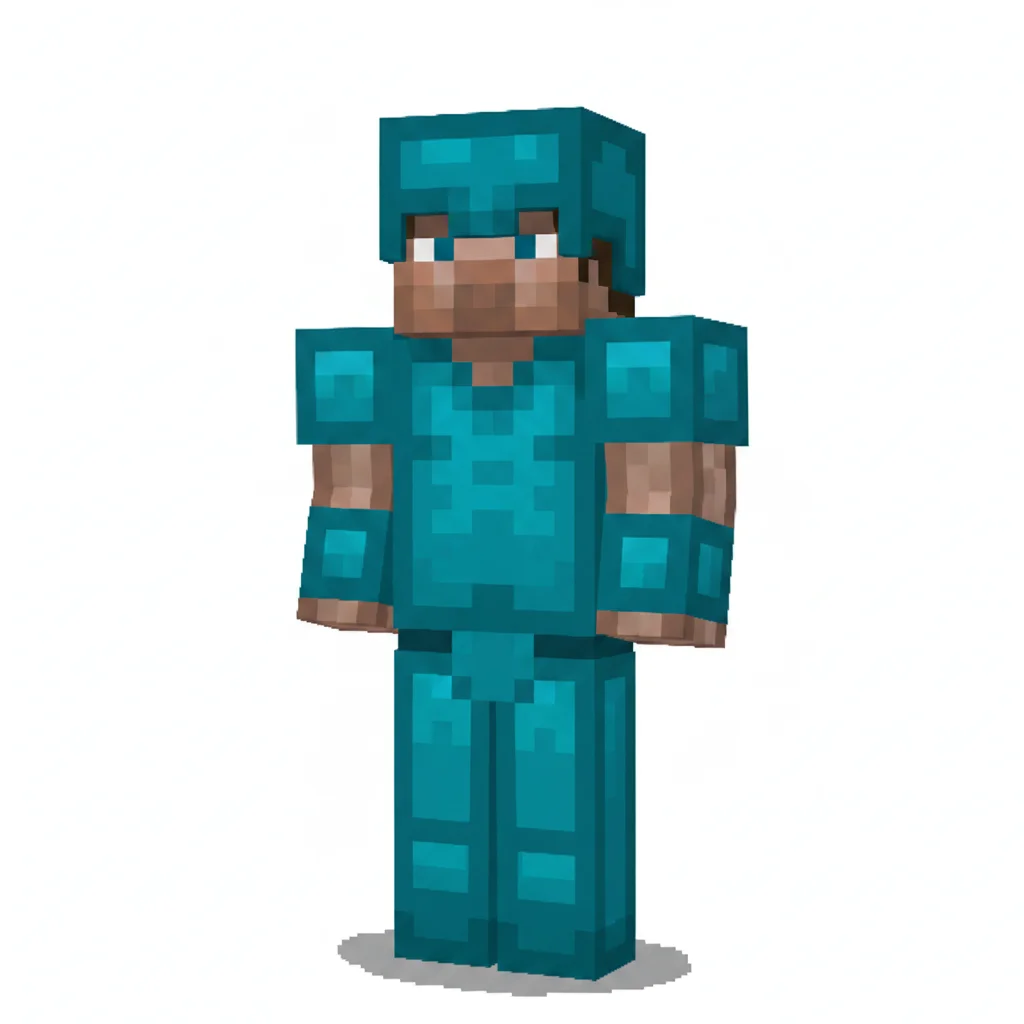
No. Just upload your photo and describe the skin concept — 'transform into a blocky Minecraft character with diamond armor and Steve proportions.' The AI transforms the whole image based on your text description. No selection tools, no marking, no Photoshop skills required.
How do I make a Minecraft skin from my photo for free?
Upload your photo to EditThisPic, type a description like 'turn this into a blocky Minecraft pixel character with [outfit],' and click Generate. The AI creates a Minecraft-style character design in about 20 seconds. Free with no account required — one free edit per week, and additional edits start at $4.99 for a 10-pack.
Can I use the generated skin design directly in Minecraft?
Not directly — EditThisPic creates character design concept art, not a UV-mapped 64×64 pixel texture file. To actually wear a custom skin in Minecraft, use the design as visual reference in a dedicated skin editor like Nova Skin, Skinseed, or Minecraft's own editor to build the texture file, then upload it at minecraft.net or via the Minecraft launcher. EditThisPic's output is perfect for planning and visualizing your skin before recreating it.
What is the correct size for a Minecraft skin file?
Official Minecraft skin texture files are 64×64 pixels — a UV-mapped PNG where each face of the 3D character model maps to a specific region of the flat image. EditThisPic generates concept art at full resolution for design inspiration, not a 64×64 texture. Dedicated skin editors like Nova Skin or Minecraft's editor work in the 64×64 format and handle the UV mapping automatically.
What is the difference between a Steve skin and an Alex skin?
Steve has 4-pixel-wide arms giving a slightly stockier build; Alex has 3-pixel-wide arms which produces a slimmer silhouette. Both are supported in the Minecraft launcher. When generating a skin design with EditThisPic, mention 'Steve proportions' or 'Alex proportions' in your prompt to guide the character art toward the body shape you want.
Can I generate a Minecraft skin that looks like me?
Yes. Upload a clear selfie and prompt: 'create a blocky Minecraft-style pixel character that resembles me — match my hair and skin tone in pixel art colors, casual outfit, Steve proportions.' The AI incorporates your likeness into the blocky style. Results work best with front-facing, well-lit photos.
Can I design Minecraft skins for different themes — nether, jungle, ocean?
Yes. Name the theme and associated materials in your prompt: 'nether boss with netherite armor and magma trim' or 'ocean explorer with prismarine armor and coral accessories.' The AI uses biome and material keywords to build a consistent themed character design.
Is EditThisPic's Minecraft skin maker really free?
Yes. EditThisPic gives you one free Fast preview edit per week with no account and no card, and purchased downloads are clean. If you need more designs, additional edits start at $4.99 for a 10-pack.
Can I make a Minecraft skin on mobile?
Yes. EditThisPic works in any modern mobile browser — Safari on iPhone, Chrome on Android. Upload from your camera roll, type your prompt, and download the design to Photos. No app installation required.
How does EditThisPic compare to Nova Skin or Skinseed for Minecraft skin creation?
Nova Skin and Skinseed are dedicated Minecraft texture editors — they let you paint directly onto the 64×64 UV map and produce a file you can upload and wear immediately. EditThisPic generates concept art from a photo using AI — you describe the look and the AI builds it visually. The workflows complement each other: use EditThisPic to design and visualize the concept, then use Nova Skin or Skinseed to build the wearable texture based on that design.
Can I redesign an existing Minecraft skin's outfit with this tool?
Yes. Screenshot your current Minecraft skin, upload it to EditThisPic, and describe the changes: 'keep the face design but change the armor to full diamond set with a matching blue cape.' The AI remixes the existing design with your new concept.
How much does EditThisPic cost?
You get 1 free edit per week — no account needed. After that, one-time credit packs start at $4.99 for 10 edits, valid 12 months, no subscription. Power users who edit daily can pick Studio Membership, a monthly workspace at $49.99/mo for 300 edits. Purchased downloads are clean with no watermark.